




記事の要約
Aqua Voiceの料金体系:Aqua Voiceは、1,000ワードまで無料で利用できる「Starter」、年払いで月額8ドルの「Pro」、年払いで月額12ドルの「Team」、そしてカスタム料金の「Enterprise」を提供しています。
料金に関する重要な注意点:Aqua Voiceは決済時に月払いと年払いのオプションを選択できるとしていますが、公開されている料金表には年払い時の月換算レートのみが表示されています。
Aqua Voiceが最適なケース:独自のAvalonモデル、リアルタイムの音声入力アプリとしての機能、カスタム辞書、そしてチーム管理機能を利用したい場合は、Aqua Voiceが最適です。
Voicyが最適なケース:より安い年会費、買い切り(ライフタイム)オプション、ブラウザ拡張機能のサポート、そしてファイルの音声テキスト化(文字起こし)機能を求める場合は、Voicyが最適です。
Voicyの料金体系:Voicyの料金は月額8.49ドル、年額82ドル、または260ドルの買い切りプランとなっています。無料トライアルはありますが、完全無料の製品ではありません。
Aqua Voiceは、Mac、Windows、iOSに対応したAI音声入力アプリです。公開されている料金プランには、Starter、Pro、Team、Enterpriseがあります。Proプランは年払いで月額8ドル、Teamプランは年払いで月額12ドルと表記されています。
Aqua Voiceの料金詳細ページは現在アプリページにリダイレクトされるため、正確なプランテキストを抽出するのが難しくなっています。そのため、本ガイドでは公開されているAqua Voiceホームページの料金表と公式FAQを基準にしており、公開ページで確認できない決済画面限定の詳細情報については言及を避けています。
比較対象として、Voicyは月額8.49ドル、年額82ドル、または260ドルの買い切りで利用できます。VoicyはMac、Windows、ブラウザ拡張機能、iOS、Androidに対応しています。リアルタイムの音声入力アプリとしての機能に加え、ファイルアップロードによる音声テキスト化もサポートしています。
結論:どちらを選ぶべきか?
独自のAvalon音声認識エンジン、リアルタイムの書き出し、そしてチーム管理機能を求めるなら、Aqua Voiceが強力な選択肢となります。Starterプランには1,000ワードの無料枠が含まれているため、気軽に音声文字変換ソフトとしての実力をテストできます。
一方、コストパフォーマンスを重視し、より安い年会費、買い切りプラン、ブラウザ拡張機能、そしてファイル文字起こし機能を1つのツールで完結させたい場合は、Voicyが優れた選択肢です。日々の音声入力とアップロードされた音声ファイルのテキスト化を両方行いたいなら、Voicyを選びましょう。
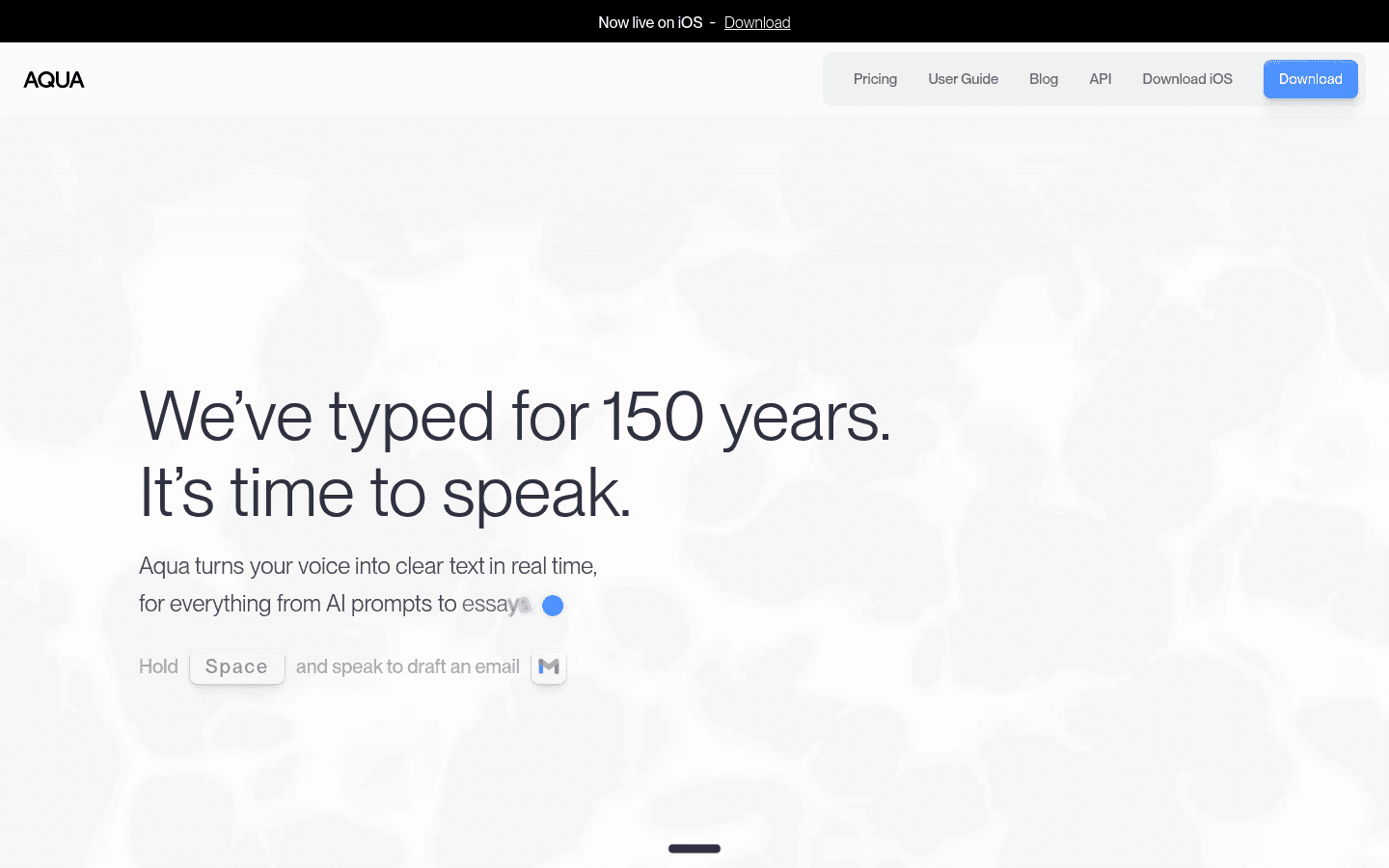
※Aqua Voiceの料金情報は2026年6月7日時点のものです。
2026年におけるAqua Voiceの料金プラン
Aqua Voiceは公開サイト上で、Starter、Pro、Team、Enterpriseの4つのプランを提示しています。Starterはテスト用、Proは個人が毎日使用する音声認識ソフトとして、Teamは請求管理や管理者コントロールを追加したプラン、Enterpriseは大企業向けとなっています。
プラン | 公開料金 | 最適な対象 | 主な制限・注意点 |
|---|---|---|---|
Starter | 無料 | Aqua Voiceのお試し利用 | 無料1,000ワード、Aqua Engine、カスタム辞書登録5語まで |
Pro | 月額8ドル(年払い) | 日々の個人向け音声入力 | ワード数無制限、Avalon音声認識エンジン、カスタム辞書登録800語まで、カスタム指示 |
Team | 月額12ドル(年払い) | 一括請求や共有設定が必要なチーム | チーム一括請求、チーム共通設定、組織全体プライバシーモード |
Enterprise | 要問い合わせ | 大規模企業 | SSO/SAML、SCIM、データ保持期間ゼロ、レポート機能、ボリュームディスカウント |
AquaのFAQによると、すべてのアカウントに1,000ワードが提供され、学生は「.edu」ドメインのメールアドレスを使用することで年払いプランが70%オフになります。また、月払いと年払いのオプションが用意されています。公開料金表には年払い時の月額しか表示されていないため、月単位での支払いを希望する場合は、購入前に決済画面で確認してください。
Aqua Voiceは無料で使えますか?
Aqua Voiceには無料のStarterプランがありますが、制限があります。公式FAQによると、すべてのアカウントに付与されるのは1,000ワードのみです。これは音声認識ソフトの精度をテストするには十分ですが、毎日の本格的な音声文字変換ソフトとして使うには足りません。
メール、メモ、プロンプト、レポート、長文メッセージなどを毎日音声入力する予定がある場合は、Aqua ProとVoicyのような有料ツールを比較すべきです。重要なのは「無料プランがあるか」だけでなく、「その有料プランが長期的なワークフローに適しているか」という点です。
Aqua Voice Proでは何が使えますか?
Aqua Voice Proは、個人ユーザー向けのメインとなる有料プランです。公開されている仕様では、ワード数無制限、Aqua Engine、Avalonモデル、800語のカスタム辞書、カスタム指示が含まれています。
特にAvalonモデルは、Aqua Voiceの最大のセールスポイントの1つです。テクニカルな用語や開発者向けの専門用語も含め、正確で自然な音声文字変換を実現するために構築された音声認識エンジンとしてアピールされています。お試しではなく、実務で本格的に活用するならProプランが比較対象になります。
Aqua Voice vs Voicy 料金比較
Aqua VoiceとVoicyはどちらも優れた音声テキスト化ツールですが、強みとする価値が異なります。Aqua Voiceは高度な音声認識エンジンとチーム管理機能に強みがあり、Voicyは手頃な年額料金、買い切りオプション、ブラウザ拡張機能、ファイルアップロードによる文字起こしに強みを持っています。
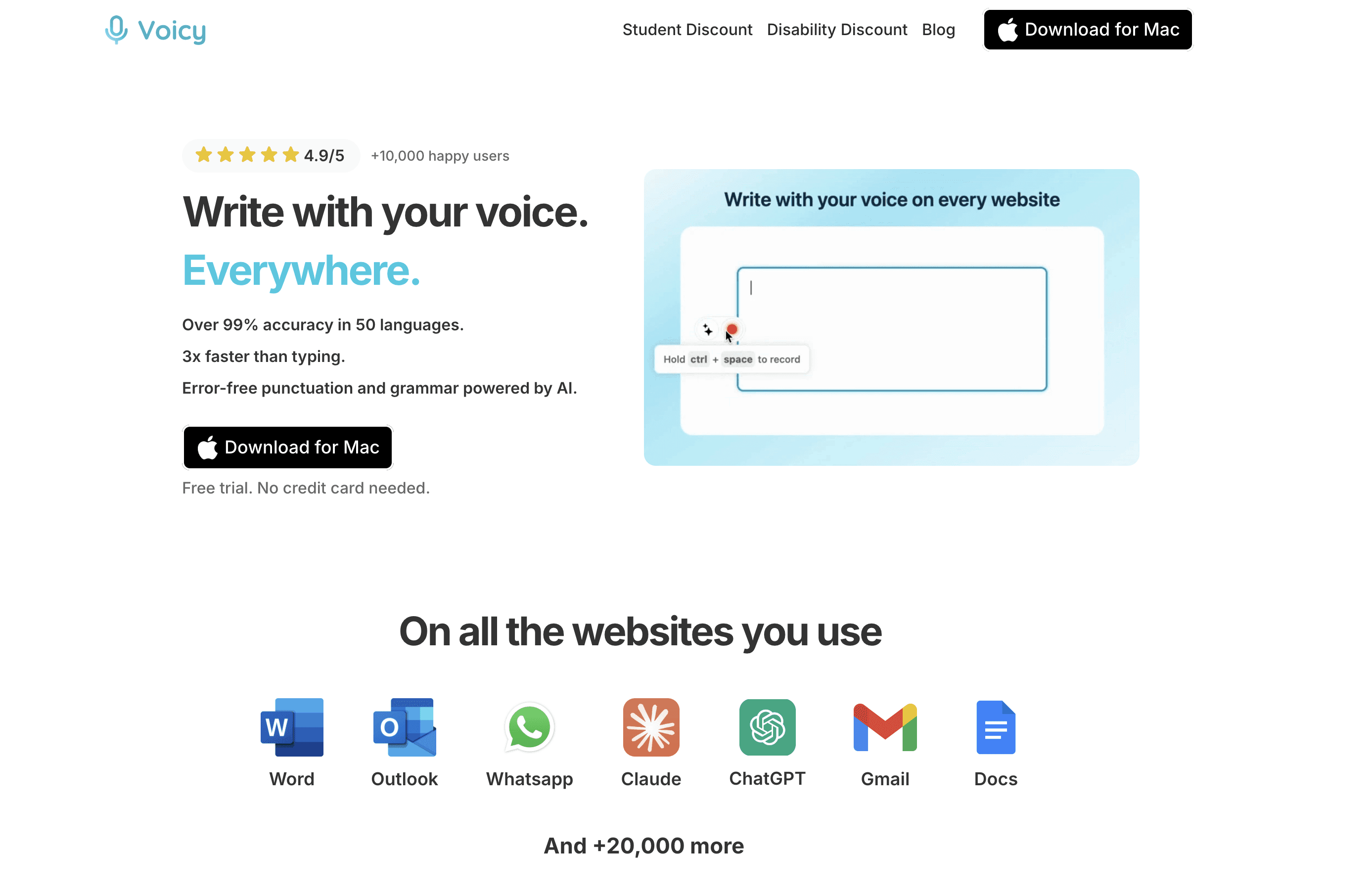
Voicyは、月払い、年払い、買い切り(生涯プラン)の料金オプションを提供しています。
機能・特徴 | Aqua Voice | Voicy |
|---|---|---|
月額料金 | 公開ページではProプランが年払い月換算で8ドル。FAQでは月払いも選択可能と記載あり。 | 月額8.49ドル |
年額料金 | Proプラン年額96ドル(月額8ドルの年払いベース) | 年額82ドル |
買い切り(生涯)プラン | 公開料金表には記載なし | 一括260ドル |
試用・無料プラン | 1,000ワードの無料Starterプラン | 無料トライアルのみ(基本は有料製品) |
対応プラットフォーム | Mac, Windows, iOS | Mac, Windows, ブラウザ拡張機能, iOS, Android |
リアルタイム音声入力 | 対応 | 非対応 |
ファイルアップロード文字起こし | 公開のメイン機能としてはアピールされていない | 対応 |
データ処理方式 | クラウドサービス(記載されたネットワークエンドポイントおよびホスト型AI機能に基づく) | クラウドベース(インターネット接続が必要) |
簡潔に言えば、Aqua Voice Proの年払い月換算8ドルと、Voicyの月額8.49ドルプランを比較した場合、月々のコストは非常に近いです。しかし、年額料金ではVoicyの方が安く、さらにVoicyは2つのうち唯一、お得な買い切りプランを提供しています。
1年、3年、5年利用時のトータルコスト比較
年払いソフトウェアは月々の支払いが安く見えがちですが、長期的な視点からトータルコストを確認することが重要です。
利用期間 | Aqua Voice Pro(年払い) | Voicy(年払い) | Voicy(買い切り) |
|---|---|---|---|
1年 | 96ドル | 82ドル | 260ドル |
3年 | 288ドル | 246ドル | 260ドル |
5年 | 480ドル | 410ドル | 260ドル |
年払いプラン同士を比較すると、Voicyの方が毎年14ドル安くなります。Voicyの買い切りプランは1年目こそ初期費用がかかりますが、音声入力アプリを数年にわたって日常的に使い続ける予定があるなら、毎年発生する年会費を支払うよりもお得になります。
用途やワークフローによる最適な選択肢
まずは音声入力を試してみたいという段階であれば、1,000ワードの無料枠があるAqua Starterが手軽でおすすめです。毎日実務で音声入力を活用するなら、有料プランを比較しましょう。
もし日常的な執筆に加え、録音された音声ファイルのテキスト化(文字起こし)も行う必要があるなら、Voicyがコスト面で非常に優れています。リアルタイム音声入力とファイルのアップロード文字起こしが1つの有料ツールに統合されているため、インタビュー、会議、音声メモ、通話のテキスト化に最適です。
一方で、法人アカウントとして導入する場合は、AquaのTeamまたはEnterpriseプランが視野に入ります。これらにはチームでの請求、共通設定、組織内プライバシー、SSO/SAML、SCIMなどの高度な管理機能が備わっているからです。個人ユーザーでシンプルな料金プランを求める場合は、Voicyが扱いやすいでしょう。
Aqua Voiceを選ぶべき人
以下に当てはまる場合は、Aqua Voiceがおすすめです:
まずは1,000ワードの無料枠で音声認識精度を試してみたい方。
独自のAvalonモデルや、充実したカスタム辞書機能に魅力を感じる方。
技術的な文章やプログラミング関連の用語を音声入力する予定があり、開発者向けの高い精度を体験してみたい方。
チーム管理、一括請求、企業向けのセキュリティコントロールが必要な方。
「.edu」メールがあり、年額70%オフの学生割引を利用できる方。
Voicyを選ぶべき人
以下に当てはまる場合は、Voicyがおすすめです:
年間82ドルという低価格で音声認識ソフトを利用したい方。
260ドルの買い切り(ライフタイム)プランで、追加費用なしに長く使い続けたい方。
Mac、Windowsに加え、ブラウザ拡張機能、iOS、Androidなど幅広いデバイスで使いたい方。
リアルタイムの音声入力アプリとしての利用と、音声ファイルのテキスト化を両方行いたい方。
有料製品であることを理解した上で、まずは無料トライアルで試したい方。
Voicyはクラウドベースのサービスであり、インターネット接続が必須です。完全オフライン環境での文字起こしを希望する場合には適していませんが、オンラインでさまざまな端末から手軽に音声テキスト化を行いたいなら、Aqua Voiceの優れた低価格代替案となります。
総評
Aqua Voiceの料金設定は、その高度なAvalonエンジン、カスタム辞書、チーム管理機能の価値を考えれば非常に妥当です。また、Starterプランのおかげで、課金する前に手軽にアプリをテストできるのも嬉しいポイントです。
一方、多くの一般ユーザーやコストパフォーマンスを重視するユーザーにとっては、Voicyがより魅力的な選択肢となります。年会費が安く、買い切りプランがあり、幅広いプラットフォームに対応し、ファイルの文字起こし機能までカバーしているからです。長期的なコストを抑えつつ、音声入力とテキスト化の両方をこなしたいなら、まずはVoicyをチェックすることをお勧めします。
よくある質問(FAQ)
Aqua Voiceの料金はいくらですか?
Aqua Voiceは、無料の「Starter」、年払いで月額8ドルの「Pro」、年払いで月額12ドルの「Team」、そして要問い合わせの「Enterprise」プランを提供しています。FAQによると月払いの決済オプションも用意されていますが、一般公開されている価格は年払い時の月額換算です。
Aqua Voiceには無料プランがありますか?
はい、あります。「Starter」プランが無料で、1,000ワードまで利用可能です。これは音声文字変換ソフトとしての精度をお試しで確認するのに適しており、毎日の実務利用には不足しています。
Aqua Voiceは月払いに対応していますか?
Aqua VoiceのFAQによると月払いと年払いのオプションがあり、決済時に月払いを選択可能です。ただし、公開料金表に掲載されているのは年払い契約時のProおよびTeamプランの月換算額です。
Aqua Voiceに学割はありますか?
はい、あります。FAQによると、学生は「.edu」のメールアドレスを使って登録することで、年払いプランを70%割引で利用できます。
Aqua Voiceに買い切り(生涯)プランはありますか?
Aqua Voiceの公開料金プランには、買い切りのライフタイムオプションはありません。主なプランはPro、Team、そして法人向けのEnterpriseとなっています。
VoicyはAqua Voiceより安いですか?
年払いプランで比較した場合、Voicyの方が安価です。Voicyは年額82ドルですが、Aqua Voice Proは年払いで年額96ドル(月換算8ドル)となります。
Voicyは無料で使えますか?
いいえ、Voicyには無料体験(トライアル)期間はありますが、完全無料の製品ではありません。プランは月額8.49ドル、年額82ドル、または260ドルの買い切りとなっています。
Aqua VoiceとVoicy、どちらが良いですか?
独自のAvalon音声認識エンジン、無料のお試し枠、チーム向けの共有・管理機能を重視するならAqua Voiceが適しています。より安い年会費、一度の支払いで済む買い切りプラン、ブラウザ拡張機能、ファイル文字起こし機能を求めるならVoicyが適しています。
Voicyはオーディオファイルをテキスト化できますか?
はい、対応しています。Voicyはリアルタイムの音声入力だけでなく、録音ファイルのアップロードによる音声テキスト化もサポートしています。そのため、録音データの文字起こし用途にも大変役立ちます。
Aqua VoiceはWindowsに対応していますか?
はい、Aqua VoiceはMacとWindowsの両方に対応しており、現在はiOS向けアプリも提供されています。なお、比較対象のVoicyはMac、Windows、ブラウザ拡張機能、iOS、Androidに対応しています。


