





Voicy vs Superwhisper: Which Dictation App Should You Choose in 2026?
Voicy vs Superwhisper: Which Dictation App Should You Choose in 2026?
TL;DR
Choose Voicy if you want live dictation plus file upload transcription across Mac, Windows, browser extension, iPhone, and Android.
Choose Superwhisper if you want a privacy-first dictation app with local processing, offline use, custom modes, and strong Mac/iPhone coverage.
Best everyday pick: Voicy is simpler for professionals who write across emails, docs, web apps, messages, and uploaded recordings.
Best local-first pick: Superwhisper is the clearer choice if you want audio handled locally by default and you are comfortable tuning models and modes.
Cost math: both monthly plans are $8.49/month based on the current comparison data. Voicy annual is $82/year, which is $2.99 cheaper than Superwhisper Pro annual at $84.99/year. Superwhisper lifetime is $249.99, which is $10.01 cheaper than Voicy lifetime at $260.
If you are comparing Voicy vs Superwhisper, the short answer is this: Voicy is better for broad, everyday speech-to-text across devices and files. Superwhisper is better if local processing, offline use, and custom dictation modes matter more than Android and browser-extension coverage.
Answer-First Verdict
Voicy is the better choice for most professionals who want one dictation app for daily writing and uploaded-file transcription. It supports Mac, Windows, browser extension use, iOS, Android, live dictation, and file upload transcription, with cloud-based processing and a free trial.
Superwhisper is the better choice for local-first users. Its public site describes offline support, local and cloud AI models, file transcription on Pro, and privacy guarantees around no training usage and no server retention.

Voicy focuses on speech-to-text for everyday work, with support across desktop, browser, and mobile.
Superwhisper positions itself around local and cloud voice-to-text, offline use, modes, and Mac/iOS workflows.
Voicy vs Superwhisper at a Glance
Category | Voicy | Superwhisper | Winner |
|---|---|---|---|
Best for | Professionals who want dictation and file transcription across common work apps. | Users who want local-first dictation, offline support, modes, and privacy controls. | Voicy for broad daily use. Superwhisper for local-first use. |
Platforms | Mac, Windows, browser extension, iOS, and Android. | Mac, Windows, iPhone, and iPad. Its public schema lists macOS, Windows, and iOS. | Voicy, because it includes Android and browser extension coverage. |
Live dictation | Yes. Built for live speech-to-text in everyday writing surfaces. | Yes. Superwhisper says it works in any app. | Tie. |
File transcription | Yes. File upload transcription is included alongside live dictation. | Yes on Pro. Superwhisper lists audio and video file transcription as a Pro feature. | Tie for paid users. |
Privacy model | Cloud-based transcription. | Local processing by default, with local and cloud model options listed for Pro. | Superwhisper for local-first privacy. |
Pricing | $8.49/month, $82/year, or $260 lifetime, with a free trial. | Free plan, Pro at $8.49/month, $84.99/year, $249.99 lifetime, and Enterprise. | Voicy for annual price. Superwhisper for free plan and lifetime sticker price. |
Setup style | Straightforward cloud dictation and transcription across more device types. | More control through modes, model choices, custom vocabulary, and local/cloud setup choices. | Voicy for simplicity. Superwhisper for control. |
When Voicy Is the Better Choice
Voicy is the better fit when you want speech-to-text to follow you around your normal workday. You might dictate in Gmail, a document, a browser form, a chat tool, a CRM, or your phone. You might also upload a voice memo, call recording, interview, or video file later and need a transcript.
That mix is where Voicy makes sense. It is not trying to be a local model playground. It is a cloud-based dictation and transcription tool for people who want less typing across more places.
Voicy covers more everyday surfaces
Voicy supports Mac, Windows, browser extension use, iOS, and Android. That matters if your writing does not stay on one machine.
Choose Voicy if you regularly write in:
Documents and notes.
Browser-based apps, forms, dashboards, and support tools.
Mobile apps on iPhone or Android.
Recorded audio or video files that need to become text.
Voicy is stronger if you want one tool for dictation and file upload
Both products can handle file transcription for paid users. Voicy's advantage is that file upload transcription sits beside wider cross-platform dictation, including Android and browser-extension workflows.
If you only dictate live on one device, this may not matter. If your real work includes recordings, voice notes, interviews, lectures, and quick audio thoughts, it does.
When Superwhisper Is the Better Choice
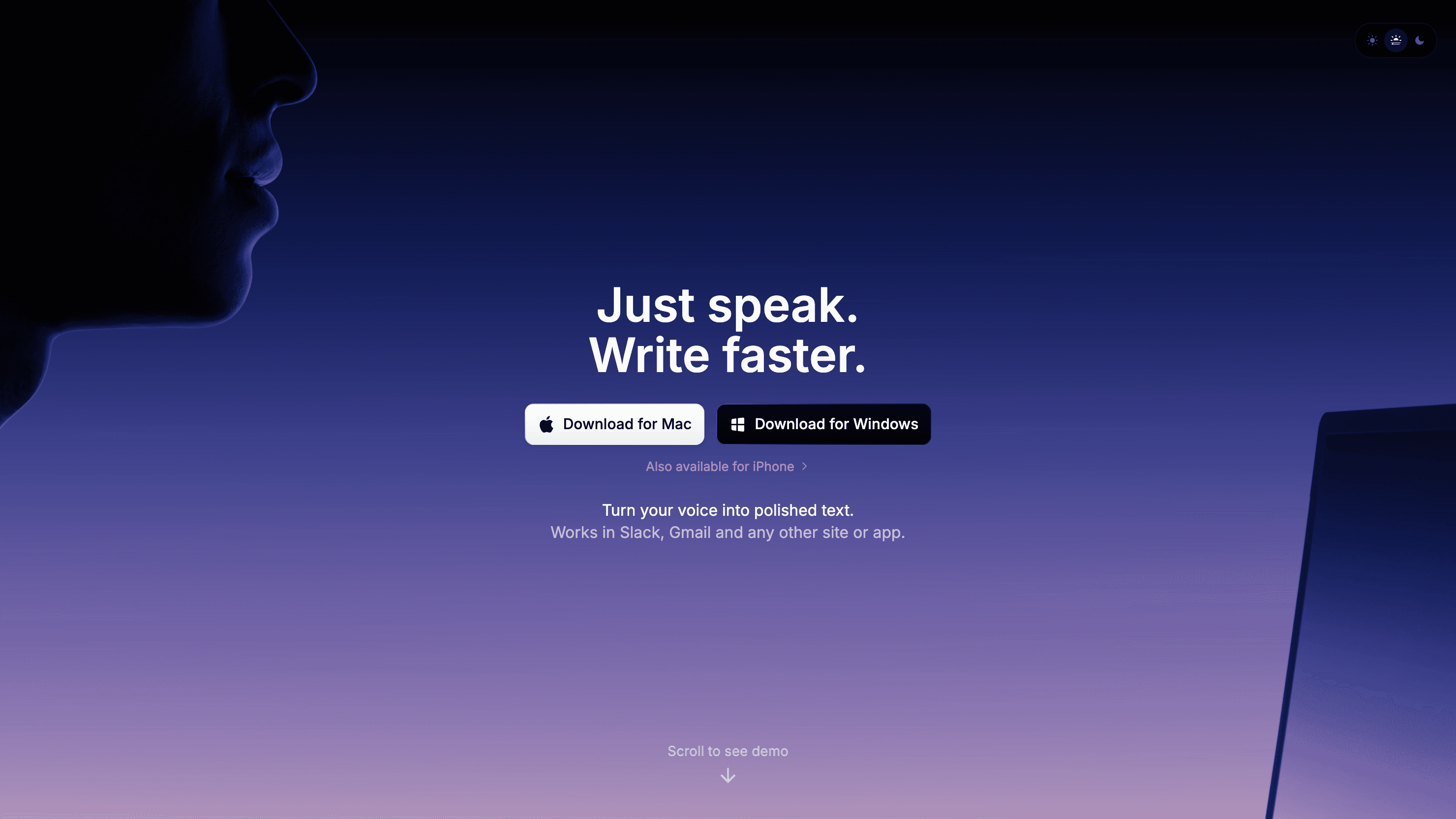
Superwhisper is the better pick if local processing is the top requirement. Its privacy policy says the app transcribes audio data locally on your device, does not collect audio recordings or transcriptions, does not use your data for training, and does not retain your data on Superwhisper servers.
Superwhisper also has a more advanced control story. Its public docs and homepage describe modes, custom prompts, custom vocabulary, model choices, meeting recording, file transcription, and local plus cloud AI models for Pro users.
Choose Superwhisper if you want:
A real Free plan after a short Pro trial.
Local and offline dictation as the main product angle.
Custom modes for emails, notes, documents, and other writing styles.
Mac, Windows, iPhone, and iPad support.
More control over models and prompt behavior.
The tradeoff is platform fit. Superwhisper is strong on Mac and iOS, and it lists Windows support, but its Windows docs say some features are still in active development. It also does not match Voicy's stated Android and browser-extension coverage.
Pricing and Cost Over Time
Voicy costs $8.49 per month, $82 per year, or $260 for lifetime access. Voicy has a free trial, but it is not a fully free product.
Superwhisper lists a Free plan, Pro, and Enterprise. Its public Pro docs list Pro at $8.49 per month, $84.99 per year, and $249.99 for lifetime access. Superwhisper also lists a 30-day refund policy and a student discount on its public site.
Cost over 1, 3, and 5 years
The fairest way to compare paid plans is to separate monthly, annual, and lifetime pricing. Voicy wins the annual price by a small amount. Superwhisper wins the lifetime sticker price by a small amount.
Scenario | Voicy | Superwhisper | Winner |
|---|---|---|---|
Monthly plan for 12 months | $101.88 | $101.88 | Tie. |
Annual plan for 1 year | $82 | $84.99 | Voicy saves $2.99. |
Annual plan for 3 years | $246 | $254.97 | Voicy saves $8.97. |
Annual plan for 5 years | $410 | $424.95 | Voicy saves $14.95. |
Lifetime plan | $260 | $249.99 | Superwhisper saves $10.01. |
The practical read: do not choose based on a tiny pricing gap alone. Choose based on workflow. Voicy annual is slightly cheaper. Superwhisper lifetime is slightly cheaper. The bigger difference is cloud cross-platform convenience versus local-first control.
Privacy and Cloud Processing
This is the sharpest difference between the two products. Voicy uses cloud-based transcription. That helps it support broad device coverage and file upload transcription, but it is not the right fit if your requirement is local-only processing.
Superwhisper's privacy policy is much more local-first. It says audio data is transcribed locally on your device, audio recordings and transcriptions are not collected, user data is not used for AI training, and data is not retained on Superwhisper servers. It also notes that API calls require authentication for security and access control.
That does not mean every buyer should automatically choose Superwhisper. It means the decision is clear. If local processing is a hard rule, choose Superwhisper. If you are comfortable with cloud transcription and want broader everyday coverage, choose Voicy.
User Proof and Community Discussion
Public proof is useful, but it should be treated carefully. Voicy's own site shows public social proof such as a 4.9/5 rating and 10,000+ happy users. That is not the same as a controlled lab test, but it does show real market use.
For Superwhisper, the best public signals are its product documentation, public community links, roadmap, and user discussions around setup, modes, local models, pricing, and platform fit. You can check the official Superwhisper Discord, the public Superwhisper roadmap, and recent Reddit search results for Superwhisper dictation.
Do not over-read community threads. A single complaint does not prove a product is bad, and a happy comment does not prove it is best for you. Use public discussion to spot questions you should test yourself: first-word capture, privacy comfort, custom modes, mobile fit, file transcription, and whether the app works where you actually write.
Decision Guide
Choose Voicy if:
You want live dictation plus file upload transcription.
You need Mac, Windows, browser extension, iOS, and Android support.
You write across web apps, documents, notes, messages, and mobile apps.
You are comfortable with cloud-based transcription.
You want the cheaper annual plan.
Choose Superwhisper if:
You want local processing and offline dictation as the main advantage.
You use Mac, Windows, iPhone, or iPad.
You want custom modes, custom vocabulary, and model choices.
You want a Free plan for light use.
You want the lower lifetime sticker price.
Bottom Line
Superwhisper is a strong choice for local-first dictation. Its privacy language, offline support, and custom modes make it appealing for users who want control and are comfortable choosing models and modes.
Voicy is the better fit for most everyday professionals who want speech-to-text across more places, especially if Android, browser writing, and file upload transcription matter. If your work moves between devices, web apps, emails, documents, and recorded files, Voicy is the cleaner pick.
FAQs
Is Voicy better than Superwhisper?
Voicy is better if you want broad cross-platform dictation, browser extension support, Android support, and file upload transcription. Superwhisper is better if local processing and offline dictation are your top needs.
Does Voicy have a free plan?
Voicy has a free trial, but it is not a fully free product. Its paid plans are $8.49 per month, $82 per year, or $260 lifetime.
Does Superwhisper have a free plan?
Yes. Superwhisper lists a Free plan. Its public FAQ says users can try Pro features for 15 minutes of recording, then keep using free tier features.
Which is cheaper, Voicy or Superwhisper?
It depends on billing. Monthly pricing is tied at $8.49/month. Voicy annual is cheaper at $82/year versus $84.99/year. Superwhisper lifetime is cheaper at $249.99 versus Voicy lifetime at $260.
Does Voicy work on Windows?
Yes. Voicy supports Mac, Windows, browser extension use, iOS, and Android.
Does Superwhisper work on Windows?
Yes. Superwhisper lists Windows support on its public site, along with Mac, iPhone, and iPad support.
Can Voicy transcribe files?
Yes. Voicy supports file upload transcription in addition to live dictation.
Can Superwhisper transcribe files?
Yes. Superwhisper lists audio and video file transcription as a Pro feature.
Which app is better for privacy?
Superwhisper is the better fit for local-first privacy because its public policy says audio is transcribed locally and not retained on Superwhisper servers. Voicy uses cloud-based transcription, so it is better for users who prefer broad cloud convenience over local-only processing.
