





Voicy vs Willow Voice: Which Dictation App Should You Choose in 2026?
TL;DR
Choose Voicy if you want one speech-to-text app for Mac, Windows, browser extension, iPhone, and Android, with live dictation plus file upload transcription.
Choose Willow Voice if you want a polished voice-writing app with a free Basic plan, writing-style memory on Pro, Scribe prompts, and business privacy controls.
Best paid value: Voicy costs $82/year. Willow Pro costs $144/year on annual billing, so Voicy is $62/year cheaper before you consider Voicy's $260 lifetime plan.
Best free entry point: Willow wins if you need a free plan. Voicy has a free trial, but it is not a fully free product.
If you are comparing Voicy vs Willow Voice, start with the real question: do you need broader dictation plus file transcription, or do you want Willow's polished voice-writing workflow and free Basic plan?
Short Verdict
Voicy is the better choice for most people who want daily dictation across work apps, browser fields, mobile devices, and uploaded files. Willow Voice is a strong choice if you want a free Basic plan, style memory, Willow Scribe, and team security controls.
The split is pretty clean. Pick Voicy if you want lower paid pricing, a browser extension, Android support, and file upload transcription. Pick Willow if you mostly want live voice writing on Mac, Windows, and iPhone, and you like its approach to rewriting speech into finished text.

Voicy is built for everyday speech-to-text across desktop, browser, and mobile workflows.
Willow Voice positions itself around voice typing for work and chat, with desktop and iPhone entry points.
Voicy vs Willow Voice at a Glance
Category | Voicy | Willow Voice | Winner |
|---|---|---|---|
Best for | Professionals who want live dictation and file transcription across common work surfaces. | People who want polished AI voice writing, style memory, and a free Basic plan. | Voicy for all-around use. Willow for voice-writing polish. |
Platforms | Mac, Windows, browser extension, iOS, and Android. | Willow's homepage lists Windows, Mac, and iOS. | Voicy, because it adds browser extension and Android coverage. |
Live dictation | Yes. Voicy supports live dictation in everyday work apps. | Yes. Willow says it works anywhere you type. | Split. |
File upload transcription | Yes. Voicy supports file upload transcription as well as live dictation. | Willow's public pages focus on live dictation and Willow Scribe, not file upload transcription. | Voicy. |
Free access | Free trial, not a fully free product. | Basic plan is free. | Willow. |
Paid pricing | $8.49/month, $82/year, or $260 lifetime. | Pro is $15/user/month monthly or $12/user/month on annual billing. Business is $35/month or $28/month annually. Enterprise is custom. | Voicy for individual paid plans. |
Team and compliance controls | Best evaluated as an individual and professional speech-to-text tool. | Business and Enterprise pages list admin controls, SOC 2 Type II, HIPAA support, SSO/SAML, and enforced privacy controls. | Willow. |
Privacy framing | Cloud-based transcription. | Cloud processing on secure US infrastructure, Privacy Mode enabled by default, and no audio or transcript retention with Privacy Mode according to Willow's security page. | Depends on your data policy. |
When Voicy Is the Better Choice
Voicy makes more sense if your work is not limited to one kind of dictation. You might dictate an email, fill a browser form, draft a document, reply on your phone, then upload a recording later. Voicy covers that mix better.
The file upload piece is the big divider. A lot of real work starts as existing audio: meetings, voice notes, client calls, interviews, lectures, Loom videos, or quick recordings. Voicy supports file upload transcription, so you do not need a second transcription app for those jobs.
Voicy fits messy everyday work
Most people do not want a new writing system. They want less typing in the apps they already use.
Voicy is a strong fit if you:
Write in email, docs, notes, chats, forms, and browser tools.
Switch between Mac, Windows, browser extension, iPhone, and Android.
Need live dictation and file transcription in the same product.
Want a paid tool with monthly, annual, and lifetime options.
Are trying to reduce wrist strain, typing fatigue, or keyboard-heavy work.
When Willow Voice Is the Better Choice
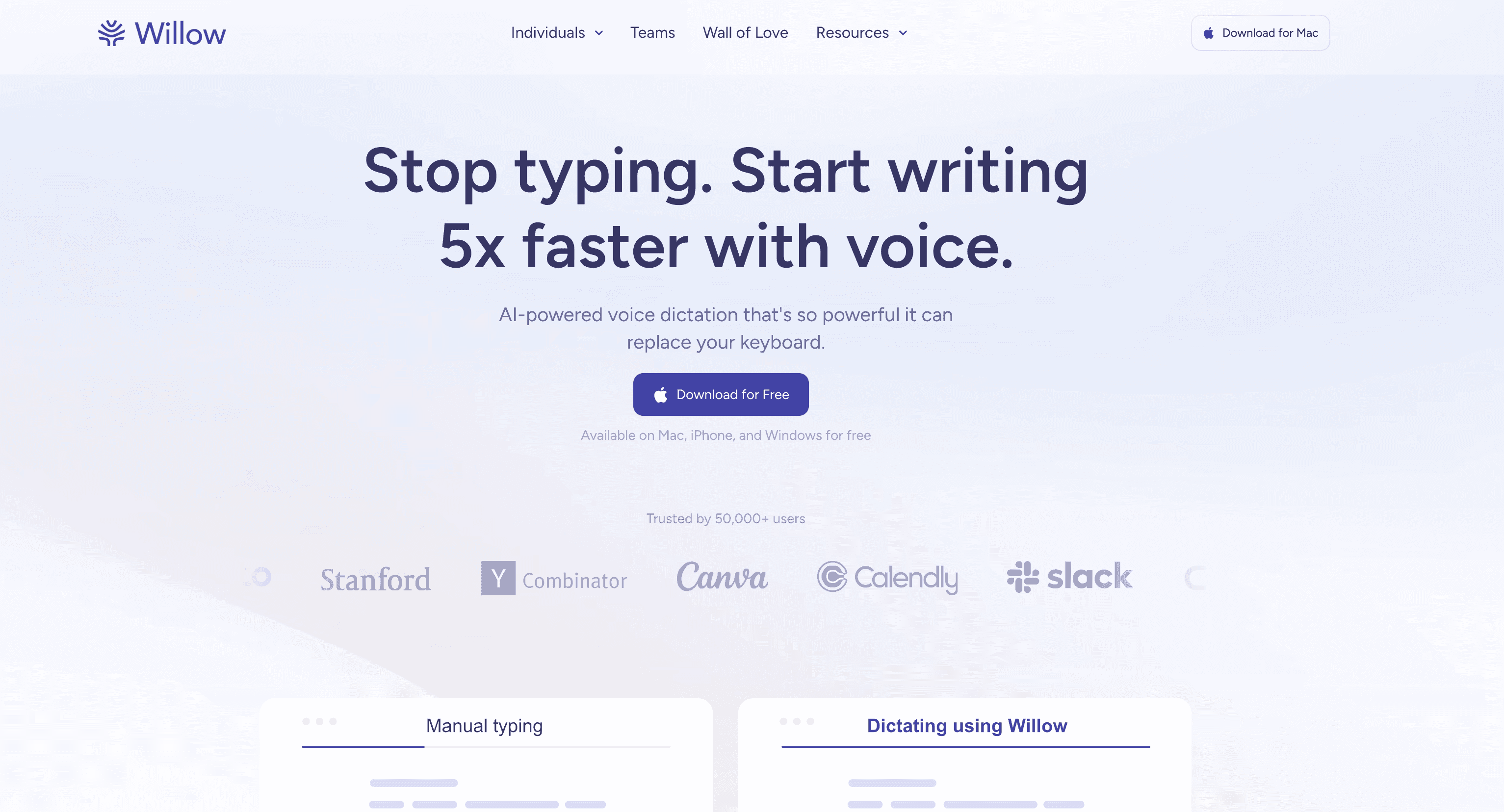
Willow Voice is a serious choice if you want polished live voice writing. Its homepage says it is a faster, more personalized way to write with your voice across devices, and its pricing page splits the product into Basic, Pro, Business, and Enterprise plans.
Choose Willow if you specifically want:
A free Basic plan to start without paying.
Willow Scribe for turning intent into written output.
Pro features like smart memory of your writing style and longer dictation.
Business features like enforced privacy mode and advanced admin controls.
Enterprise review for SSO/SAML, invoices, usage dashboards, API access, and dedicated support.
The tradeoff is scope. Willow's public pages are strongest around live voice writing and team controls. If you also need Android support, browser extension coverage, and file upload transcription, Voicy is the cleaner match.
Pricing and Public Plan Limits
Voicy costs $8.49/month, $82/year, or $260 lifetime. It offers a free trial, but it is not a fully free app.
Willow's public pricing page lists Basic as free. It says Basic includes an unlimited weaker speech-to-text model called Frontier Mini, limited personalization, 20 Scribe uses per week, and works anywhere you type. Willow Pro is listed at $15/user/month monthly, or $12/user/month on annual billing. Business is listed at $35/month monthly, or $28/month on annual billing. Enterprise is custom.
Cost over time
If you plan to pay for an individual dictation app, Voicy is cheaper over one year, three years, and five years. The math below compares Voicy with Willow Pro annual billing because that is the closest paid individual plan listed publicly.
Time period | Voicy annual | Voicy lifetime | Willow Pro annual | Winner |
|---|---|---|---|---|
1 year | $82 | $260 | $144 | Voicy annual saves $62. |
3 years | $246 | $260 | $432 | Voicy annual saves $186. |
5 years | $410 | $260 | $720 | Voicy lifetime saves $460. |
There is one important caveat: Willow Basic is free. If your usage stays inside the Basic plan, Willow wins on price. If you use dictation daily and need paid features, Voicy's paid plans are easier on the budget.
Privacy and Cloud Processing
Voicy transcription is cloud-based. That should be clear from the start. If your company forbids cloud speech-to-text tools, you need to check your policy before using Voicy or any similar AI dictation app.
Willow's security page says Willow runs on secure cloud infrastructure in the United States. It also says Privacy Mode is enabled by default, audio is processed and discarded, and with Privacy Mode Willow keeps no audio, transcripts, or edits from dictation sessions. Willow also says voice and text are not used to improve AI models without consent.
For business buyers, Willow has the stronger public security story. Its pricing and enterprise pages mention enforced privacy mode, zero data retention for Business, SOC 2 Type II, HIPAA support, SSO/SAML, and admin controls. For individual users, the practical question is simpler: are you comfortable with cloud processing, and which app fits where you actually write?
User Proof and Community Discussion
Use public proof carefully. Voicy's homepage shows a 4.9/5 rating and 10,000+ happy users. The stored Willow homepage screenshot says Willow is trusted by 50,000+ users, and its Enterprise page says teams at 20% of Fortune 500 companies use Willow. Those are useful signals, but they are company-published claims, not independent benchmarks.
Community discussion can still help you choose. Look for specific posts about pricing, plan limits, first-word capture, punctuation cleanup, privacy comfort, and whether the app works in your daily writing tools. Avoid treating Reddit threads or social comments as proof of accuracy or speed. They are better used as a list of things to test during your own trial.
A good test is boring and practical: dictate five real messages, one long email, one doc section, and one mobile note. Then upload a recording in Voicy if file transcription matters to you. The winner is the app that leaves you with the least cleanup in your actual workflow.
Decision Guide
Choose Voicy if:
You need live dictation plus file upload transcription.
You use Mac, Windows, browser tools, iPhone, and Android.
You want lower paid pricing than Willow Pro.
You like the idea of a $260 lifetime option.
You want a simple speech-to-text tool for everyday professional writing.
Choose Willow Voice if:
You want a free Basic plan.
You mostly care about live voice writing, not file transcription.
You want Willow's smart memory and Scribe workflow.
You are buying for a team that needs admin controls and compliance review.
You are on Mac, Windows, or iPhone and Willow fits your actual writing apps.
Bottom Line
Willow Voice is the better fit if you want a polished voice-writing app with a free Basic plan, Pro style memory, Scribe, and stronger public business security controls. Voicy is the better fit if you want broader platform coverage, file upload transcription, lower paid pricing, and a lifetime option.
For most professionals comparing Voicy vs Willow Voice in 2026, I would start with Voicy if you need one speech-to-text tool across writing and transcription. I would start with Willow if you want to test a free plan first or your team needs its specific business controls.
FAQs
Is Voicy better than Willow Voice?
Voicy is better if you want live dictation, file upload transcription, browser extension support, Android support, and lower paid pricing. Willow Voice may be better if you want a free Basic plan, writing-style memory, Willow Scribe, or business security controls.
Does Voicy have a free plan?
Voicy has a free trial, but it is not a fully free product. Its paid plans are $8.49/month, $82/year, or $260 lifetime.
Does Willow Voice have a free plan?
Yes. Willow's pricing page lists Basic as free. It includes an unlimited weaker speech-to-text model, limited personalization, 20 Scribe uses per week, and works anywhere you type.
Which is cheaper, Voicy or Willow Voice?
Voicy is cheaper if you compare paid individual plans. Voicy is $82/year, while Willow Pro is $144/year on annual billing. Willow Basic is free, so it wins if the free plan is enough for your usage.
Does Voicy work on Windows?
Yes. Voicy supports Windows, Mac, browser extension use, iOS, and Android.
Does Willow Voice work on Android?
Willow's current homepage lists Windows, Mac, and iOS. Because I did not find Android listed on the primary pages checked for this draft, this comparison does not claim Willow Android support.
Can Voicy transcribe files?
Yes. Voicy supports file upload transcription in addition to live dictation. That is one of its clearest advantages over live-dictation-first tools.
Is Voicy local or cloud-based?
Voicy transcription is cloud-based. Do not choose it if your requirement is fully offline or local-only transcription.
How does Willow Voice handle privacy?
Willow's security page says it uses cloud infrastructure in the United States, Privacy Mode is enabled by default, audio is discarded after transcription, and with Privacy Mode no audio, transcripts, or edits are kept from dictation sessions.
Which app is better for teams?
Willow Voice is the clearer team option based on its public pages. Its Business and Enterprise materials mention enforced privacy mode, zero data retention, admin controls, SOC 2 Type II, HIPAA support, SSO/SAML, and dedicated support.
