





Wispr Flow vs Superwhisper: Which Dictation App Should You Choose in 2026?
Wispr Flow vs Superwhisper: Which Dictation App Should You Choose in 2026?
TL;DR
Choose Wispr Flow if you want polished cloud dictation across Mac, Windows, iPhone, and Android with team and enterprise controls.
Choose Superwhisper if you want local and cloud speech recognition with custom AI modes on Mac, Windows, iOS, and iPadOS.
Consider Voicy if you want live dictation and file upload transcription across Mac, Windows, Linux, browser extension, iOS, and Android.
Pricing snapshot: Flow Basic is free with weekly word limits. Flow Pro is $15/user/month or $12/user/month billed annually. A 14-day Pro trial is listed. Superwhisper Pro is $8.49/month, $84.99/year, or $249.99 lifetime in the checked docs. New users get limited free Pro access.
Privacy snapshot: Wispr Flow says transcription happens in the cloud and internet is required. Privacy Mode and Private Cloud Sync can be used for zero data retention, and Enterprise includes SOC 2 Type II and ISO 27001 compliance. Superwhisper's privacy policy says audio data is transcribed locally on-device and that the company does not collect audio recordings or transcriptions during use. Some features and browser tools are cloud-based, so local/private wording depends on the mode.
Wispr Flow is stronger for broad polished dictation and teams. Superwhisper is stronger if local processing, custom modes, and audio/video transcription matter more. Voicy is worth considering when you want a simpler cross-platform dictation and file transcription workflow with a lifetime option.
Answer-First Verdict
Wispr Flow and Superwhisper overlap, but the best choice depends on the workflow you actually need. Wispr Flow is strongest for polished cloud dictation across Mac, Windows, iPhone, and Android with team and enterprise controls. Superwhisper is strongest for local and cloud speech recognition with custom AI modes on Mac, Windows, iOS, and iPadOS.
Voicy belongs in the decision because it covers a slightly different job: live dictation and file upload transcription across Mac, Windows, Linux, browser extension, iOS, and Android. If your goal is to dictate work text and transcribe uploaded recordings without managing a more complex writing stack, Voicy may be the cleaner choice.
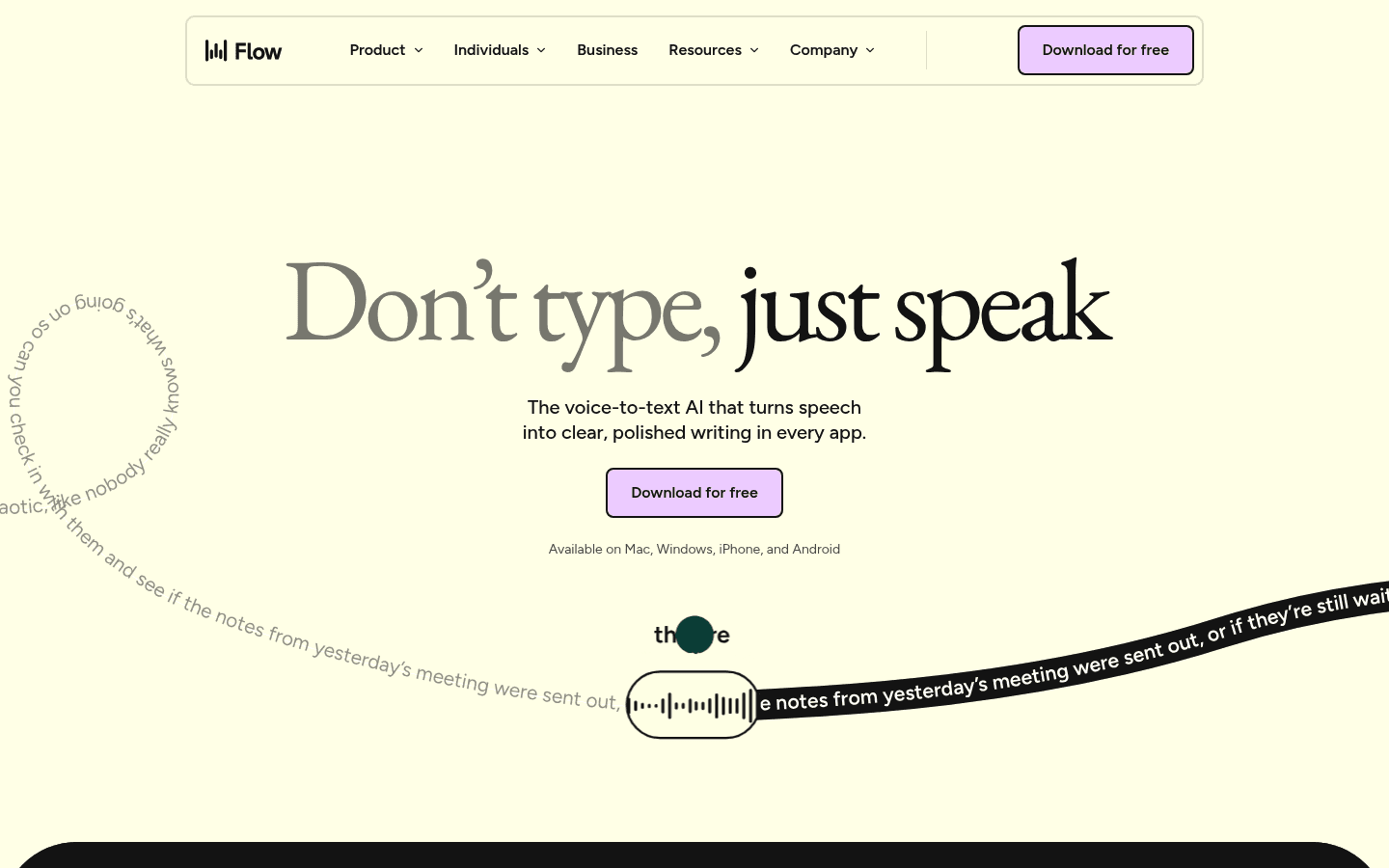
Wispr Flow official page screenshot used for this comparison.
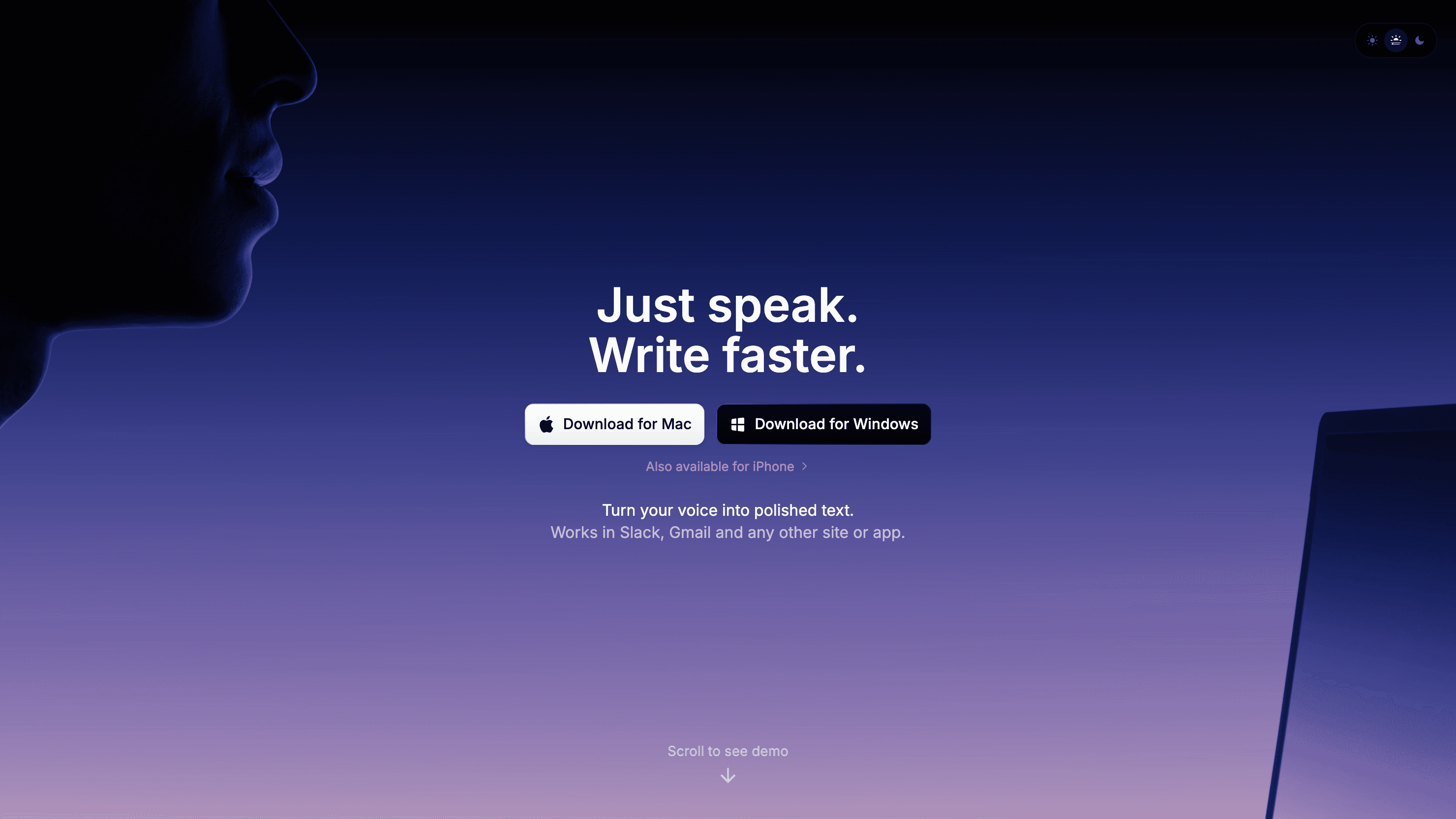
Superwhisper official page screenshot used for this comparison.
Wispr Flow vs Superwhisper at a Glance
Category | Wispr Flow | Superwhisper | Winner |
|---|---|---|---|
Best for | polished cloud dictation across Mac, Windows, iPhone, and Android with team and enterprise controls | local and cloud speech recognition with custom AI modes on Mac, Windows, iOS, and iPadOS | Depends on workflow. |
Platforms | Mac, Windows, iPhone, and Android. Official docs say Linux, iPad, Chromebooks, virtual machines, and remote desktop are not supported. | macOS, Windows, iOS, and iPadOS. No official Android support was found. | Check your required devices before choosing. |
Pricing | Flow Basic is free with weekly word limits. Flow Pro is $15/user/month or $12/user/month billed annually. A 14-day Pro trial is listed. | Superwhisper Pro is $8.49/month, $84.99/year, or $249.99 lifetime in the checked docs. New users get limited free Pro access. | Depends on free limits, annual price, and team needs. |
File transcription | No dedicated uploaded audio file transcription workflow was verified from the checked Wispr Flow source pages. | Superwhisper's homepage includes audio and video file transcription messaging. | Voicy if uploaded file transcription is central. |
Privacy and processing | Wispr Flow says transcription happens in the cloud and internet is required. Privacy Mode and Private Cloud Sync can be used for zero data retention, and Enterprise includes SOC 2 Type II and ISO 27001 compliance. | Superwhisper's privacy policy says audio data is transcribed locally on-device and that the company does not collect audio recordings or transcriptions during use. Some features and browser tools are cloud-based, so local/private wording depends on the mode. | Choose based on local, cloud, and retention requirements. |
Third option | Compare against Voicy if uploaded file transcription matters. | Compare against Voicy if the workflow feels too narrow or too complex. | Voicy for a simpler dictation plus transcription workflow. |
When Wispr Flow Is the Better Choice
Wispr Flow is the better fit when your priority is polished cloud dictation across Mac, Windows, iPhone, and Android with team and enterprise controls. It makes the most sense when its platform coverage, pricing, and privacy model match the way you already work.
You want the workflow Wispr Flow is built around.
You are comfortable with its pricing and limits.
Its supported platforms cover your main devices.
Its privacy and processing model fits your risk level.
When Superwhisper Is the Better Choice
Superwhisper is the better fit when your priority is local and cloud speech recognition with custom AI modes on Mac, Windows, iOS, and iPadOS. It is not automatically better or worse; it solves a slightly different version of the speech-to-text problem.
You want the workflow Superwhisper is strongest for.
You prefer its platform support.
Its pricing model is a better fit over the next year.
Its privacy and processing claims match your needs.
Where Voicy Fits
Voicy is the practical third option if neither tool feels quite right. It is built for live dictation and file upload transcription, and it runs across Mac, Windows, Linux, browser extension, iOS, and Android. That matters if you dictate in browser apps, write on more than one device, and also need uploaded recordings turned into text.
Voicy is cloud-based and has a free trial only. Paid plans cost $8.49/month, $82/year, or $260 lifetime. That makes it less of a free utility and more of a daily work tool for people who want speed without a complex setup.
Pricing and Cost Over Time
Scenario | Wispr Flow | Superwhisper | Voicy | Winner |
|---|---|---|---|---|
Free use | Flow Basic is free with weekly word limits. Flow Pro is $15/user/month or $12/user/month billed annually. A 14-day Pro trial is listed. | Superwhisper Pro is $8.49/month, $84.99/year, or $249.99 lifetime in the checked docs. New users get limited free Pro access. | Free trial only. | Depends on usable free limits. |
Monthly paid access | Use the current Wispr Flow paid tier that unlocks the limits you need. | Use the current Superwhisper paid tier that unlocks the limits you need. | $8.49/month. | Voicy is simple to price monthly; the others depend on the selected tier. |
Annual paid access | Use the current annual Wispr Flow price for your seat count. | Use the current annual Superwhisper price for your seat count. | $82/year. | Voicy if annual cost and file transcription matter. |
Three years | Use current plan pricing to calculate; team seats change the math. | Use current plan pricing to calculate; team seats change the math. | $246 on annual billing, or $260 lifetime. | Voicy lifetime can win for long-term individual use. |
Five years | Use current plan pricing to calculate; team seats change the math. | Use current plan pricing to calculate; team seats change the math. | $410 on annual billing, or $260 lifetime. | Voicy lifetime if you want one long-term purchase. |
Privacy, Cloud, and Offline Processing
Wispr Flow says transcription happens in the cloud and internet is required. Privacy Mode and Private Cloud Sync can be used for zero data retention, and Enterprise includes SOC 2 Type II and ISO 27001 compliance.
Superwhisper's privacy policy says audio data is transcribed locally on-device and that the company does not collect audio recordings or transcriptions during use. Some features and browser tools are cloud-based, so local/private wording depends on the mode.
Voicy is cloud-based. That is the tradeoff behind its broad device support and uploaded file transcription workflow. If local-only processing is required, choose the tool with the clearest local processing model. If cloud processing is acceptable, compare speed, workflow coverage, and total cost.
Bottom Line
Wispr Flow is stronger for broad polished dictation and teams. Superwhisper is stronger if local processing, custom modes, and audio/video transcription matter more. Voicy is worth considering when you want a simpler cross-platform dictation and file transcription workflow with a lifetime option.
For most Voicy readers, the decision should start with the job. If you need a meeting memory system, pick the meeting tool. If you need a power dictation app, pick the tool whose platform and privacy model fits. If you want simple everyday speech-to-text plus uploaded file transcription, try Voicy.
FAQs
Is Wispr Flow better than Superwhisper?
Wispr Flow is better if you need polished cloud dictation across Mac, Windows, iPhone, and Android with team and enterprise controls. Superwhisper is better if you need local and cloud speech recognition with custom AI modes on Mac, Windows, iOS, and iPadOS.
Is Superwhisper cheaper than Wispr Flow?
Flow Basic is free with weekly word limits. Flow Pro is $15/user/month or $12/user/month billed annually. A 14-day Pro trial is listed. Superwhisper Pro is $8.49/month, $84.99/year, or $249.99 lifetime in the checked docs. New users get limited free Pro access.
Does Wispr Flow work on mobile?
Wispr Flow supports Mac, Windows, iPhone, and Android. Official docs say Linux, iPad, Chromebooks, virtual machines, and remote desktop are not supported.
Does Superwhisper work on mobile?
Superwhisper supports macOS, Windows, iOS, and iPadOS. No official Android support was found.
Can Wispr Flow transcribe audio files?
No dedicated uploaded audio file transcription workflow was verified from the checked Wispr Flow source pages.
Can Superwhisper transcribe audio files?
Superwhisper's homepage includes audio and video file transcription messaging.
Which is better for privacy?
Wispr Flow says transcription happens in the cloud and internet is required. Privacy Mode and Private Cloud Sync can be used for zero data retention, and Enterprise includes SOC 2 Type II and ISO 27001 compliance. Superwhisper's privacy policy says audio data is transcribed locally on-device and that the company does not collect audio recordings or transcriptions during use. Some features and browser tools are cloud-based, so local/private wording depends on the mode.
Where does Voicy fit in this comparison?
Voicy is the simpler cross-platform option if you want live dictation and file upload transcription across Mac, Windows, Linux, browser extension, iOS, and Android. It has a free trial only, then costs $8.49/month, $82/year, or $260 lifetime.
Which should I choose for work writing?
Choose Wispr Flow for polished cloud dictation across Mac, Windows, iPhone, and Android with team and enterprise controls. Choose Superwhisper for local and cloud speech recognition with custom AI modes on Mac, Windows, iOS, and iPadOS. Choose Voicy if you want dictation plus uploaded file transcription in one straightforward workflow.
Does Voicy have a free plan?
Voicy has a free trial only. Paid pricing is $8.49/month, $82/year, or $260 lifetime.
