





Voicy vs Wispr Flow: Which Dictation App Should You Choose in 2026?
Voicy vs Wispr Flow: Which Dictation App Should You Choose in 2026?
TL;DR
Choose Voicy if you want one speech-to-text app for Mac, Windows, browser extension use, iPhone, Android, live dictation, and uploaded-file transcription.
Choose Wispr Flow if you want a strong free plan, team features, shared dictionary and snippets, or a Mac-only meeting Notetaker workflow.
Best paid value: Voicy costs $82/year. Wispr Flow Pro costs $144/year on annual billing, so Voicy saves $62/year before the lifetime option.
Privacy reality: both tools use cloud transcription. Wispr Flow publishes detailed data controls. Voicy is also cloud-based, so do not choose it expecting local-only or offline processing.
If you are comparing Voicy vs Wispr Flow, the short answer is this: Voicy is the better fit for most cross-platform professionals who want dictation plus file transcription in one paid tool. Wispr Flow is the better fit if its free plan, team controls, shared snippets, or Notetaker are central to your workflow.
Answer-First Verdict
Voicy wins for normal daily work: emails, docs, browser text fields, phone notes, and turning recordings into text. Wispr Flow is still a very credible choice, especially for people who want Flow's free tier, team workspace, shared dictionary, snippets, and Notetaker features.
The cleanest deciding factor is scope. Voicy covers live dictation and file upload transcription across Mac, Windows, browser extension, iOS, and Android. Wispr Flow's public pages focus on voice dictation in apps, mobile dictation, team collaboration, and a Notetaker that is Mac-only for now.
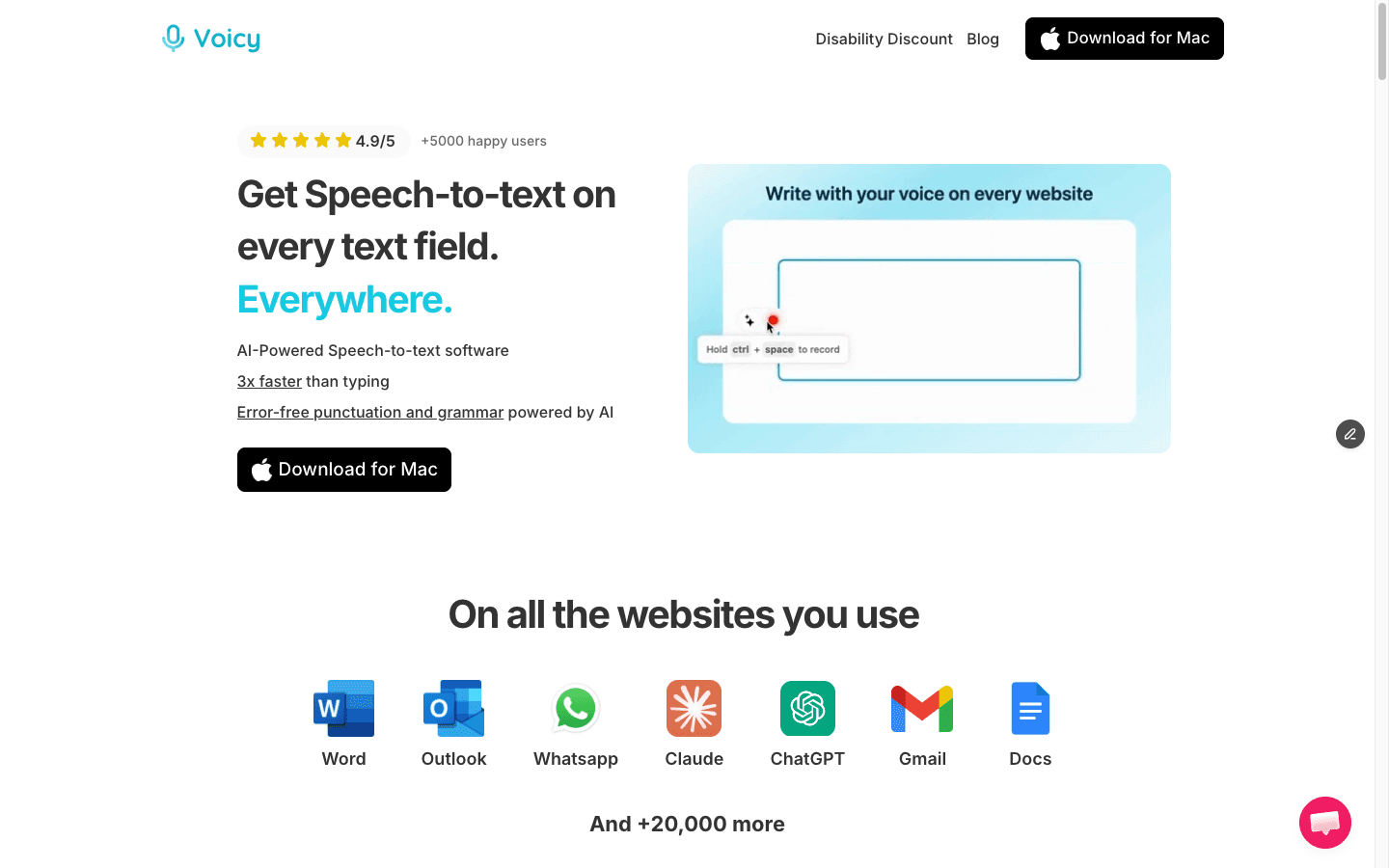
Voicy is built for everyday speech-to-text across the places professionals already write.
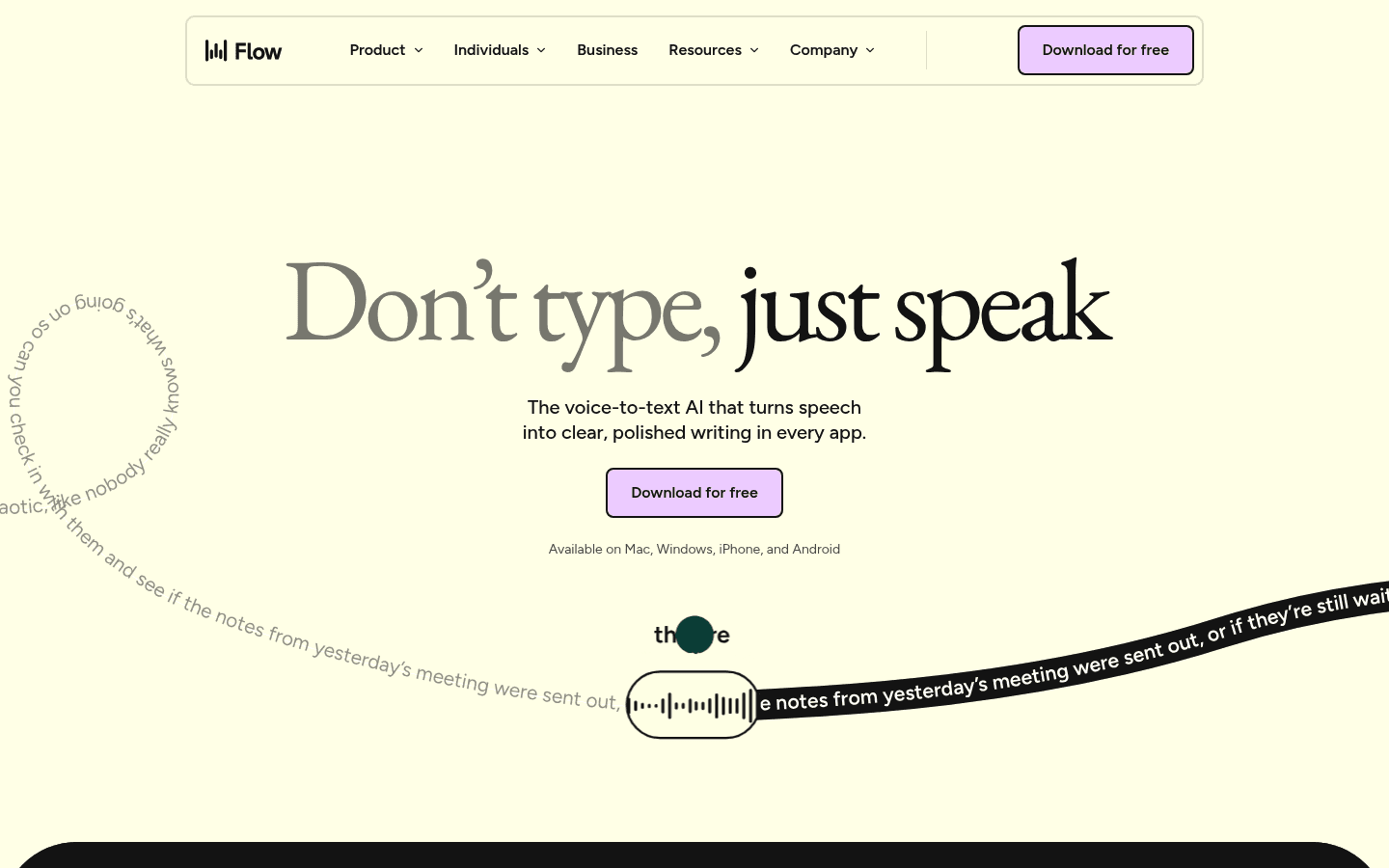
Wispr Flow has a generous free plan and stronger team packaging than most dictation tools.
Best-For Table
Use case | Best pick | Why |
|---|---|---|
Everyday solo professionals | Voicy | Lower paid price, broad platform coverage, browser extension support, and file upload transcription. |
People who need a free plan | Wispr Flow | Wispr Flow lists a Free plan with weekly dictation limits. Voicy has a free trial, not a forever-free plan. |
Teams and admins | Wispr Flow | Pro and Growth/Enterprise include shared dictionary, snippets, billing, usage analytics, SSO, and admin controls. |
Audio or video file transcription | Voicy | Voicy supports file upload transcription as a core part of the product. |
Browser-first writing | Voicy | Voicy includes browser extension coverage. Wispr Flow offers a web demo, but its public platform list is app-first. |
Meeting notes on Mac | Wispr Flow | Wispr Flow advertises Notetaker for meetings and voice memos on Mac, with more history on paid plans. |
Feature Comparison
Feature | Voicy | Wispr Flow | Practical winner |
|---|---|---|---|
Live dictation | Yes, across desktop, browser, and mobile workflows. | Yes, positioned as speech-to-text in any app. | Tie. |
File upload transcription | Yes. | Wispr's public pricing page mentions Notetaker meetings and voice memos, not a general uploaded-file transcription workflow. | Voicy. |
Desktop platforms | Mac and Windows. | Mac and Windows for dictation. | Tie. |
Mobile platforms | iOS and Android. | iOS and Android for dictation. | Tie. |
Browser support | Browser extension. | Web demo and app-wide writing. No official browser extension claim found in the checked pages. | Voicy. |
Team features | Best for individuals and normal professional workflows. | Shared dictionary, snippets, shared workspace, centralized billing, user management, and team analytics. | Wispr Flow. |
Privacy controls | Cloud-based transcription. Review Voicy's current terms if regulated data is involved. | Cloud transcription, opt-out model training, dictation cloud storage controls, retention settings, and enterprise controls. | Wispr Flow for published controls. Voicy for simpler buyer flow. |
Pricing and 3-Year Cost Math
Voicy pricing is $8.49 per month, $82 per year, or $260 for lifetime access. It offers a free trial, but it is not a fully free product.
Wispr Flow pricing currently lists a Free plan, Pro at $15/user/month on monthly billing, Pro at $12/user/month on annual billing, Growth from $23/user/month monthly, Growth from $18/user/month annual, and Enterprise with custom pricing.
Scenario | Voicy | Wispr Flow Pro | Difference |
|---|---|---|---|
12 months, monthly billing | $101.88 | $180 | Voicy saves $78.12. |
12 months, annual billing | $82 | $144 | Voicy saves $62. |
3 years, annual billing | $246 | $432 | Voicy saves $186. |
3 years, Voicy lifetime | $260 | $432 | Voicy saves $172. |
The free-plan caveat matters. If your usage fits Wispr Flow's free weekly limits, Wispr Flow may cost you $0. If you already know you need unlimited paid dictation, Voicy is the cleaner value pick for individuals.
Platform Coverage
Voicy supports Mac, Windows, browser extension use, iOS, and Android. That makes it a strong fit if your writing moves between laptop, browser tools, and phone.
Wispr Flow lists dictation on Mac, Windows, iOS, and Android. Its pricing page says the Notetaker works on Mac only for now, with Windows coming soon and iPhone and Android on the roadmap for Notetaker.
For pure dictation, the platform race is close. For browser-first work and one tool that also handles uploaded files, Voicy has the clearer coverage.
File Transcription
Voicy supports live dictation and file upload transcription. That matters if you have voice notes, interviews, lectures, Loom videos, podcast clips, or client calls that need to become text later.
Wispr Flow's current public pricing page describes Notetaker for meetings and voice memos, speaker identification, meeting Q&A, and using meeting notes in AI tools. I did not find an official claim that Wispr Flow offers the same general uploaded-file transcription workflow as Voicy.
If file transcription is part of your weekly work, do not treat it as a small checkbox. It can save you from buying a second transcription app.
Browser and Mobile Support
Voicy is the better choice for people who live in browser tools because browser extension support is part of the product story. That is useful for Gmail, web docs, CRMs, support tools, AI chats, and random text fields that make up real workdays.
Wispr Flow has strong mobile coverage for dictation. Its homepage and pricing page list iPhone and Android, and its mobile CTAs point users to the app. It also offers a web demo, which is useful for trying the feel of the product before installing.
The simple read: both are mobile-friendly for dictation. Voicy has the stronger browser-extension story.
Privacy and Data Handling
Do not pick either product assuming local-only transcription. Wispr Flow's privacy page says transcription always happens in the cloud. Voicy transcription is also cloud-based.
Wispr Flow publishes detailed privacy controls. Its pages say users can opt out of model training, manage Dictation Cloud Storage, delete stored dictation history, configure Notetaker retention, and use enterprise controls for organization-wide policy enforcement. Its Data Controls page also says third-party AI providers cannot use customer data for model training under Wispr's agreements.
That is a real strength for Wispr Flow. Voicy's advantage is not a local-processing claim. It is the practical bundle: cross-platform dictation, browser extension use, file transcription, and lower paid individual pricing. If you handle regulated or highly sensitive data, check the current privacy terms for either product before dictating it.
Who Should Choose Wispr Flow?
Choose Wispr Flow if you want the free plan first, or if team features matter more than file transcription and lifetime pricing.
You want a free dictation plan with weekly limits.
You need shared dictionary and snippets for a team.
You want centralized billing, user management, or team usage analytics.
You care about SSO, SAML, audit logs, deployment controls, or enterprise admin policy.
You want Wispr Flow's Mac Notetaker for meetings and voice memos.
You like Flow's automatic writing cleanup and app-wide dictation style.
Who Should Choose Voicy?
Choose Voicy if you want the practical paid dictation tool for normal professional work across devices.
You want one tool for live dictation and file upload transcription.
You write in email, documents, browser apps, notes, messages, and AI tools.
You use Mac, Windows, browser extension workflows, iPhone, and Android.
You want lower paid pricing than Wispr Flow Pro.
You want a lifetime option instead of another long-term subscription.
You are reducing typing because of speed, focus, RSI, arthritis, or hand pain.
Related Comparisons
Final Verdict
Wispr Flow is a strong dictation product. It deserves a serious look if you need a free plan, team controls, shared snippets, published privacy controls, or Mac meeting notes.
For most paid individual users, Voicy is the better choice. It costs less, works across Mac, Windows, browser extension use, iOS, and Android, and includes both live dictation and file upload transcription. That is the mix most professionals need when they are trying to talk instead of type.
FAQs
Is Voicy better than Wispr Flow?
Voicy is better for most paid individual users who want live dictation, browser extension support, mobile apps, and file upload transcription. Wispr Flow is better if you need its free plan, team features, shared snippets, or Mac Notetaker.
Does Voicy have a free plan?
Voicy has a free trial, but it is not a fully free product. Its paid plans are $8.49 per month, $82 per year, or $260 lifetime.
Does Wispr Flow have a free plan?
Yes. Wispr Flow lists a Free plan with weekly limits, plus paid Pro and Growth/Enterprise plans. The checked pricing page lists Pro at $15/user/month monthly or $12/user/month on annual billing.
Which is cheaper, Voicy or Wispr Flow?
For paid individual use, Voicy is cheaper. Voicy is $82/year, while Wispr Flow Pro is $144/year on annual billing. Over three years, Voicy annual costs $246 and Wispr Flow Pro annual costs $432.
Does Voicy work on Windows?
Yes. Voicy supports Windows, Mac, browser extension use, iOS, and Android.
Does Wispr Flow work on Windows?
Yes. Wispr Flow lists Windows support for dictation. Its pricing page says Wispr Flow Notetaker is Mac only for now, with Windows support coming soon.
Can Voicy transcribe files?
Yes. Voicy supports file upload transcription in addition to live dictation.
Can Wispr Flow transcribe uploaded files?
Wispr Flow's public pricing page mentions Notetaker for meetings and voice memos, but I did not find the same broad uploaded-file transcription claim that Voicy makes. If uploaded files are critical, verify the current Wispr Flow app before switching.
Does Voicy use cloud transcription?
Yes. Voicy uses cloud-based transcription. Do not choose Voicy expecting local-only or offline transcription.
Does Wispr Flow use cloud transcription?
Yes. Wispr Flow's privacy and data-control pages say transcription happens in the cloud. They also describe opt-out model training, storage controls, and deletion settings.
Which app is better for teams?
Wispr Flow is the clearer team option. Its paid plans include shared dictionary and snippets, centralized billing, user management, team analytics, and enterprise security controls.
Which app is better for browser writing?
Voicy is the clearer browser-writing pick because it includes browser extension support. Wispr Flow offers app-wide dictation and a web demo, but I did not find an official browser extension claim in the checked pages.
