




10 Best Software Tools for School Counselors in 2026
Summary of the article
Google Workspace for Education: Best everyday stack for email, forms, docs, calendars, and shared counseling resources.
Naviance: Best for college and career readiness planning in middle and high schools.
SCUTA: Best for counselors who need structured documentation, time analysis, and ASCA-style reporting.
Panorama Education: Best for SEL surveys, intervention tracking, and student support data.
Calendly: Best for reducing back-and-forth when students need to book time fast.
Remind: Best for quick school-safe communication with students and families.
Canva for Education: Best for classroom lessons, college-planning handouts, and parent-facing materials.
Notion: Best for counselors who want one place for planning, resources, and repeatable workflows.
Loom: Best for sending quick explainer videos instead of repeating the same directions all week.
Voicy: Best for writing case notes, parent emails, lesson drafts, and student follow-ups faster with speech-to-text.
The best software tools for school counselors save time on real work: student scheduling, case notes, family communication, lessons, reporting, and college planning. That is the lens for this list. I did not pick flashy apps just because they use AI. I picked tools that solve common counselor bottlenecks.
Some schools need a full counseling platform. Others just need a better stack around Google, scheduling, communication, and documentation. This guide covers both, with honest tradeoffs so you can decide what actually belongs in your workflow.
How I picked the best software tools for school counselors
I looked at current ranking pages and school counseling resources, and the same themes kept showing up: organization, documentation, college and career planning, communication, and student support data.
So I built this list around day-to-day counselor jobs. If a tool sounded impressive but did not clearly help with caseload management, student support, or admin workload, I left it out.
What school counselors usually need software to handle
Notes and documentation: Session notes, follow-ups, referrals, and logs.
Scheduling: Student appointments, parent meetings, and calendar visibility.
Communication: Fast updates to students, staff, and families.
Planning: Small groups, classroom lessons, college events, and office systems.
Reporting: Use-of-time data, outcome tracking, and program visibility.
Resource creation: Slides, checklists, lesson handouts, and workshops.
1. Google Workspace for Education
Google Workspace for Education is the default backbone for a lot of school counseling offices, and that makes sense. Gmail, Docs, Drive, Sheets, Calendar, and Forms cover a surprising amount of counselor work without adding another platform your team has to learn.
It is especially useful for shared referral forms, event signups, lesson planning, and counselor team collaboration. The downside is that Google Workspace alone does not give you deep counseling-specific reporting or caseload workflows. It is the base, not the whole house.
Best for: Schools that want a flexible everyday system most staff already know.
Pros: Familiar, collaborative, strong document sharing, works across devices.
Cons: Not counselor-specific, can get messy without clear folder and naming rules.
2. Naviance
Naviance is still one of the better-known tools for college and career readiness. If your counseling program spends a lot of time on postsecondary planning, career exploration, college applications, and readiness milestones, it belongs on the shortlist.
This is less of a general productivity tool and more of a program platform. That matters. Elementary counselors may not need it. High school teams usually get much more value from it.
Best for: Middle and high school counseling teams focused on college and career planning.
Pros: Strong planning workflows, familiar in many districts, good fit for readiness programs.
Cons: Narrower fit for elementary settings, often tied to school or district buying decisions.
3. SCUTA
SCUTA is one of the more directly counselor-specific tools in this space. It focuses on documentation, time analysis, and data-driven school counseling work, which makes it relevant for counselors who need cleaner reporting and clearer proof of impact.
That specificity is its edge. It is not trying to be everything for everyone. The tradeoff is obvious too. If your team mainly needs easier communication or resource creation, SCUTA alone will not solve that.
Best for: Counselors who need structured logs, reports, and ASCA-aligned workflow support.
Pros: Counseling-specific, reporting-friendly, built around real school counseling processes.
Cons: Less useful as a broad all-purpose school productivity stack.
4. Panorama Education
Panorama Education makes sense for schools that want stronger SEL data, intervention visibility, and student support tracking. It helps teams look beyond one-off counselor notes and toward patterns across a school or grade level.
That broader view is powerful, especially in MTSS or multi-tier support environments. Still, Panorama is more useful at the school or district systems level than as a solo counselor note-taking fix.
Best for: Schools that want counseling and student support data tied to wider intervention work.
Pros: Strong data view, useful for SEL and intervention tracking, good system-level visibility.
Cons: Bigger implementation feel, less of a quick personal productivity tool.
5. Calendly
Calendly is simple, and that is exactly why it works. School counselors waste too much time chasing appointment replies. A booking link for student check-ins, parent conferences, or senior planning meetings cuts out a lot of that drag.
You do need to set boundaries. Open booking can get messy if you do not block your schedule well or if your school has stricter communication rules. But for many counselors, this is an instant quality-of-life upgrade.
Best for: Faster student and parent scheduling.
Pros: Easy to use, reduces email back-and-forth, works well with existing calendars.
Cons: Needs careful setup, not every school wants outside scheduling links.
6. Remind
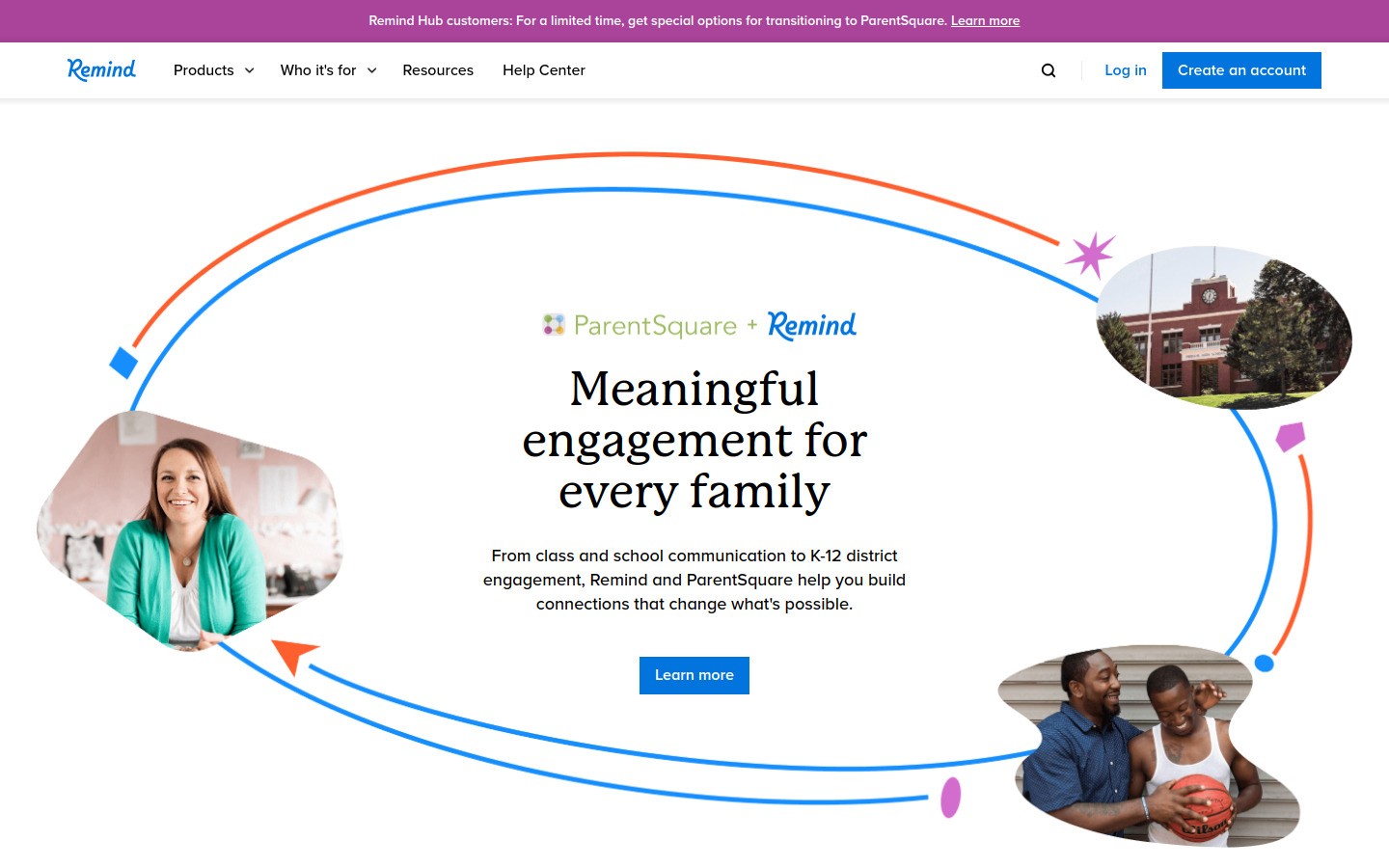
Remind is a practical communication tool when you need quick, controlled updates to students and families. It is useful for reminders about meetings, deadlines, workshops, attendance groups, and event logistics.
It is not a replacement for deep case management. It is a communication layer. That is the right way to think about it. If your main problem is missed follow-up or low turnout, Remind can help a lot.
Best for: Quick counselor communication that does not live only in email.
Pros: Fast outreach, easy reminders, familiar in many school settings.
Cons: Limited for deeper planning or documentation work.
7. Canva for Education
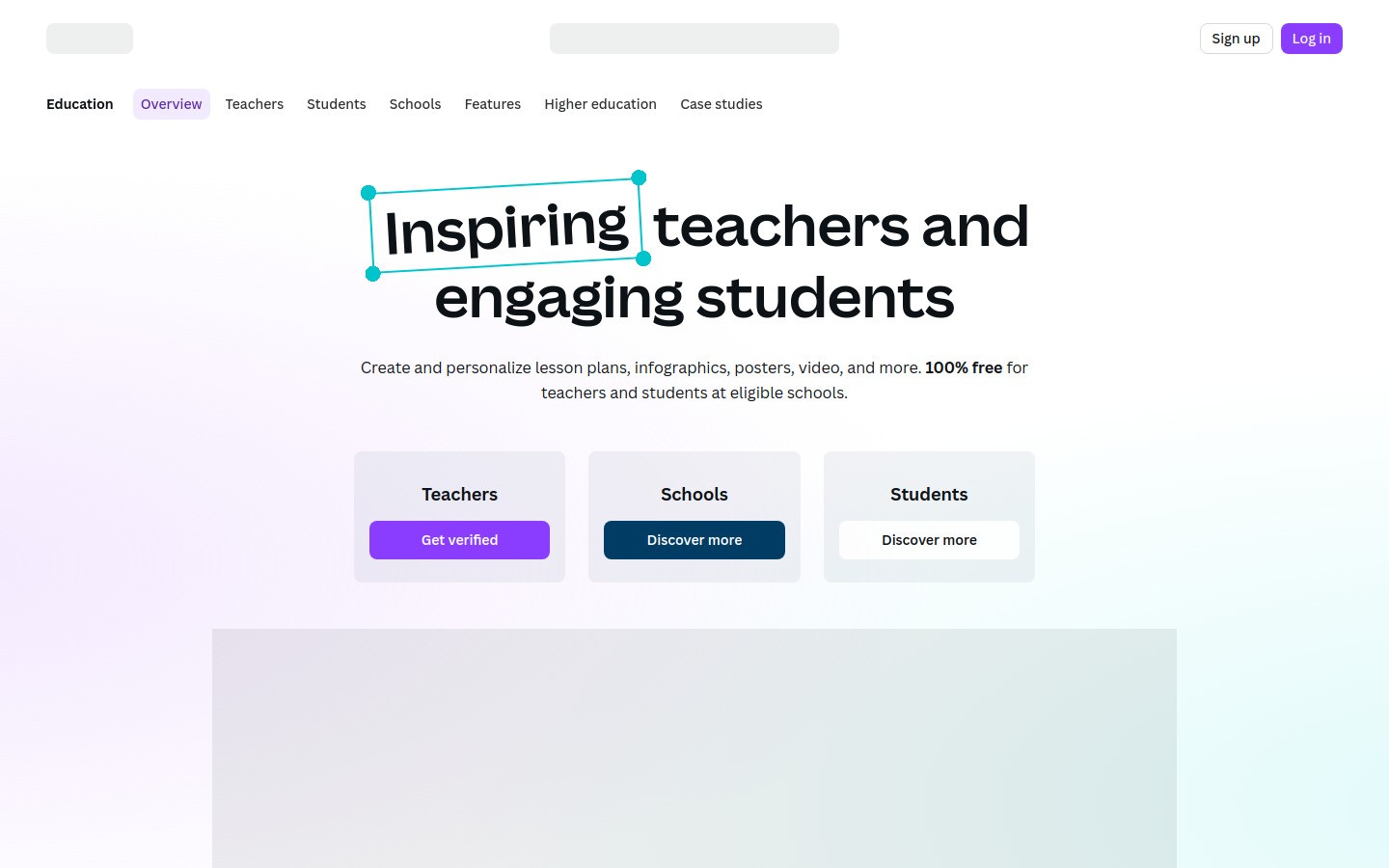
Canva for Education helps counselors make resources that students and families will actually read. Small-group slides, college night flyers, stress-management handouts, office signage, and classroom lesson visuals are much faster to create when you start with templates.
It is also very easy to spend too long tweaking colors and spacing. That is the Canva trap. Used well, it saves time. Used badly, it becomes procrastination with nicer fonts.
Best for: Lessons, workshops, printables, and family-facing visual materials.
Pros: Fast templates, easy design, strong for non-designers.
Cons: Easy to over-edit, not a counseling workflow system.
8. Notion
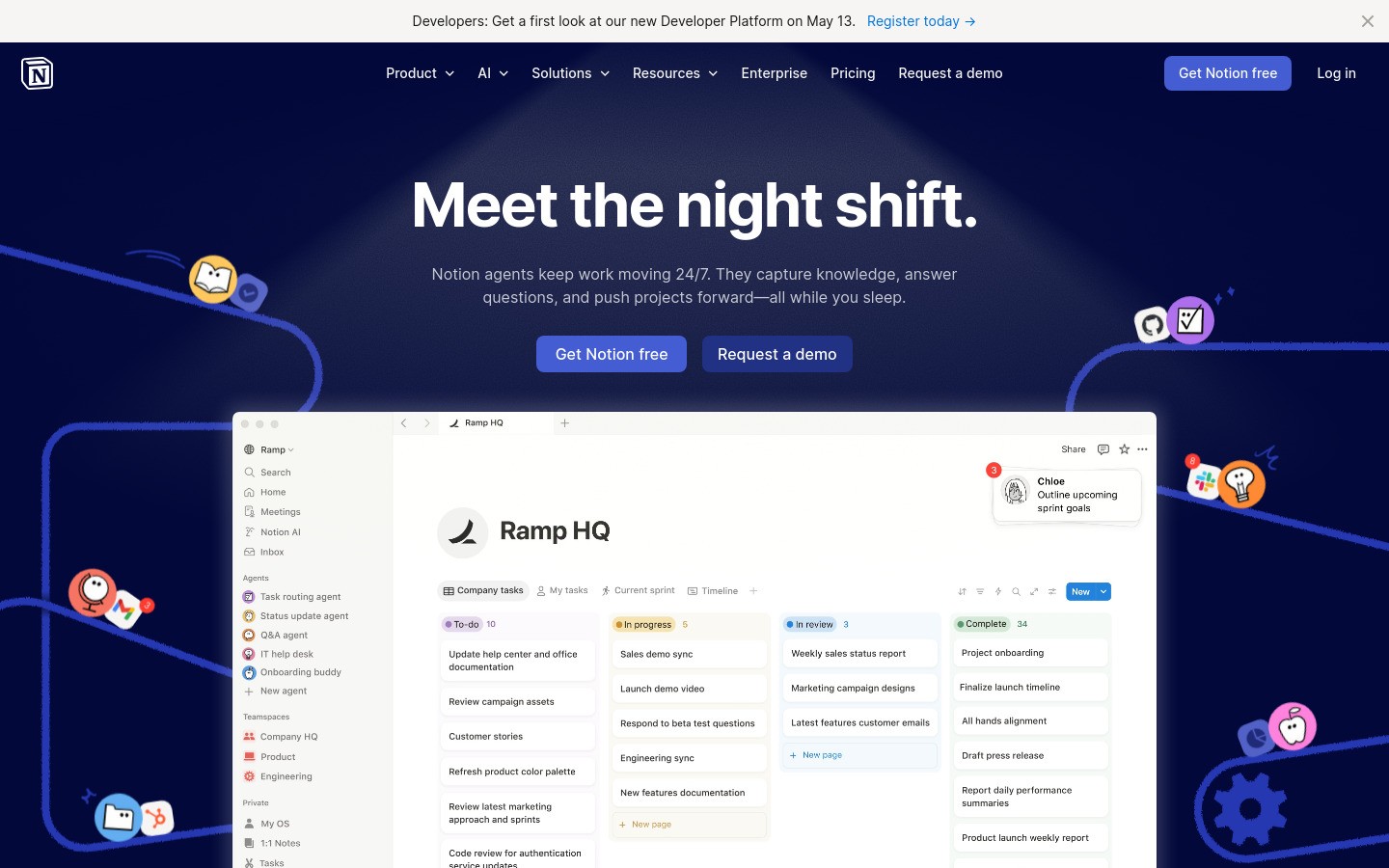
Notion works well for counselors who want a central home for lesson ideas, small-group plans, referral workflows, event checklists, and reusable resources. A good Notion setup can replace the mess of scattered docs and mystery folders.
The catch is setup time. Some people open Notion and build a beautiful system. Others open it, stare for three minutes, and close the tab. If you want a ready-made structure, it may feel too open-ended.
Best for: Counselors who like custom systems and reusable planning templates.
Pros: Flexible, organized, useful for team knowledge and planning.
Cons: Takes setup effort, blank-page problem is real.
If your team already works in docs and notes all day, these guides may also help: speech to text in Notion, speech to text in Google Docs, and speech to text in ChatGPT.
9. Loom
Loom is great when you keep explaining the same process over and over. Think FAFSA steps, appointment booking instructions, scholarship checklists, or “how to request transcripts” videos. A two-minute screen recording can save you from repeating the same speech twelve times in a week.
The main risk is overusing it. Not every message needs a video. But for repeated process explanations, Loom is a real time-saver.
Best for: Reusable walkthroughs and student or parent how-to videos.
Pros: Fast recording, easy sharing, cuts repetitive explanations.
Cons: Easy to overdo, some audiences still prefer a short written checklist.
10. Voicy
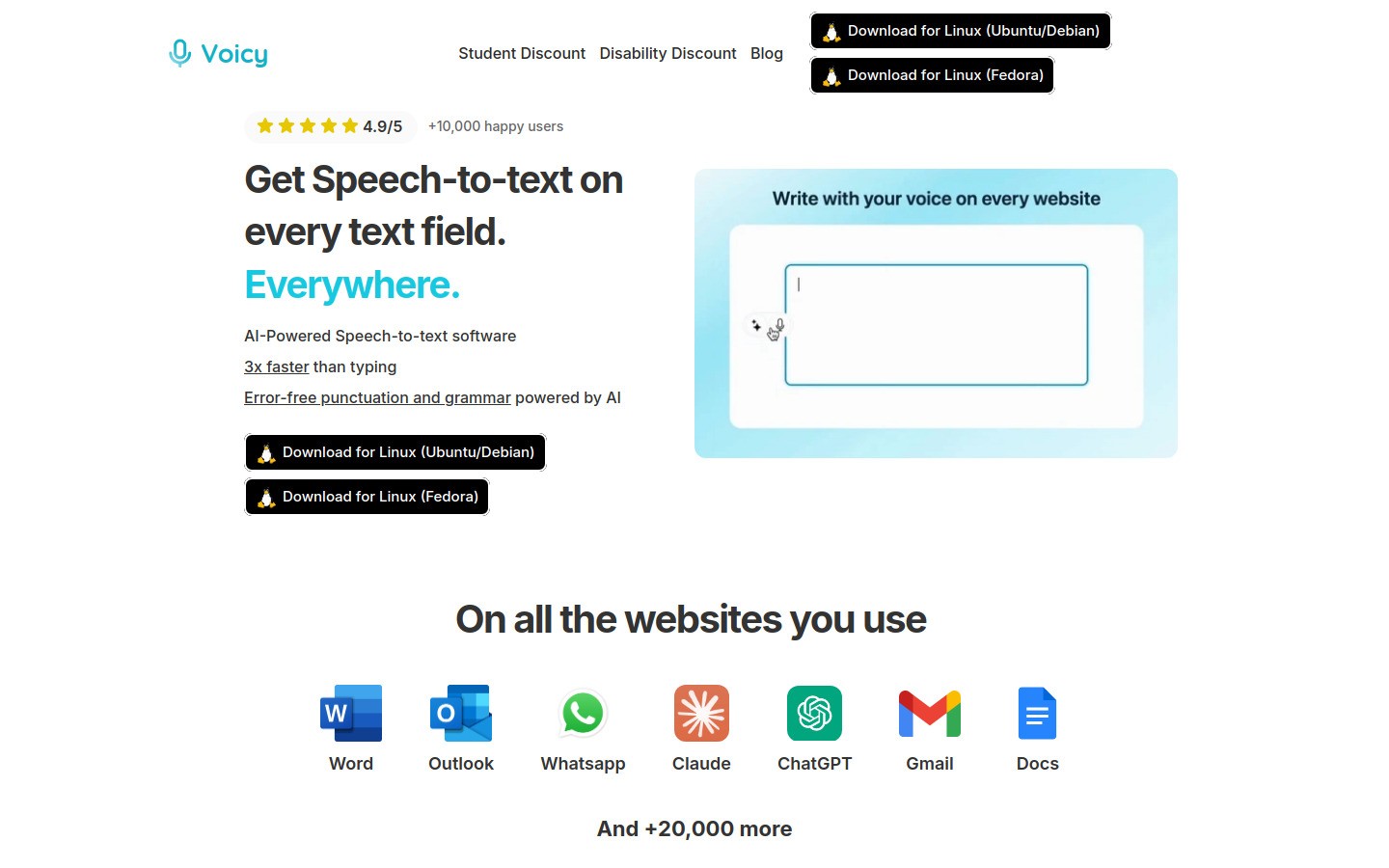
Voicy fits school counselors who do a lot of writing but do not want to keep living at the keyboard. You can use it for case notes, follow-up summaries, parent emails, student support drafts, workshop outlines, and admin updates. That matters when your actual day is already full before the typing even starts.
Voicy is available on Mac, Windows, and as a browser extension. It is cloud-based, not local-only, and it comes with a free trial rather than a fully free plan. Pricing is $8.49 per month, $82 per year, or $260 for lifetime access. If you only dictate once in a while, built-in tools may be enough. If writing and documentation are a daily bottleneck, Voicy is a more serious option.
Best for: Faster writing for notes, communication, and planning drafts.
Pros: Fast speech-to-text, cleaner punctuation, useful AI editing help.
Cons: Paid after the free trial, strongest value shows up with regular use.
For related workflows, see speech to text Chrome extensions, dictation for Mac, and the broader voice typing app guide.
Quick comparison table
Tool | Best for | Main strength | Main limitation |
|---|---|---|---|
Google Workspace for Education | Everyday office workflow | Familiar collaboration | Not counseling-specific |
Naviance | College and career planning | Structured readiness workflows | Not ideal for all grade levels |
SCUTA | Documentation and reporting | Counselor-specific structure | Narrower use case |
Panorama Education | SEL and intervention data | System-wide visibility | Heavier implementation |
Calendly | Scheduling | Cuts email back-and-forth | Needs boundary setup |
Remind | Communication | Fast reminders | Limited beyond messaging |
Canva for Education | Lesson and family materials | Easy design templates | Can waste time |
Notion | Planning systems | Flexible organization | Setup effort |
Loom | Repeatable instructions | Quick explainer videos | Not every message needs video |
Voicy | Writing faster | Speech-to-text plus editing | Paid after trial |
Which school counselor software should you start with?
If your office feels scattered, start with your base workflow first. That usually means Google Workspace for Education plus one communication or scheduling tool like Calendly or Remind.
If your main pain point is documentation and reporting, look harder at SCUTA. If your job leans heavily into college and career planning, Naviance is more relevant. If writing takes too much of your time after meetings and student follow-ups, Voicy is the tool on this list most likely to give you time back right away.
Final thoughts
The best software tools for school counselors are not the ones with the longest feature list. They are the ones that make your week easier without creating a second job called “managing the software.”
Pick one bottleneck first. Scheduling, documentation, family communication, college planning, whatever hurts most. Then choose the tool that solves that problem cleanly. That usually works better than rolling out six new apps and hoping they somehow become a system.


