




15 Best Software Tools for Teachers in 2026
Summary of the article
Google Classroom: Best free hub for assignments, announcements, and basic class workflow.
Canva for Education: Best for slides, worksheets, posters, and visual lesson materials.
Kahoot!: Best for live classroom games and quick checks for understanding.
Quizizz: Best for self-paced quizzes, homework, and question banks.
MagicSchool AI: Best for fast lesson drafts, rubrics, and classroom resource generation.
Loom: Best for recorded video instructions and flipped classroom content.
Notion: Best for planning, curriculum docs, team wikis, and staying organized.
Voicy: Best for teachers who want to write feedback, emails, and lesson notes faster with speech-to-text.
Formative: Best for live checks for understanding with teacher feedback during work.
Seesaw: Best for elementary classrooms and family communication.
Google Forms: Best for simple quizzes, exit tickets, and surveys.
Canvas LMS: Best for schools that need a full LMS with stronger reporting.
ClassDojo: Best for behavior tracking and parent updates in younger grades.
Brisk Teaching: Best for quick AI help inside Google Docs, Slides, and web pages.
Gradescope: Best for faster grading in higher ed and assignment-heavy classes.
Teachers juggle lesson planning, grading, parent messages, classroom routines, and a ridiculous number of tabs. The best software tools for teachers save time without adding more chaos. This guide covers 15 tools that actually help, from classroom management to quiz creation to faster writing.
I focused on tools teachers really use in day-to-day work. That means practical picks, honest tradeoffs, pricing notes when available, and a clear note on who each tool fits best.
How I picked these teacher tools
I looked for software that saves time in one of five places: planning, teaching, assessment, communication, or admin. I also leaned toward tools with a real teacher footprint, not shiny apps that sound clever but create extra setup work.
Another factor was flexibility. A good teacher tool should work in real classrooms, not just on a perfect demo day. That means clear pricing, fast setup, decent collaboration, and useful free plans when possible.
What makes the best software tools for teachers?
Fast setup: You should be able to use it this week, not after a three-hour tutorial.
Clear classroom value: It should save time, improve instruction, or help students stay engaged.
Reasonable learning curve: Teachers do not need another platform that feels like pilot training.
Good sharing options: Students, co-teachers, and families need simple access when relevant.
Honest fit: Some tools are great for K-5, some for high school, some for college. That matters.
1. Google Classroom
Google Classroom is still the easiest starting point for many schools. It handles announcements, assignments, due dates, and file sharing without much friction, especially if your school already lives in Google Docs, Slides, and Drive.
It is not the deepest LMS on this list. But for many teachers, that is the point. It is familiar, free to start, and good enough for everyday class flow.
Best for: K-12 teachers who want a simple class hub.
Pros: Free entry point, easy setup, tight Google integration.
Cons: Less customizable than a full LMS, works best if your school already uses Google.
2. Canva for Education
Canva for Education helps teachers make classroom materials that do not look like they were assembled in a panic five minutes before first period. Slides, posters, worksheets, graphic organizers, certificates, and short videos are all easy to build.
The big win is speed. Templates do a lot of the heavy lifting. The downside is that design-heavy teachers can lose time tweaking tiny details when “good enough” was already good enough.
Best for: Teachers who make lots of visual materials.
Pros: Excellent templates, easy drag-and-drop editing, educator-friendly access.
Cons: Easy to over-design, some advanced assets sit behind paid plans outside educator offers.
3. Kahoot!
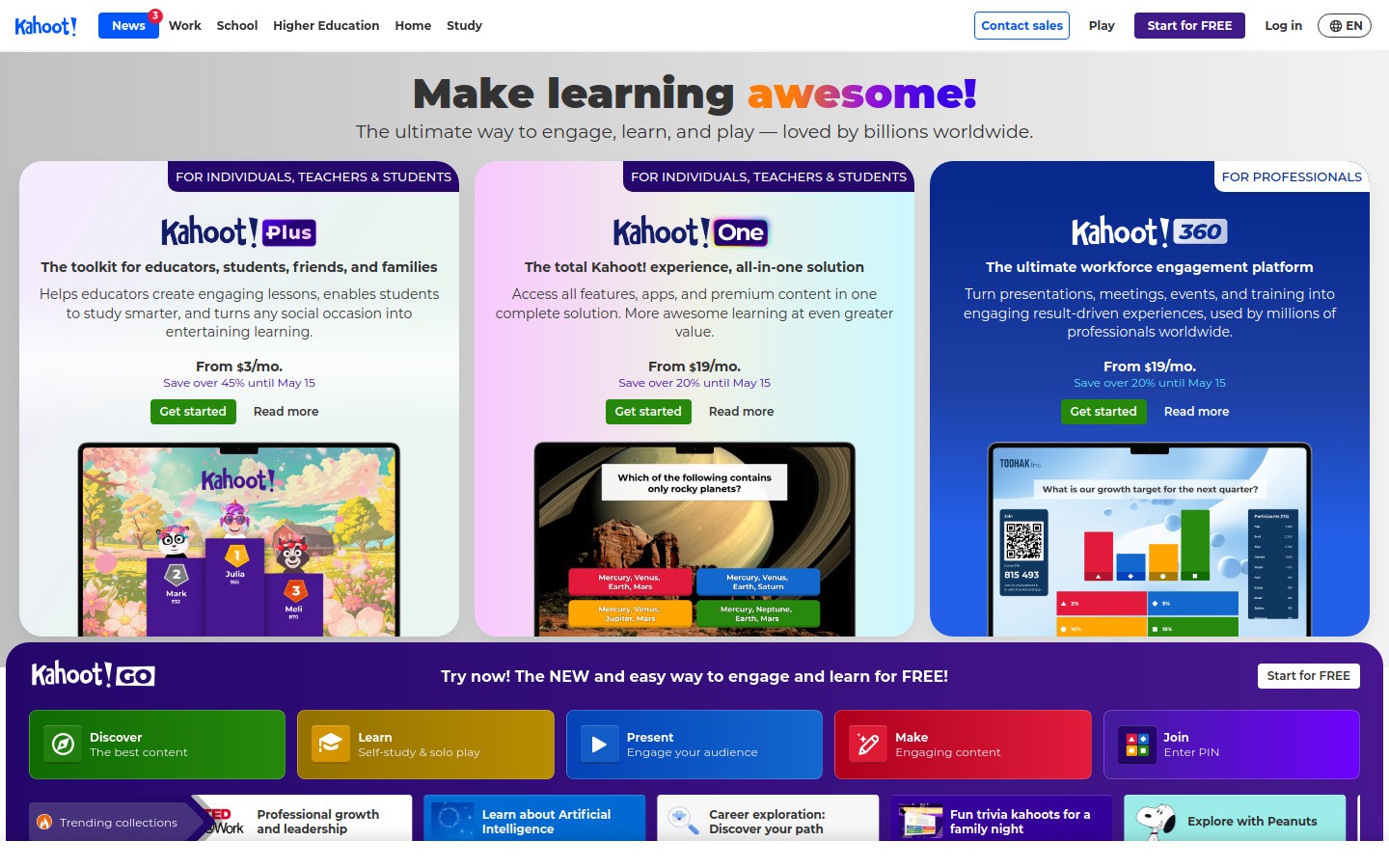
Kahoot! is still one of the fastest ways to wake up a room. It works best when you want a live review game, a quick pulse check, or an energy boost before a break or test.
It is great at engagement. It is less great when you need deeper written thinking, long responses, or quieter assessment modes. Use it for what it does well.
Best for: Live review and high-energy participation.
Pros: Fun, familiar, easy to launch.
Cons: Can become repetitive, not ideal for complex assessment.
4. Quizizz
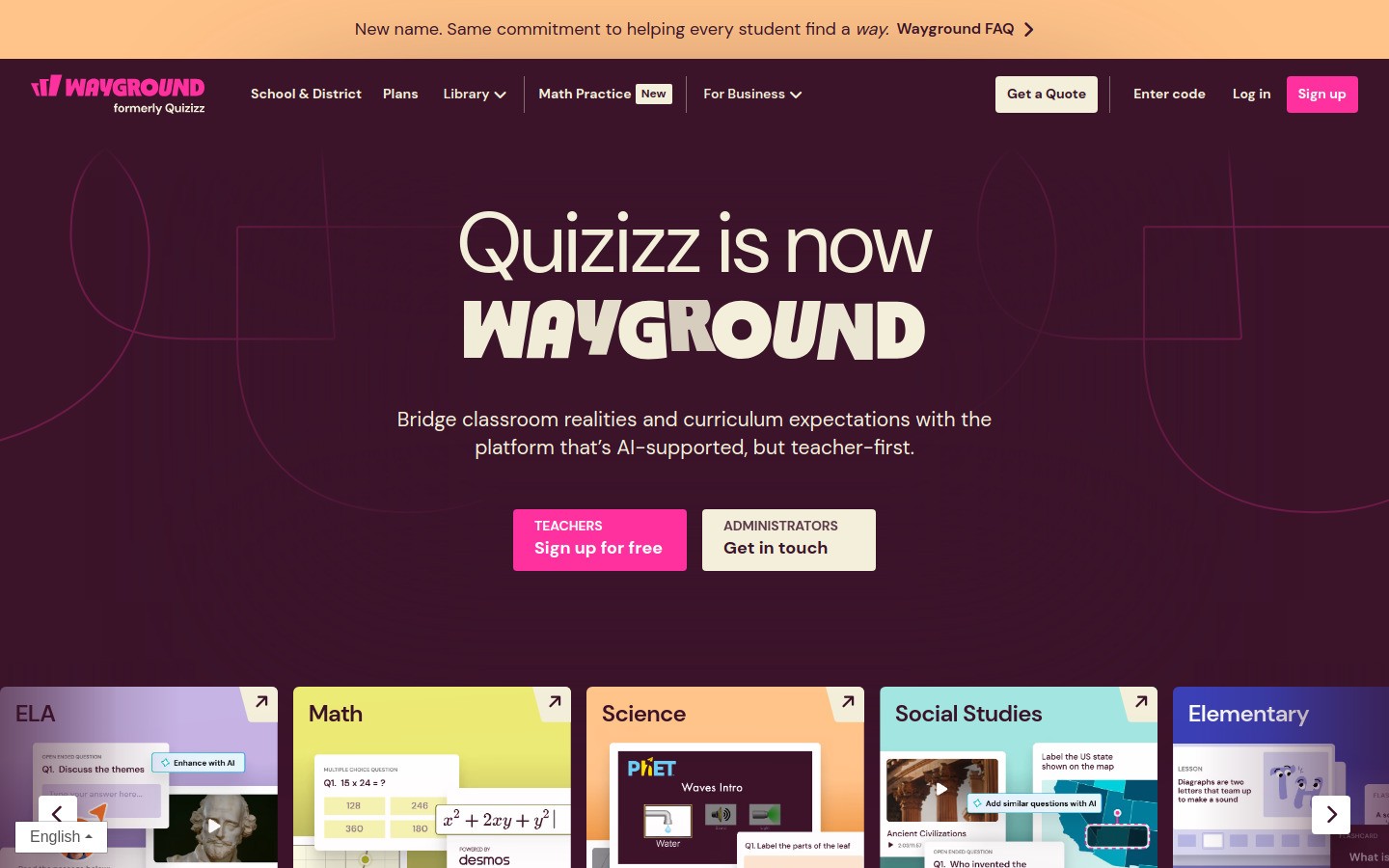
Quizizz gives teachers more flexibility than Kahoot when they want quizzes students can complete at their own pace. It works well for homework, bell work, review, and quick formative checks.
The question bank is handy, though you still need to inspect imported questions because quality varies. That is true of nearly every shared-content platform.
Best for: Self-paced quizzes and homework review.
Pros: Student-paced mode, large library, easy reporting.
Cons: Shared question quality can be uneven, game layer is not for every classroom vibe.
5. MagicSchool AI
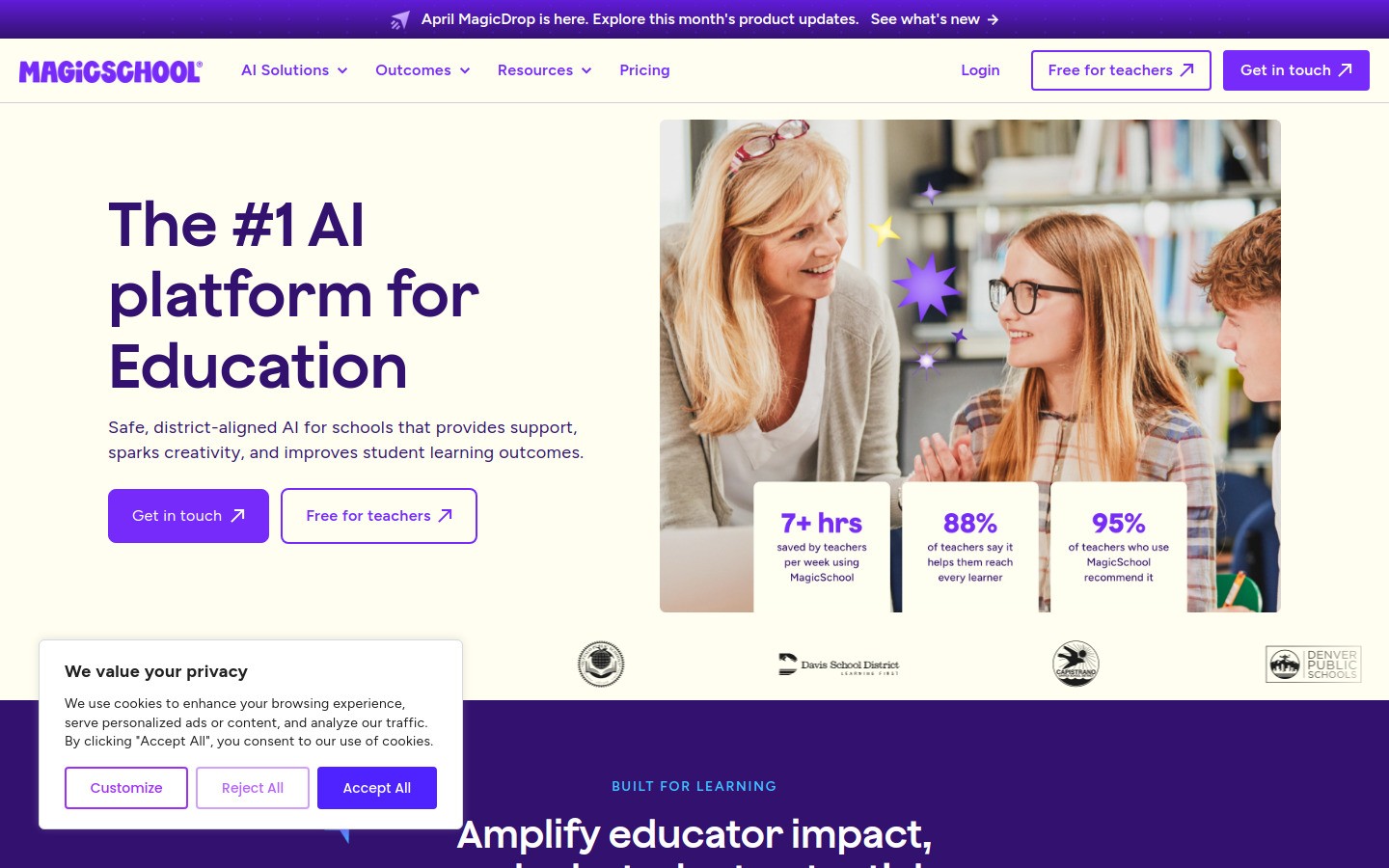
MagicSchool AI is built for educators, which makes a difference. Instead of forcing teachers to invent prompts from scratch, it gives them structured workflows for lesson plans, rubrics, emails, IEP support drafts, and more.
The real value is speed on blank-page tasks. The catch is that you still need teacher judgment. AI drafts can save 20 minutes, but they should not replace curriculum knowledge or school policy.
Best for: Drafting teacher-facing materials quickly.
Pros: Teacher-specific workflows, fast output, solid time-saver.
Cons: Needs review before use, not every output fits your local standards.
6. Loom
Loom makes it easy to record quick explainer videos, assignment walkthroughs, and feedback clips. It is especially useful in flipped classrooms, absent-student catch-up, and teacher team communication.
Recorded instructions also cut down on repeated questions. The tradeoff is that if every lesson becomes a video, students can tune out. Short and targeted works best.
Best for: Recorded explanations and video feedback.
Pros: Fast screen recording, simple sharing, useful for asynchronous teaching.
Cons: Easy to overuse, best impact comes from short videos.
7. Notion
Notion shines when a teacher or department needs a brain. Curriculum maps, lesson banks, meeting notes, committee docs, reading lists, and project trackers can all live in one place.
It is powerful, but it is not the best choice for every teacher. Some people love the flexibility. Others open Notion, see a blank page, and immediately want a nap.
Best for: Planning, documentation, and team knowledge bases.
Pros: Flexible, organized, strong for collaborative planning.
Cons: Setup takes thought, blank-page problem is real.
8. Voicy
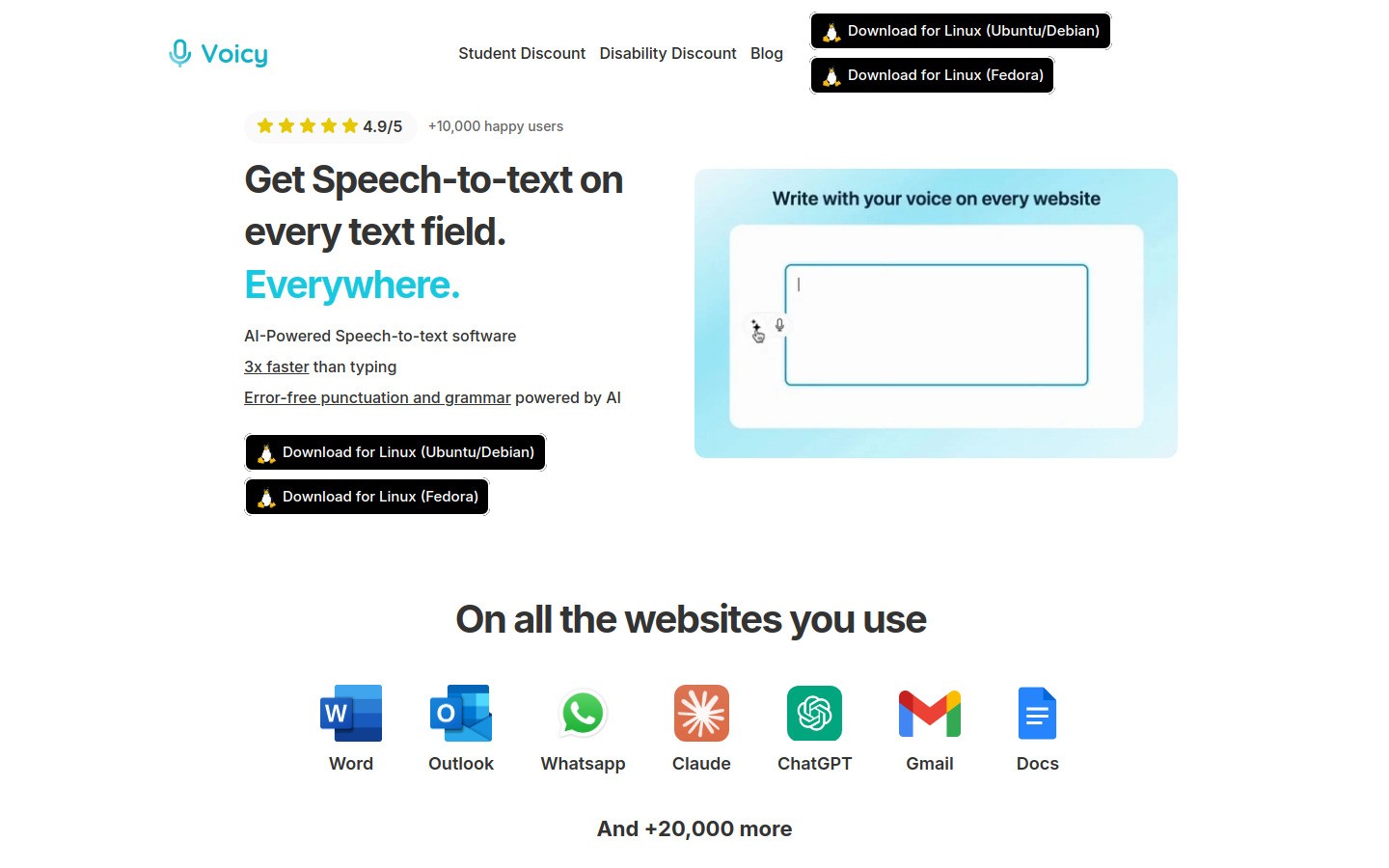
Voicy is a good fit for teachers who are tired of typing the same kinds of things every day. You can dictate parent emails, student feedback, lesson notes, behavior logs, and planning drafts, then clean them up with voice commands instead of more keyboard time.
Voicy works on Mac, Windows, and as a browser extension. It is cloud-based, not local-only, and it offers a free trial rather than a fully free plan. Pricing starts at $8.49 per month, or $82 yearly, with a $260 lifetime option. If you do a lot of writing, that is a practical price. If you only need voice typing once a week, free built-in tools may be enough.
Best for: Teachers who write a lot of feedback, emails, or planning notes.
Pros: Fast speech-to-text, automatic punctuation and cleanup, useful AI editing commands.
Cons: Paid product after the free trial, best value shows up when you use it often.
If you want more speech-to-text options, these guides are also useful: best dictation software for teachers, voice typing app guide, and speech to text in Google Docs.
9. Formative
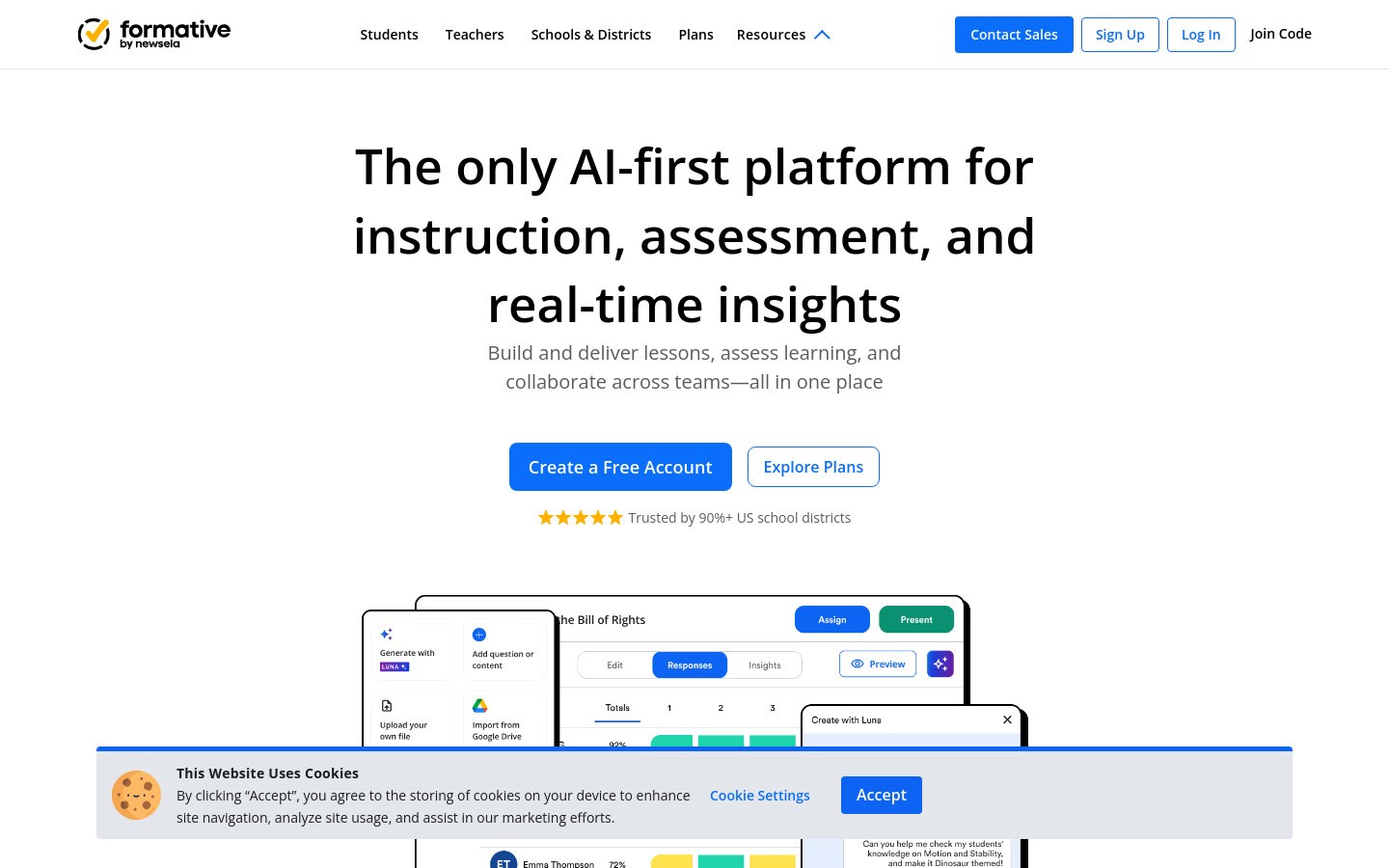
Formative is strong for live formative assessment. Teachers can see student responses as they come in and intervene before confusion hardens into a bad quiz grade.
That real-time view is the selling point. It is less helpful if you just need a very basic multiple-choice quiz and nothing more.
Best for: In-the-moment checks for understanding.
Pros: Live response visibility, useful feedback features, strong formative use case.
Cons: More tool than you need for very simple quizzes.
10. Seesaw
Seesaw works especially well in elementary settings where students need simple workflows and families want a clearer window into classroom activity. Students can respond with voice, drawing, photos, and video, which helps younger learners show what they know.
The family communication angle is a huge plus. Older students and some secondary teachers may find it less central to their workflow.
Best for: Elementary classrooms and family connection.
Pros: Student-friendly, multimodal responses, strong home-school connection.
Cons: Better fit for younger grades than upper secondary or college.
11. Google Forms
Google Forms is simple, and that is its magic. Exit tickets, surveys, reading checks, quick quizzes, and sign-ups all take minutes to make.
It is not flashy, and it does not try to be. If you want fancy game mechanics, look elsewhere. If you want a form that just works, this is still one of the safest bets online.
Best for: Fast quizzes, surveys, and classroom admin forms.
Pros: Free, quick, reliable, integrates with Sheets.
Cons: Limited design and engagement features.
12. Canvas LMS
Canvas LMS is the stronger pick when a school needs a serious learning management system with modules, gradebook tools, integrations, and more reporting depth than Google Classroom usually offers.
It is powerful. It is also more complex. Individual teachers usually do not pick Canvas on a whim. Institutions adopt it, then teachers learn to make the most of it.
Best for: Schools and colleges that need a full LMS.
Pros: Deep course tools, analytics, integrations.
Cons: More setup and complexity, usually institution-led.
13. ClassDojo
ClassDojo remains popular in younger grades for behavior points, class updates, and parent communication. It gives teachers a fast way to reinforce routines and share moments from class.
Some teachers love the structure. Others find points-based systems too performative or too behaviorist. That is a real pedagogical debate, so fit matters.
Best for: Elementary behavior tracking and family updates.
Pros: Easy parent communication, familiar, simple behavior tools.
Cons: Not every teacher likes points systems, less useful in older grades.
14. Brisk Teaching
Brisk Teaching adds AI help right where many teachers already work, especially inside Google tools and web content. It can help generate feedback, adjust reading levels, and build classroom materials faster.
That convenience is the main attraction. Like any AI tool, it works best as an assistant, not an autopilot.
Best for: Teachers who want lightweight AI help inside existing workflows.
Pros: Convenient, fast, less prompt-writing needed.
Cons: Needs human review, value depends on your browser-based workflow.
15. Gradescope
Gradescope is a grading lifesaver for teachers and professors who handle lots of written or structured assignments. Rubrics, grouped answers, and reusable feedback can make large stacks of grading much less painful.
It is more relevant in higher ed, AP-heavy courses, and departments with common assessments. Elementary teachers probably do not need this one.
Best for: Higher ed and grading-heavy secondary courses.
Pros: Faster grading workflows, good rubric tools, strong for large classes.
Cons: Niche fit, less useful for younger classrooms.
Quick comparison table
Tool | Best for | Main strength | Main limitation |
|---|---|---|---|
Google Classroom | Class workflow | Easy setup | Basic LMS depth |
Canva for Education | Visual materials | Fast design templates | Can eat time |
Kahoot! | Live review | Engagement | Shallow assessment |
Quizizz | Self-paced quizzes | Flexible delivery | Mixed shared content quality |
MagicSchool AI | Lesson drafts | Teacher-focused AI workflows | Needs review |
Loom | Video instructions | Fast recording | Easy to overuse |
Notion | Planning | Flexible organization | Setup effort |
Voicy | Writing faster | Speech-to-text plus editing | Paid after trial |
Formative | Live assessment | Real-time response view | Overkill for simple quizzes |
Seesaw | Elementary learning | Family communication | Less useful in higher grades |
Google Forms | Quick forms | Fast and reliable | Basic experience |
Canvas LMS | Full LMS | Depth and reporting | Complexity |
ClassDojo | Behavior and parent updates | Simple communication | Not loved by everyone |
Brisk Teaching | Browser-based AI support | Convenience | Needs review |
Gradescope | Assignment grading | Rubric speed | Narrower fit |
Which teacher software should you start with?
If you need a clean base, start with Google Classroom or your school’s LMS. If you need better materials, add Canva for Education. If you need quicker assessment, pick Quizizz or Formative.
If your bottleneck is writing, not teaching, try Voicy. It is especially handy for progress notes, parent communication, and feedback drafts. If you want more classroom productivity ideas, the student productivity apps guide and the productivity apps roundup have a few overlapping ideas too.
Final thoughts
The best software tools for teachers are the ones that remove friction from real work. Not fake work, not conference-demo work, real Tuesday-at-7:15-p.m. work.
Pick one or two problems first. Maybe grading is too slow. Maybe lesson materials take forever. Maybe parent emails eat your evening. Match a tool to that problem, test it for two weeks, and keep only what earns its place.


