





Speech-to-Text Software for Dyslexia: What to Choose in 2026
Speech-to-Text Software for Dyslexia: What to Choose in 2026
TL;DR
Best free starting point: Google Docs Voice Typing if you already write in Google Docs.
Best cross-app option: Voicy if you need speech-to-text across email, notes, browser fields, documents, and AI tools.
Best Microsoft option: Microsoft Word Dictate if your school or workplace already uses Microsoft 365.
Best heavy-duty option: Dragon if dictation is a daily accommodation and you need deeper control.
Best all-in-one literacy suite: Texthelp Read&Write if you need dictation plus text-to-speech, reading support, and study tools.
The best speech-to-text software for dyslexia is the tool that removes the spelling and typing bottleneck without adding a new cleanup problem. Start with a free built-in option if your writing stays in one app. Choose a cross-app dictation tool like Voicy when you need to write in many places during the day.
Speech-to-text does not treat dyslexia. It helps with one very real part of the writing process: getting ideas out before spelling, typing speed, or fatigue interrupts them.
Why Speech-to-Text Software Helps With Dyslexia
Dyslexia can make reading, spelling, and written expression harder than the ideas themselves. The International Dyslexia Association describes dyslexia as a language-based learning difference that often affects spelling and writing, not intelligence.
That is why dictation can feel so different. You can say the word you know, and the software turns it into spelled text. For many people, that means less time fighting the keyboard and more time shaping the idea.
It helps most when you use it as part of a simple loop: dictate, listen back, revise. Reading Rockets notes that speech recognition can help students with learning disabilities write longer and better papers, especially when paired with writing instruction and review.
What to Look for in Speech-to-Text Software for Dyslexia
A good dyslexia-friendly dictation tool should reduce friction. It should not force you to fix every sentence by hand.
Accurate first drafts: The tool should catch common words, names, and sentence breaks well enough that editing stays manageable.
Works where you write: One-app dictation is fine for one-app writing. Cross-app work needs a tool that follows your cursor.
Auto-punctuation or easy commands: Long unpunctuated blocks are hard to revise, especially if reading back your own work is tiring.
Text-to-speech pairing: Speech-to-text gets the draft down. Text-to-speech helps you hear mistakes that your eyes may skip.
Simple setup: If setup requires too much typing, the tool is already working against the user.
Clear privacy tradeoff: Cloud tools can be more accurate. Local tools can be better for sensitive work. Pick based on the content you dictate.
Best Speech-to-Text Software for Dyslexia by Use Case
There is no single winner for every person with dyslexia. The best choice depends on where you write and how much support you need after the words appear.
Google Docs Voice Typing: Best Free First Test
Google Docs Voice Typing is the easiest first step if you already write in Google Docs. It is built in, quick to try, and useful for school essays, notes, and rough drafts.
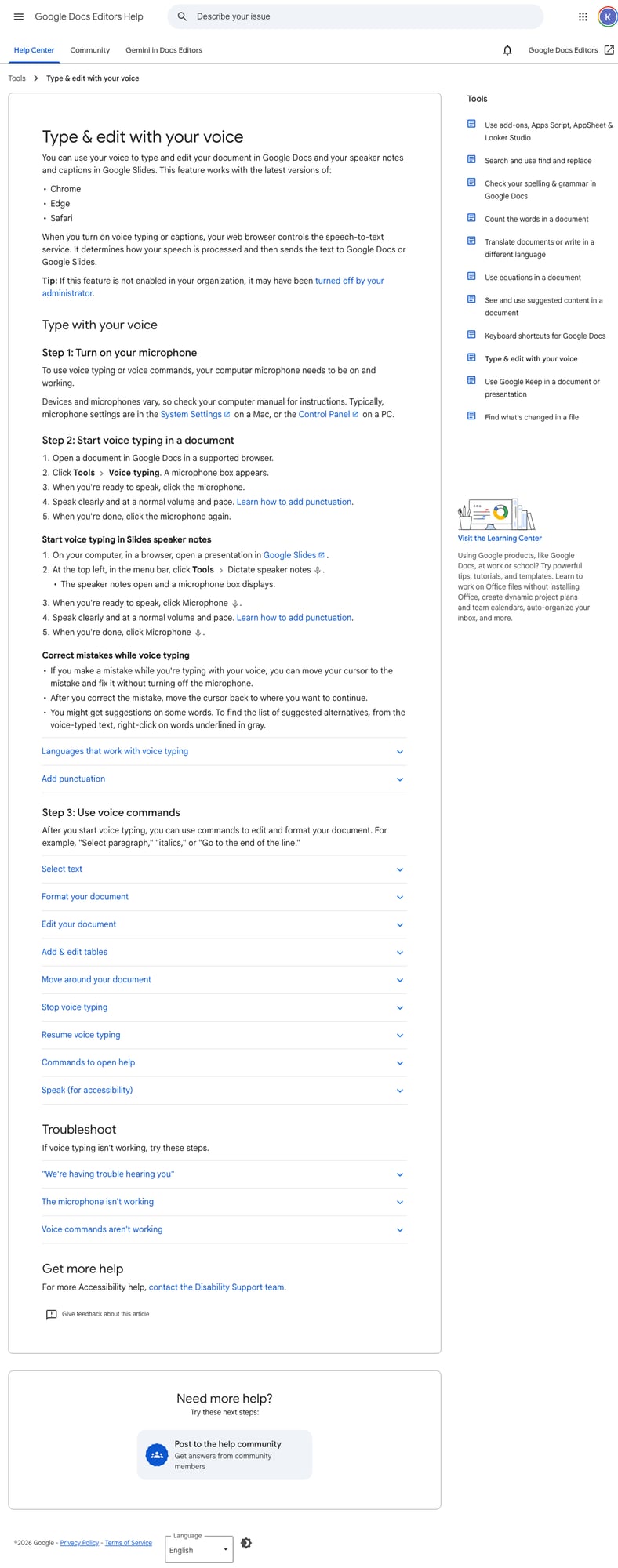
Best for: students and casual users who mostly write in Google Docs.
Main limit: it does not solve writing outside Docs. If your work moves into email, forms, Notion, Slack, or an LMS, you may hit the edge fast.
Voicy: Best Cross-App Speech-to-Text Software for Dyslexia
Voicy is the better fit when your writing happens across many apps. You can dictate emails, notes, AI prompts, browser text fields, documents, and messages without rebuilding your workflow around one editor.
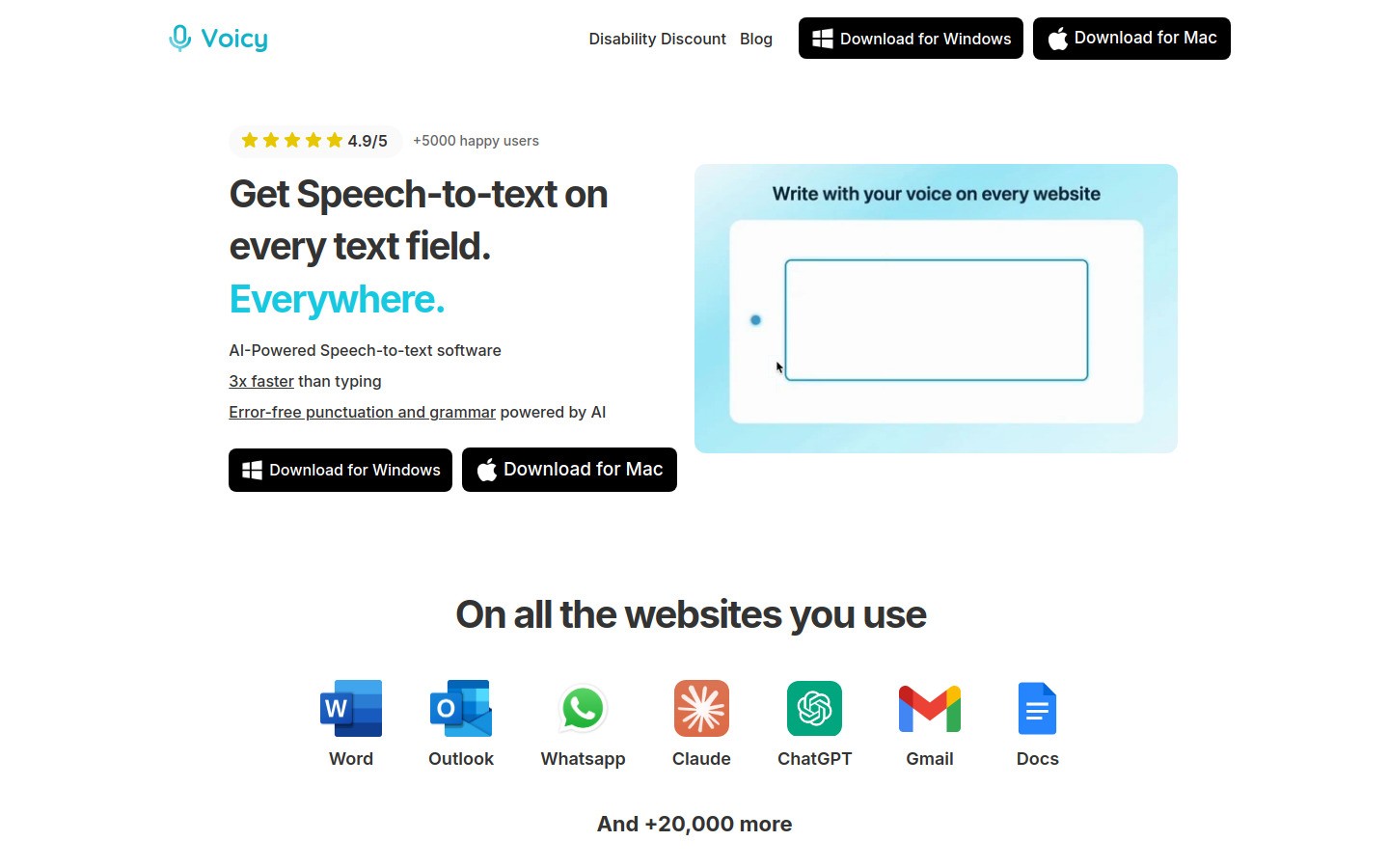
That matters for dyslexia because the hard part is often not only spelling. It is losing your thought while switching tabs, fixing messy text, or starting the same draft again in another app. Voicy works on Mac, Windows, browser extension, iOS, and Android, and it supports live dictation plus file upload transcription.
Best for: students, professionals, and adults with dyslexia who need one voice workflow across daily writing.
Main limit: Voicy is cloud-based and has a free trial only. Paid pricing is $8.49/month, $82/year, or $260 lifetime.
Useful next reads: dictation software for students with dyslexia, best apps for dyslexia, and Voicy's Chrome speech-to-text extension.
Microsoft Word Dictate: Best for Word and Microsoft 365
Microsoft Word Dictate makes sense if your school or workplace already lives in Word, Outlook, and Microsoft 365. You can dictate inside a familiar writing tool without installing a new app.
Best for: Word-first assignments, work documents, and Microsoft-based accessibility setups.
Main limit: it is strongest inside Microsoft apps. It is less useful if your writing day jumps across many browser tools.
Dragon: Best for Heavy Daily Dictation
Dragon is still one of the best-known speech recognition tools for serious dictation. It can make sense when speech-to-text is not optional, but part of a formal accessibility workflow.

Best for: people who dictate for long stretches every day and need a more advanced setup.
Main limit: higher cost, more setup, and more commitment than many students or casual users need.
Texthelp Read&Write: Best All-in-One Literacy Support
Texthelp Read&Write is not just a dictation tool. It combines speech-to-text, text-to-speech, reading support, vocabulary tools, and study support.
Best for: school or workplace setups where reading support matters as much as writing support.
Main limit: it can feel heavy if all you need is fast dictation.
Built-In Apple and Mobile Dictation: Best for Quick Notes
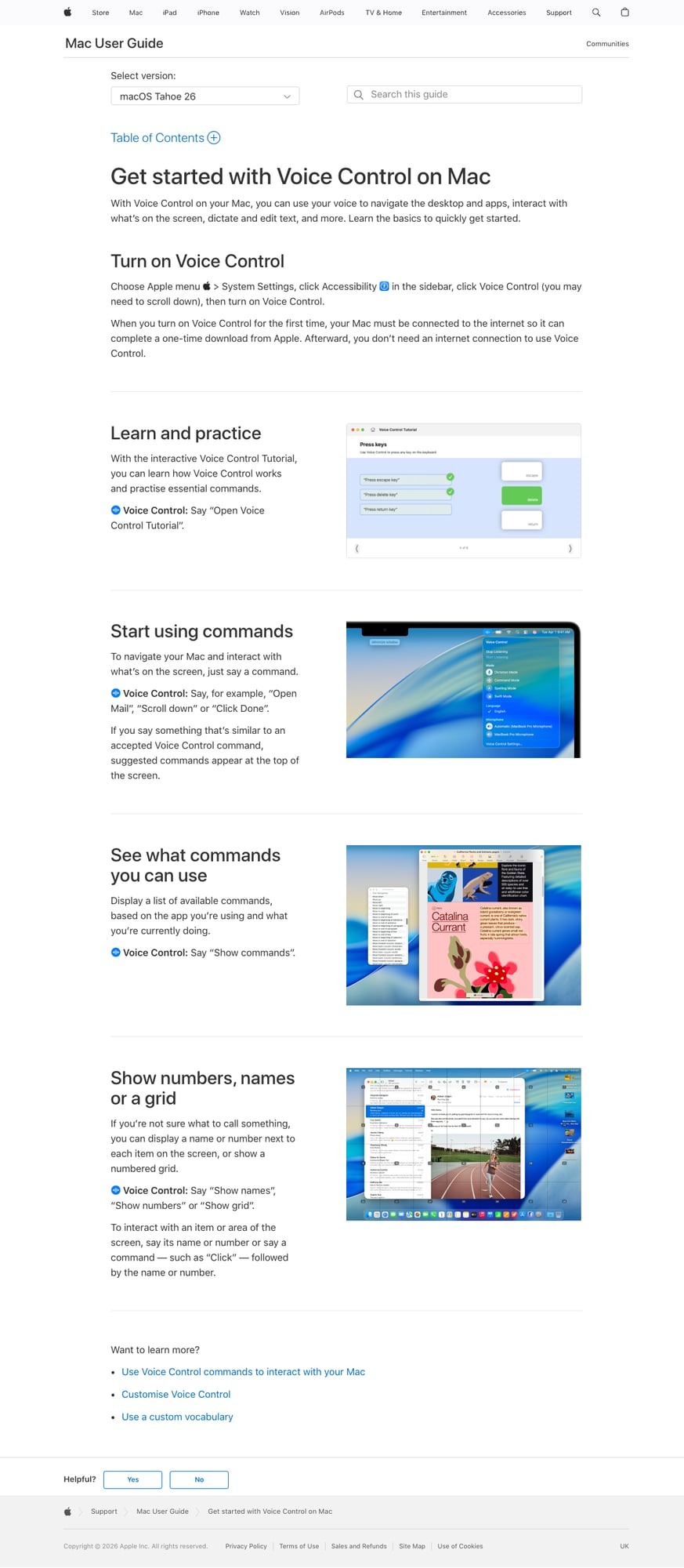
Apple Dictation, iPhone dictation, and Android voice typing are useful for quick notes, messages, and first tests. They are already on the device, which lowers the barrier.
Best for: short daily writing tasks and testing whether voice typing helps.
Main limit: built-in dictation can be basic for longer writing and cross-app workflows.
Quick Comparison Table
Tool | Best for | Main drawback |
|---|---|---|
Free drafts in Google Docs | Mostly limited to Docs | |
Cross-app speech-to-text | Paid after free trial, cloud-based | |
Word and Microsoft 365 | Less useful outside Microsoft apps | |
Heavy daily dictation | More setup and cost | |
Dictation plus reading support | Can be too much for simple dictation | |
Quick built-in dictation | Basic for longer workflows |
A Simple Dyslexia-Friendly Writing Workflow
The tool matters, but the workflow matters more. Try this:
Dictate the rough draft first. Do not stop every few words to fix spelling or punctuation.
Break the draft into short sections. Headings and bullets make revision less overwhelming.
Listen back. Use text-to-speech, read-aloud, or an accessibility feature to hear what you wrote.
Fix meaning first. Clean up structure before polishing every comma.
Use voice again for rewrites. If a sentence is a mess, saying it again is often faster than editing it by hand.
This keeps speech-to-text in its best role: fast idea capture. It also avoids asking dyslexic readers to proofread silently, which can miss the same errors again and again.
When Speech-to-Text Is Not Enough
Speech-to-text helps with output. It does not automatically solve planning, reading, proofreading, or executive function. Many people with dyslexia do better with a small stack.
For reading: pair dictation with text-to-speech or read-aloud tools.
For spelling cleanup: use a dyslexia-aware writing tool like Ghotit or a grammar checker after the first draft.
For school support: ask whether your school provides Read&Write, Dragon, Microsoft accessibility tools, or disability accommodations.
For physical strain: see our guide to voice-to-text software for carpal tunnel.
If you qualify for support, Voicy also has a disability discount page with student and accessibility pricing information.
FAQs About Speech-to-Text Software for Dyslexia
What is the best speech-to-text software for dyslexia?
The best speech-to-text software for dyslexia depends on where you write. Google Docs Voice Typing is a good free start, Voicy is better for cross-app writing, Word Dictate fits Microsoft workflows, and Dragon fits heavy daily dictation.
Does speech-to-text help people with dyslexia?
Yes, it can help by removing some spelling and typing friction. It lets you speak ideas first, then revise them after they are on the page.
Is speech-to-text the same as text-to-speech?
No. Speech-to-text turns your voice into written text. Text-to-speech reads written text aloud. Many people with dyslexia benefit from using both together.
Is Voicy good for dyslexia?
Voicy can be useful for people with dyslexia who want to dictate across many apps, browser fields, documents, emails, and notes. It is not a dyslexia treatment, but it can make daily writing less typing-heavy.
Can students use speech-to-text for essays?
Yes. Many students use dictation for outlines, rough drafts, essay paragraphs, and study notes. They still need to review, revise, and follow their school rules.
What is the best free speech-to-text tool for dyslexia?
Google Docs Voice Typing is usually the best free first test if you already use Google Docs. Built-in Apple Dictation and mobile voice typing are also useful for quick notes.
Do I need Dragon for dyslexia?
Not always. Dragon can be powerful for heavy daily dictation, but many people should start with simpler tools first and upgrade only when the limits are clear.
Should I choose cloud or local speech-to-text?
Cloud tools often provide stronger accuracy and cleanup. Local tools can be better for sensitive information. Choose based on what you dictate and your privacy needs.
Final Take
The right speech-to-text software for dyslexia should make writing feel less blocked. It should help you get words down while your ideas are still clear.
If you want a free first test, start with Google Docs Voice Typing or a built-in dictation feature. If your writing happens across school, work, browser apps, AI tools, notes, and email, Voicy is the more flexible pick because it follows the way people actually write now.


