





Best Willow Voice Alternatives in 2026: 6 Dictation Apps Compared
Summary
Voicy: Best overall if you want one speech-to-text tool across desktop, browser, and mobile, plus file upload transcription.
Wispr Flow: Best if you want another polished premium dictation app.
Typeless: Best if you want heavy AI cleanup on top of dictation.
Aqua Voice: Best if you want fast desktop dictation with strong formatting help.
Superwhisper: Best if you care most about local-first Apple workflows.
Windows Voice Typing: Best free built-in option for Windows users.
Willow Voice is a strong dictation app. It focuses on fast voice writing, automatic formatting, and a smooth experience for everyday work like emails, docs, Slack, and AI prompts.
Still, some people want different tradeoffs. You may want file upload transcription, a lifetime option, broader platform coverage, or a more local privacy story. If that is the case, these Willow Voice alternatives are the ones to compare first.
What is the best Willow Voice alternative?
For most people, the best Willow Voice alternative is Voicy. It supports more platforms, includes file upload transcription, and gives you monthly, yearly, and lifetime pricing. If you want something closest to Willow's polished AI dictation feel, Wispr Flow is a strong second option.
Comparison table
Tool | Best for | Platforms | Processing | AI formatting | File uploads | Pricing | Main limitation |
|---|---|---|---|---|---|---|---|
Voicy | Best overall | Mac, Windows, Browser Extension, iPhone, Android | Cloud | Strong | Yes | $8.49/mo, $82/yr, $260 lifetime | Not local-first |
Wispr Flow | Premium polished dictation | Mac, Windows, iPhone, Android | Cloud | Strong | Limited / not core focus | Free, then $12/mo annual or $15/mo monthly | Higher recurring cost |
Typeless | Cleaner rewritten output | Mac, Windows, iPhone, Android | Cloud | Strong | No clear file-transcription focus | Free, then $12/mo annual or $30/mo monthly | More writing-focused than transcription-focused |
Aqua Voice | Fast desktop dictation | Mac, Windows, iOS | Cloud and AI-assisted | Strong | Limited compared with transcript-first tools | Free, then $8/mo billed annually | Less broad outside its core dictation workflow |
Superwhisper | Local Apple workflows | macOS, Windows, iOS | Local and mixed modes | Strong | Yes | $8.49/mo, $84.99/yr, $249.99 lifetime | Still most natural in Apple-heavy setups |
Windows Voice Typing | Free Windows option | Windows | Built in | Basic | No | Free | Less polished than dedicated AI apps |
Why people look for a Willow Voice alternative
Most people are not leaving Willow because it is bad. They are leaving because they want a different mix of features.
They want file upload transcription in the same tool.
They want a lifetime option instead of another subscription.
They want broader platform coverage.
They want stronger privacy or more local control.
They want a tool that fits their writing style better.
1. Voicy ($8.49/month, $82/year, $260 lifetime): Best Willow Voice alternative for most people

Voicy is the most balanced Willow Voice alternative in this list. It works across Mac, Windows, browser, iPhone, and Android, and it handles both live dictation and file upload transcription. That makes it broader than many voice-writing tools that stop at live text entry.
Best for: people who want one speech-to-text tool across all their devices
Strongest points: file uploads, broad platform support, lifetime option, simple pricing
Pricing: $8.49/month, $82/year, or $260 lifetime
Tradeoff: cloud-based, so it is not ideal for users who only want local processing
If you want more background first, see our guides to talk to text apps and dictation software.
2. Wispr Flow (Free, then $12/month annual or $15/month monthly): Best premium alternative with a similar feel
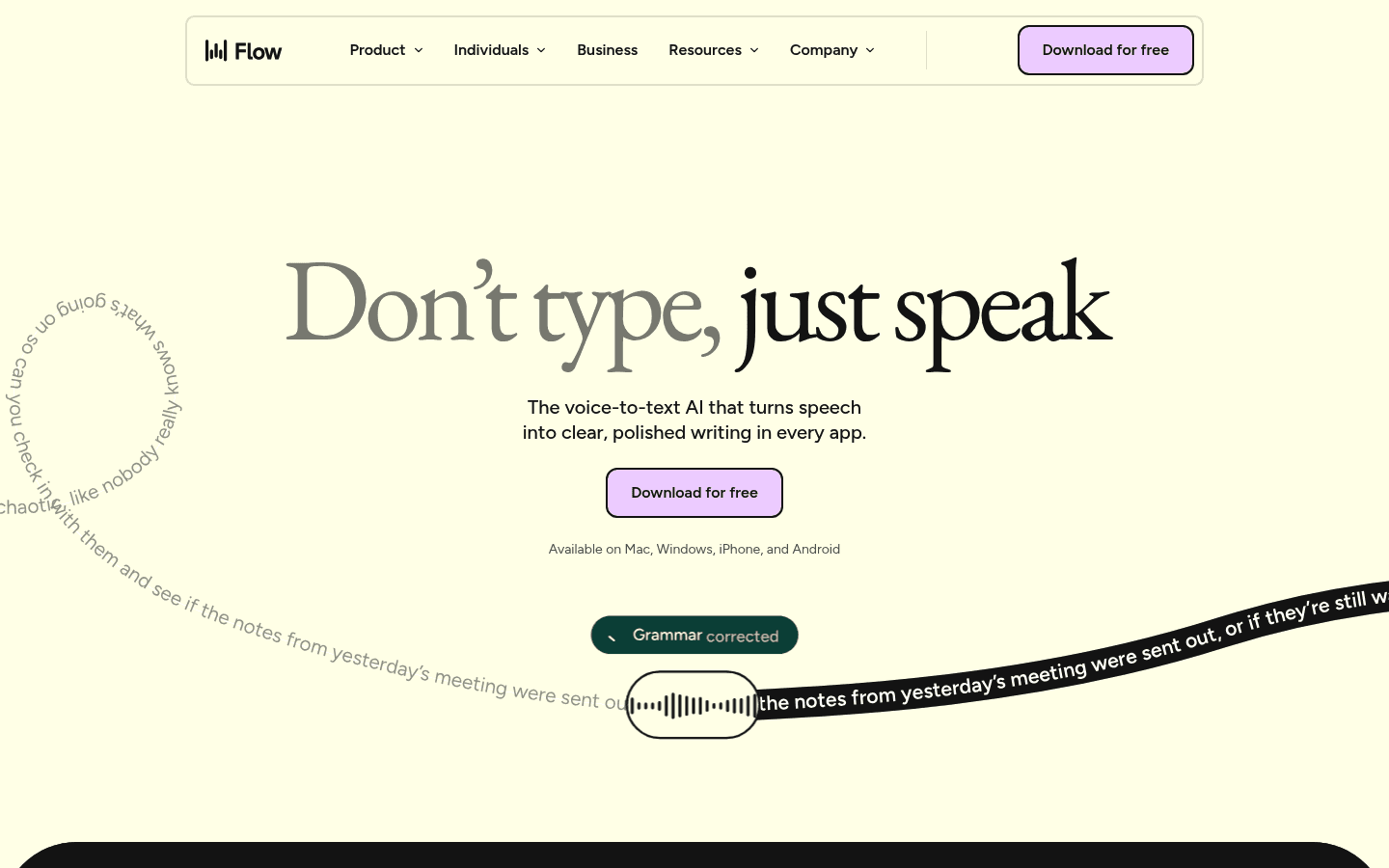
Wispr Flow is the strongest Willow Voice alternative if you want another premium AI dictation app with a polished feel. It focuses on quick system-wide dictation, cleanup, and formatting across devices.
Best for: users who want a polished premium dictation experience
Strongest points: smooth UX, strong formatting, broad device support
Pricing: free plan, then $12/month billed annually or $15/month billed monthly
Tradeoff: recurring cost can feel steep over time
3. Typeless (Free, then $12/month annual or $30/month monthly): Best for speech that needs more cleanup
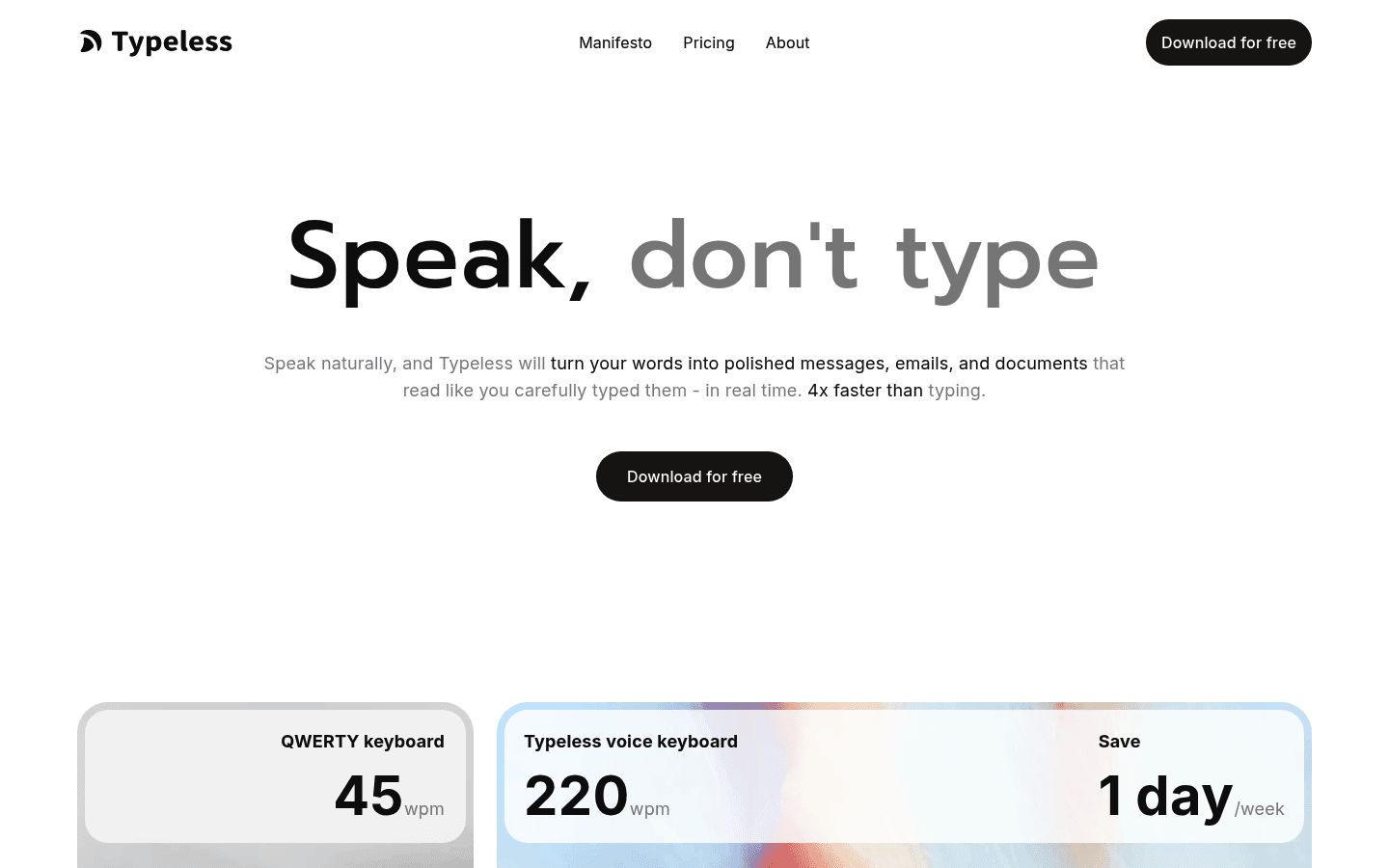
Typeless is a good alternative if your main issue is not raw speech-to-text accuracy. It is how much cleanup your speech still needs. Typeless leans hard into removing filler words, catching self-corrections, and turning messy speech into cleaner writing.
Best for: people who want polished writing from natural speech
Strongest points: auto-editing, style cleanup, cross-platform support
Pricing: free plan, then $12/month billed annually or $30/month billed monthly
Tradeoff: less compelling if file transcription is part of your workflow
4. Aqua Voice (Free, then $8/month billed annually): Best for fast desktop voice writing
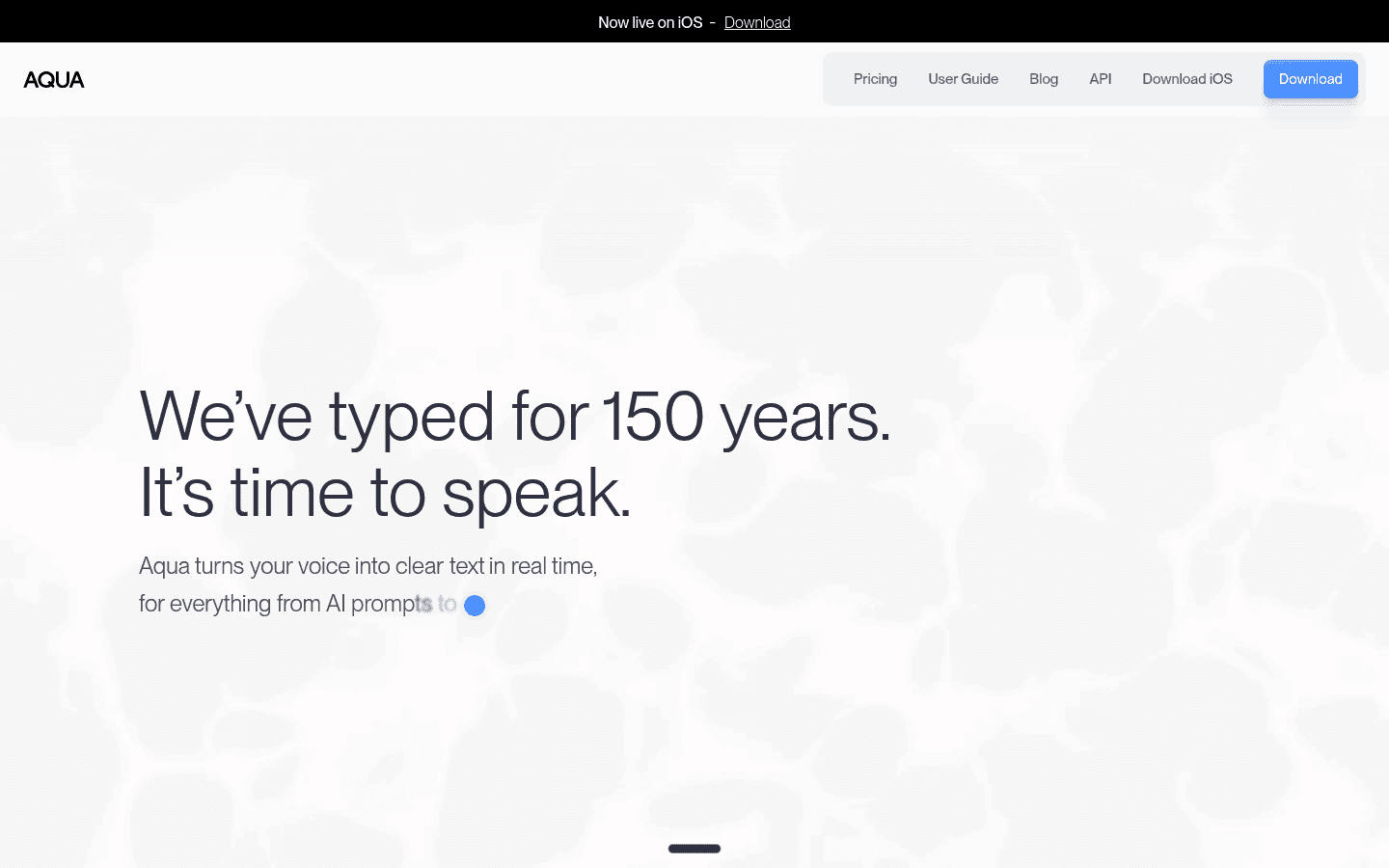
Aqua Voice is a strong pick for people who mostly work on desktop and want speed. It is built around turning speech into clean writing while you talk, which makes it especially interesting for people writing prompts, docs, and messages all day.
Best for: desktop-heavy users who want fast AI-assisted dictation
Strongest points: speed, formatting help, strong app-to-app dictation
Pricing: free plan with 1,000 words, then $8/month billed annually
Tradeoff: not the broadest option if you also want deep file-transcription workflows
5. Superwhisper ($8.49/month, $84.99/year, $249.99 lifetime): Best for local-first Apple use
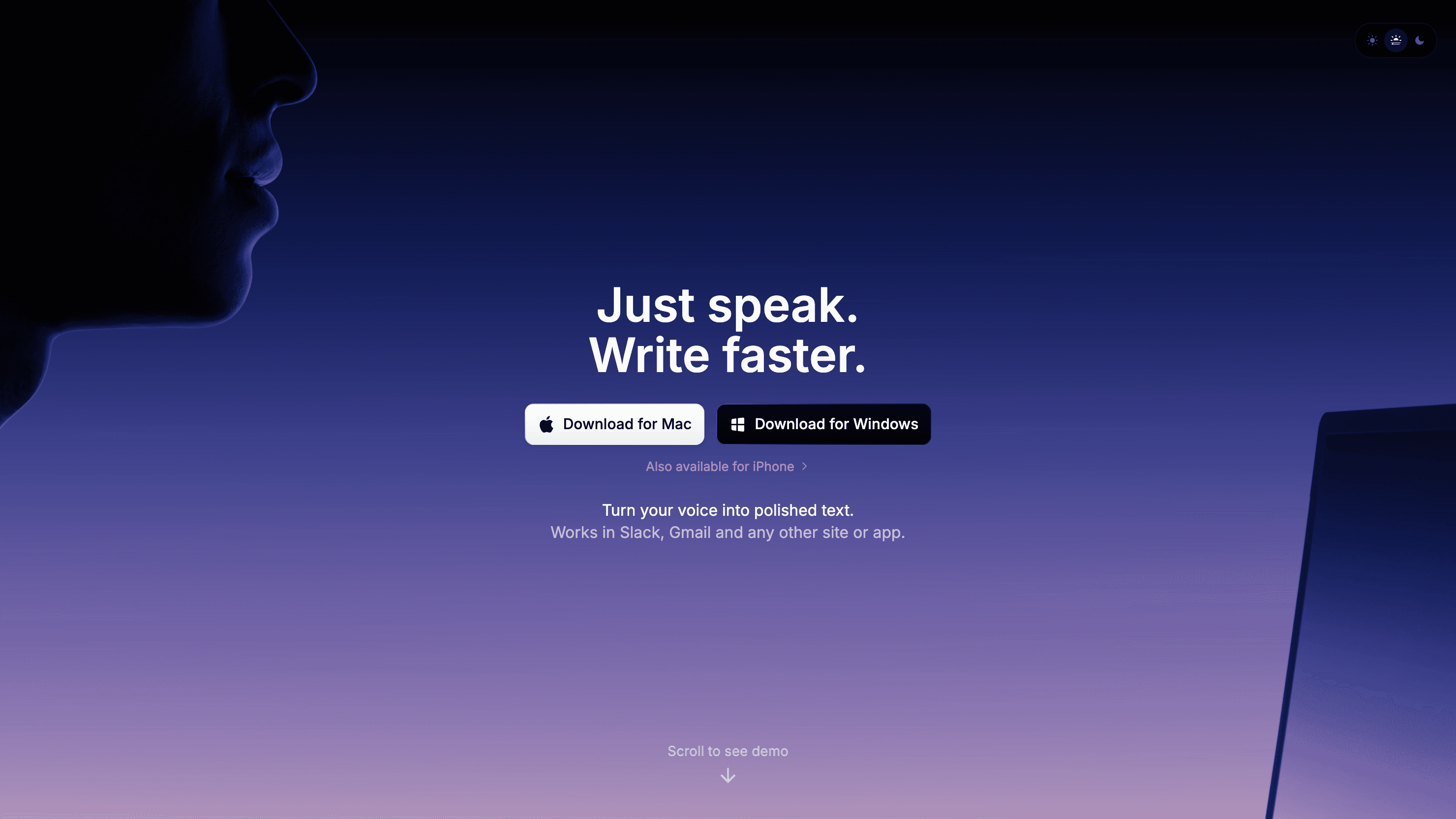
Superwhisper is the better pick if privacy and local processing matter more than cloud features. It is especially appealing for Apple users who want more control over how speech gets processed.
Best for: Apple-heavy users who care about privacy and local modes
Strongest points: local-first positioning, Apple workflow fit, file transcription support
Pricing: $8.49/month, $84.99/year, or $249.99 lifetime
Tradeoff: not as simple a fit for casual users or mixed-device teams
6. Windows Voice Typing (Free): Best free option for Windows users
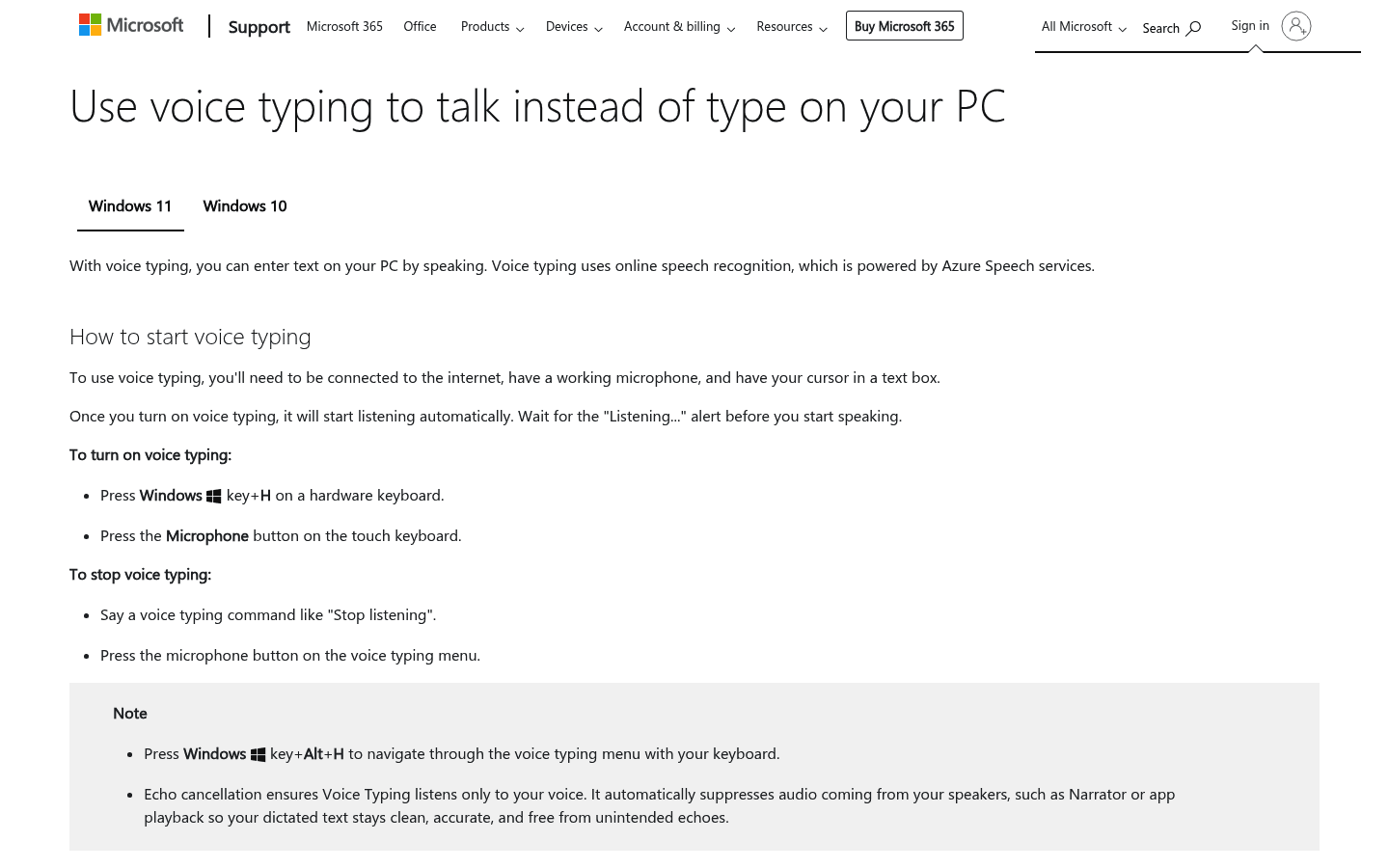
If your real goal is to spend nothing, Windows Voice Typing is still the obvious fallback. It is built in, easy to test, and good enough for basic notes, messages, and light drafting.
Best for: Windows users who want a free starting point
Strongest points: no install, no extra cost, quick to try
Pricing: free
Tradeoff: much thinner feature set than dedicated paid AI tools
Which Willow Voice alternative is best for each use case?
Best overall: Voicy
Best premium polished alternative: Wispr Flow
Best for cleaner rewritten output: Typeless
Best for fast desktop dictation: Aqua Voice
Best for local-first Apple use: Superwhisper
Best free Windows option: Windows Voice Typing
How to choose the right one
If you want one speech-to-text tool that covers dictation and file uploads, pick Voicy. If you want a product that feels most like Willow, look at Wispr Flow. If your speech usually needs cleanup before it looks good on screen, Typeless is more interesting.
If privacy is the main issue, Superwhisper deserves the harder look. If price is the issue, start with Windows Voice Typing and move up only if you outgrow it.
FAQ
What is the best alternative to Willow Voice?
For most people, the best overall alternative is Voicy because it covers more platforms, supports file upload transcription, and offers more pricing flexibility.
Is there a free alternative to Willow Voice?
Yes. Windows Voice Typing is the clearest free built-in option for Windows users, and some paid AI tools also offer free tiers or trials.
Which Willow Voice alternative is best for Mac?
If you want the most balanced Mac option, choose Voicy. If you care most about local-first Apple workflows, Superwhisper is the stronger specialist pick.
Which alternative is best if I also need audio file transcription?
Voicy is the standout choice here because it supports file upload transcription as well as live dictation.
Which option is closest to Willow's polished dictation feel?
Wispr Flow is the closest match if your main goal is a polished premium dictation app with strong cleanup and formatting.
What makes a good Willow Voice alternative?
Cross-app dictation: The best tools work in email, docs, chats, forms, and prompts without friction.
Platform coverage: Mac alone is one thing. Mac plus Windows, browser, and mobile is another.
AI cleanup: Some tools focus on raw transcription. Others rewrite and format as you speak.
Pricing: Free tier, trial, subscription, and lifetime options all change the long-term value.
Transcription depth: Some people also need uploaded audio files, not just live dictation.
Conclusion
Willow Voice is a serious product, but it is not the only good one. The best replacement depends on what is missing from your workflow now.
If you want the safest all-around choice, go with Voicy. If you want a premium dictation feel, Wispr Flow is a strong alternative. If you want more local control on Apple devices, Superwhisper is the more natural fit.


