





Wispr Flow Alternative for Linux
TL;DR
Best easy paid option: Voicy for Linux, if you want a polished dictation app with file transcription and the same workflow across other devices.
Best Linux-native offline option: Vocalinux, if local processing matters more than cross-platform convenience.
Best simple open-source option: nerd-dictation, if you are comfortable with terminal setup.
Best Flatpak-style app: Speech Note, if you want offline speech tools in a desktop app.
If you want a Wispr Flow alternative for Linux, start with Voicy if you want the easiest cross-platform workflow. Wispr Flow officially lists Mac, Windows, iOS, and Android, and its own Linux/WSL help page is about using Flow from Mac or Windows with terminals, WSL, Linux VMs, and remote SSH sessions. For a native Linux setup, you need a different tool.

Voicy is the easiest pick if you want Linux support without giving up Mac, Windows, browser, iPhone, Android, and file transcription.
Does Wispr Flow Work on Linux?
Wispr Flow does not currently list Linux as an official supported platform. Its supported devices page lists Mac, Windows, iOS, and Android.
Wispr Flow does have a help page for Linux, WSL, and terminal apps, but the page describes using Flow from Mac or Windows and pasting into terminals, WSL windows, Linux VMs, or remote SSH sessions. That is useful if you already run Flow on a supported Mac or Windows machine. It is not the same as an official Linux desktop app.
There is also an unofficial Wispr Flow Linux port. It may be interesting for technical users, but it is not the official Wispr Flow app or support path.
Best Wispr Flow Alternatives for Linux
1. Voicy: Best Easy Wispr Flow Alternative for Linux
Voicy is the best starting point if you want a ready-to-use dictation and transcription workflow on Linux. It is built for people who write across apps, not just people who want to tinker with speech models.
Voicy also works on Mac, Windows, browser extension, iOS, and Android. That matters if Linux is one machine in your workflow, not your whole life. You can dictate on desktop, use the browser extension, and upload audio or video files for transcription.
The tradeoff is privacy model. Voicy uses cloud-based transcription, so it is not the right pick if you need fully local speech recognition. It has a free trial, then costs $8.49/month, $82/year, or $260 lifetime.
2. Vocalinux: Best Offline Linux Dictation App
Vocalinux is a strong choice if your main requirement is offline Linux dictation. Its public pages describe it as a free, open-source Linux voice dictation tool with X11 and Wayland support.
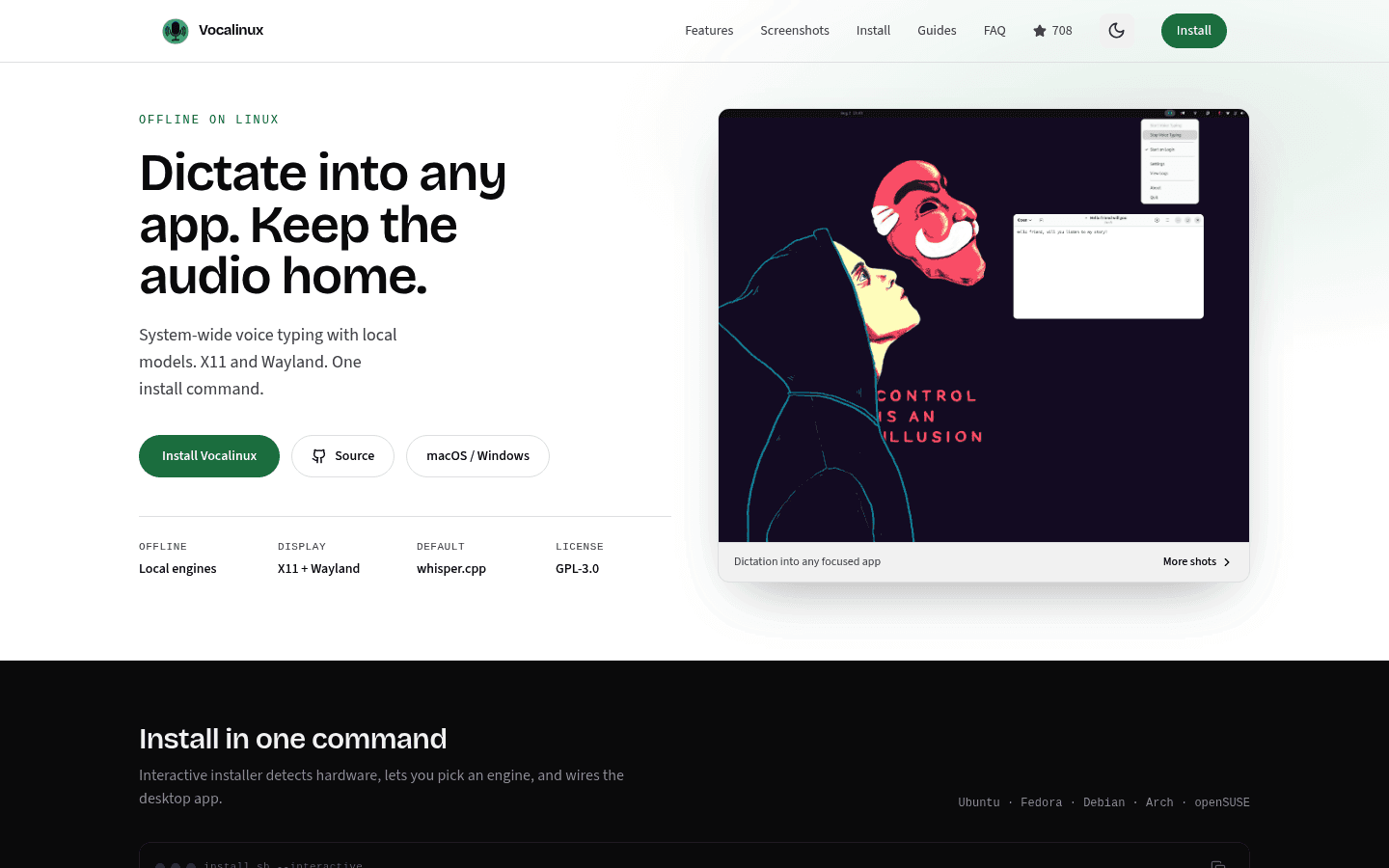
Vocalinux is worth testing when offline Linux dictation is more important than cross-device sync or file transcription.
Pick Vocalinux if you want local processing and do not mind a Linux-first tool. Pick Voicy if you want a simpler paid workflow that also covers non-Linux devices and uploaded files.
3. Speech Note: Best Offline Desktop App
Speech Note is a Linux desktop app distributed on Flathub. Flathub lists it around speech, offline, and voice, and its release notes mention speech-to-text engines and model updates.
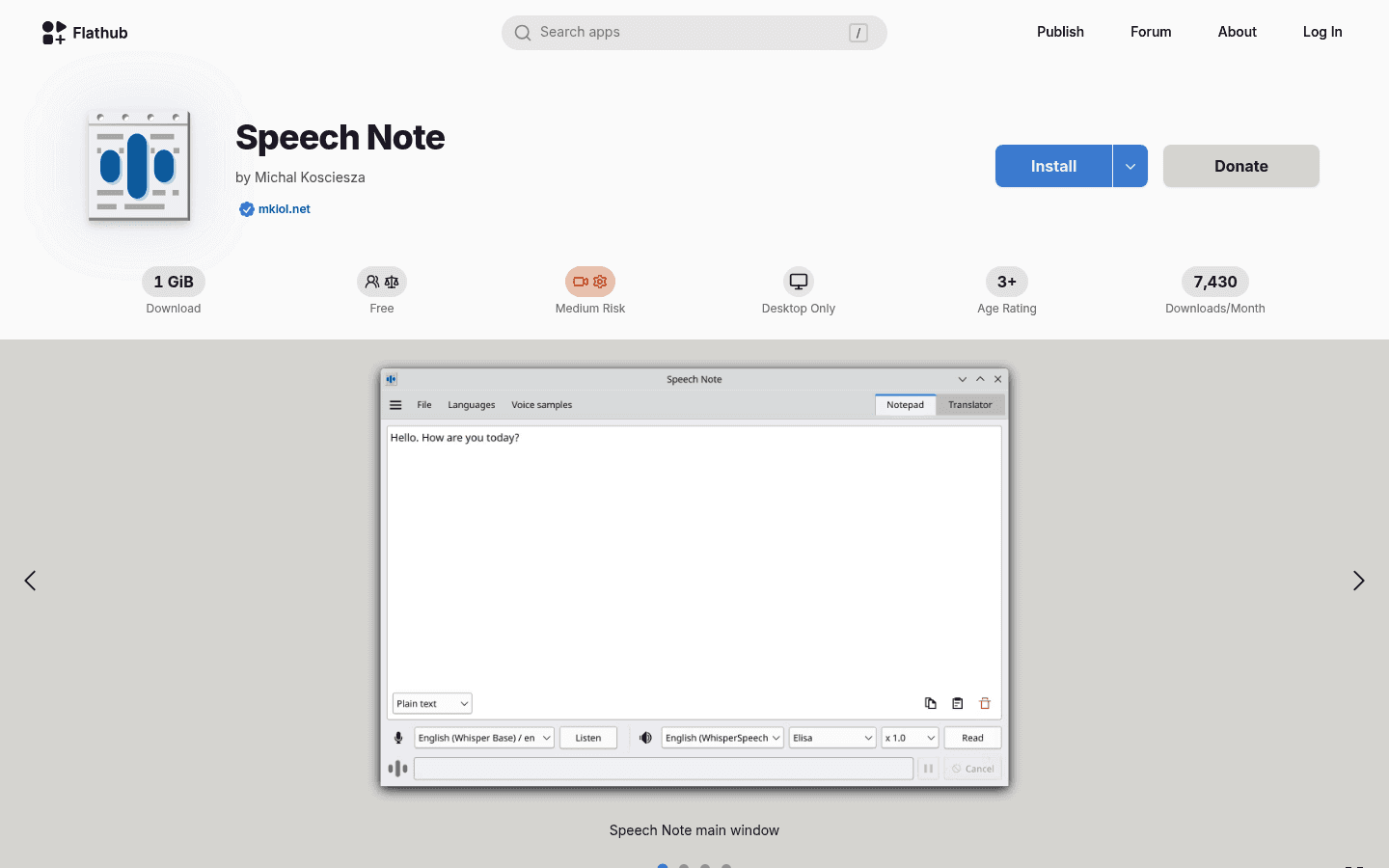
Speech Note is a practical Linux desktop option if you prefer a local app over a cloud dictation workflow.
Speech Note is better for offline notes and local speech tools. Voicy is better when you care more about polished dictation, file transcription, and using the same account across devices.
4. nerd-dictation: Best Hackable Open-Source Option
nerd-dictation is a simple, hackable offline speech-to-text tool for Linux. It uses VOSK and can type into focused windows through Linux input tools.
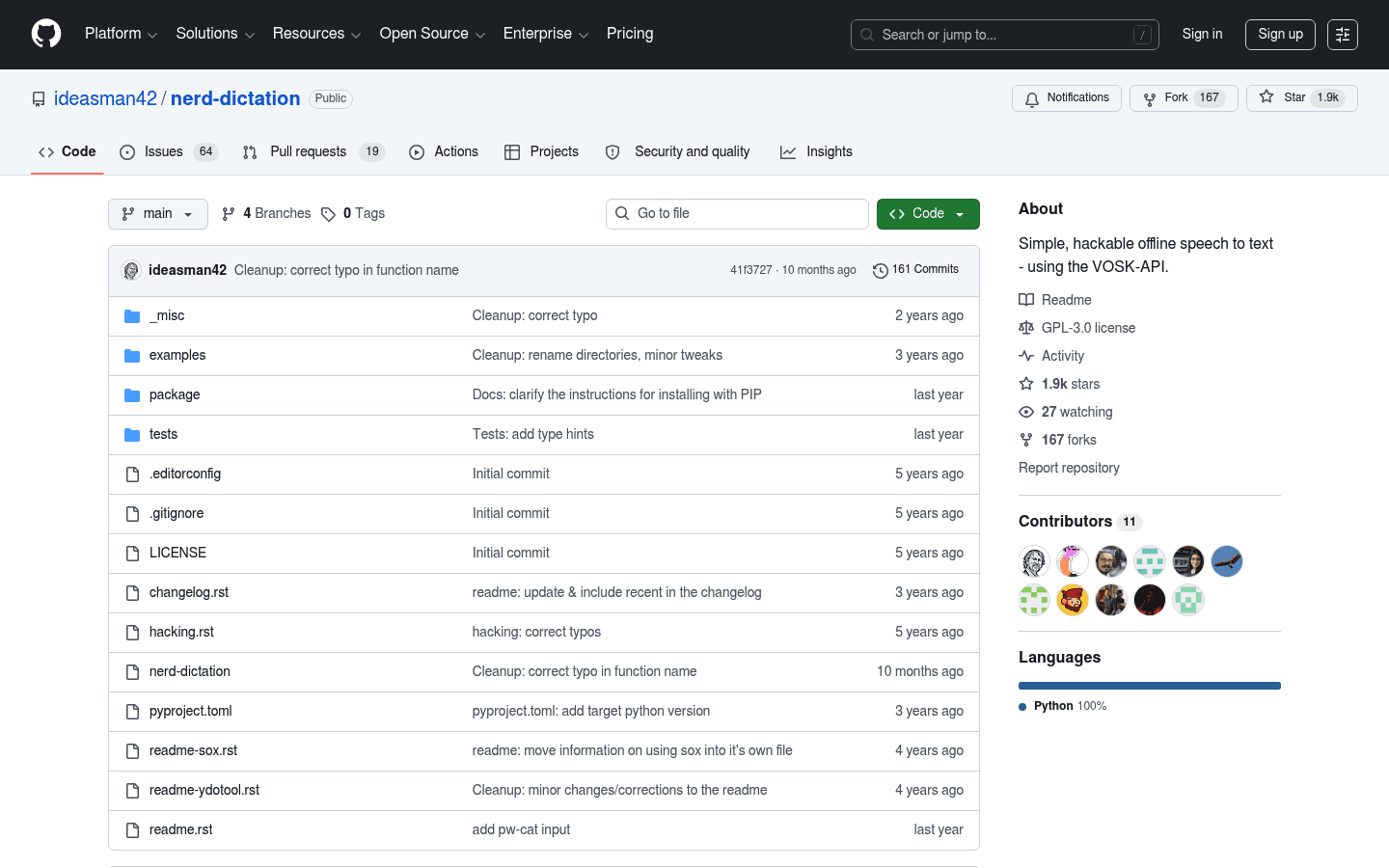
nerd-dictation is a good fit for technical Linux users who like scripts, shortcuts, and local models.
The upside is control. The downside is setup. You may need to install models, configure audio capture, and tune input tools for your desktop environment.
Which One Should You Pick?
Choose Voicy for Linux if you want the smoothest Wispr Flow-style alternative with file transcription and broad platform support. It is the practical pick for everyday writing, emails, notes, docs, and recorded files.
Choose Vocalinux, Speech Note, or nerd-dictation if local processing matters more than polish. Those tools are better for Linux users who want offline speech recognition and are willing to spend more time testing setup.
For a deeper Linux dictation breakdown, read our speech-to-text Linux guide. For broader competitor research, see our Wispr Flow alternatives guide.
FAQ
What is the best Wispr Flow alternative for Linux?
Voicy is the best easy Wispr Flow alternative for Linux if you want a polished paid dictation app with file transcription and cross-platform support. Vocalinux, Speech Note, and nerd-dictation are better if you need offline Linux-native speech recognition.
Does Wispr Flow have a Linux app?
Wispr Flow officially lists Mac, Windows, iOS, and Android as supported platforms. Its Linux help content focuses on terminals, WSL, Linux VMs, and remote SSH from supported Mac or Windows setups, not a native official Linux desktop app.
Is Voicy local or cloud-based?
Voicy uses cloud-based transcription. If you need fully local/offline speech recognition on Linux, test Vocalinux, Speech Note, or nerd-dictation instead.
Is Voicy free?
Voicy has a free trial, but it is not a fully free product. Paid plans are $8.49/month, $82/year, or $260 lifetime.
Can Voicy transcribe uploaded files on Linux?
Yes. Voicy supports file upload transcription in addition to live dictation, which is one reason it can be a better fit than simple Linux-only dictation tools.


