




Summary of the article
Voicy: Best overall if you want one dictation tool across Mac, Windows, browser, iPhone, and Android, plus file upload transcription.
Superwhisper: Best for people who want local processing and spend most of their time on Apple devices.
Willow Voice: Best for fast cross-device dictation with personalization across Mac, Windows, and iPhone.
Apple Dictation: Best free built-in option for light Mac and iPhone use.
Google Docs Voice Typing: Best free browser option if you mostly work in Docs.
Windows Voice Typing: Best free built-in option for Windows users.
Otter.ai: Best if your real need is transcripts, summaries, and meetings more than system-wide dictation.
Dragon: Best for old-school power users who want deep customization and do not mind a heavier setup.
MacWhisper: Best for Mac users who want a local Whisper-based transcription workflow.
Wispr Flow is a strong dictation app. It is polished, fast, and now works across Mac, Windows, iPhone, and Android. But it is not the best fit for everyone. Some people want a lifetime option. Some want file transcription too. Some want simpler pricing. Others care more about local processing than cloud features.
This guide compares the best Wispr Flow alternatives for those tradeoffs. If you want the short version, Voicy is the best overall pick for most people. It covers more devices, gives you more pricing flexibility, and adds file upload transcription on top of live dictation. If price is the main question, start with our Wispr Flow pricing breakdown. If you want a direct head-to-head, you can also read our Wispr Flow alternative landing page.
What to look for in a Wispr Flow alternative
Platform support: Do you need just Mac, or Mac plus Windows and mobile too?
Processing model: Some tools are cloud-based. Others run locally on your device.
Pricing model: Subscription, free, or lifetime pricing changes the long-term cost a lot.
System-wide dictation: Some tools work across apps. Others are limited to one editor or one workflow.
AI cleanup: Good dictation is not just raw transcription. Formatting and rewrite tools matter too.
File transcription: Not every dictation app lets you upload audio or video files for transcription.
Comparison table
Tool | Best for | Platforms | Processing | System-wide dictation | File uploads | Pricing | Free plan or trial | Main limitation |
|---|---|---|---|---|---|---|---|---|
Voicy | Best overall | Mac, Windows, Browser Extension, iPhone, Android | Cloud | Yes | Yes | $8.49/month, $82/year, $260 lifetime | Free trial | Not local-first |
Superwhisper | Local Apple workflows | macOS, Windows, iOS | Local and AI-assisted modes | Yes | Yes | Paid plans available | Free download / trial path varies by plan | Can feel complex for casual users |
Willow Voice | Fast cross-device dictation | macOS, Windows, iOS | Cloud with offline mode on paid plans | Yes | No | Free tier plus paid plans | 2,000 free words per week | No Android app yet, and heavier use needs a paid plan |
Apple Dictation | Free Apple users | macOS, iOS | Apple built-in | Partial | No | Free | Built in | Limited for heavy daily writing |
Google Docs Voice Typing | Browser drafting | Web | Cloud | No | No | Free | Built in to Docs | Works best inside Docs only |
Windows Voice Typing | Free Windows users | Windows | Windows built-in | Partial | No | Free | Built in | Not as polished as paid tools |
Otter.ai | Meetings and transcripts | Web, Mac, Windows, iOS, Android, Chrome | Cloud | No | Yes | Free and paid plans | Free plan | Not built for seamless all-app dictation |
Dragon | Traditional power users | Product-dependent, mostly Windows-focused | Varies by product | Yes | Limited / product-dependent | Premium pricing | No meaningful free option | Heavier setup and older feel |
MacWhisper | Local Whisper workflows on Mac | macOS | Local | No | Yes | One-time purchase options | Free tier available | More transcription-focused than full system-wide dictation |
If you want one simple answer, Voicy is the most balanced choice.
If you want local-first workflows on Apple hardware, Superwhisper and MacWhisper are stronger. If you want faster cross-device dictation with personalization, Willow Voice deserves a look. If you want free built-in tools, Apple Dictation, Google Docs Voice Typing, and Windows Voice Typing are the obvious places to start.
1. Voicy, best overall Wispr Flow alternative for most people

Voicy is the strongest overall alternative because it covers the widest range of real-world workflows without getting weirdly narrow. You can use it on Mac, Windows, the browser extension, iPhone, and Android. It also supports file upload transcription, which matters if you want one tool for both live dictation and recorded audio.
That makes Voicy broader than most Wispr Flow alternatives. A lot of tools do one thing well, like local Mac transcription or meeting transcripts, but then fall apart when you try to use them across your whole week.
Best for: people who want one dictation tool across desktop, browser, and mobile
Strongest points: cross-platform coverage, free trial, file upload transcription, flexible pricing
Pricing: $8.49/month, $82/year, or $260 lifetime
Tradeoff: Voicy is cloud-based, so people who only want local processing may still prefer Superwhisper or MacWhisper
If you want more context first, see our guides to the best talk to text apps and the best dictation software in 2026.
2. Superwhisper, best for local dictation on Apple devices
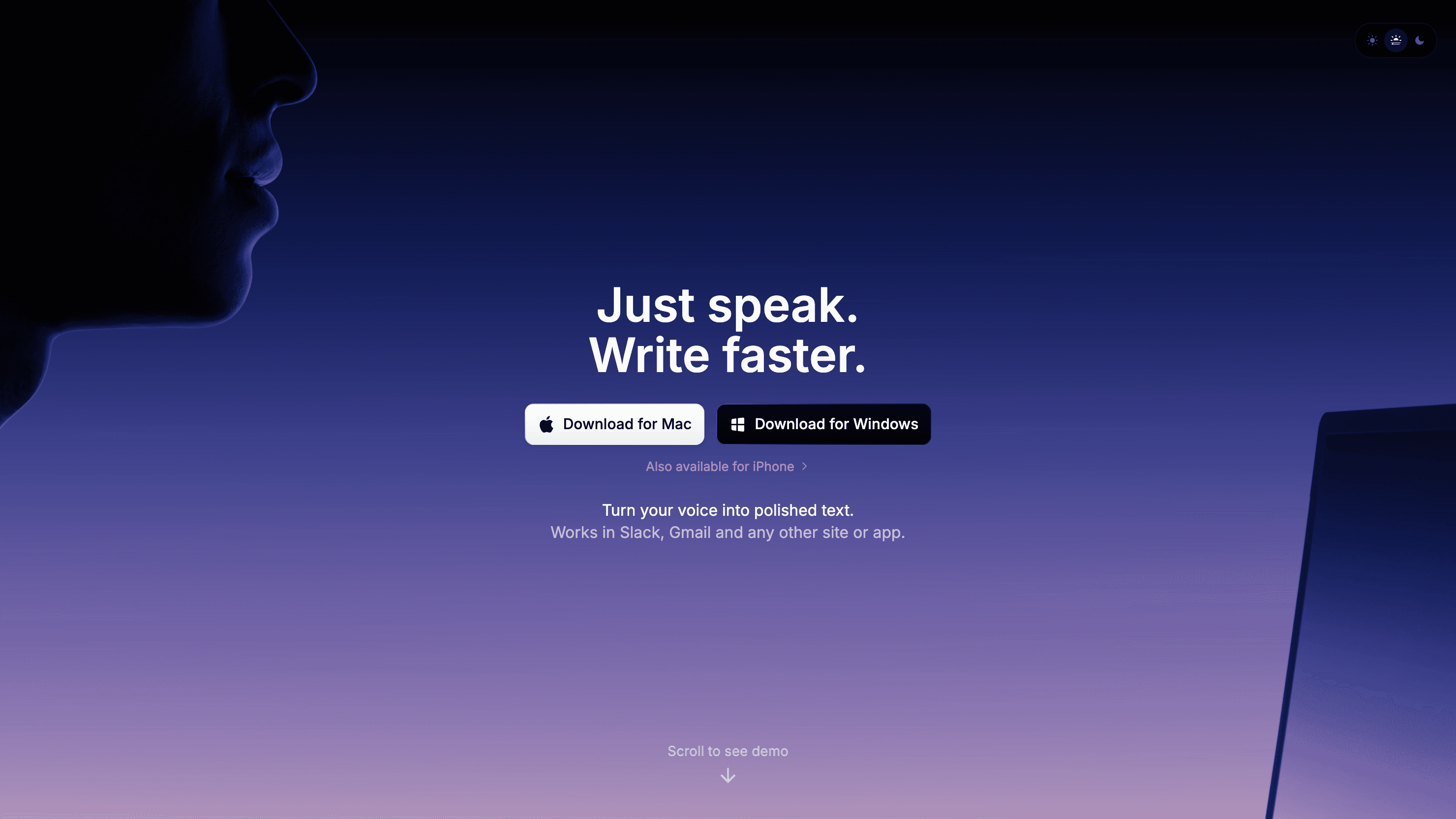
Superwhisper is the clearest pick if local processing is your top priority and you spend most of your time on Apple hardware. It is strong for users who want more control, more modes, and tighter local-first workflows.
It is also a bit more power-user shaped. That can be a plus if you love tweaking things. It can be a minus if you just want to install an app and start talking.
Best for: Mac and iPhone users who care most about local processing
Strongest points: Apple-focused workflow, customization, file transcription, local-first positioning
Tradeoff: not the simplest choice for casual users or mixed-device teams
3. Willow Voice, best for fast cross-device dictation with personalization
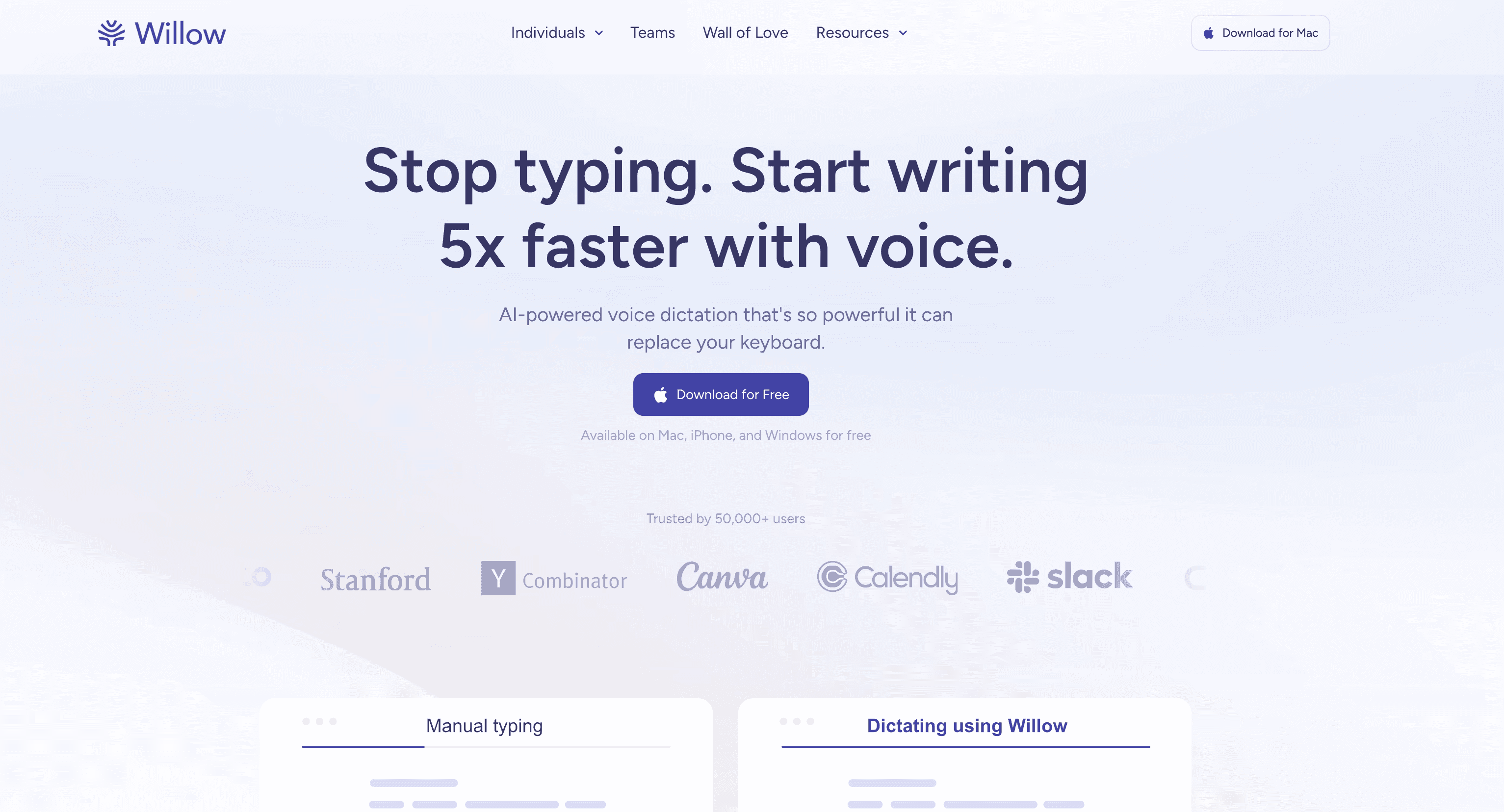
Willow Voice is one of the more polished modern dictation tools if you want something fast across Mac, Windows, and iPhone. Its pitch is simple: talk naturally, get clean text quickly, and let the product adapt to how you write over time.
What makes Willow stand out is the personalization layer. Its official plan details highlight support for 100+ languages, a personal dictionary, style matching, transcript history, and a smart memory on paid plans. That makes it feel closer to a daily writing tool than a basic speech-to-text utility.
Best for: people who want fast dictation across Mac, Windows, and iPhone with personalization built in
Strongest points: 2,000 free words per week, 100+ languages, custom vocabulary, context-aware suggestions
Tradeoff: no Android app yet, and the full offline and unlimited experience sits behind paid plans
4. MacWhisper, best for Mac users who mainly want transcription
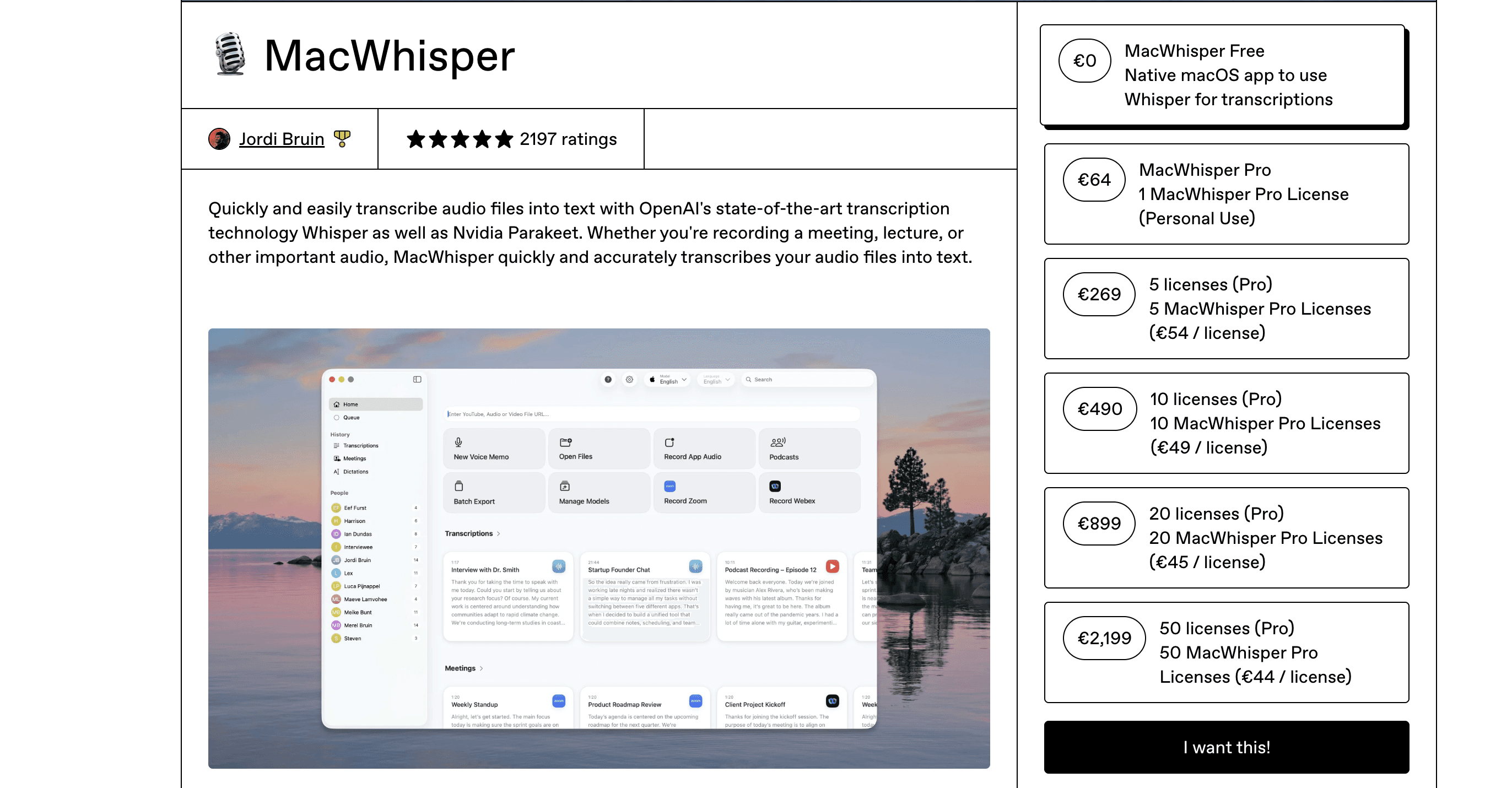
MacWhisper is a good fit if your priority is local Whisper-based transcription on a Mac. It is especially useful for people who care more about converting audio into text than controlling text across every app in real time.
That distinction matters. MacWhisper can be a better transcription tool than a dictation replacement, depending on your workflow.
Best for: Mac users who want local audio transcription
Strongest points: local processing, one-time purchase path, good fit for existing audio files
Tradeoff: weaker fit if you want seamless all-app dictation like Wispr Flow
5. Apple Dictation, best built-in free option for Apple users
Apple Dictation is the easiest free place to start if you already use a Mac or iPhone. It is built in, quick to try, and good enough for short notes, messages, and light drafting.
It starts to feel thin once you need serious daily dictation. That is where dedicated tools pull ahead with better formatting, more control, and more workflow flexibility.
Best for: light voice typing on Apple devices
Strongest points: free, simple, already available
Tradeoff: not ideal for heavy professional writing or cross-platform work
6. Google Docs Voice Typing, best free browser drafting option
Google Docs Voice Typing is still one of the simplest free options on the web. If you mostly write in Docs and do not need system-wide dictation, it can be enough.
It breaks down when your work jumps between apps. That is the biggest reason people outgrow it.
Best for: browser-only drafting inside Google Docs
Strongest points: free, easy to access, familiar for Google Workspace users
Tradeoff: tied to Docs, not a full replacement for all-app dictation
If this is your starting point, you may also want our speech to text in Google Docs page.
7. Windows Voice Typing, best free built-in option for Windows users
Windows Voice Typing is the built-in answer for people who want to spend nothing and start right away. It is good for basic use and much better than many people expect.
Still, it does not feel as polished as premium dictation apps when you use it for long sessions, heavier formatting, or cross-device workflows.
Best for: free Windows voice typing
Strongest points: built in, simple, no extra cost
Tradeoff: fewer premium editing and workflow features
For more Windows-specific options, see our Windows speech-to-text roundup.
8. Otter.ai, best for transcripts, meetings, and recordings
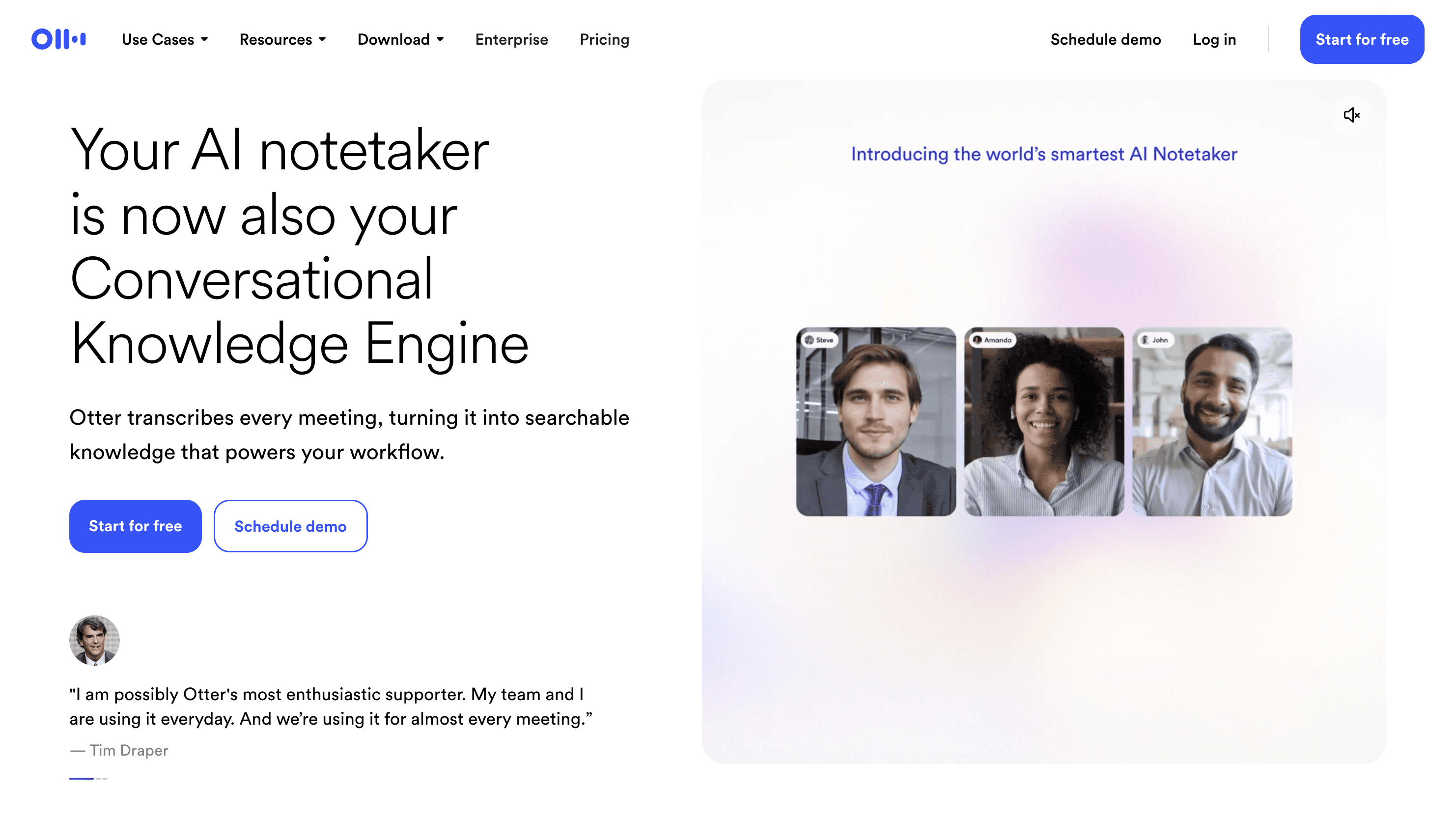
Otter.ai solves a different problem really well. It is built for meetings, transcripts, summaries, and searchable conversation records. If that is your real need, it can beat pure dictation tools.
But if you want to talk naturally inside every app all day, Otter is not the cleanest replacement for Wispr Flow.
Best for: meetings, call notes, and transcript-first workflows
Strongest points: recordings, summaries, searchable transcripts, integrations
Tradeoff: less natural as a full system-wide dictation replacement
9. Dragon, best for traditional power users
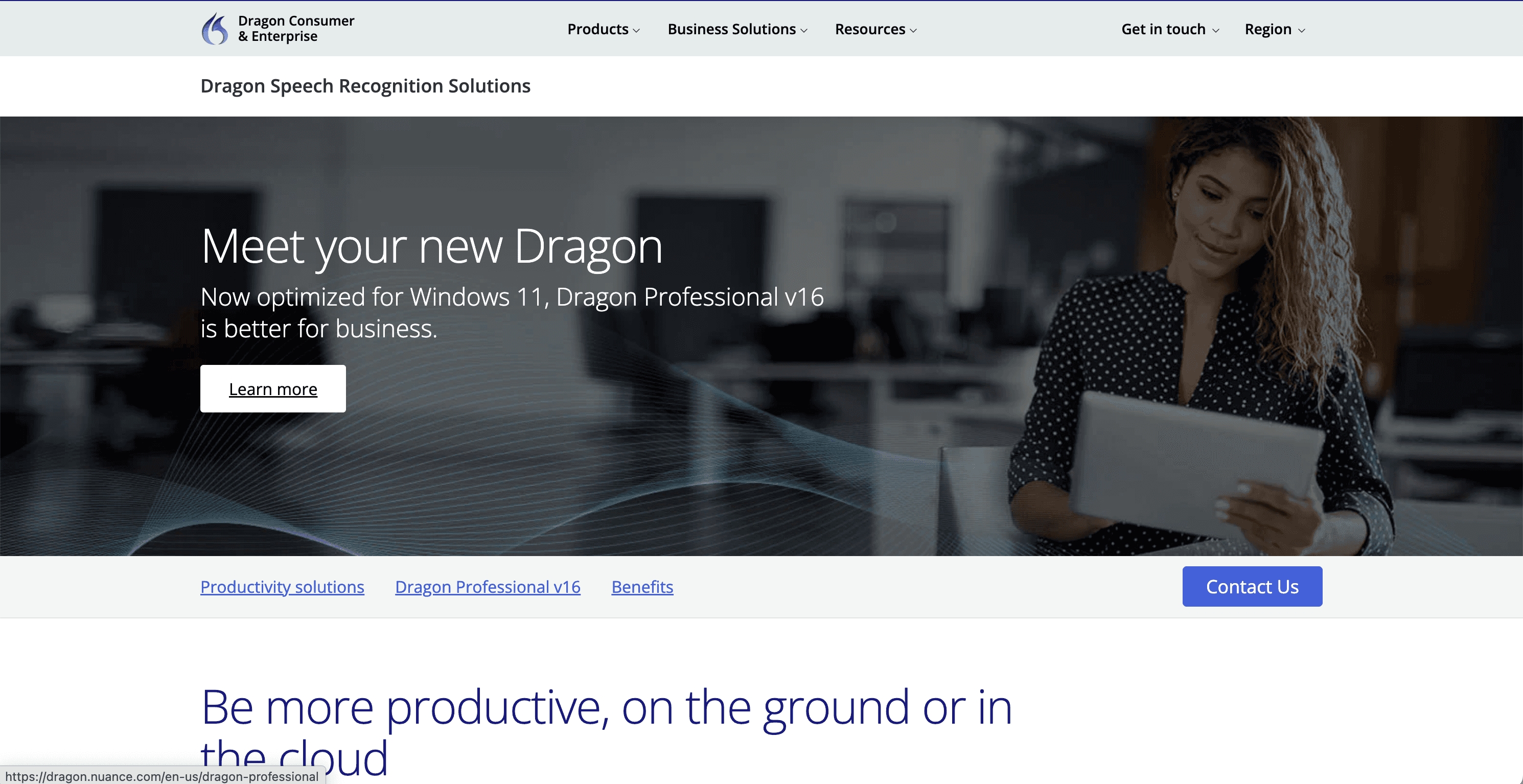
Dragon still matters because the brand is huge and some users want that classic, high-control dictation setup. It is especially relevant in older enterprise, legal, and specialist workflows.
The downside is that it can feel heavy, expensive, and old compared with newer apps. That does not make it bad. It just makes it a very specific choice.
Best for: users who want a traditional premium dictation product with deep control
Strongest points: strong brand, deep dictation history, specialist workflow fit
Tradeoff: harder sell for modern users who want lighter, cheaper, simpler tools
Which Wispr Flow alternative is best for each use case?
Best overall: Voicy
Best for local processing: Superwhisper
Best for fast cross-device dictation: Willow Voice
Best free Mac and iPhone option: Apple Dictation
Best free Windows option: Windows Voice Typing
Best for browser-only writing: Google Docs Voice Typing
Best for transcripts and meetings: Otter.ai
Best for classic power-user dictation: Dragon
How to choose the right one
If you want one app across desktop, browser, and mobile, pick Voicy. If you want local processing on Apple devices, look hardest at Superwhisper. If you want fast cross-device dictation with personalization, Willow Voice is one of the strongest modern alternatives. If you want free and built-in, start with Apple Dictation, Windows Voice Typing, or Google Docs Voice Typing.
If your real workflow is recorded audio, meetings, or transcripts, Otter.ai and Voicy deserve extra attention because file upload transcription changes the equation. That is one area where a lot of simple dictation comparisons stay too shallow.
Why people switch from Wispr Flow
Most people do not leave Wispr Flow because it is bad. They leave because their needs change.
They want to stop paying a subscription forever.
They want one tool that also handles file upload transcription.
They prefer local processing for privacy reasons.
They want a simpler product with a different workflow.
They need a tool that fits one device especially well, like Mac or Windows.
That is why a straight one-tool verdict usually misses the point. The best alternative depends on what kind of work you do every day.
FAQ
What is the best alternative to Wispr Flow?
For most people, the best overall alternative is Voicy. It has broad platform support, flexible pricing, a free trial, and file upload transcription on top of live dictation.
Is there a free alternative to Wispr Flow?
Yes. Apple Dictation, Windows Voice Typing, and Google Docs Voice Typing are the main free options. They are useful, but they are also more limited than dedicated dictation apps.
Which Wispr Flow alternative is best for Mac?
If you want local processing and Apple-focused workflows, Superwhisper is the strongest Mac-first option. If you want broader device coverage and file transcription too, Voicy is the more flexible choice.
Which Wispr Flow alternative is best for Windows?
Voicy is the best all-around paid option for Windows users in this list. If you want free first, Windows Voice Typing is the easiest place to start.
Are there Wispr Flow alternatives with lifetime pricing?
Yes. Voicy offers lifetime pricing at $260. Some other tools in this category also offer one-time purchase paths, especially Mac-focused or transcription-first products.
Is there a local or offline alternative to Wispr Flow?
Yes. Superwhisper and MacWhisper are the most relevant local-processing options in this roundup. They are especially appealing to Apple users who want more control over where transcription happens.
Final verdict
Wispr Flow is not easy to beat because it is already a good product. But a good product is not the same thing as the right product.
If you want the most balanced alternative for real everyday work, Voicy is the best overall pick. It gives you strong coverage across devices, sensible pricing options, and file upload transcription in the same product. That makes it the easiest recommendation for most people, even if some local-first tools are stronger in narrower use cases.
If you want a direct Voicy versus Wispr comparison, read our dedicated Wispr Flow alternative page. If you want a broader market view, you can also compare this guide with our roundups on voice typing apps and speech-to-text software.


