





Best Dragon Dictation Software Alternatives in 2026
Summary of the article
Short on time? Here's the quick version:
Best overall: Voicy works in every app across Mac, Windows, browser, iOS, and Android, and starts with a free trial
Best free option: Apple Dictation (Mac) or Google Docs Voice Typing (web)
Best for meetings: Otter.ai is great for recording and summarizing conversations
Best open-source: Whisper-based tools can be free, but they require some technical setup
Dragon NaturallySpeaking is no longer available for regular consumers. If Dragon used to be your everyday writing tool, this guide shows the replacements that actually make sense now.
What Happened to Dragon?
Dragon NaturallySpeaking was the gold standard for speech-to-text for decades. It was fast, accurate, and the go-to tool for anyone who needed serious dictation software.
Then things changed.
In 2021, Microsoft acquired Nuance, the company that made Dragon, for $19.7 billion. The acquisition was mainly about Dragon's medical and enterprise software, not the consumer product.
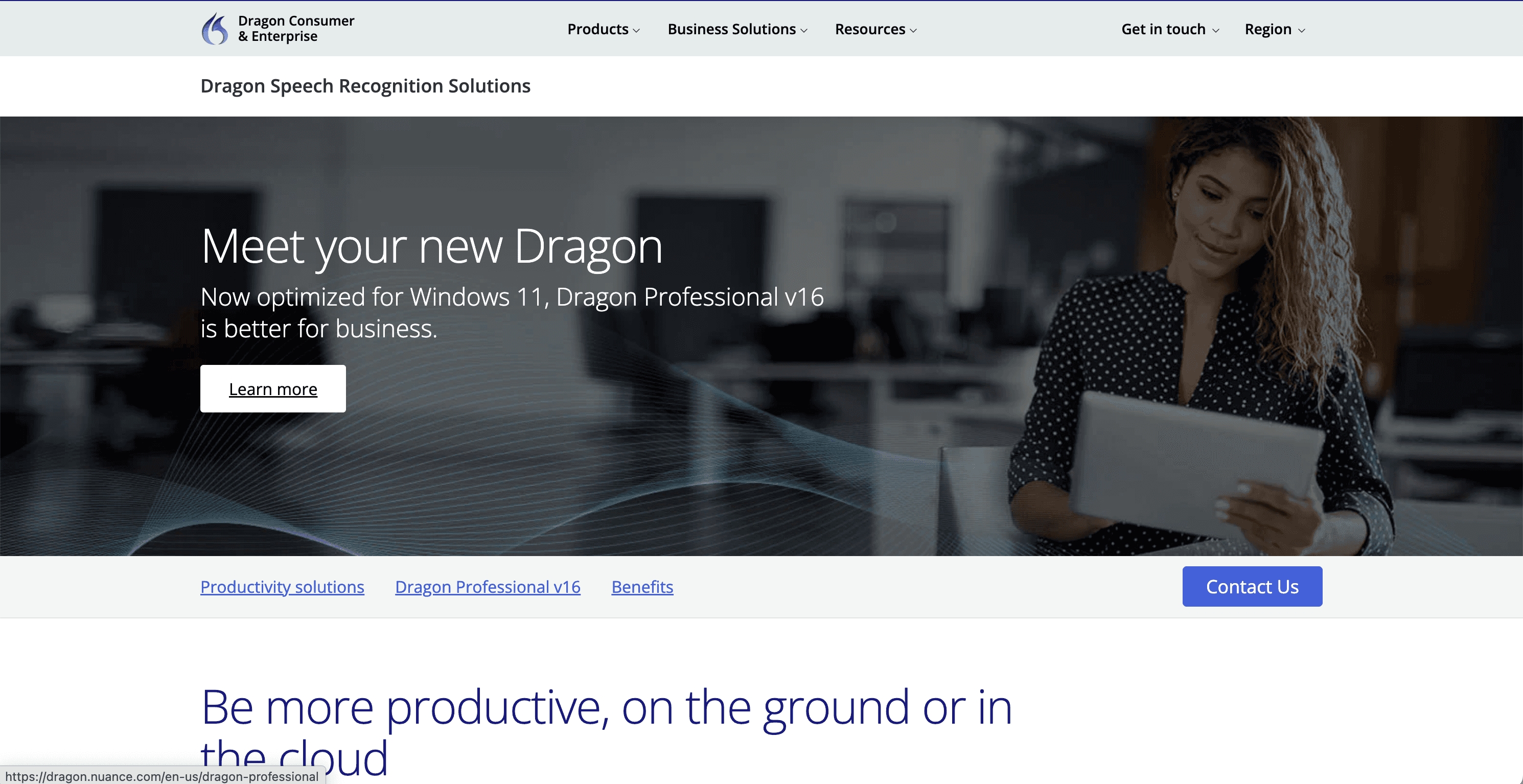
In 2023, Dragon Home edition was discontinued. No more $150 consumer version. Today, the only Dragon products left for desktop use are Dragon Professional (starting at $699) and Dragon Medical/Dragon Legal solutions aimed at healthcare and legal firms.
So if you used Dragon at home for writing, emails, or everyday dictation, the old path basically disappeared.
The better news: speech recognition has moved on. In 2026, the best Dragon replacement is usually cheaper, easier to start, and less tied to one old desktop workflow.
Why You Need a Dragon Alternative
Even before it was discontinued for consumers, Dragon had some real drawbacks. Here's why people started looking for a dragon replacement:
Price: $699 for Dragon Professional is a lot to spend on dictation software. Especially when modern alternatives cost a fraction of that.
Mac users left out: Dragon stopped supporting Mac entirely. The last Mac version came out in 2018 and doesn't work with modern macOS.
No mobile support: Dragon for desktop doesn't help you on iPhone or Android.
Training required: Older Dragon versions needed hours of voice training before they worked well. Modern AI tools work instantly, no training needed.
Heavy software: Dragon requires significant system resources and a full install. Many of today's alternatives work right in your browser.
No automatic punctuation: With Dragon, you had to say "period" or "comma" out loud. Most modern tools add punctuation automatically.
The world moved on. Cloud-based AI speech recognition caught up, and for everyday writing it now beats the old Dragon workflow on setup, cost, and app coverage.
Best Dragon Alternatives in 2026
Here are the tools I would actually compare first. This is the short list for people who want a Dragon-style writing workflow without paying enterprise prices. For a wider comparison across more than 10 tools, see our full Dragon alternatives comparison.
1. Voicy - Best Overall Dragon Alternative

Voicy is the closest modern replacement for what Dragon used to do for everyday users. It's a dictation software that works across Mac, Windows, browser extension, iOS, and Android, so you can dictate in any app, any website, or any text field.
Why Voicy is the strongest everyday pick:
Works everywhere: email, docs, chat tools, AI tools, CMS fields, and web forms. If you can type there, you can dictate there.
Mac and Windows: Unlike Dragon (Windows-only for desktop), Voicy runs natively on both platforms.
Automatic punctuation: No need to say "period" or "new line." Voicy handles it automatically.
95-98% accuracy: Powered by state-of-the-art AI, accuracy is on par with (or better than) Dragon for everyday dictation.
50+ languages: Dictate in English, Spanish, French, German, and dozens more.
Affordable: Voicy starts at $8.49/month, with $82/year and $260 lifetime options. That is a fraction of Dragon's $699 price tag.
Voicy tradeoff: It's not designed for hands-free computer control. If you need to control your entire operating system by voice, including opening apps, clicking buttons, and navigating menus, Dragon Professional still has an edge for that specific use case.
But for 95% of people who just want to speak and have text appear, Voicy is the better choice in 2026.
2. Windows Built-In Dictation - Free, But Limited
Windows 11 has a built-in Windows speech to text tool. Press Win + H and you can start dictating anywhere on your computer.
It's free and works without any extra software. It supports auto-punctuation (in English) and voice commands for some actions.
Where it falls short: It is basic. Accuracy is fine for quick notes, but I would not use it for a long report or a client email. It also has fewer language and formatting options than a dedicated dictation app.
3. Mac Dictation - Free and Built-In
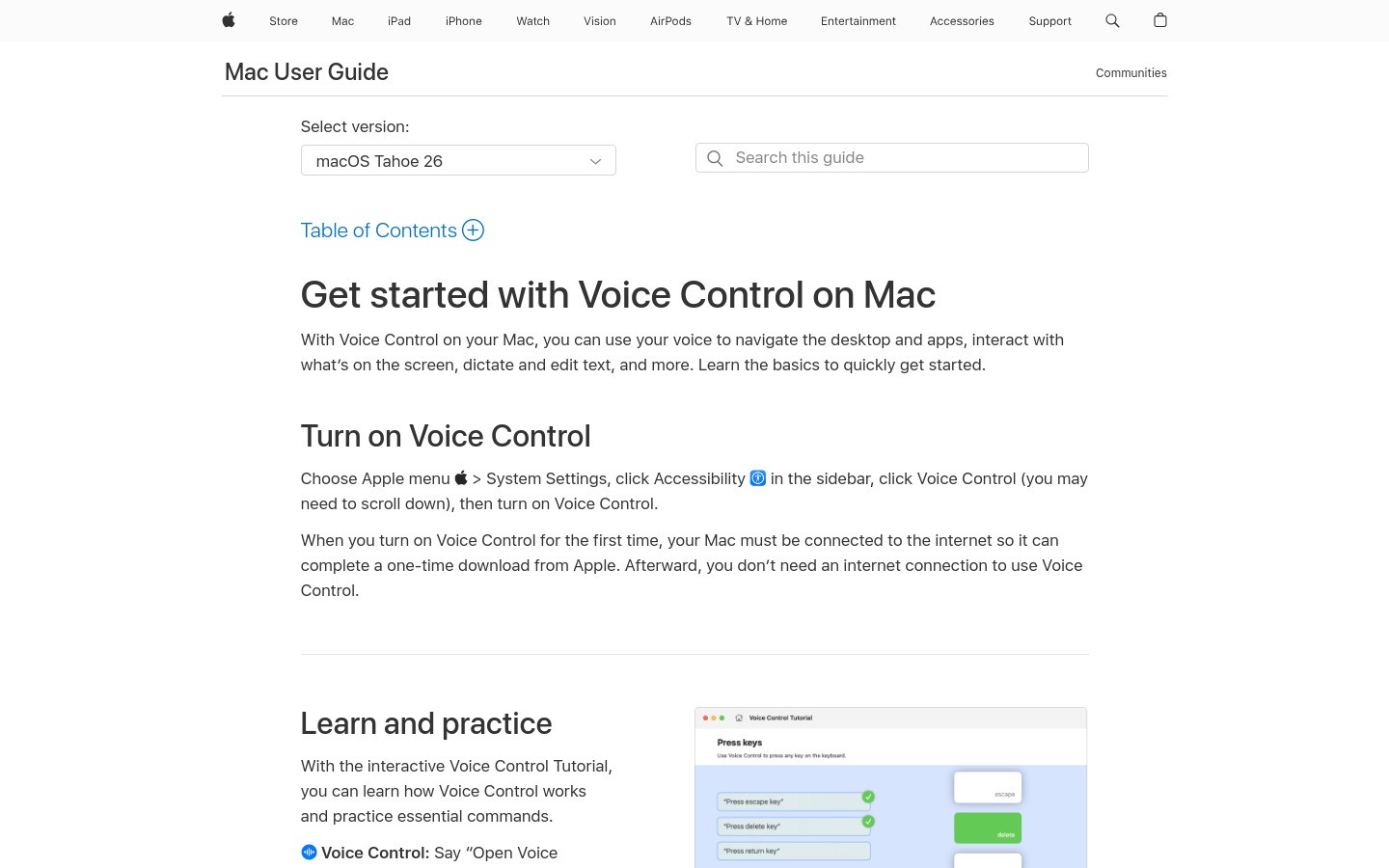
Apple's built-in Mac dictation has gotten much better in recent years. You enable it in System Settings, and then you can dictate anywhere by pressing the Fn key twice (or a custom shortcut).
On newer Macs with Apple Silicon (M1, M2, M3, M4), dictation runs on-device and works offline. That's actually a big deal for privacy.
Where it falls short: It is still a basic feature. There is no transcription history, custom vocabulary, or serious formatting control. It is good for short tasks, but it feels thin once you start dictating full documents.
4. Google Docs Voice Typing - Free for Web Workers
If you spend a lot of time in Google Docs, Google Docs voice typing is worth knowing about. Go to Tools → Voice Typing and click the microphone.
It's free, works in Chrome, and supports dozens of languages. Accuracy is solid for standard speech.
Where it falls short: It only works in Google Docs. You need Chrome and an internet connection, and punctuation still feels old-school because you have to say commands out loud. Fine for a draft, annoying for a full workflow.
5. Otter.ai - Best for Meetings and Transcription
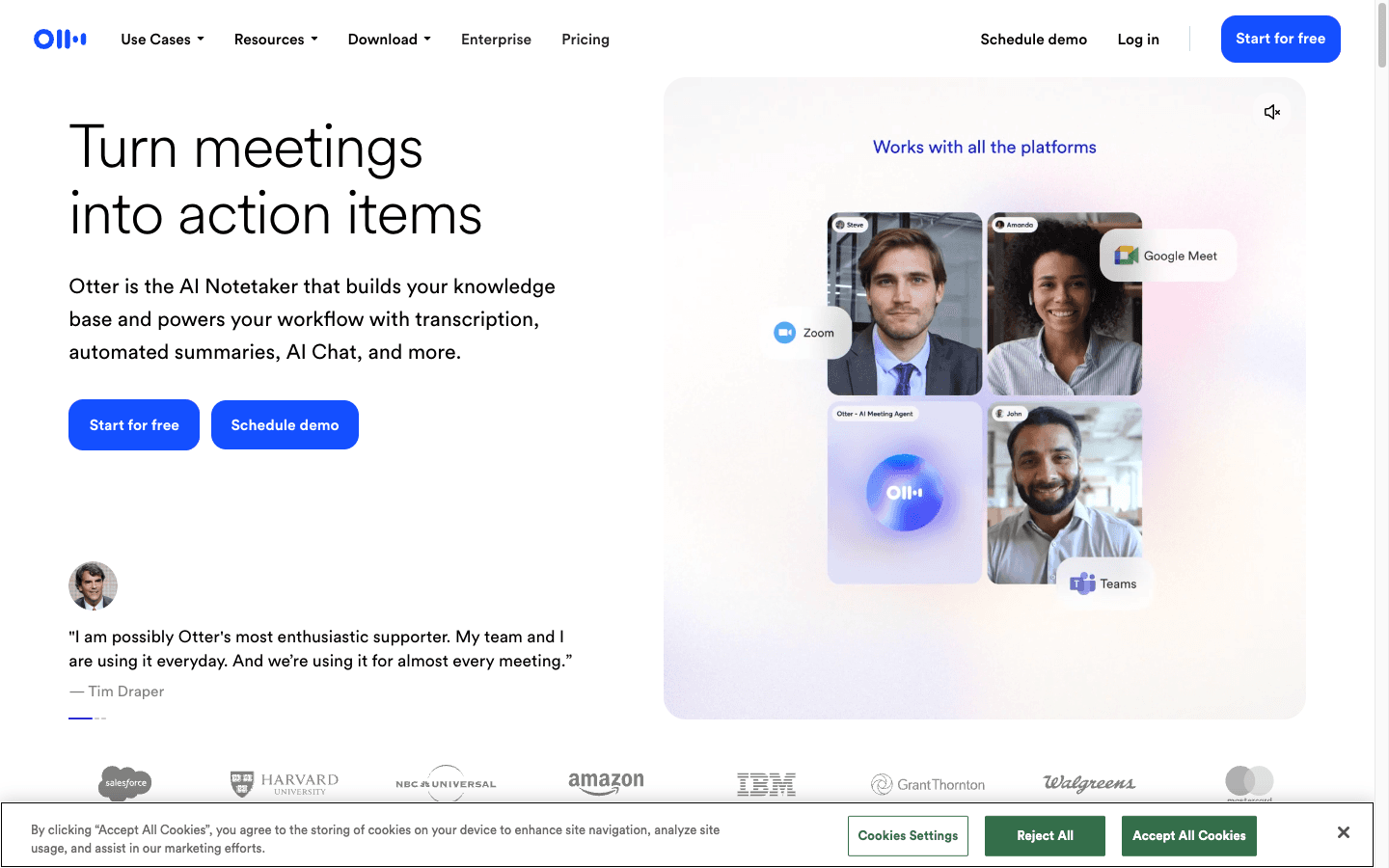
Otter.ai takes a different approach. Instead of real-time dictation, it focuses on recording, transcribing, and summarizing meetings.
It integrates with Zoom, Google Meet, and Microsoft Teams. It can identify different speakers, create summaries, and let you search through transcripts.
Where it falls short: Otter is a meeting tool, not a Dragon replacement. It is useful for calls, interviews, and recorded conversations. If you want to dictate directly into a document or email, it is the wrong fit.
6. Whisper-Based Tools - Best for Privacy and Open Source

OpenAI's Whisper model is one of the most accurate speech recognition models available, and it's open source. Several tools are built on top of it:
Superwhisper, a polished Mac app with on-device Whisper processing. Costs around $249 one-time. Great for privacy-focused users.
MacWhisper, a simpler Mac tool with a free tier for transcribing audio files.
Whisper.cpp, the open-source command-line version for developers who want to run it themselves.
Where it falls short: Whisper tools can be excellent for accuracy and privacy, but they ask more from the user. They suit developers and privacy-focused Mac users better than someone who just wants to press a shortcut and start writing.
Feature Comparison: Dragon vs. Modern Alternatives
Feature | Dragon Professional | Voicy | Windows Dictation | Mac Dictation | Google Voice Typing |
|---|---|---|---|---|---|
Price | $699 one-time | $8.49/mo (free trial) | Free | Free | Free |
Mac support | ❌ No | ✅ Yes | ❌ No | ✅ Yes | ✅ (browser only) |
Windows support | ✅ Yes | ✅ Yes | ✅ Yes | ❌ No | ✅ (browser only) |
Works in any app | ✅ Yes | ✅ Yes | ✅ Yes | ✅ Yes | ❌ Docs only |
Auto punctuation | ❌ Manual | ✅ Automatic | ✅ English only | ⚠️ Limited | ❌ Manual |
Offline mode | ✅ Yes | ❌ Cloud-based | ✅ Yes | ✅ Apple Silicon | ❌ No |
Languages | English + select | 50+ | English + select | 30+ | 60+ |
Accuracy | Excellent | Excellent | Good | Good | Good |
Setup required | Heavy install + training | Minutes | Built-in | Built-in | Built-in |
Consumer availability | ⚠️ Limited ($699+) | ✅ Yes | ✅ Yes | ✅ Yes | ✅ Yes |
Dragon Professional, Dragon Medical, and Mac users need different replacements
Dragon searches can mean several things. A Windows professional replacing Dragon Professional may care about app-wide dictation and voice commands. A doctor comparing Dragon Medical needs clinical documentation features. A Mac user mostly needs a modern tool because Dragon for Mac is no longer available.
For everyday professional writing, Voicy is the easier Dragon alternative to test: it works on Mac, Windows, browser, iOS, and Android, includes file upload transcription, and starts with a free trial. For regulated medical charting, compare dedicated medical dictation tools in our medical dictation software guide.
Who Should Use What?
Here is the practical way to choose. Most people do not need the most advanced speech engine. They need the tool that fits the place where they actually write.
Writers and content creators
Voicy is the best fit. It works across the places writers actually type: email, documents, social posts, CMS fields, and browser forms. Automatic punctuation also means less cleanup after a long dictated draft. See our best dictation software roundup for more options.
Medical professionals
Dragon Medical remains the safer choice for regulated clinical documentation because it is built around medical vocabulary, compliance workflows, and healthcare integrations. Voicy can help with general medical-adjacent writing, such as emails, notes, summaries, and drafts, but it should not be positioned as a full Dragon Medical replacement for EHR documentation.
Legal professionals
Dragon Legal Anywhere is purpose-built for law with legal vocabulary and document workflows. For solo practitioners or smaller firms, Voicy is better framed as a lower-cost tool for first drafts, emails, notes, and general correspondence, not as a complete legal-dictation system.
Students
Start with the free options: Mac Dictation, Windows Dictation, or Google Docs Voice Typing. If you write a lot and find those limiting, Voicy's monthly plan is affordable and flexible.
Developers and technical users
Whisper-based tools give you the most control and the best offline experience. If you want something that just works without tinkering, Voicy is the polished option.
Accessibility users (RSI, carpal tunnel, dyslexia, ADHD)
Voicy or Dragon Professional, depending on your needs. Voicy is easier to start with and more affordable. Dragon Professional has deeper hands-free computing features if you need full voice control of your computer.
FAQs
Is Dragon NaturallySpeaking still available?
Dragon NaturallySpeaking as most people knew it, especially Dragon Home edition, is no longer sold for consumers. As of 2023, Nuance (now owned by Microsoft) discontinued the consumer Dragon Home version. What remains is Dragon Professional Individual (around $699) and enterprise solutions like Dragon Medical and Dragon Legal, aimed at professionals and organizations. So technically Dragon still exists, but it's out of reach for most everyday users.
What replaced Dragon dictation software?
There's no single official replacement, but several tools have stepped up to fill the gap. Voicy is one of the most complete Dragon replacements for everyday users. It works across Mac, Windows, browser extension, iOS, and Android, supports 50+ languages, includes file upload transcription, and costs a fraction of what Dragon Professional charges. Other options include Windows built-in dictation, Apple Dictation, and Google Docs Voice Typing for free alternatives.
Is there a free alternative to Dragon?
Yes. Several free options exist. Windows has a built-in dictation tool (Win + H). Mac has built-in dictation through System Settings. Google Docs has Voice Typing built in (works in Chrome, Docs only). These are all free and decent for basic use. For more advanced dictation across all your apps, paid tools like Voicy offer a free trial so you can test before committing.
Does Dragon work on Mac?
No. Dragon stopped supporting Mac years ago. The last version of Dragon for Mac (Dragon for Mac 6) came out in 2018 and doesn't work with current macOS versions. If you're on Mac and want a capable speech to text alternative for Mac, Voicy and Apple's built-in dictation are your best bets.
What's the most accurate speech to text software in 2026?
Accuracy is much less of a moat than it used to be. Tools powered by OpenAI Whisper or similar large AI models, including Voicy, can reach 95-98% accuracy for clear speech in good conditions. Dragon Professional is also very accurate, especially with specialized vocabularies for medical and legal terms. For everyday dictation, modern AI tools match or beat what Dragon was doing a few years ago, without the training time.
Is Voicy better than Dragon?
For most people, yes. Voicy is significantly cheaper, works on both Mac and Windows, requires no voice training, adds automatic punctuation, and works in any app or website. Dragon Professional has advantages in hands-free computer control and specialized professional vocabularies (medical, legal). But if you just want to speak and have accurate text appear wherever you're working, Voicy is the better fit for 2026.
Can I use Dragon offline?
Dragon Professional runs locally on your computer, so yes, it works offline. This is one of Dragon's genuine strengths, especially useful for sensitive information or situations without reliable internet. Most modern alternatives like Voicy use cloud processing, which means they need an internet connection. If offline is a hard requirement, Apple Silicon Macs with built-in dictation, or Whisper-based tools like Superwhisper, are good cloud-free options.
What happened to Dragon Home edition?
Dragon Home was discontinued in 2023. It was the affordable consumer version of Dragon (sold for around $150-$200), aimed at home users and students. When Microsoft acquired Nuance, the focus shifted entirely to enterprise and medical markets. Dragon Home quietly disappeared, leaving millions of casual Dragon users without their familiar tool. That gap is now filled by modern AI dictation tools like Voicy, Apple Dictation, and Google Docs Voice Typing.
What's the best dragon speech to text alternative for Windows?
Voicy is the top pick for Windows users. It works natively on Windows, integrates with all your apps, and delivers excellent accuracy with automatic punctuation. Windows built-in dictation (Win + H) is a solid free option for basic needs. For a full Windows speech to text guide, we break down all the options in detail.
Does Voicy work with medical or legal terminology?
Voicy handles specialized vocabulary well for general use. It's not purpose-built for clinical documentation like Dragon Medical, which has deep integrations with EHR systems and HIPAA-specific compliance features. For casual medical or legal writing, including notes, emails, and reports, Voicy performs well. For critical clinical documentation in a regulated environment, Dragon Medical or Dragon Legal remain specialized options worth considering.
The Bottom Line
Dragon NaturallySpeaking earned its reputation. It proved that voice dictation could be accurate enough for real work. But consumer Dragon is gone, and most everyday users now need something lighter.
In 2026, the better option for most people is not another heavy desktop suite. It is a tool that starts quickly, works across the apps where you already write, and does not cost hundreds of dollars upfront.
For most people replacing Dragon, Voicy offers the best mix of accuracy, platform support, and price. It works on Mac and Windows, handles automatic punctuation, supports 50+ languages, and starts with a free trial so you can try before you buy.
Free alternatives like Apple Dictation, Windows Dictation, and Google Docs Voice Typing are worth trying first if you're on a budget. They are surprisingly capable for basic dictation needs.
Whatever you choose, the old Dragon model feels dated now. You should not need to spend $700, install heavy desktop software, and train it for hours just to write with your voice.


