




12 Best Mac Apps for Students in 2026 to Boost Productivity
The right apps can turn your Mac into a powerful tool for school success. Whether you need help taking notes, managing projects, or staying organized, these best Mac apps for students will help you work smarter and get better grades.
Short version of the article
The right apps depend on what you need help with most.
If you want to write and take notes faster:
Voicy for Mac - AI speech-to-text that works everywhere, 3x faster than typing, fixes grammar automatically
GoodNotes - Digital handwriting with searchable notes and PDF annotation
Notion - Free for students, organize everything in one flexible workspace
If you need help studying and memorizing:
Quizlet - 700 million flashcard sets, proven to improve grades (free or $35.99/year)
Readwise - Remember what you read with daily highlight reviews
Anki - Powerful spaced repetition flashcards (completely free)
If you need to write research papers:
Zotero - Free citation manager, creates bibliographies automatically in any format
Grammarly - Catches writing mistakes everywhere, plagiarism checker (free or $12/month)
Microsoft Word - Often free for students, industry standard
If you need many different apps:
Setapp - 250+ Mac apps for one price ($9.99-14.99/month), like Netflix for software
Microsoft 365 Education - Usually free for students, includes Word, Excel, PowerPoint, and 1TB storage
If you do design or creative work:
Affinity Suite - Professional design tools, pay once and own forever ($169.99 one-time)
Canva - Free for students, easy design for presentations and posters
Figma - Free collaborative design tool
If you need Windows programs on your Mac:
Parallels Desktop - Run Windows and Mac at the same time ($49.99/year for students)
Boot Camp - Free built-in option to dual-boot Windows
Best free options for students:
Notion (free with .edu email)
Zotero (free citation manager)
Microsoft 365 (check with your school)
Grammarly basic (free grammar checking)
Quizlet basic (free flashcards)
Evernote basic (free note organization)
For organizing your entire student life:
Notion - Free for students, build custom dashboards for classes
Evernote - Capture everything in one place (free or $10.83/month, 40% student discount)
Google Workspace - Free cloud storage and collaboration
1. Voicy - perfect speech-to-text + student discount
Voicy is an AI-powered speech-to-text tool that changes how you write and take notes. Instead of typing everything, you just speak and Voicy turns your words into text with over 99% accuracy.
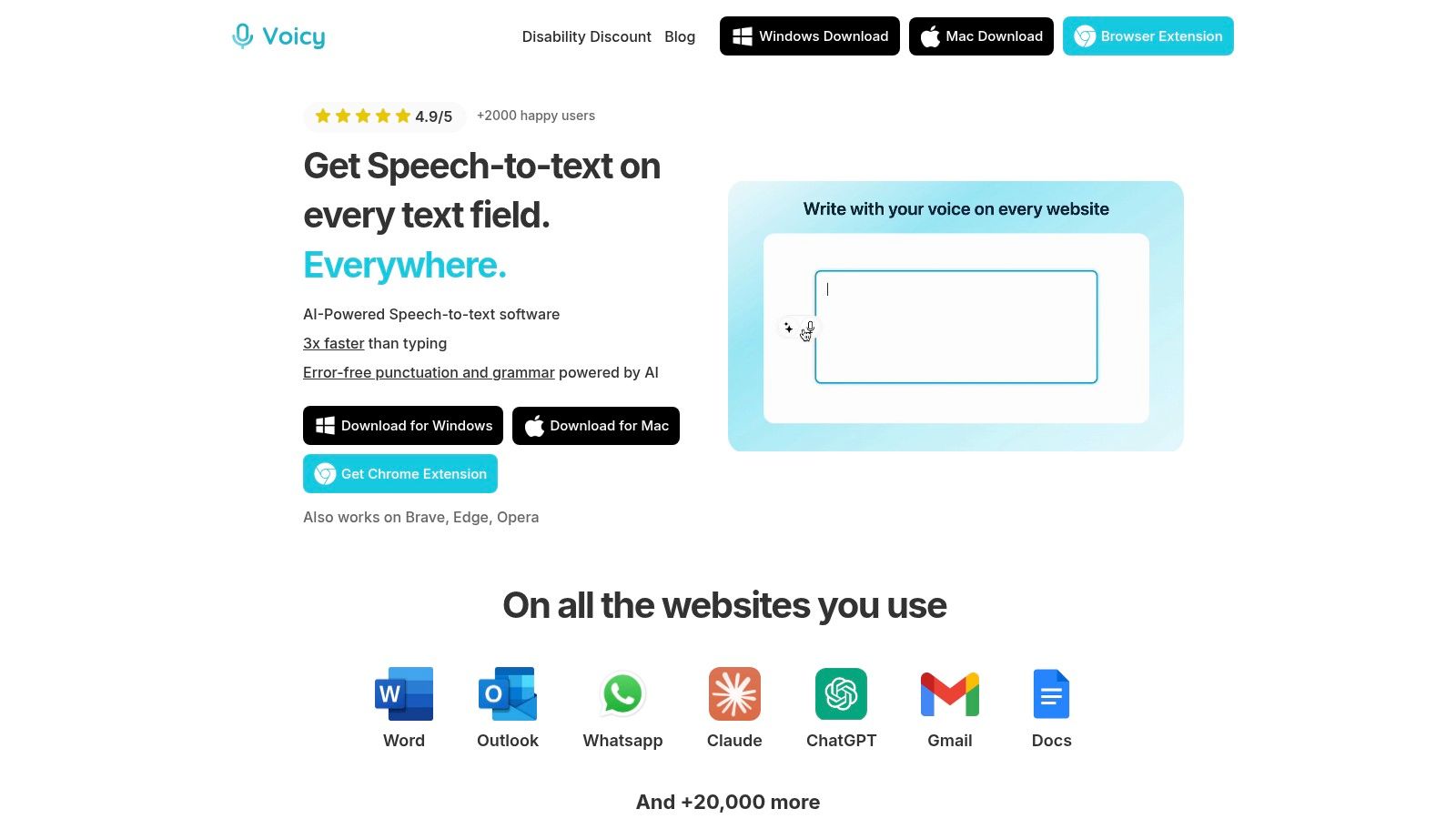
This makes it perfect for drafting essays, taking lecture notes, or brainstorming ideas. The AI automatically adds punctuation and fixes grammar as you speak, so your first draft is already clean.
What Makes Voicy Special
Voicy works everywhere on your Mac. Use it in Google Docs, Microsoft Word, Gmail, or any other app with a simple keyboard shortcut. It's seamless and easy.
The real power comes from Voicy's AI commands. You can dictate casual thoughts and then instantly transform them into formal academic writing. This saves tons of editing time.
Best Ways to Use Voicy
Fast Note-Taking: Record lectures word-for-word without missing anything important
Essay Writing: Beat writer's block by speaking your ideas freely and editing later
Accessibility: Essential for students with disabilities or anyone who struggles with typing
Language Learning: Practice speaking and get accurate transcriptions in over 50 languages
Voicy costs $8.49/month for unlimited recording time. There's also a lifetime deal for $260 and a free trial with 40 minutes of recording time.
Website: https://usevoicy.com
Want to set up voice to text for Mac? Check out our step-by-step guide covering everything from built-in dictation to pro tools.

2. Quizlet
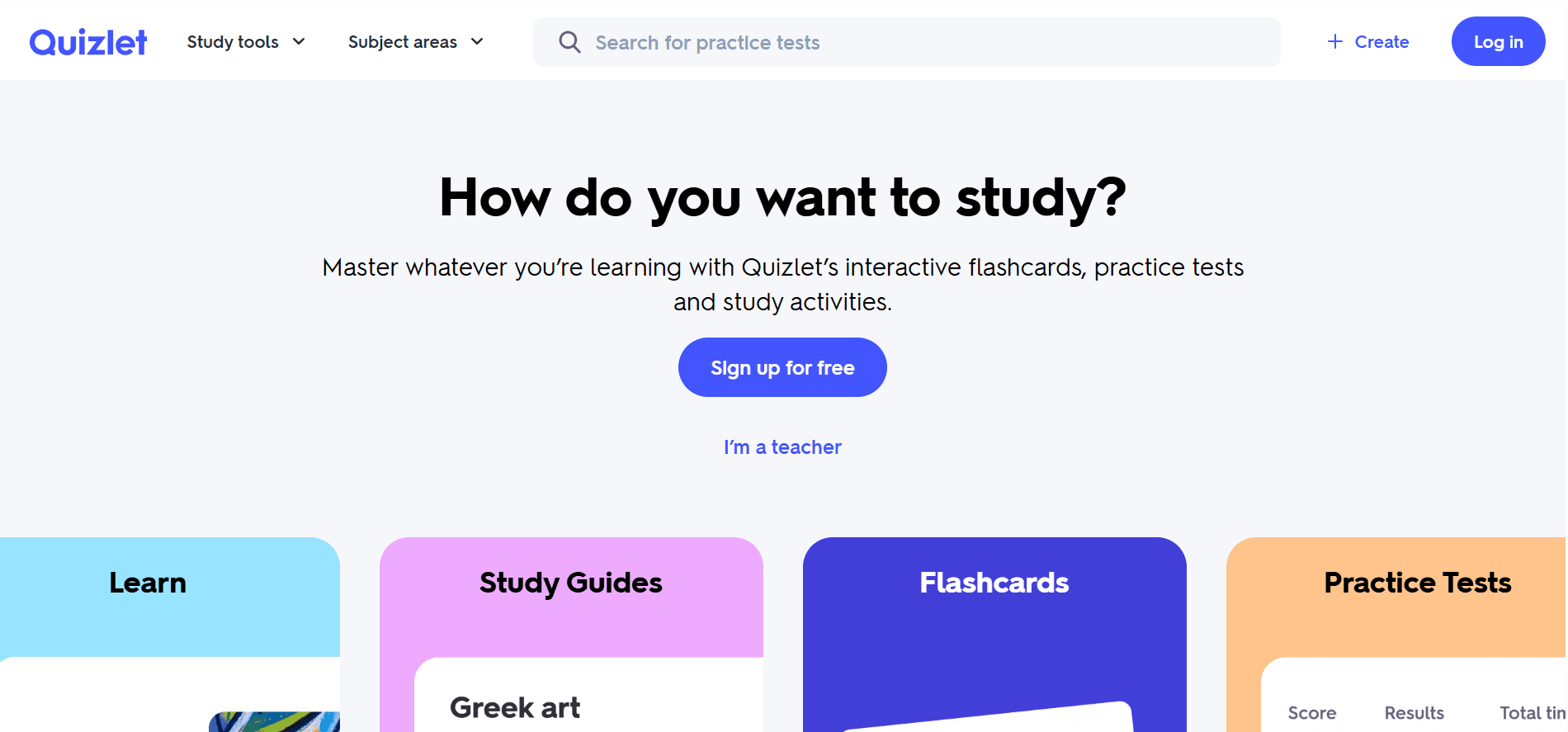
Quizlet is one of the most popular study apps for students worldwide. It helps you memorize information using digital flashcards, practice tests, and fun study games.
Why Students Love It
With over 700 million flashcard sets already created, you can find ready-made study materials for almost any subject. Or make your own flashcards in minutes.
Quizlet uses proven learning methods like spaced repetition to help you actually remember what you study. Research shows 90% of students who use Quizlet report getting better grades.
Best Features
Millions of Study Sets: Find flashcards for your exact class or textbook
Multiple Study Modes: Use flashcards, take practice tests, or play matching games
AI Help: Quizlet's AI can turn your notes into flashcards automatically
Works Everywhere: Study on your phone, tablet, or Mac
Quizlet has a free version with basic features. Quizlet Plus costs around $35.99/year and removes ads while adding extra study modes.
Website: https://quizlet.com
3. GoodNotes
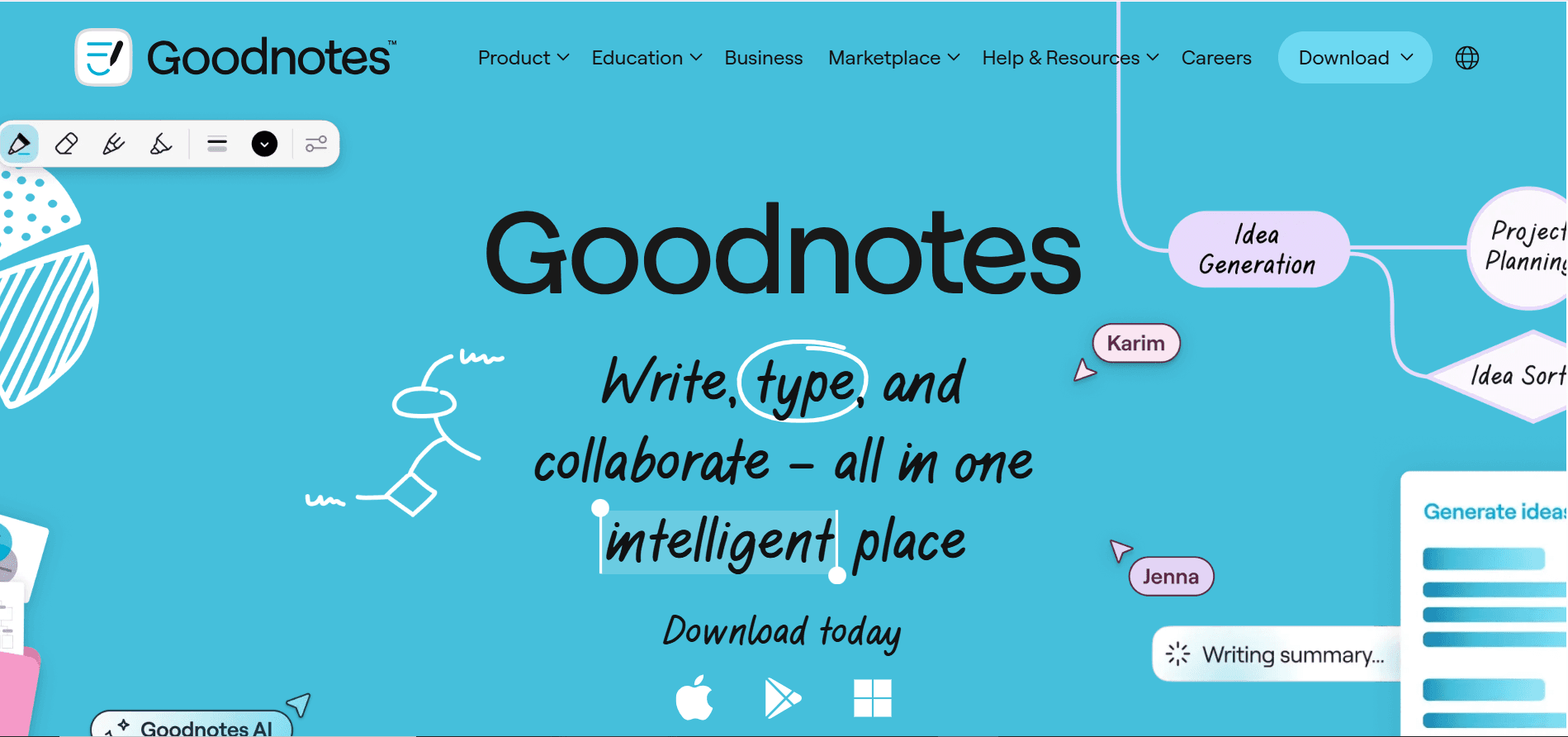
GoodNotes is a powerful digital notebook that replaces all your paper notebooks. It's perfect for students who like handwriting notes but want the benefits of digital organization.
What You Can Do
Take handwritten notes using your trackpad or a stylus. The app recognizes your handwriting and makes it searchable, so you can find any note instantly.
Import PDFs like textbooks or worksheets and mark them up with highlights, notes, and drawings. Organize everything into digital notebooks and folders that sync across all your devices.
Why Students Choose GoodNotes
Natural Writing Experience: Feels like writing on paper but with unlimited pages
Search Handwritten Notes: Find any word you wrote, even in messy handwriting
PDF Annotation: Mark up textbooks and worksheets directly
Sync Everywhere: Access your notes on Mac, iPad, and iPhone
GoodNotes offers a free version with three notebooks. Paid plans start around $9.99/year for unlimited notebooks and advanced features.
Website: https://www.goodnotes.com
4. Setapp
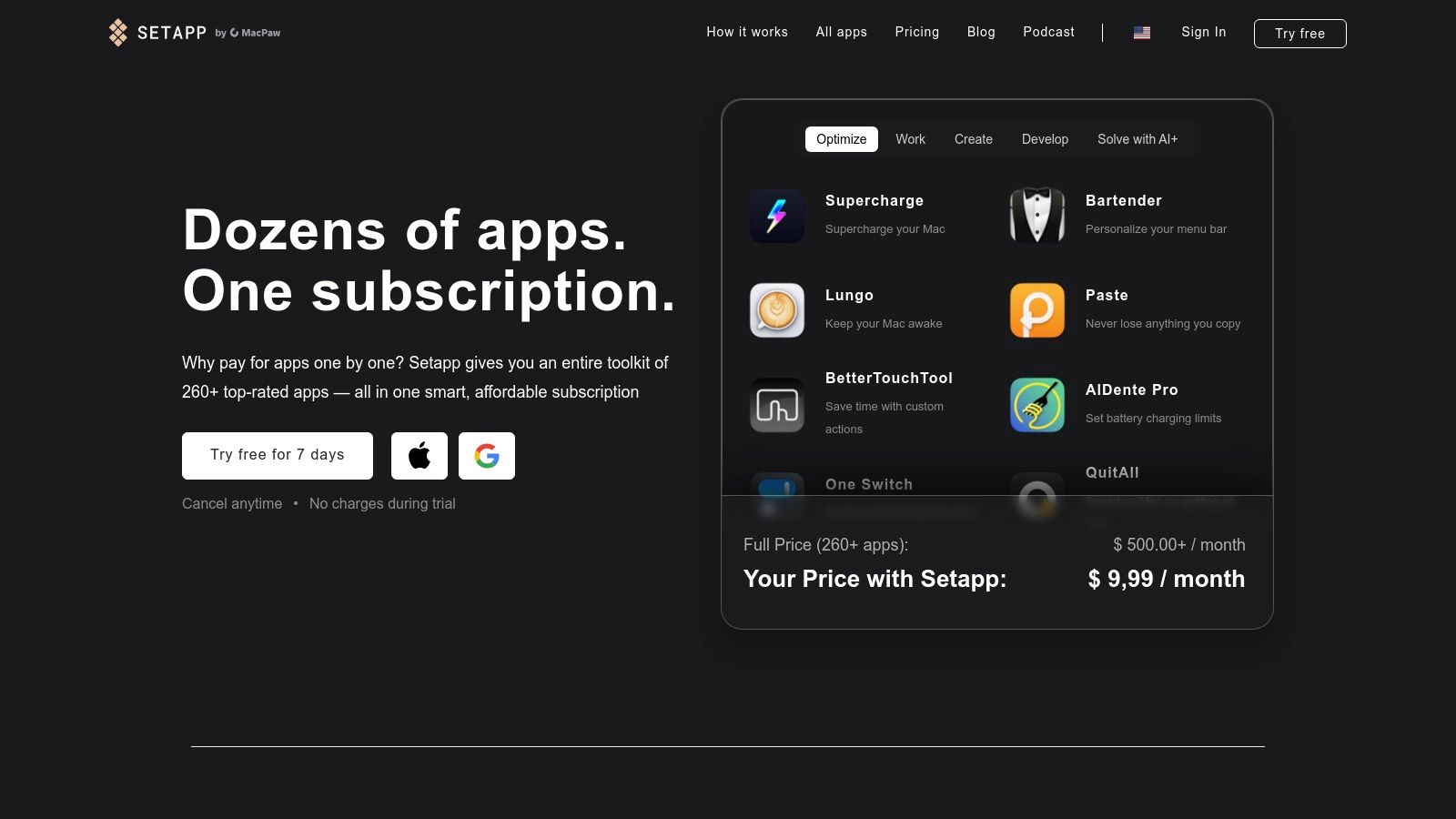
Instead of buying lots of expensive apps separately, Setapp gives you access to over 250 Mac and iOS apps for one monthly price. Think of it like Netflix for apps.
Why It's Great for Students
You get access to professional-level apps for writing, coding, design, productivity, and more. All apps are ad-free and regularly updated.
This is perfect if you need different tools for different classes. Instead of spending hundreds on individual apps, you pay one subscription fee.
What's Included
Productivity Apps: Task managers, note-taking tools, focus timers
Creative Software: Photo editors, video tools, design apps
Developer Tools: Code editors, testing tools, FTP clients
Utility Apps: File managers, backup tools, system cleaners
Setapp costs $9.99/month for Mac apps or $14.99/month for Mac and iOS together. Students save money compared to buying apps individually.
Website: https://setapp.com
5. Microsoft 365 Education
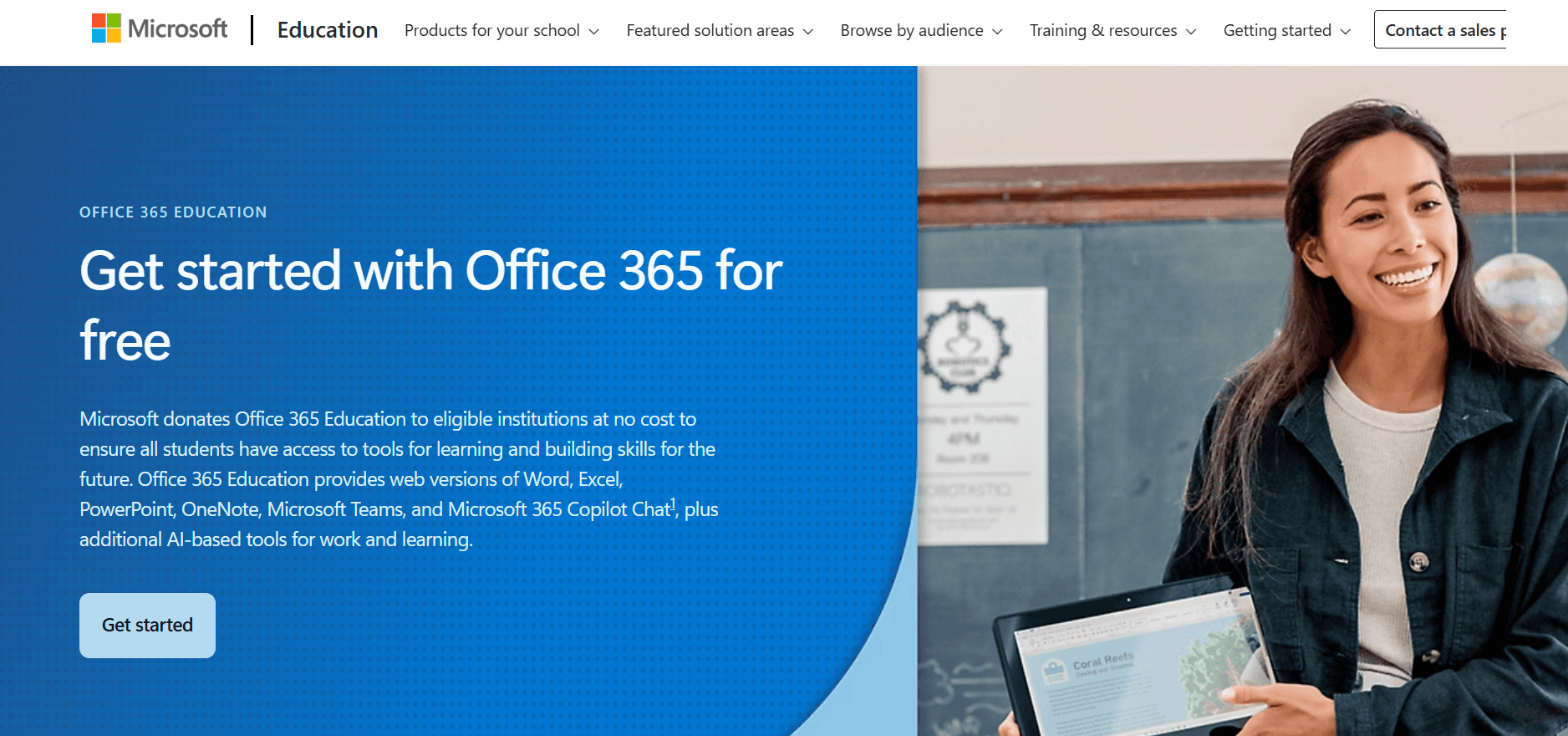
Microsoft 365 gives you Word, Excel, PowerPoint, and other essential tools. Most schools offer it free or at a big discount to students.
Why You Need It
Many professors require assignments in Word format. Excel is essential for data and calculations. PowerPoint is the standard for presentations.
Everything saves to OneDrive cloud storage automatically. Work on any device and your files sync everywhere.
Student Benefits
Free or Cheap: Check with your school - many offer it free
Works With Everyone: Compatible with what professors and classmates use
Cloud Storage: 1TB of OneDrive space included
Collaboration: Work on documents together in real-time
Check your school email to see if you qualify for free Microsoft 365 Education. If not, personal subscriptions start around $69.99/year.
Website: https://www.microsoft.com/en-us/education/products/office
6. Evernote
Evernote is a complete organization system that helps you capture ideas, take notes, save articles, and manage your entire academic life in one place.
How It Helps Students
Create separate notebooks for each class. Save web pages for research. Take text notes, add images, or record audio lectures. Everything is searchable and organized.
Evernote works on all your devices. Take notes on your Mac during class, review them on your phone later, and everything stays in sync.
Best Features
Clip Web Content: Save articles and research with one click
Multiple Note Types: Text, audio, images, PDFs, and more
Smart Search: Find anything instantly, even text in images
Template Library: Pre-made templates for class notes, assignments, and schedules
Evernote offers a free basic plan. Evernote Personal costs $10.83/month and includes offline access and more storage. Students get 40% off professional plans.
Website: https://evernote.com
7. Notion for Education
Notion is an all-in-one workspace where you can take notes, manage projects, track assignments, and organize your entire student life. It's super flexible and customizable.
Why Students Love Notion
Build custom dashboards for each class. Track assignments with due dates. Create study guides and wiki-style reference pages. Share notes with classmates for group projects.
Notion combines the best features of note apps, spreadsheets, and databases. You decide how to organize everything.
What You Can Create
Class Dashboards: See all your courses, assignments, and deadlines in one place
Study Guides: Organize notes with links, images, and embedded videos
Project Trackers: Manage group projects with task lists and calendars
Personal Wiki: Build a knowledge base of everything you learn
Notion is completely free for students with a .edu email address. You get the Plus plan features at no cost.
Website: https://www.notion.so/students
8. Zotero
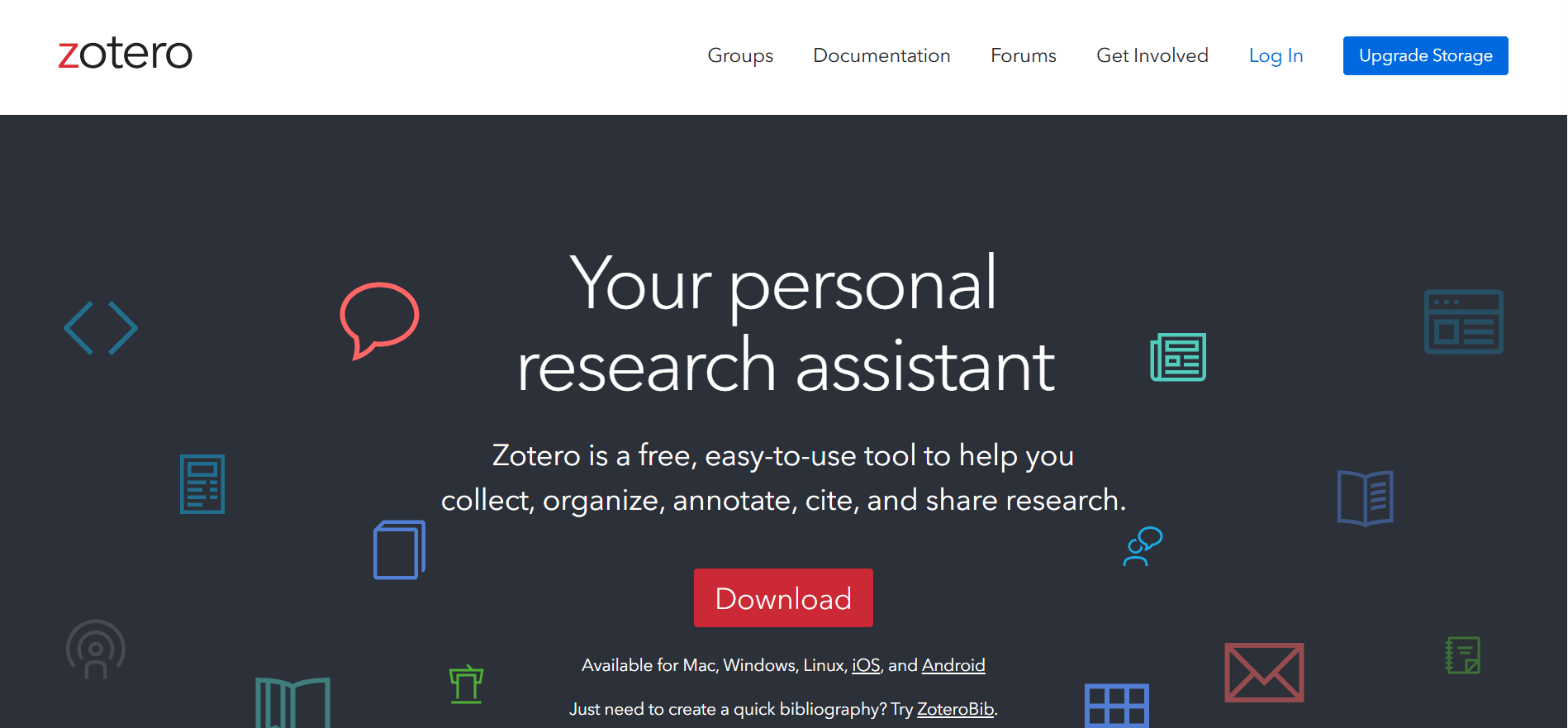
Zotero is a reference manager that saves you hours when writing research papers. It automatically creates citations and bibliographies in any format you need.
How Zotero Helps
Click a button in your browser to save articles, books, and websites. Zotero captures all the citation information automatically.
When writing your paper, insert citations with one click. Zotero formats everything perfectly in MLA, APA, Chicago, or over 10,000 other styles.
Key Features
Automatic Citations: Add sources and citations instantly
Browser Extension: Save sources from any website
PDF Storage: Keep all your research papers organized
Collaboration: Share research libraries with classmates
Zotero is completely free. You get 300MB of storage for PDFs. Need more space? Upgrade to 2GB for just $20/year.
Website: https://www.zotero.org
9. Affinity by Serif
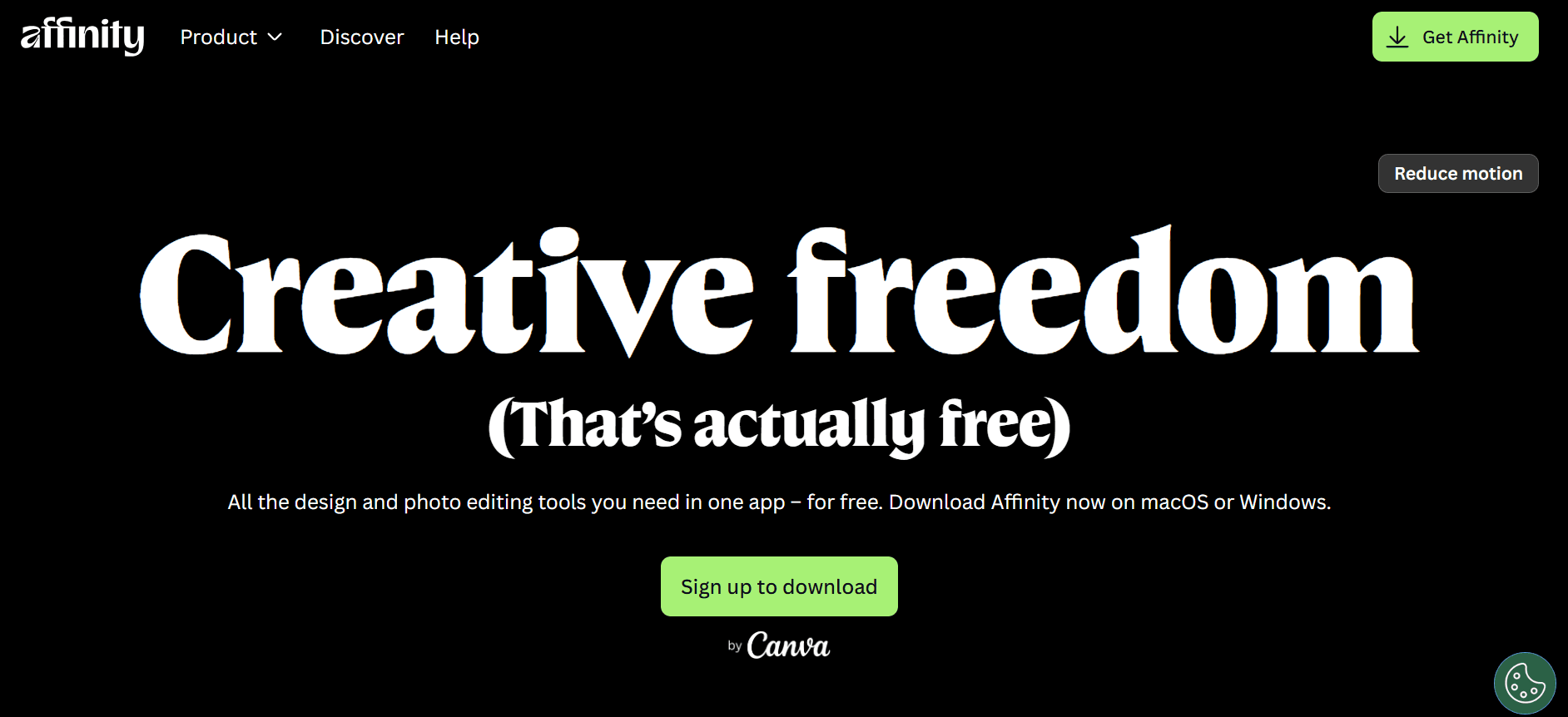
If you need professional design software but can't afford Adobe's monthly fees, Affinity is perfect. You pay once and own it forever - no subscription required.
What's Included
Affinity Photo: Professional photo editing similar to Photoshop
Affinity Designer: Vector graphics for logos and illustrations
Affinity Publisher: Layout tool for magazines, posters, and documents
Why Choose Affinity
One-Time Payment: Buy once, use forever - no monthly fees
Professional Quality: Industry-standard features and tools
Mac Optimized: Runs fast on Apple Silicon Macs
Student Friendly: Much cheaper than Adobe
The complete Affinity suite costs around $169.99 as a one-time purchase. Individual apps are about $69.99 each. Watch for sales with 50% off.
Website: https://affinity.serif.com
10. Parallels Desktop
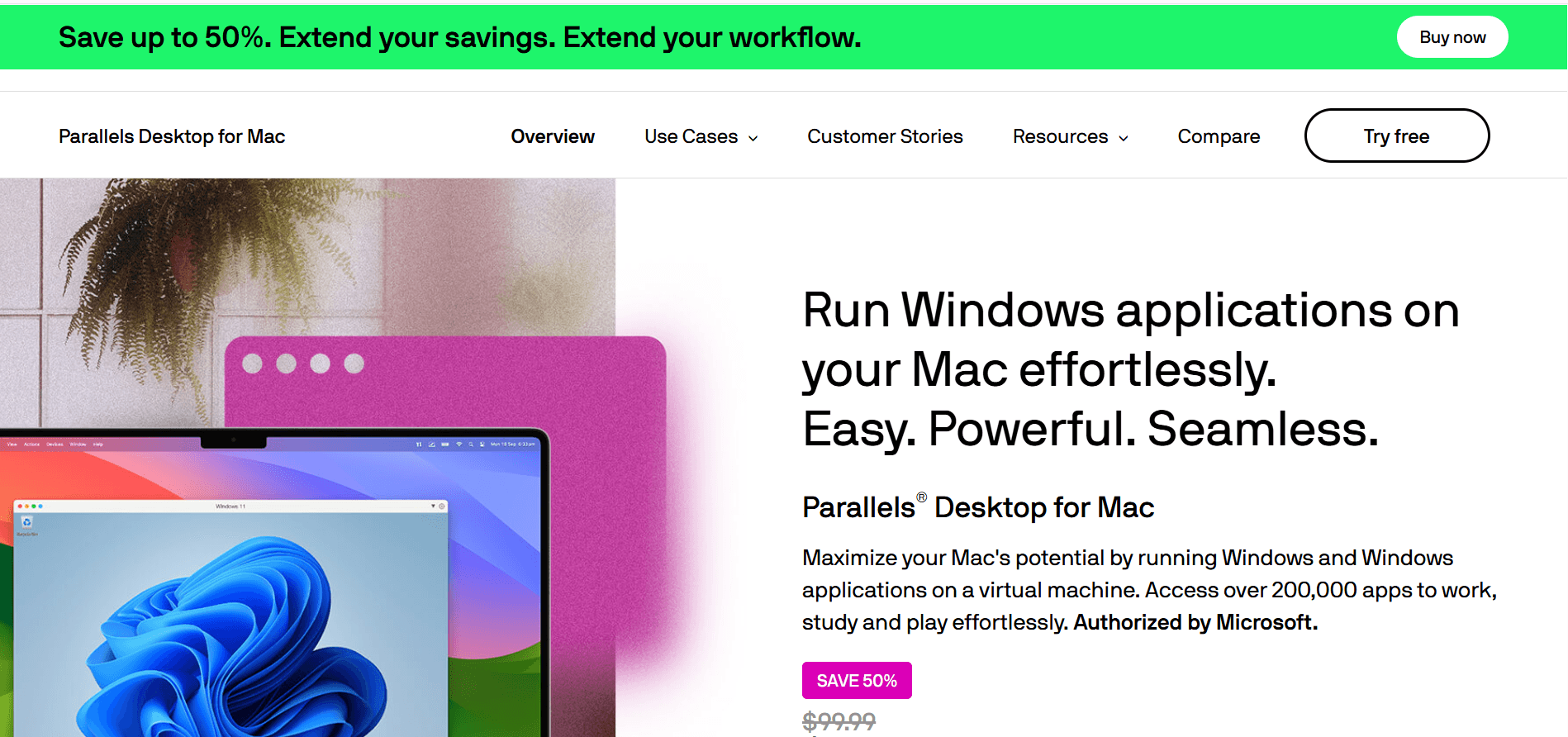
Some classes require Windows-only software. Parallels lets you run Windows on your Mac without rebooting. Both operating systems work at the same time.
Why You Might Need It
Engineering students often need specific Windows programs. Finance majors might use specialized modeling software. Parallels makes it all work on your Mac.
Performance is good - much better than trying to use older methods. Your Windows programs run just like Mac apps.
What You Get
Run Windows on Mac: No need to restart or have a separate computer
Use Windows Programs: Access software that only works on Windows
Good Performance: Smooth operation for most tasks
Student Discount: Special pricing for education
Parallels Desktop Education Edition costs around $49.99/year for students. Check if your school offers it through their software portal.
Website: https://www.parallels.com/products/desktop/education/
11. Grammarly
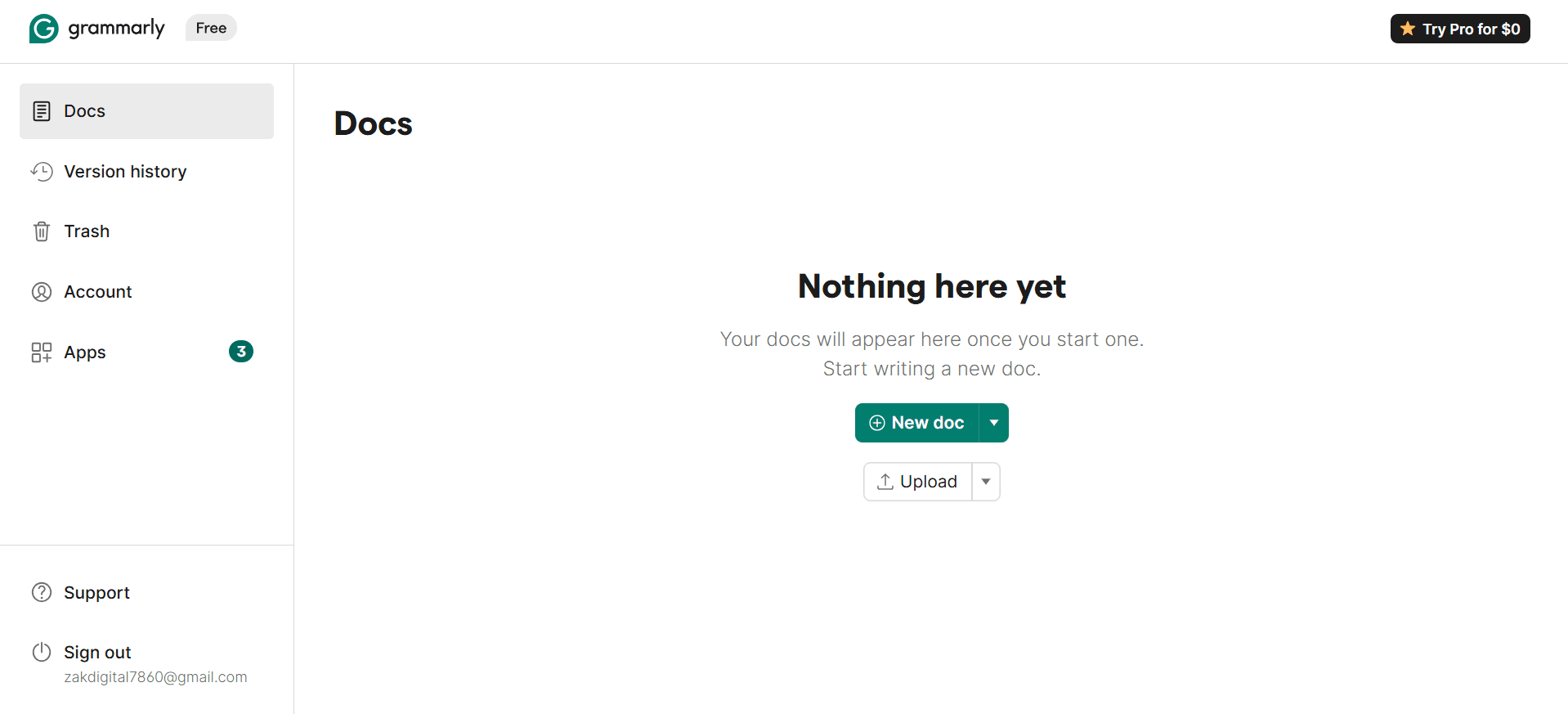
Grammarly is like having a personal writing coach. It checks your grammar, spelling, punctuation, and writing style in real-time across all your apps and websites.
How It Improves Your Writing
As you type anywhere - Word, Google Docs, email, or even social media - Grammarly underlines mistakes and suggests fixes. It catches errors your regular spell-checker misses.
The premium version checks tone, clarity, and engagement. It even detects plagiarism to make sure your work is original.
Best Features
Works Everywhere: Browser extension, Mac app, and mobile apps
Real-Time Checking: See mistakes as you type
Style Suggestions: Make your writing clearer and more professional
Plagiarism Detection: Verify your work is original before submitting
Grammarly's free version covers basic grammar and spelling. Premium costs $12/month and includes advanced features. Students often get educational discounts.
Website: https://www.grammarly.com
12. Readwise
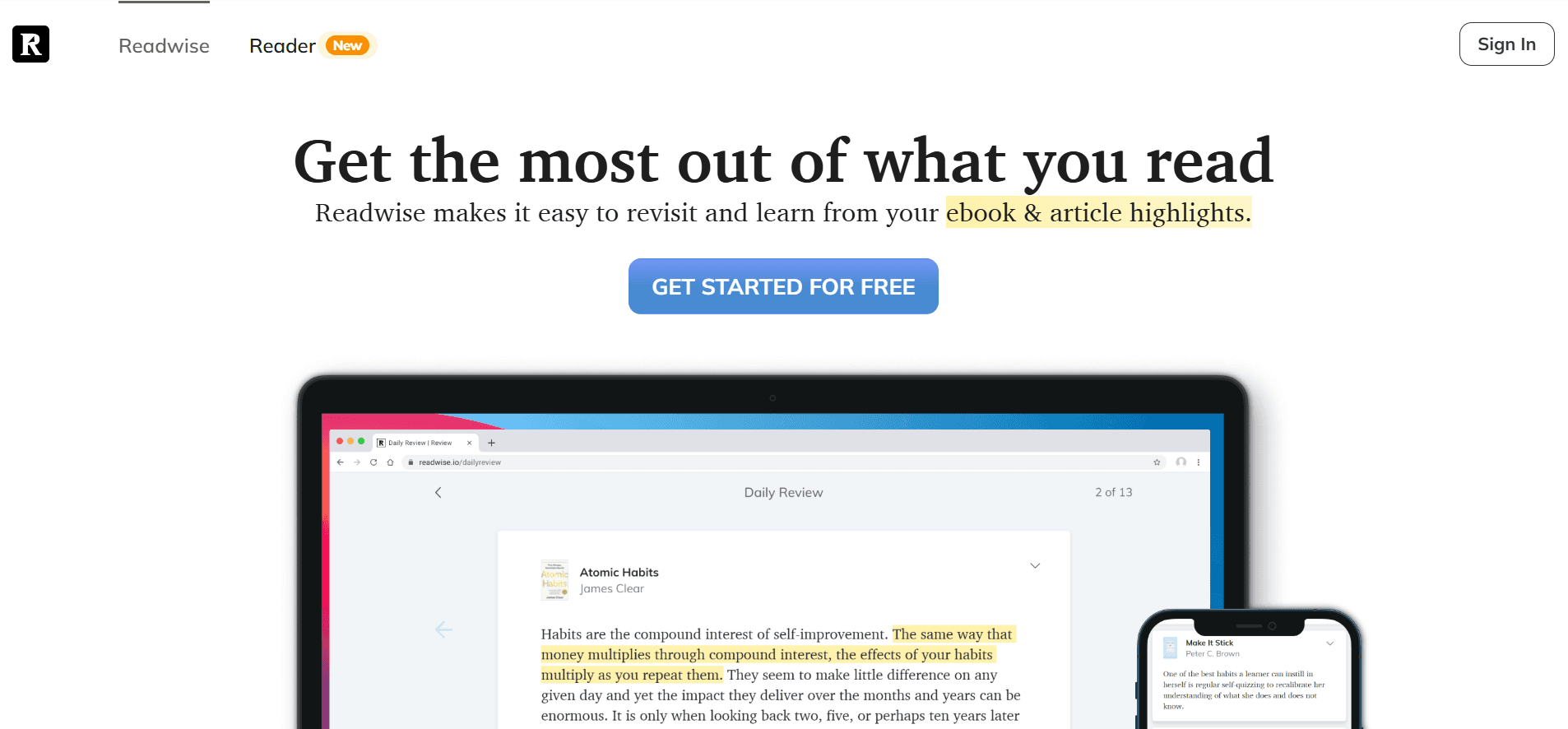
Readwise helps you actually remember what you read. It collects your highlights from Kindle, articles, PDFs, and podcasts, then shows them to you again using proven memory techniques.
How It Works
Connect your reading apps to Readwise. Every time you highlight something, Readwise saves it. Each day, you get an email with some of your past highlights to review.
This spaced repetition technique is proven to help you remember more. Instead of forgetting everything you read, you build lasting knowledge.
Why Students Need It
Remember More: Regular reviews help information stick
Centralized Notes: All your highlights in one searchable place
Daily Review Email: Quick reminders of important points
Export Options: Send highlights to Notion, Evernote, or other apps
For longer highlights, you can use voice dictation with Voicy to speed up the review process. Learn more about how to dictate in Microsoft Word.
Readwise requires a subscription, but it's worth it if you read a lot for school. The Reader app is included and works as a complete reading system.
Website: https://readwise.io
Quick Comparison: Best Mac Apps for Students
App | What It Does | Price | Best For |
|---|---|---|---|
Voicy | AI speech-to-text, dictation | $8.49/month or $260 lifetime | Fast writing, accessibility, note-taking |
Quizlet | Flashcards and study tools | Free or $35.99/year | Memorization, test prep |
GoodNotes | Digital notebook with handwriting | Free or $9.99/year | Handwritten notes, PDF annotation |
Setapp | 250+ app subscription | $9.99-14.99/month | Students needing many apps |
Microsoft 365 | Word, Excel, PowerPoint | Often free for students | Standard documents, compatibility |
Evernote | Note organization system | Free or $10.83/month | Organizing everything, web clipping |
Notion | All-in-one workspace | Free for students | Project management, custom systems |
Zotero | Reference manager | Free (300MB storage) | Research papers, citations |
Affinity | Design software suite | $169.99 one-time | Design work without subscriptions |
Parallels | Run Windows on Mac | $49.99/year (student) | Windows-only software |
Grammarly | Writing assistant | Free or $12/month | Improving writing quality |
Readwise | Highlight review system | Subscription | Remembering what you read |
Build Your Perfect Student Setup
You don't need every app on this list. Instead, focus on the tools that solve your biggest problems.
Students who write a lot of essays or take lecture notes often benefit from voice dictation — see our guide on dictation app for Mac for faster note-taking.
Start with these steps:
Find Your Pain Point: What takes too much time or causes the most stress?
Pick 1-2 Apps: Choose apps that directly solve that problem
Learn Them Well: Master your core apps before adding more
Connect Your Tools: Link apps together so information flows smoothly
Example Setups:
For Research Students: Use Zotero for sources, Readwise for highlights, Voicy for drafting, and Grammarly for editing.
For Creative Students: Use Affinity for design, Notion for project planning, and Voicy for explaining your ideas quickly.
For All-Around Students: Combine Microsoft 365 for assignments, Notion as your central hub, and Setapp for specialized tools.
The best Mac apps for students are the ones that disappear into your workflow and let you focus on actually learning.
Ready to write faster and take better notes? Try Voicy and turn your voice into perfectly formatted text. Stop typing everything and start speaking your ideas. Download Voicy for Mac today and get 40 free minutes to try it out.


