




5 Best Arc Browser Extensions (2026)
The Arc Browser is beautiful and powerful at the same time. That doesn't mean it can't get better.
Luckily, it's a Chromium-based Browser, which means we can use all sorts of Browser Extensions to make Arc even better.
In this article, we'll explore the top three Arc Browser extensions that can revolutionize how you work online.
You'll discover:
Standout features of each extension
Pricing information
Unique productivity benefits
Expert tips to boost your efficiency
Ready to take your browsing experience to the next level? Let's dive into these must-have tools that will help you work smarter and faster with Arc.
If you're deciding which browser dictation tool is best for real workflows like Gmail, Google Docs, Notion, Slack, ChatGPT, and Claude, our speech-to-text Chrome extension guide is the more focused comparison.
Short version of the article
The best Arc browser extensions leverage Arc's Chromium foundation and unique features. These tools boost productivity while maintaining Arc's clean interface.
Productivity and writing:
Voicy - AI speech-to-text, 99% accuracy, 50+ languages, 3x faster than typing
Todoist for Chrome - Task management from any webpage, free basic plan
Focus and security:
StayFocusd - Block distracting websites, "Nuclear Option" for complete blocking
1Password - Password manager with autofill, free trial then subscription
Knowledge management:
Pocket - Save articles for later, offline access, syncs across devices
Arc advantages: Full Chrome Web Store compatibility, split view for multitasking, sidebar extension management, growing tech-savvy user base.
The 5 Best Arc Browser Extensions to Boost Productivity in 2026
Voicy: AI-Powered Speech-to-Text for Every Website
Tired of typing out endless emails, notes, or reports?
Use your voice instead.
Voicy's AI-powered speech-to-text will genuinely save you hours of writing per month right inside Opera.
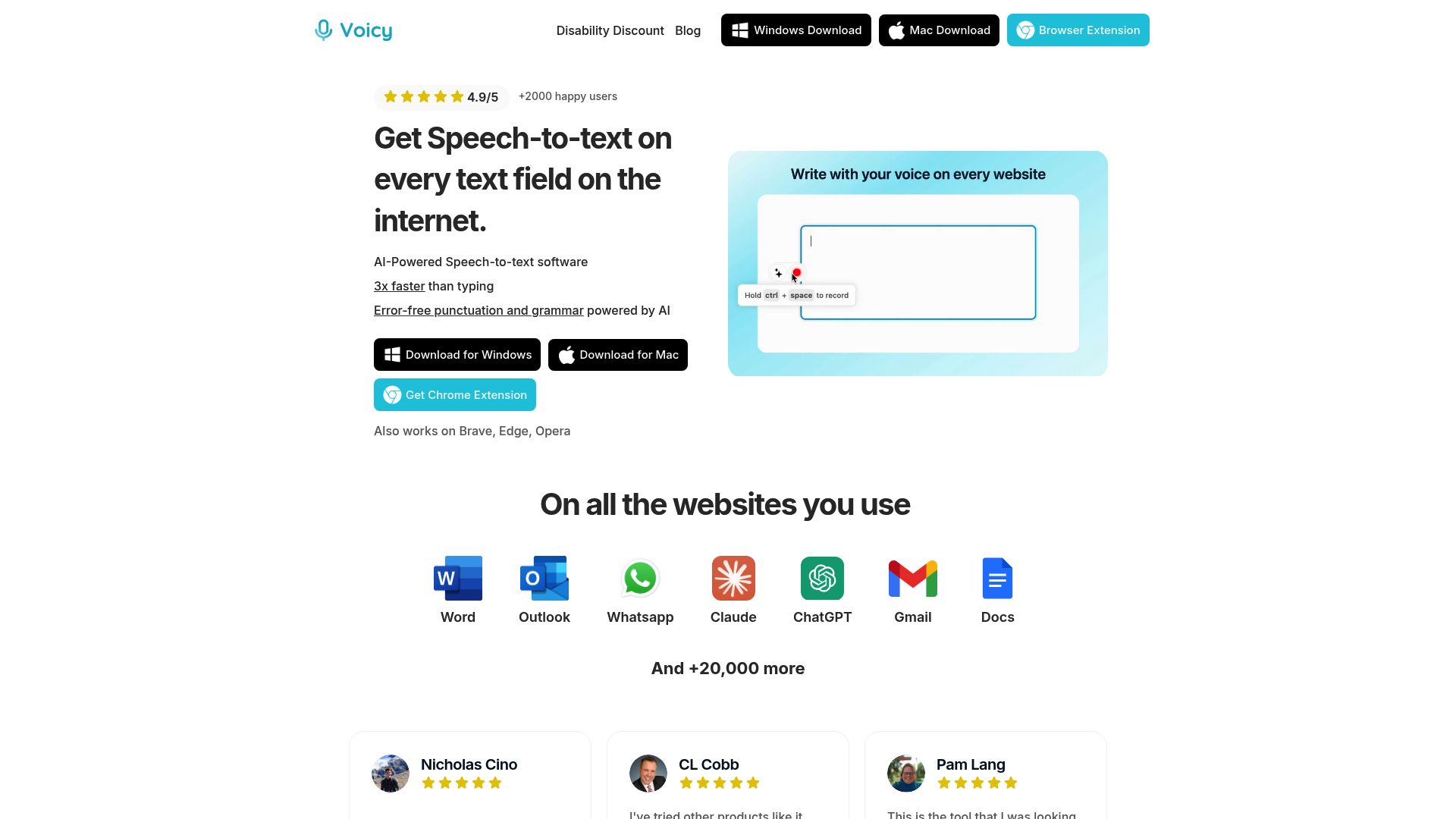
The AI-powered browser extension lets you dictate with 99% accuracy in over 50 languages, get automatic grammar and punctuation and use writing commands.
Key Features:
Universal compatibility with Arc and all Chromium-based browsers
Dictation in 50+ languages and dialects
AI-based writing commands for drafting, editing, and formatting
Automatic grammar correction and punctuation
Works in any text field including Gmail, Notion, Slack, and more
Privacy-first: no data stored on external servers
Pricing:
Voicy provides a generous free trial. Paid plans offer advanced features and special discounts for users with disabilities. Visit Voicy’s official website for the latest pricing details.
Benefits at a Glance:
Write 3x faster: Dictate emails, messages, and reports effortlessly.
Hands-free productivity: Focus on ideas, not keyboards.
Accessibility: Ideal for users with disabilities or repetitive strain injuries.
Seamless integration: Works wherever you type in Arc.
Who Should Use Voicy?
Professionals needing to draft content quickly
Content creators and bloggers
Multilingual users
Anyone seeking to reduce typing fatigue or improve accessibility
Pros & Cons Table:
Pros | Cons |
|---|---|
Over 99% accuracy | Requires microphone access |
Works in all text fields | Some advanced features in paid plans |
Supports Windows and Mac | |
5-star rating on the Chrome Web Store |
Real-World Use Case:
Imagine speaking out an email, then asking the AI to make it look professional and sending it off without any mistakes in less than a minute.
Want to get the most from speech-to-text in arc browser extensions? Check out these Speech-to-Text Productivity Tips for actionable strategies that fit right into your daily routine.
StayFocusd - For staying focused (duh!)
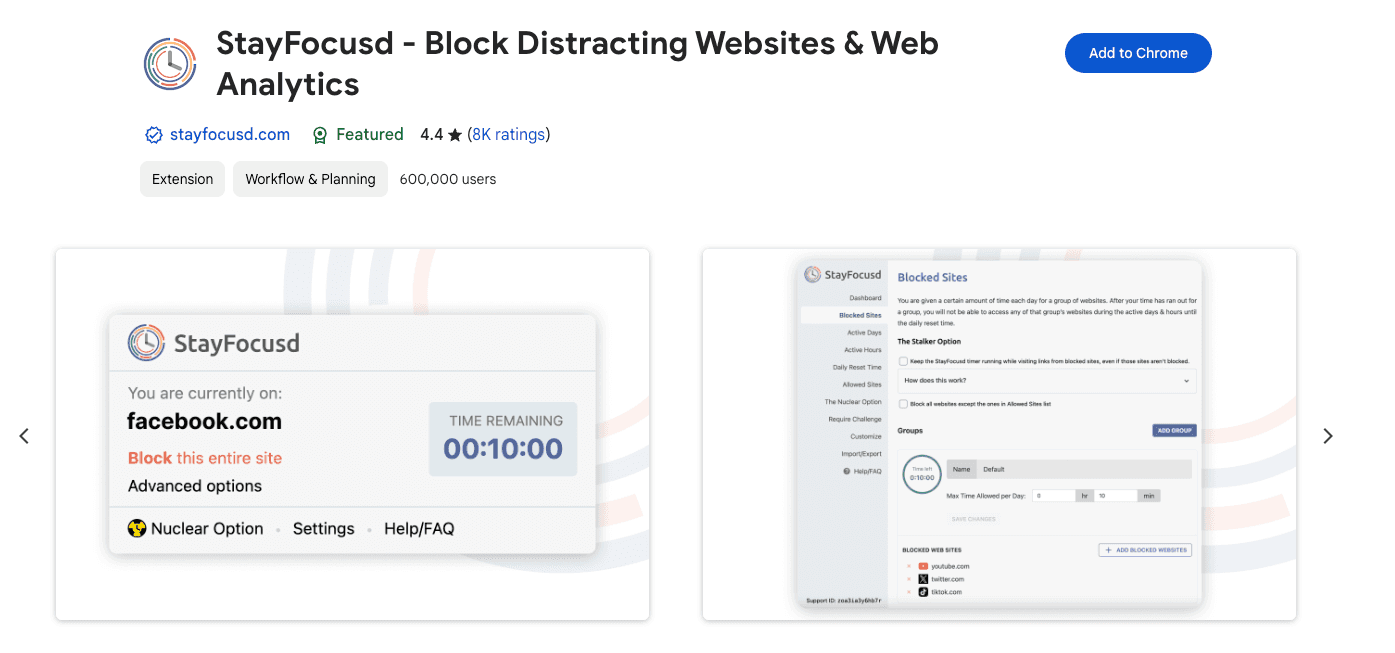
StayFocusd is a powerful tool designed to help users control their time online by restricting access to distracting websites. It allows you to set daily limits on time-wasting sites, helping you maintain focus and productivity.
Key features:
Blocks entire websites or specific pages.
Allows setting time limits for social media and other distractions.
Customizable settings to block certain features (videos, images, etc.).
"Nuclear Option" to block access to sites completely for a set time.
Encourages self-discipline by preventing easy workarounds.
1Password – Password Manager
The truth is most security extensions don't offer a great user experience.
But 1Password truly stands out.
It adds robust encryption, effortless autofill, and seamless integration with Arc's browser.
Overview:
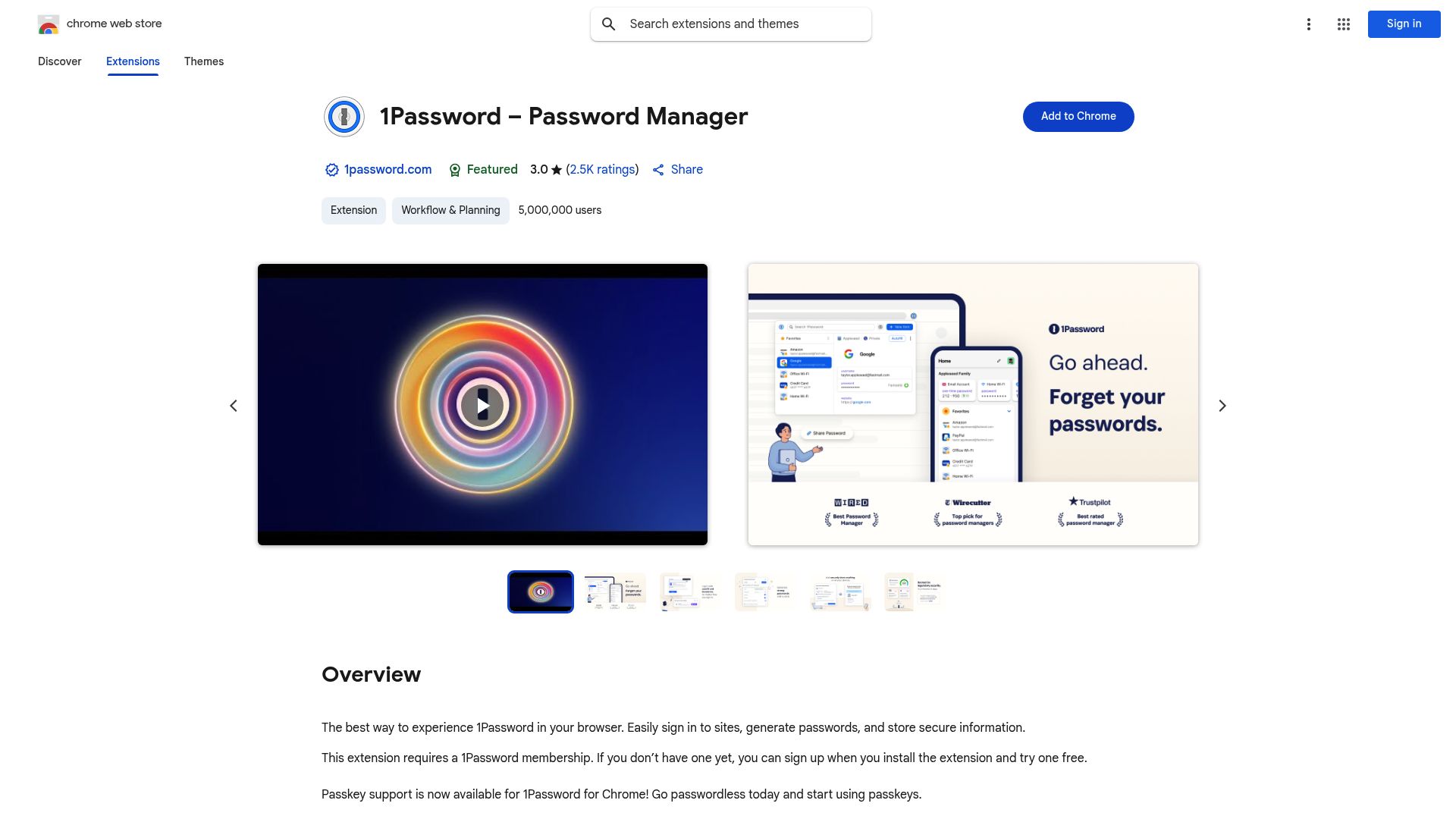
1Password is trusted by millions for managing passwords, sensitive data, and logins across devices. It’s perfect for professionals juggling dozens of accounts, teams sharing credentials, and anyone who values top-notch digital security.
Key Features:
Secure password storage with industry-standard encryption
Autofill for logins, credit cards, and identities
Password generator for strong, unique credentials
Cross-device sync (Windows, Mac, iOS, Android)
Passkey support for passwordless authentication
Team and family vaults for secure sharing
Pricing:
1Password offers a free trial. Ongoing use requires a subscription, with options for individuals, families, and businesses. Plans are competitively priced for the value they deliver.
Top Benefits:
Streamlined logins: Save time by autofilling credentials in Arc.
Enhanced security: Protects against phishing and password reuse.
Team collaboration: Share access safely without emailing passwords.
Always up-to-date: Frequent updates, including beta/nightly channels.
Pros & Cons Table:
Pros | Cons |
|---|---|
Strong encryption | Subscription required for advanced features |
Intuitive, clean interface | Learning curve for some advanced tools |
Reliable autofill | |
Regular updates & support |
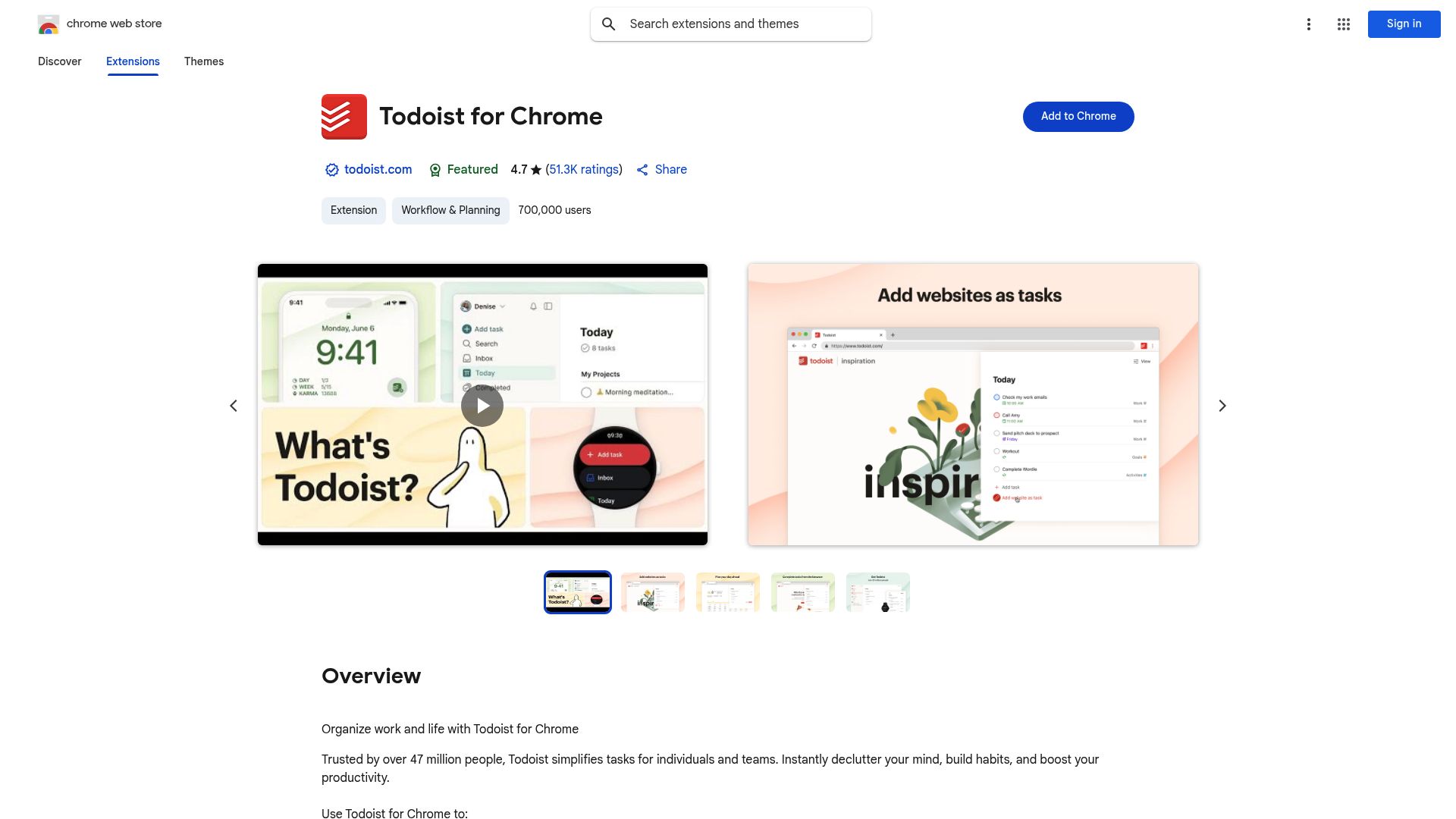
Todoist for Chrome – Task & Project Management
Juggling multiple projects, deadlines, and ideas? Todoist is a must-have among arc browser extensions for keeping your digital life organized. Right from your Arc workspace.
Overview:
Todoist integrates directly with Arc, letting you capture tasks from any webpage, organize projects, set reminders, and collaborate. All without leaving your browser.
Core Features:
Quick-add tasks from any site or tab
Due dates, reminders, and recurring tasks
Project and subtask organization
Cross-platform sync: desktop, web, mobile
Labels, filters, and productivity tracking
Integrates with Gmail, Google Calendar, and more
Pricing:
The basic plan is free, with premium and business subscriptions unlocking advanced features like reminders, labels, and productivity trends.
Key Benefits:
Stay organized: Capture tasks and ideas as you browse.
Collaborate seamlessly: Share projects and delegate tasks with teams.
Never miss a deadline: Set reminders and due dates without switching apps.
Customize your workflow: Use labels and filters for priority management.
Pros & Cons Table:
Pros | Cons |
|---|---|
Clean, intuitive interface | Advanced features in paid plans |
Robust sync across devices | Overkill for basic to-do lists |
Powerful labels/filters | |
Integrates with major productivity tools |
Pocket - For Knowledge Management
Pocket lets you save articles, videos, and other web content for later viewing, ensuring you never lose valuable information.
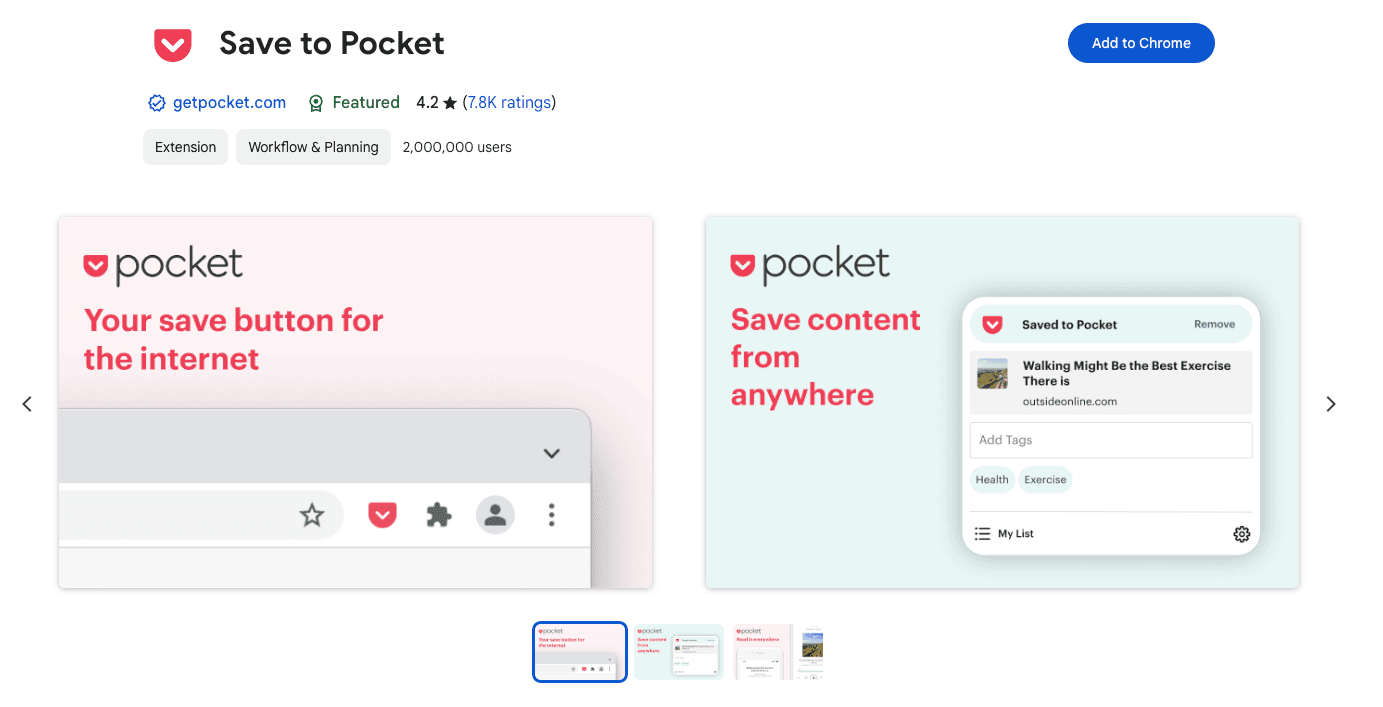
Screenshot of the Pocket Chrome Extension Page
Key features:
Offline access to saved content.
Syncs across multiple devices.
Personalized content recommendations.
More Powerful Extensions for Your Browser
If you want even more suggestions than the one in this article, check out our article on the best Chrome extensions for productivity.
While we can't promise that all of these extensions work flawlessly on Arc, there's a very high chance that they do.
This is mostly because Arc's user base is continuously growing, and also its user base consists of very tech savvy people who are always looking for ways to improve their online browsing experience.
Pro Tips for Maximizing Productivity with Arc Extensions
Unlocking the true power of arc browser extensions comes down to how you combine, configure, and maintain them. A few strategic tweaks can turn your Arc workspace into a productivity powerhouse. Let’s dive into pro-level tactics for getting the most out of your extensions without overwhelming your browser or yourself.
Combine Extensions for Seamless Workflows
The real magic of arc browser extensions shines when you layer tools with complementary features. For example, use Voicy for hands-free dictation while capturing tasks in Todoist, all within Arc’s split view. Pairing a password manager like 1Password with project management tools means you can log in, organize, and execute tasks without leaving your workspace.
To discover more cutting-edge AI-powered tools that work perfectly with Arc, check out this curated guide on AI Chrome Extensions for 2025. It’s a solid resource for anyone looking to build a robust, future-ready workflow.
Customize Settings for Focus and Speed
Every Arc browser extension has settings you can fine-tune. Disable unnecessary notifications, set up custom shortcuts, and prune permissions to keep distractions at bay. Prioritize extensions that offer granular control. This ensures your browser stays fast and responsive.
Regularly audit your installed extensions. Remove any you no longer use, and stick to a handful of well-chosen tools. This minimizes bloat and keeps Arc running smoothly, even with multiple tabs and workspaces open.
Avoiding Extension Overload: Practical Tips
It’s easy to install too many arc browser extensions and end up with browser bloat. To keep Arc fast and responsive:
Regularly audit your installed extensions.
Remove tools you rarely use.
Prioritize extensions with multiple relevant features.
Disable or uninstall outdated or unsupported add-ons.
Choosing wisely ensures your Arc workspace remains efficient and secure—empowering you to work smarter, not harder.
Other Chromium Browsers and Their Best Extensions
Arc is built on Chromium, which means it shares the same extension ecosystem as Chrome and several other browsers. If you're curious about what works best in each one, we've covered them all:
Best Brave browser extensions — Brave focuses on privacy and runs Chrome extensions natively.
Best Microsoft Edge extensions — Edge has its own add-on store plus full Chrome Web Store support.
Best Opera browser extensions — Opera and Opera GX run Chrome extensions natively.
Best Vivaldi browser extensions — Vivaldi power-users get the most from these picks.
Frequently Asked Questions About Arc Browser Extensions in 2026
Curious about using arc browser extensions in 2026? Here are answers to common questions to help you get the most out of your browsing experience and keep your workflow smooth.
Also curious about privacy-focused browsers? Check the best Brave browser extensions.
A visually engaging FAQ page open in the Arc Browser on a modern laptop, with extension icons like password managers, task apps, and speech-to-text tools visible in the browser's toolbar. The screen displays a clean, organized list of frequently asked questions about browser extensions. The setting is a well-lit, productive workspace, suggesting clarity and ease of use for professionals and students.
Are Chrome extensions fully compatible with Arc in 2026?
Yes, arc browser extensions are fully compatible thanks to Arc’s Chromium foundation. Most Chrome Web Store extensions install and work seamlessly.
How do I manage and update extensions in Arc?
You can access the extensions menu from Arc’s sidebar, where you can enable, disable, update, or remove arc browser extensions as needed.
What should I do if an extension causes Arc to slow down?
Try disabling or removing problematic arc browser extensions. Keeping only essential tools helps maintain peak performance.
Can I use multiple productivity extensions at once?
Absolutely! Many users combine tools like password managers and task apps. Just avoid overloading Arc to keep things speedy.
Are there privacy risks with using browser extensions?
Always review permissions and privacy policies before installing arc browser extensions. Choose reputable developers and update regularly.
Where can I find more Arc-compatible extensions?
Check the Chrome Web Store or explore curated lists like Chrome Extensions for Students 2025 for top picks.
How do I uninstall or temporarily disable an extension in Arc?
Open the extensions menu, then toggle off or remove any arc browser extensions you no longer need.


