




4.9/5

Voicy is 2x more accurate than Apple Dictation. It works in over 50 languages, handles automatic punctuation, and works in every app on your Mac.
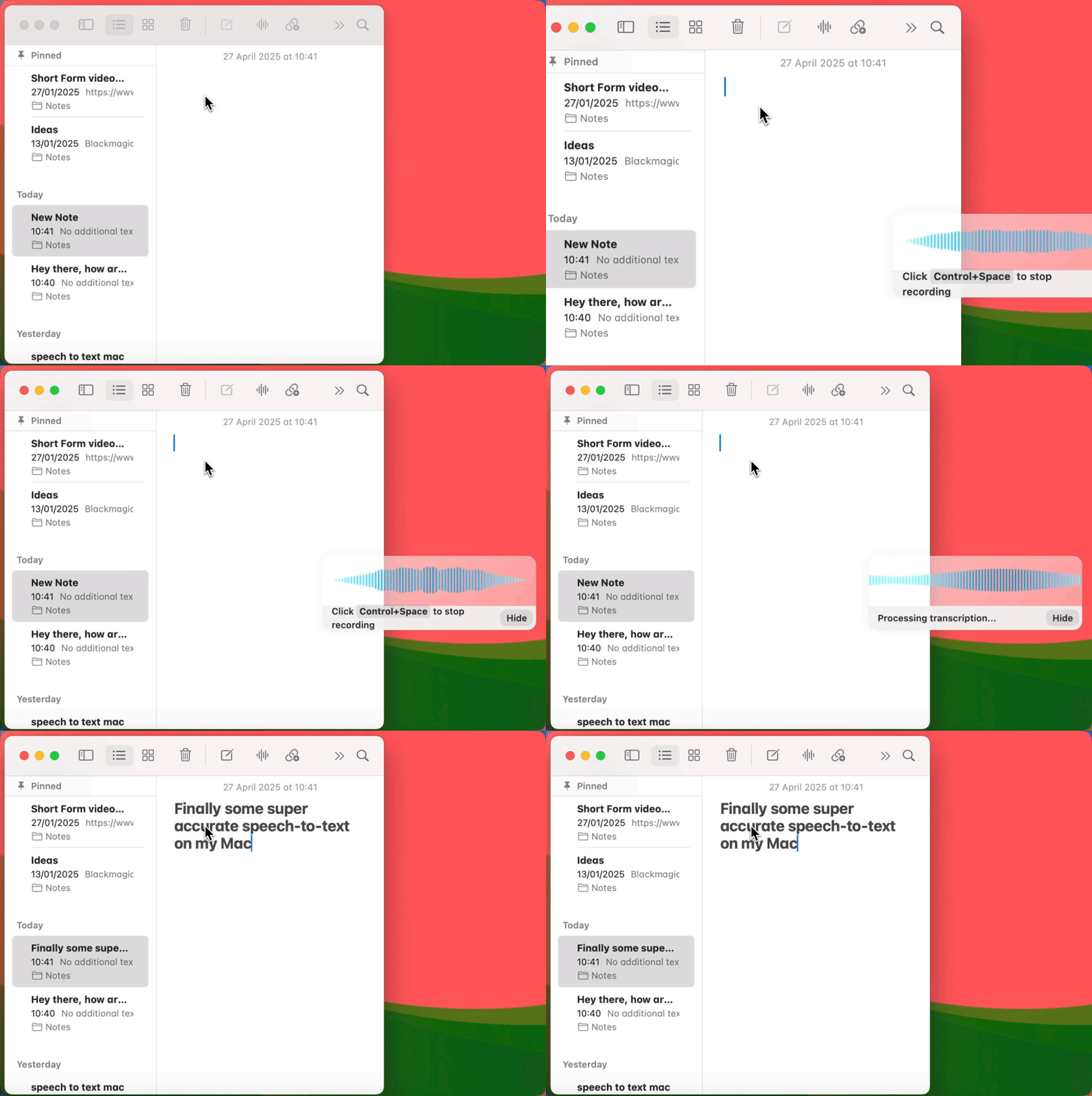





Voicy is a privacy-focused speech-to-text Mac app. It adds the most advanced dictation technology to your Mac computer and allows you to write with your voice everywhere.
During the Voicy setup, you can select a keyboard shortcut to use to start and stop your recordings. It's the easiest way to use dictation on your computer.

Start dictating to Voicy
Once Voicy is installed, you can use talk to text everywhere on your computer. This includes all of your Mac apps and every website in your browser too!
















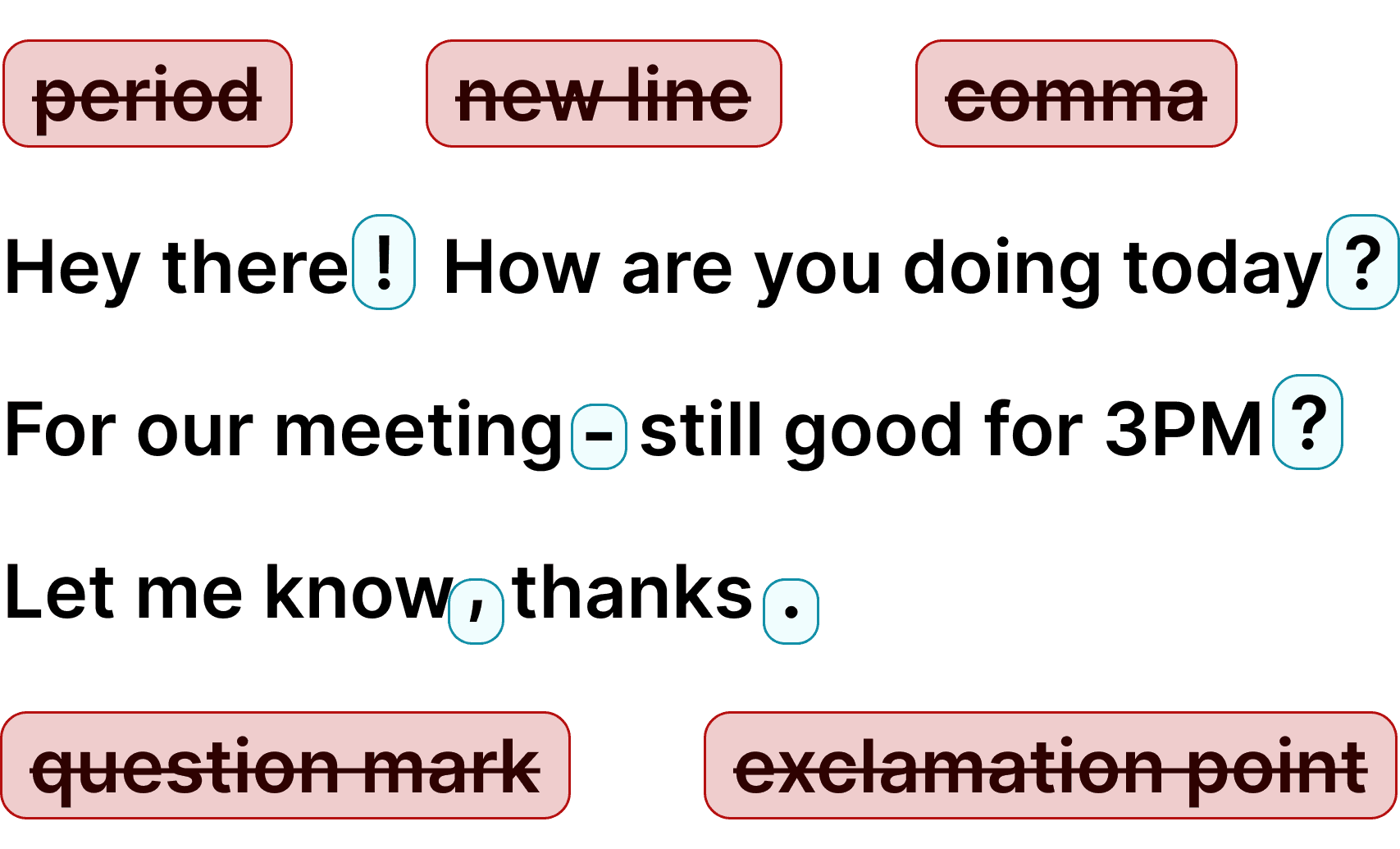
Mac Speech Recognition… but better
Voicy adds speech to text functionality to your Mac computer allowing you to use voice dictation on every app on your computer.
This includes Outlook, Microsoft Teams, Notepad, Microsoft Word, Google Docs, Chrome, Edge, Opera, Brave, etc.
Enjoy over 99% accuracy and lighting fast transcriptions, wherever you're working.
Simply start the Voicy speech-to-text mac app and click on the keyboard shortcut to record yourself.
Once you're done, your dictated text will appear in any app that you're in.
Voice dictation in your mac has never been easier!
If you need more help, check out this guide on how to use speech-to-text on your Mac.
Why is Voicy better than Apple's native speech recognition feature?
Apple used to offer a state-of-the-art speech recognition service on its Mac devices, but times have changed.
Thanks to developments in the AI space, we now have far more accurate and fast voice to text models.
These models haven't been added to Apple's native services, and very likely won't be added any time soon.
Additionally, at Voicy our only focus is to make speech-to-text as great as possible. We don't have to or want to focus on anything else.

FAQ
Is Voicy's speech-to-text accuracy better than Apple Dictation?
Why is dictation not working on my Mac?
Do you see what I write with Voicy?
How do you use dictation on Mac?
What is speech-to-text?
Is Voicy compatible with Mac computers?