









Step 1
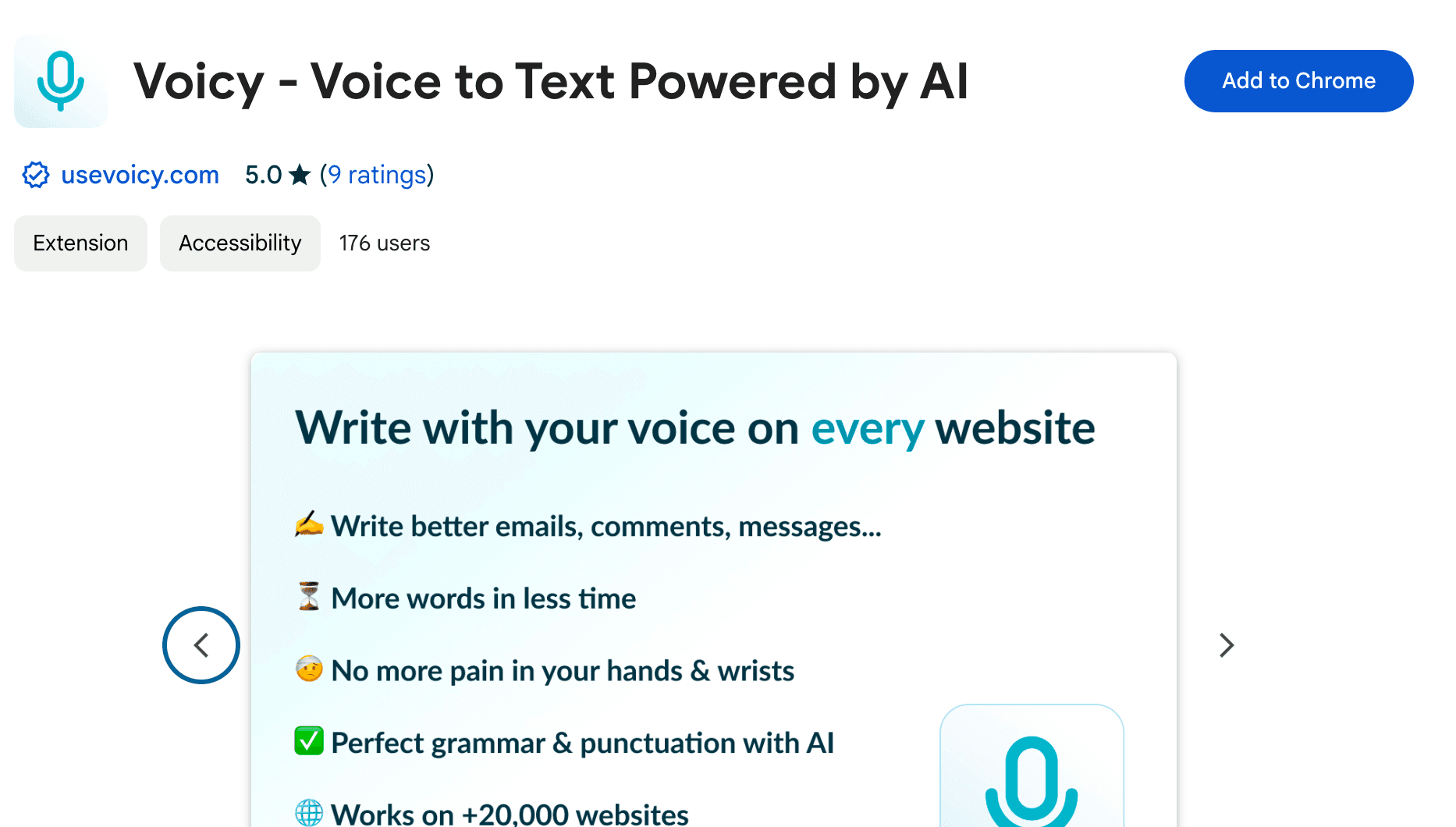
Voicy is a privacy-focused speech-to-text chrome extension. It adds voice dictation functionality to every text field on the internet and allows you to write with your voice, everywhere, including ChatGPT & Claude.
Step 2
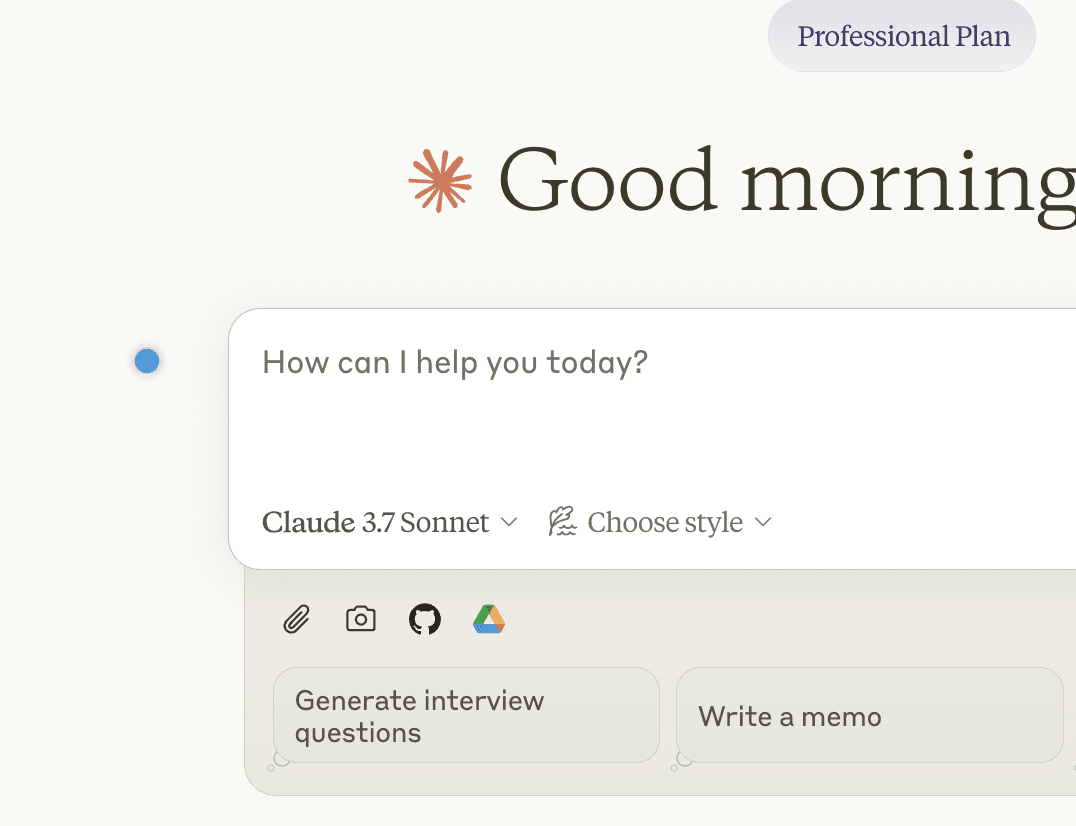
Open a new chat in Claude.ai
The Voicy element will now show up next to your chat input. Hover over the blue dot with your mouse to expand the element. Congratulations, you now have voice to text right inside Claude.
Step 3
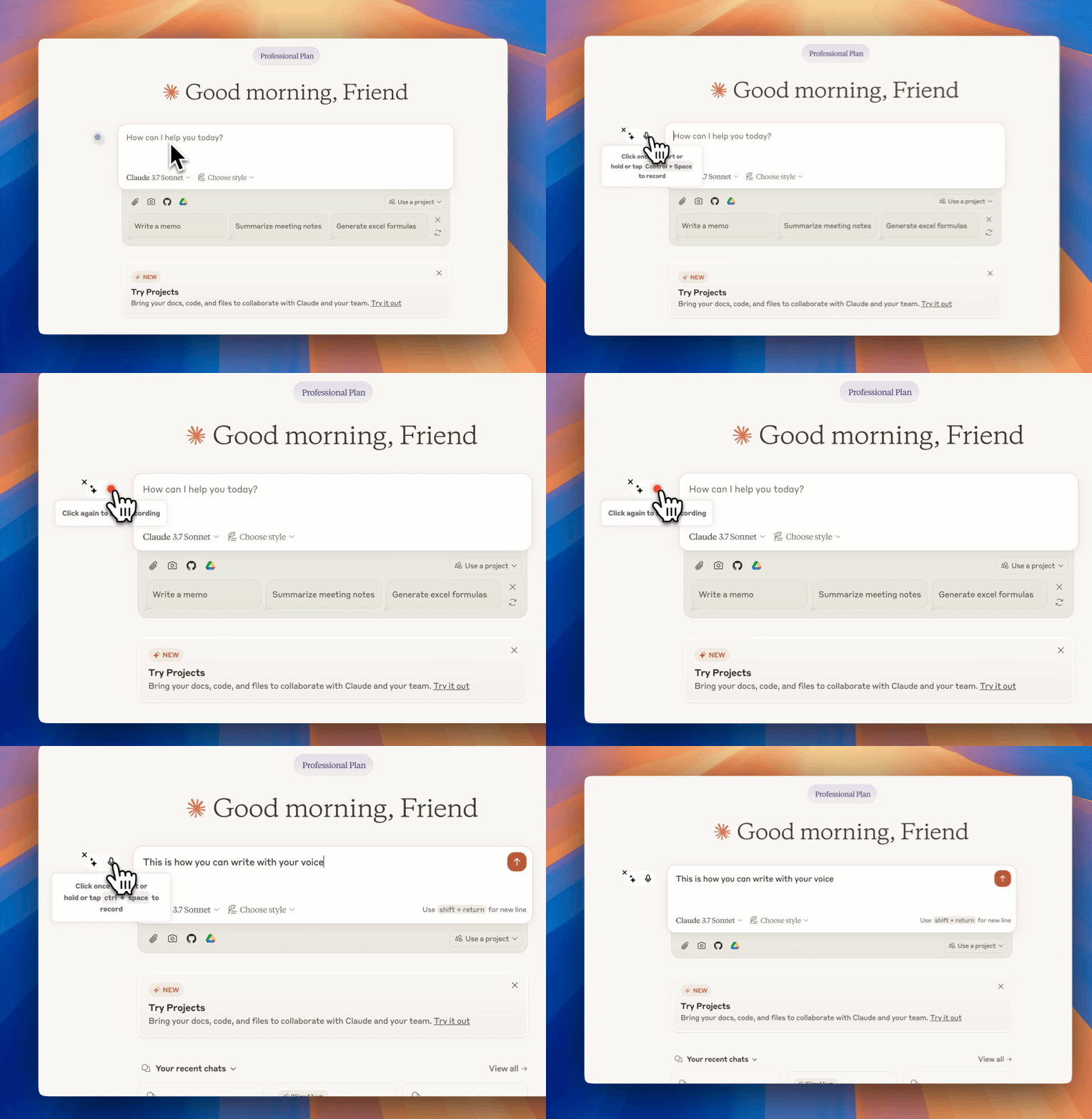
Start dictating to Voicy
Clicking on the microphone will start the speech-to-text recording for you. Once you are done talking, click on the microphone again to stop. Your dictated sentences will now show up in your chat input.
The benefits of speech to text in Claude
Your thoughts on paper,
faster
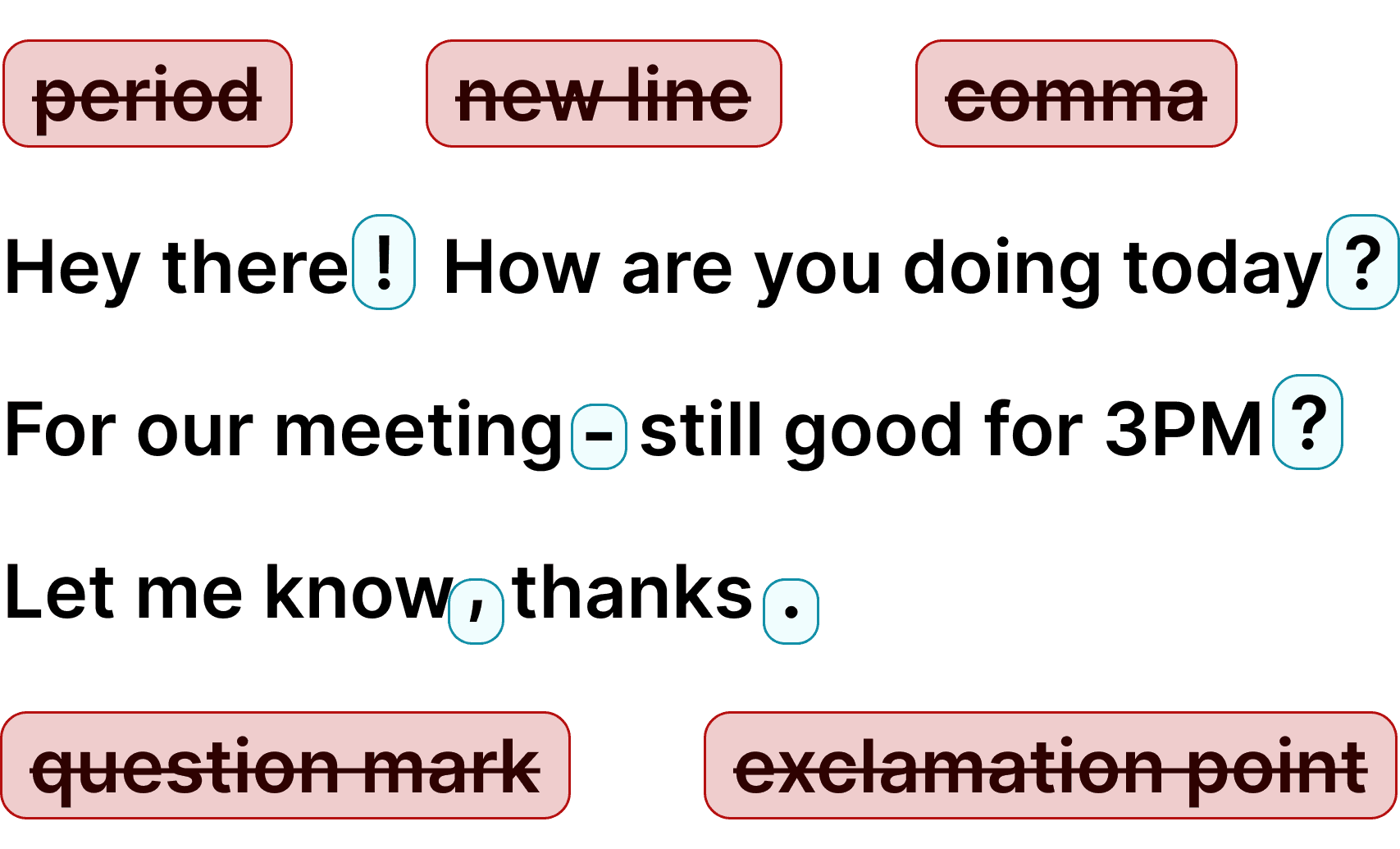
How do commas work?
Voicy automatically adds perfect commas and punctuation to your transcription.
Natural sounding text
Writing with your voice creates more natural sounding, easier to understand text and documents.
Ask AI
Voicy also gives you direct access to ChatGPT through voice commands, wherever you are.





















FAQ
Can Claude transcribe audio?
How much does Voicy cost for Claude voice input?
Is Claude voice input with Voicy private?
How do I use Claude voice input on desktop?
What is speech-to-text?
Does Claude have voice input on desktop?
Can I use Voicy with Claude Code?
Is Voicy better than Wispr Flow for Claude?
What languages can I dictate to Claude with Voicy?
Accurate voice dictation for prompts in Claude
Claude is one of the most powerful AI assistants available — but typing out long, detailed prompts takes time. With Voicy's speech to text for Claude, you can dictate your prompts naturally and get them into Claude's chat in seconds. Whether you're brainstorming ideas, writing code instructions, drafting documents, or having complex conversations with Claude, voice typing lets you communicate faster and more naturally than typing ever could.
Voicy works as a Chrome extension that adds voice dictation directly into Claude's interface. No copy-pasting between apps, no switching windows — just press your keyboard shortcut and start talking. Voicy automatically adds punctuation and grammar, so your prompts come out clean and well-structured. It works in over 50 languages, making Claude accessible to non-English speakers too.
Why voice typing makes Claude better
The best prompts for Claude are detailed and specific — but detailed prompts mean more typing. Voice typing solves this. You can speak a 200-word prompt in about 60 seconds, compared to 3-4 minutes of typing. Your prompts end up longer, more detailed, and more natural-sounding — which means better responses from Claude.
Voicy uses AI-powered speech recognition with over 99% accuracy. It handles technical terms, code-related vocabulary, accents, and fast speech far better than browser-based dictation tools. Whether you're a developer giving Claude coding instructions, a writer brainstorming with Claude, or a researcher having Claude analyze data — Voicy makes the conversation flow faster.
Claude vs ChatGPT: voice input compared
ChatGPT has a built-in voice mode on mobile — you can talk to it directly. Claude doesn't have this on the web yet. That means if you want to use speech to text in Claude on your computer, you need a tool like Voicy. The Chrome extension adds voice dictation directly into Claude's interface, giving you the same hands-free experience that ChatGPT mobile users already have.
The advantage of using Voicy over ChatGPT's built-in voice is that Voicy works everywhere — not just in one AI tool. Dictate into Claude, then switch to Gmail, then to Google Docs, all with the same keyboard shortcut. One tool for all your voice typing needs.
Who uses speech to text in Claude?
Developers use voice typing to give Claude detailed coding instructions without wearing out their hands. Writers use it to brainstorm and draft content through conversation with Claude. Researchers dictate complex questions and analysis requests. Business professionals use it for email drafting, report writing, and data analysis — all through Claude's AI.
Anyone who spends a lot of time prompting Claude benefits from voice typing. Longer, more detailed prompts get better responses — and speaking is 3x faster than typing. With Voicy, your prompts come out more natural and conversational, which is exactly what Claude responds best to.