




Summary of the article
The right app depends on what's hardest for you: reading, writing, or learning.
If writing and spelling are your biggest challenges:
Voicy - AI speech-to-text with 99%+ accuracy, automatic grammar and punctuation ($8.49/month or $260 lifetime)
Ghotit Real Writer & Reader - Spell checker built for dyslexic spelling patterns, word prediction, OCR (subscription or one-time fee)
Co:Writer - Smart word prediction that understands context and grammar (subscription required)
ClaroRead - Phonetic spell checker, text-to-speech, scan and read (paid per platform)
If reading is difficult:
Voice Dream Reader - 200+ natural voices, completely customizable reading experience (paid app, iOS/Mac)
NaturalReader - Simple text-to-speech on all devices, OCR scanning (free or paid)
Microsoft Immersive Reader - Free reading support in Microsoft apps, line focus, syllable splitting
ClaroRead - Text-to-speech with word highlighting (paid)
If you need accessible books:
Bookshare - Over 1 million books, free for qualified US students with disabilities
Learning Ally - Human-narrated audiobooks with text highlighting (membership required)
Voice Dream Reader - Read PDFs, web pages, ebooks with customizable voices (paid app)
If you're a student (K-12 or college):
Texthelp Read&Write - Complete toolkit for reading and writing, used by schools (institutional pricing)
Kurzweil 3000 - Comprehensive learning platform with test accommodations (school pricing)
Microsoft Immersive Reader - Free in Microsoft apps like Word and Edge
Bookshare - Free accessible library for US students
If you're helping a child (ages 6-11):
Nessy Reading & Spelling - Fun games teaching phonics and reading skills (subscription)
Reading Eggs - Interactive reading lessons
ABCmouse - Early learning activities
Completely free options:
Microsoft Immersive Reader - Built into Edge, Word, Teams
Bookshare - Free for qualified US students
Natural Reader - Basic free version available
Google Read&Write - Chrome extension with free features
Best all-in-one solutions:
Texthelp Read&Write - Reading, writing, research tools in one toolbar (paid)
Kurzweil 3000 - Complete learning platform (school pricing)
ClaroRead - Text-to-speech, spell checking, study tools (paid)
For professionals at work:
Voicy - Write emails and documents 3x faster with AI speech-to-text
Ghotit Real Writer & Reader - Professional spell and grammar checking for dyslexic patterns
Microsoft Immersive Reader - Free reading support in Microsoft 365
Quick decision guide:
Struggle with spelling? Try Voicy (speak instead of type) or Ghotit (smart spell checker)
Hard to read? Use Voice Dream or Microsoft Immersive Reader (free)
Need books? Get Bookshare (free for US students) or Learning Ally
Helping a child? Start with Nessy (fun learning games)
In school? Ask about Read&Write or Kurzweil 3000
On a budget? Use Microsoft Immersive Reader (free) or Natural Reader basic
Main article
Finding the right tools to help with dyslexia shouldn't be hard. This guide shows you the best apps for dyslexia that actually make reading, writing, and learning easier.
Each app includes pricing details, what devices it works on, and what it's best for. Whether you're a student, teacher, or professional, you'll find practical tools that fit your needs.
From AI speech-to-text like Voicy to complete learning programs, this list gives you clear options to choose from.
1. Voicy
Voicy is an AI-powered dictation tool that makes writing easier for people with dyslexia. Instead of struggling with spelling and grammar, you just speak and Voicy creates clean, formatted text ready to use.
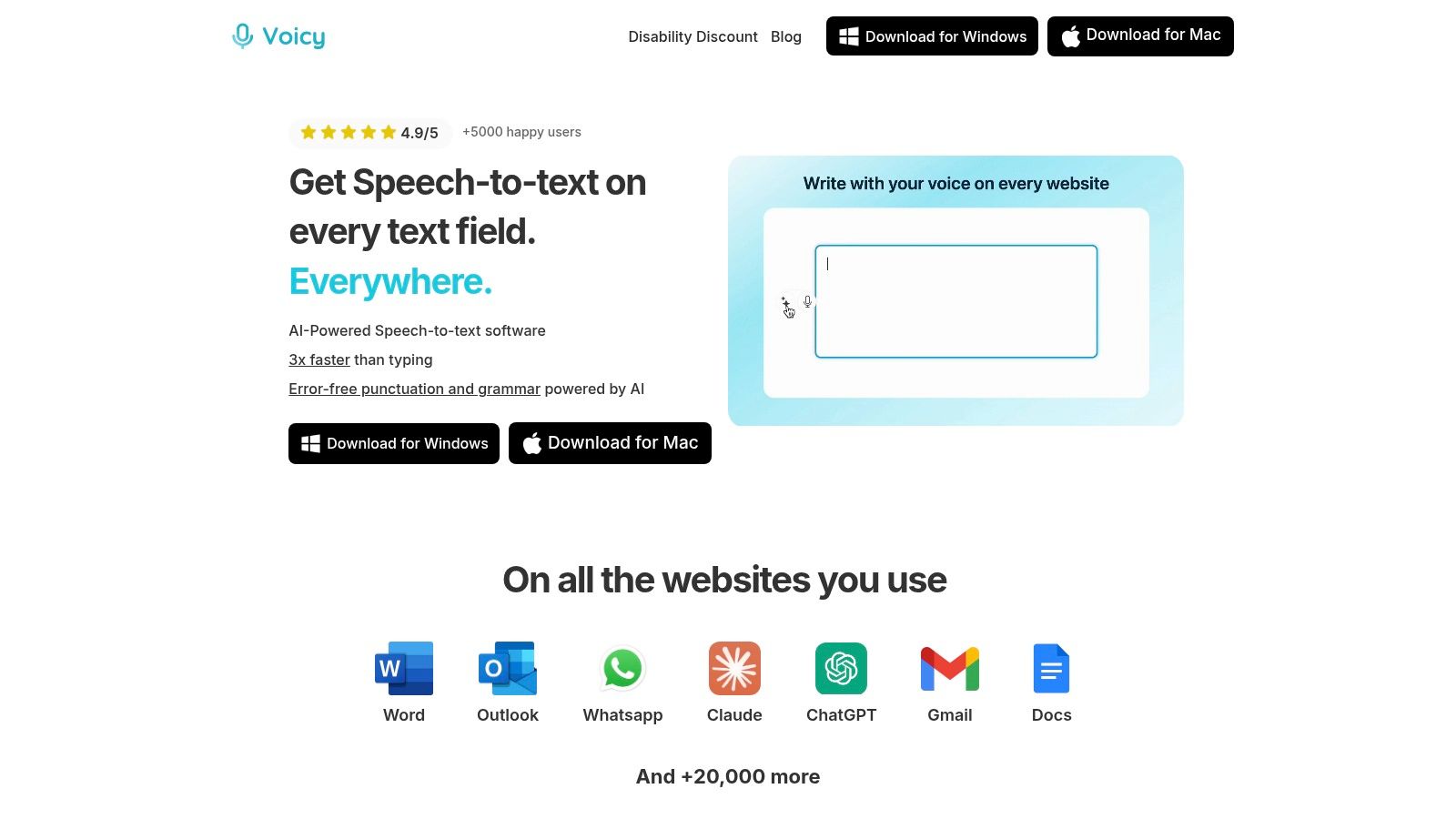
The app is over 99% accurate and automatically adds punctuation and fixes grammar. This means less editing work for you. It works on Mac, Windows, and Chrome, so you can use it anywhere from Google Docs to Gmail to WhatsApp.
Key Strengths and Use Cases
High-Accuracy Transcription: Works in over 50 languages with amazing accuracy. Perfect for writing emails, essays, or reports without typing.
Smart AI Commands: You can tell Voicy to rewrite your text. Say "make this more professional," and it instantly changes your casual note into a formal document.
Works Everywhere: Use it across thousands of websites and desktop apps. You get the same easy writing experience no matter where you work.
Feature | Benefit for Dyslexia |
|---|---|
Automatic Punctuation | No need to add commas, periods, or question marks yourself |
Grammar Correction | Fixes errors as you speak, boosting your confidence |
AI Editing Commands | Edit text using just your voice—no keyboard needed |
Multi-Language Support | Helps bilingual users or language learners |
Pricing and Availability
Voicy offers 40 minutes of free recording time to try it out. The Pro plan costs $8.49 per month (billed yearly), or you can buy lifetime access for $260.
Pros: Amazing accuracy and automatic formatting; powerful voice editing; works on all major platforms; keeps your data private.
Cons: Free trial is limited; no mobile apps for phones.
Learn more about Voicy's Chrome extension on their voice-to-text extensions blog.
2. ClaroRead
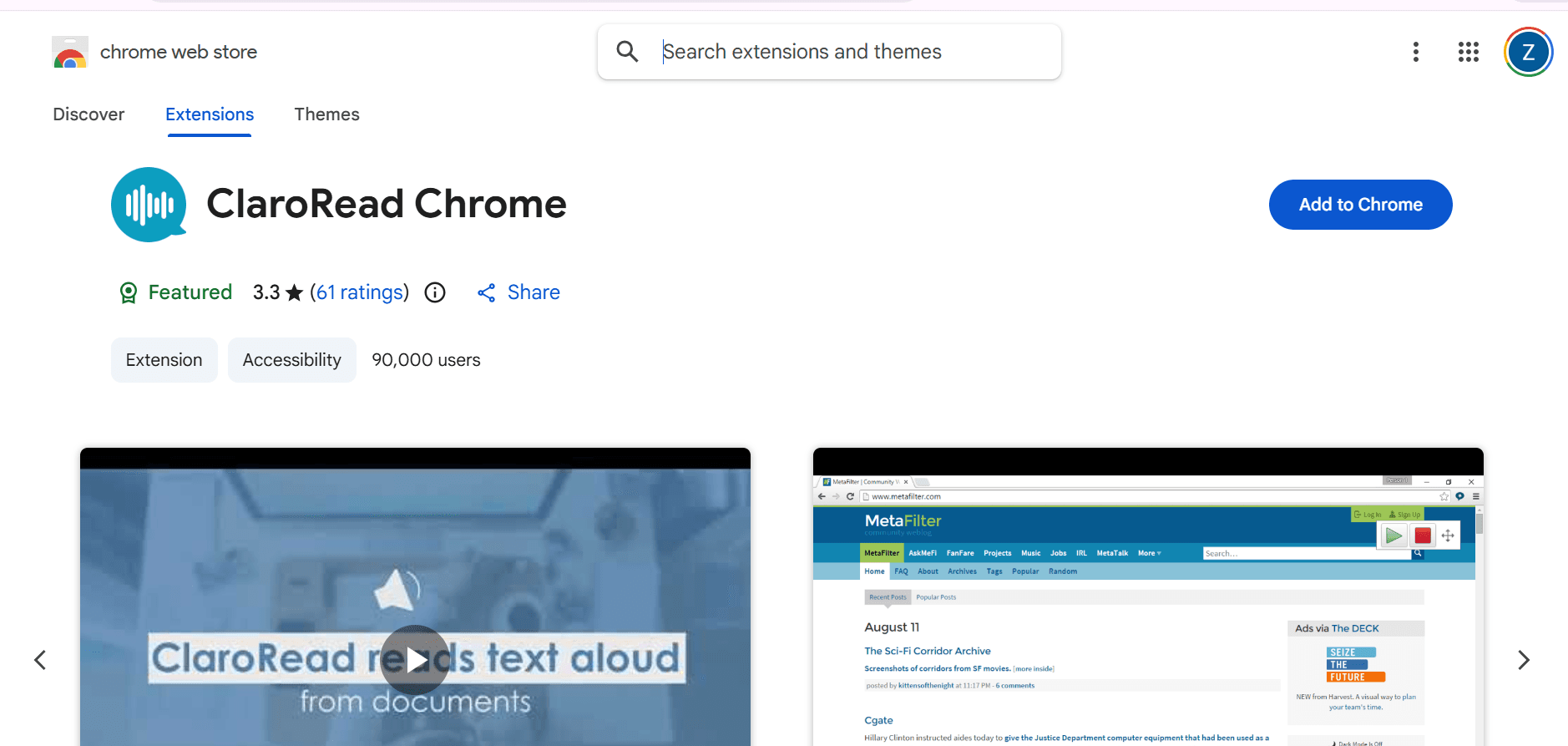
ClaroRead is a powerful reading and writing tool designed specifically for people with dyslexia. It combines text-to-speech, spell checking, and visual support tools in one package.
The app reads text aloud with natural-sounding voices while highlighting words as it goes. This helps you follow along and understand better. You can also use it to check spelling with a dyslexia-friendly spell checker that understands phonetic mistakes.
Why ClaroRead Works
Smart Spell Checker: Recognizes common dyslexic spelling patterns and suggests the right words.
Scan and Read: Take a picture of printed text with your phone, and ClaroRead will read it to you.
Study Tools: Includes features like screen masking to help you focus on one line at a time.
Works Everywhere: Available on Windows, Mac, iPad, iPhone, and Android.
Best For: Students and professionals who need reading support across different devices.
Key Features: Text-to-speech with highlighting, phonetic spell checker, OCR scanning, and study tools.
Website: https://www.clarosoftware.com
Pros | Cons |
|---|---|
Strong dyslexia-specific spell checking | Costs more than some alternatives |
Works on all major platforms | Learning curve for all features |
High-quality voices and scanning | Separate purchases for different devices |
3. Co:Writer
Co:Writer helps you write by predicting what word you want to say next. It's especially helpful for people with dyslexia who know what they want to say but struggle with spelling.
As you type, Co:Writer shows word suggestions based on what you're writing about. It understands grammar and context, so suggestions make sense in your sentence. Even if you spell a word badly wrong, Co:Writer figures out what you mean.
How Co:Writer Helps
Smart Word Prediction: Suggests words based on your topic and grammar—not just the first letter you type.
Topic Dictionary: When you're writing about science or history, it suggests subject-specific words.
Flexible Voices: Hear your writing read back to you to catch mistakes.
Works With Google: Integrates directly with Google Docs and Chrome.
Best For: Students who need help with spelling and word finding while writing.
Key Features: Context-aware word prediction, topic dictionaries, speech feedback, and translation support.
Website: https://donjohnston.com/cowriter
Pros | Cons |
|---|---|
Excellent word prediction accuracy | Requires subscription |
Understands grammar and context | Best with Chrome/Google tools |
Helps build vocabulary | Limited offline functionality |
4. Nessy – Reading & Spelling
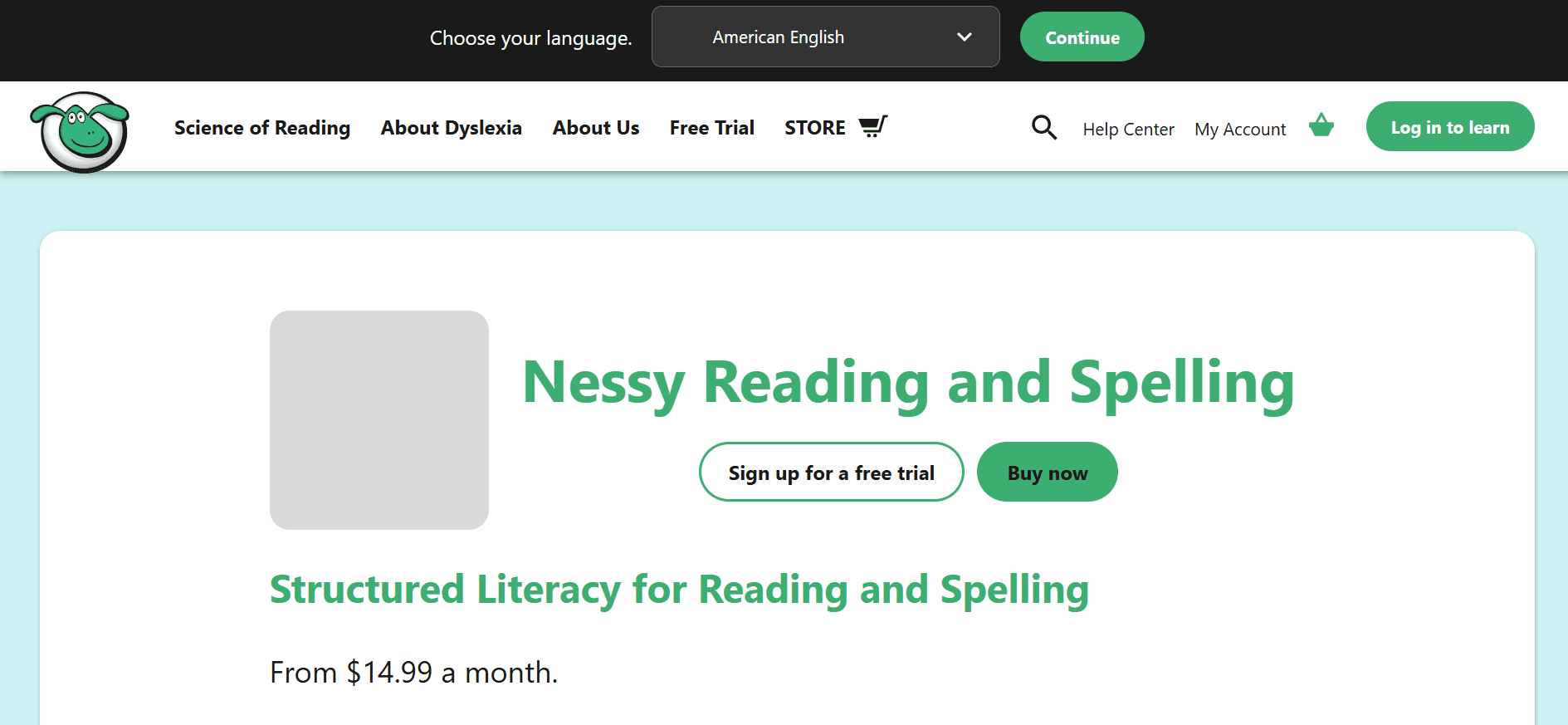
Nessy turns reading and spelling practice into fun games for kids. It uses a proven structured literacy approach that teaches reading skills step-by-step.
Kids work through interactive lessons that teach phonics, sight words, and spelling rules. The program adjusts to each child's level and tracks their progress. Parents and teachers can see detailed reports on what skills are improving.
What Makes Nessy Special
Game-Based Learning: Kids stay engaged with colorful games and rewards while practicing important skills.
Structured Curriculum: Follows research-based methods for teaching reading to dyslexic learners.
Progress Tracking: Shows exactly what your child is learning and where they need more help.
Age-Appropriate: Designed specifically for kids ages 6-11.
Best For: Young children (ages 6-11) who need structured, engaging reading practice.
Key Features: Interactive phonics games, assessments, progress reports, and parent/teacher dashboards.
Website: https://www.nessy.com
Pros | Cons |
|---|---|
Makes learning fun for kids | Subscription required |
Based on science of reading | Mainly for younger students |
Detailed progress tracking | Needs consistent practice |
5. Ghotit – Real Writer & Reader
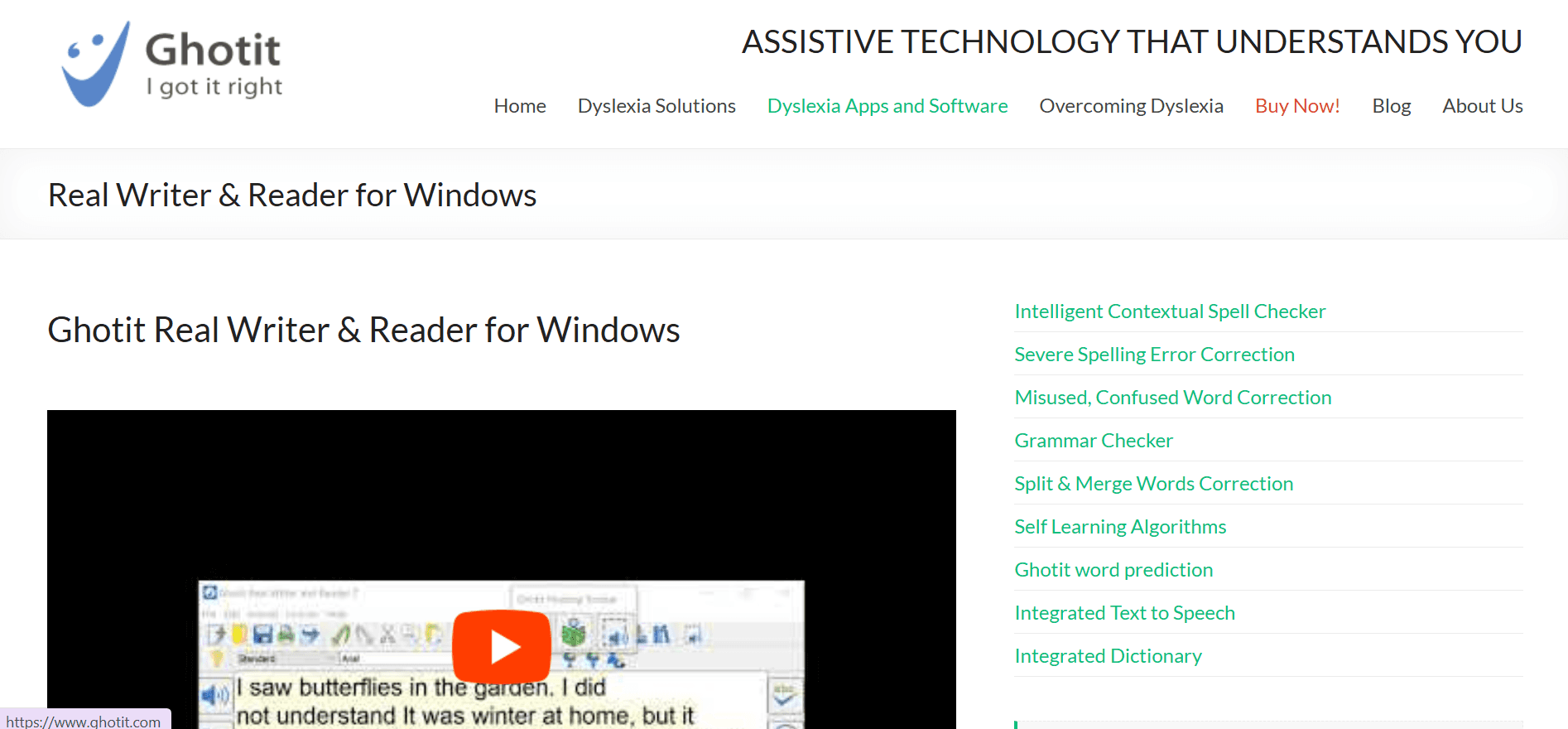
Ghotit is built specifically for dyslexic writers. Its spell checker and grammar tools understand the types of mistakes dyslexic people make, not just regular typos.
The app catches errors that regular spell checkers miss, like using "there" instead of "their." It also predicts words as you type and can read text aloud. You can even take pictures of printed text and Ghotit will convert it to editable text.
Ghotit's Strengths
Dyslexia-Tuned Corrections: Recognizes phonetic spelling and confused words that look or sound similar.
Smart Word Prediction: Suggests complete words based on phonetic typing.
Text-to-Speech: Reads your writing back so you can hear mistakes.
OCR Feature: Scan and edit printed documents.
Best For: Dyslexic writers who need advanced spelling and grammar help.
Key Features: Context-sensitive corrections, word prediction, text-to-speech, and OCR scanning.
Website: https://www.ghotit.com
Pros | Cons |
|---|---|
Understands dyslexic spelling patterns | Interface could be simpler |
Works offline | Subscription or one-time fee |
Strong grammar checking | Not as widely known as competitors |
6. Texthelp – Read&Write
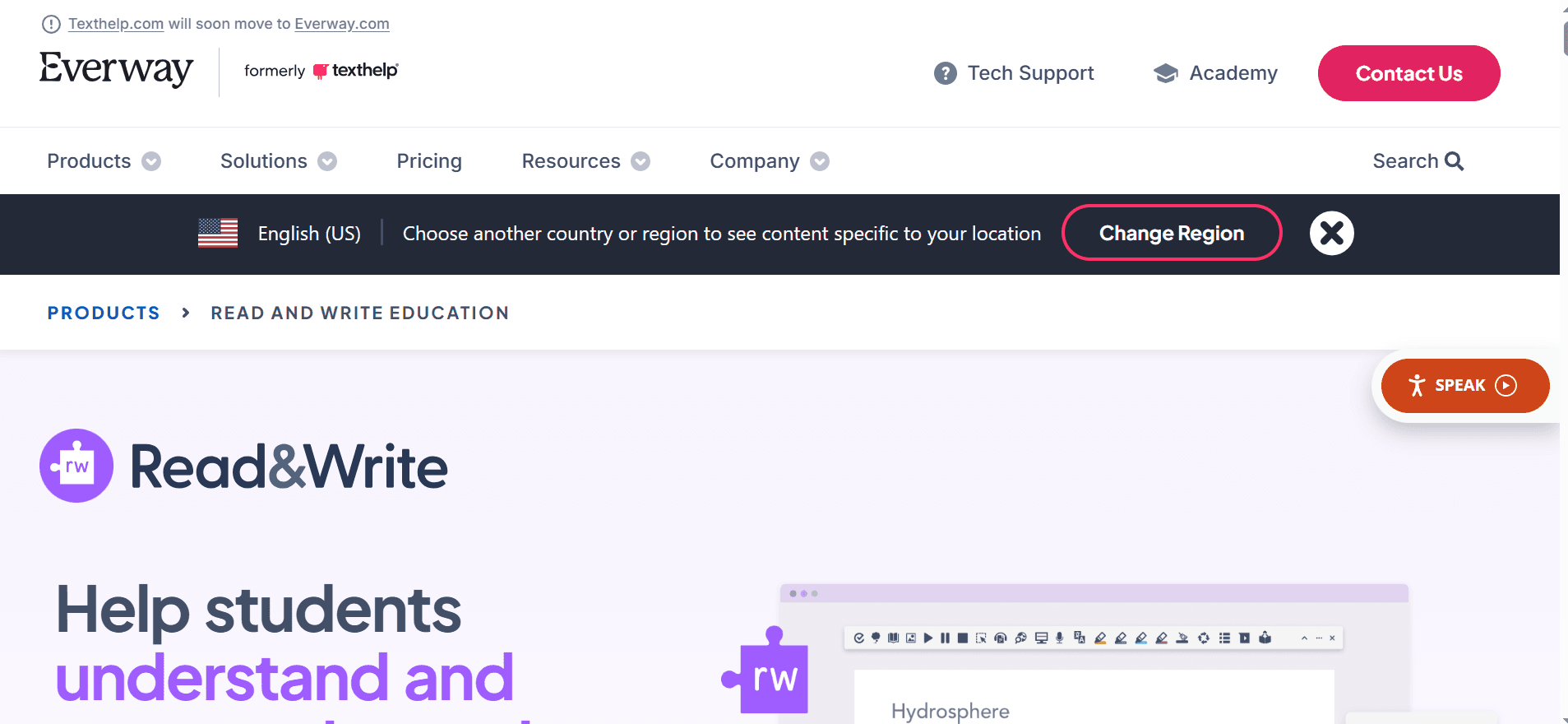
Read&Write is a complete literacy support tool used in many schools and workplaces. It helps with reading, writing, and research all in one toolbar.
The app reads text aloud, predicts words as you type, and includes a picture dictionary to help you understand new words. It can also scan documents and has special modes for taking tests. Teachers can deploy it across entire school districts.
Read&Write Features
Read Aloud: Highlights text as it reads, helping you follow along.
Word Prediction: Suggests words to speed up writing and reduce spelling errors.
Picture Dictionary: Shows images for words to help with understanding.
Exam Mode: Special features for students taking tests.
Best For: Schools, students, and professionals who need comprehensive reading and writing support.
Key Features: Text-to-speech, word prediction, picture dictionary, OCR, and exam support.
Website: https://www.texthelp.com/products/read-and-write
Pros | Cons |
|---|---|
Full suite of literacy tools | Can be expensive for individuals |
Works with learning management systems | Requires training to use all features |
Trusted by schools | Best value for institutional buyers |
7. Kurzweil 3000
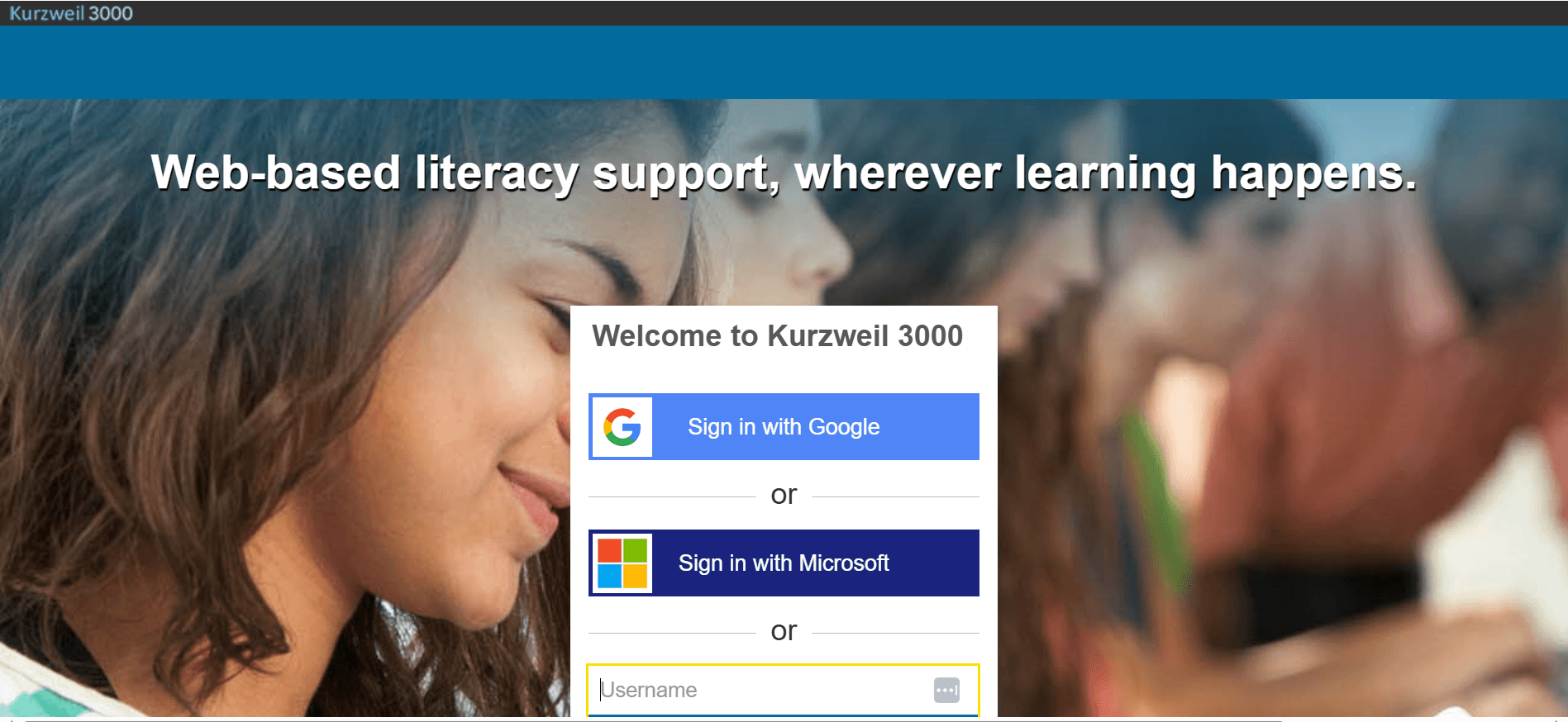
Kurzweil 3000 is a powerful learning platform used by schools to help students with reading disabilities. It combines high-quality text-to-speech with study tools and test accommodations.
The software reads text with natural voices while highlighting words. Students can take notes, highlight important parts, and use built-in study tools. It also helps with test-taking by reading questions aloud and letting students respond verbally.
Kurzweil's Comprehensive Approach
Professional OCR: Scans and reads printed materials with high accuracy.
Study Support: Includes note-taking, highlighting, and organization tools.
Test Accommodations: Built-in features for students who need reading or writing support during exams.
Proven Track Record: Widely used in K-12 and college settings.
Best For: Students in K-12 and higher education who need comprehensive learning support.
Key Features: High-quality OCR, text-to-speech with highlighting, study tools, and test supports.
Website: https://www.kurzweiledu.com
Pros | Cons |
|---|---|
Comprehensive feature set | Expensive—mainly for schools |
Proven effective in schools | Takes time to learn |
Strong OCR and TTS | Requires institutional pricing quote |
8. Learning Ally
Learning Ally provides audiobooks narrated by real people, not computer voices. This makes it easier to understand complex material. The text highlights as the narrator reads, helping you follow along.
The library includes tens of thousands of books, including textbooks and popular titles. It's designed for students with reading disabilities and is often covered by school subscriptions.
Learning Ally Benefits
Human Narration: Professional narrators make books easier to understand than computer voices.
Synchronized Highlighting: Text highlights as it's read aloud.
Large Library: Thousands of academic and popular books.
School Integration: Many schools provide free access to students.
Best For: K-12 students with reading disabilities who need audiobooks.
Key Features: Human-narrated audiobooks, synced text highlighting, and large academic library.
Website: https://learningally.org
Pros | Cons |
|---|---|
Professional human narration | Requires membership |
Great for academic books | Limited to eligible students |
Text syncs with audio | Not all books available |
9. Bookshare (US)
Bookshare is a free library for people with reading disabilities in the United States. It has over one million books in accessible formats including audio, large print, and braille.
Qualified members get unlimited access to books with no due dates. You can read on your computer, tablet, or phone. The books include bestsellers, textbooks, and classics.
Why Bookshare Stands Out
Huge Selection: Over 1 million titles in multiple formats.
No Due Dates: Keep books as long as you need them.
Free for Students: Qualified US students get free access.
Multiple Formats: Choose audio, large print, braille, or regular text.
Best For: US readers with qualifying disabilities who need accessible books.
Key Features: Accessible e-book library, audio books, large print, braille, and no due dates.
Website: https://www.bookshare.org
Pros | Cons |
|---|---|
Free for qualified US students | Must prove eligibility |
Massive book selection | US-based only |
Multiple accessible formats | Quality varies by book |
10. Voice Dream Reader
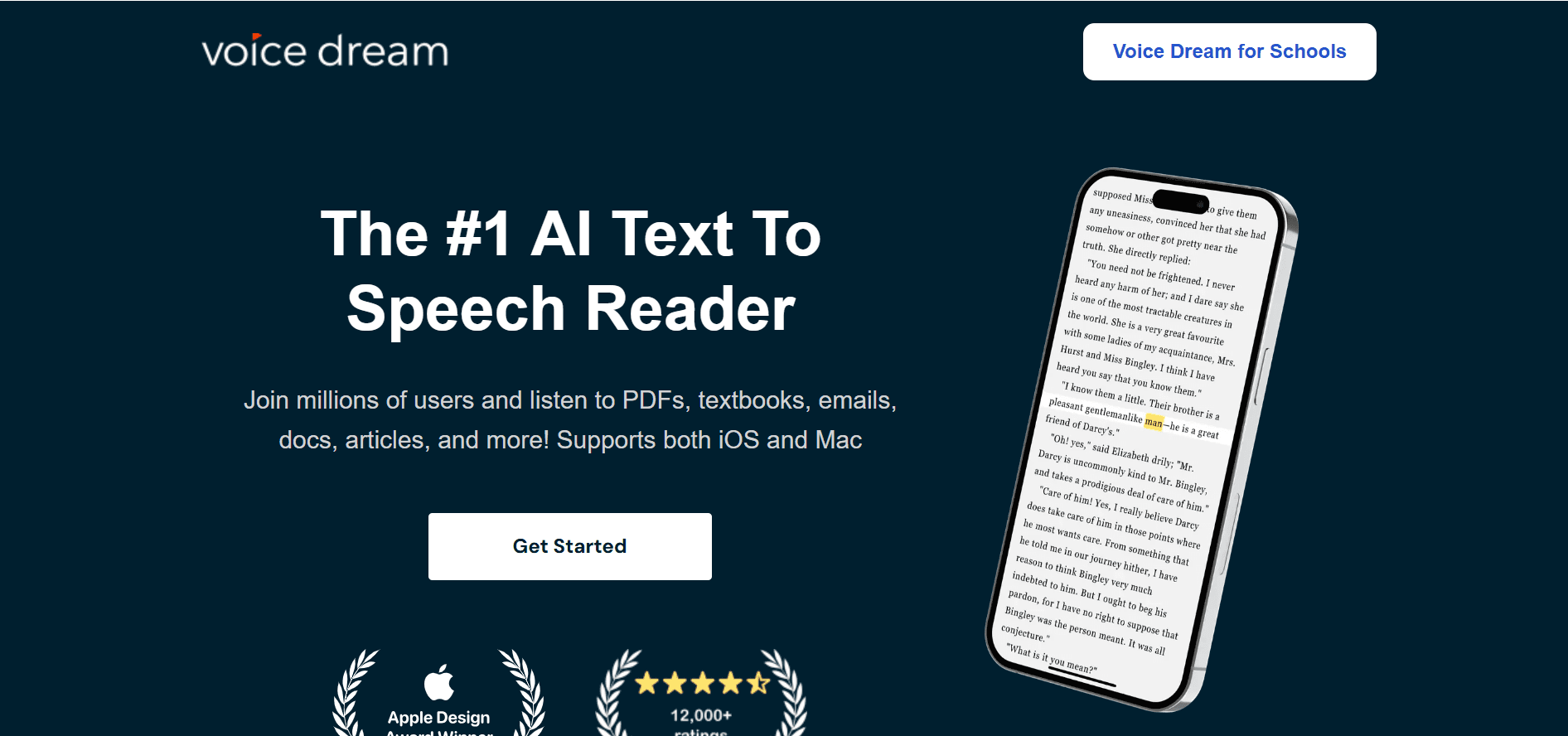
Voice Dream Reader is a premium text-to-speech app with over 200 natural-sounding voices. You can customize almost everything about how text looks and sounds.
The app reads PDFs, web pages, ebooks, and documents. You can adjust reading speed, choose different voices, and create custom pronunciation for tricky words. It also lets you change colors, fonts, and spacing to reduce visual stress.
Voice Dream's Customization
200+ Voices: Choose from hundreds of natural voices in many languages.
Complete Customization: Adjust speed, font, colors, spacing, and more.
Pronunciation Editor: Create custom pronunciations for names or technical terms.
Import Anything: Works with PDFs, web pages, Google Drive, Dropbox, and more.
Best For: Dyslexic readers on iOS or Mac who want maximum control over their reading experience.
Key Features: Premium voices, custom reading layouts, pronunciation dictionary, and wide file support.
Website: https://www.voicedream.com
Pros | Cons |
|---|---|
Excellent voice quality | Paid app with extra voice costs |
Highly customizable | iOS/Mac only |
Works with many file types | Can be overwhelming at first |
11. NaturalReader
NaturalReader converts text to speech on your computer, phone, or in your browser. It's simple to use—just paste text or upload a file, and it reads aloud.
The app works on Windows, Mac, iOS, Android, and as a browser extension. It includes OCR to scan printed documents and an editor to fix pronunciation. You can also choose from AI voices that sound very natural.
NaturalReader Features
Cross-Platform: Works on all devices and browsers.
OCR Support: Scan and read printed materials.
AI Voices: Natural-sounding premium voices available.
Easy to Use: Simple interface for quick text-to-speech.
Best For: Students and casual readers who need straightforward text-to-speech across devices.
Key Features: Web, mobile, and extension TTS; OCR; pronunciation editor; and AI voices.
Website: https://www.naturalreaders.com
Pros | Cons |
|---|---|
Works everywhere | AI voices have usage limits |
Simple and easy to use | Free version is limited |
Good OCR feature | Premium features cost extra |
12. Microsoft Immersive Reader
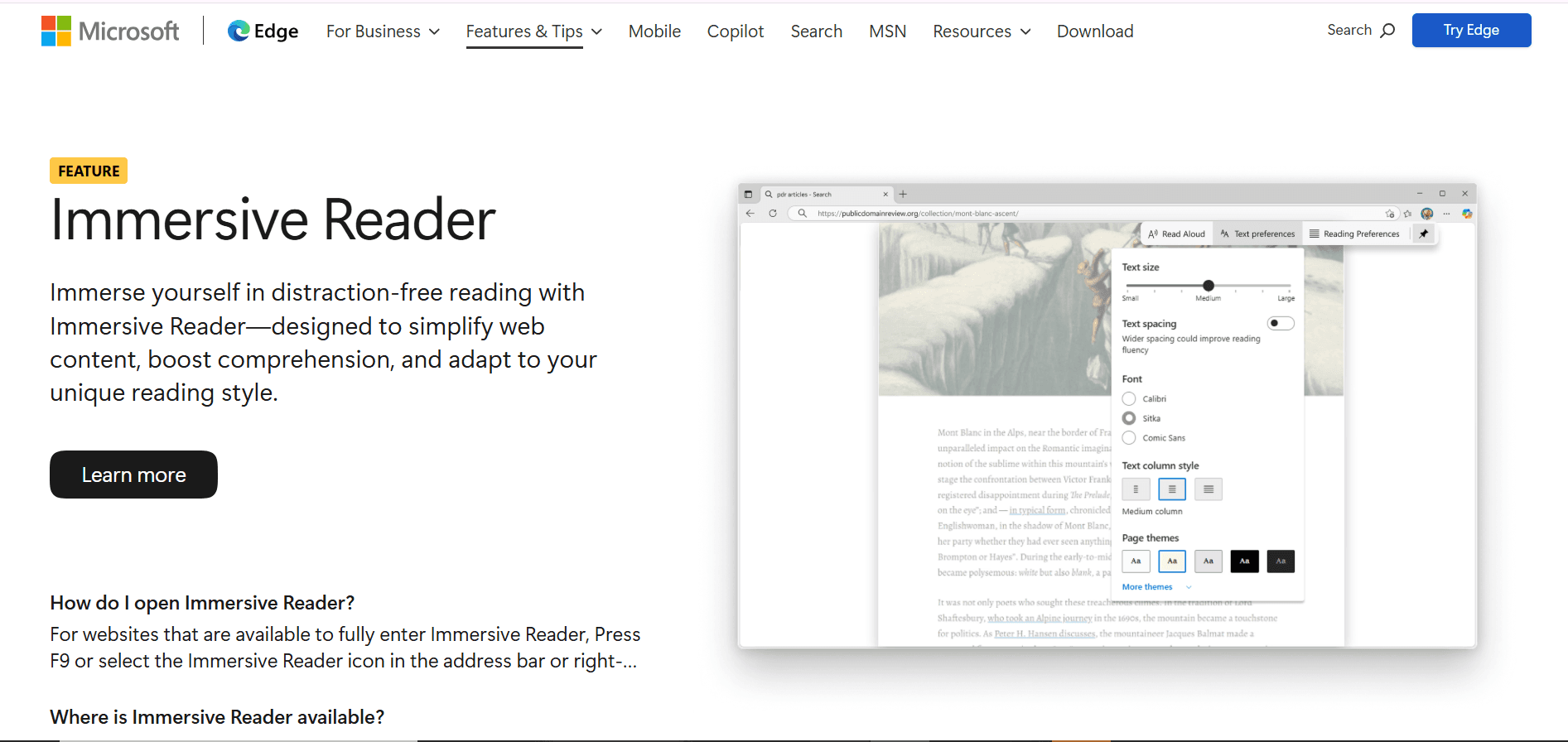
Microsoft Immersive Reader is a free reading tool built into Microsoft apps like Edge, Word, and Teams. It helps you understand text better with features like read-aloud, line focus, and custom spacing.
The tool highlights text as it reads and lets you break words into syllables. You can also change colors and spacing to make reading easier. Best of all, it's completely free if you use Microsoft products.
Immersive Reader Tools
Read Aloud: Highlights words while reading with adjustable speed.
Line Focus: Dims everything except the line you're reading.
Text Spacing: Adjust spacing between letters, words, and lines.
Syllable Splitting: Breaks words into parts to make them easier to read.
Best For: People who use Microsoft products for school or work and need free reading support.
Key Features: Read-aloud with highlighting, line focus, text spacing, syllable splitting, and grammar highlighting.
Website: https://www.microsoft.com/en-us/edge/features/immersive-reader
Pros | Cons |
|---|---|
Completely free | Best features only in Microsoft apps |
Already built-in to Microsoft apps | Not available on all platforms |
Very customizable | Features vary by app |
Top 12 Dyslexia Apps — Feature Comparison
Product | Core features/characteristics | Accuracy / UX (★) | Unique selling points (✨) | Target audience (👥) | Pricing / Value (💰) |
|---|---|---|---|---|---|
Voicy 🏆 | Speech-to-text (Mac/Windows/Chrome), auto punctuation & grammar, AI commands | ★★★★★ (>99% accuracy; polished text) | ✨ AI commands for rewriting; cross-platform; privacy-first | 👥 Professionals, students, writers, accessibility users | 💰 Free 40m trial · Pro ≈ $8.49/mo · Lifetime ≈ $260 |
ClaroRead | TTS with highlighting, dyslexia spell checker, OCR scanning, study tools | ★★★★☆ (strong dyslexia features) | ✨ Phonetic spell checking; scan & read feature | 👥 Students, professionals with dyslexia | 💰 Paid license per platform |
Co:Writer | Context-aware word prediction, topic dictionaries, speech feedback | ★★★★☆ (excellent prediction) | ✨ Grammar-aware suggestions; topic dictionaries | 👥 Students with spelling difficulties | 💰 Subscription required |
Nessy – Reading & Spelling | Gamified structured-literacy lessons, assessments, progress tracking | ★★★★☆ (engaging for young learners) | ✨ Science-of-Reading curriculum, game-based practice | 👥 Kids (6–11), parents, schools | 💰 Subscription/home plans; school pricing |
Ghotit – Real Writer & Reader | Dyslexia-tuned spell/grammar, word prediction, TTS, OCR | ★★★★☆ (robust correction engine) | ✨ Context-sensitive corrections; offline OCR | 👥 Dyslexic writers, professionals | 💰 Subscription or one-time license |
Texthelp – Read&Write | Read-aloud, word prediction, picture dictionary, OCR, exam modes | ★★★★☆ (enterprise-ready & consistent UI) | ✨ Enterprise deployment & LMS integrations | 👥 Schools, districts, students | 💰 Paid tiers; free teacher resources |
Kurzweil 3000 | High-quality OCR, TTS with highlighting, study & test supports | ★★★★☆ (comprehensive; steeper learning curve) | ✨ School-proven accommodation suite | 👥 K-12 & higher ed, special ed departments | 💰 Quote-based institutional pricing |
Learning Ally | Human-narrated audiobooks with synced text highlighting | ★★★★☆ (human narration aids comprehension) | ✨ Large human-narrated academic library | 👥 K-12 students with reading disabilities | 💰 Membership required; school integrations |
Bookshare (US) | Accessible e-book library (audio, large print, braille, text) | ★★★★☆ (vast catalog; reliable access) | ✨ 1M+ accessible titles; no due dates for members | 👥 Qualified readers with disabilities, schools | 💰 Free for qualified US students; paid adults |
Voice Dream | TTS reader with 200+ voices, pronunciation dictionary, import options | ★★★★☆ (deep customization & quality voices) | ✨ Custom reading canvas & fine-grained control | 👥 Dyslexic readers; iOS/Mac users | 💰 Paid app + in-app voice purchases |
NaturalReader | Web/mobile/extension TTS, OCR, pronunciation editor, AI voices | ★★★☆☆ (good cross-platform TTS) | ✨ AI voice options & OCR support | 👥 Students, educators, casual readers | 💰 Personal & EDU plans; character quotas on AI voices |
Microsoft Immersive Reader | Read-aloud, spacing, line focus, syllable splitting, parts-of-speech | ★★★★☆ (free & widely available) | ✨ Built into Microsoft 365 apps; no install needed | 👥 Students, workplaces using MS apps | 💰 Free within Microsoft apps |
If you also deal with attention or sensory friction, our guide to ADHD productivity tools and stim apps covers tools for planning, focus, and quick voice capture.
Final Thoughts
The right technology can change everything when you have dyslexia. But the "best" app depends on your needs and how you work.
We've covered apps that do different things. Some like Kurzweil 3000 and Read&Write offer complete learning suites. Others like Nessy focus on kids, while Voice Dream gives you amazing text-to-speech. And libraries like Learning Ally and Bookshare open up thousands of books.
What You Should Remember
Use Multiple Methods: The best tools combine audio (text-to-speech), visual aids (highlighting, special fonts), and voice input. This helps your brain learn in different ways.
Customize Everything: Adjust reading speed, colors, voices, and fonts. The right settings make a huge difference. Always check the settings menu.
Mix and Match: You don't need just one app. Use text-to-speech for reading, a spell checker for writing, and voice-to-text for quick notes. Build your own toolkit.
How to Pick Your Apps
Start by figuring out what's hardest for you:
For Reading: Try Voice Dream Reader, NaturalReader, or Microsoft Immersive Reader for text-to-speech.
For Writing: Check out Ghotit Real Writer for spell checking, or Voicy for speech-to-text dictation.
For Kids: Nessy's games make learning fun and effective.
For Books: Get Learning Ally or Bookshare for thousands of accessible titles.
Most apps offer free trials. Use them to write a real assignment or read an actual chapter. That's the best way to know if an app works for you.
The goal is finding tools that help you work, learn, and write with confidence. These apps aren't just about fixing problems—they help you show your strengths and ideas.
Ready to write easier and faster? Voicy turns your speech into perfect text with punctuation and grammar already fixed. See why it's one of the best apps for dyslexia at Voicy.


