




11 Best Hands Free Typing Software Options for 2026
Typing all day can slow you down and even hurt your hands. Hands free typing software lets you speak instead of type, turning your voice into text with amazing accuracy.
Short Version of the Article
The right hands-free typing software depends on your device and what you need.
If you want the best accuracy and AI features:
Voicy - 99%+ accuracy, works everywhere, AI commands change your writing style ($8.49/month or $260 lifetime)
Nuance Dragon - Industry standard, full computer control, works offline ($699 one-time)
Braina - 90+ languages, computer automation, virtual assistant ($79 lifetime)
If you want completely free options:
Windows Voice Access - Built into Windows 11, works offline, full system control
Apple Voice Control & Dictation - Free on all Mac and iPhone, system-wide control
Google Docs Voice Typing - Works in browser, no installation needed
Speechnotes - Browser-based, never times out, no account required
Dictation.io - Privacy-focused, stores locally on your computer
If you already have Microsoft Office:
Microsoft 365 Dictate - Included free with Microsoft 365, works in Word, Outlook, PowerPoint
If you're on a phone:
Gboard - Free for Android, works in any app, 100+ languages, offline mode
Apple Dictation - Built into iPhone, tap microphone on keyboard
If you need to transcribe meetings and conversations:
Otter.ai - Speaker identification, AI summaries, joins Zoom/Teams meetings (free for 300 min/month, $16.99/month for more)
Rev - Human + AI transcription for high accuracy
Trint - Automated transcription with editing tools
Best for specific needs:
Accessibility/RSI: Voicy or Dragon - Full computer control without typing
Privacy: Windows Voice Access, Dragon, or Dictation.io - Work offline or store locally
Budget-conscious: Start with built-in options (Windows Voice Access, Apple Dictation, Google Docs)
Professionals: Voicy for AI editing or Dragon for maximum power
Students: Google Docs Voice Typing (free) or Voicy (fast note-taking)
Quick decision guide:
Windows 11 users: Start with free Windows Voice Access
Mac/iPhone users: Start with free Apple Dictation
Google Docs users: Use built-in Voice Typing (free)
Need it everywhere: Try Voicy (works in all apps)
Whether you're a busy professional, a student taking notes, or someone who needs easier ways to work with a computer, these tools can help you get more done in less time.
1. Voicy - the simple, accurate, and powerful dictation option for Windows and Mac
Voicy is a top-rated AI-powered hands-free typing software that works on Mac, Windows, and as a Chrome extension. It gets your words right over 99% of the time and works in more than 50 languages.
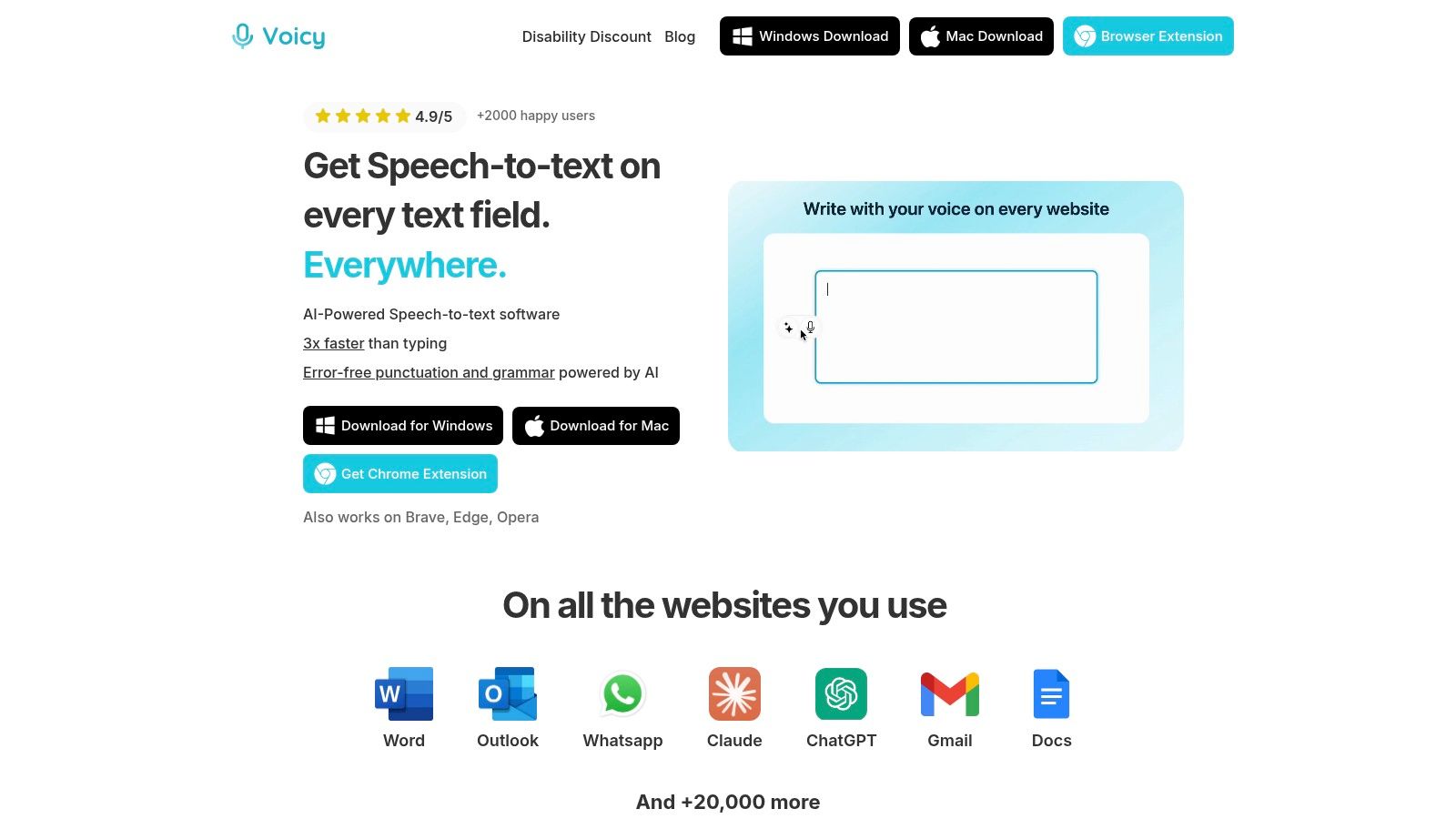
What makes Voicy special is its AI command feature. You can tell it to change how your text sounds. For example, say "Make this email more formal," and it instantly rewrites it in a professional tone. This turns Voicy from a simple typing tool into a powerful writing assistant.
Key Features & Use Cases
Voicy works across all your devices without interruption. Start writing on your computer and keep going in your browser.
For Professionals: Draft reports, answer emails, and take meeting notes without touching your keyboard. Change the tone of messages instantly with voice commands.
For Accessibility: Perfect for people with repetitive strain injuries (RSI) or disabilities. It's an easier way to work without typing.
For Content Creators: Dictate blog posts, scripts, or social media updates. The software handles grammar and punctuation automatically.
Our Take
Voicy is an excellent choice if you want smart voice writing. The AI commands and high accuracy make it worth considering for anyone who types a lot.
Website: https://usevoicy.com
Best For: Professionals, writers, and users who need accessibility support
Pricing: $8.49/month for unlimited recording time, or $260 lifetime deal. Free trial gives you 40 minutes.
Pros:
Over 99% accuracy in 50+ languages
AI commands change text style on the fly
Works on Mac, Windows, and Chrome
Great for people with physical limitations
Cons:
Premium features require a paid plan
2. Nuance Dragon - the original dictation tool
Nuance Dragon is the most well-known hands-free typing software for professionals. It's been around for years and offers powerful features for people who dictate all day long.

Key Features and Offerings
Dragon's biggest strength is how customizable it is. You can create custom word lists for specialized fields like medicine or law. It works offline, which is great for privacy. You can also control your entire computer with voice commands.
The desktop version only works on Windows, but the cloud versions work on multiple devices.
Pricing and Accessibility
Dragon Professional costs $699, which is expensive. This high price reflects its power and is aimed at professionals who dictate for hours every day.
For those looking for different options, check out affordable alternatives to Dragon Naturally Speaking.
Best For: Professionals, legal and medical workers, and users who need extensive accessibility controls
Pros:
Best-in-class accuracy and customization
Works offline
Full computer navigation with voice
Cons:
Very expensive at $699
Windows-only for the desktop version
Steep learning curve
Website: https://www.nuance.com/dragon.html
3. Microsoft Windows Voice Access - the free option with some downsides
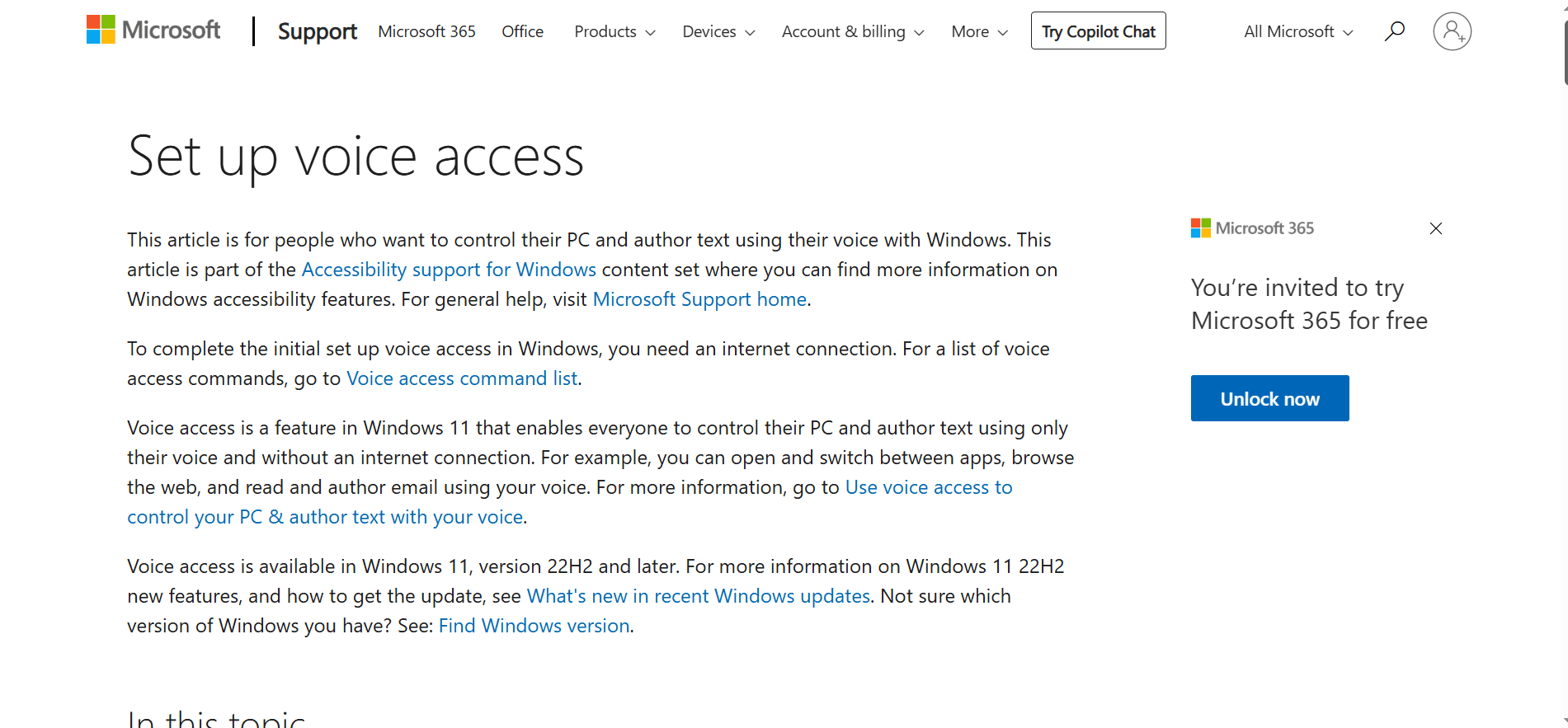
Windows Voice Access is built right into Windows 11. It's a free hands-free typing software that lets you control your computer and type using only your voice.
Key Features and Offerings
This tool works offline, which means your voice data stays private on your computer. You can use voice commands to open apps, click buttons, and type in any program. It's designed specifically for hands-free computer use.
The accuracy is good for basic dictation, though not as advanced as paid options like Dragon.
Pricing and Accessibility
It's completely free and already installed on Windows 11. No subscription needed. However, it only works on Windows 11, so older computers can't use it.
Best For: Windows 11 users who want basic free dictation and computer control
Pros:
Completely free
Works offline for privacy
System-wide control
Already installed on Windows 11
Cons:
Only works on Windows 11
Less accurate than premium options
Limited customization
Website: Microsoft Voice Access
4. Microsoft 365 Word – Dictate - the option for Microsoft Business users
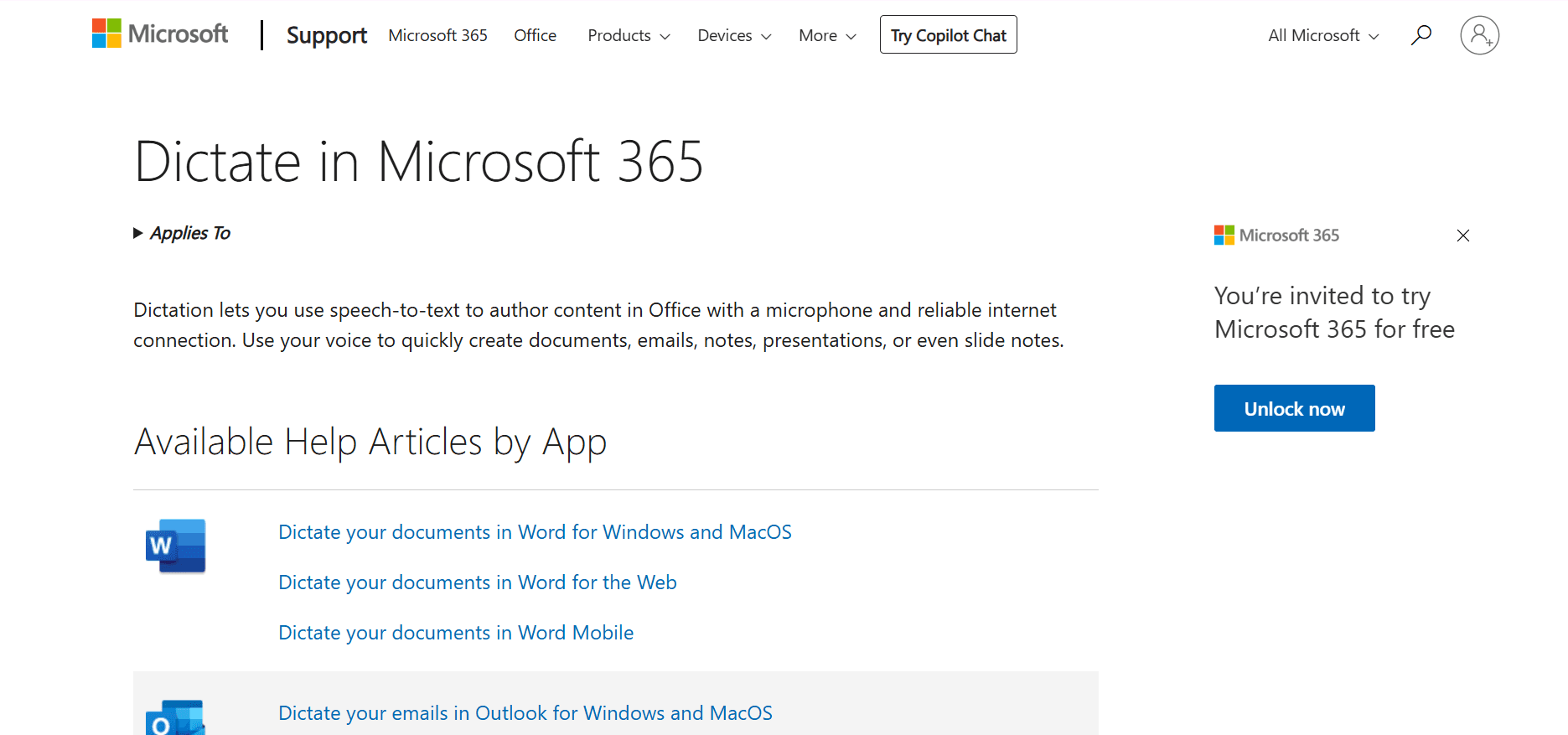
Microsoft Word's Dictate feature is built into Microsoft 365. If you already use Office for work or school, you have hands-free typing software ready to go.
Key Features and Offerings
Dictate works directly in Word, Outlook, and PowerPoint. Click the microphone icon and start talking. It understands voice commands like "bold that" or "new paragraph."
The accuracy is strong, especially for professional vocabulary. It also works in over 50 languages.
Pricing and Accessibility
You need a Microsoft 365 subscription, which starts around $70/year for personal use. If you already have Office, Dictate is included at no extra cost.
It needs an internet connection to work at its best.
Best For: Microsoft 365 users who work in Word, Outlook, or PowerPoint
Pros:
Free with a Microsoft 365 subscription
Works in multiple Office apps
Good accuracy for professional use
Voice commands for formatting
Cons:
Requires a Microsoft 365 subscription
Needs an internet connection
Only works in Microsoft apps
Website: Microsoft 365 Dictate
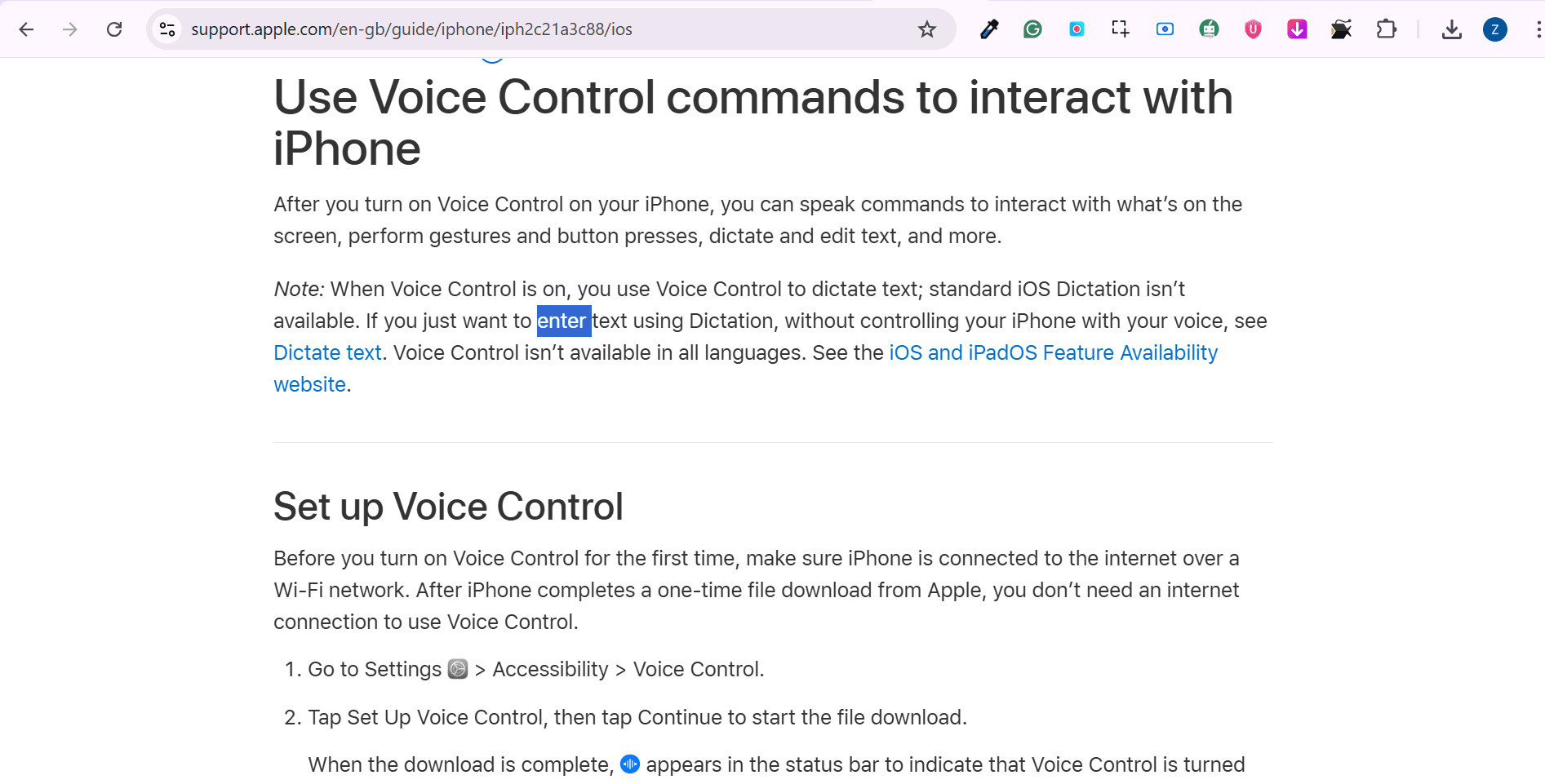
5. Apple Voice Control & Dictation - free on Mac
Apple devices come with two free voice features: Voice Control and Dictation. Together, they create a complete hands-free typing software system for Mac and iPhone users.
Key Features and Offerings
Voice Control lets you navigate your entire Mac or iPhone using voice commands. You can open apps, click buttons, and control everything hands-free.
Dictation turns your speech into text in any app. Press Fn twice on a Mac or tap the microphone on an iPhone to start. It works in dozens of languages.
Pricing and Accessibility
Completely free and built into all modern Apple devices. No subscription or extra software needed. Works best with an internet connection, but has an offline mode too.
Best For: Mac and iPhone users who want free, built-in voice control
Pros:
Completely free
Full system control
Works across all Apple devices
Custom voice commands
Cons:
Only for Apple devices
Works best with an internet connection
Less accurate than premium options
Website: Apple Accessibility
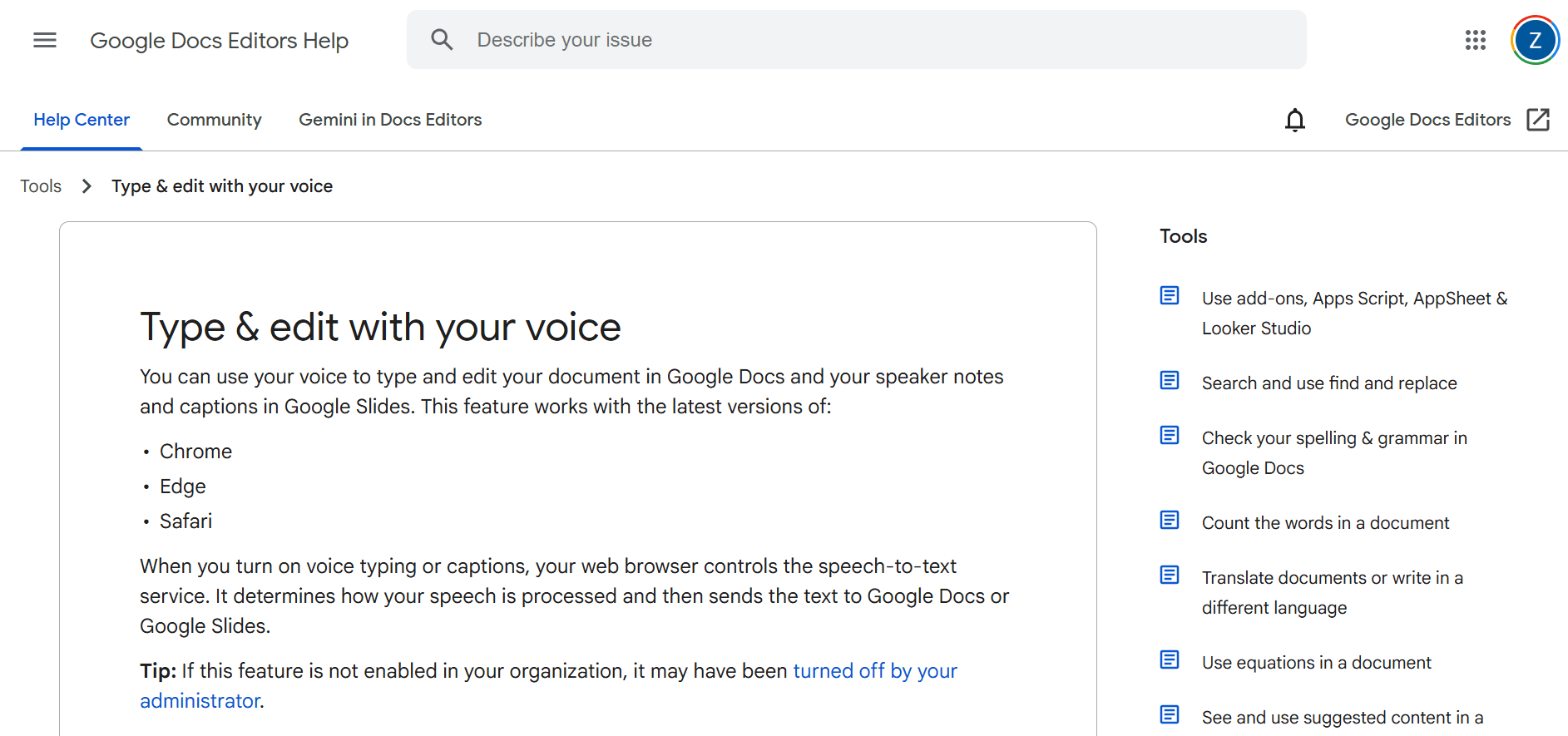
6. Google Docs – Voice Typing - free, but potentially inaccurate
Google Docs has a free voice typing feature that works right in your browser. It's simple hands hands-free typing software that anyone with a Google account can use.
Key Features and Offerings
Just open Google Docs, click Tools > Voice Typing, and start speaking. It types your words in real-time. You can say commands like "period," "comma," or "new paragraph" to add punctuation.
It works best in Chrome, but it also works in other browsers. Supports many languages.
Pricing and Accessibility
Completely free with any Google account. No installation needed. Just open your browser and start typing with your voice.
The only requirement is an internet connection.
Best For: Anyone who uses Google Docs for writing and collaboration
Pros:
Completely free
No software to install
Works in any browser
Easy to share documents
Multiple language support
Cons:
Requires an internet connection
Only works in Google Docs
Less accurate in noisy places
Can't control other apps
Website: Google Docs Voice Typing
7. Gboard (Google Keyboard) - the option on your phone
Gboard is Google's keyboard app for Android phones. It includes excellent hands-free typing software that works in any app on your phone.
Key Features and Offerings
Tap the microphone icon on the keyboard and start talking. Gboard types your words in texts, emails, social media, and any other app.
It works in over 100 languages and has an offline mode so you can dictate without internet. The voice recognition is fast and accurate.
Pricing and Accessibility
Completely free. Just download Gboard from the Google Play Store. It works on most Android phones.
Best For: Android users who want voice typing across all their apps
Pros:
Completely free
Works in any Android app
Over 100 languages
Offline mode available
Fast and easy to use
Cons:
Android only
Accuracy drops without the internet
No computer control features
Website: Gboard
8. Otter.ai - best for transcribing files
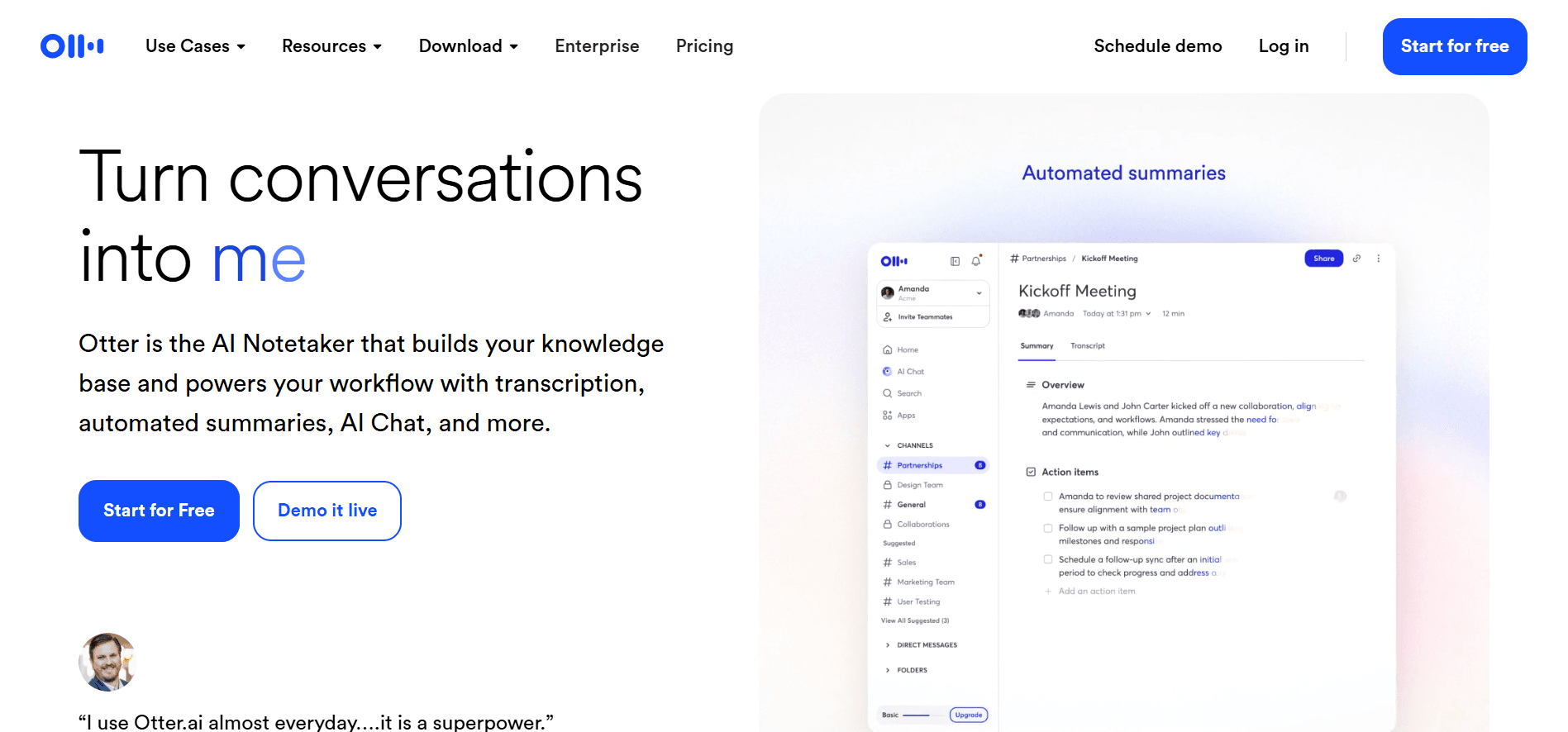
Otter.ai is hands-free typing software designed for meetings, interviews, and lectures. It records conversations and creates written transcripts in real-time.
Key Features and Offerings
Otter.ai identifies different speakers automatically, which makes meeting notes easy to follow. It can join Zoom, Google Meet, and Microsoft Teams meetings to record and transcribe everything.
The AI generates summaries and highlights key points from your conversations. You can search your transcripts later to find specific topics.
Pricing and Accessibility
Free plan includes 300 minutes per month. Pro plan costs $16.99/month for 1200 minutes. Business plans are available for teams.
Works on phone, computer, and web browser.
Best For: Professionals who need to transcribe meetings, interviews, or lectures
Pros:
Identifies different speakers
Real-time transcription
AI-generated summaries
Searchable transcripts
Joins video meetings automatically
Cons:
The free plan has limited minutes
Needs an internet connection
Not for general typing
Website: https://otter.ai
9. Braina
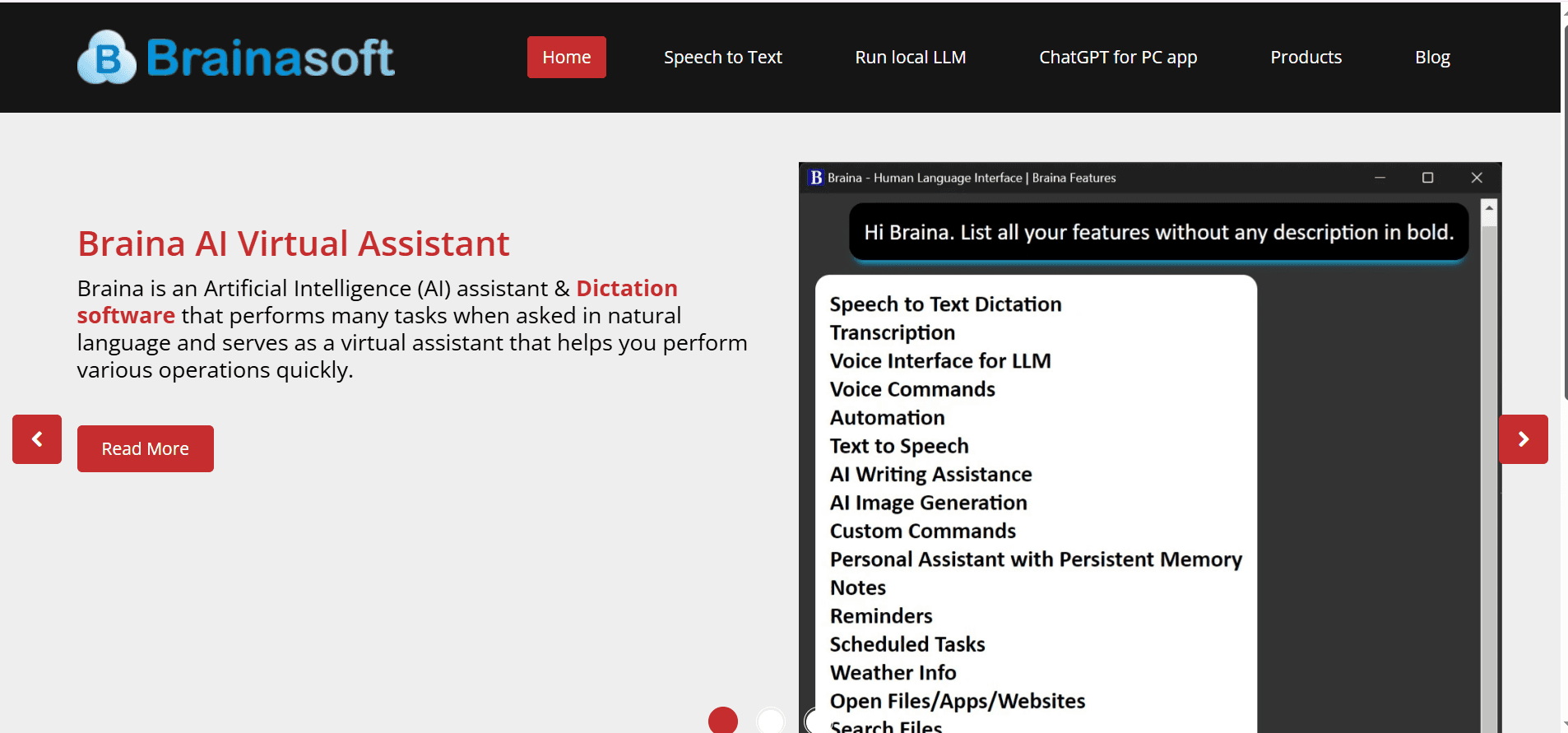
Braina is hands-free typing software that also works as a virtual assistant for Windows. It combines dictation with computer control features.
Key Features and Offerings
Braina lets you dictate in over 90 languages. Beyond typing, you can use voice commands to search your computer, play music, set alarms, and control programs.
It works across all Windows applications. The Android app lets you control your computer remotely using your phone.
Pricing and Accessibility
Free version available with basic features. Braina Pro costs $79 for lifetime access or $5/month subscription.
Windows only for the main program, but it has an Android companion app.
Best For: Windows users who want both dictation and voice-controlled computer automation
Pros:
Dictation in 90+ languages
Computer control with voice
One-time purchase option
Works across all Windows apps
Android remote control
Cons:
Windows only
The free version is very limited
Learning curve for voice commands
Website: https://www.brainasoft.com
10. Speechnotes - best for uploading voice notes
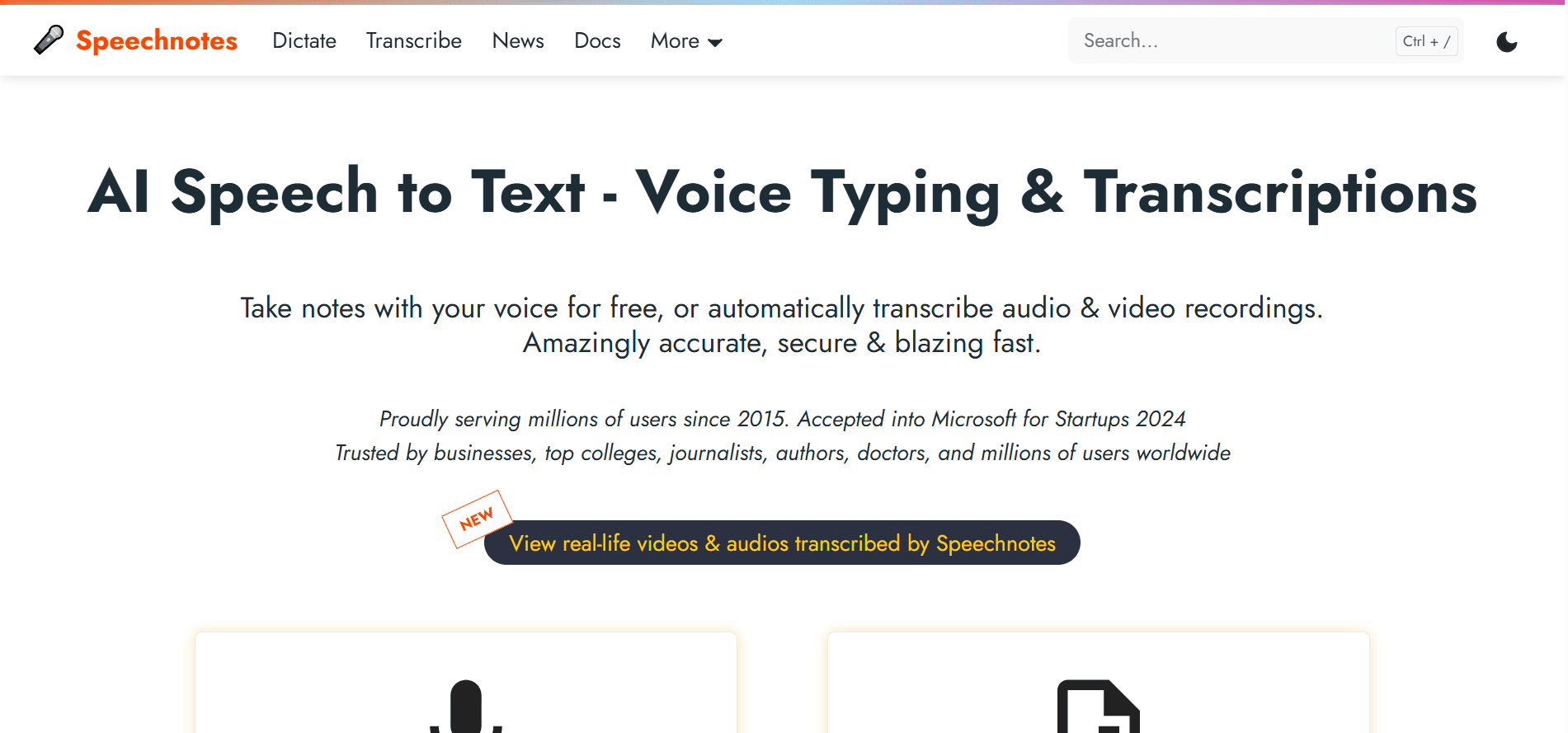
Speechnotes is a simple, free hands-free typing software that works in your web browser. It's perfect for quick note-taking without any setup.
Key Features and Offerings
Just open the website and click the microphone. Start talking and watch your words appear. Speechnotes doesn't time out, so you can pause and think without losing your session.
It has voice commands for punctuation like "period," "comma," and "new line." A Chrome extension lets you use it on other websites.
Pricing and Accessibility
The basic version is completely free. Premium version costs $9.99/year and removes ads, plus adds extra features.
Works on any device with a web browser and internet connection.
Best For: Anyone needing quick, simple dictation without installing software
Pros:
Completely free
No installation needed
No account required
Continuous dictation
Chrome extension available
Cons:
Requires an internet connection
Works best in Chrome
Basic features only
Not for system-wide use
Website: https://speechnotes.co
11. Dictation.io
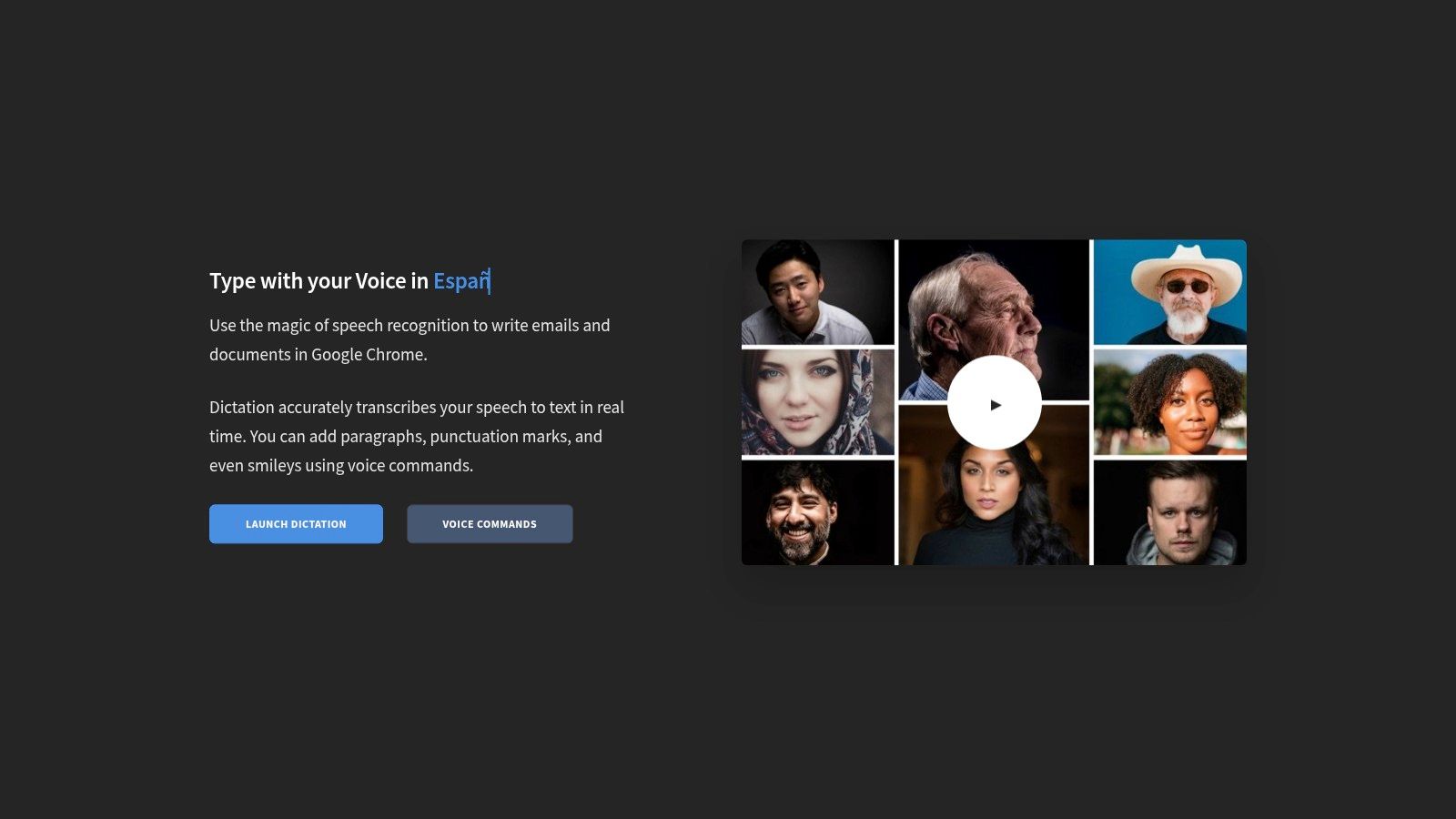
Dictation.io is a free web-based hands-free typing software that's simple and private. It stores everything locally on your computer, not on any server.
Key Features and Offerings
Open the website, click the microphone, and start dictating. Use voice commands like "question mark" or "new paragraph" for punctuation.
All your text stays in your browser, which means your private information never leaves your computer. Good for quick, secure transcription.
Pricing and Accessibility
Completely free with no hidden costs or premium tiers. Works on any computer with a Chrome browser and an internet connection.
Only works in the browser tab where it's open, not system-wide.
Best For: Students, writers, and anyone needing quick, private dictation
Pros:
Completely free
Zero setup required
Privacy-focused local storage
Works on any computer
Simple interface
Cons:
Requires an internet connection
Best in Chrome only
Limited to the browser tab
No system control
Website: https://dictation.io
Hands-Free Typing Software Comparison Table
Product | Accuracy & Features | Price | Best For | What Makes It Special |
|---|---|---|---|---|
Voicy 🏆 | 99%+ accuracy, 50+ languages, AI commands | $8.49/month or $260 lifetime | Professionals, students, and accessibility | AI-powered text editing with voice |
Nuance Dragon | Industry-leading, offline, full PC control | $699 one-time | Professionals, medical/legal | Most powerful customization |
Windows Voice Access | Offline, system-wide control | Free | Windows 11 users | Built into Windows 11 |
Microsoft 365 Dictate | Cloud-based, Office integration | Included with M365 | Microsoft Office users | Works in Word, Outlook, and PowerPoint |
Apple Voice Control | System-wide, custom commands | Free | Mac/iPhone users | Full Apple device control |
Google Docs Voice Typing | Browser-based, real-time | Free | Google users | No installation needed |
Gboard | 100+ languages, offline mode | Free | Android users | Works in any Android app |
Otter.ai | Speaker ID, meeting notes | Free to $16.99/month | Meeting transcription | AI summaries of conversations |
Braina | 90+ languages, computer control | $79 lifetime or $5/month | Windows automation | Dictation + virtual assistant |
Speechnotes | Continuous dictation | Free to $9.99/year | Quick notes | Never times out |
Dictation.io | Privacy-focused, local storage | Free | Private dictation | Stores locally, not on servers |
How to Choose the Right Software
Finding the best hands-free typing software for you depends on what you need. Here's how to decide:
Think About Your Device
Do you use Windows, Mac, iPhone, or Android? Some tools only work on certain devices. Apple Voice Control only works on Apple devices. Gboard is for Android phones. Windows Voice Access needs Windows 11.
Free vs. Paid
Many free options work great for basic dictation. Google Docs Voice Typing, Apple Dictation, and Dictation.io cost nothing.
But if you dictate for hours every day or need advanced features, paid tools like Voicy ($8.49/month) or Dragon ($699) might be worth it.
What Do You Need to Do?
Just typing in one app? Google Docs Voice Typing or Microsoft Word's Dictate work well.
Need to control your whole computer? Try Windows Voice Access, Apple Voice Control, or Dragon.
Want to transcribe meetings? Otter.ai is built for that.
Internet or Offline?
Some tools need the internet to work. Others work offline, which is better for privacy. Dragon, Windows Voice Access, and Apple Dictation all have offline modes.
Getting Started
Once you pick your software, take time to learn it. Practice the voice commands for punctuation and formatting. Speak clearly at first, and the software will learn your voice over time.
Many tools let you add custom words for names or technical terms you use often. This makes them more accurate for your specific needs.
Final Thoughts
The best hands-free typing software should feel natural and easy. It should help you focus on your ideas instead of how to type them.
Start with a free option to see if voice typing works for you. If you like it and want more features, try a paid tool. Most offer free trials.
Ready to try the most accurate voice typing with AI features? Voicy works across all your apps with 99%+ accuracy and lets you edit text using voice commands.
Get started at Voicy and experience hands-free typing that actually understands you.
Not sure whether to improve keyboard technique or move away from the keyboard? Start with what touch typing means, then compare it with hands-free writing workflows.


