


























Step 1
Voicy is a privacy-focused speech-to-text app. It adds the most advanced dictation technology to your Windows & Mac computer and allows you to write with your voice everywhere.
Step 2
Complete the setup (2-minutes)
and select your keyboard shortcut.
During the Voicy setup, you can select a keyboard shortcut to use to start and stop your recordings. It's the easiest way to use dictation on your computer.

Step 3
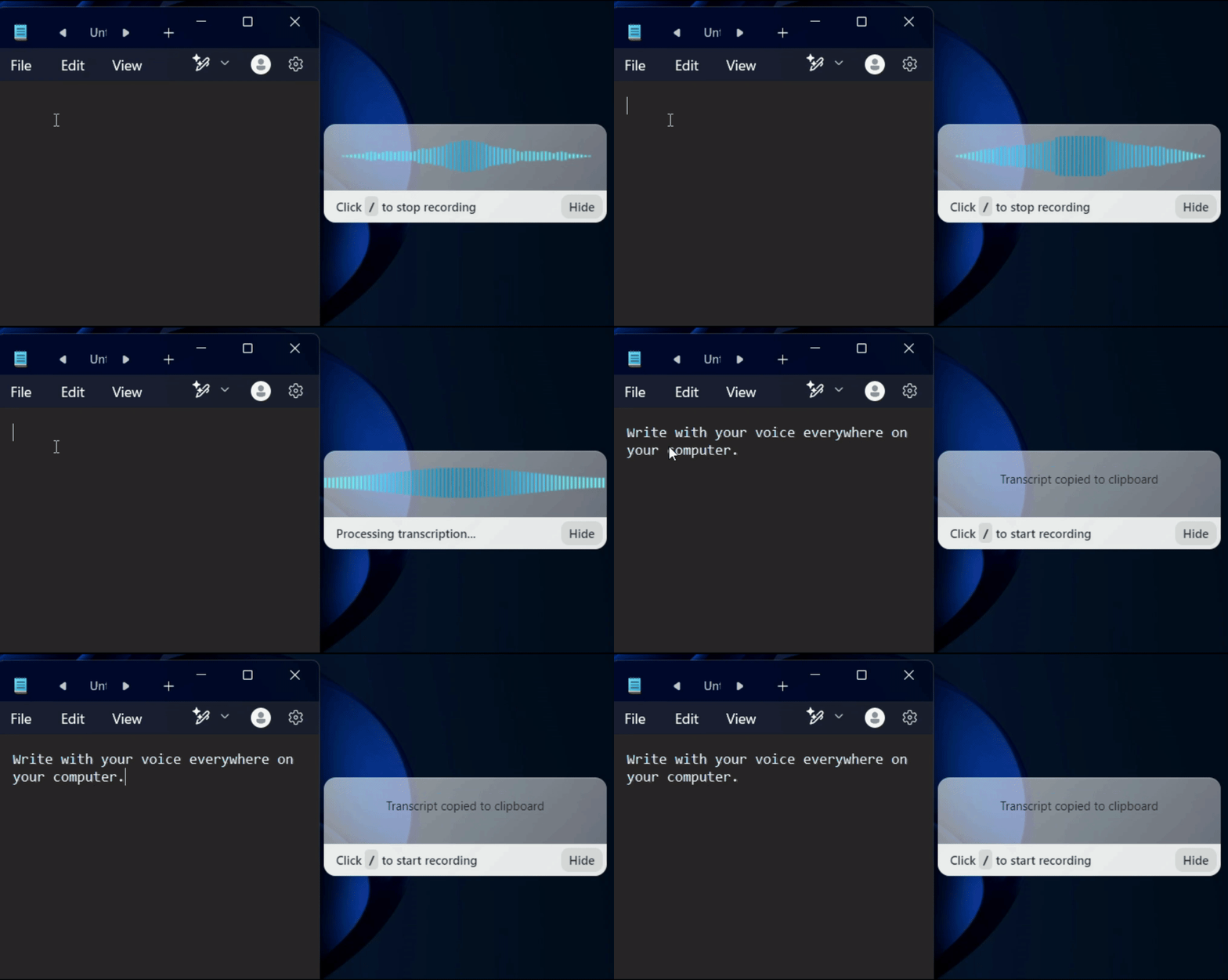
Start dictating to Voicy
Once Voicy is installed, you can use talk to text everywhere on your computer. This includes all of your apps and every website in your browser too!
Wisprflow Alternative: Why Voicy is the Easier Choice in 2026
Looking for a Wisprflow alternative with lifetime pricing? Voicy delivers the same professional AI-powered dictation without the recurring subscription fees. Get 99%+ accuracy, AI auto-editing, and universal app support, just like Wisprflow, but pay once and own it forever.
While Wisprflow requires an ongoing monthly or annual subscription, Voicy offers the same powerful features with one-time lifetime pricing. Both apps deliver AI-enhanced transcription, work across all your apps, and support 50+ languages but Voicy lets you pay once instead of forever. Whether you use dictation daily or occasionally, lifetime access makes more sense than recurring fees.
Why choose lifetime pricing over Wisprflow subscriptions?
Wisprflow offers excellent AI-powered dictation, but its subscription model means ongoing costs year after year. At $144 annually, you'll spend hundreds or thousands over time for the same features Voicy provides with a single lifetime purchase. Both apps use advanced AI models and deliver professional-grade transcription. The difference is how you pay for them.
We can offer lifetime pricing because we keep our team small and our costs low. No massive sales organization, no venture capital pressure to hit recurring revenue targets. Just a focused product built for people who want professional dictation software without the subscription trap. Pay once, use forever. It's that simple.

FAQ
What is Wisprflow and why might I need an alternative?
What is the difference between Voicy and Wisprflow?
Do you see what I write with Voicy?
Is Voicy as accurate as Wisprflow?
What is speech-to-text?
Is Voicy easier to set up than Wisprflow?