





12 Best Software Tools for Therapists and Psychologists in 2026
Therapists and psychologists need good software for more than scheduling. The right stack helps with notes, telehealth, documentation, secure communication, and the small admin jobs that quietly eat your evening.
I reviewed the categories that show up again and again in therapist software roundups, then built a more practical list. Some tools run your whole practice. Others solve one annoying bottleneck really well.
Summary of the article
SimplePractice: best all in one practice management software for solo and small therapy practices.
TherapyNotes: best for structured documentation, treatment plans, and insurance friendly workflows.
Jane App: best for scheduling, online booking, and a polished client experience.
Doxy.me: best lightweight telehealth option when you want simple browser based video visits.
Spruce Health: best for secure patient messaging and phone workflows.
Notion: best for internal SOPs, team knowledge, and non PHI task tracking.
Calendly: best for friction free booking when you need a simple scheduler.
Google Workspace: best for everyday admin, docs, and calendar management when configured correctly.
Zoom for Healthcare: best if your team already lives in Zoom and wants HIPAA ready video.
Voicy: best for faster notes, letters, summaries, and admin writing with speech to text.
Upheal: best for therapists who want AI help with session documentation.
Tebra: best for billing heavy practices that need deeper revenue cycle tools.
If you already use Google Docs, Notion, or ChatGPT in your workflow, these Voicy pages are worth a look: speech to text for Google Docs, Notion speech to text, and speech to text in ChatGPT.
How I picked these tools
I looked at what appears most often in current therapist software roundups, then checked the official product sites to confirm each tool's core use case. The goal was not to make every product compete on the same line item. It was to build a realistic stack across practice management, notes, scheduling, telehealth, documentation, communication, and productivity.
One important caveat: not every productivity app should hold protected health information. If a tool touches PHI, make sure it supports the compliance setup your practice needs, including a Business Associate Agreement where required.
Best therapist software by category
1. Voicy, best for faster therapist notes and admin writing
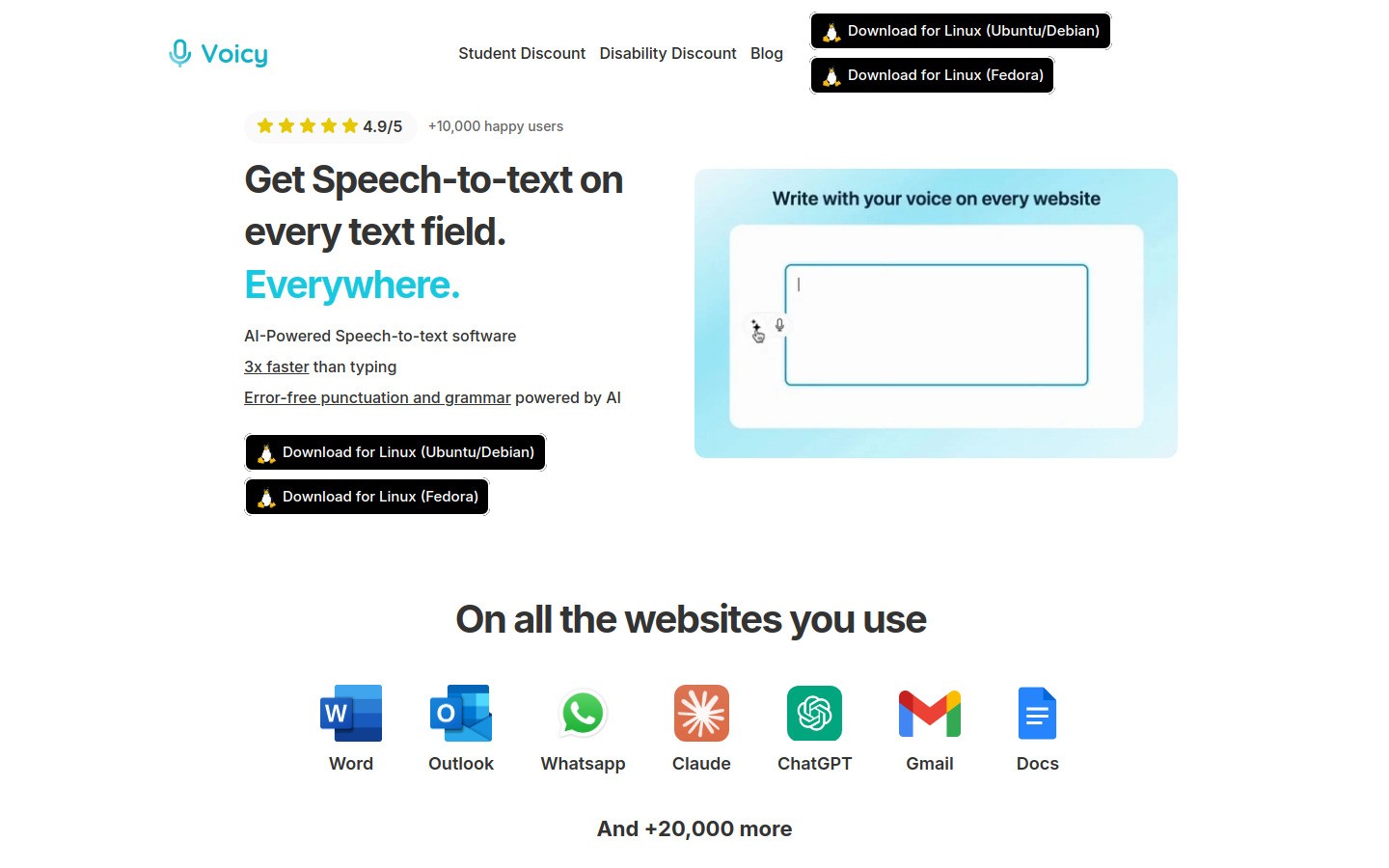
Voicy is the best fit on this list for therapists who are tired of typing everything. It is not trying to replace your practice management system. It helps you get words onto the screen faster when you are writing notes, letters, summaries, emails, treatment plan drafts, and day to day admin.
Voicy uses cloud based transcription and works on Mac, Windows, and as a Browser Extension. Pricing is $8.49 per month, $82 per year, or $260 lifetime, and there is a free trial. That makes it much easier to test than a full EHR migration.
Best for: note drafting, admin writing, forms, referrals, and follow ups
Strong points: works across apps, fast dictation, useful for Google Docs, Notion, and ChatGPT workflows
Tradeoff: it is a writing and dictation layer, not a full therapy practice suite
Three especially relevant feeder links for therapist workflows are Google Docs speech to text, Notion speech to text, and speech to text in ChatGPT. If you want a broader workflow angle, this post on using speech to text in your daily workflow is also a strong next click.
2. SimplePractice, best all in one practice management software
SimplePractice is one of the default picks for private practices because it bundles scheduling, telehealth, documentation, billing, and a client portal in one place. That matters when you want fewer tabs open and fewer things to train staff on.
Best for: solo therapists and small groups
Strong points: scheduling, forms, telehealth, insurance tools
Tradeoff: cost rises as you need more features
If you want one system to run most of the practice, this is the cleanest starting point.
3. TherapyNotes, best for clinical documentation
TherapyNotes leans hard into behavioral health workflows. It is a strong fit when your biggest pain is not booking appointments, but getting progress notes, treatment plans, and billing records done cleanly.
Best for: documentation heavy practices
Strong points: templates, records, insurance friendly structure
Tradeoff: less appealing if you want a modern, flexible interface first
TherapyNotes is not the prettiest tool on this list, but many clinicians care more about reliable documentation than pretty software.
4. Jane App, best for scheduling and client experience
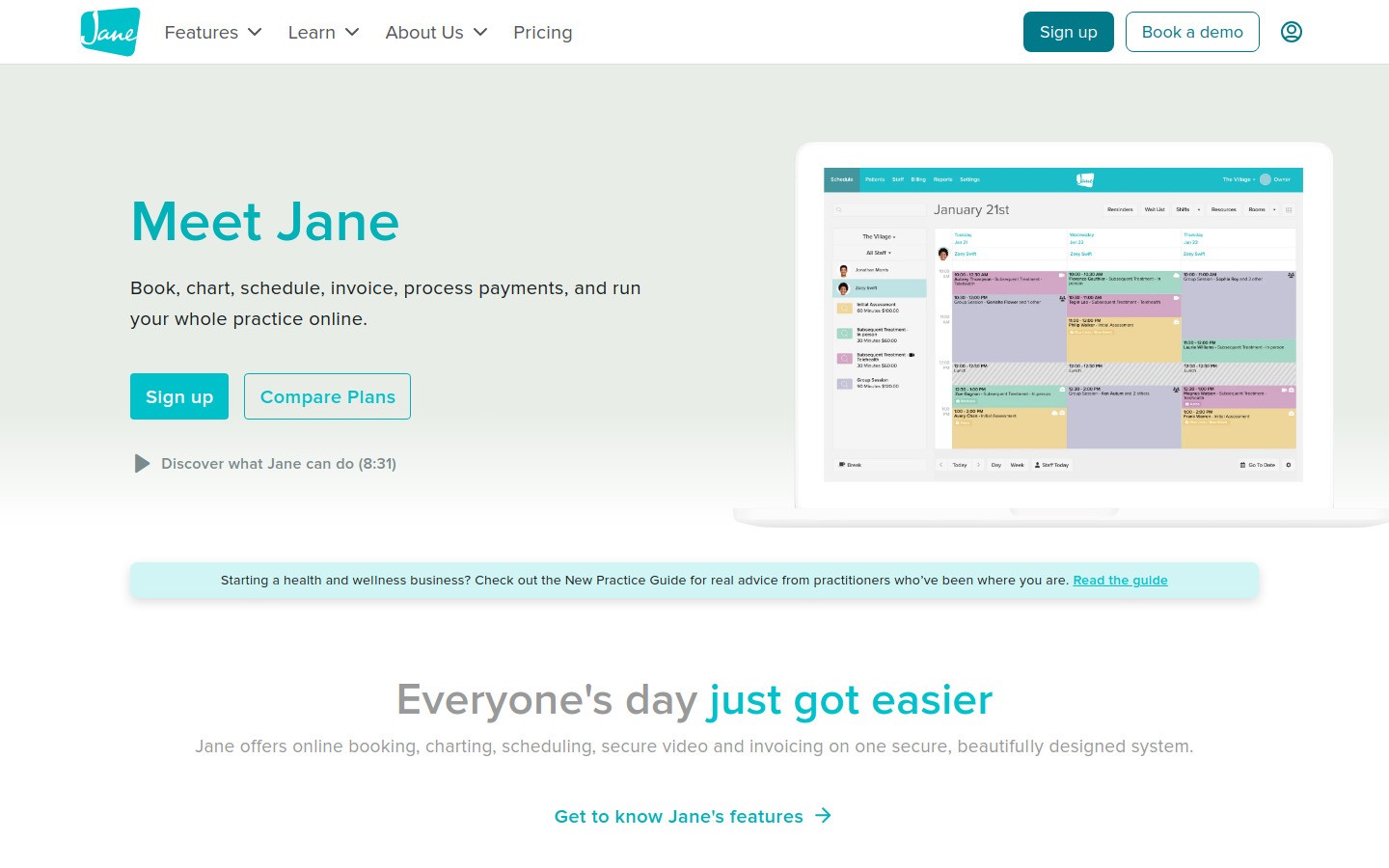
Jane App is a good pick when online booking and the front desk experience matter a lot. Clients can book easily, reminders are built in, and the whole thing feels less clunky than older clinic software.
Best for: practices that want smoother booking
Strong points: online scheduling, reminders, billing, charting
Tradeoff: you still need to confirm it fits your exact therapy workflow
For many therapists, Jane feels easier to live with day to day than heavier EHR tools.
5. Doxy.me, best for simple telehealth
Doxy.me is built around one job: make video sessions easy. Clients do not need downloads, the browser based workflow is simple, and that alone can save a lot of support time.
Best for: telehealth first therapists or hybrid practices
Strong points: no download visits, waiting room, simple setup
Tradeoff: narrower than an all in one platform
If your current EHR has weak video quality or awkward session joins, Doxy.me is worth a serious look.
6. Spruce Health, best for secure communication
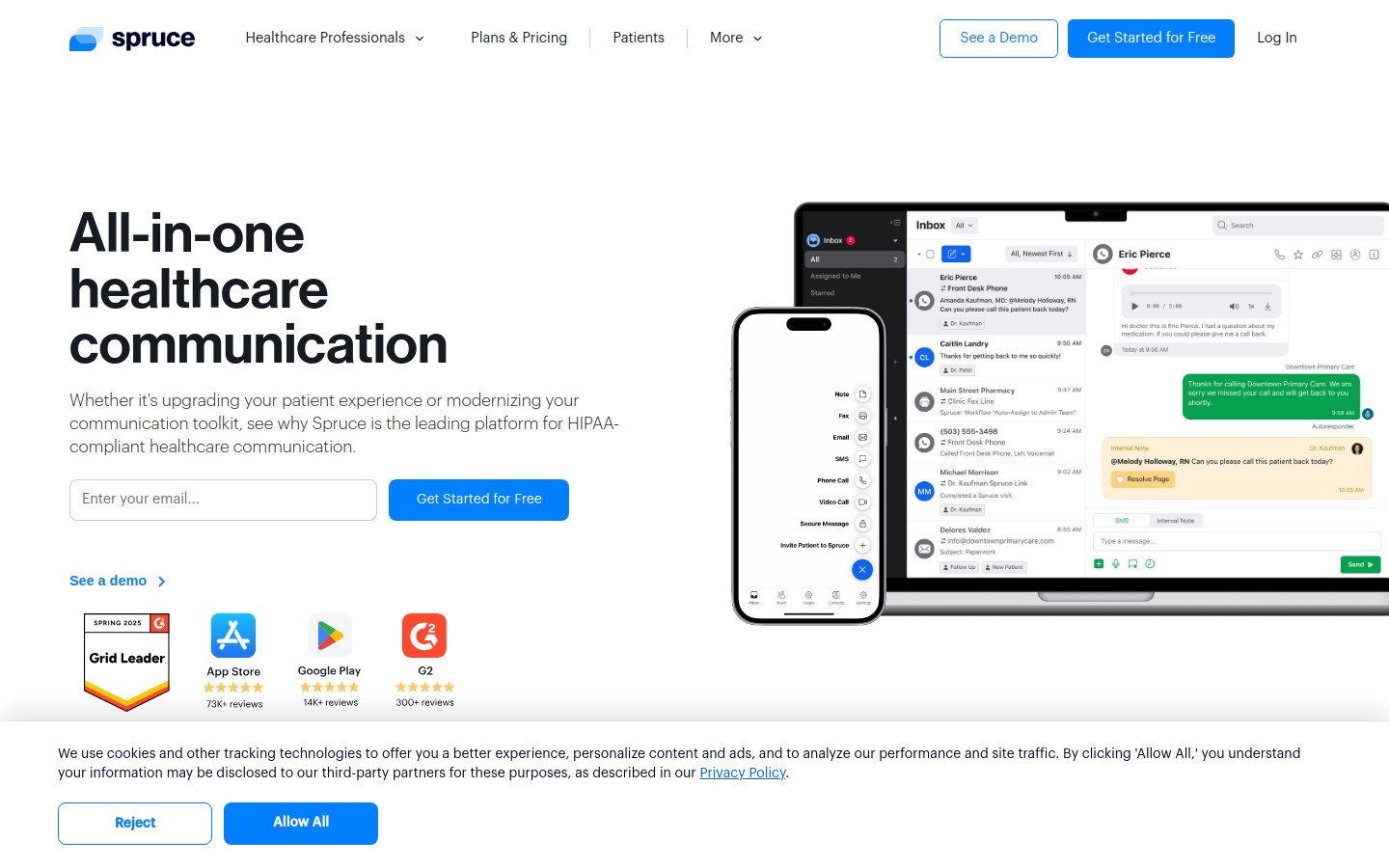
Spruce Health focuses on messaging, phone, voicemail, and patient communication. That sounds less exciting than AI notes, but clean communication systems can save a practice hours each week.
Best for: teams with lots of client messaging and follow ups
Strong points: texting, calls, shared inbox style workflows
Tradeoff: it solves communication well, not the whole practice stack
It is especially useful when personal phones and scattered voicemail are creating a mess.
7. Notion, best for internal knowledge and productivity
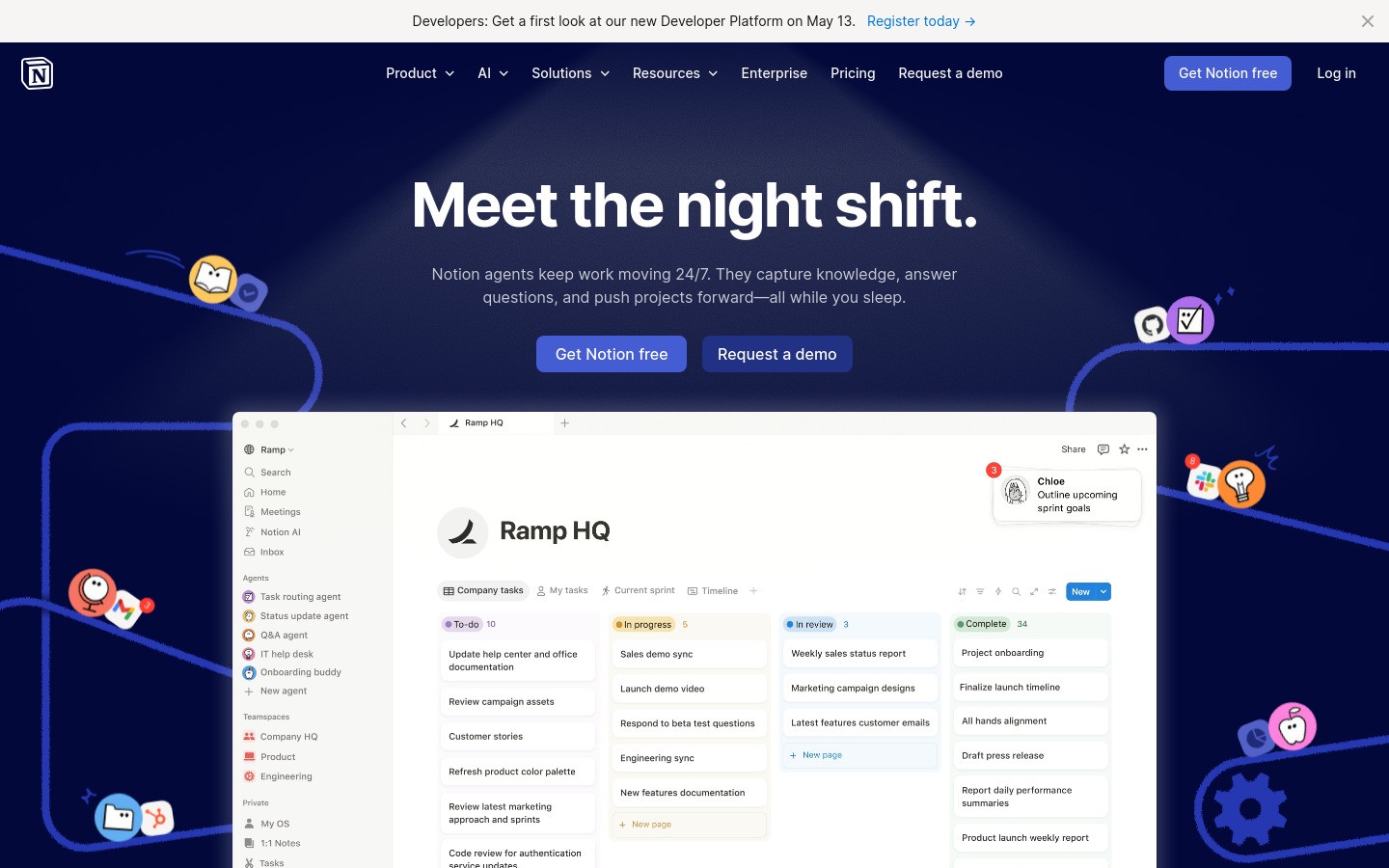
Notion is not a therapy EHR, and that is exactly why it works well for the non clinical side of the business. Use it for SOPs, hiring notes, training checklists, marketing plans, and internal documentation that should not live in your patient record system.
Best for: operations, SOPs, and team knowledge
Strong points: flexible docs, databases, project tracking
Tradeoff: can get messy fast without structure
If your team already lives in Notion, Voicy's Notion speech to text workflow is a natural add on for faster internal writing.
8. Calendly, best simple scheduling software
Calendly is still one of the easiest ways to remove booking back and forth. It connects calendars, handles availability rules, and works well for consult calls, discovery sessions, or other non clinical scheduling flows.
Best for: intake calls, consults, and simple booking flows
Strong points: clean booking links, buffers, templates, calendar sync
Tradeoff: you need to be careful about what client data you put into it
For many therapy practices, Calendly works best around the edges of the core EHR, not as the main system.
9. Google Workspace, best for everyday admin work
Google Workspace gives you email, calendar, docs, and file storage. That makes it a practical backbone for admin tasks, internal docs, hiring, onboarding, and collaboration.
Best for: email, calendar, and document workflows
Strong points: Docs, Drive, Calendar, Meet
Tradeoff: it is not a substitute for a therapy specific record system
If you draft referral letters, summaries, or policies in Docs, this guide to speech to text in Google Docs is one of the better Voicy feeder paths for this audience.
10. Zoom for Healthcare, best for teams already using Zoom
Zoom for Healthcare makes sense when your practice already uses Zoom and wants a familiar telehealth setup. Staff usually need less training because they already know the product.
Best for: teams already standardized on Zoom
Strong points: familiarity, video quality, broad adoption
Tradeoff: overkill if you just need basic browser based visits
This is often the easier sell for larger practices than teaching everyone a new video platform.
11. Upheal, best for AI assisted therapy notes
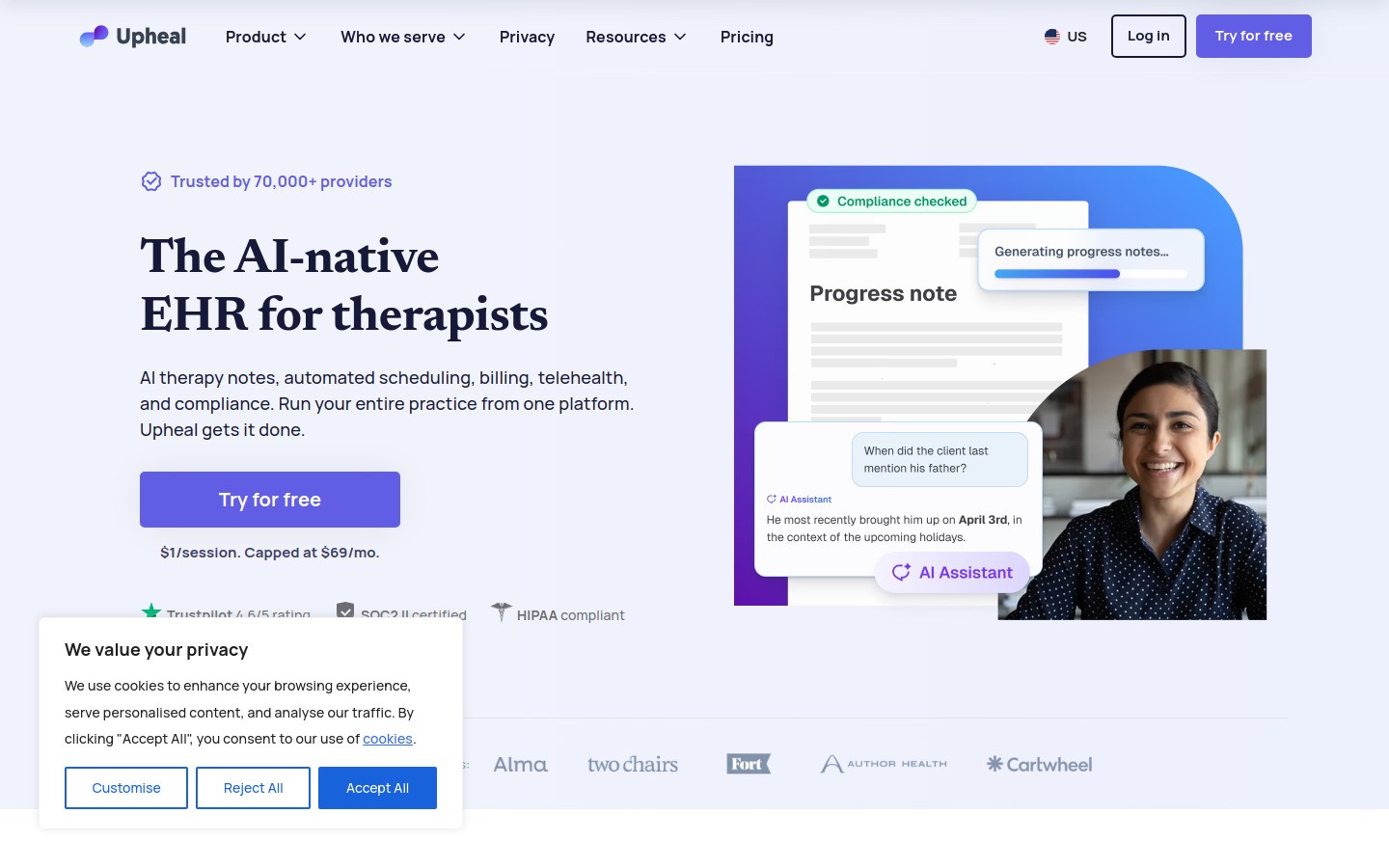
Upheal is built around AI help for documentation. If the biggest drag in your week is finishing notes after sessions, that focus can be more useful than yet another all in one platform.
Best for: therapists focused on reducing documentation time
Strong points: AI notes, summaries, session support
Tradeoff: narrower use case than full practice management tools
Upheal makes more sense as a specialist add on than as your only software decision.
12. Tebra, best for billing heavy practices
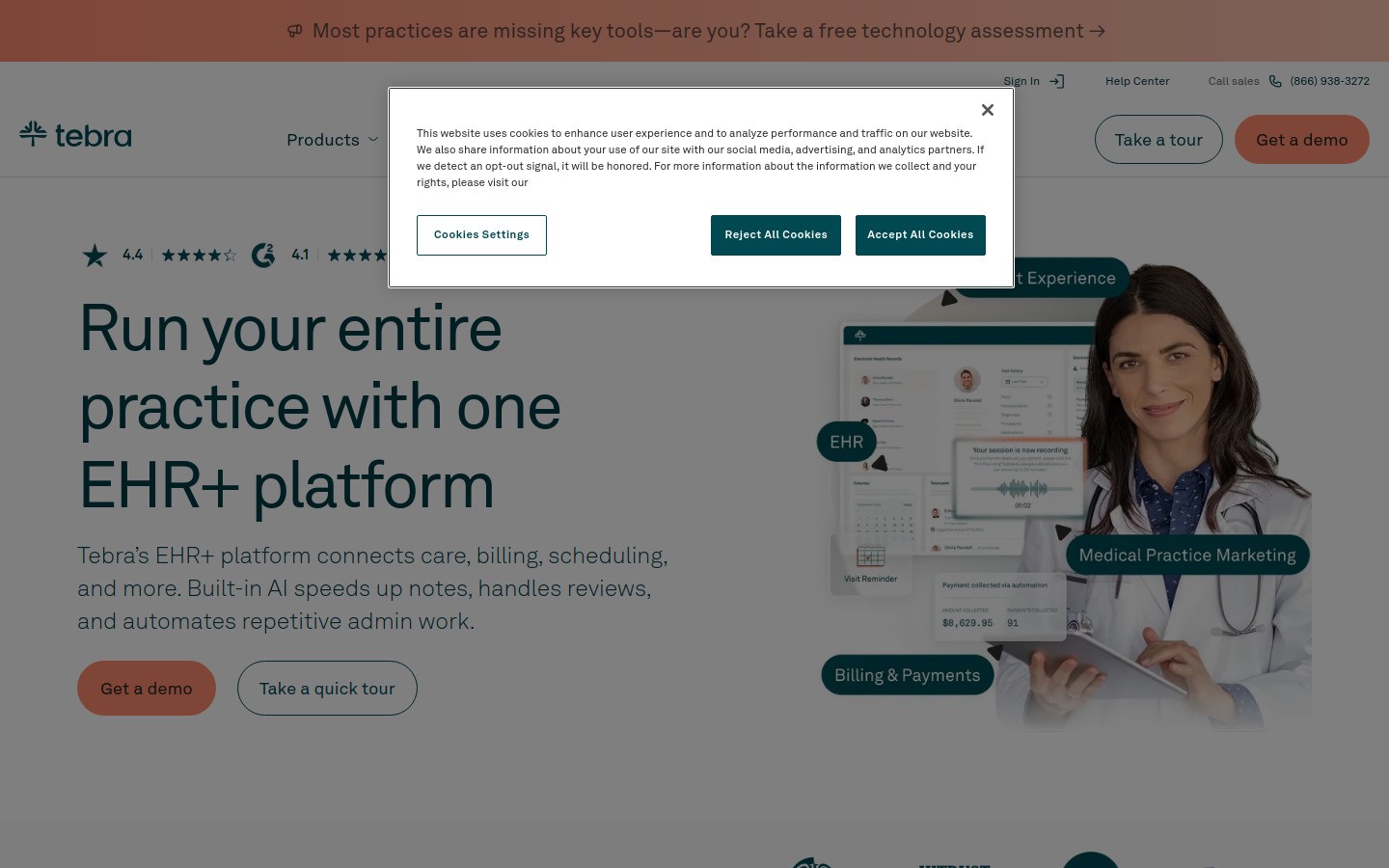
Tebra is worth a look if billing complexity is driving your software choices. It is more interesting to practices with heavier insurance or revenue cycle needs than to a solo therapist who mainly wants lighter admin.
Best for: billing focused operations
Strong points: practice operations and revenue workflows
Tradeoff: can be more system than a small private practice needs
This is not the first tool I would buy for a lean solo practice, but it can be the right one for a more operationally complex setup.
A simple software stack for most therapists
If you want the short answer, most therapists do not need twelve subscriptions. A sensible stack is usually one all in one system, one communication tool if your current setup is weak, and one productivity layer that saves typing time.
Core system: SimplePractice, TherapyNotes, or Jane App
Telehealth layer: Doxy.me or Zoom for Healthcare if your core system falls short
Communication layer: Spruce Health if phone and messaging are messy
Internal productivity layer: Notion or Google Workspace
Writing speed layer: Voicy for notes, forms, summaries, and admin
Final verdict
The best software for therapists and psychologists is usually not one magic platform. It is the smallest stack that handles patient care, admin, and documentation without making your workday heavier.
If you need one place to start, pick the practice management tool that matches how your practice runs. Then add Voicy if writing and notes are eating too much time. That is the lowest drama upgrade on this list, because you can test it in the tools you already use instead of rebuilding your whole workflow.
Try Voicy free if you want a faster way to draft notes, summaries, and admin writing with your voice.


