




8 Best Software Tools for Social Workers in 2026
The best software tools for social workers help with case notes, scheduling, communication, reporting, and the pile of admin work that follows every client interaction. A good stack saves time. A bad one adds clicks, duplicates work, and keeps you finishing notes after hours.
I looked at the kinds of tools that show up most often in current social work software roundups, then narrowed the list to products that solve real workflow problems. Some are full case management systems. Others are support tools that make documentation and coordination easier.
Summary of the article
Casebook: best for social service agencies that want a modern case management core.
Bonterra Apricot: best for grant reporting, outcomes tracking, and compliance heavy programs.
Penelope: best for clinical and counseling workflows that need scheduling and structured documentation.
CharityTracker: best for community nonprofits and referral based coordination.
Google Workspace: best for shared docs, calendars, and lightweight internal collaboration.
Calendly: best for simple intake calls, consult booking, and reducing email ping pong.
Zoom for Healthcare: best for teams that need familiar video visits and remote meetings.
Voicy: best as the writing and dictation layer for faster case notes, summaries, and follow up emails.
If your workflow already lives in Docs, Notion, or ChatGPT, these Voicy pages are the most relevant next clicks: speech to text for Google Docs, Notion speech to text, and speech to text in ChatGPT.
How I picked these tools
I started with current social work and case management software roundups, then checked vendor sites to confirm the main use case for each product. The goal was not to force every tool into one category. The goal was to build a realistic stack across case management, documentation, scheduling, communication, reporting, and productivity.
One important caution: not every tool on this list should store protected client information in every setup. Before you put PHI into any product, confirm the security and compliance setup your team needs, including a Business Associate Agreement where required.
Best social work software by category
1. Casebook, best core case management system for many agencies
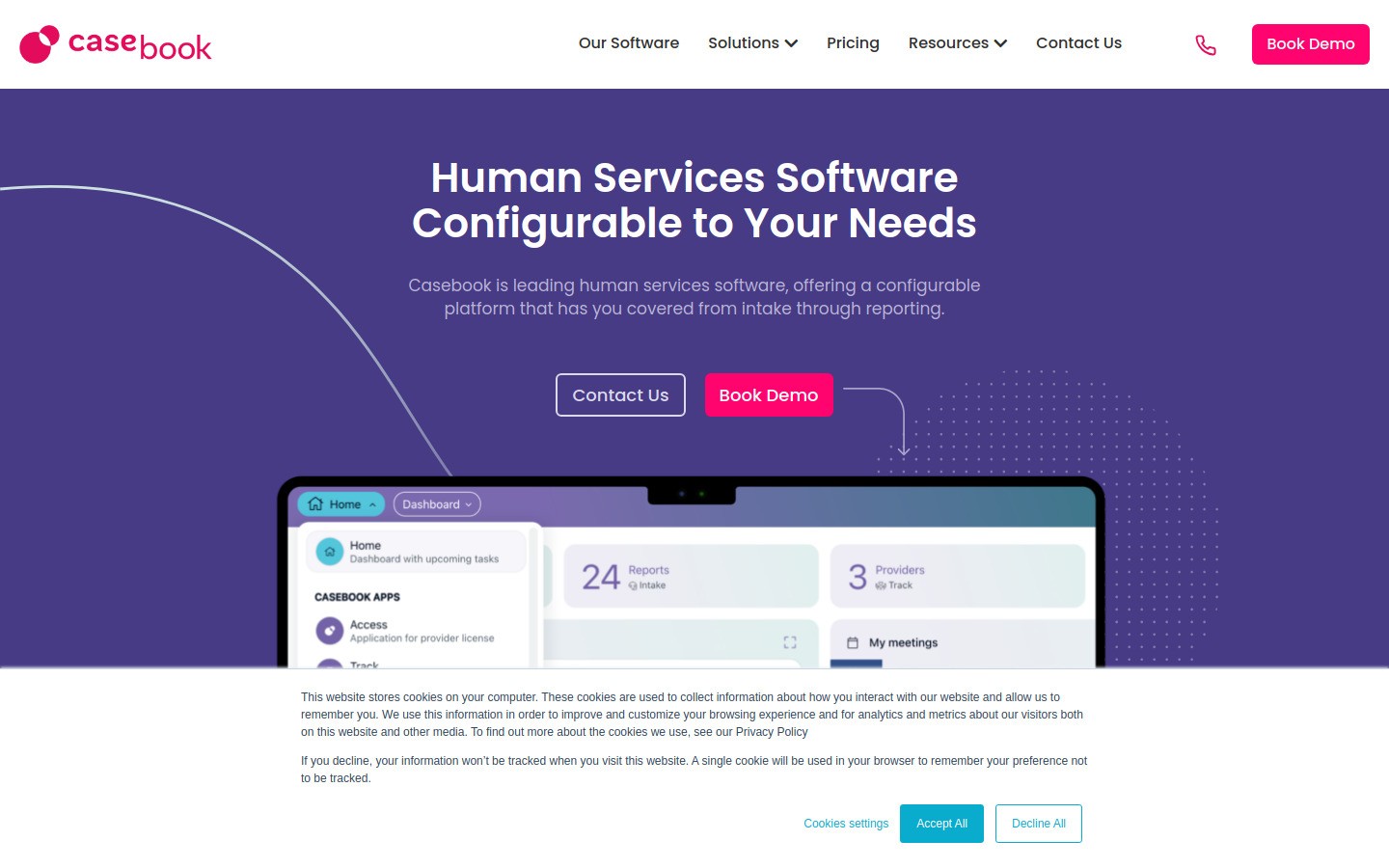
Casebook is a strong fit for agencies that want one main place for intake, case records, service tracking, and reporting. It is built around human services workflows, so it makes more sense for social work than a generic CRM with a lot of patchwork.
Best for: agencies that want a modern all in one case management base
Strong points: configurable workflows, client tracking, reporting, analytics
What to watch: likely more setup and training than a small team wants
If your main problem is fragmented records across spreadsheets, forms, and email threads, Casebook can clean that up fast. If you are a very small team, though, it may feel heavier than you need.
2. Bonterra Apricot, best for reporting and funder compliance
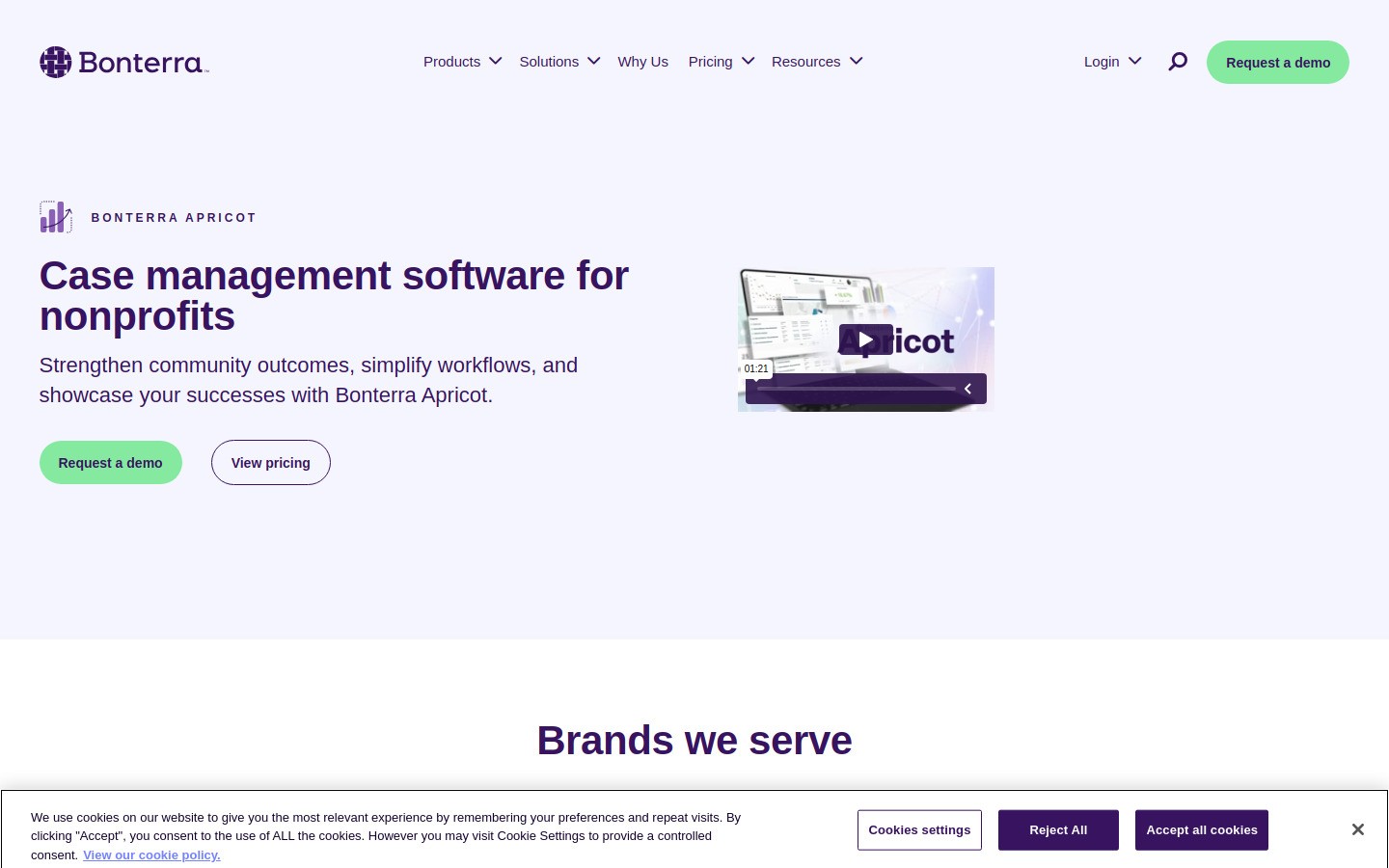
Bonterra Apricot is the tool I would look at first if your organization lives or dies by outcome reporting. It is often chosen by nonprofits that need cleaner data collection, custom forms, and reports that stand up in front of funders.
Best for: grant funded programs and compliance heavy organizations
Strong points: outcomes tracking, dashboards, flexible forms, reporting
What to watch: the power comes with more implementation work
Apricot is not the lightest tool on this list. That is fine if reporting is the hard part of your job. It is less appealing if you mostly want simple day to day case documentation.
3. Penelope, best for clinical and counseling style workflows
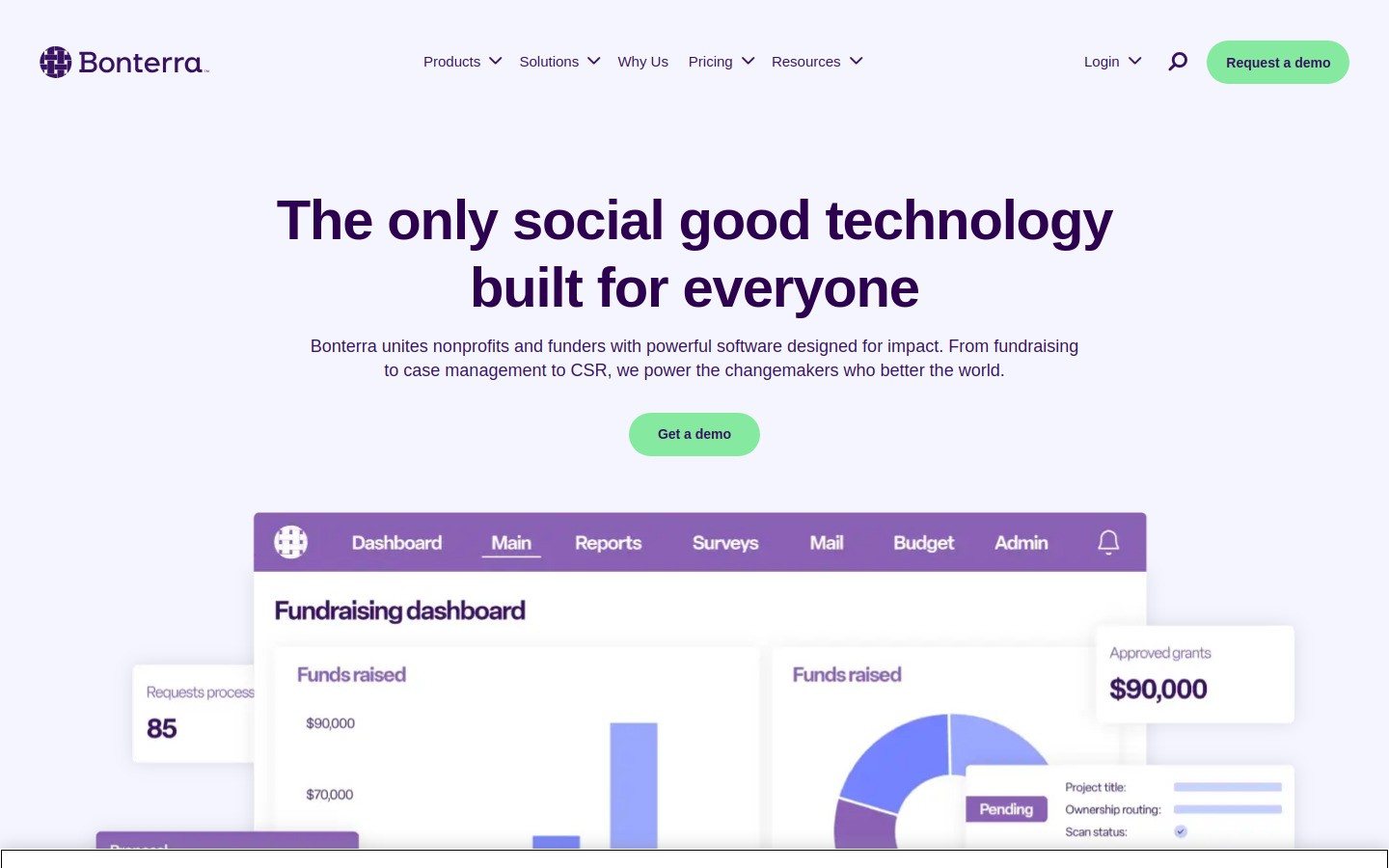
Penelope makes the most sense when social work overlaps with counseling, treatment planning, scheduling, and more structured clinical documentation. It is a better fit for mixed service environments than a pure community referral tool.
Best for: organizations that mix social services with clinical care
Strong points: assessments, service plans, scheduling, documentation
What to watch: some teams will pay for features they barely use
If your work is mostly community outreach and resource coordination, Penelope may be too clinical. If your team runs more formal treatment workflows, it belongs on the shortlist.
4. CharityTracker, best for community coordination and referrals
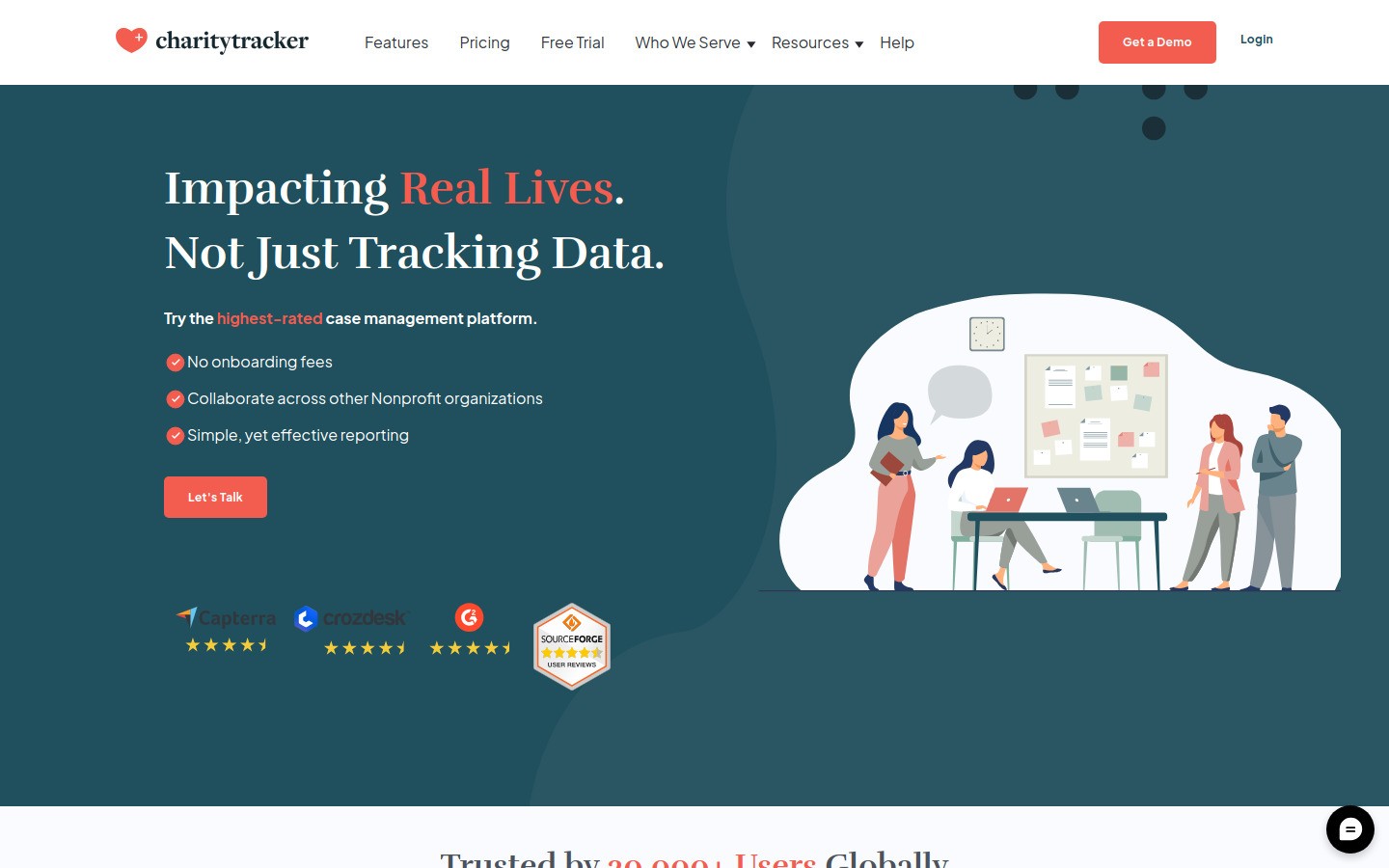
CharityTracker is a practical option for community based organizations that need to track assistance, referrals, and shared client service work. It is especially relevant when multiple agencies or programs touch the same client journey.
Best for: nonprofits, coalitions, and referral networks
Strong points: service tracking, referrals, partner coordination
What to watch: the interface looks more functional than polished
That tradeoff may not matter much. Many social work teams care more about clear records and service coordination than pretty design.
5. Google Workspace, best for everyday admin and shared documents
Google Workspace is not a social work case management platform, but it is still part of many real world stacks. Teams use it for internal docs, calendars, meeting notes, templates, and lightweight collaboration.
Best for: internal operations, shared documents, and team calendars
Strong points: Docs, Drive, Calendar, simple collaboration
What to watch: it is easy to drift into messy folder systems and risky client data habits
If your team drafts letters, resource plans, or summaries in Docs, this is where Voicy's Google Docs workflow becomes useful. It speeds up writing without asking you to replace the rest of your stack.
6. Calendly, best for simple intake and consult scheduling
Calendly does one boring job very well. It cuts the back and forth around booking consults, intake calls, screenings, and team meetings.
Best for: intake calls, discovery calls, and staff scheduling
Strong points: booking links, availability rules, calendar sync
What to watch: not every social work workflow belongs in a generic scheduler
Calendly works best around the edges of your main system, not as the center of it. Used that way, it can save a surprising amount of email clutter.
7. Zoom for Healthcare, best for remote visits and familiar video workflows
Zoom for Healthcare makes sense when your team already knows Zoom and needs a more formal telehealth or remote meeting setup. Familiar tools reduce training friction, which matters when staff time is already tight.
Best for: remote check ins, telehealth style visits, and distributed teams
Strong points: familiar interface, broad adoption, video reliability
What to watch: overkill if video is only a tiny part of your workflow
I would not buy Zoom for Healthcare before fixing your documentation bottlenecks. But if remote sessions are a core service, it is a sensible stack piece.
8. Voicy, best for faster case notes, summaries, and admin writing
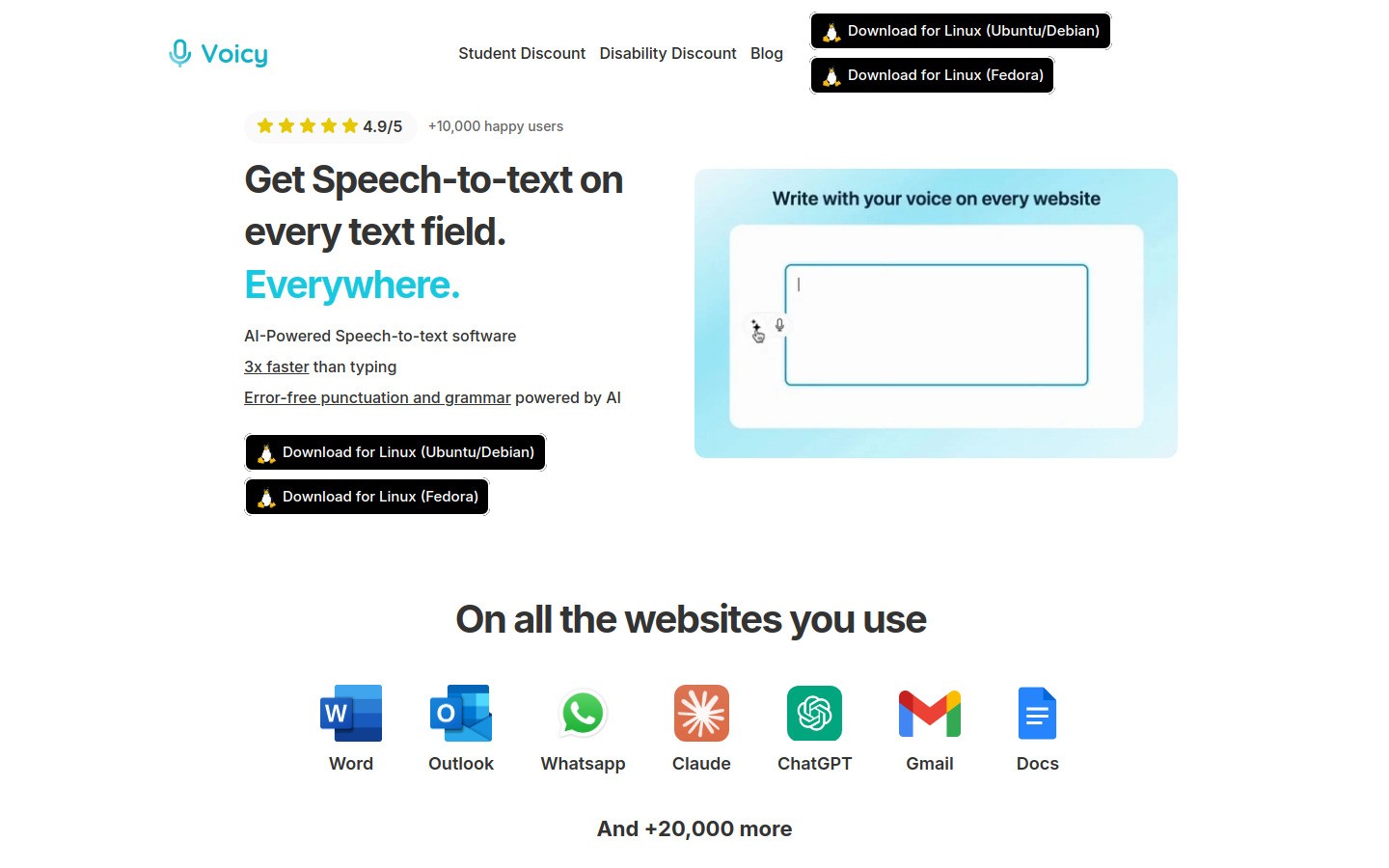
Voicy is the best fit on this list when the real pain is typing. It is not a full case management suite, and pretending otherwise would be silly. What it does well is help social workers draft case notes, referral emails, visit summaries, care coordination updates, and admin writing faster with speech to text.
Voicy works on Mac, Windows, and as a Browser Extension. Pricing is $8.49 per month, $82 per year, or $260 lifetime, and there is a free trial. Transcription is cloud based.
Best for: documentation speed, follow up writing, and cutting down after hours typing
Strong points: works across apps, easy to test, useful in Docs, Notion, and AI chat tools
What to watch: it complements your main system, it does not replace it
The best feeder links for this audience are speech to text for Google Docs, Notion speech to text, and how to use speech to text in your daily workflow. If part of your note writing involves AI cleanup, speech to text in ChatGPT is relevant too.
A simple software stack for most social work teams
Most social workers do not need one giant platform plus six random extras. A cleaner approach is one core record system, one scheduling or video layer if needed, and one writing layer that helps you finish documentation faster.
Core case management: Casebook, Apricot, Penelope, or CharityTracker depending on your setting
Shared work layer: Google Workspace for internal docs and calendars
Scheduling layer: Calendly for consults or intake booking if your main system is weak there
Remote meeting layer: Zoom for Healthcare if video visits are routine
Documentation speed layer: Voicy for note drafting, summaries, and follow ups
That stack is more honest than pretending a single tool will solve every workflow problem in social work.
Final verdict
The best software tools for social workers depend on where your day gets stuck. If reporting and compliance are the hard part, look closely at Apricot. If you want a stronger case management core, start with Casebook or Penelope. If community referrals drive your work, CharityTracker is the more practical pick.
If documentation is what keeps you late, Voicy is the easiest layer to add because you can test it inside tools you already use. That makes it a smart upgrade for teams that want less typing without a full system migration.
Try Voicy free if you want a faster way to draft notes, summaries, and follow up writing with your voice.


