




Best Speech-to-Text Software for Windows (2026)
If you specifically want a tool built for longer writing workflows, app compatibility, and day-to-day Windows dictation, see our guide to dictation software for Windows.
Summary of the article
Voicy is the best speech-to-text software for Windows if you want fast dictation in any app, clean punctuation, and a simple shortcut-based workflow.
Windows Voice Typing is the best free built-in option for quick notes, but it is still limited for heavy daily writing.
Dragon Professional is still the power-user pick for deep customization and voice commands, but the price is hard to justify for most people.
Wispr Flow is a polished cross-device option if you care about synced settings and AI cleanup.
Otter is better for meetings and recordings than live dictation inside Windows apps.
If you just want the short answer, most Windows users should start with Voicy or the built-in Windows tool. Your choice comes down to whether you need basic free dictation or reliable daily writing across Word, Gmail, Outlook, ChatGPT, and everything else.
Best Speech-to-Text Software for Windows in 2026
The best speech-to-text software for Windows in 2026 is not always the most expensive one. Most people do not need a heavy enterprise dictation setup. They need something that opens fast, works in the apps they already use, and does not force a cleanup session after every paragraph.
That is why this guide focuses on real Windows writing workflows, not just feature lists. If you want setup help for built-in Windows dictation, read our guides on how to use speech-to-text on Windows 10 and 11 and how to use speech to text on Windows effectively. If you already know you want a better everyday tool, the stronger product page is Voicy for Windows speech-to-text.
How we picked the best Windows speech-to-text tools
We looked at five things that actually matter when you use speech-to-text software on Windows every day.
Accuracy: Does it get the words right without constant edits?
Speed: Can you open it and start talking in seconds?
App coverage: Does it work only in one editor, or across your full Windows workflow?
Cleanup: Does it handle punctuation and formatting well?
Value: Is the pricing sensible for what you get?
We also separated live dictation tools from meeting transcription tools. Those are not the same job, and too many comparison posts mix them together.
Comparison table: the best speech-to-text software for Windows
Tool | Best for | Works across Windows apps | Main tradeoff |
|---|---|---|---|
Daily writing in any app | Yes | Cloud-based, so it needs internet | |
Free built-in dictation | Yes | Less reliable for heavy professional use | |
Advanced commands and custom workflows | Yes | Very expensive | |
Cross-device AI dictation | Yes | Still maturing for some Windows-first teams | |
Meetings and recorded audio | Not really | Not built for typing anywhere on Windows |
1. Voicy, best for writing everywhere on Windows
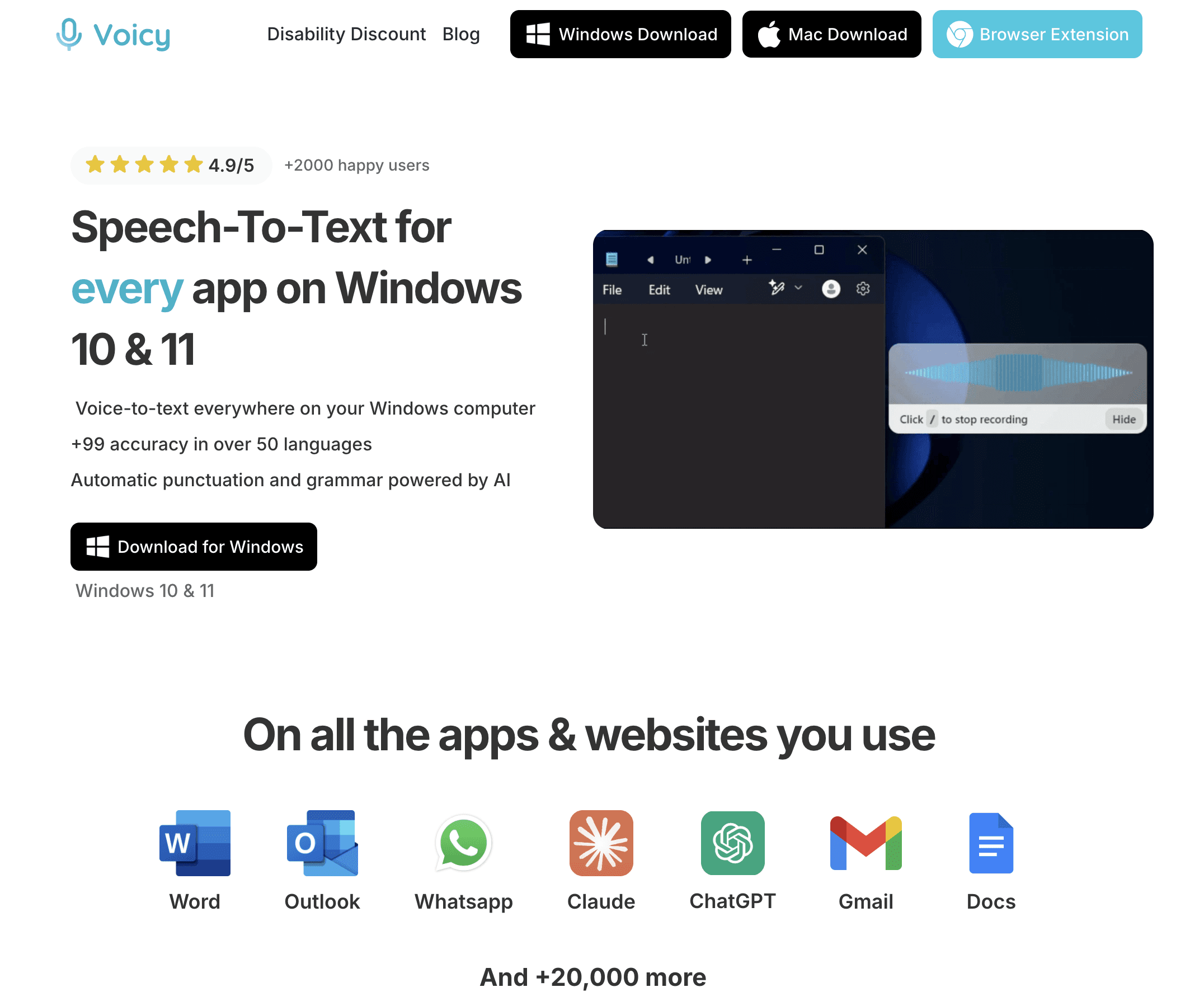
Voicy is the best speech-to-text software for Windows if your job involves writing in lots of different places. Think Word, Outlook, Gmail, Slack, Notion, ChatGPT, CMS fields, and random web forms that built-in dictation tools usually make annoying.
Instead of forcing you into a single editor, Voicy works directly in the text field you are already using. That sounds small, but it changes everything. You speak, the text lands where you need it, and you keep moving.
Voicy also feels more modern than the old dictation-school tools. It handles punctuation well, works with over 50 languages, and gives you AI editing tools when you want to tighten wording after dictating.
Best for: people who write all day in multiple Windows apps
Pricing: free trial, then $8.49/month, $82/year, or $260 lifetime
Why it stands out: strong accuracy, fast shortcut workflow, and no copy-paste dance
Downside: Voicy uses cloud-based transcription, so it is not the right fit if you need an offline-only workflow.
If you want a deeper Windows-specific walkthrough, start with the Windows speech-to-text page. If you need tool-by-tool setup help, our Windows 10 and 11 setup guide is the right next click.

2. Windows Voice Typing, best free built-in option
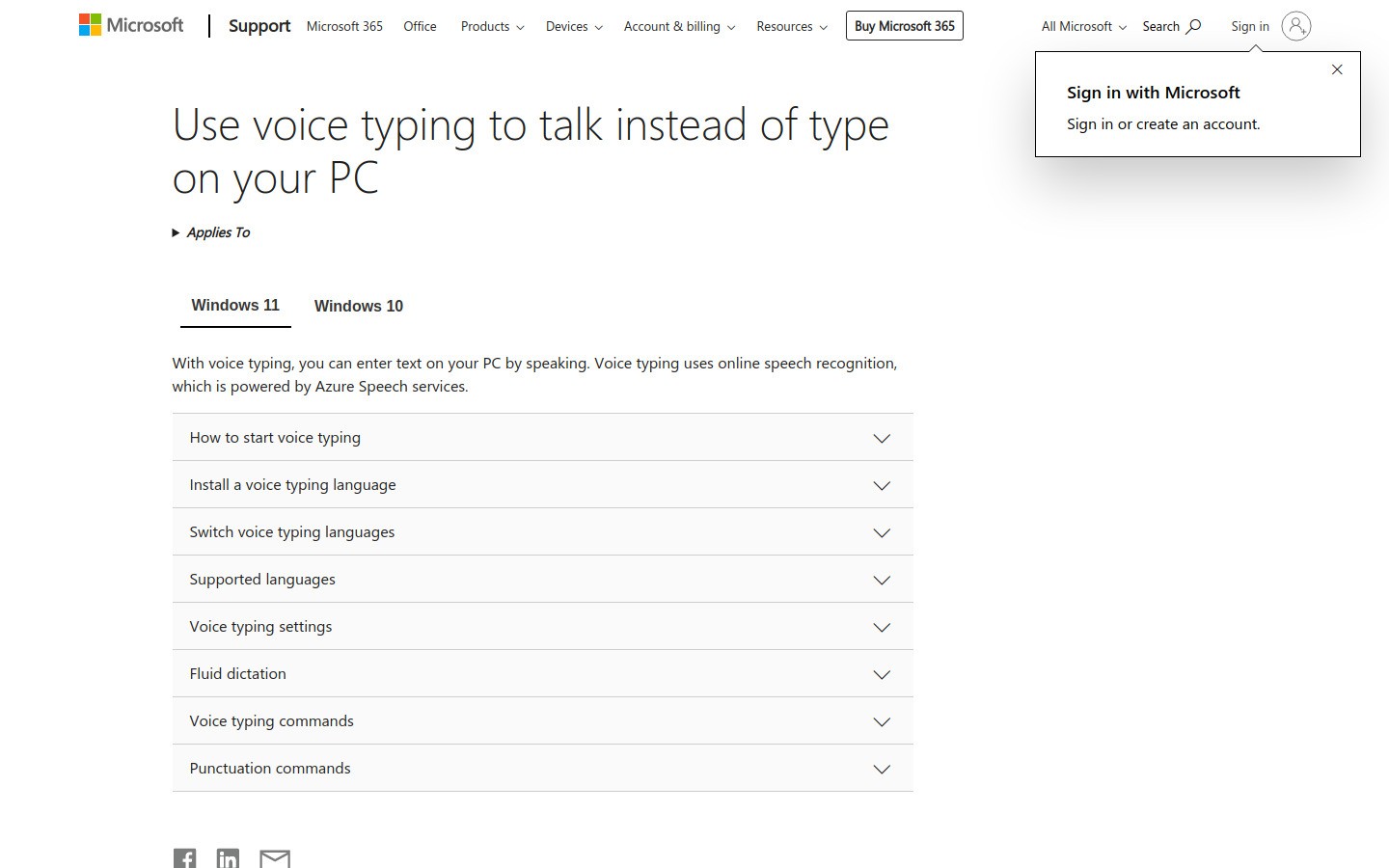
Windows Voice Typing is the obvious place to start because it is already there. Press Win + H, start talking, and you have instant dictation without downloading anything.
Microsoft has improved it over time. Automatic punctuation is better than it used to be, and the built-in language support is broad enough for many users. For quick notes, short emails, and low-stakes text boxes, it does the job.
The problem is consistency. If you dictate for hours every week, little misses start to pile up. It is fine for casual use. It is usually not the tool people stick with when speech-to-text becomes part of their real workflow.
Best for: free casual dictation on Windows 10 and 11
Pricing: included with Windows
Why it stands out: zero setup cost and instant access
Downside: good enough for quick tasks, but not my first pick for heavy professional writing.
3. Dragon Professional, best for deep customization
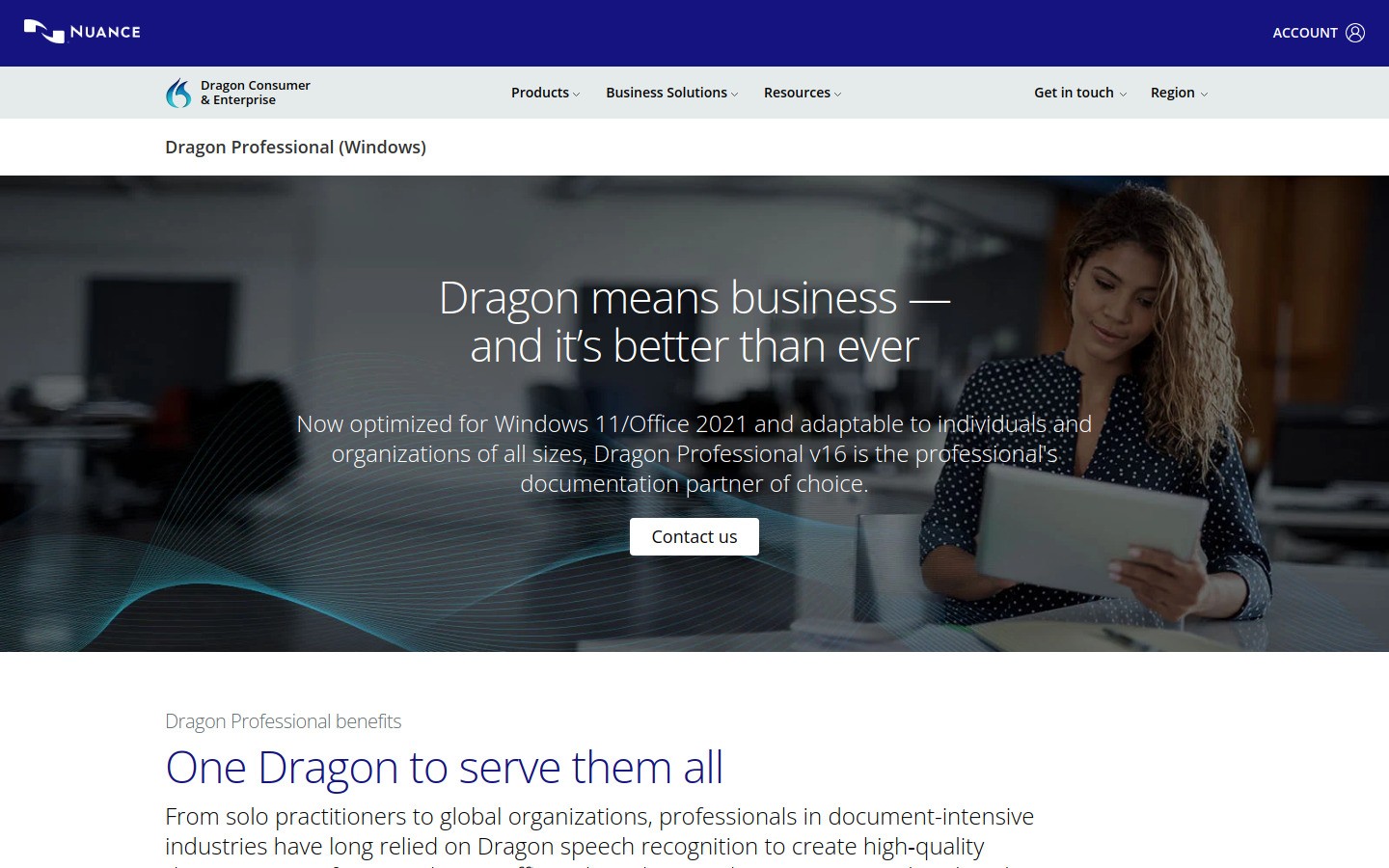
Dragon is still the old heavyweight. If you want custom commands, industry vocabulary control, and a more traditional power-user dictation setup, Dragon Professional remains relevant in 2026.
This is the tool for people who want to build voice-driven workflows, not just dictate paragraphs. Legal, medical, and documentation-heavy teams still care about Dragon for that reason.
But the tradeoff is obvious. Dragon costs much more than most modern dictation tools, and the product feels aimed at specialists. For the average Windows user, it is overkill.
Best for: professionals who need advanced command control
Pricing: premium, with pricing commonly landing far above mainstream consumer apps
Why it stands out: custom commands, voice automation, and strong legacy reputation
Downside: price and complexity. Most people will get better value elsewhere.
If Dragon is on your shortlist, it is worth also reading our breakdown of Dragon NaturallySpeaking alternatives.
4. Wispr Flow, best for polished cross-device dictation
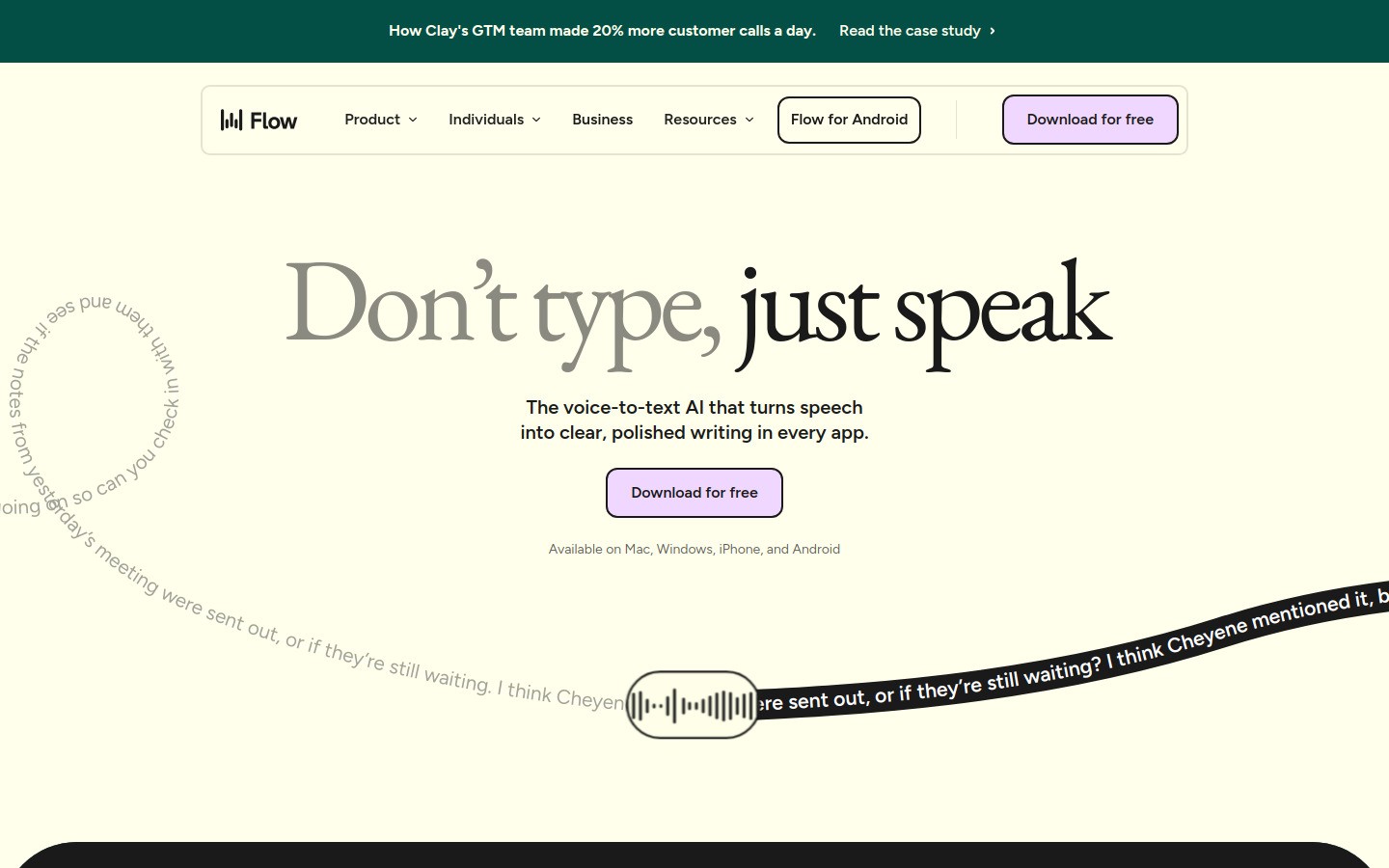
Wispr Flow is one of the more interesting newer tools in this category. It pushes hard on polished writing, synced settings, and the idea that your dictation setup should follow you between devices.
That makes it attractive if you move between Windows and mobile or want AI cleanup built into the dictation layer. It is a modern product, and that shows.
I still would not call it the default Windows recommendation for everyone. Voicy feels more directly aligned with the simple "press shortcut, speak anywhere" workflow on Windows, while Wispr Flow feels broader and slightly more ecosystem-driven.
Best for: users who want synced, polished dictation across devices
Pricing: free trial available, paid plans vary by plan and team size
Why it stands out: AI cleanup, personal dictionary, and cross-device positioning
Downside: strong product, but not as straightforward a Windows-first buy as Voicy for most people.
5. Otter, best for meetings and recordings
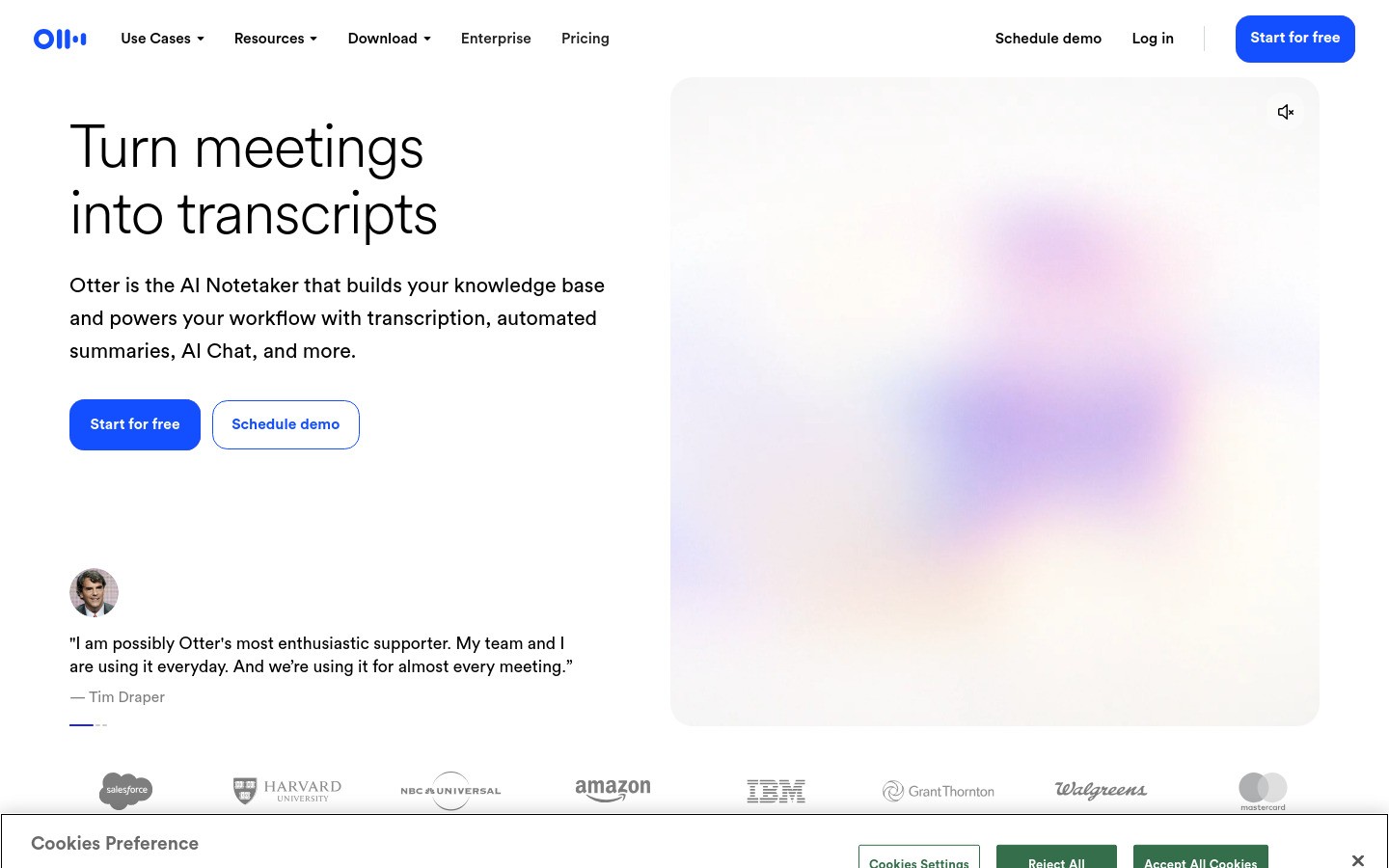
Otter is useful, but it solves a different problem. It is great for meeting capture, transcripts, and turning audio into notes later. That matters, especially if your speech-to-text needs are more about conversations than drafting live text in apps.
If your goal is to replace keyboard-heavy writing on Windows, Otter should not be your first choice. It is more of a recorder and meeting assistant than a universal dictation layer.
Best for: meetings, interviews, and audio-to-text workflows
Pricing: free plan available, paid plans for heavier use
Why it stands out: strong transcript and meeting-summary workflow
Downside: not built for typing directly into every Windows app.
Which Windows speech-to-text tool should you choose?
Here is the simple version.
Choose Voicy if you want the best all-around speech-to-text software for Windows and care about fast writing in every app.
Choose Windows Voice Typing if you want a free place to start.
Choose Dragon Professional if you need command-heavy, specialist dictation.
Choose Wispr Flow if cross-device polish matters more than a pure Windows-first workflow.
Choose Otter if your real need is meeting transcription, not live writing.
For most readers landing on this topic, I think the practical choice is Voicy first, Windows Voice Typing second. One is the best serious daily tool. The other is the best free fallback.
Frequently asked questions
What is the best speech-to-text software for Windows?
The best speech-to-text software for Windows is Voicy if you want accurate dictation across apps, while Windows Voice Typing is the best free built-in option.
Does Windows have built-in speech-to-text?
Yes. Windows includes Voice Typing. You can open it with Win + H in supported text fields.
Is Dragon still worth it in 2026?
Yes, but mostly for specialists who need custom commands and deep workflow control. For most users, it is too expensive compared with newer tools.
What is better than Windows Voice Typing?
If you want better everyday dictation quality, stronger punctuation, and broader workflow support, tools like Voicy are a better fit.
Final verdict
The phrase best speech-to-text software for Windows sounds broad, but the right answer is actually pretty simple. If you want free and basic, start with Windows Voice Typing. If you want something you can build real work around, go with Voicy.
That is the cleaner path for most people in 2026. You can try Voicy for Windows speech-to-text, then use the older how-to guides only if you need setup help or want to compare it with the built-in Windows tools first.


