





Best Dictation Software in 2026: Complete Buyer's Guide
Summary of the article
Voicy: Best dictation software for most people.
Apple Dictation: Best free built-in option for Mac users.
Windows Voice Typing: Best free built-in option for Windows users.
Dragon Professional: Best for specialists who need advanced commands.
Wispr Flow: Best polished premium alternative.
Superwhisper: Best for local processing and privacy-first Mac workflows.
Microsoft Word Dictate: Best if you already live in Office.
Google Docs Voice Typing: Best if you only need free browser-based dictation.
If you want the short answer, the best dictation software in 2026 is Voicy for most people, Apple Dictation or Windows Voice Typing if you want free built-in tools, and Dragon if you need a more command-heavy professional setup. What matters most is not the marketing claim. It is whether the tool works in the apps you actually use and whether it saves time after the first week.
Best Dictation Software in 2026: Complete Buyer's Guide
Dictation software is finally good enough to be part of normal work, not just an accessibility backup. The best tools now handle punctuation well, work across more apps, and keep cleanup low enough that speaking really is faster than typing.
But the category is messy. Some tools are true system-wide dictation apps. Some are browser-only. Some are really meeting transcription products wearing dictation clothes. This guide separates those jobs clearly so you can buy the right thing the first time.
How I judged the best dictation software
Accuracy: fewer corrections, less friction.
App coverage: works in one editor or across your workflow.
Formatting help: punctuation and cleanup matter a lot.
Privacy model: cloud-based, local, or built-in.
Value: does the price make sense for real daily use.
Quick comparison table
Tool | Best for | Works in every app? | Pricing | Main tradeoff |
|---|---|---|---|---|
Most people | Yes | Free trial, $8.49/month, $82/year, $260 lifetime | Needs internet | |
Free Mac dictation | Yes | Free | Basic feature set | |
Free Windows dictation | Yes | Free | Less consistent for heavy use | |
Specialist workflows | Yes | Premium | Expensive and complex | |
Premium polished UX | Yes | Premium | Higher monthly price | |
Local privacy on Mac | Yes | Premium | Mac-focused | |
Office users | No | Included with Microsoft 365 | Locked to Office apps | |
Google Docs users | No | Free | Docs only |
1. Voicy, best dictation software for most people

Voicy is the best dictation software for most people because it is the cleanest balance of accuracy, speed, app coverage, and price. It works across Mac, Windows, browser, iOS, and Android, and it handles both live dictation and file upload transcription.
That makes it easier to recommend than niche tools that only solve one slice of the problem. If you want to dictate into email, docs, prompts, chat apps, and forms without changing your workflow, this is the strongest all-around pick.
Best for: everyday writing across many apps
Pricing: free trial, then $8.49/month, $82/year, or $260 lifetime
Why it stands out: works in every app and also supports file uploads
Downside: cloud-based transcription means it is not a fit for people who want local-only processing.
2. Apple Dictation, best free built-in option for Mac
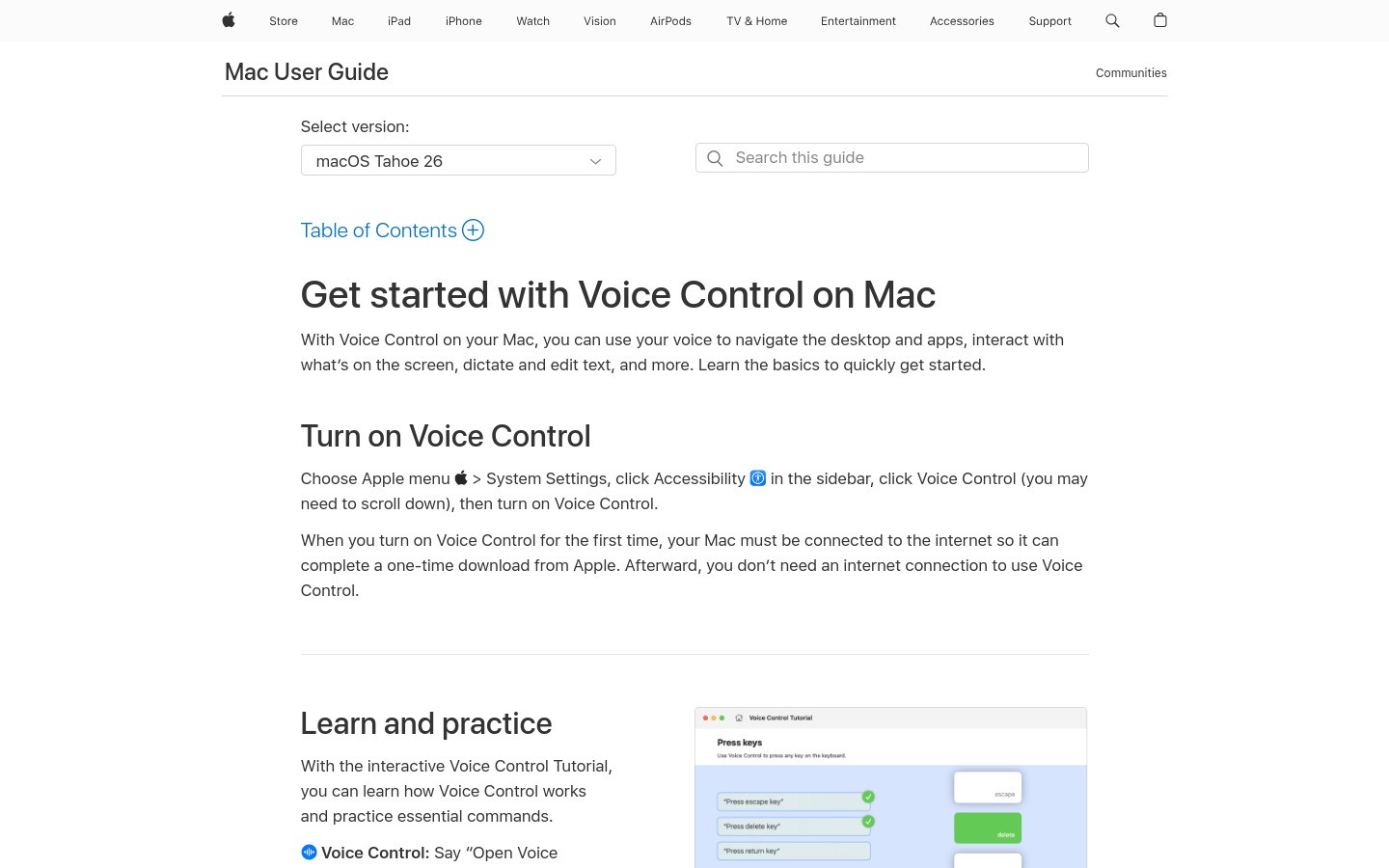
Apple Dictation is the best free dictation software for Mac users who want something already built in. It works, it is fast to access, and it is enough for short daily writing tasks.
It is not the best choice for people who dictate heavily all day. Cleanup, feature depth, and workflow flexibility are still limited compared with stronger paid tools.
Best for: free Mac dictation
Pricing: free
Why it stands out: built in and easy to start
Downside: good for light use, not the strongest serious work tool.
3. Windows Voice Typing, best free built-in option for Windows
Windows Voice Typing is the best free dictation software for Windows users. It is built in, easy to open, and perfectly fine for short notes, quick emails, and casual dictation.
It starts to show limits when your work depends on voice daily. Accuracy and cleanup are good enough, not great.
Best for: free Windows dictation
Pricing: free
Why it stands out: instant access with no install
Downside: less dependable once your writing volume climbs.
4. Dragon Professional, best for advanced command workflows
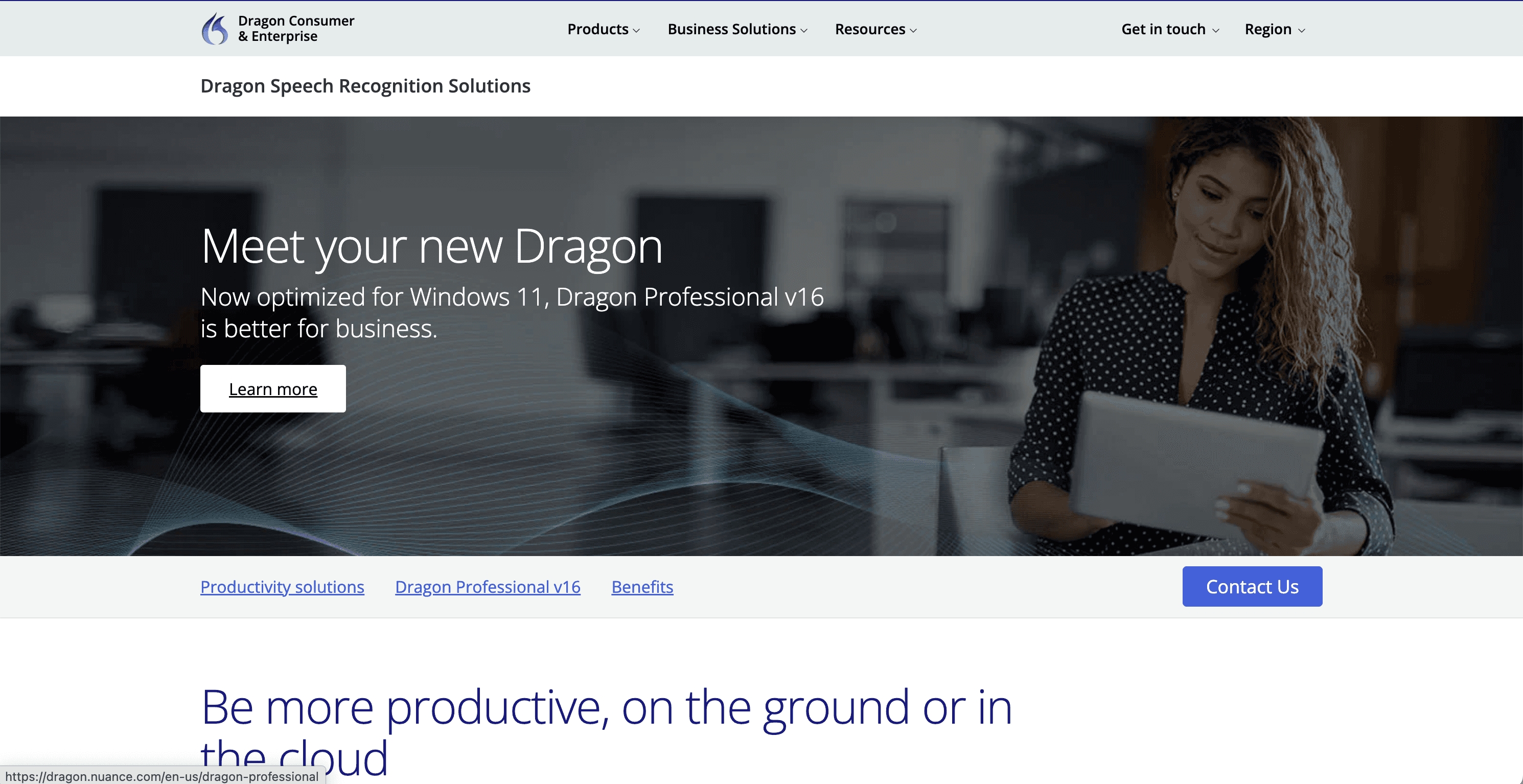
Dragon Professional is still the best dictation software for command-heavy specialist workflows. If you need custom commands, technical vocabulary, and a more traditional power-user setup, Dragon still earns its reputation.
It is just not the best buy for most readers. The price is high, and the complexity is real.
Best for: legal, medical, and specialist use
Pricing: premium
Why it stands out: command depth and customization
Downside: expensive and overkill for normal users.
5. Wispr Flow, best polished premium alternative
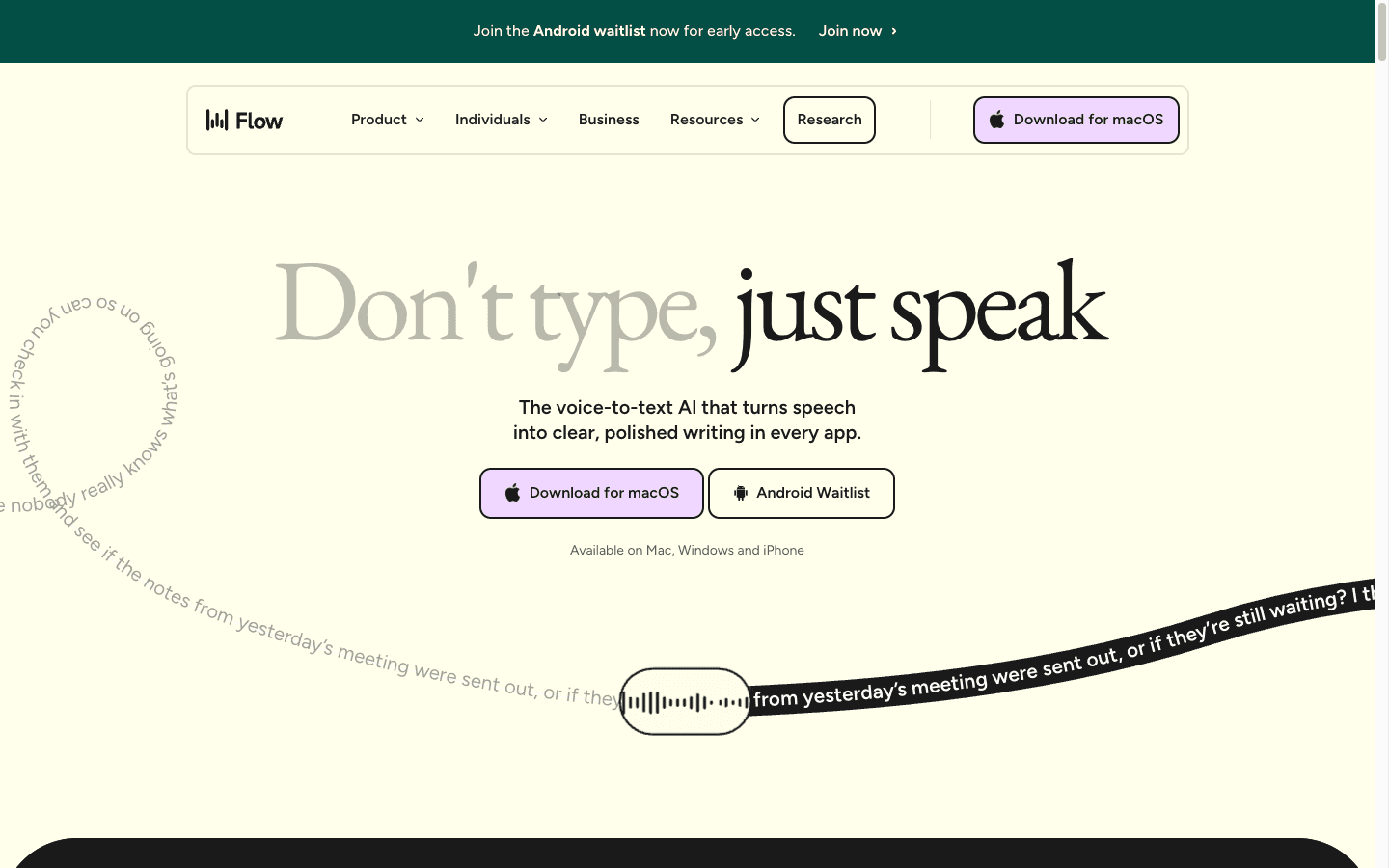
Wispr Flow is a strong premium dictation app if you care about polish, AI cleanup, and a broader multi-device story. It feels modern, and that matters.
For pure value, though, it is harder to justify than Voicy for many buyers. The price gap is real, and the practical outcome is often similar.
Best for: buyers who want a polished premium feel
Pricing: premium
Why it stands out: strong UX and AI cleanup
Downside: pricier than it needs to be for a lot of users.
6. Superwhisper, best for privacy-first local dictation
Superwhisper is the strongest dictation software pick if local processing matters more than convenience, especially on Mac. It is built for people who care deeply about keeping speech on device.
That privacy angle is real, but so is the tradeoff. It is more niche, more Mac-focused, and not the best all-around choice for mixed-platform buyers.
Best for: local privacy-first dictation
Pricing: premium
Why it stands out: local processing
Downside: less universal than the best cross-platform picks.
7. Microsoft Word Dictate, best if you already live in Office
Microsoft Word Dictate is the best dictation software for people who already spend most of the day in Office. If you work in Word and Outlook all day, the convenience is obvious.
Outside Office, the value drops fast. This is a strong product inside a narrow lane.
Best for: Microsoft 365 users
Pricing: included with Microsoft 365
Why it stands out: easy fit for existing Office workflows
Downside: not a true system-wide dictation tool.
8. Google Docs Voice Typing, best free browser-based option
Google Docs Voice Typing is still one of the best free dictation tools for browser-based writing. It is easy, familiar, and surprisingly capable for a free option.
It just solves a smaller problem. If you need dictation outside Docs, it stops being enough quickly.
Best for: Google Docs users
Pricing: free
Why it stands out: free and simple
Downside: works in Docs, not across your workflow.
How to choose the best dictation software for your workflow
Pick Voicy if you want the best overall option and care about writing across many apps.
Pick Apple Dictation or Windows Voice Typing if you want a free place to start.
Pick Dragon if you need command-heavy specialist dictation.
Pick Superwhisper if local processing matters most.
Pick Word Dictate or Google Docs Voice Typing if your workflow is mostly locked to one environment.
Frequently asked questions
What is the best dictation software in 2026?
The best dictation software in 2026 is Voicy for most people because it works across apps, supports live dictation plus file uploads, and has sensible pricing.
What is the best free dictation software?
For Mac users, it is Apple Dictation. For Windows users, it is Windows Voice Typing. For browser-only writing, Google Docs Voice Typing is still a strong free option.
Is Dragon still worth it?
Yes, but mainly for specialists who need command-heavy workflows and custom vocabulary. It is not the default recommendation for normal users anymore.
Which dictation app works in every app?
Voicy is the strongest fit here because it is built for cross-app writing rather than one editor only.
Final verdict
The best dictation software is the one that matches your actual workflow. For most people, that means Voicy. It has the best mix of app coverage, speed, price, and practical usefulness.
If you are cautious, start with the free built-in options first. You will know quickly whether they are enough. If they are not, you now know where to upgrade next.


