




Best Dictation Software for Mac in 2026: 7 Tools Compared
Summary of the article
Voicy: Best dictation software for Mac for most people.
Apple Dictation: Best free built-in option.
Superwhisper: Best for local processing and privacy-first workflows.
Wispr Flow: Best polished premium Mac alternative.
Google Docs Voice Typing: Best if you only write in Google Docs.
Voice In: Best browser-first option.
Dragon: Best known legacy name, but not the best modern Mac fit.
If you want the short answer, the best dictation software for Mac is Voicy for most people, Apple Dictation if you want something free and built in, and Superwhisper if local processing matters more than convenience. Most Mac buyers care about three things: accuracy, whether the tool works in every app, and how much cleanup they have to do afterward.
Best Dictation Software for Mac in 2026: 7 Tools Compared
Typing on a Mac is fine until you need to write a long email, meeting summary, or first draft quickly. Then the weak point shows up fast. The best dictation software for Mac is not just about turning speech into text. It is about working in the apps you already use without slowing you down later.
This guide compares the strongest Mac options in 2026, from free built-in tools to premium cross-app dictation apps.
How I picked the best Mac dictation tools
Accuracy: fewer corrections means the tool actually saves time.
Mac app coverage: works in every app or only in one place.
Privacy model: cloud-based or local processing.
Setup speed: easy to start beats fiddly configuration.
Value: the price has to make sense for daily use.
Quick comparison table
Tool | Best for | Works in every Mac app? | Pricing | Main tradeoff |
|---|---|---|---|---|
Most Mac users | Yes | Free trial, $8.49/month, $82/year, $260 lifetime | Needs internet | |
Free built-in use | Yes | Free | Basic feature set | |
Local privacy | Yes | Premium | More niche workflow | |
Premium polish | Yes | Premium | Higher cost | |
Docs users | No | Free | Docs only | |
Browser-first users | No | Free and paid tiers | No full Mac app coverage | |
Legacy familiarity | No clear native fit | Premium | Weak modern Mac fit |
1. Voicy, best overall for Mac

Voicy is the best dictation software for Mac for most people because it works across apps, adds punctuation well, and also lets you transcribe uploaded audio files. That last part matters more than many competitors admit.
If you switch between email, docs, chat, prompts, and browser forms all day, a true cross-app tool wins. Voicy is the cleanest all-around pick for that workflow.
Best for: Mac users who want one serious daily dictation tool
Pricing: free trial, then $8.49/month, $82/year, or $260 lifetime
Why it stands out: cross-app dictation plus file upload transcription
Downside: cloud-based transcription means it is not the right pick for offline-only buyers.
Helpful next reads: speech-to-text for Mac, Mac speech-to-text guide, and Google Docs speech-to-text.
2. Apple Dictation, best free built-in option
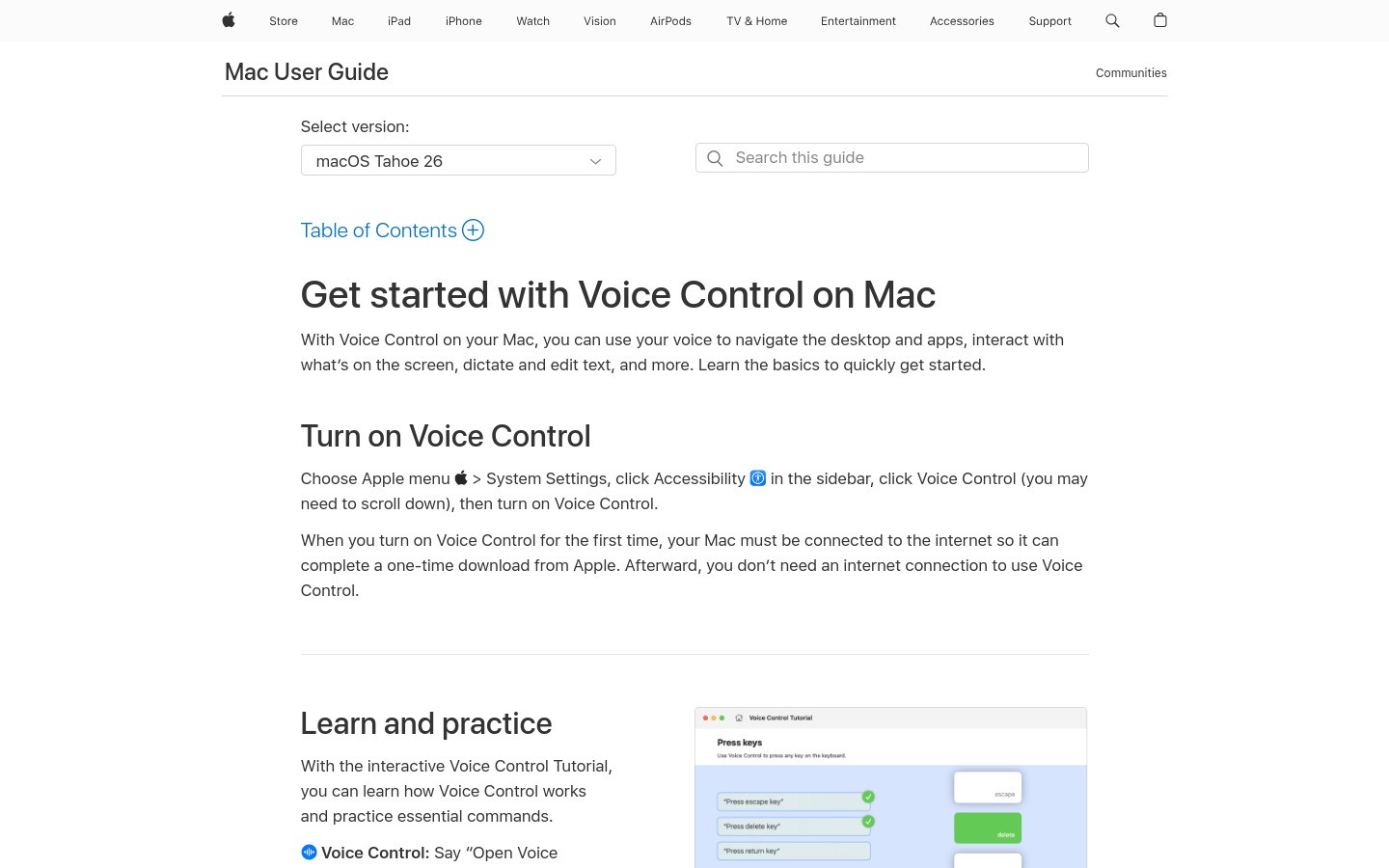
Apple Dictation is the best free dictation software for Mac if you want something already built into macOS. It is convenient, quick to access, and good enough for short notes and light daily writing.
It is not the best tool once dictation becomes a serious workflow. Feature depth is limited, and cleanup tends to rise with longer sessions.
Best for: free built-in Mac dictation
Pricing: free
Why it stands out: zero install and strong convenience
Downside: good starter tool, not the strongest long-form tool.
3. Superwhisper, best for local privacy
Superwhisper is the best Mac dictation tool if local processing is your top priority. If you care more about keeping speech on device than about price or simplicity, this is the standout option.
It is more niche than the broader all-around picks. That does not make it worse. It just makes it less universal.
Best for: privacy-first Mac users
Pricing: premium
Why it stands out: local processing
Downside: more specialized workflow and less cross-platform flexibility.
4. Wispr Flow, best polished premium alternative
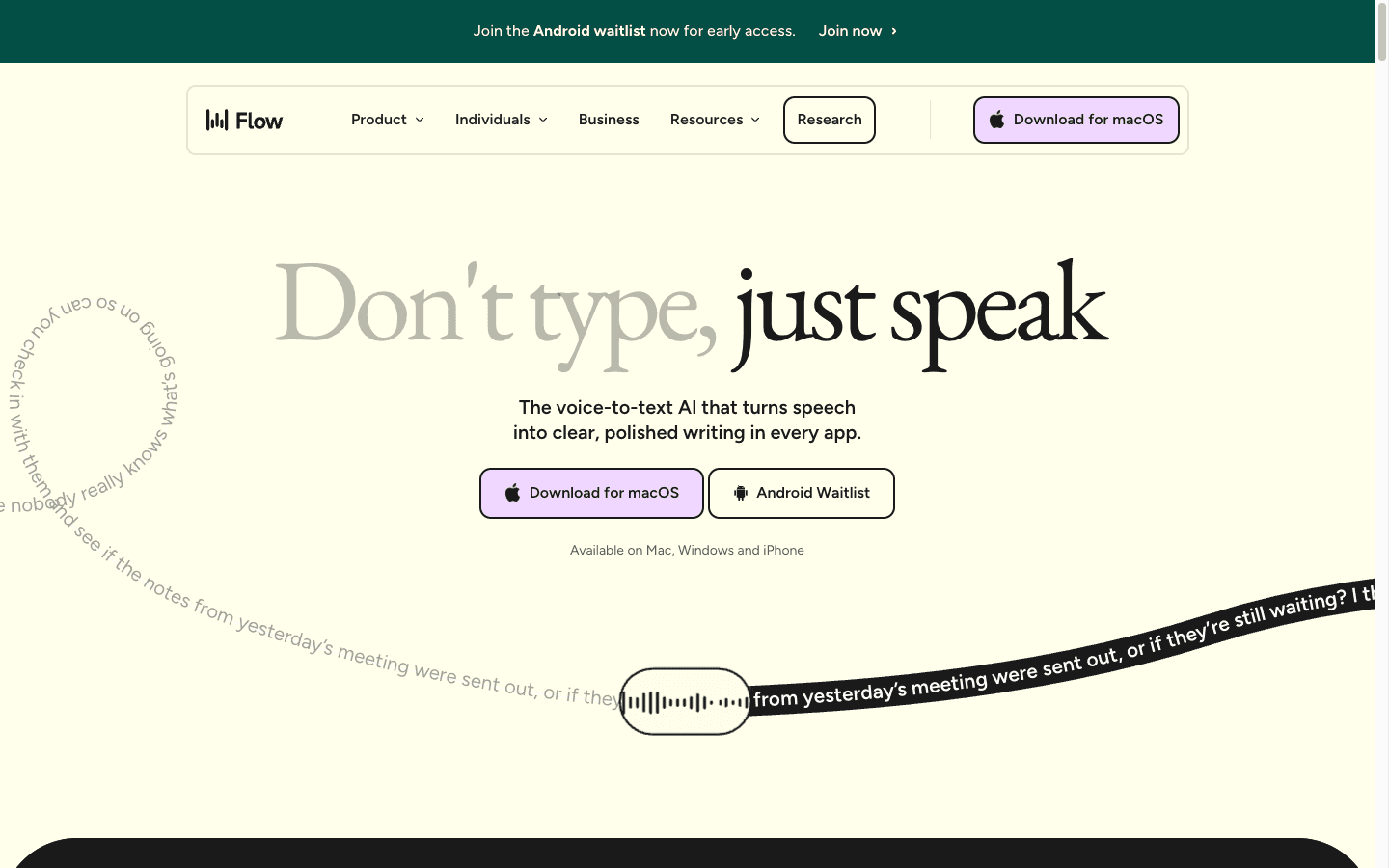
Wispr Flow is a strong Mac dictation app if you want a premium, polished feel and built-in AI cleanup. It looks modern, and the product positioning is clear.
I still would not rank it above Voicy for most buyers. The price is higher, and the practical day-to-day value is not clearly better.
Best for: buyers who want polish and premium UX
Pricing: premium
Why it stands out: polished experience and cleanup tools
Downside: higher price without a clear all-around win.
5. Google Docs Voice Typing, best if you live in Google Docs
Google Docs Voice Typing is a good free option if you mainly write inside Google Docs. It is easy to use and good enough for a lot of basic drafting.
It is still not a system-wide Mac dictation tool. If you need voice typing outside Docs, the limits show up fast.
Best for: Google Docs users
Pricing: free
Why it stands out: simple and familiar
Downside: browser and Docs only.
6. Voice In, best browser-first option
Voice In is the best browser-first dictation option in this list. If most of your work lives on websites, it makes a lot of sense.
But it is still not a full Mac dictation app. If you want voice typing everywhere, this is too narrow.
Best for: browser-heavy workflows
Pricing: free and paid tiers
Why it stands out: wide website coverage
Downside: no true full-system coverage.
7. Dragon, best known legacy name

Dragon still has the strongest brand recognition in dictation software. That does not make it the best modern Mac choice.
If you want a clean native Mac workflow in 2026, there are easier and better-fitting options. Dragon makes more sense on Windows than on Mac now.
Best for: buyers who already know the Dragon brand
Pricing: premium
Why it stands out: legacy reputation
Downside: not the cleanest modern Mac fit.
How to choose the right Mac dictation app
Want the best all-around option? Pick Voicy.
Want the best free option? Pick Apple Dictation.
Want local processing? Pick Superwhisper.
Only write in Google Docs? Pick Google Docs Voice Typing.
Mostly work in websites? Pick Voice In.
For the commercial setup page, start with dictation for Mac and compare plans, setup, and supported apps.
Frequently asked questions
What is the best dictation software for Mac overall?
The best dictation software for Mac overall is Voicy for most people because it works across apps, adds punctuation cleanly, and also supports file upload transcription.
What is the best free dictation software for Mac?
Apple Dictation is the best built-in free option for most Mac users.
Which Mac dictation app is best for privacy?
Superwhisper is the strongest fit if local processing is your top priority.
Does Google Docs Voice Typing work across all Mac apps?
No. It works inside Google Docs, not across your whole Mac.
Can I upload audio files as well as dictate live?
Yes. Voicy supports file upload transcription as well as live dictation.
Final verdict
If you want the best dictation software for Mac, start with Voicy. It is the best overall balance for most Mac users. If you only need a free built-in tool, Apple Dictation is fine. If you care most about local privacy, Superwhisper is the right niche pick.
Those three cover most real Mac buying decisions cleanly.


