




6 Best Dictation Software Tools for Social Workers (2026)
Summary of the article
Voicy is the best pick for social workers who want fast voice typing in email, docs, browser forms, and everyday admin work.
Dragon Professional is still the strongest option for heavy dictation and deep voice commands, but it costs a lot.
Microsoft Word Dictate is a simple choice if your agency already lives in Microsoft 365.
Google Docs Voice Typing is free and easy, but only works inside Google Docs.
Apple Dictation is solid for Mac users who want a built-in option.
Otter.ai is useful for interview summaries and meetings, but it is not the best system-wide dictation tool.
If you write case notes, referral updates, care plans, emails, and follow-up summaries all day, the best tool is the one you will actually use every day. For most social workers, that means fast setup, good accuracy, and less bouncing between apps.
Why social workers use dictation software
Social work documentation eats time. A home visit can lead to case notes, a referral email, a care coordination update, and a follow-up task list.
That is why dictation software for social workers matters. Good voice typing helps you get words out fast while the details are still fresh. It can also reduce hand strain if you spend hours typing every day.
If you handle sensitive client information, slow down before you drop private details into any cloud tool. Review your employer's privacy rules first, and make sure the software fits your documentation process. The HHS cloud computing guidance is a useful starting point.
What social workers should look for
1. It should work where you already write
Most social workers do not write in one perfect app all day. You switch between EHR notes, Word docs, browser forms, Gmail or Outlook, and internal chat.
That is why system-wide dictation matters. A tool that only works in one document can still help, but it will not save as much time.
2. It should be fast enough for same-day notes
If the text appears slowly, or needs heavy cleanup, you will stop using it. Good dictation should feel close to real time.
3. It should handle names and common social work language
You may need to dictate school names, agency names, benefit programs, medications, or community resources. Custom vocabulary helps here.
4. It should fit your privacy comfort level
Some tools process speech in the cloud. Some keep more on device. Neither is automatically right for every setting. What matters is whether it fits your workplace rules and the type of information you are entering.
How we chose these tools
We looked for six tools that cover the real ways social workers write:
system-wide dictation for everyday admin work
built-in options that cost little or nothing
stronger professional tools for heavy note volume
meeting and interview transcription tools when summaries matter
We also checked whether each tool has a clear homepage or product page, public pricing or plan info, and an obvious best-fit use case.
The best dictation software for social workers
1. Voicy
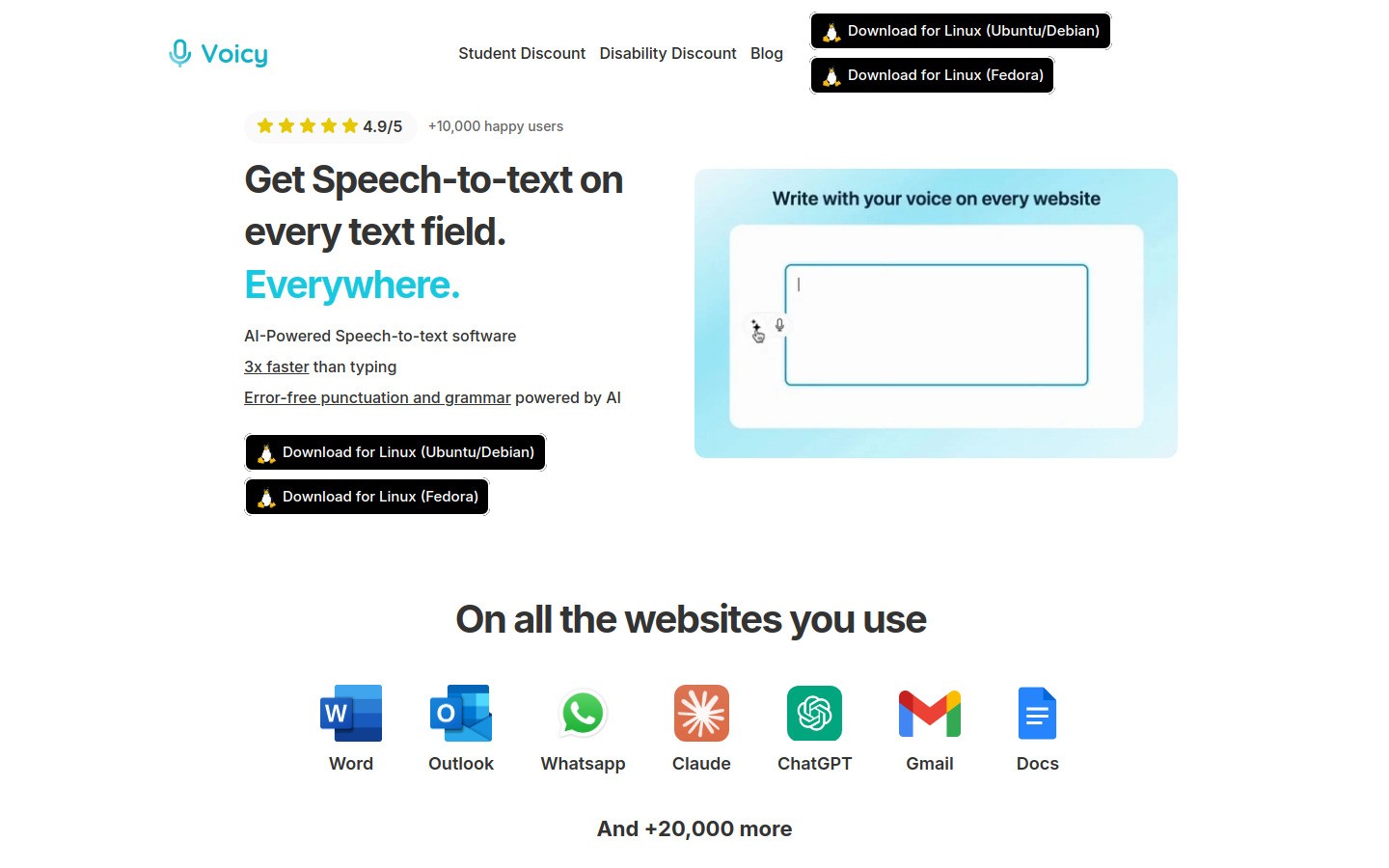
Best for: Social workers who need one dictation tool for lots of apps
Voicy is the best overall fit for most social workers because it works across Mac, Windows, and its browser extension. That matters when your day jumps between case documentation, referral emails, Google Docs, intake forms, and chat.
Voicy is cloud-based, not local-only. That makes it fast and flexible, but it also means you should use it thoughtfully for sensitive client information and follow your agency rules.
What stands out:
Works across Mac, Windows, and browser extension
Good fit for email, browser forms, docs, and internal tools
AI commands can help rewrite rough dictation into cleaner notes
Free trial available
Pros:
Easy to start using
Better fit for mixed workflows than single-app tools
Lower cost than Dragon
Strong feeder fit with Google Docs speech to text, Notion speech to text, and voice typing apps
Cons:
Cloud-based transcription may not fit every workplace policy
Not a full voice-control system for your whole computer
Pricing: $8.49/month, $82/year, or $260 lifetime
2. Dragon Professional
Best for: Heavy daily dictation and advanced voice commands
Dragon Professional is still the old heavyweight in professional dictation. If you dictate for hours every day and want deep voice commands, custom vocabulary, and tighter control, Dragon is still hard to beat.
The tradeoff is price and setup. It is not the easiest tool on this list, and many social workers will not need that much power.
Pros:
Very strong accuracy after setup
Custom vocabulary helps with agencies, programs, and names
Useful voice commands for editing and navigation
Cons:
Expensive
More setup and training than newer tools
Can feel like too much for lighter admin work
Pricing: Varies by edition, often far higher than mainstream consumer tools
3. Microsoft Word Dictate
Best for: Agencies already standardized on Microsoft 365
Microsoft Word Dictate is the practical choice when most of your writing already happens in Word. It is simple, familiar, and good enough for many progress notes, letters, and summaries.
If your team already pays for Microsoft 365, this may be the cheapest path because there is nothing new to buy.
Pros:
Easy for existing Word users
Built into a tool many agencies already use
Good for reports, summaries, and letter writing
Cons:
Best inside Word, not across every app
Fewer power-user features than Dragon
Less flexible than system-wide tools
Pricing: Included with eligible Microsoft 365 plans
4. Google Docs Voice Typing
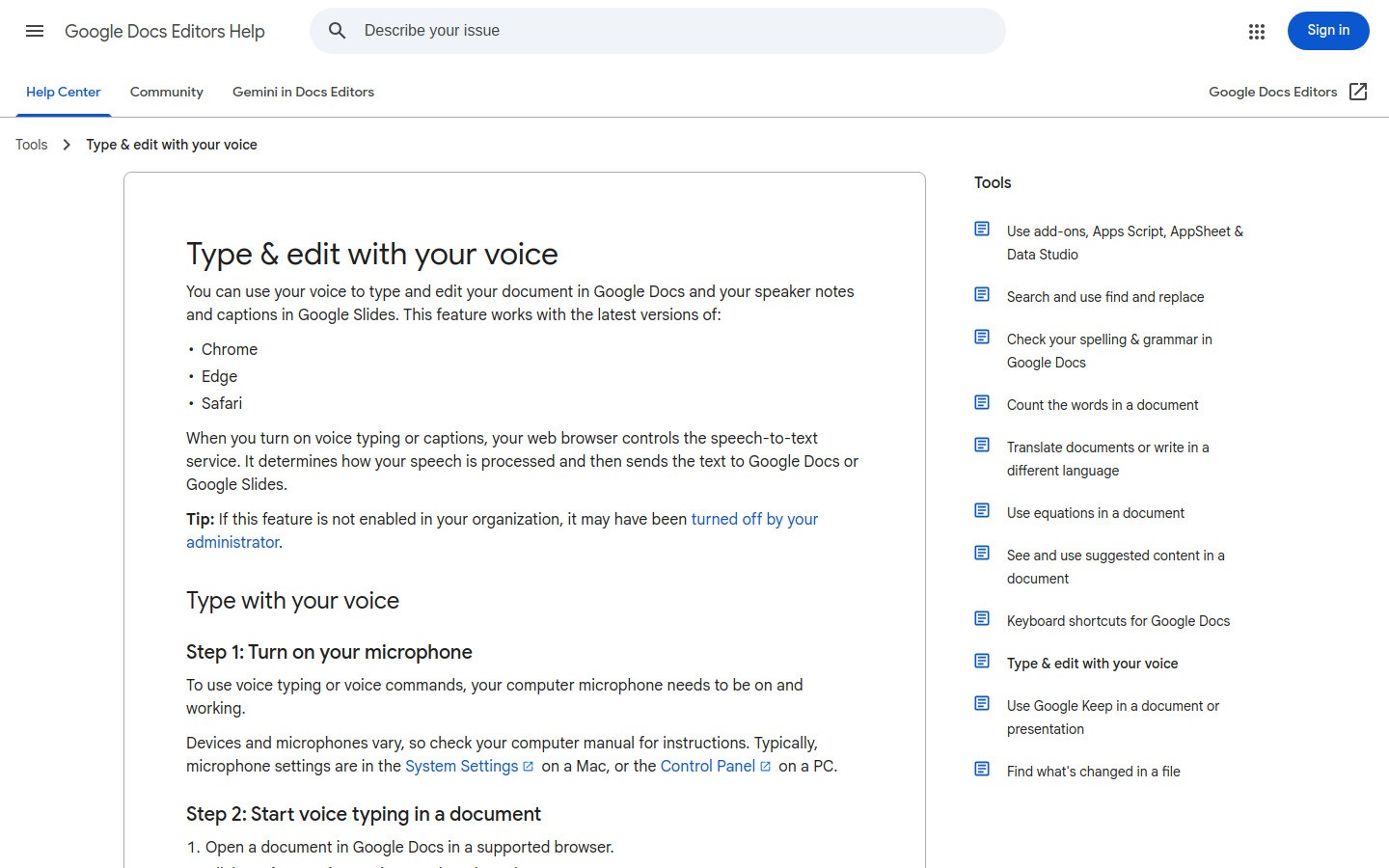
Best for: Free browser-based dictation
Google Docs Voice Typing is the easiest free option here. If you already write drafts or meeting notes in Google Docs, you can test dictation in minutes.
It is good enough for basic writing. The limit is obvious: it stays in Google Docs.
Pros:
Free
Very easy to try
Good for simple note drafting
Cons:
Only works in Google Docs
Not ideal if your day moves between many apps
Limited compared with dedicated dictation software
Pricing: Free
5. Apple Dictation
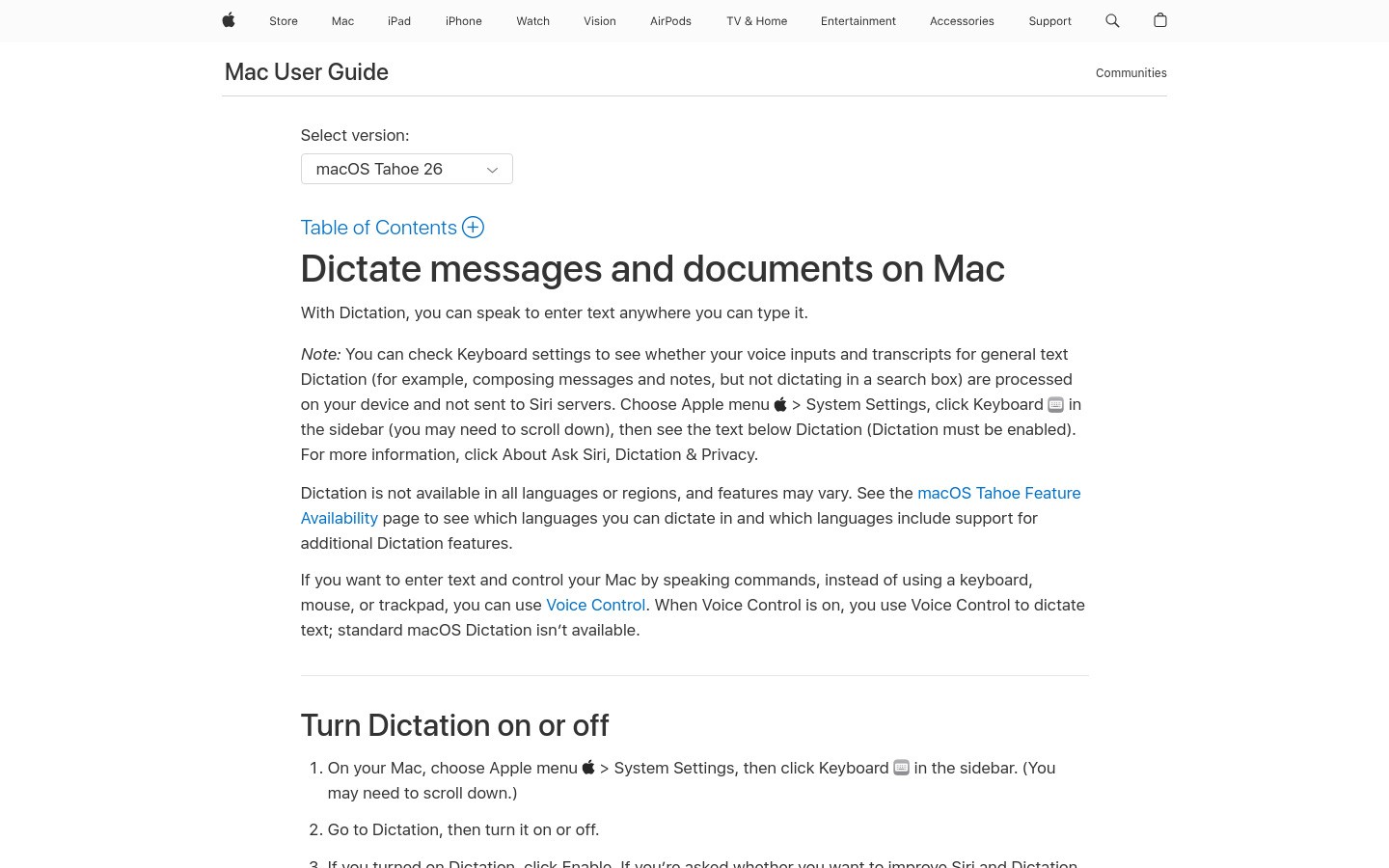
Best for: Mac users who want a built-in option first
Apple Dictation is a fair starting point if you use a Mac and want to test dictation without installing anything new. It is quick to turn on, and for short bursts it works well.
Still, many social workers outgrow it once they want better formatting, stronger accuracy, or smoother use across different tools.
Pros:
Built into macOS
No extra cost
Fast to test
Cons:
Less flexible than dedicated apps
Not the best choice for heavier documentation days
Best for Apple users only
Pricing: Free with macOS
6. Otter.ai
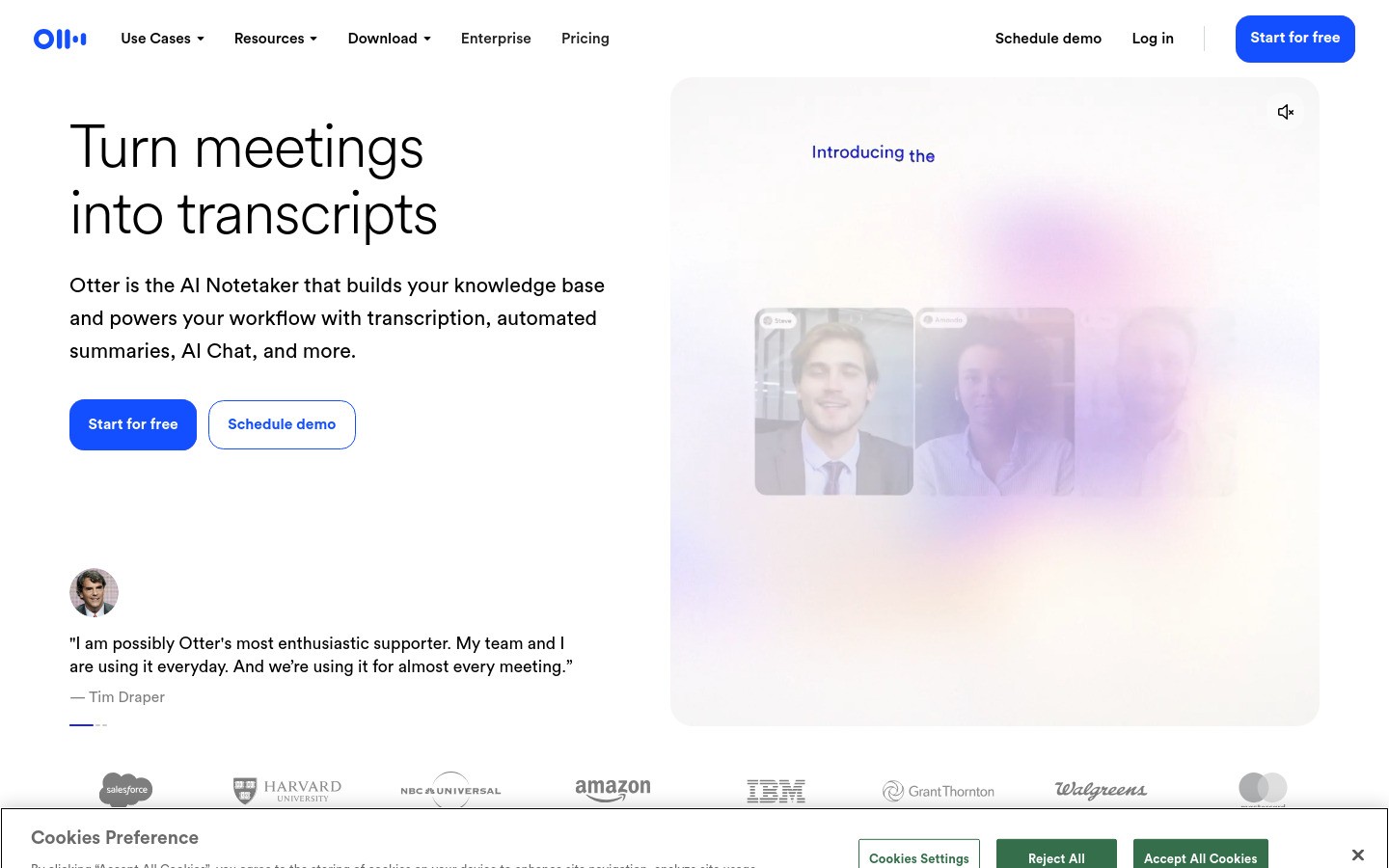
Best for: Meeting notes, interviews, and team summaries
Otter.ai is not really a pure dictation app. It is better at live transcription, calls, and searchable meeting records. That makes it useful for supervision notes, interview summaries, or multi-person conversations where you need a rough transcript first.
For case note writing across lots of apps, it is not the strongest option. For transcript-first work, it can help.
Pros:
Good for meetings and spoken summaries
Searchable transcripts
Familiar tool for team settings
Cons:
Not system-wide dictation in the same way as Voicy or Dragon
Best features sit behind paid plans
May create more cleanup work for polished documentation
Pricing: Free tier available, paid plans for heavier use
Quick comparison table
Tool | Best for | Works across apps | Free option | Main drawback |
|---|---|---|---|---|
Voicy | Mixed daily workflow | Yes | Free trial | Cloud-based transcription |
Dragon Professional | Heavy dictation | Yes | No | Expensive and heavier setup |
Microsoft Word Dictate | Microsoft 365 users | Limited | Included with plan | Mostly a Word solution |
Google Docs Voice Typing | Free browser drafts | No | Yes | Only in Google Docs |
Apple Dictation | Mac users | Partial | Yes | Basic compared with dedicated tools |
Otter.ai | Meetings and interviews | No | Yes | Not a true system-wide dictation tool |
Which tool should most social workers choose?
If you want one simple recommendation, start with Voicy. It has the best balance of cost, ease, and flexibility for a social worker who writes in many places during the day.
If your agency already uses Word for most documentation, Microsoft Word Dictate may be enough. If you dictate constantly and want deeper control, Dragon Professional is the stronger pro tool.
A good starting workflow is simple:
use dictation for first-draft case notes right after visits
dictate referral emails before details fade
clean up names, dates, and private details before saving anything official
Final thoughts
The best dictation software for social workers is not the fanciest product. It is the tool that helps you finish documentation faster without making your workflow messy.
Start with the place where you lose the most time. For many people, that is follow-up notes and email. If you want a flexible option that works across more of your day, try Voicy and then branch into its related guides for Google Docs, Notion, or the broader voice typing app guide.


