




5 Best Voice Typing Tools for ADHD Writers (2026)
Summary of the article
If you have ADHD and writing feels slow, the best voice typing tools help you catch ideas before they vanish.
Voicy: best for cross-app writing on Mac, Windows, and browser extension
Google Docs Voice Typing: best free option for simple draft sessions
Apple Dictation: best built-in choice for Mac users
Dragon Professional: best for heavy Windows dictation workflows
Windows Voice Typing: best built-in option for Windows users
If you only try one workflow, do this: speak your rough draft first, then edit in one short pass.
The best voice typing tools for ADHD writers reduce the gap between thought and text. That matters when your brain moves fast and typing slows everything down.
In this guide, I compare the tools that make writing easier in 2026, where they fit best, and where they still fall short.
This article is educational, not medical advice.
Why voice typing helps ADHD writers
Many ADHD writers do not struggle with ideas. They struggle with capture. You may know what you want to say, then lose the thread halfway through typing the first sentence.
Speech-to-text can lower that friction. OT4ADHD notes that speech-to-text can reduce cognitive load and support written output for people with ADHD by separating idea generation from the mechanics of typing and spelling.
That is the real win here. You keep momentum longer.
How I picked these voice typing tools
Speed, because lag kills momentum
Ease of use, because ADHD tools should not need a long setup ritual
Editing load after dictation, because cleanup matters
Where the tool works, because many writers switch between docs, email, notes, and AI tools
Price, because built-in and low-cost options should be part of the mix
1) Voicy, best overall for ADHD writers
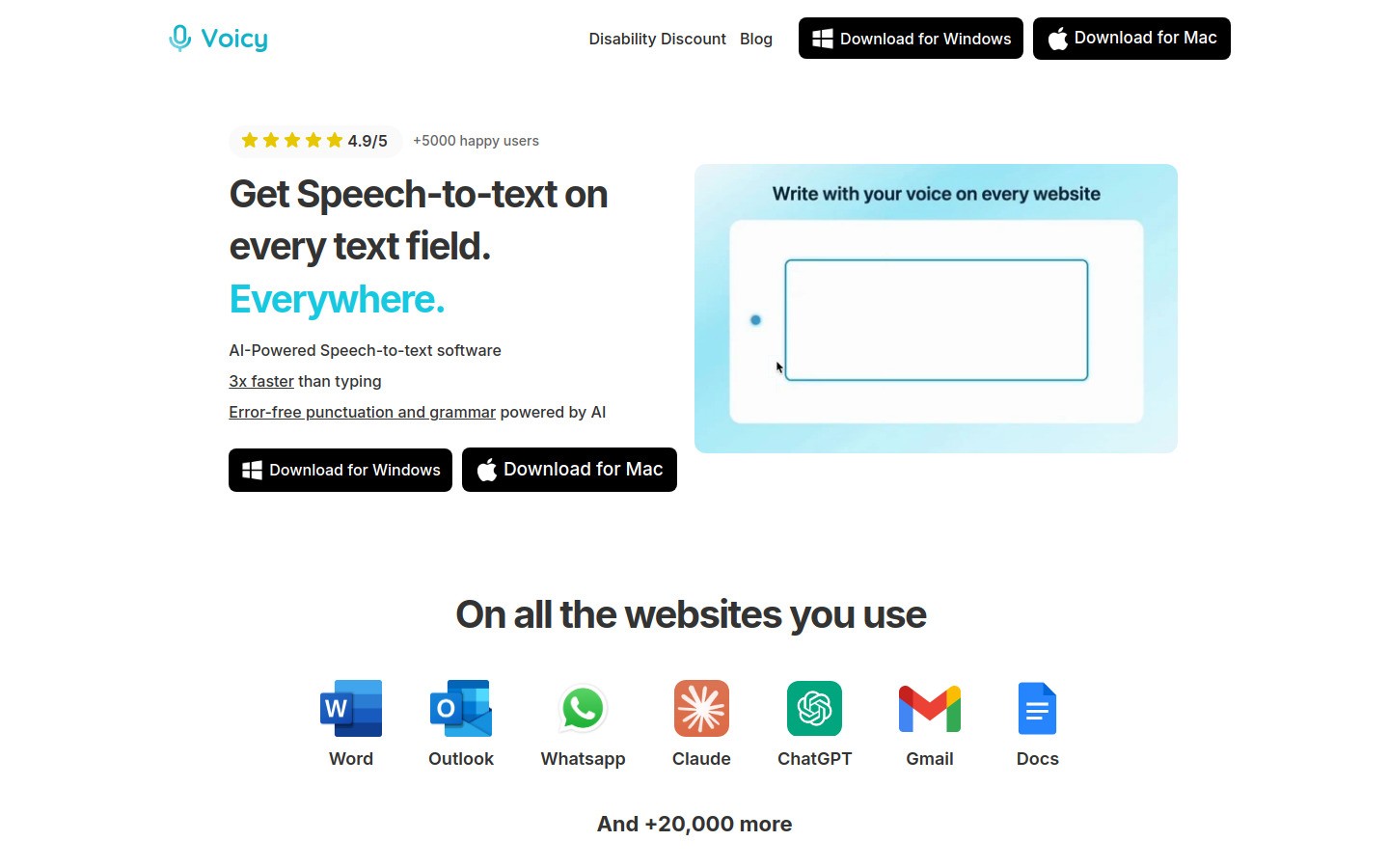
Voicy is the best fit if you want one voice typing tool that works across your day instead of only inside one app. You can use it for emails, notes, Google Docs, Notion, prompts, and draft paragraphs without hopping between tools.
Why it works well for ADHD
Works on Mac, Windows, and browser extension
Fast first-draft capture in many writing surfaces
Useful when you switch between documents, chat, and research tabs
Free trial available, so it is easy to test without a big commitment
Downsides
Cloud-based transcription, so you need internet
It is not fully free
You still need a final proofread
Pricing: $8.49/month, $82/year, or $260 lifetime.
Best for: ADHD writers who want one tool that follows them from draft to draft. It is also a strong fit if you already write in Notion, Google Docs, or ChatGPT.
2) Google Docs Voice Typing, best free option for drafting
Google Docs Voice Typing is still the easiest free place to test voice-first writing. Open a doc, click the mic, and start talking.
Why it works well for ADHD
Free
Low setup friction
Good for rough drafts, journaling, and class notes
Downsides
Mostly locked to Google Docs workflow
Punctuation and cleanup can take extra time
Not ideal if your writing happens across many apps
Best for: Writers who want a no-cost way to see whether dictation helps. If you like the workflow but want better cross-app coverage, compare it with Voicy's broader voice typing setup.
3) Apple Dictation, best built-in choice for Mac users
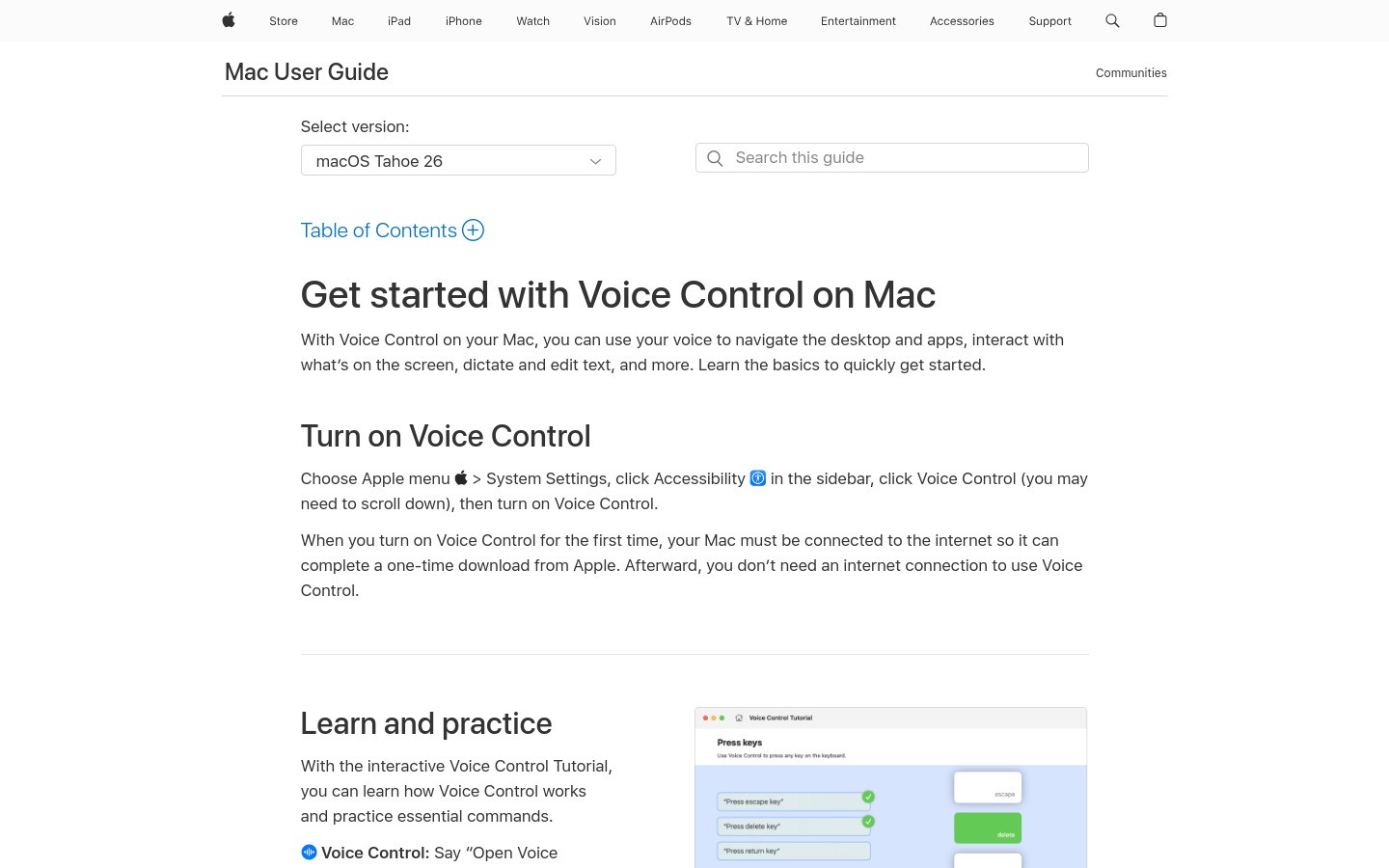
Apple Dictation is the obvious first stop if you already live on a Mac. Press the shortcut, speak, and text appears in many apps.
Why it works well for ADHD
No extra cost
Built into macOS
Good for quick messages, notes, and short writing bursts
Downsides
Less flexible than dedicated tools
Can need more correction on names or niche words
Not my first pick for long writing sessions
Best for: Mac users who want to start today with zero setup. If you outgrow it, move to a dedicated tool and read the deeper speech-to-text on Mac guide.
4) Dragon Professional, best for heavy-duty Windows dictation
Dragon Professional is still the classic pick for people who dictate a lot and want deep control. It is powerful, but it asks more from you up front.
Why it works well for ADHD
Strong for long-form dictation
Useful custom vocabulary options
Better fit for people who write high volumes on Windows
Downsides
Expensive
Steeper learning curve
Can feel like too much tool for casual writers
Best for: Writers on Windows who dictate often enough to justify the setup and price. If you are price-sensitive, a lighter option like Voicy as a Dragon alternative will usually feel easier.
5) Windows Voice Typing, best built-in option for Windows users
Windows Voice Typing is the built-in option most Windows users should try before buying anything.
Why it works well for ADHD
Already on many Windows machines
Easy to test in minutes
Good for short drafts and quick responses
Downsides
Less polished than premium dictation tools
Accuracy and formatting can feel inconsistent in real work
Not ideal if you need polished long drafts fast
Best for: Windows users who want a free first experiment before paying for a dedicated writing tool.
Quick comparison table
Tool | Best for | Price | Main catch |
|---|---|---|---|
Cross-app ADHD writing | $$ | Needs internet | |
Free drafting | $ | Mostly Google Docs only | |
Mac built-in use | $ | More cleanup on longer work | |
Heavy Windows dictation | $$$ | Cost and setup | |
Free Windows test | $ | Can feel basic |
A simple ADHD writing workflow that actually works
Step 1: Talk first
Use voice typing for the messy version. Do not stop to fix every sentence.
Step 2: Break the draft into chunks
Turn the raw text into intro, main points, and closing. Short chunks feel easier to finish.
Step 3: Edit once, not constantly
Set a timer for 10 to 15 minutes. Clean up punctuation, repeated phrases, and rough wording.
Step 4: Use the right surface
If you live in Docs, a Docs-first tool is fine. If you bounce between docs, email, and AI tools, a cross-app tool saves more mental energy.
Which voice typing tool should ADHD writers start with?
Start with the cheapest tool that fits your real writing surface.
Use Google Docs Voice Typing if most of your work happens inside Docs.
Use Apple Dictation or Windows Voice Typing if you just want a fast free test.
Use Voicy if you want the cleanest upgrade path for daily writing across apps.
Internal resources
FAQ
Is voice typing good for ADHD writers?
Yes. It can reduce the friction between thinking and writing, which helps many ADHD writers keep momentum longer.
What is the best free voice typing tool for ADHD writers?
Google Docs Voice Typing is the easiest free place to start. Apple Dictation and Windows Voice Typing are good built-in tests too.
Is Voicy free?
No. Voicy has a free trial, then paid plans. Current pricing is $8.49/month, $82/year, or $260 lifetime.
Should ADHD writers use one tool or a stack?
Usually one main dictation tool is enough. If you keep switching tools, you add friction back into the process.
What is the best first step today?
Run one 20-minute voice-first writing sprint. Draft by voice, then edit once at the end.
Final takeaway
The best voice typing tools for ADHD writers are the ones that help you hold onto a thought long enough to finish it.
For most people, that means starting simple, then moving to a cross-app tool once voice drafting becomes part of your routine.
If you want the most flexible daily option, Voicy is the strongest overall pick here.


