




ADHD Productivity Tools for Writing Faster and Staying Focused (2026)
Summary of the article
If writing feels slow or scattered with ADHD, use a 3-part stack: voice drafting, structure, and short edit sprints.
Best tools right now:
Voicy - affordable speech-to-text with very high accuracy
Notion - best for structuring ideas and tasks
Todoist - best for tiny actionable writing tasks
Grammarly - best for fast cleanup and rewrite support
Google Docs Voice Typing - best free dictation option
Goblin Tools - best for breaking writing work into manageable steps
Use voice for rough draft speed, then edit in short focused blocks.
ADHD writing struggles are usually not about intelligence. They're about friction. Starting is hard. Switching tasks is hard. Finishing is hardest.
The fix is not "work harder." It's better workflow design — and pairing good writing tools with the right time management tools makes that possible.
This guide covers the best ADHD productivity tools for writing and how to combine them into a system that actually gets words out.
This is productivity guidance, not medical advice.
How we picked these tools
We prioritized tools that:
reduce startup friction
speed up first drafts
support short focus cycles
work across common apps
keep costs realistic
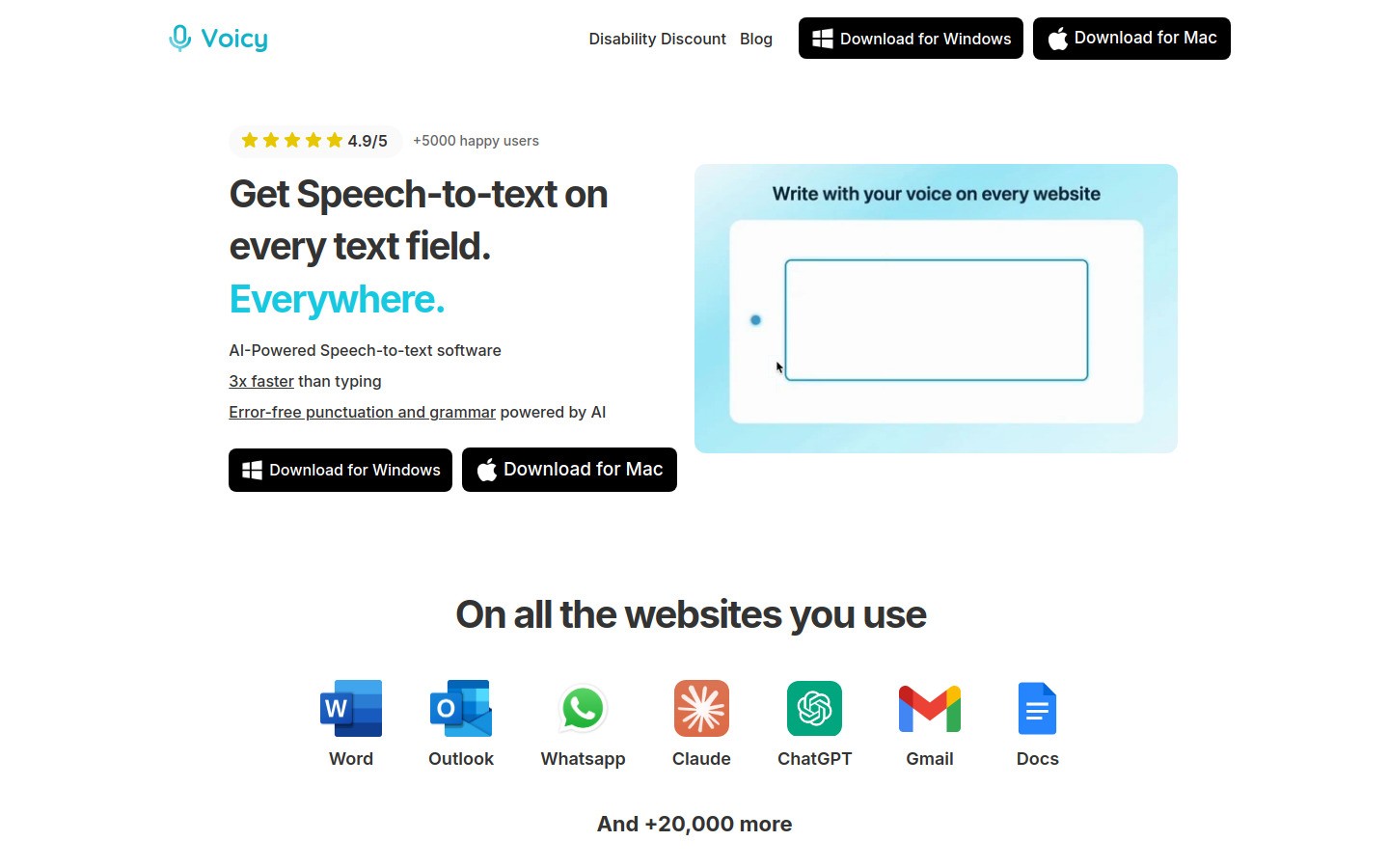
1) Voicy - best for first-draft momentum
Voicy helps when your mind moves faster than your typing speed. You speak your ideas first, then edit later.
Pros
Fast first-draft capture
Cross-platform: Mac, Windows, browser extension. Mac users can learn more about dictation for macOS integration.
Great for email, docs, notes, and prompts
Cons
Requires internet
Still needs final proofreading
Pricing: free trial available, then $8.49/month, $82/year, or $260 lifetime.
Best for
People who stall at the blank page and need momentum quickly.
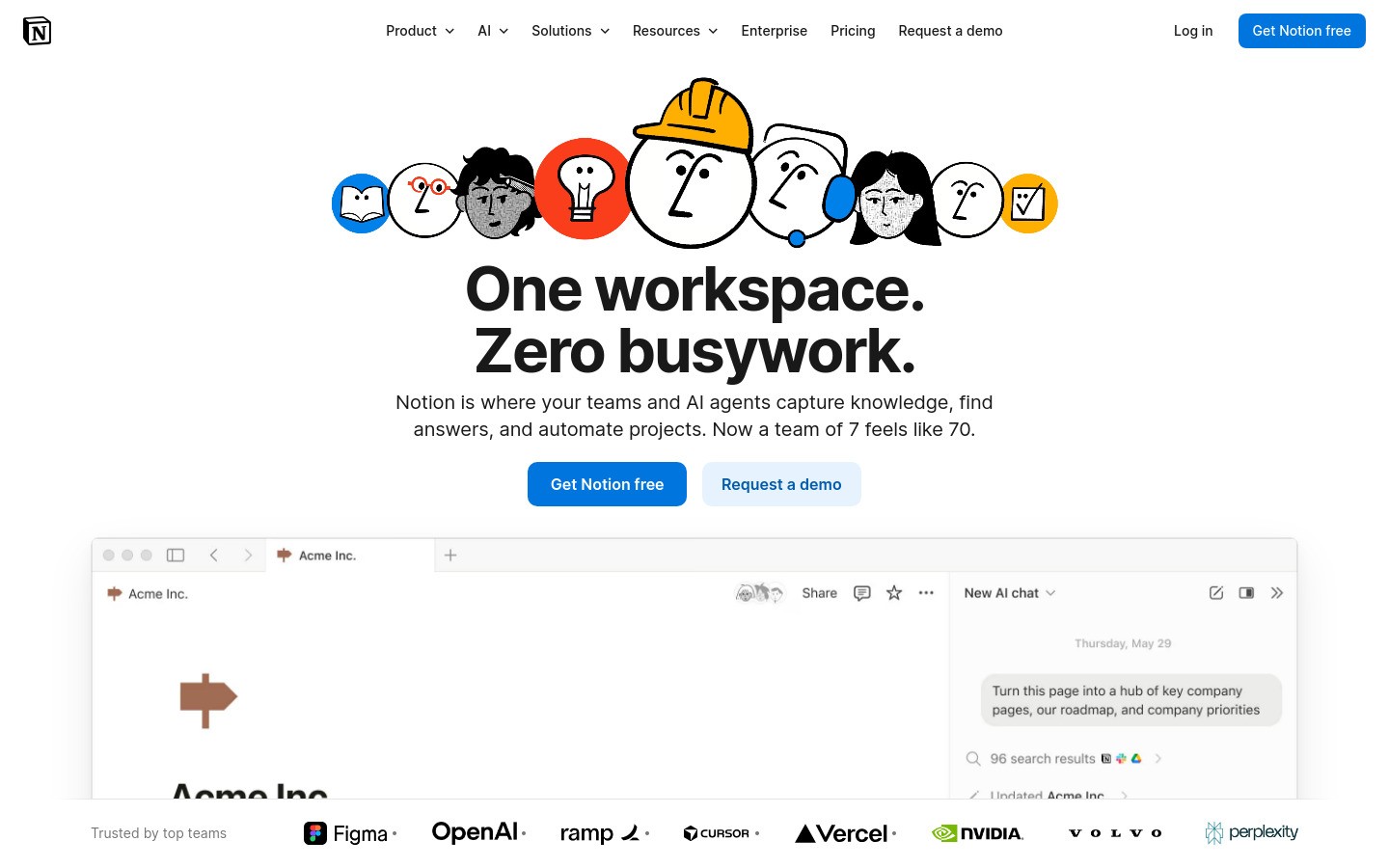
2) Notion - best for writing structure
Notion turns messy ideas into simple blocks: topic, bullets, draft, done.
Pros
Great outline and planning flexibility
Templates reduce repeated setup
Good for project-level writing systems
Cons
Easy to overbuild and get distracted
Too many features for some users
Best for
Writers who need visual structure before drafting.
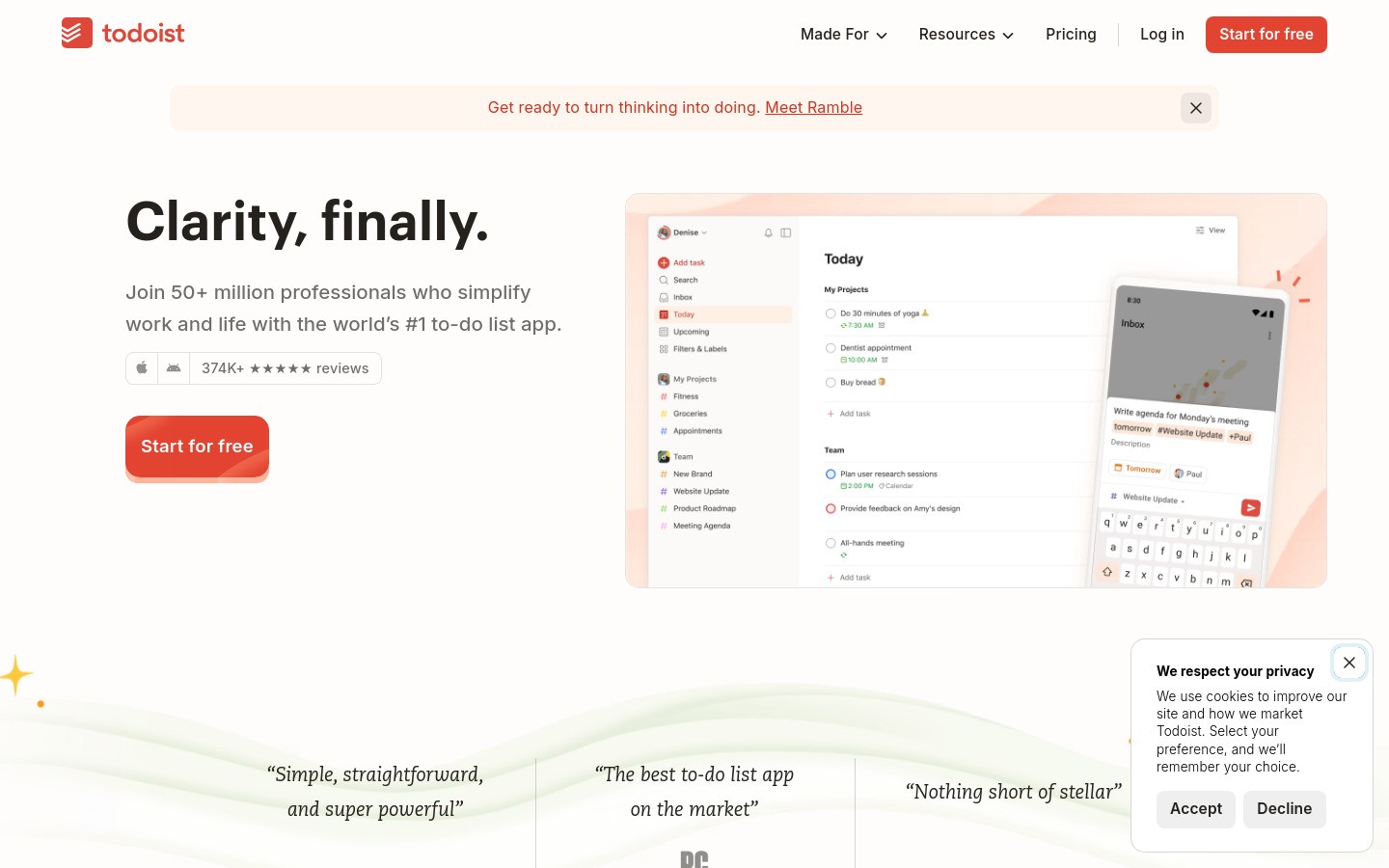
3) Todoist - best for bite-sized execution
Todoist helps convert "write article" into tiny actions you can actually start.
Pros
Fast capture and simple task planning
Great recurring routines
Works well with short focus sprints
Cons
Can become another list if not reviewed daily
Needs clear task granularity to work well
Best for
People who need concrete next actions to avoid overwhelm.
4) Grammarly - best for short cleanup passes
Grammarly is useful when you want to polish quickly without endless manual rewriting.
Pros
Speeds up editing
Helps with clarity and tone
Good for final pass before sending
Cons
Suggestions can be generic sometimes
Best features are paid
Best for
Fast finishing, especially after voice drafts.
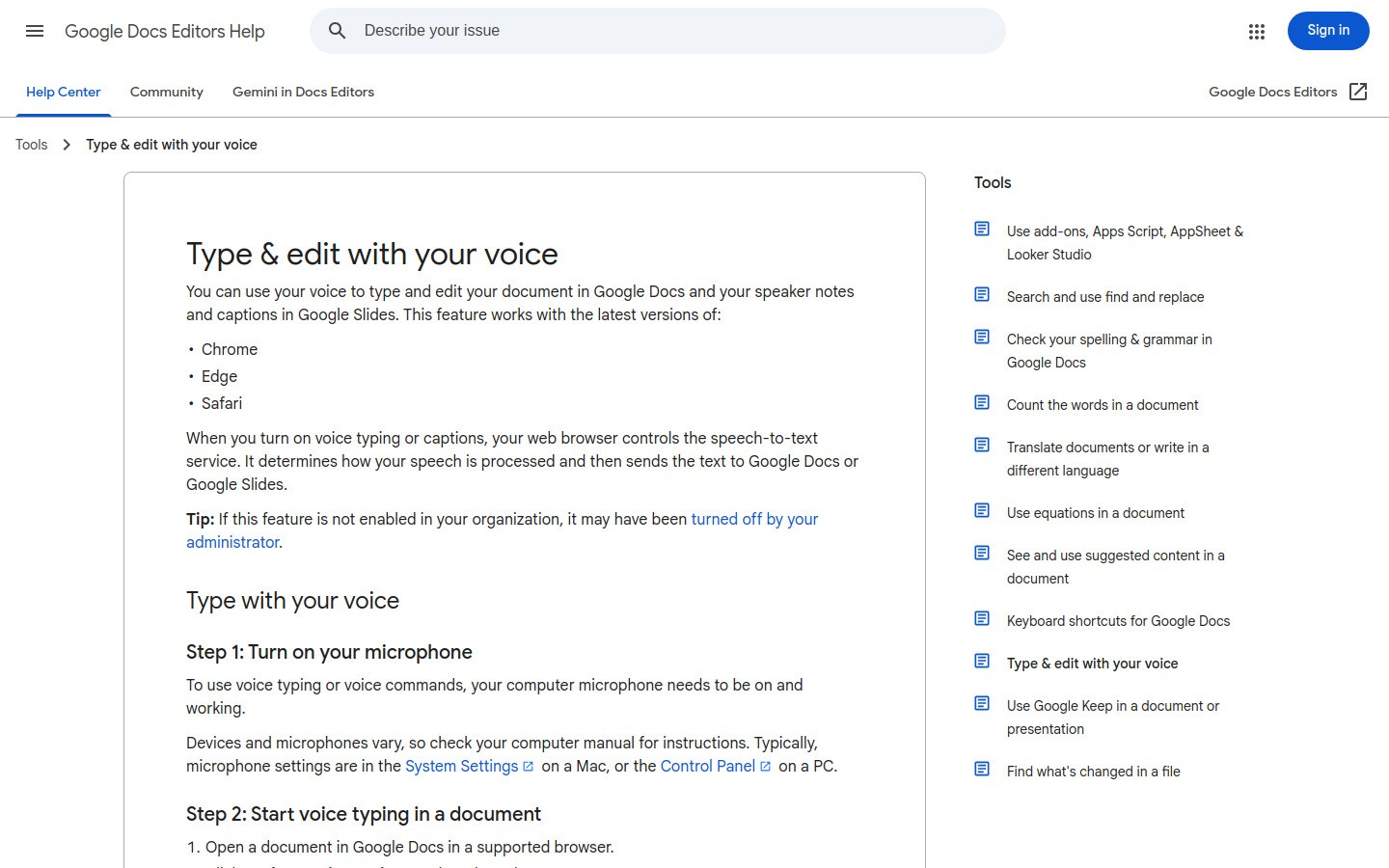
5) Google Docs Voice Typing - best free voice option
Google Docs Voice Typing is a zero-cost way to test voice-first writing.
Pros
Free
Easy to start in minutes
Good for rough drafts
Cons
Mostly Docs-centric
Punctuation cleanup often needed
Best for
Testing dictation before committing to a paid tool.
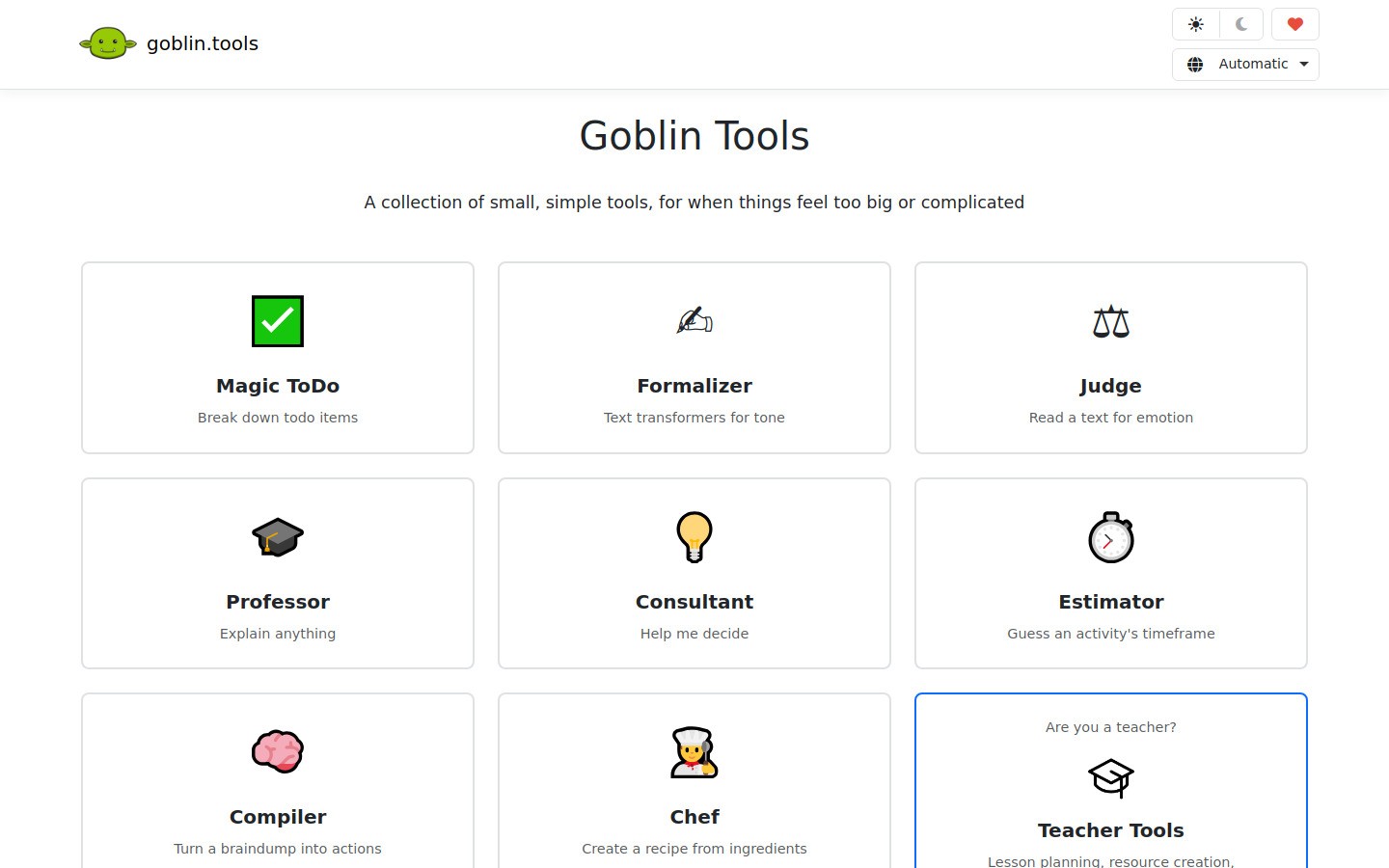
6) Goblin Tools - best for overwhelm breakdown
Goblin Tools helps break vague writing tasks into concrete steps.
Pros
Excellent for task breakdown
Reduces avoidance and decision fatigue
Quick and lightweight
Cons
Not a full writing suite
Best used with another drafting tool
Best for
When you know what to do in theory but can't start.
Comparison table
Tool | Best For | Price Level | Main Limitation |
|---|---|---|---|
Fast first drafts | $$ | Needs internet | |
Structure and planning | $-$$ | Feature overload risk | |
Daily execution | $-$$ | Needs routine discipline | |
Fast editing | $$ | Generic suggestions sometimes | |
Google Docs Voice Typing | Free dictation | $ | Mostly Docs workflow |
Task breakdown | $ | Not a full writing app |
ADHD writing workflow that works (30-minute sprint)
Minute 0–5: Capture
Use Voicy or Google Docs Voice Typing and speak the rough draft.
Minute 5–10: Structure
Drop key points into sections (intro, 3 points, close).
Minute 10–20: Expand
Fill each section with short paragraphs.
Minute 20–27: Cleanup
Use Grammarly or quick manual edits.
Minute 27–30: Ship
Publish or send. Don't over-polish.
Common mistakes to avoid
Editing while drafting
Making task scopes too big ("write whole article")
Switching tools every 2 days
Building perfect systems instead of shipping drafts
For a broader toolkit beyond writing, see our guide to ADHD productivity tools and stim apps, including voice capture, visual planning, and focus-support tools.
Internal resources
FAQ
What are the best writing tools for ADHD?
A combination of dictation, planning, and short-burst editing tools works best. Voice tools like Voicy handle first drafts, a planner like Notion or Todoist keeps tasks small, and Grammarly speeds up editing so you finish faster.
Is voice typing good for ADHD?
Yes. It reduces startup friction and helps convert thoughts into text faster. Instead of staring at a blank page, you just talk — which bypasses the hardest part for most ADHD writers.
How can I stop over-editing?
Separate draft and edit sessions, and use fixed time blocks. Write the full rough draft first without correcting anything. Then do one focused edit pass of 10–15 minutes. Setting a timer helps.
Should I use one app or a stack?
A small stack usually wins: one draft tool, one structure tool, one edit tool. Avoid adding more than three tools — too many options becomes its own distraction.
What should I try first today?
Start with one 30-minute voice-first writing sprint using Voicy or Google Docs Voice Typing. Don't edit during the sprint. Just get words out, then clean up after.
Final takeaway
ADHD writing improves when your system reduces friction at every step.
Start with voice drafts, keep tasks tiny, and finish in short focused sprints.
If you want a simple start, try Voicy for first drafts and pair it with one planning tool.


