




10 Best Time Management Tools To Stay Productive (2026)
Time management tools are only useful if they remove friction from real work.
That is the filter for this list.
Some tools help you plan better. Some help you focus. Some help you get through repetitive work faster. And some, like speech-to-text, help you save time before you even open your task list.
The best productivity tools for time management do two things: they help you choose the right work, then they help you finish it with less typing, chasing, and admin time.
If you are comparing the best time management tools in 2026, start with your biggest bottleneck:
Too much typing: use a faster writing tool
Too many meetings: use a meeting note tool
Too much email: use an inbox tool
Too many loose tasks: use a task manager
Poor focus: use a focus or tracking tool
Windows users can pair these systems with a focused app stack. Our best Windows 11 productivity apps guide covers voice input, file search, notes, screenshots, passwords, and communication tools.
Summary of the article
Best overall for saving writing time: Voicy for emails, docs, notes, and prompts
Best for meetings: Granola
Best for inbox overload: Fyxer
Best for planning and organization: Notion
Best for time tracking: TimeCamp
Best AI assistant for mixed admin work: Monica
Best focus app: Forest
Best for fast email power users: Superhuman
Best lightweight task manager: Todoist
Best modern to-do app for teams: Superlist
If you spend a big part of your day writing, the fastest time-management win is often not a better planner. It is reducing the time you spend typing. That is why speech-to-text belongs in this category. It removes busywork at the source.
If that is your main bottleneck, also see:
What are time management applications?
Time management applications, time management apps, time management software, and time management tools usually describe the same category: software that helps you plan work, protect focus time, track where hours go, and finish routine tasks faster.
That can include task managers, calendars, time trackers, website blockers, meeting note tools, habit trackers, and voice dictation apps. The best setup is rarely one giant dashboard. It is a small stack where each tool fixes a real bottleneck.
For this guide, productivity tools for time management means tools that either help you choose the right work or finish the work with less friction. A planner helps you decide what to do next. A focus app keeps distractions away. A writing-speed tool like Voicy saves time once the work starts, especially when your day is full of emails, notes, docs, and follow-ups.
How to choose the right time management software
Do not start with features. Start with the part of your day that feels slow.
Ask:
What wastes the most time every week?
What do I avoid because it feels annoying?
What repeats every day?
What am I still doing manually that software could shorten?
That usually leads to one of five categories:
Writing tools for emails, docs, notes, and admin work
Meeting tools for capture and summaries
Task tools for planning and follow-through
Focus tools for staying on one thing
Tracking tools for spotting where your time actually goes
The best time management software for work is usually a small stack, not one giant app.
For most people, a good stack looks like this:
one writing-speed tool
one task or planning tool
one focus or tracking tool
Anything more than that often becomes another thing to manage.
Quick comparison table
Tool | Best for | Price | Main catch |
|---|---|---|---|
Faster writing across apps | $8.49/mo, $82/yr, $260 lifetime | Needs internet | |
Meeting notes | From $18/mo | Best value if you are in lots of meetings | |
Inbox triage and drafting | From $22.50/mo | Mostly useful for email-heavy roles | |
Planning and organization | Free tier, paid from $12/mo | Easy to overbuild | |
Time tracking | Free tier, paid from $2.99/mo | Less useful if you never review reports | |
Browser-based AI help | From $9/mo | Broad tool, not specialized | |
Focus sprints | One-time mobile purchase | Narrow use case | |
Fast email workflow | From $30/mo | Expensive | |
Simple task management | Free tier, paid plans available | Can become another list | |
Shared tasks with better UX | Free tier, paid from $15/mo | Still growing integrations |
The best time management tools for work
1. Voicy - Best time management tool for writing-heavy work
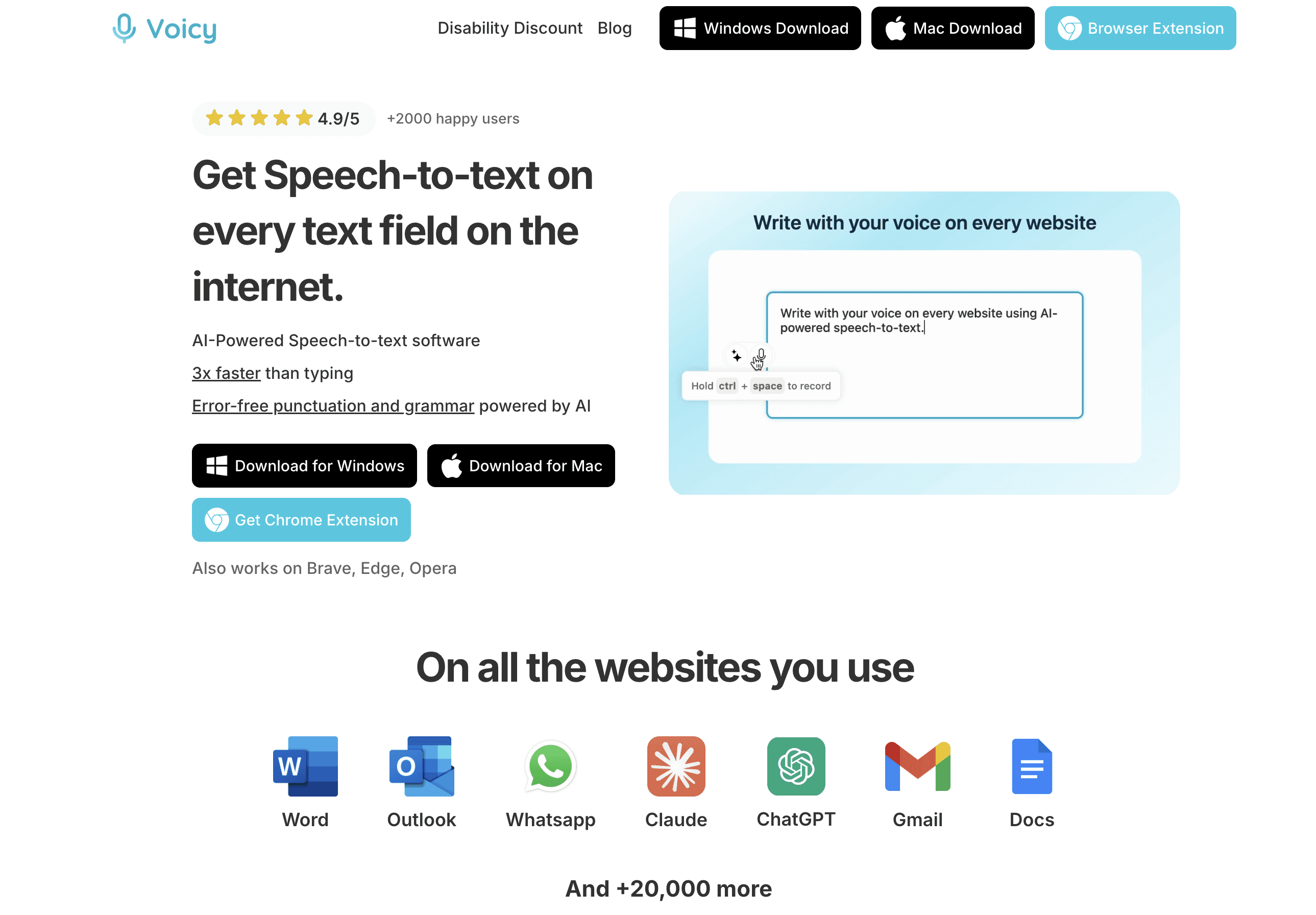
Voicy is the best pick if your workday disappears into typing.
Instead of spending hours on emails, docs, CRM notes, prompts, and Slack messages, you speak and let the app turn that into clean text. That saves time immediately. It also helps when you lose momentum because typing feels slower than thinking.
Use it as a capture tool, not just a writing tool. When a task, idea, or follow-up pops into your head, dictate it before it becomes another loose thought. That makes your task manager cleaner because the raw material is already written down.
Best for
founders
marketers
support teams
consultants
anyone who writes all day
Why it saves time
You can write much faster than you type
It works on Mac, Windows, browser extension, iOS, and Android
File upload transcription turns recordings into notes without retyping them
AI editing helps clean up rough dictation fast
It removes friction across many small tasks, not just one app
Main downside
It is cloud-based, so it is not the right fit for every privacy-sensitive workflow
Pricing
Free trial, then $8.49/month, $82/year, or $260 lifetime.
If writing speed is your bottleneck, this is the strongest overall productivity upgrade on the list. It also pairs well with dictation software workflows in Google Docs, Notion, Claude, and the Chrome extension.
2. Granola - Best time management tool for meetings
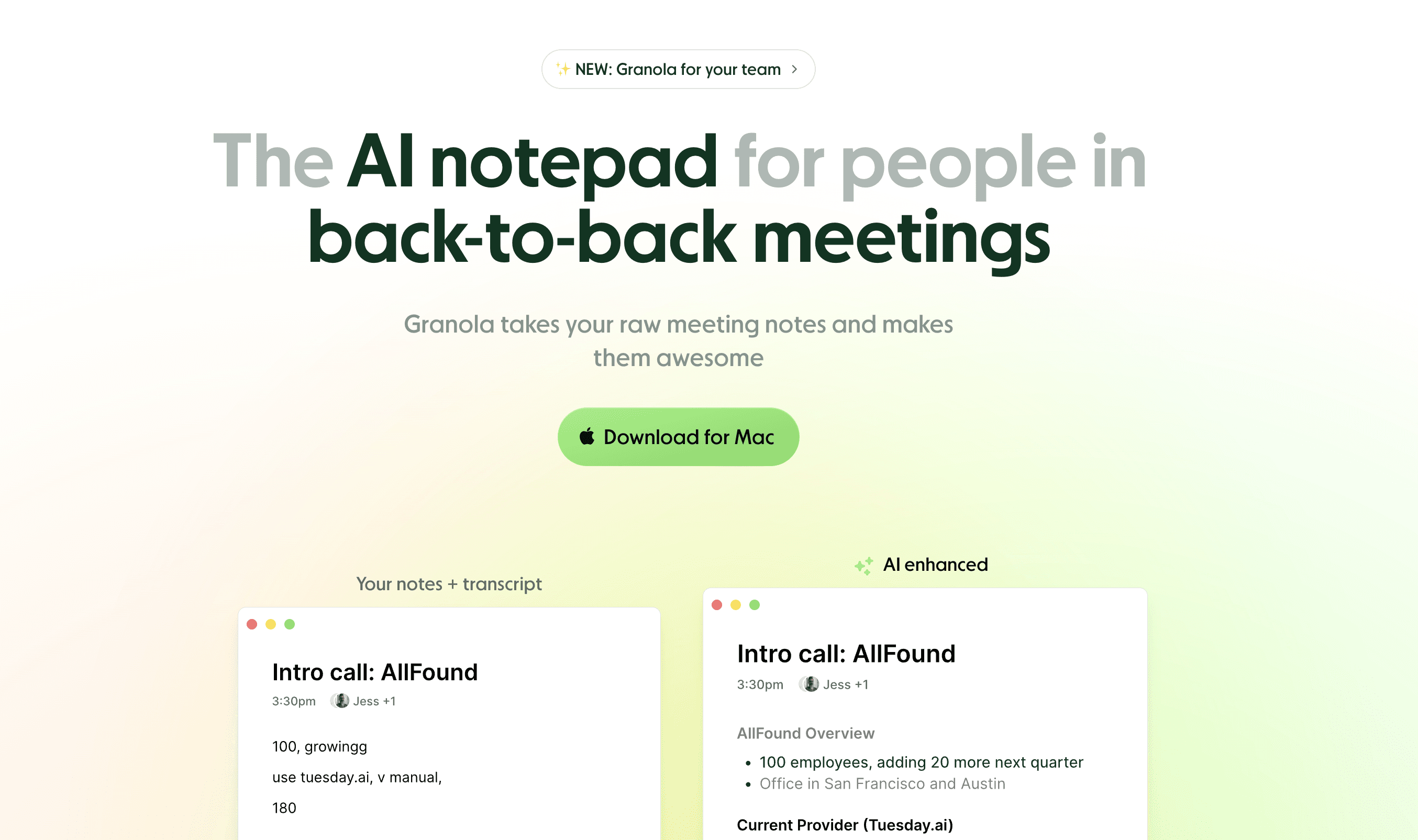
Granola is a strong choice if meetings create most of your follow-up work.
It captures the conversation, combines it with your notes, and gives you cleaner summaries than many generic meeting bots.
Best for
managers
founders
sales teams
anyone with a calendar full of calls
Why it saves time
Reduces manual note-taking
Makes follow-ups faster
Helps you keep meeting context without rewatching recordings
Main downside
If you do not have many meetings, it will not change much in your day
3. Fyxer - Best time management software for email overload
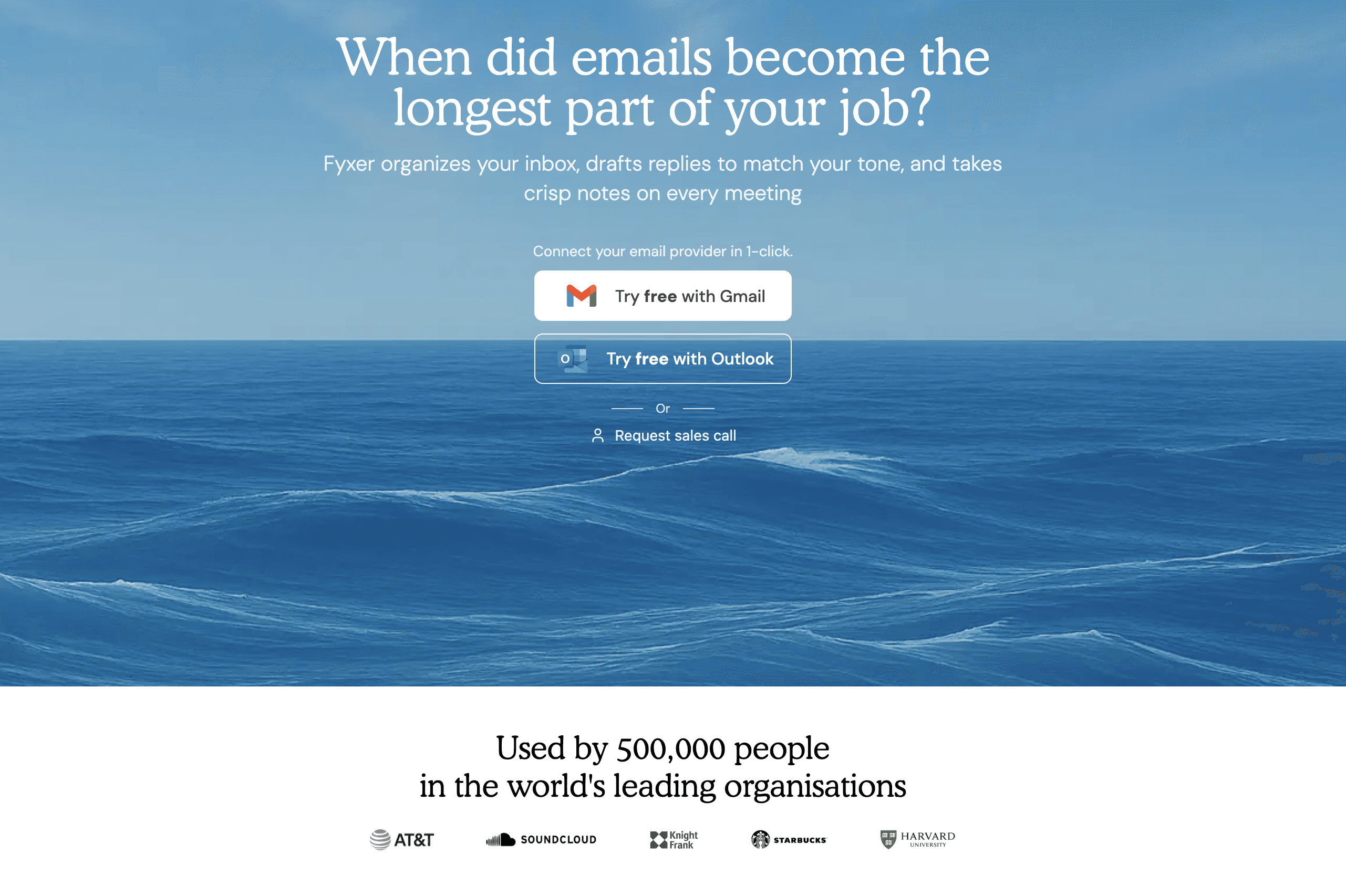
Fyxer is for people who spend too much of the day clearing and replying to email.
It helps prioritize what matters and speeds up replies, which makes it more useful than a normal inbox sorter.
Best for
agency owners
operators
executives
anyone buried in inbox work
Why it saves time
Helps triage email faster
Drafts replies
Keeps low-value messages from taking over your day
Main downside
If your workload is not email-heavy, the value drops fast
4. Notion - Best for organization and planning
Notion is the best choice when your problem is not speed, but chaos.
It gives you one place for notes, tasks, docs, and lightweight project tracking.
Best for
teams that want one workspace
solo operators managing many moving parts
people who like custom systems
Why it saves time
Keeps project info in one place
Reduces context switching
Helps you turn loose ideas into tracked work
Main downside
It is easy to spend more time building a system than using it
5. TimeCamp - Best for time tracking
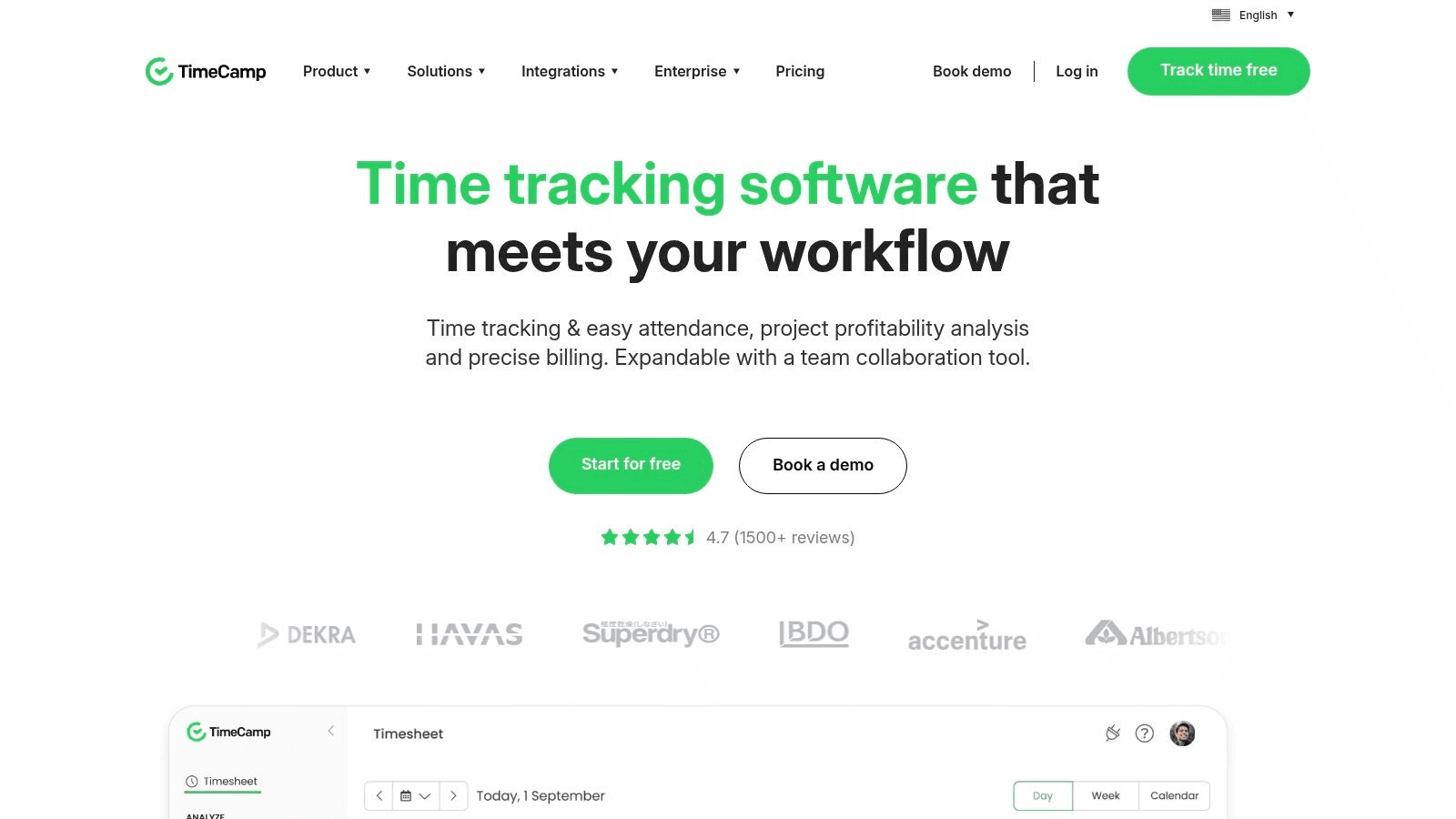
TimeCamp is the pick if you are not sure where your time goes.
It does not fix your schedule by itself. What it does well is show where the leaks are.
Best for
freelancers
agencies
managers tracking billable or project time
Why it saves time
Shows which tasks take longer than expected
Helps estimate work more accurately
Makes unplanned time sinks visible
Main downside
It only works if you actually review and use the data
6. Monica - Best AI assistant for mixed admin work
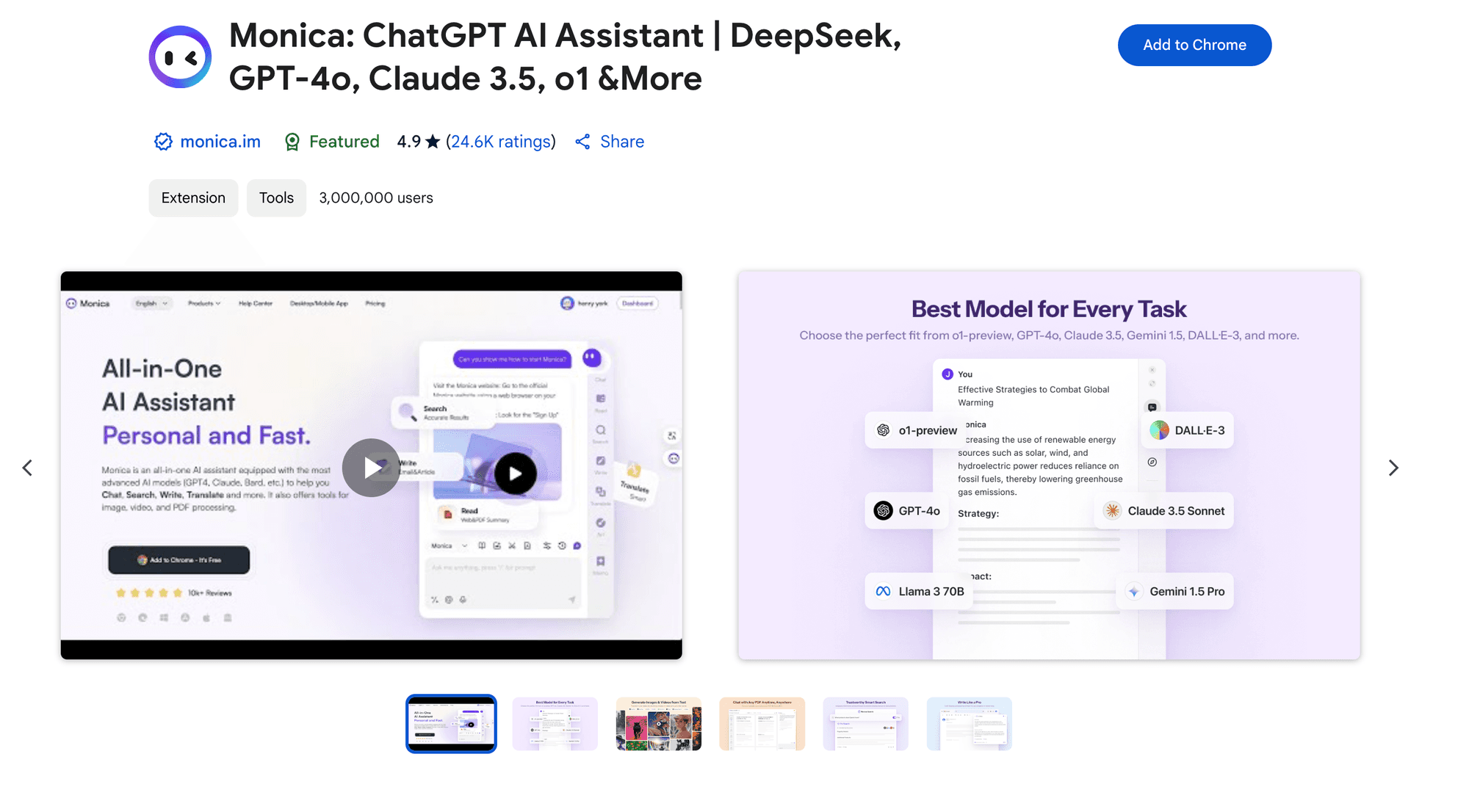
Monica is useful when your work is spread across tabs, writing, summaries, and quick research.
It is less of a pure time management tool and more of a general friction remover.
Best for
browser-based workers
people doing constant context switching
Why it saves time
Speeds up small writing tasks
Helps summarize pages and threads
Cuts the time spent rewriting routine text
Main downside
Broad tools often feel less sharp than specialized ones
7. Forest - Best focus tool
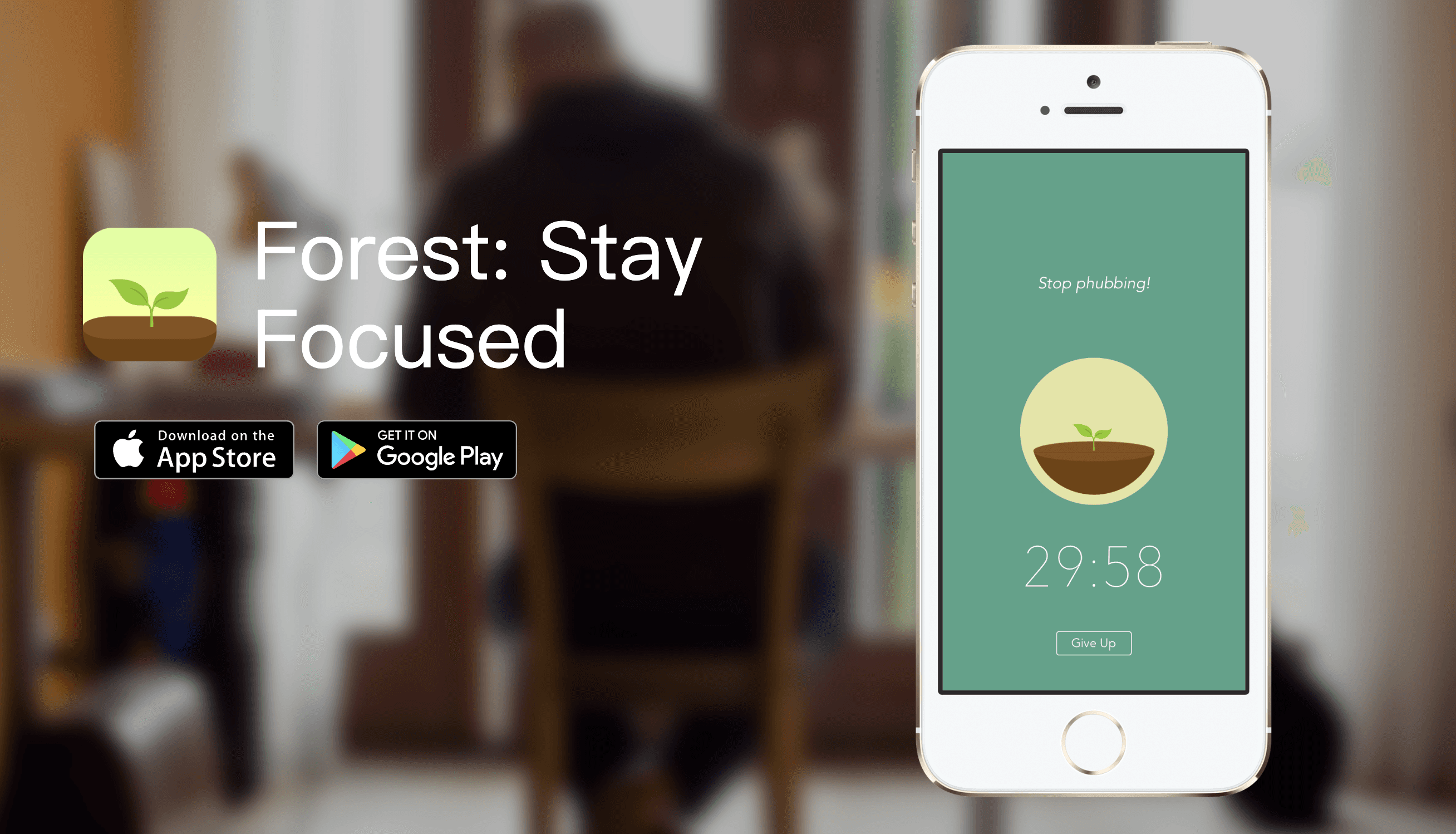
Forest is simple and that is the point.
You start a focus session, avoid your phone, and grow a tree while you work.
Best for
students
remote workers
anyone who gets pulled off task easily
Why it saves time
Turns focus into a concrete session
Makes distraction more visible
Works well with Pomodoro-style work blocks
Main downside
It solves focus, not planning or writing speed
8. Superhuman - Best for power-email users
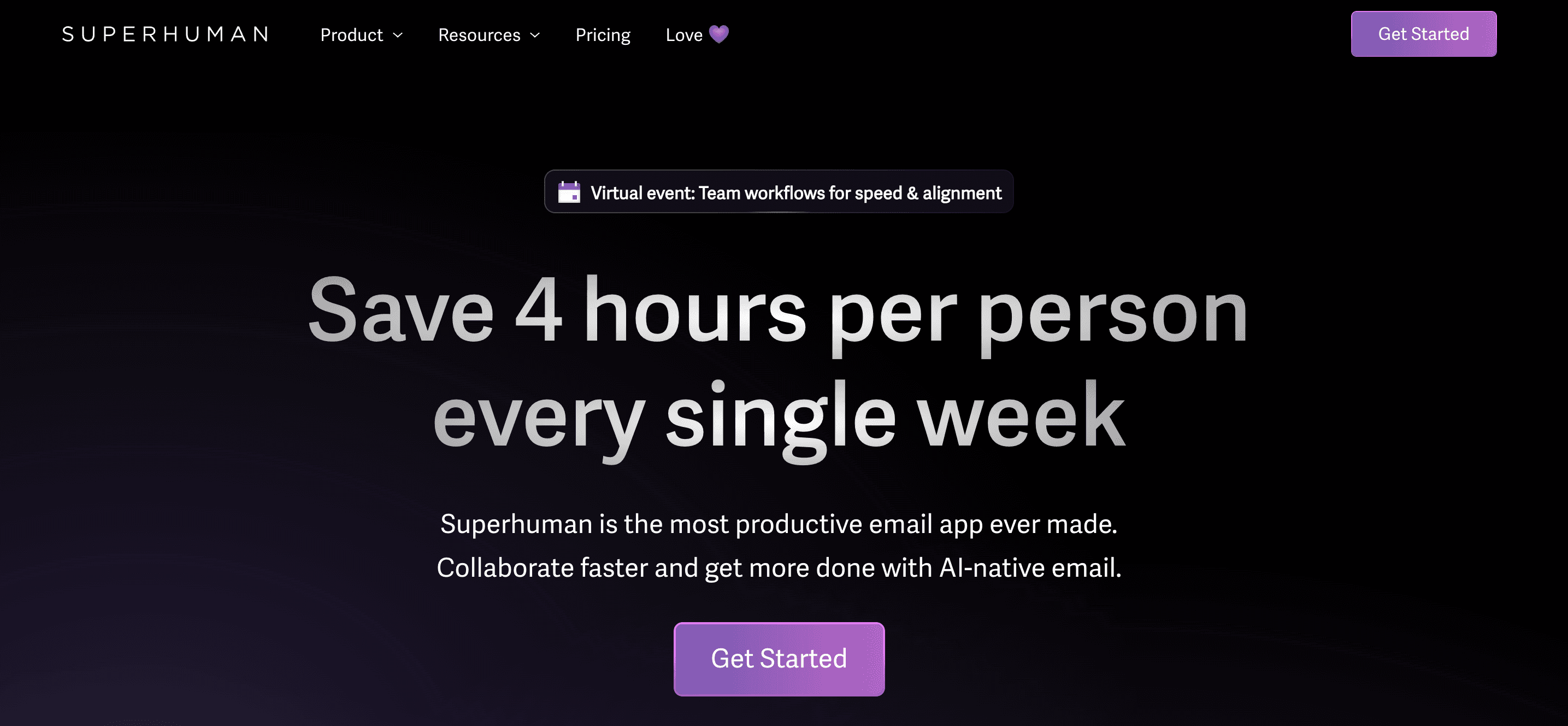
Superhuman is built for people who live in email all day and care about speed.
It uses shortcuts, triage features, and AI to cut email handling time.
Best for
executives
sales teams
founders
Why it saves time
Faster inbox navigation
Better keyboard flow
Less friction in repetitive replies
Main downside
Expensive compared with lighter alternatives
9. Todoist - Best lightweight task manager
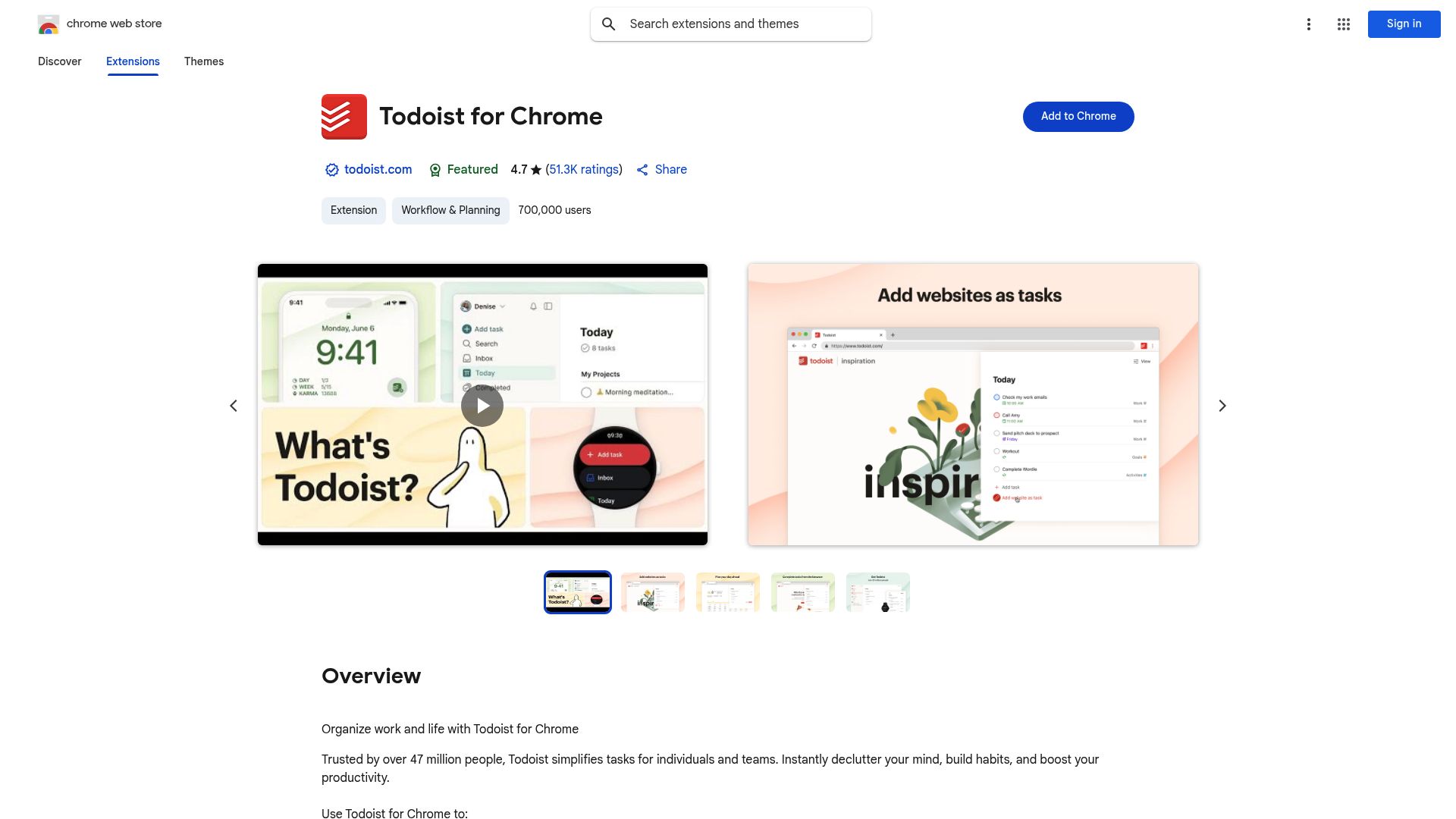
Todoist is the easiest recommendation for people who need a task manager that starts fast.
It is cleaner than heavy project software and works well if you want simple recurring tasks, projects, and daily planning.
Best for
individuals
small teams
people who want structure without complexity
Why it saves time
Fast capture
Easy recurring tasks
Good balance of simplicity and function
Main downside
It can become a storage bin if you do not review it
10. Superlist - Best modern task tool for shared work

Superlist feels more polished than many older task apps.
It works well for people who want personal tasks and team collaboration in one tool.
Best for
couples and families
small teams
modern task-based collaboration
Why it saves time
Clean shared lists
Better user experience than many legacy apps
Good fit for mixed personal and team planning
Main downside
Not as mature as some older project tools
Best time management tool by use case
If you want the fastest path to the right tool, use this:
Too much typing: Voicy
Too many meetings: Granola
Too much email: Fyxer or Superhuman
Too many loose projects: Notion
No idea where time goes: TimeCamp
Poor focus: Forest
Simple daily task planning: Todoist
Productivity tools for time management: a simple workflow stack
Productivity tools for time management work best when each tool has one job. Use one tool to plan, one to capture work, and one to finish follow-ups.
Here is a simple stack:
Plan the day: use Todoist, Superlist, or Notion to choose the next few tasks
Protect focus time: use Forest or time blocking to stop constant task switching
Capture meeting notes: use Granola for calls, then turn notes into tasks
Finish follow-ups: use Voicy to dictate emails, updates, CRM notes, and project notes
Review time leaks: use TimeCamp if you need to see where the week went
Voice Workflow for Time Management
A voice workflow helps when your plan is clear but typing slows you down. You can speak a rough update, meeting recap, or task note, then clean it up before sending.
With Voicy, that workflow can cover live dictation and file upload transcription. Use it after calls to turn messy notes into next steps, draft meeting notes and follow-ups, or clear a batch of short messages without typing each one by hand.
A simple version looks like this:
Open your task manager or notes app.
Dictate every loose task, decision, or follow-up for 3 minutes.
Group the text into today, later, and waiting on someone else.
Use your planning tool to schedule only the next few actions.
That is where dictation becomes a real time management habit. You are not just organizing work. You are getting the work out of your head faster, then using your planning tool to decide what deserves time.
5 time management techniques that work better with the right tools
Good software helps, but it works better when paired with a simple method.
1. Time blocking
Put real work on the calendar instead of hoping you will find time later.
This works especially well when paired with:
Notion for planning
Todoist for tasks
Forest for protected focus blocks
2. Pomodoro
Work in short focused sprints, then take a short break.
This works well with:
Forest for sprint structure
Voicy for fast drafting during each sprint
3. Ivy Lee method
Write the six most important tasks for tomorrow, in order.
This works well with:
Todoist
Superlist
Notion
4. Inbox batching
Check and answer email in blocks, not all day.
This works well with:
Fyxer
Superhuman
5. Capture first, edit later
If writing slows you down, stop trying to perfect text while drafting.
Speak the messy version first, then edit it once. That is one of the simplest ways to save time in communication-heavy work.
For that workflow, Voicy is the best fit on this list. It has a free trial, then paid plans for heavier use, and it works across Mac, Windows, Chrome extension, iOS, and Android.
What most people should actually buy
If you want a practical answer, not an abstract one:
Buy Voicy if writing and admin work eat your day
Buy Granola if meetings create the mess
Buy Todoist if you need a clean task system
Buy Forest if distraction is the real problem
Buy Notion if your work is scattered across too many places
You do not need all of them.
You probably need one primary tool and one support tool.
Frequently asked questions
What are time management applications?
Time management applications are software tools that help you plan tasks, schedule focus time, track where hours go, reduce distractions, and finish routine work faster. Common examples include task managers, calendars, time trackers, focus apps, habit trackers, meeting note tools, and dictation tools.
Are time management tools and time management apps the same thing?
Usually, yes. People use time management tools, time management apps, and time management software to describe the same broad category. The best choice depends on the workflow you need to fix: planning, focus, tracking, meetings, or writing speed.
What is the best time management tool for work?
It depends on the work. For writing-heavy jobs, Voicy is the strongest pick because it cuts time from emails, docs, notes, and prompts across many apps. For meetings, Granola is better. For task planning, Todoist is easier to start with than heavier systems.
What is the best time management software for beginners?
Todoist is the easiest place to start for tasks. If your biggest issue is writing speed, Voicy is often a better first purchase because the time savings are immediate.
Are free time management tools enough?
Sometimes, yes. But many people stay stuck because their free stack never solves the real bottleneck. If a paid tool saves hours every week, it usually earns its keep.
How many time management tools should I use?
Usually two or three. More than that often creates extra overhead.
What is the difference between productivity tools and time management tools?
Time management tools help you plan, protect, or reclaim time. Productivity tools help you do the work faster. In practice, the best time management stack often includes both.
Can speech-to-text really count as a time management tool?
Yes. If you spend hours typing, a speech-to-text app can save more time than another planner. It removes friction from the task itself.
Which tool is best for ADHD time management?
That depends on the bottleneck. Forest helps with focus. Todoist helps with task clarity. Voicy helps when typing creates friction or slows down thought. For a deeper breakdown, read ADHD time management tools.
What is the best tool for managing emails faster?
Fyxer is strong for inbox triage. Superhuman is strong for speed-focused email workflows.
What is the best tool for reducing admin time?
Voicy is the best option here because it speeds up emails, notes, documents, and prompts across apps instead of only solving one channel.
What are the best productivity tools for time management?
The best productivity tools for time management usually include a task tool, a focus tool, and a workflow tool. For many people, that means Todoist or Notion for planning, Forest for focus, and Voicy for faster writing and follow-ups.
How can I reduce typing and admin time at work?
Start by spotting repeat writing tasks, like emails, meeting notes, CRM notes, and project updates. Then use a voice tool like Voicy to dictate the first draft or transcribe a file, instead of typing every line from scratch.
What is the fastest way to capture tasks during the day?
The fastest method is usually voice capture. Dictate the task, decision, or follow-up as soon as it appears, then sort it later in your task manager. This keeps small tasks from disappearing before you have time to type them.
Should I choose one all-in-one app?
Usually no. One app rarely does writing, planning, focus, and tracking equally well. A small stack works better.
Final takeaway
The best time management tool is the one that fixes your slowest part of the day.
For many people, that is not planning. It is writing.
That is why Voicy stands out in this category. If you type all day, saving time at the keyboard is the cleanest win. Then add one planning or focus tool around it.


