




11 Best Productivity Apps for Mac in 2026
The Mac is arguably Apple's greatest product.
Whether it's the MacBook Pro, Air, Mini, or even the desktop version, it's an incredibly powerful bit of hardware.
But are you really maximizing the potential of macOS software?
In this guide, we'll show you 10 incredibly productive Mac apps to transform your workflow. We move beyond generic recommendations to provide an in-depth analysis of the best productivity apps for Mac.
Whether you're a busy professional, student, developer, or creator, this guide will have something for you.
Short version of the article
The right Mac productivity apps depend on your specific workflow challenges and professional needs.
If you want to write and communicate faster:
Voicy - Write 4x faster with 99% accurate speech-to-text, works in any Mac app, $6.99/month
Bear - Beautiful Markdown note-taking with hashtag organization, free with Pro at $2.99/month
Grammarly - AI writing assistant that works across all applications
If you need better time and task management:
Granola - Combines your meeting notes with AI transcription for perfect summaries, $18/month
Notion Calendar - Fast, beautiful calendar with Notion integration, free
Superlist - AI-powered task management with voice-to-task conversion, $15/month
If you want to enhance your Mac's capabilities:
Raycast - Ultimate launcher with built-in integrations, free with Pro at $8/month
Setapp - "Netflix for Mac apps" with 240+ premium applications, $9.99/month
CleanMyMac X - Comprehensive Mac maintenance and optimization, $89.95
If you create content and need recording tools:
Tella - Superior screen recording and video messaging, free with Pro at $19/month
If security and organization matter:
1Password - Secure password manager with breach monitoring
Everything - Instant file search (Windows alternative: use Spotlight alternatives)
For enhanced productivity across all these apps, consider combining them with speech-to-text tools and explore AI productivity apps for even greater efficiency gains.
How to pick the right Mac productivity app
Productivity isn't a one-size-fits-all solution.
A writer's perfect tool differs dramatically from a project manager or an executive's perfect tool.
To find the right tool for you, you should do this:
Find the problems in your workflow
Look for specific solutions to those problems
Try out a couple of apps
In this guide, we'll dive deep into each application, show you practical use cases, and give you our honest assessment of each tool.
You'll find everything from advanced task managers like Superlist and automation wizards like Raycast to revolutionary voice-to-text tools such as Voicy, which is invaluable for anyone drafting complex documents or seeking ergonomic typing alternatives.
The goal of this article is to help you build a personalized digital toolkit with apps that with your specific needs.
Let's get right into it.
1. Voicy - Write 4x faster with speech-to-text
Can you type as fast as you think? I don't think anybody can.
But with Voicy that is finally possible. Voicy is a speech to text Mac app that works anywhere on your computer.
Imagine writing perfect emails, documents, Slack messages by simply speaking them out.
Not just that, but your text is automatically cleaned up, formatted, and punctuated correctly.
Its accuracy beats Apple's in-built dictation feature by miles.
And it comes with a bunch of additional features focused on improving your productivity, such as AI-editing.
It's the easiest way to instantly save time when it comes to writing messages, emails, documents, etc.
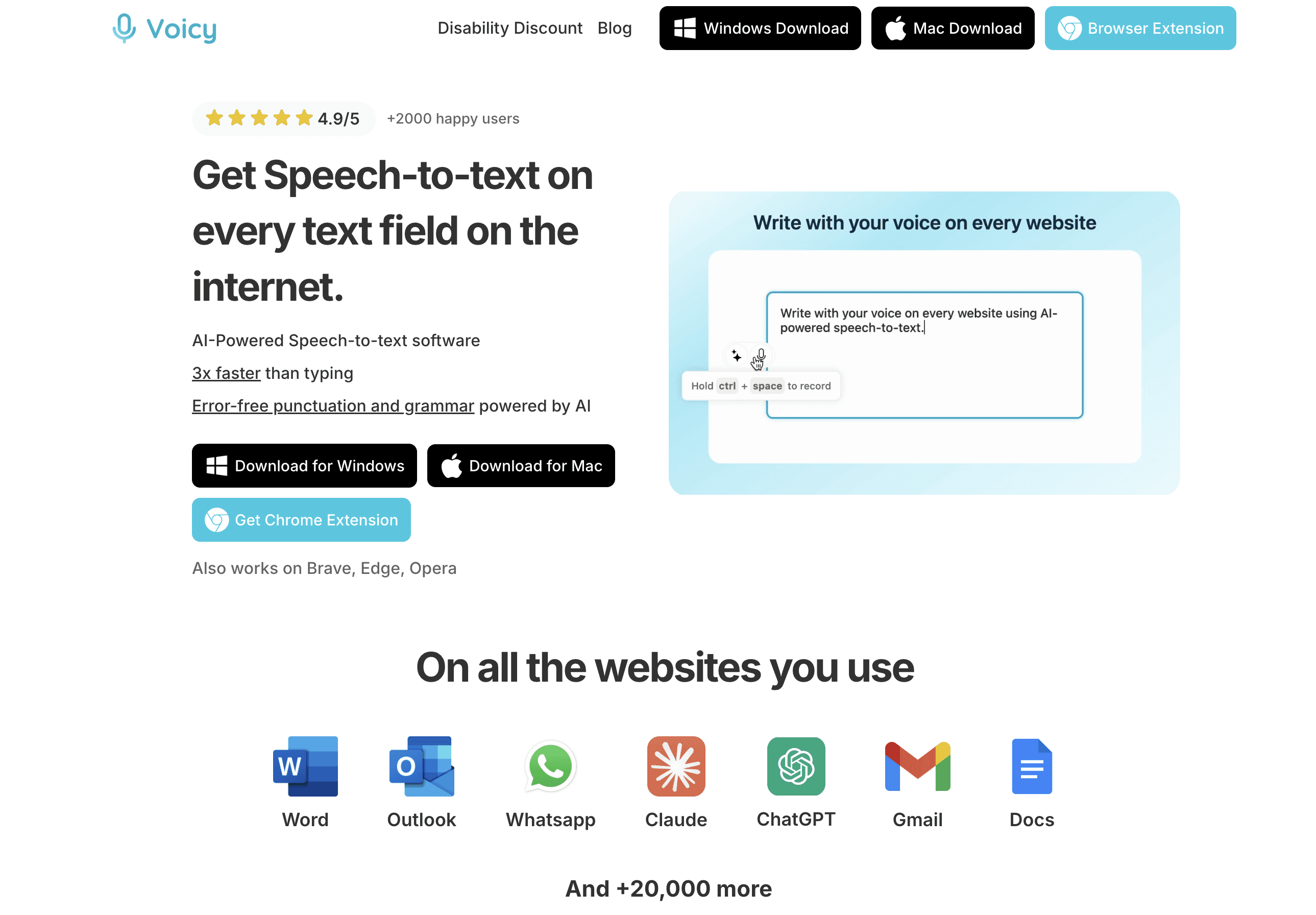
How Voicy saves you time
Voicy is perfect if you spend most of your day typing on your keyboard.
Write 4x faster with 99% accuracy
Emails
Slack Messages
AI Prompts
Documents
Notes
Automatic grammar and punctuation correction
AI-editing to rewrite and rephrase all your spoken text
It's also a favorite of mine because I have ADHD and have a very hard time typing a sentence because my brain will already be on to the next thing.
Pricing: Free trial with 30 minutes of recording time. Paid plans start from $6.99
👉 Get Voicy for Mac — AI-powered dictation with 99% accuracy and automatic punctuation in every Mac app.
Key Strengths and Use Cases
Voicy’s integration is seamless, operating quietly in the background until summoned. Its exceptional accuracy, which exceeds 99% across more than 50 languages, combined with automatic grammar and punctuation correction, ensures that the output is consistently clean and ready to use without extensive editing.
For Professionals: Dictate detailed reports, craft formal emails from casual thoughts, and quickly take meeting notes directly into your preferred app.
For Content Creators: Effortlessly draft blog posts, social media updates, and scripts, using AI commands to refine content on the fly.
For Accessibility: Provides a powerful, hands-free computing experience for individuals with disabilities or repetitive strain injuries, enabling full productivity without relying on a physical keyboard.
Voicy’s multi-platform availability on Mac, Windows, and as a Chrome extension ensures your workflow remains consistent across all devices. While pricing information requires a direct inquiry, its advanced feature set positions it as a premium tool for anyone serious about optimizing their text-based productivity.
Granola - Best Time Management Tool for Meetings
Meetings are the biggest time-drain in most organizations. Badly run meetings, lost action items, and unclear tasks result in hours of lost productivity.
That's where Granola comes in. Granola automatically transcribes and summarises your meetings.
But that's not all.
You probably already tried different meeting summary tools, but Granola is different.
Here's how Granola is different:
It runs silently on your computer. No need to invite a bot to any meetings.
It combines your own meeting notes with its recordings. It knows exactly what you care about.
The quality of the notes is miles ahead of the competition.
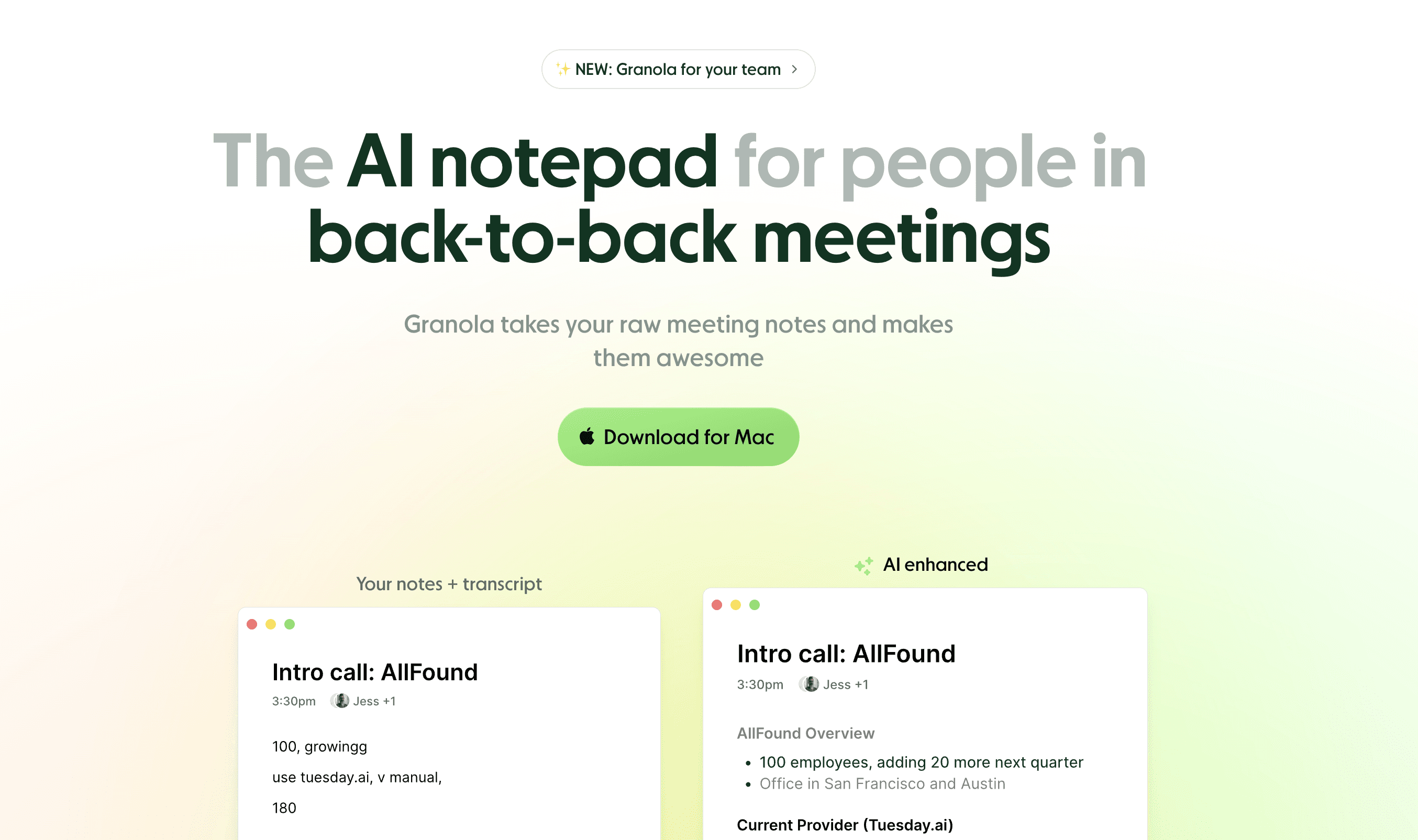
How Granola saves you time
On the surface, Granola obviously saves you time by summarising your emails.
But digging deeper, it also saves you from having to read useless AI summaries that you don't care about.
It checks your own meeting notes, i.e. the actual items of the meeting you care about, and enhances those.
Pricing: Free trial with 25 free meetings. Plans start at $18.
Key Strengths and Use Cases
Granola listens in on your meetings and takes your handwritten meeting notes and its own transcription to combine them and give you a perfect summary of the points that you really care about.
For Professionals: Stop worrying about taking notes during meetings and simply dedicate your mind to being in the moment. Granola will handle your notes and action items perfectly. .
For Students: Let Granola run during online lectures and send it your own notes so it understands which points of the lecture were most important to you that you want to remember. .
3. Setapp - The Netflix for Mac apps
Setapp has been called the "Netflix for Mac apps," and for good reason.
Instead of purchasing individual licenses, this subscription service provides access to a curated library of over 240 premium applications for a single monthly fee.
It's an incredible resource for discovering some of the best productivity apps for mac, including power-user favorites like CleanShot X for advanced screenshots, BetterTouchTool for customizing inputs, and the powerful calendar app, BusyCal.
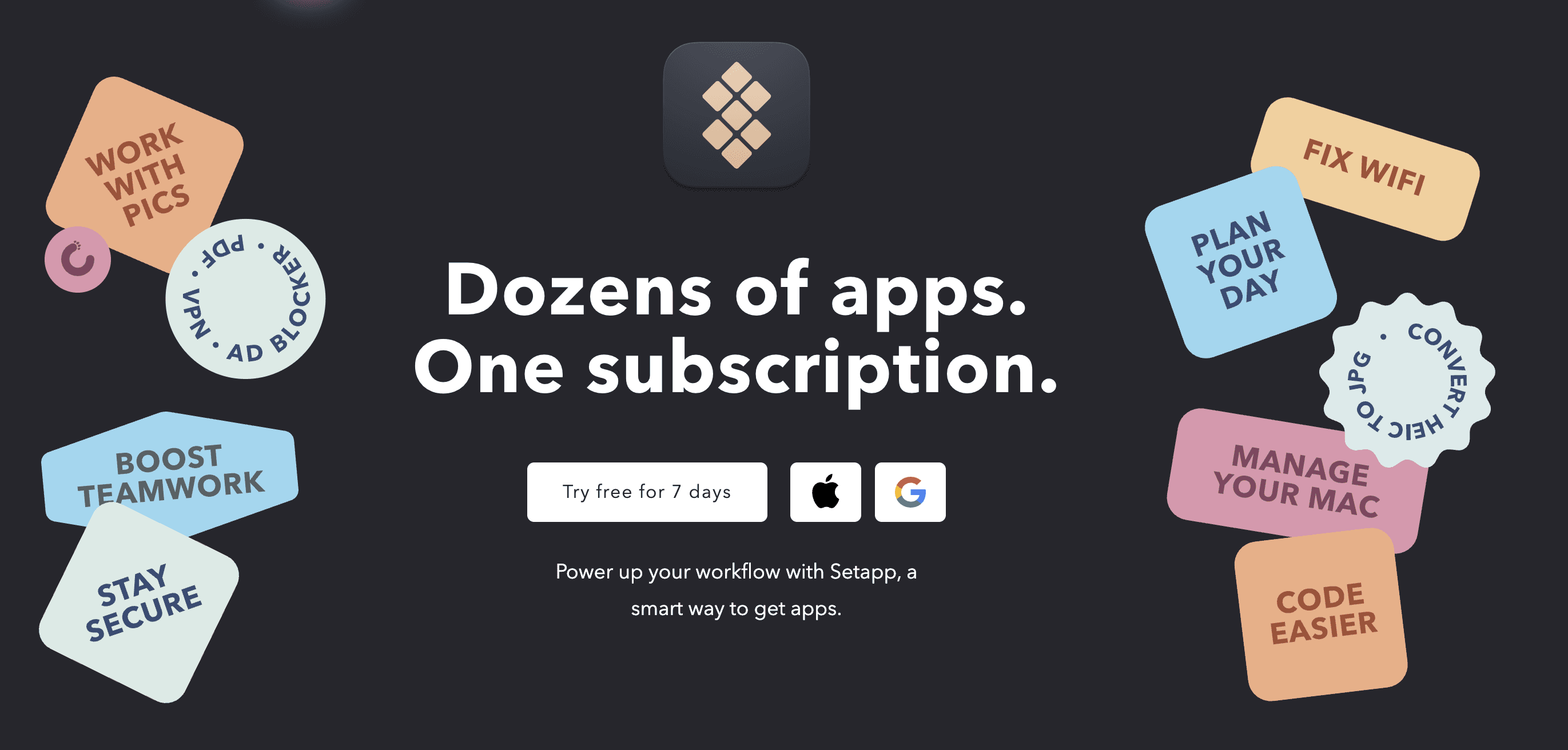
Setapp doesn't just offer any Mac apps as part of its bundle. To be invited as an app on Setapp, you have to have a certain level of quality.
Generally, it is known to find upcoming Mac apps and include them in the subscription bundle.
So you will always have the latest, greatest tools on the market directly available to you.
Pricing: Starts at $9.99/month
Key Considerations
Setapp’s value proposition is centered on discovery and cost-effectiveness for users who need a diverse software toolkit. Its curated approach ensures that all included apps meet a high standard of quality and utility. The service also includes a growing number of AI-powered tools, making it a valuable resource for those looking to enhance their workflow, which you can explore in this collection of the best AI apps for Mac.
Pros: Incredible value if you use multiple paid utilities, clean installer with automatic updates across all apps, and a simple way to discover high-quality software.
Cons: Requires an ongoing subscription to maintain access, not every major Mac app is included in its library, and costs increase for multi-device or AI-tier plans.
4. Raycast - The Ultimate Launcher and Keyboard Shortcut App
Raycast is a blazingly fast, extensible launcher that goes far beyond what Spotlight or even Alfred can offer.
While it starts as a simple app launcher, Raycast transforms into a complete productivity command center with built-in integrations, powerful extensions, and lightning-fast performance.
What sets Raycast apart is its native integration with dozens of popular services right out of the box. Check your calendar, create GitHub issues, search Notion databases, control your music, manage clipboard history, and perform calculations.
How Raycast Boosts Productivity
Raycast eliminates context switching by bringing all your tools into one unified interface. Instead of opening multiple apps to check different services, everything is accessible through a single, fast search.
Key Features:
Lightning-fast app launching and file search
Built-in integrations with GitHub, Linear, Notion, Slack, and more
Powerful clipboard history with search and organization
Window management and screenshot tools
Custom scripts and workflows
Team sharing for commands and snippets
Pricing: Free with generous features. Pro plan at $8/month adds AI features, cloud sync, and advanced customizations.
Key Considerations
Raycast's strength lies in its modern approach to productivity. Unlike traditional launchers, it's built for the modern workflow with native cloud service integrations and a beautiful, consistent interface. The active community constantly adds new extensions, making it incredibly versatile.
If you take some time to learn about all of its keyboard shortcuts, it will become your favorite Mac productivity app.
That's a guarantee.
Pros: Free tier is incredibly generous, modern and beautiful interface, extensive built-in integrations, and active community creating new extensions.
Cons: Some advanced features require Pro subscription, can be overwhelming for users who just want a simple launcher, and newer than established alternatives like Alfred.
5. Tella - Superior Screen Recording and Video Messaging
Tella is the screen recording tool that makes Loom look outdated.
Built specifically for Mac, it offers superior recording quality, better editing tools, and a more polished sharing experience for creating professional video content and communications.
Unlike basic screen recorders, Tella focuses on creating engaging, professional videos with minimal effort.
Its intelligent recording features automatically enhance your content, while built-in editing tools let you polish your videos without switching to another application.

What Makes Tella Special
Tella's strength is in making high-quality video creation effortless. The app automatically optimizes recordings for clarity and engagement, while its editing suite handles the most common video tasks without complexity.
Key Features:
Crystal-clear screen and camera recording
Built-in video editing with cuts, annotations, and effects
Automatic background noise removal
Professional templates and branding options
Instant sharing with custom landing pages
Analytics to track video engagement
Zoom integration for seamless meeting recordings
Pricing: Free plan available. Pro plans start around $19/month for advanced features and branding removal.
Key Considerations
Tella excels for professionals who need to create polished video content regularly—whether for client communications, team updates, product demos, or educational content. Its Mac-native design ensures smooth performance and integration with macOS features.
Pros: Superior recording quality compared to web-based alternatives, built-in editing eliminates need for separate video editor, professional templates save time on branding.
Cons: Mac-only availability limits cross-platform teams, subscription required for professional features, newer platform with smaller user base than established alternatives.
6. Bear - Beautiful Markdown Note-Taking
Bear is a gorgeous, minimalist note-taking app that makes writing feel like a pleasure rather than a chore.
Built exclusively for Apple devices, it combines the power of Markdown formatting with an interface so elegant that it transforms how you approach capturing and organizing your thoughts.
While Apple's own notes app is enough for the standard user, Bear was built for the note-taking professional.
Unlike heavy-featured note apps that overwhelm with options, Bear focuses on the essentials: fast note creation, powerful organization through hashtags, and beautiful typography that makes reading your notes enjoyable. Its unique linking system and tag-based organization create a flexible, personal knowledge base that grows naturally with your thinking.

How Bear Enhances Your Writing
Bear eliminates the friction between having an idea and capturing it beautifully. The app's instant sync across Apple devices means your thoughts are always accessible, while its focus mode helps you write without distraction.
Key Features:
Beautiful, distraction-free writing interface
Full Markdown support with live preview
Flexible hashtag-based organization system
Cross-note linking for building knowledge connections
Advanced search across all notes and attachments
Export options including PDF, Word, and HTML
Themes and typography customization
Bear Web for accessing notes from any browser
Pricing: Free version with core features. Bear Pro at $2.99/month or $29.99/year adds themes, export options, and sync across devices.
Key Considerations
Bear excels for writers, researchers, and anyone who values beautiful design in their productivity tools. Its Apple-exclusive nature ensures deep system integration and performance, but limits collaboration with non-Apple users. The hashtag system creates a more flexible organization method than traditional folders.
Pros: Exceptionally beautiful and intuitive interface, powerful yet simple Markdown editing, flexible tagging system superior to folder organization, excellent Apple ecosystem integration.
Cons: Apple devices only limits cross-platform collaboration, no real-time collaborative editing features, requires subscription for advanced features and cross-device sync.
Practical Tip: Use Bear's unique tag nesting (like #project/work/client) to create hierarchical organization while maintaining the flexibility to view notes across multiple contexts.
7. Notion Calendar - Seamless Calendar Management
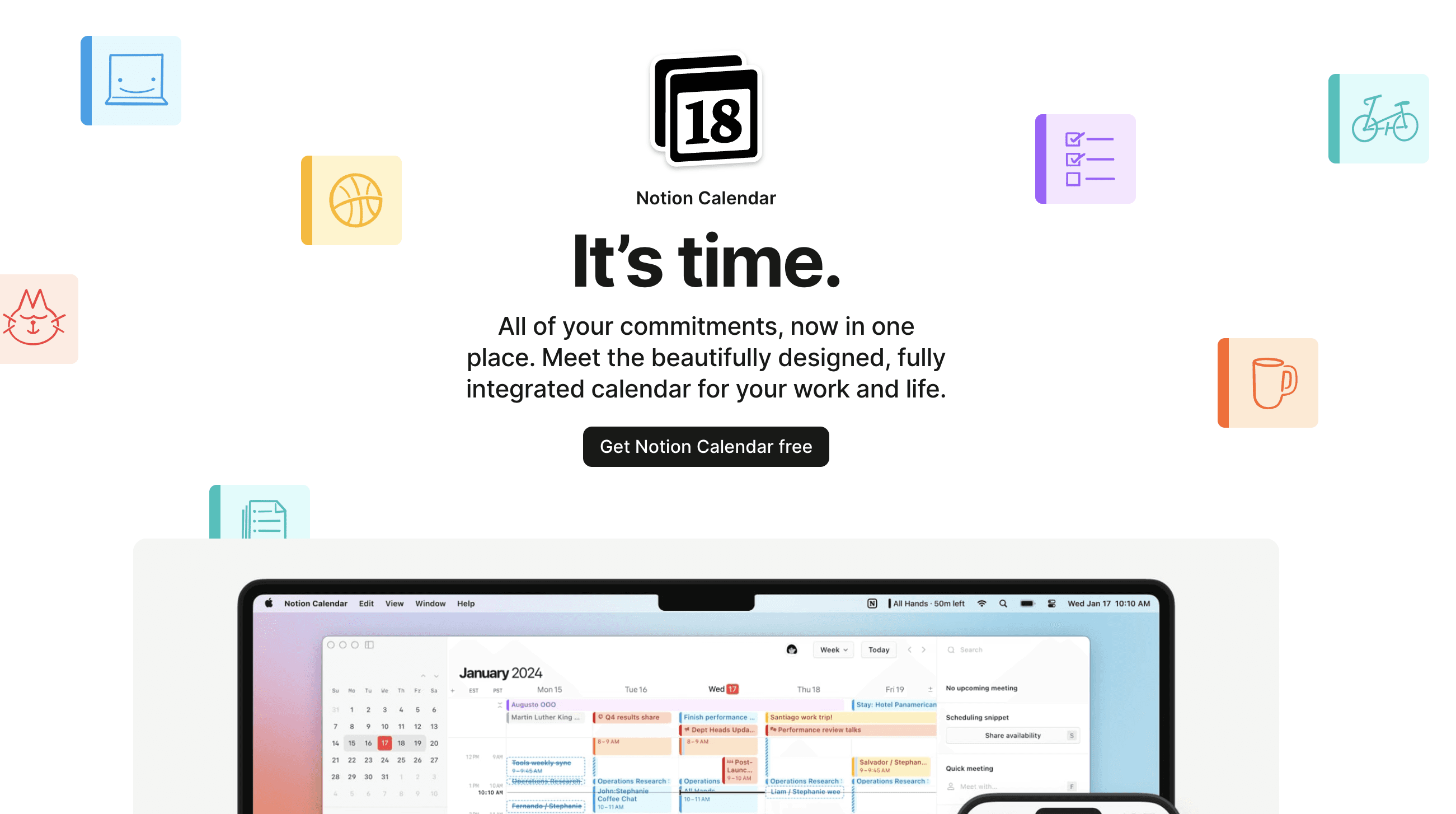
Notion Calendar (formerly Cron) brings the power and elegance of Notion's design philosophy to calendar management.
Built by the Notion team, it offers a fast, beautiful, and highly functional calendar experience that integrates seamlessly with your existing Notion workspace.
The app focuses on speed and clarity, with keyboard shortcuts for power users and an interface that makes schedule management feel effortless. Its strength lies in combining multiple calendar sources while maintaining a clean, organized view of your time.
How Notion Calendar Enhances Productivity
Notion Calendar eliminates the friction between your calendar and your work. With deep Notion integration and lightning-fast performance, it becomes the central hub for time management across your entire workflow.
Key Features:
Lightning-fast performance with instant loading
Multiple calendar account support (Google, Outlook, iCloud)
Seamless Notion workspace integration
Powerful keyboard shortcuts for speed
Beautiful, customizable interface themes
Smart scheduling suggestions
Meeting link generation and management
Pricing: Free for personal use with generous features.
Key Considerations
Notion Calendar shines for users already invested in the Notion ecosystem, but its speed and design make it compelling even as a standalone calendar app. The focus on keyboard navigation and power-user features makes it particularly appealing to productivity enthusiasts.
Pros: Exceptional speed and performance, beautiful and customizable interface, seamless Notion integration, comprehensive keyboard shortcuts for power users.
Cons: Relatively new with limited third-party integrations beyond Notion, may be overkill for users wanting basic calendar functionality, mobile apps still developing feature parity.
Website: Available through Notion or app stores
8. CleanMyMac X - Keep Your Mac Running Like New
CleanMyMac X is the comprehensive Mac maintenance tool that handles all the tedious housekeeping tasks your Mac needs to perform at its best.
Because at the end of the day, the key to a fast computer is a clean computer.
Developed by MacPaw, it combines system cleaning, malware protection, performance optimization, and maintenance tools into one elegant, user-friendly application.
Unlike generic cleaning utilities, CleanMyMac X is built specifically for macOS and understands exactly what's safe to remove and what should be left alone.
Its intelligent algorithms identify gigabytes of unnecessary files—from system junk and old iOS backups to mail attachments and broken downloads—while protecting important system files and user data.
How CleanMyMac X Saves You Time and Space
CleanMyMac X automates the maintenance tasks that would otherwise require technical knowledge and hours of manual work. Instead of hunting through system folders or wondering why your Mac is running slowly, the app handles optimization with a few clicks.
Key Features:
Smart system cleaning that safely removes gigabytes of junk
Malware detection and removal with real-time protection
Performance optimization and RAM cleaning
Large file finder to identify space-hogging items
Application uninstaller that removes all associated files
System maintenance scripts and disk repair
Menu bar monitoring for quick system health checks
Space Lens visual disk usage analyzer
Pricing: One-time purchase at $89.95, or available through Setapp subscription. Regular sales and educational discounts available.
Key Considerations
CleanMyMac X strikes the right balance between comprehensive functionality and ease of use. Its Apple-notarized status and years of development mean it's safe and reliable, unlike many generic system cleaners that can cause more harm than good. The app is particularly valuable for users with smaller SSDs or older Macs that need regular maintenance.
Pros: Genuinely effective at reclaiming storage space, safe and Apple-approved with years of proven reliability, comprehensive toolset eliminates need for multiple utilities, intuitive interface requires no technical expertise.
Cons: One-time purchase price is significant compared to basic alternatives, some features overlap with free built-in macOS tools, requires admin permissions for full functionality.
Practical Tip: Run the Smart Scan weekly to catch issues early. Use the Large Files feature before major software updates to ensure you have adequate free space.
9. Superlist - Beautiful AI Task Management
Superlist combines task management with AI-powered features in an interface so beautiful it makes you want to organize your life.
Created by the former Wunderlist team, it brings elegant design and intelligent automation to personal and team productivity.
The app goes beyond simple task lists with AI-powered voice-to-task conversion, smart scheduling suggestions, and collaborative features that work beautifully for couples, families, and small teams.

What Makes Superlist Special
Superlist's strength lies in making task management feel effortless and enjoyable. The AI features aren't overwhelming but enhance the natural flow of organizing your work and life. Voice input automatically creates tasks with proper due dates and contexts.
Unlike enterprise-focused tools, Superlist feels designed for how real people actually want to organize their lives together.
Pros:
Exceptionally beautiful and intuitive interface design
AI voice-to-task conversion works naturally and accurately
Excellent for couples, families, and small team collaboration
Cons:
Limited advanced project management features for large teams
Premium features require subscription for full functionality
Still building ecosystem of integrations with other productivity tools
Pricing: Generous free tier. Paid starts at $15/month.
Practical Tip: Use voice input to quickly capture tasks while mobile. Superlist's AI does an excellent job of extracting due dates and context from natural speech.
10. 1Password - Your Vault of Passwords and Payment Info
A secure password manager is foundational to modern productivity, and 1Password is a top-tier choice for Mac users.
It securely stores all your passwords, secure notes, credit card information, and documents, making them accessible with a single master password.
Its seamless integration with macOS and browsers eliminates the friction of remembering and typing credentials, saving valuable time and mental energy every day. This streamlined access makes it one of the best productivity apps for mac by removing a common, repetitive bottleneck.
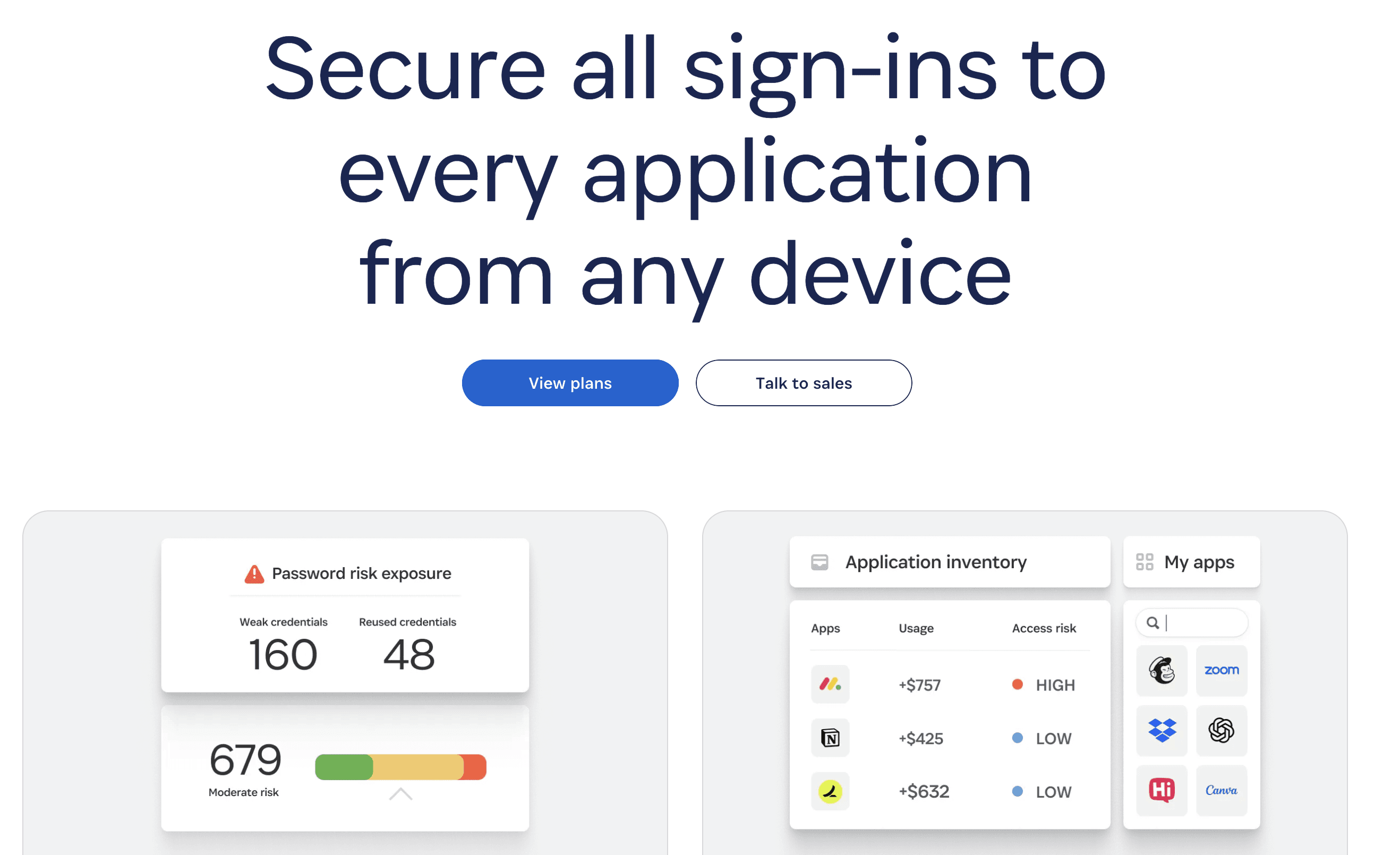
Beyond simple storage, 1Password enhances security with features like Watchtower, which actively monitors for data breaches and alerts you if your credentials have been compromised.
The app also supports passkeys, the next generation of authentication, ensuring you're future-proof. With robust apps for all Apple devices and excellent family and business plans, it’s a comprehensive solution for managing your digital identity securely and efficiently.
Key Considerations
1Password operates on a subscription model, providing continuous updates, cross-platform syncing, and premium support. The platform is built on end-to-end encryption, meaning only you can access your data. For those managing teams, the business plans offer powerful administrative controls, including access management and security policies, making it a scalable tool for organizations of any size.
Pros: Highly rated user experience and powerful admin features, generous device support under a single subscription, and strong security with Watchtower breach alerts.
Cons: It is a subscription-only service with no permanent free tier, and some features like cross-device syncing require cloud connectivity to function.
Building Your Perfect Mac Productivity Stack
The core lesson is clear: the best productivity apps for Mac are not a one-size-fits-all solution. Instead, they are the specific, thoughtfully chosen components of a system tailored to your unique workflow, habits, and goals.
The right application should feel like an extension of your own mind, anticipating needs and removing friction from your daily tasks.
For a student collaborating on research papers, the ideal stack might combine a robust note-taker with a citation manager. For a busy executive, the combination of a powerful calendar like Notion Calendar, a password manager like 1Password, and a launcher like Raycast could be the key to reclaiming hours each week.
The goal is to move beyond simply managing tasks and start architecting a more intelligent and intentional way of working.
More Mac Productivity Apps
During our research, we found a couple of other categories for Mac productivity apps that might be of interest to you.
If you're a student or an avid note-taker, you might enjoy the top 10 best note-taking Mac apps for 2025.
If you are looking for the next-generation AI-based apps, how about you take these 5 AI productivity apps for a spin?
Finding Your Ideal App Combination
Your first step is to conduct a personal workflow audit. Before downloading a dozen new apps, take a moment to identify your most significant bottlenecks.
Where do you lose the most time? Is it searching for files, managing your schedule, or typing out long documents and emails?
What repetitive tasks could be automated? Look for patterns in your day that could be streamlined by a smart utility.
How do you prefer to interact with your Mac? Are you a keyboard shortcut enthusiast, a visual organizer, or someone who could benefit from a new input method?
Answering these questions will guide your selection process. If you find that typing is a major time-sink or a source of physical strain, a tool like Voicy can fundamentally change your interaction with your Mac, transforming spoken words into text with incredible accuracy. This isn't just a minor improvement; it's a paradigm shift in how you create content, draft reports, and communicate.
Implementing Your New Productivity System
Once you've identified potential apps, the implementation phase is critical. Don’t try to adopt everything at once. Select one or two tools that address your biggest pain points and commit to integrating them fully. Use the free trials to their maximum potential. This isn't just about testing features; it's about seeing how an app fits into the rhythm of your day.
One productivity hack that often gets overlooked: voice dictation. Check our guide on dictation app for Mac to write 3x faster.
Remember that tools are only one part of the equation. A powerful app is most effective when it's part of a well-designed methodology. For those looking to go deeper, learning how to build your personal productivity system can provide a framework for integrating these applications into a cohesive and powerful whole. This approach helps you move from merely collecting apps to strategically deploying them for maximum impact.
Ultimately, your Mac is a powerful machine, but its true potential is only unlocked when paired with software that complements your skills and ambitions. Use this guide as your launchpad. Experiment, iterate, and be patient as you assemble the stack that works for you. By curating your digital toolkit with intention, you are not just getting more organized; you are creating an environment where your best, most focused work can flourish.
Mac users building a daily productivity stack should also compare time management apps for planning, focus, meeting notes, and faster writing.


