




Summary of the article
👀 Lose your place often? BeeLine Reader uses color gradients to guide your eyes, Microsoft Immersive Reader shows only a few lines at a time
📖 Hard to understand text? Amazon Kindle + Whispersync lets you read and listen simultaneously with highlighted words
🔊 Need audio conversion? Speechify turns any text into natural-sounding audio at speeds up to 900 words per minute
📚 Want more book options? Bookshare offers 1.3 million accessible books (free for U.S. students), Libby connects to your library's digital collection
🎓 Students needing lecture help? Voicy transcribes spoken words in real-time so you can focus on listening instead of note-taking
🛠️ Want one powerful tool? Texthelp Read&Write works across browsers and documents with text-to-speech, highlighting, and vocabulary help
🚀 Getting started tip: Pick one tool and try it on a single article today - experiment with settings until it feels natural
Main article: The best ADHD reading tools
Reading with ADHD can feel impossible when words blur together and your mind wanders. The good news? The right ADHD reading tools can help you focus, understand, and actually enjoy reading again.
This guide shows you the best tools to make reading easier, including what they do, how much they cost, and who they work best for.
Understanding these tools is just one piece of the puzzle. Check out the full range of essential assistive technology for ADHD for even more ways to boost your focus and productivity.
1. Bookshare
Bookshare is a huge digital library made for people with reading challenges. It has over 1.3 million books you can listen to while following along with highlighted text—perfect for keeping your ADHD brain focused.
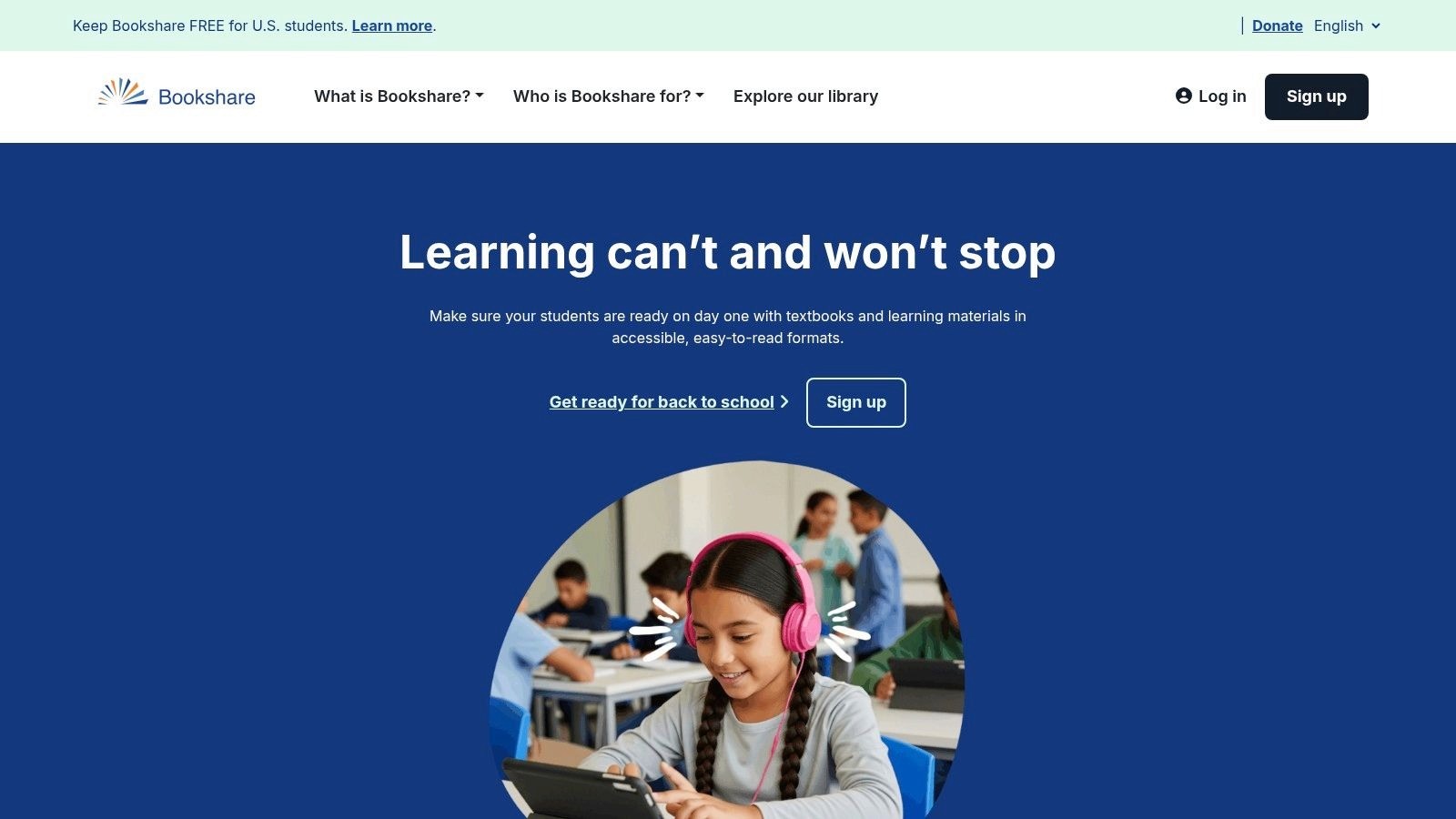
What makes Bookshare special? It's built for accessibility first, with options like braille and large print ready to go.
Key Details & How to Use
Best For: People who learn better by reading and listening at the same time. Great if you need textbooks or regular books.
Who Can Join: You need proof of a disability that makes reading hard. ADHD counts if it really affects your reading. A doctor or teacher can help you sign up.
Price: Free for U.S. students of any age. Adults who aren't students pay $50 per year.
Good Stuff: Tons of books, no waiting lists, no late fees, and built-in reading help.
Not-So-Good: You need official proof of your disability. Non-student adults have to pay.
Website: https://www.bookshare.org
2. Learning Ally
Learning Ally offers audiobooks read by real people, not computers. This makes stories and textbooks way more interesting and easier to follow—especially helpful for ADHD brains that zone out with robotic voices.
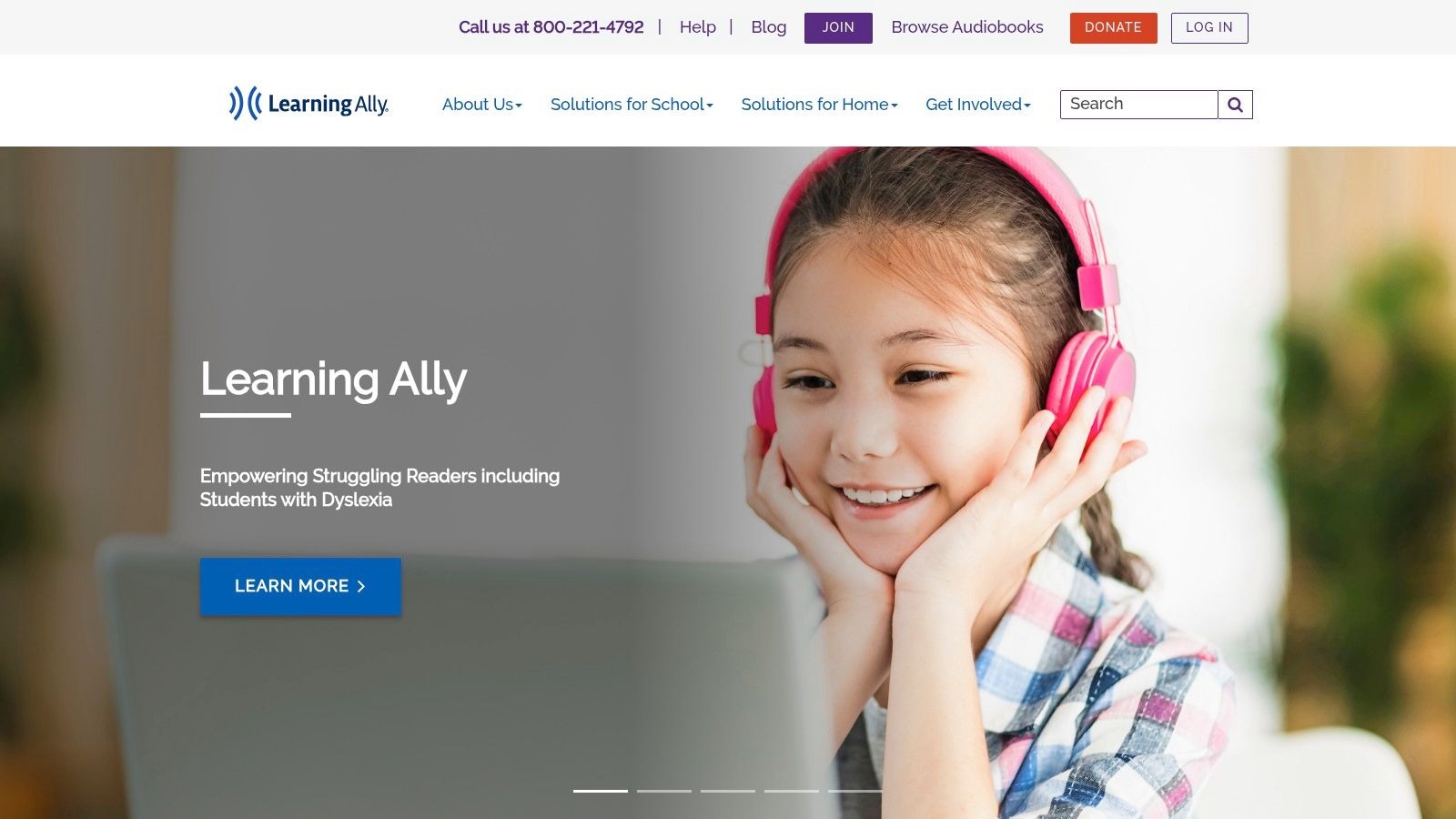
They have over 80,000 titles, including school textbooks and popular books. The app shows you the words on screen while someone reads to you, helping you stay focused.
Key Details & How to Use
Best For: Students (K-12) who need textbooks read out loud. Also great for anyone who prefers human voices over computer voices.
Who Can Join: You need documentation of a print disability like dyslexia or vision problems. ADHD may qualify if it makes standard reading really tough.
Price: $135 per year for unlimited access. Schools and financial help available.
Good Stuff: Real people reading makes it engaging. Lots of school materials. Easy to get through schools.
Not-So-Good: You need official paperwork. Only available in the U.S. for individual memberships.
Website: https://learningally.org
3. Libby (by OverDrive)
Libby connects you to your local library's digital collection—for free! Borrow ebooks and audiobooks, then customize them to help your ADHD. Change text size, pick a dyslexia-friendly font, or speed up (or slow down) audiobooks.
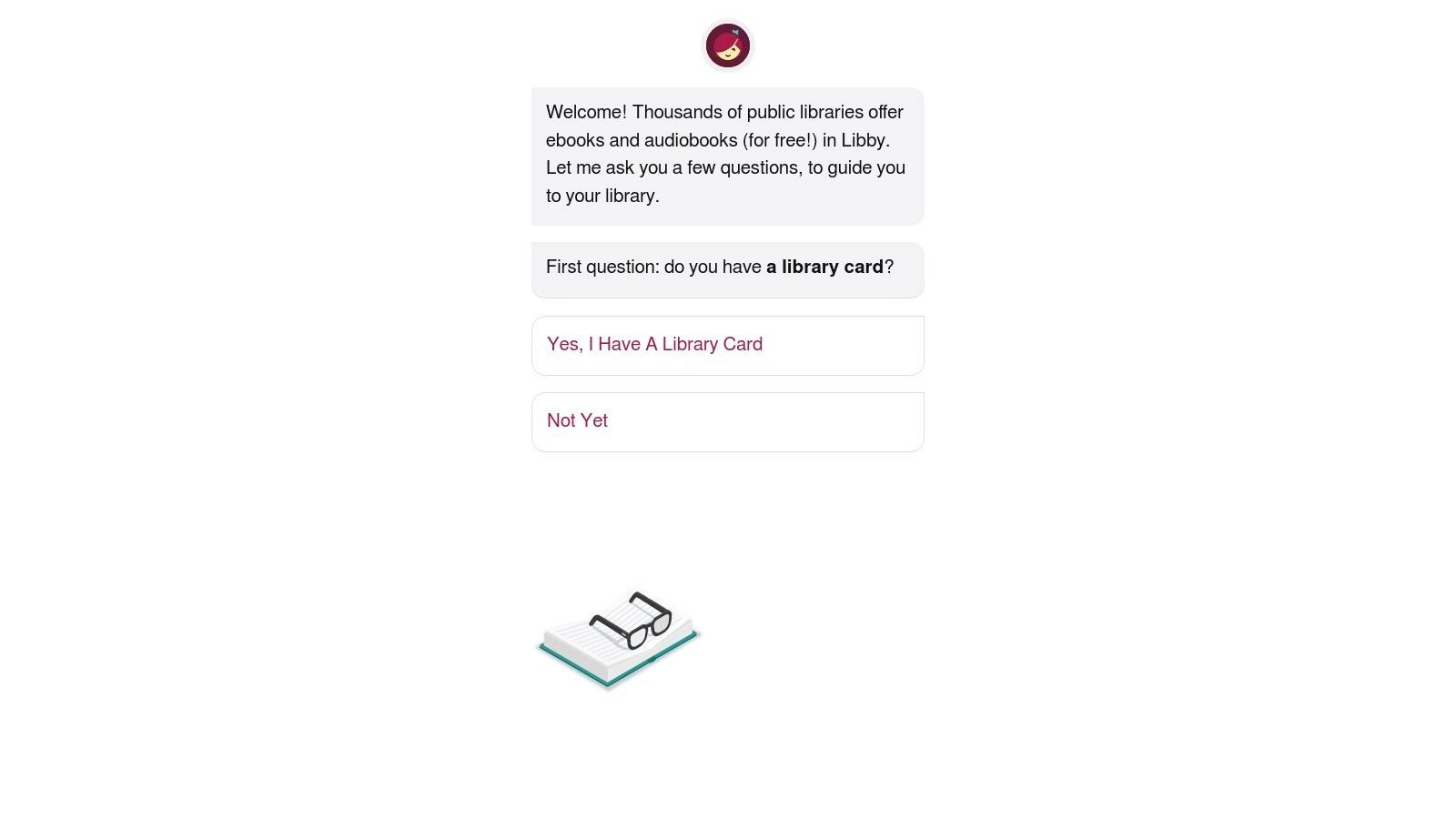
The best part? Everything is free with your library card. Try different formats to see what helps you focus best.
Key Details & How to Use
Best For: Anyone with a library card who wants free audiobooks and customizable ebooks.
Who Can Join: Just need a library card from a participating library.
Price: Free—no subscription fees, no late fees (books return automatically).
Good Stuff: Completely free. Huge selection. Easy-to-use app. Great for testing what works for you.
Not-So-Good: Popular books may have wait times. Selection depends on your library.
Website: https://www.libbyapp.com
4. Audible
Audible is Amazon's audiobook service with over 600,000 titles. Listen while driving, exercising, or doing chores—perfect for ADHD brains that focus better with hands-on activities.
Professional narrators make stories come alive. Plus, you keep the audiobooks you buy with credits forever.
Key Details & How to Use
Best For: Audiobook lovers who want a massive selection and professional narration.
Who Can Join: Anyone can sign up. Works on phones, tablets, and computers.
Price: Starts at $7.95/month for Audible Plus (limited catalog). Premium Plus is $14.95/month (1 credit + full catalog access).
Good Stuff: Huge selection. Professional readers. You own what you buy. Great app.
Not-So-Good: Can get expensive. Credits-based system takes getting used to.
Website: https://www.audible.com
5. UseVoicy - Turn words into text
Voicy is a transcription tool to let you write with your voice.
Perfect to writing notes, documents, emails, etc.
The reason why it's a great ADHD tool is because the ADHD brain thinks faster than you can type on your keyboard or write with a pen on paper.
Using speech-to-text lets you instantly go from what's in your brain to what's written on your paper.
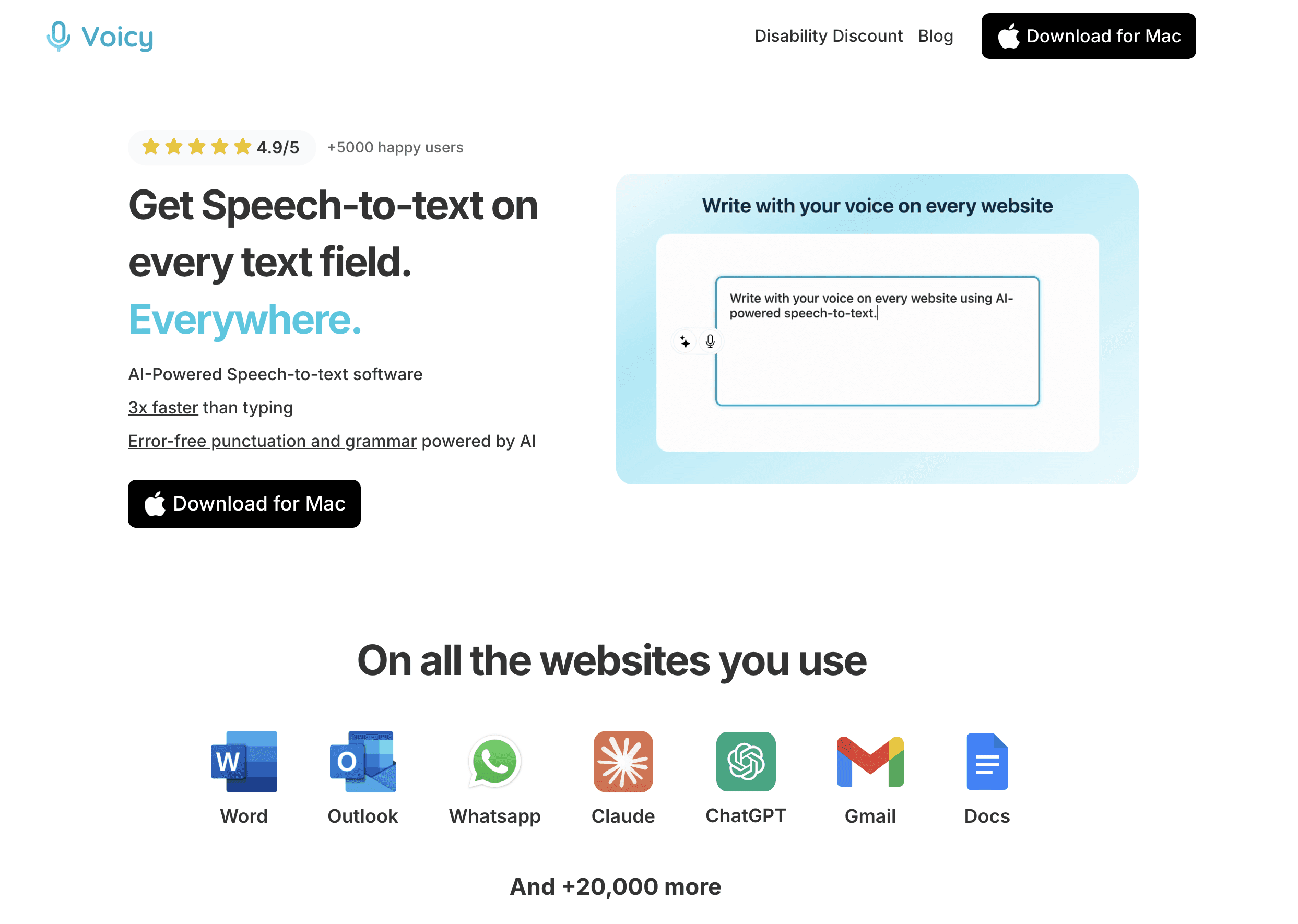
Record and transcribe automatically, then read the text later when you can focus. It even identifies different speakers and lets you search your recordings.
Key Details & How to Use
Best For: Students who need to capture lectures and meetings without getting distracted by note-taking.
Who Can Join: Anyone can sign up. Works on Windows and Mac.
Price: Free trial includes 30 minutes. Pro plan is $8.49/month for unlimited minutes.
Good Stuff: Saves you from taking notes. Search your recordings.
Not-So-Good: Requires internet connection.
Website: https://usevoicy.com
6. Amazon Kindle + Whispersync
With Amazon's Kindle and Whispersync, you can read and listen at the same time. The words highlight as the audiobook plays—like having a focus beam for your ADHD brain.
Called "Immersion Reading," this feature helps you stay on track and understand better by using both your eyes and ears.
Key Details & How to Use
Best For: People who want to read and listen simultaneously to boost focus and comprehension.
Who Can Join: Anyone with Kindle and Audible accounts.
Price: Buy each book separately. Ebook + audiobook bundles often cost less together. Prices vary by title.
Good Stuff: Reading and listening together really helps focus. Works across all your devices. Huge book selection.
Not-So-Good: Need to buy both formats. Not all books have this feature. Can add up in cost.
Website: https://www.amazon.com/kindle
7. Texthelp Read&Write
Texthelp Read&Write is a powerful toolbar that adds reading help to your browser and documents. It reads text aloud, highlights words as it goes, and includes tools to help you understand vocabulary.
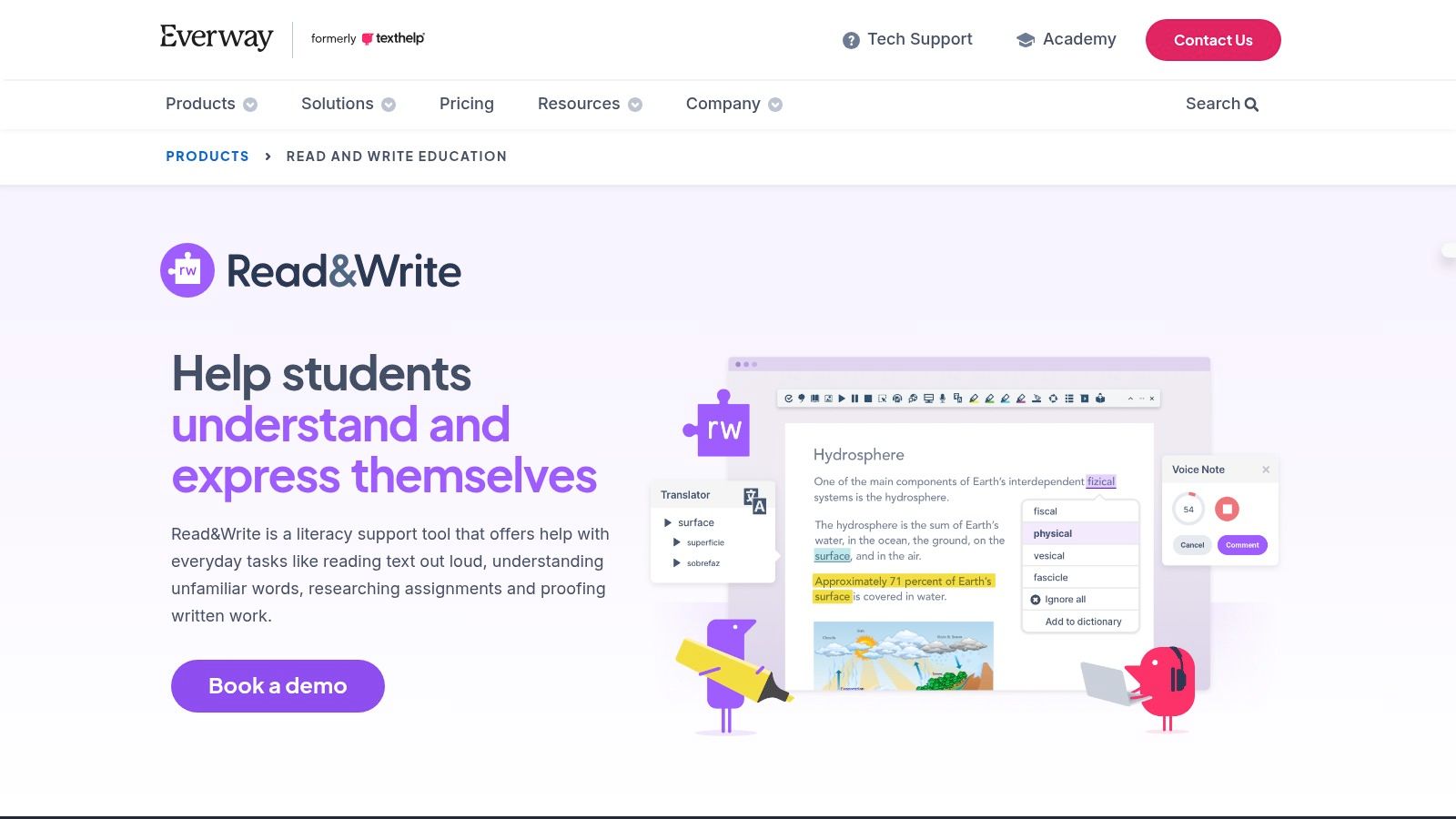
Many schools use this tool, so you might already have access. It works on websites, PDFs, and documents—anywhere you read online.
Key Details & How to Use
Best For: Students and workers who need reading help across different apps and websites.
Who Can Join: Available to anyone. Many schools provide it free to students.
Price: Individual licenses start around $145/year. Check if your school or workplace already has it.
Good Stuff: Works everywhere on your computer. Trusted by schools. Lots of helpful features beyond just reading.
Not-So-Good: Can be pricey for individuals. Takes some time to learn all the features.
Website: https://www.texthelp.com/products/read-write
8. Voice Dream Reader
Voice Dream Reader is a highly customizable reading app that works with almost any file type—PDFs, web pages, Word documents, and more. It highlights text as it reads and lets you adjust everything to match your needs.
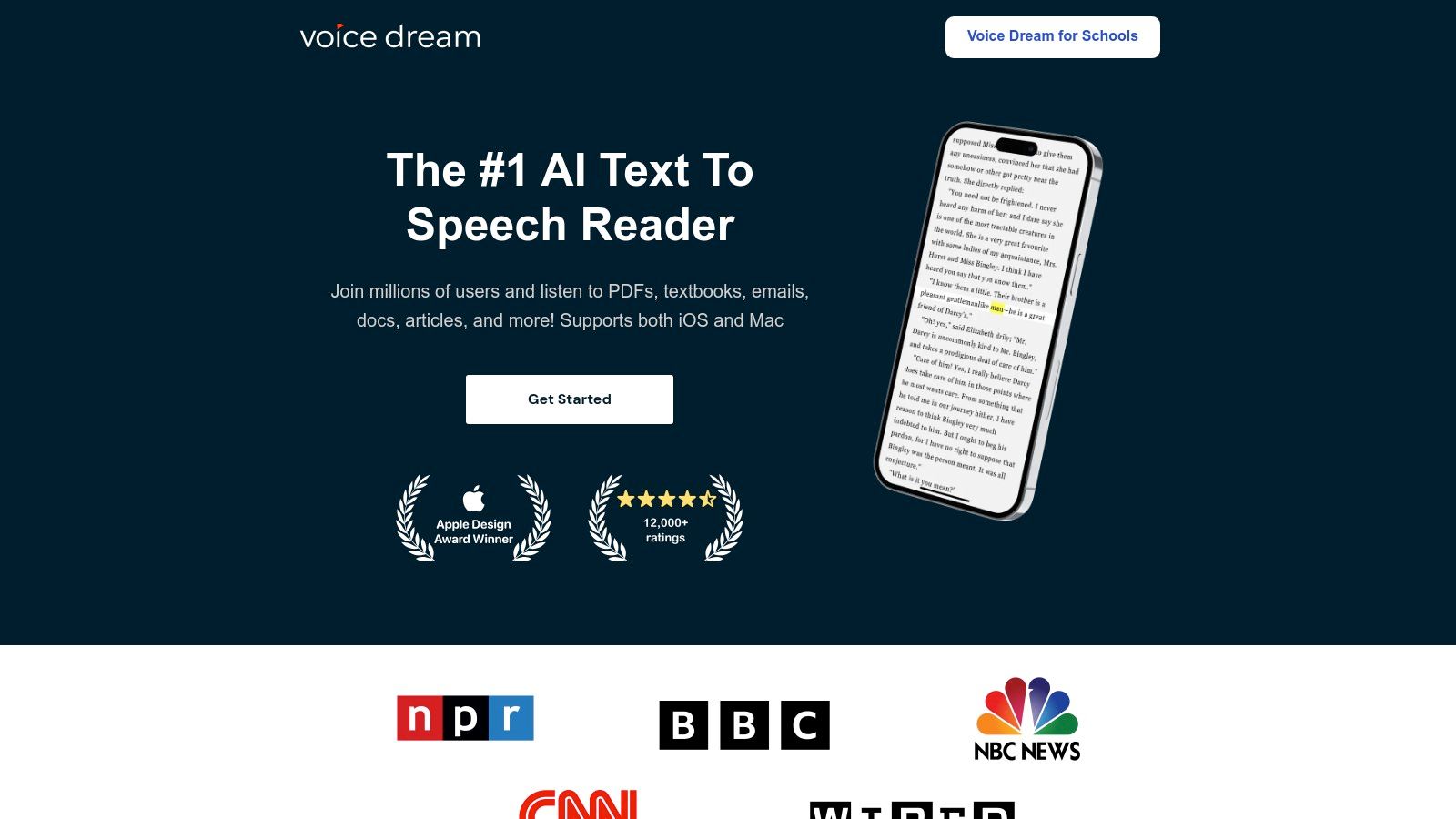
You can control reading speed, text size, colors, and spacing. Perfect for ADHD readers who need things just right to focus.
Key Details & How to Use
Best For: iOS and Mac users who want total control over how text looks and sounds.
Who Can Join: Download from the App Store. Works on iPhone, iPad, and Mac.
Price: One-time purchase of $19.99. Extra voices and features available through in-app purchases.
Good Stuff: Super customizable. Reads almost any file type. High-quality voices. Great user experience.
Not-So-Good: Only works on Apple devices. Initial cost plus optional add-ons.
Website: https://www.voicedream.com
9. BeeLine Reader
BeeLine Reader uses color gradients to guide your eyes smoothly from line to line. This simple visual trick helps ADHD readers stay on track and stop losing their place.
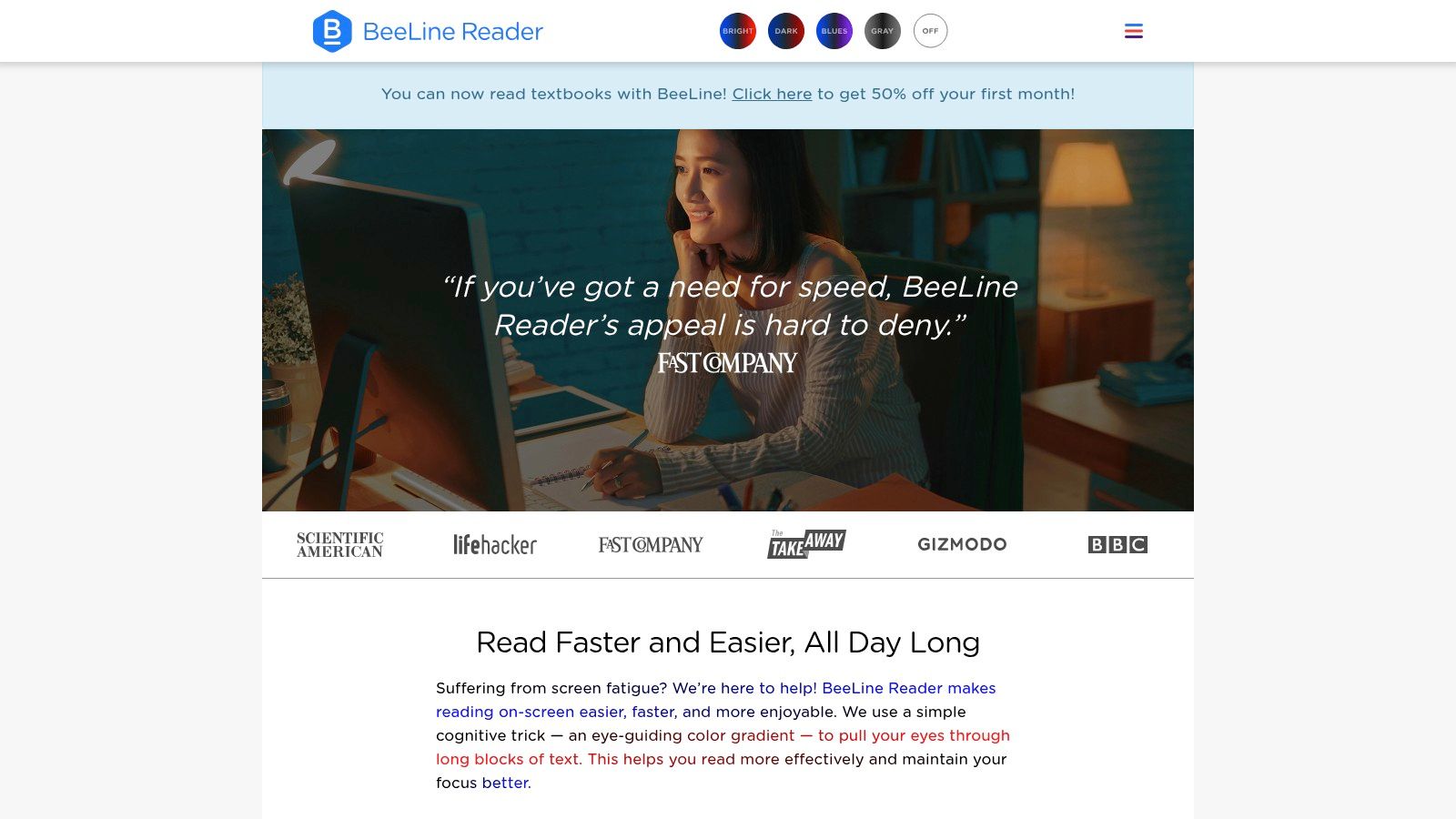
It works as a browser extension and PDF reader, turning regular text into easier-to-follow colored lines.
Key Details & How to Use
Best For: Readers who lose their place or skip lines. Great for ADHD and dyslexia.
Who Can Join: Available as a browser extension (Chrome, Firefox, Safari) and mobile app.
Price: Free basic version. Pro version is $4/month or $24/year for more features.
Good Stuff: Cheap and easy to try. Works immediately. Really helps with line tracking.
Not-So-Good: Limited to where you can use it (mostly web browsers). Some people don't like the colors.
Website: https://www.beelinereader.com
10. Microsoft Immersive Reader
Microsoft Immersive Reader is built into Microsoft 365, Edge browser, and many school apps. It reads text aloud, breaks words into syllables, shows only a few lines at a time, and translates languages.
The focus mode is especially helpful for ADHD—it shows only one or a few lines at a time so you don't get overwhelmed.
Key Details & How to Use
Best For: Anyone already using Microsoft products at school or work.
Who Can Join: Built into Word, Outlook, OneNote, Edge browser, and more.
Price: Free if you have Microsoft 365 or use Microsoft apps.
Good Stuff: Completely free. Already on your computer. Easy to use. Great focus features.
Not-So-Good: Only works with Microsoft apps. Not as powerful as dedicated reading tools.
Website: https://www.microsoft.com/en-us/education/products/learning-tools
11. Kurzweil 3000
Kurzweil 3000 is a comprehensive learning platform used by schools and universities. It combines text-to-speech, note-taking, study tools, and test-taking features in one place.
This is professional-grade assistive technology, built for students who need official accommodations and serious support.
Key Details & How to Use
Best For: Students with documented learning disabilities who need a complete study and reading system.
Who Can Join: Usually provided through schools and institutions. Individual licenses available.
Price: Institutional pricing varies. Individual subscriptions start around $1,400/year.
Good Stuff: Does everything—reading, studying, test-taking. Trusted by schools. Works with accommodations.
Not-So-Good: Expensive for individual use. Complex system takes time to learn.
Website: https://www.kurzweiledu.com
12. Speechify
Speechify turns any text into audio using natural-sounding AI voices. Upload documents, paste text, or use the browser extension to listen to articles, emails, and PDFs at speeds up to 900 words per minute.
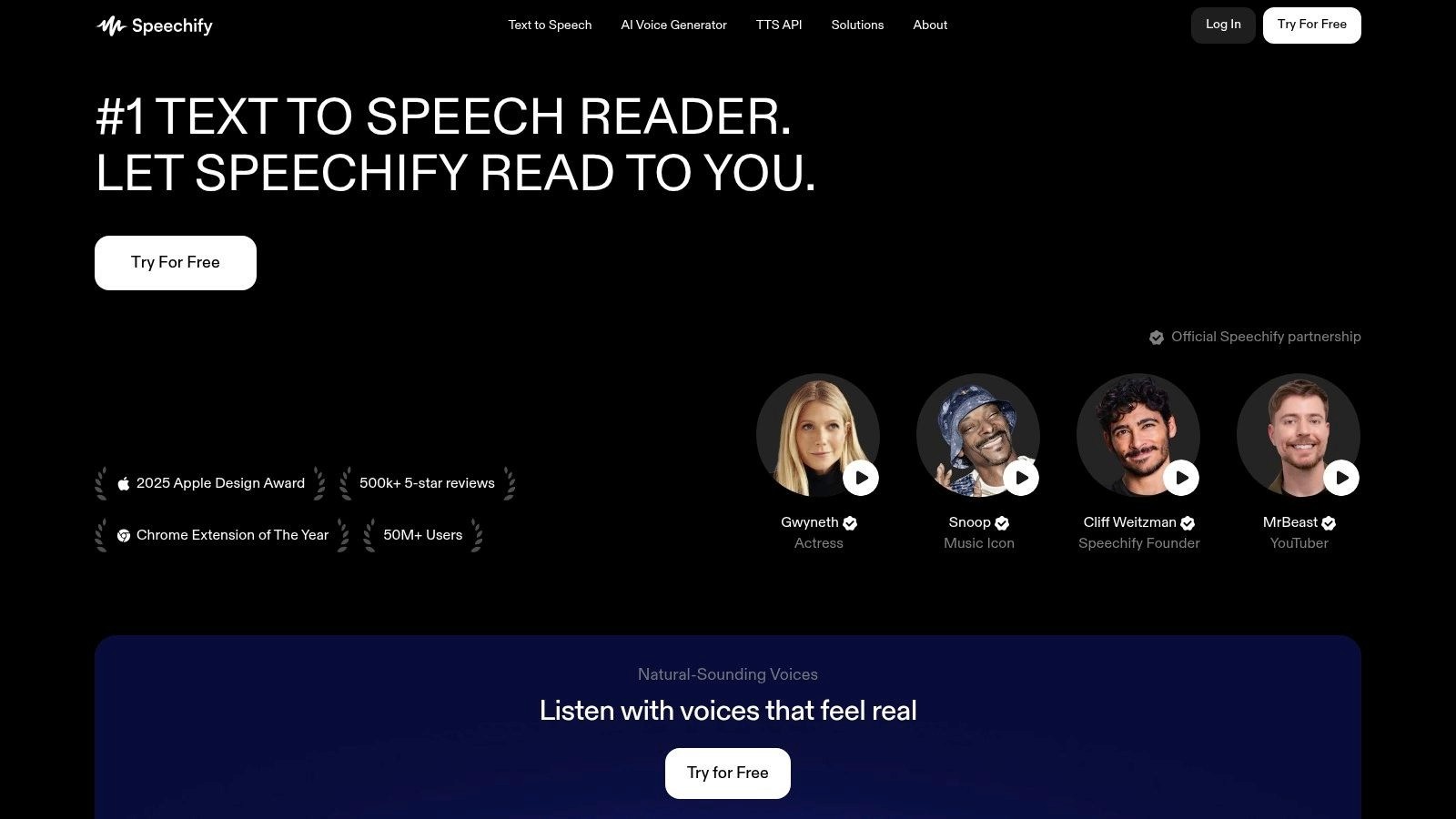
The app works across your phone, tablet, and computer. It can even scan printed text with your camera and read it aloud. This makes it one of the top ADHD productivity tools for multitasking.
Key Details & How to Use
Best For: People who learn better by listening and need to get through lots of reading quickly.
Who Can Join: Available as a browser extension, web app, and on iPhone and Android.
Price: Limited free version available. Premium starts around $139/year (watch for sales).
Good Stuff: Great natural voices. Works everywhere. Camera scan feature. Fast listening speeds.
Not-So-Good: Premium can be expensive. Some users report billing issues—read terms carefully before subscribing.
Website: https://speechify.com
Top 12 ADHD Reading Tools — Feature Comparison
Product | Core features | UX / Quality (★) | Price / Value (💰) | Target audience (👥) | Unique selling points (✨ / 🏆) |
Bookshare | 1.3M+ accessible ebooks; text-to-speech + synced highlighting; braille & large print | ★★★★ | 💰 Free for eligible U.S. students; adults pay annually | 👥 People with print disabilities; students & educators | ✨ Accessibility-first library; 🏆 unlimited access for eligible members |
Learning Ally | Human-narrated textbooks & literature; unlimited downloads; apps | ★★★★★ | 💰 Subscription; school eligibility & financial aid | 👥 K–12 students with print disabilities; schools | ✨ Human narration for comprehension; 🏆 K–12 accommodation integration |
Libby (OverDrive) | Borrow ebooks/audiobooks via public libraries; apps; adjustable fonts/playback | ★★★★ | 💰 Free with participating library card (holds/wait times) | 👥 Library patrons; casual readers; ADHD readers | ✨ Zero-cost wide catalog via local libraries |
Audible | Massive audiobook marketplace; professional narration; Whispersync/Immersion | ★★★★★ | 💰 Paid subscription (Plus/Premium + credits) | 👥 Audiobook buyers & heavy listeners | ✨ Professional narration; 🏆 huge catalog; keep books with credits |
Amazon Kindle + Whispersync | Kindle ebooks + Audible narration; Immersion Reading (sync text+audio) | ★★★★ | 💰 Buy or bundle per title; variable pricing | 👥 Readers who want synchronized read+listen | ✨ Read+listen with highlighted text across devices |
Texthelp Read&Write | Text-to-speech toolbar; dual highlighting; vocab tools; cross-platform support | ★★★★ | 💰 Paid licenses (individual / school / workplace) | 👥 Students, educators, workplace users | ✨ Deep study & literacy tools; 🏆 trusted in schools |
Voice Dream Reader | Reads PDF/EPUB/Word/DAISY/web; synced highlighting; premium offline voices | ★★★★★ | 💰 Paid app with in-app purchases/subscriptions | 👥 Dyslexia & ADHD users; iOS/Mac users | ✨ Deep personalization (speed/formatting); 🏆 highly regarded UX |
BeeLine Reader | Color-gradient overlay to guide eyes; browser & PDF plugins; iOS option | ★★★★ | 💰 Free mode + Pro upgrade; low cost to try | 👥 Readers needing visual tracking (ADHD/dyslexia) | ✨ Gradient-guided line flow; low-friction visual aid |
Microsoft Immersive Reader | Read-aloud, focus line, syllables, spacing, translation; built into MS apps | ★★★★ | 💰 Free within Microsoft 365 / education deployments | 👥 Microsoft users; students & educators | ✨ Built-in across apps; 🏆 free and widely available |
Kurzweil 3000 | Comprehensive literacy suite: text-to-speech, annotation, study & exam tools; institutional | ★★★★ | 💰 Institutional licensing; higher cost for individuals | 👥 Institutions; students with formal accommodations | ✨ Exam-friendly features; 🏆 very robust institutional toolset |
Voicy | AI transcription; AI-editing of your text | ★★★★★ | 💰 Free trial. | 👥 Students & professionals capturing notes, emails, documents, etc. | ✨ Real-time transcription; 🏆 eliminates note-taking distraction |
Speechify | Web/mobile text-to-speech; OCR scan-and-read; natural voices; high playback speeds | ★★★★ | 💰 Freemium; premium unlocks top voices & more languages | 👥 ADHD readers; multitaskers wanting quick audio | ✨ Fast cross-platform conversion; strong voice selection |
Choosing Your Perfect Reading Tool: A Simple Guide
Reading with ADHD doesn't have to be a struggle. The tools we've covered can help you focus, understand, and enjoy reading more.
There's no single "best" tool—just the right tool for YOUR needs.
How to Pick What Works for You
Think about what makes reading hard for you:
Can't stay focused or lose your place? Try BeeLine Reader (color-guided text), Microsoft Immersive Reader (focus mode), or Texthelp Read&Write (line reader).
Hard to understand and remember what you read? Use Amazon Immersive Reading, Speechify, or Voice Dream Reader to see and hear words at the same time.
Need more book options or special formats? Check out Bookshare or Learning Ally if you qualify. For audiobooks, try Audible and Libby.
Want one tool that does everything? Kurzweil 3000 or Texthelp Read&Write are powerful all-in-one options for serious students.
Need to capture spoken information? Otter.ai records and transcribes lectures and meetings so you can focus on listening instead of note-taking.
Make It Work: Start Small
Downloading an app isn't enough. You need to actually use it!
Start small. Pick one tool and use it for just one article or chapter today. Play with different settings—voices, speeds, colors—until you find what feels right.
The goal is to make the tool feel natural, like a regular part of your reading routine.
Keep Trying Different Things
Finding the right tool takes some experimenting. Be patient with yourself. Try different options. Celebrate when something clicks.
With the right technology, reading can go from frustrating to enjoyable. You've got this!
If you need to turn your spoken ideas, lectures, or meeting notes into text, check out Voicy. It provides fast, accurate transcription—turning audio into readable text you can use with these reading tools. Capture information with your voice and learn with your eyes and ears at Voicy.


