

























Privacy First
Nobody sees your transcripts except yourself.
You can read more about our privacy policy here.
Step 1
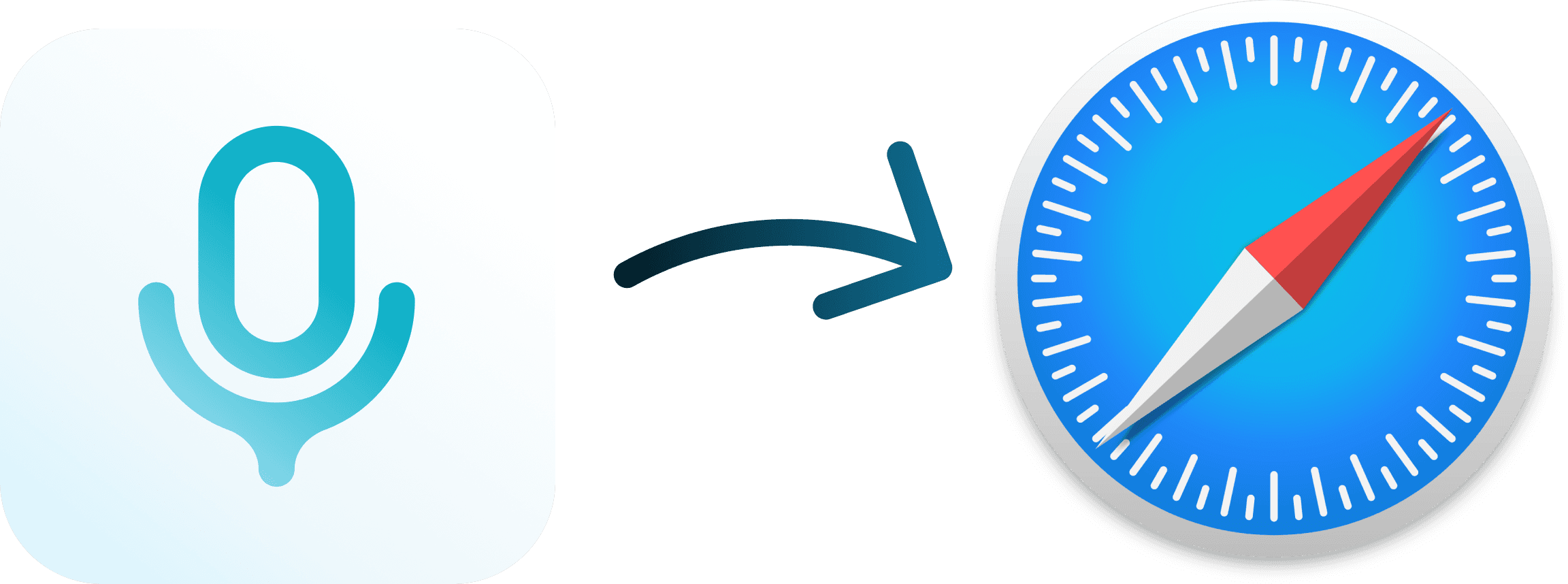
Voicy is a privacy-focused speech-to-text desktop app. It adds voice dictation to every text field on your computer, including Safari. No extension needed. Just install, set a hotkey, and start dictating into any website.
Step 2
Open any website in Safari
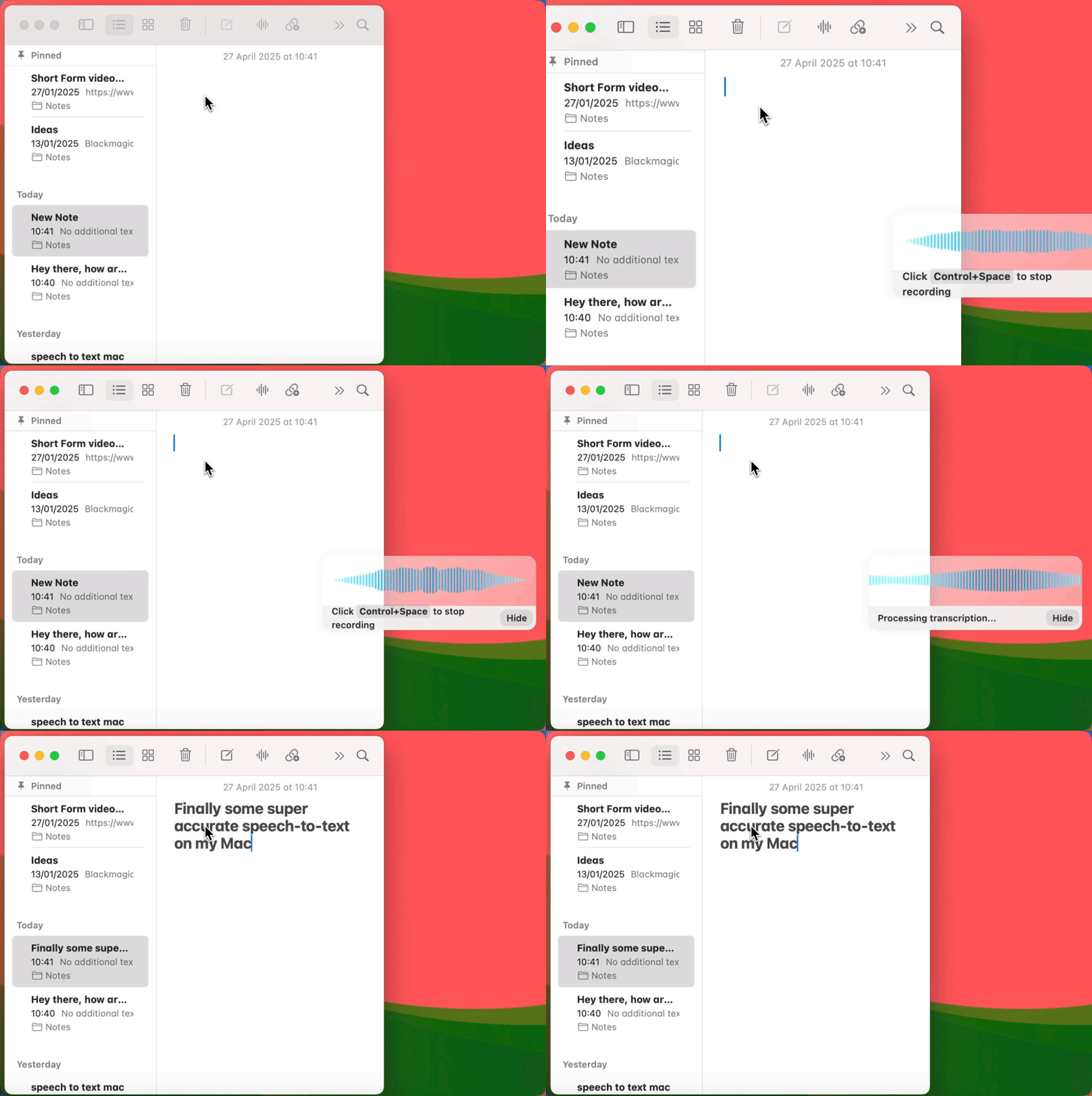
With Voicy running, open Safari and navigate to any site. Click on any text field, whether that is Gmail, Google Docs, Notion, ChatGPT, a search bar, or a web form. Activate Voicy with your keyboard shortcut and start speaking.

Step 3
Start dictating in Safari
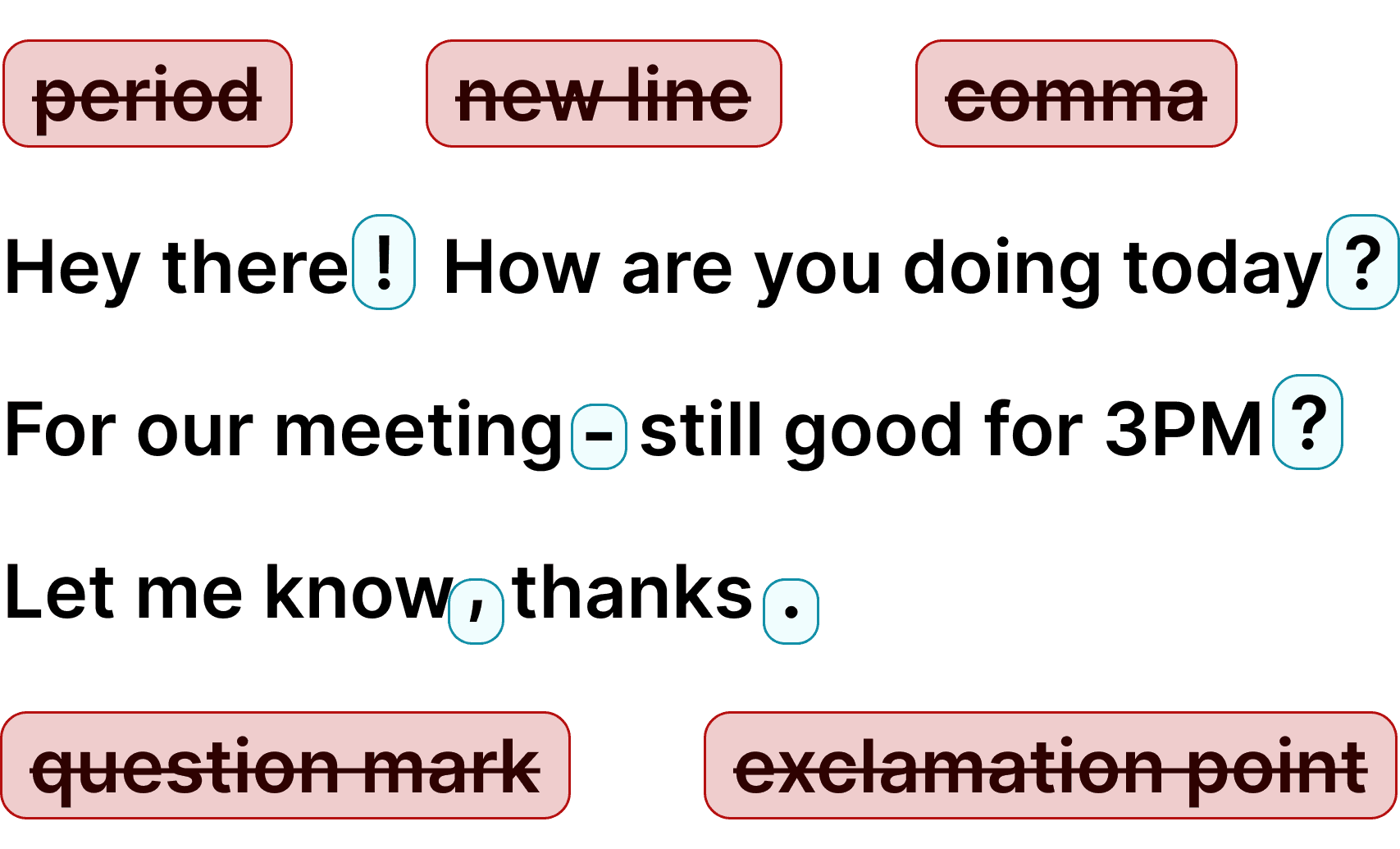
Speak naturally and Voicy transcribes with 99% accuracy. Punctuation is added automatically. When done, press the shortcut again to stop. Your text is ready to send, no editing needed.
Every minute spent typing emails and documents in Safari is time you could save. Voice dictation lets you compose at 150 words per minute instead of 40. Write emails, fill out forms, and create documents faster than ever.
Safari users choose Apple for privacy. Voicy respects that. Your audio is processed and discarded. Nobody sees your transcripts except you. Use privacy-first dictation that matches the Safari philosophy.
Safari has very few voice typing extensions due to Apple restrictions. Voicy skips the extension entirely. It works at the desktop level, so it adds dictation to every text field in Safari and every other app on your Mac.
Accurate voice dictation for writing in Safari
Safari is the default browser on every Mac, but it lacks voice typing extensions. Voicy solves this by working at the desktop level.
It adds speech to text to Safari without needing a browser extension. Dictate into Gmail, Google Docs, Notion, ChatGPT, or any website open in Safari.
Voicy also works with Chrome, Firefox, Arc, and every other app on your computer.
Stop typing and start talking. Voicy gives Safari users the voice dictation experience that Chrome users have had for years. Try it free today.
Why use speech to text in Safari?
People speak at 150 words per minute but type at only 40. Voice dictation in Safari lets you write emails, compose documents, fill out forms, and prompt AI tools at 3x your normal speed. Apple built-in Dictation works but struggles with accuracy, has no AI editing, and requires you to say punctuation manually.
Voicy gives you one desktop dictation tool that works across Safari, every browser, and every app. 99% accuracy, automatic punctuation, AI editing, and over 50 languages. No Safari extension needed.

FAQ
Does Safari have built-in voice typing?
Do I need a Safari extension for Voicy?
Can I use Voicy on any website in Safari?
What languages does Voicy support in Safari?
Can I use Voicy on both Mac and Windows?
Does Voicy have a free trial?
Is my data private when using Voicy?
How accurate is Voicy for dictation in Safari?