




6 Best Dictation Software Tools for Paralegals (2026)
Summary of the article
Voicy is the best overall pick for paralegals who write in many places during the day, like Word, browser forms, email, and case notes.
Dragon Legal Anywhere is a strong fit for firms that want legal vocabulary first and do not mind a higher price.
Microsoft Word Dictate is the easy pick if most of your drafting already happens in Microsoft 365.
Google Docs Voice Typing is free and simple, but it only helps inside Google Docs.
Apple Dictation is worth trying first if you use a Mac and want a built-in option.
Otter.ai is useful for meetings and interviews, but it is not a true system-wide dictation tool.
The best dictation software for paralegals should save time on case notes, email drafts, intake forms, and document cleanup. For most people, the winner is the tool that works in the apps you already use, not the one with the fanciest marketing page.
Why paralegals use dictation software
Paralegals write all day. One client call can turn into intake notes, a follow-up email, a task update, and a draft for an attorney to review.
That is why dictation software for paralegals can help so much. Speaking is usually faster than typing, and it helps you capture details before they slip away.
If you handle private client data, slow down before you use any cloud tool. Check your firm rules first. The ABA guidance on cloud computing is a good place to start.
What paralegals should look for
1. It should work where you actually draft
Paralegals do not live in one app. You might move between Word, Outlook, case software, PDF notes, browser forms, and internal chat in one hour.
A tool that works across apps will usually save more time than a tool locked inside one document editor.
2. It should handle legal names and terms
You may need to dictate client names, court names, statutes, deadlines, and citations. Custom vocabulary helps cut cleanup time.
3. It should be fast enough for same-day work
If the text shows up slowly, or needs heavy repair, you will stop using it. Good dictation should feel close to live.
4. It should match your privacy needs
Some tools are cloud-based. Some offer more local processing. The right choice depends on your firm, your workflow, and what kind of information you are entering.
How we chose these tools
We picked tools that match the main ways paralegals write:
system-wide dictation for daily admin work
legal-focused tools for heavier drafting
built-in options that cost little or nothing
meeting and transcript tools for calls and interviews
Search results for this topic lean commercial and comparison-heavy. The top pages focus on legal vocabulary, speed, and cross-app use. The gap is that many of them speak to lawyers in general. This guide is tighter. It is written for paralegals and the work they do every day.
The best dictation software for paralegals
1. Voicy
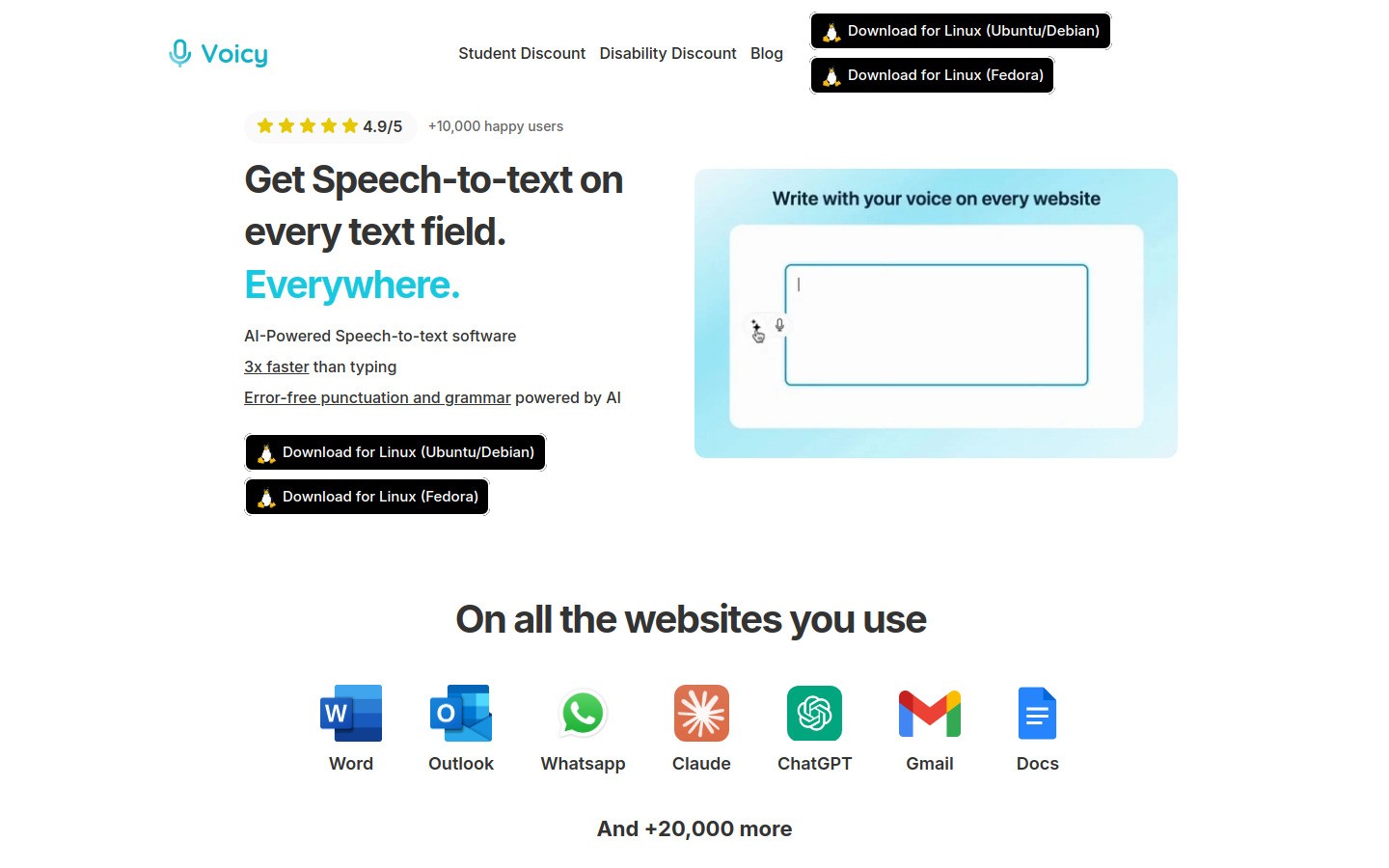
Best for: Paralegals who need one tool for many apps
Voicy is the best overall fit for most paralegals because it works on Mac, Windows, and as a browser extension. That matters when your day jumps between case notes, Word drafts, emails, and web portals.
Voicy is cloud-based, not local-only. That makes it flexible and easy to use across devices, but you still need to follow your firm's privacy rules.
What stands out:
Works across Mac, Windows, and browser extension
Good fit for email, browser forms, legal drafts, and research notes
AI commands can help clean up rough text fast
Free trial available
Pros:
Easy to start using
Cheaper than Dragon
Works in more places than single-app tools
Good next step if you also want speech to text in Google Docs, speech to text in ChatGPT, or a broader voice typing app guide
Cons:
Cloud-based transcription will not fit every firm policy
Not built as a full voice-control system for your whole computer
Pricing: $8.49/month, $82/year, or $260 lifetime
2. Dragon Legal Anywhere
Best for: Firms that want legal vocabulary and deep dictation features
Dragon Legal Anywhere is the big-name legal option. It is built for legal professionals and does a better job with legal phrases than most general dictation tools.
The tradeoff is cost and complexity. Many paralegals will like the results, but not every team needs this much tool.
Pros:
Legal-specific vocabulary
Strong fit for long legal drafts
Useful for firms that dictate heavily every day
Cons:
Higher price than most options here
Can take more setup and training
Too much tool for lighter admin work
Pricing: Custom pricing
3. Microsoft Word Dictate
Best for: Paralegals already drafting in Word and Outlook
Microsoft Word Dictate is the practical option if your firm already lives inside Microsoft 365. It is easy to use, familiar, and good enough for letters, summaries, and first drafts.
The limit is simple. It helps most when you stay inside Microsoft apps.
Pros:
Easy for Microsoft 365 users
No extra tool to learn for many teams
Good fit for letters, memos, and drafts
Cons:
Not as flexible across apps
Less power than Dragon for heavy users
Can break your flow if your work moves to browser forms or case tools
Pricing: Included with eligible Microsoft 365 plans
4. Google Docs Voice Typing
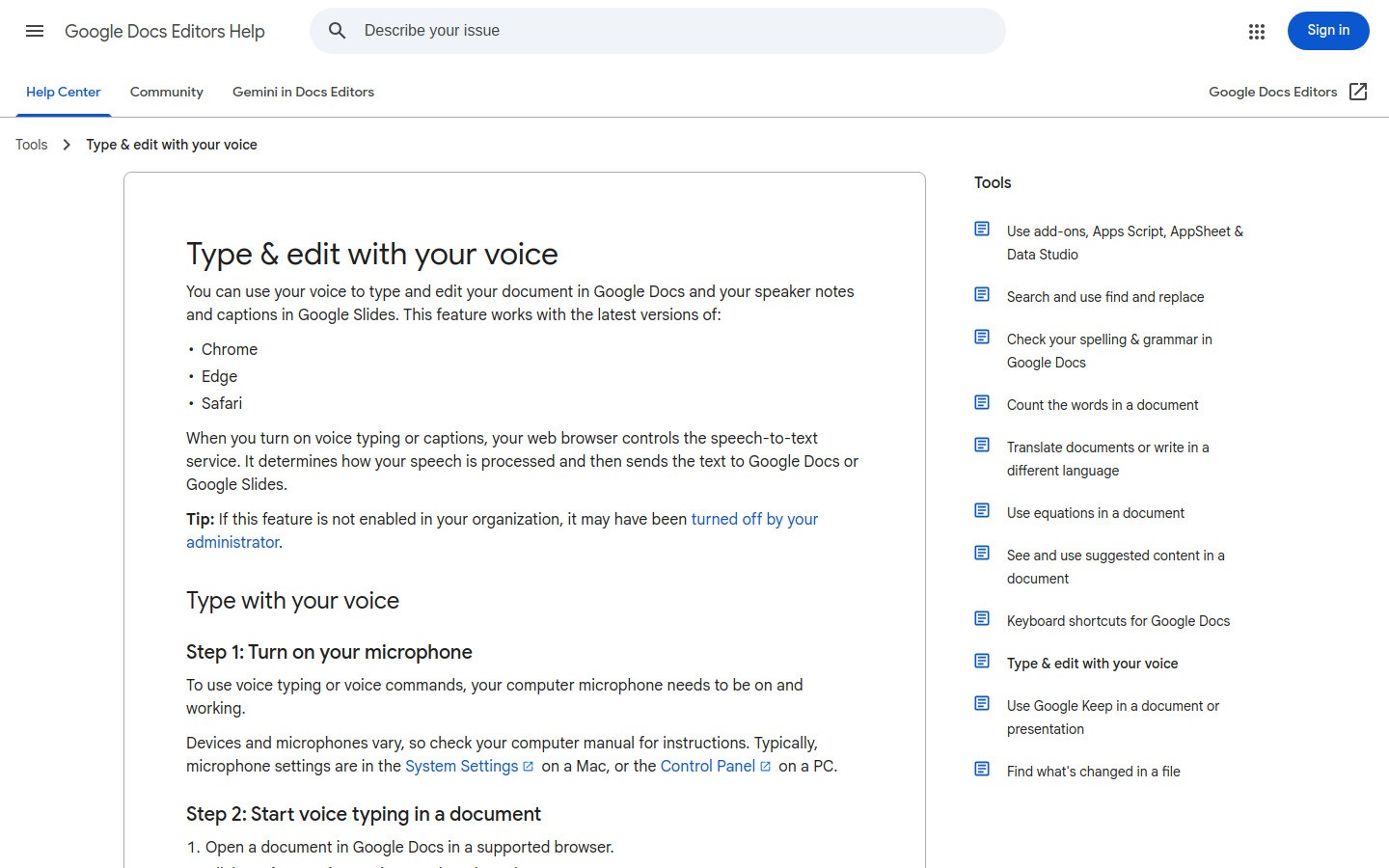
Best for: Free drafting inside Google Docs
Google Docs Voice Typing is the easiest free tool in this list. If you just need to get a rough draft down fast, it works.
Still, it is not a full dictation workflow for a busy paralegal. The moment you leave Google Docs, the help mostly stops.
Pros:
Free
Very easy to test
Good for rough drafts and summaries
Cons:
Only works in Google Docs
Not great for mixed legal workflows
Limited compared with dedicated tools
Pricing: Free
5. Apple Dictation
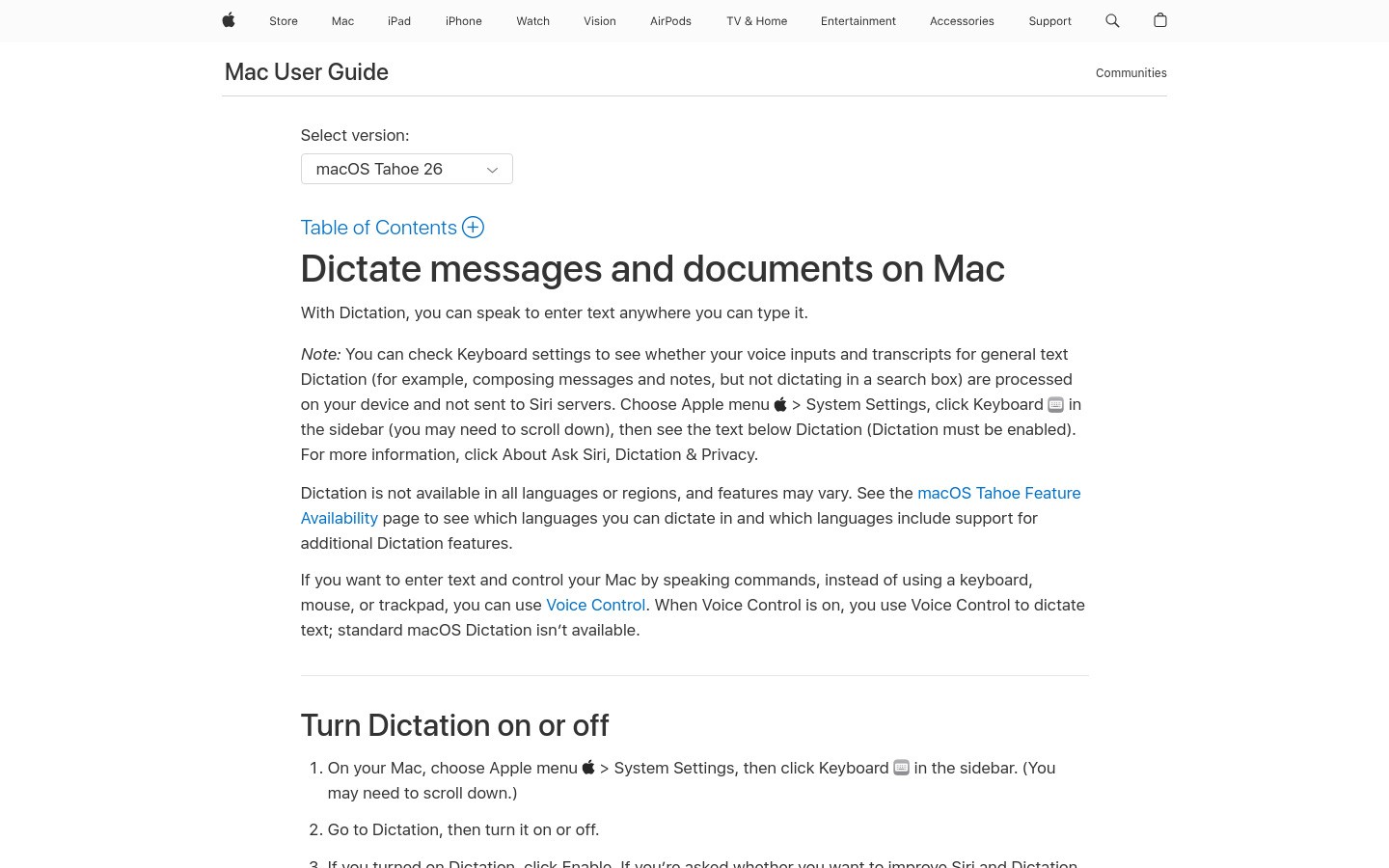
Best for: Mac users who want a simple starting point
Apple Dictation is built into macOS, so it is the fastest way to test whether dictation even fits your workflow. For short bursts, it can be enough.
The downside is that many paralegals outgrow it fast. Once you need better formatting or stronger accuracy, you will want more.
Pros:
Built into macOS
No extra cost
Fast to try
Cons:
Basic compared with dedicated apps
Best only for Apple users
Less useful for heavy legal drafting days
Pricing: Free with macOS
6. Otter.ai
Best for: Interviews, calls, and meeting summaries
Otter.ai is better at transcript-first work than pure dictation. If you join a lot of calls, or need searchable notes from interviews, it can help.
For writing into case software, email, and live document drafting, it is not the strongest pick on this list.
Pros:
Good for meetings and spoken summaries
Searchable transcripts
Useful team features
Cons:
Not true system-wide dictation
Best features require a paid plan
Often creates more cleanup work for polished legal writing
Pricing: Free tier available, paid plans for heavier use
Quick comparison table
Tool | Best for | Works across apps | Free option | Main drawback |
|---|---|---|---|---|
Voicy | Mixed daily workflow | Yes | Free trial | Cloud-based transcription |
Dragon Legal Anywhere | Heavy legal dictation | Yes | No | Higher cost and more setup |
Microsoft Word Dictate | Microsoft 365 users | Limited | Included with plan | Mostly a Microsoft workflow tool |
Google Docs Voice Typing | Free drafts | No | Yes | Only in Google Docs |
Apple Dictation | Mac users | Partial | Yes | Basic compared with dedicated tools |
Otter.ai | Meetings and interviews | No | Yes | Not a real dictation app for all-day drafting |
Which tool should most paralegals choose?
If you want one simple answer, start with Voicy. It has the best mix of price, ease, and flexibility for a paralegal who writes in many places during the day.
If your firm already does most drafting in Word, Microsoft Word Dictate may be enough. If your team dictates heavily and wants stronger legal language support, Dragon Legal Anywhere is the stronger legal-first option.
A good starting workflow is simple:
dictate first-draft case notes right after calls
use voice for follow-up emails while details are still fresh
review names, dates, and citations before anything becomes final
Final thoughts
The best dictation software for paralegals is not always the most advanced product. It is the one that helps you finish work faster without making your process messy.
Start with the place where you lose the most time. For many paralegals, that is follow-up writing and first-draft notes. If you want a flexible option that fits more of your day, try Voicy and then explore related guides for Google Docs, Notion, or the full best dictation software guide.


