





Best Transcription Software in 2026: 10 Tools for Audio, Meetings, and File Uploads
TL;DR
The best transcription software in 2026 depends on what you need to turn into text. Some tools are best for uploaded audio files, some are better for meetings, and a few also help with live voice typing.
Voicy: Best for people who want live dictation and file upload transcription in one tool.
Rev: Best for AI transcription with a human transcription fallback.
Otter.ai: Best for meeting transcripts, summaries, and searchable notes.
Sonix: Best for multilingual audio and video transcription.
Descript: Best for creators who edit audio or video from a transcript.
Trint: Best for journalists and teams working with interviews.
HappyScribe: Best for subtitles, captions, and translated transcripts.
Notta: Best for quick audio-to-text conversion and meeting notes.
Riverside: Best for podcasters and video creators who record and transcribe in one place.
OpenAI Whisper: Best free transcription option for technical users who can run it themselves.
If you want one simple pick for everyday work, start with Voicy. It covers live dictation and uploaded-file transcription, so you can speak into apps now and turn saved recordings into text later.
What is the best transcription software in 2026?
The best transcription software for most people is the tool that matches their audio source. If you record meetings all day, use a meeting-first app. If you upload interviews, lectures, voice memos, or videos, pick a file transcription tool. If you want both live speech-to-text and uploaded-file transcription, Voicy is the most practical fit.
This guide is comparison-led. It is not a generic audio-to-text converter tutorial. The goal is to help you choose the right transcription software based on file uploads, live dictation, meetings, video, privacy, pricing, and exports.
Best transcription software by use case
A traffic drop on a transcription roundup usually means the page needs to answer the job faster. Here is the simple split: use Voicy when you want live dictation plus uploaded-file transcription, Otter.ai or Notta for meetings, Rev for human review, Sonix for multilingual files, Descript or Riverside for creator workflows, and Whisper when you are technical enough to manage setup yourself.
Job | Best first pick | Why |
|---|---|---|
Audio files and voice memos | Voicy, Rev, Sonix, or Notta | They handle uploaded audio without making you build a workflow from scratch. |
Meetings and calls | Otter.ai or Notta | They focus on meeting notes, summaries, and searchable call history. |
Video, podcasts, and captions | Descript, Riverside, or HappyScribe | They connect transcription with media editing, clips, subtitles, or captions. |
Daily writing by voice | Voicy | It works as a speech-to-text app for emails, docs, browser fields, notes, and uploaded recordings. |
Free local transcription | OpenAI Whisper | It is powerful, but the setup is better for technical users. |
Best transcription software compared
Tool | Best for | File uploads | Live dictation | Main tradeoff |
|---|---|---|---|---|
Voicy | Dictation plus file transcription | Yes | Yes | Cloud-based processing |
Rev | AI plus human transcription | Yes | No | Costs rise with high volume |
Otter.ai | Meetings and summaries | Yes | Meeting transcription | Not built for writing in every app |
Sonix | Multilingual files | Yes | No | Usage-based pricing can add up |
Descript | Podcast and video editing | Yes | No | Overkill for plain transcripts |
Trint | Interview workflows | Yes | No | Team-focused pricing |
HappyScribe | Captions and subtitles | Yes | No | Less useful for daily dictation |
Notta | Quick audio-to-text notes | Yes | Meeting transcription | Best features sit behind paid plans |
Riverside | Recording plus transcription | Yes | No | Best if you also record inside Riverside |
Whisper | Free local transcription | Yes | With setup | Technical setup required |
1. Voicy, best transcription software for dictation plus file uploads
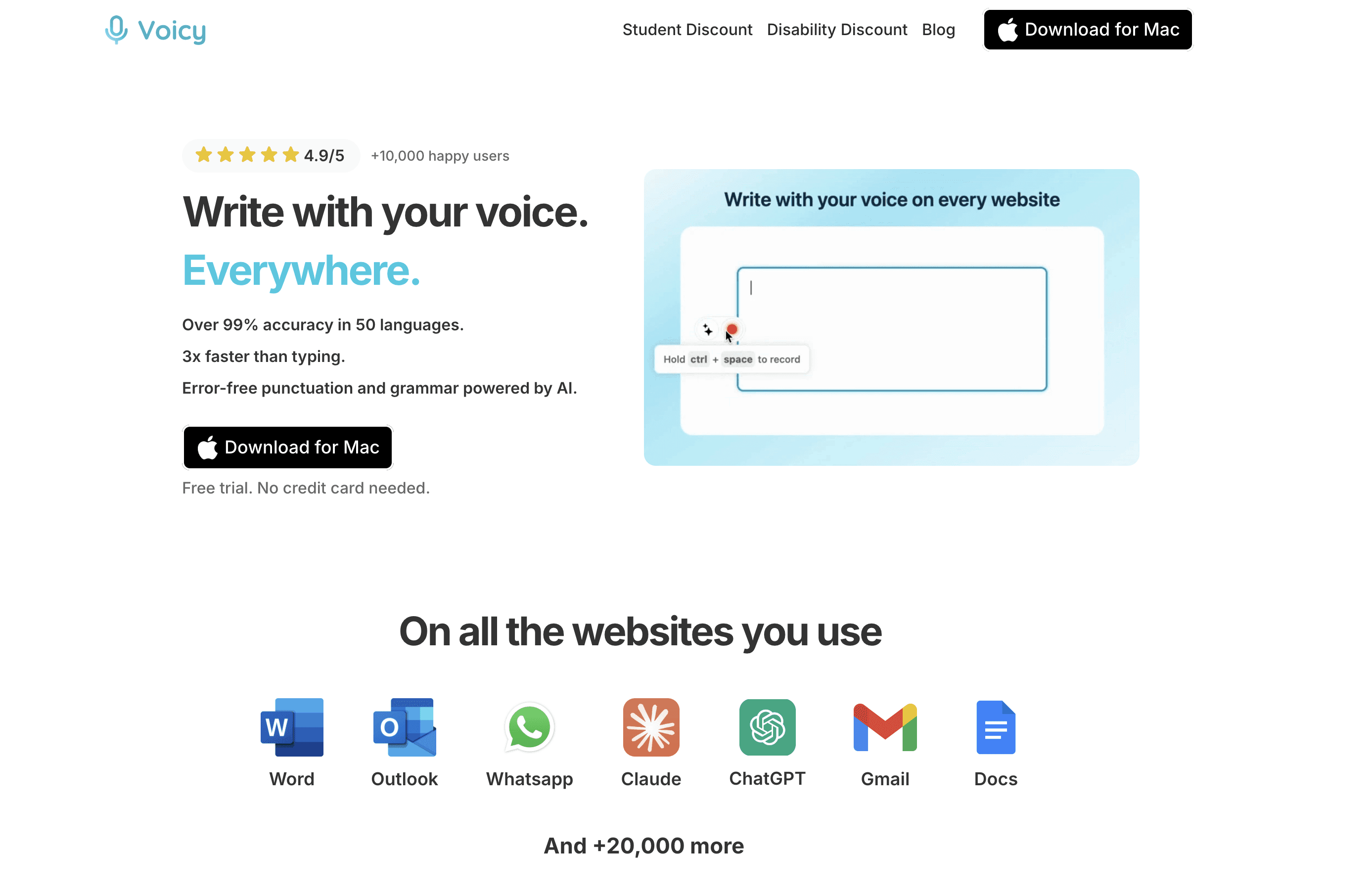
Voicy is the best transcription software if your work includes both speaking live and uploading recordings later. You can dictate into apps when you are writing, then use file upload transcription when you already have audio to convert.
That makes it different from many transcription tools. A lot of apps are built only for meetings or only for audio files. Voicy is better for everyday workers who jump between emails, docs, browser fields, voice memos, notes, AI prompts, and saved recordings.
Best for: founders, operators, students, writers, support teams, and anyone who wants speech-to-text across daily work.
Works on: Mac, Windows, browser extension, iOS, and Android.
Useful for: live dictation, uploaded audio files, voice memos, rough notes, emails, docs, and AI prompts.
Pricing: free trial, then $8.49/month, $82/year, or $260 lifetime.
Limit: Voicy uses cloud-based transcription, so it is not the right pick if you need a fully local offline setup.
Choose Voicy if transcription is part of a bigger writing workflow. For broader AI speech recognition context, see our AI speech-to-text guide. If you mainly want live dictation, compare it with our dictation software page.
2. Rev, best transcription software for AI plus human review
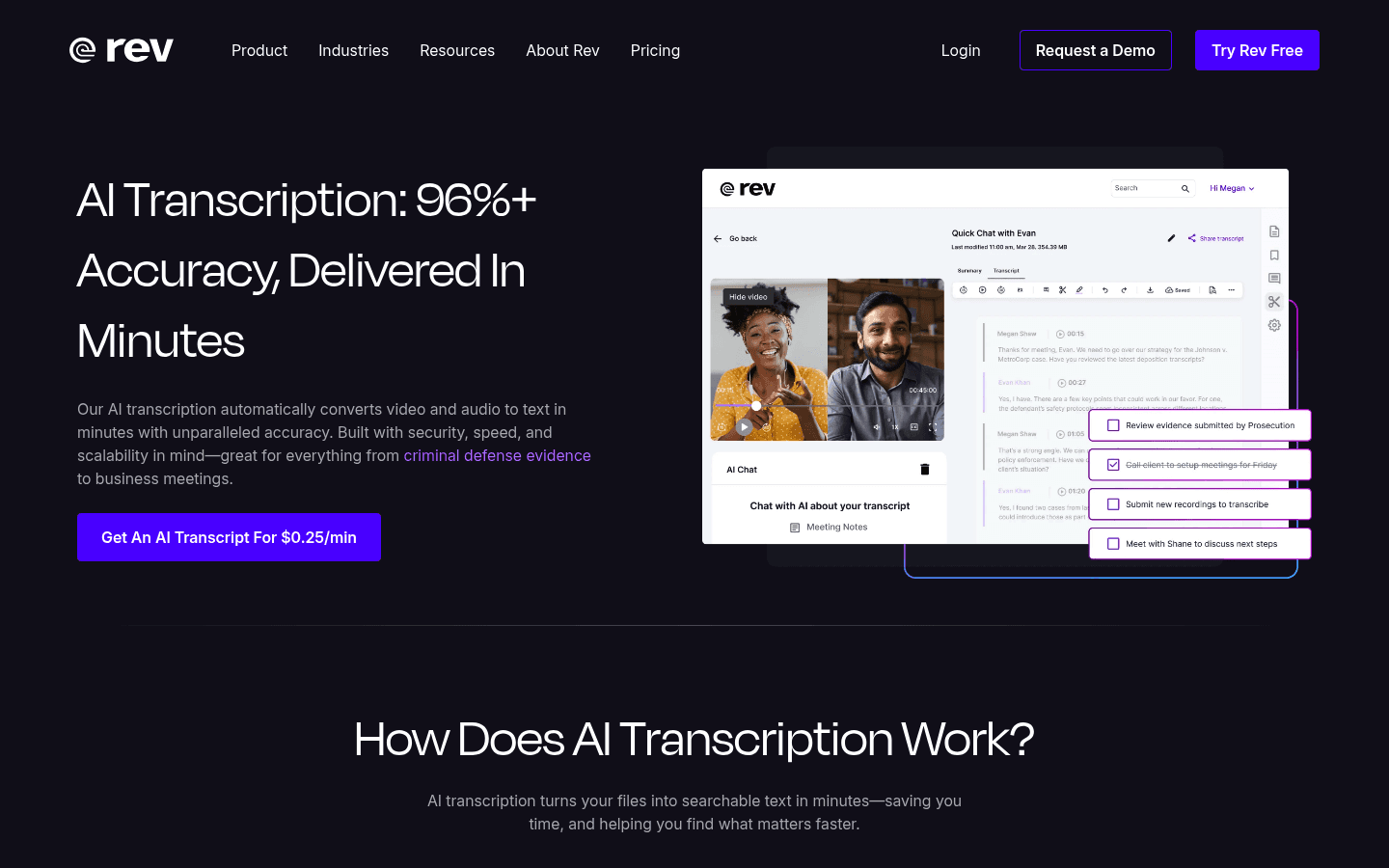
Rev is a strong choice when accuracy matters and you may want a human transcription option. It is well known for uploaded audio and video transcription, captions, and professional transcript services.
Rev makes sense if you handle interviews, research calls, legal recordings, or client files where a rough transcript is not enough. Its AI option is faster and cheaper, while human transcription is there when you need a cleaner final version.
Best for: users who want AI transcription with a human backup option.
Good for: interviews, research, captions, legal-adjacent files, podcasts, and client recordings.
Pricing: subscription and per-minute options vary by service, so check Rev's live pricing before high-volume work.
Limit: Rev is not a daily live dictation layer for writing across apps.
If you work in a legal context, read our legal transcription software guide before choosing a general tool.
3. Otter.ai, best transcription software for meetings
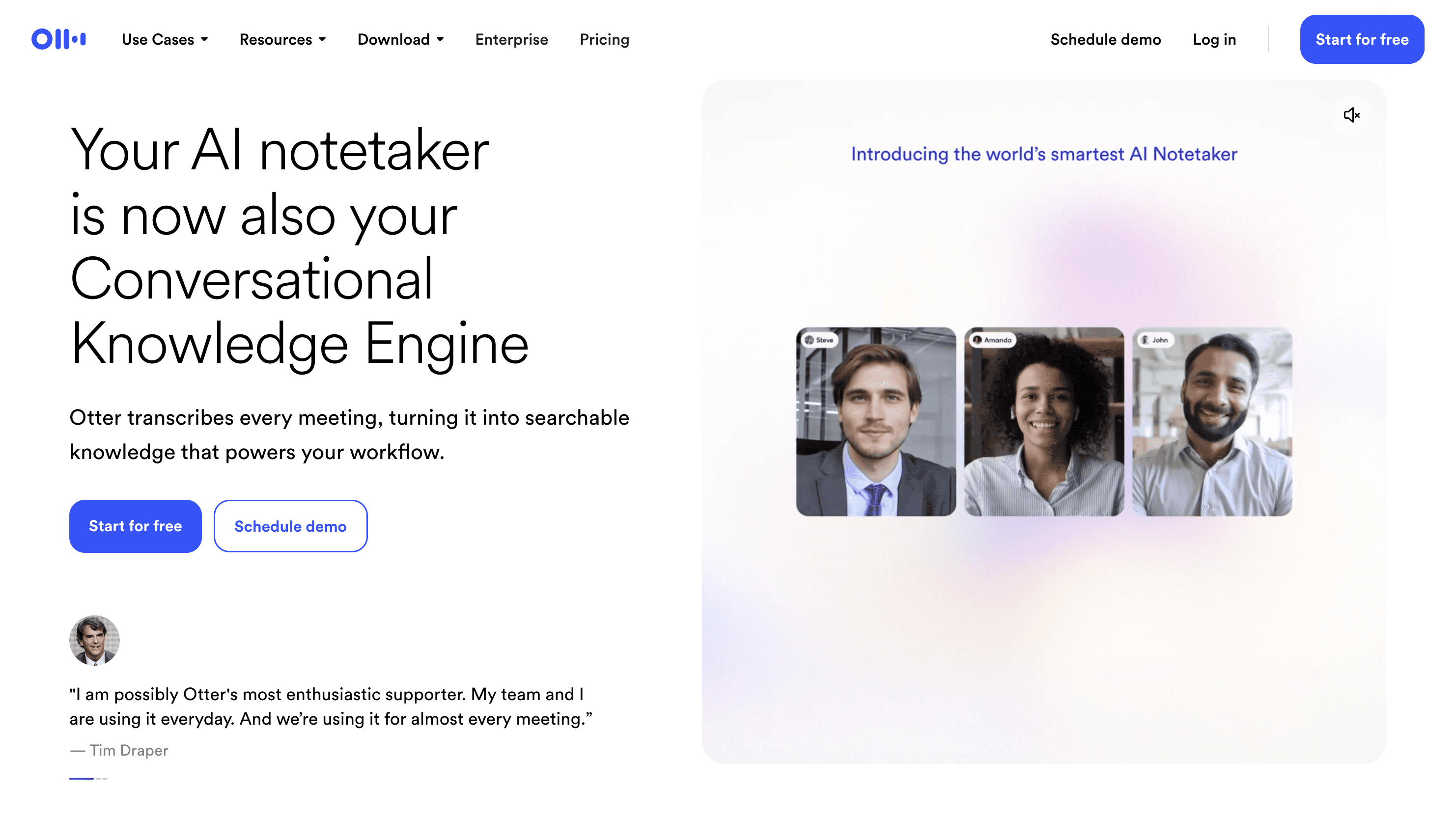
Otter.ai is built around meetings. It can record conversations, create transcripts, summarize key points, and make meeting notes easier to search later.
Otter is a better fit for scheduled calls than for daily writing. If your main problem is remembering what happened in online meetings or team calls, it belongs high on your list.
Best for: meeting notes, team calls, sales calls, classes, and recurring conversations.
Good for: searchable transcripts, summaries, speaker labels, and shared notes.
Pricing: free and paid plans are available, with limits depending on plan.
Limit: Otter is not meant to replace a voice typing app for email, docs, notes, or browser forms.
If you need to turn a recorded voice memo into text, also see our guide on how to transcribe Apple Voice Memos.
4. Sonix, best transcription software for multilingual audio and video
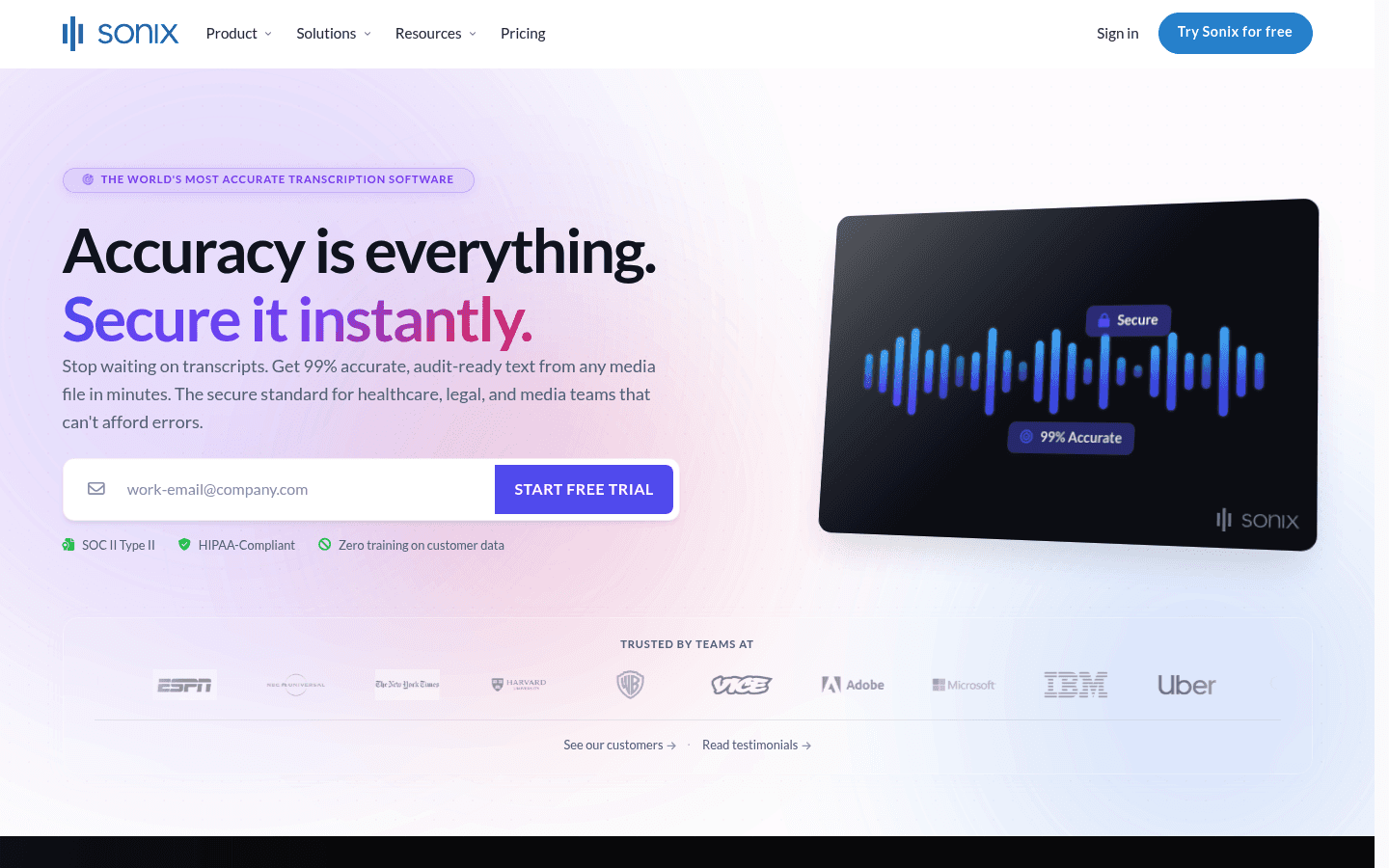
Sonix is a file-first transcription platform for audio and video. It is especially useful if you work with multiple languages, long recordings, subtitle exports, or a library of media files.
Sonix feels more like a dedicated transcript workspace than a quick voice note app. That is good if you need organization, search, editing, and exports. It is less ideal if you only want to dictate a short email.
Best for: multilingual transcription, interviews, video files, research, subtitles, and media libraries.
Good for: transcript editing, exports, translation workflows, and teams with lots of files.
Pricing: pay-as-you-go and subscription-style options are available.
Limit: Sonix can be more tool than you need for simple daily dictation.
5. Descript, best transcription software for creators
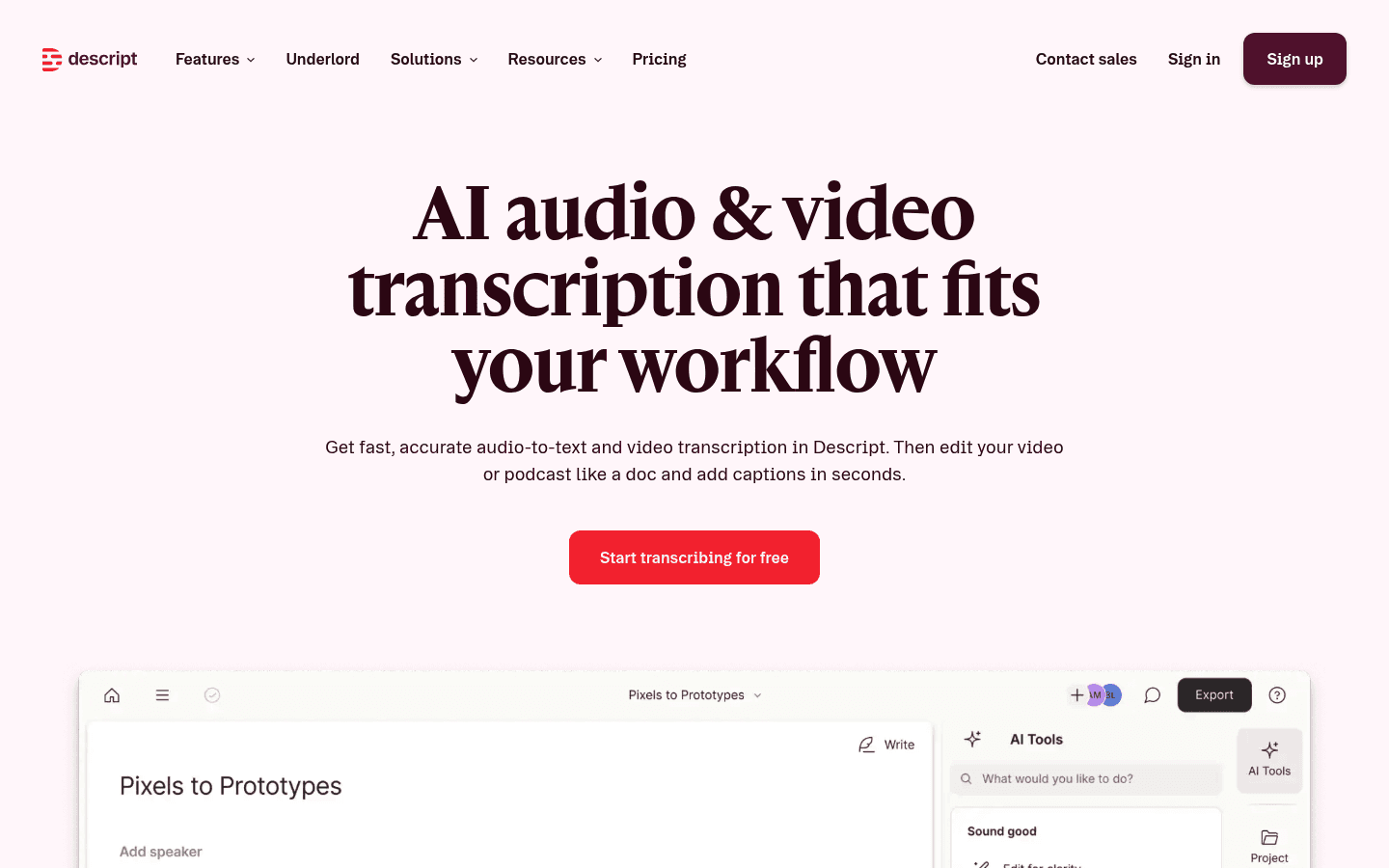
Descript is best when the transcript is part of an audio or video editing workflow. You can edit recordings by editing the text, which is useful for podcasts, tutorials, clips, and videos.
If you only want a transcript, Descript may feel like too much. But if you want to cut filler words, edit a podcast, create clips, or work with captions, it can save a lot of time.
Best for: podcasters, YouTubers, course creators, and video editors.
Good for: transcript-based editing, captions, filler word cleanup, screen recordings, and clips.
Pricing: free plan and paid plans, with limits based on plan.
Limit: Descript is not the fastest choice if all you need is a clean text file from one recording.
6. Trint, best transcription software for journalists and interview teams
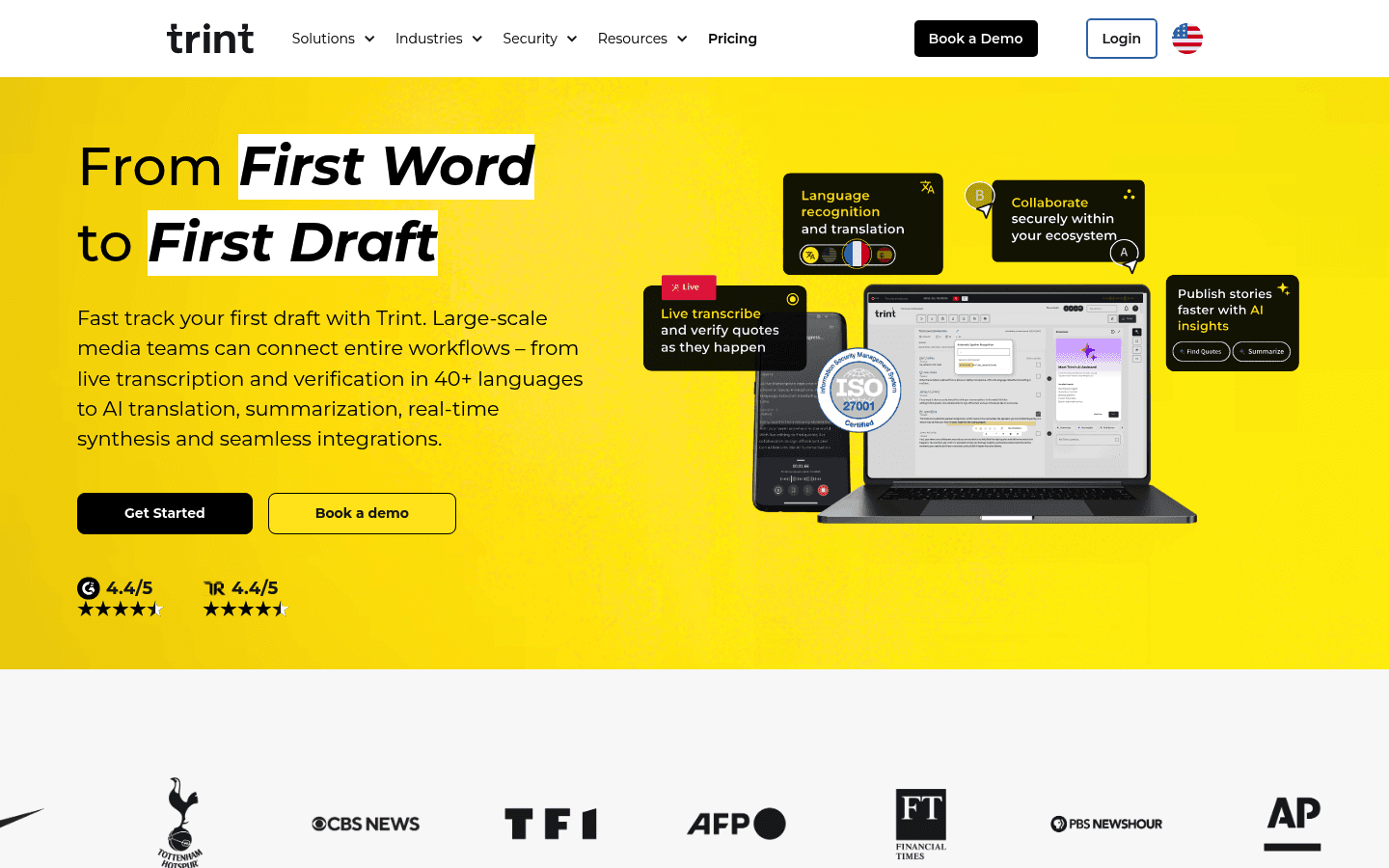
Trint is built for people who work with interviews, quotes, research, and story production. It is a strong fit for journalists, content teams, and organizations that need collaboration around transcripts.
The main benefit is workflow. You can upload recordings, edit transcripts, pull quotes, and collaborate with teammates. That is more useful for a newsroom than for someone who just wants to transcribe a personal voice memo.
Best for: journalists, researchers, media teams, and content teams.
Good for: interviews, quote selection, collaborative transcript editing, and story workflows.
Pricing: paid plans are aimed more at professional users and teams.
Limit: Trint is not the cheapest path for casual transcription.
7. HappyScribe, best transcription software for captions and subtitles
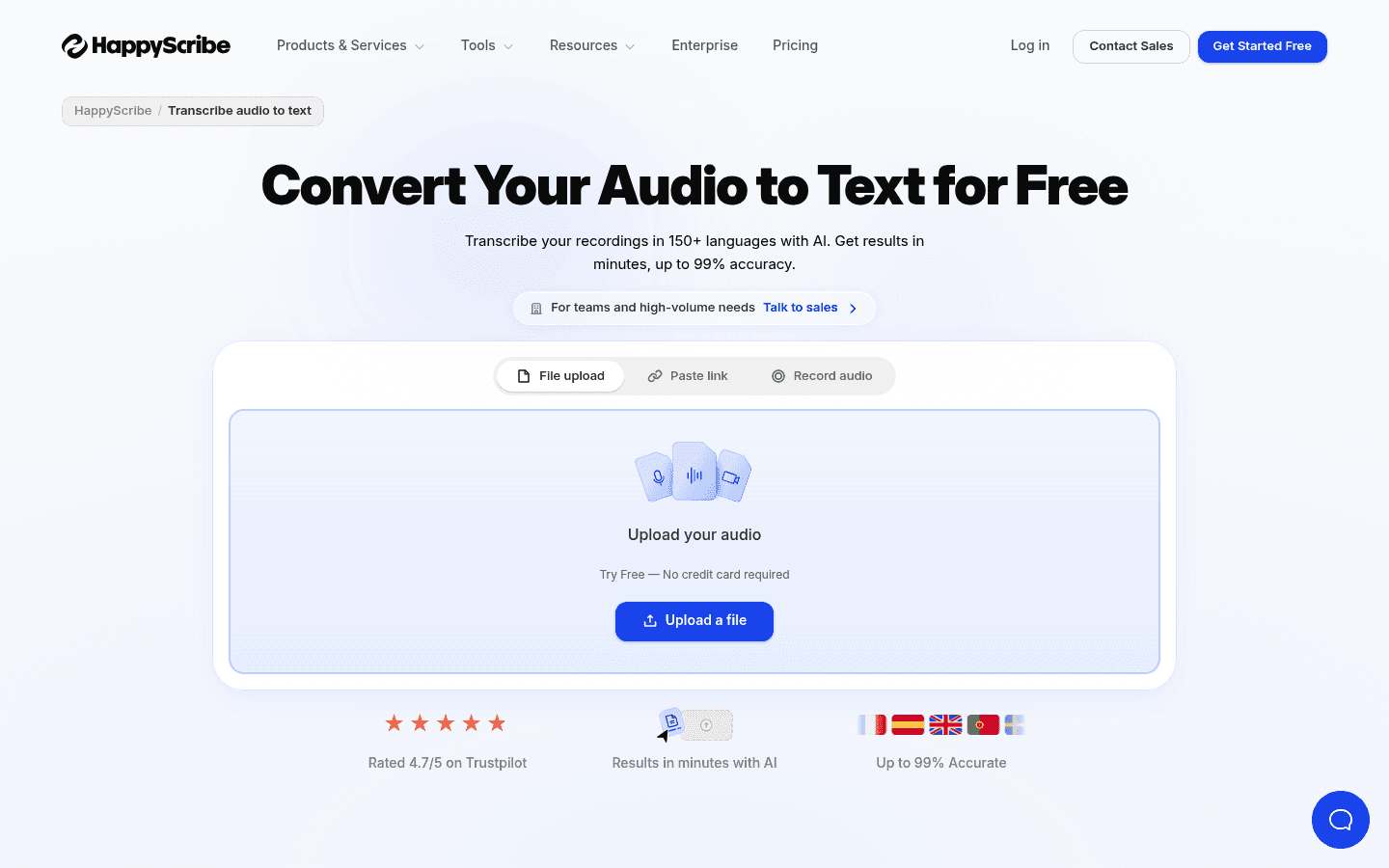
HappyScribe is a good choice if you care about captions, subtitles, translations, and media formats. It is more video-friendly than a plain note-taking transcript app.
Use it when the output needs to become an SRT file, translated subtitle, or captioned video. If you mainly write emails and documents by voice, Voicy or another dictation-first app is a better match.
Best for: captions, subtitles, translated transcripts, video files, and media teams.
Good for: subtitle exports, audio-to-text, video-to-text, and translation workflows.
Pricing: free tools and paid transcription options vary by feature and usage.
Limit: HappyScribe is not a live dictation app for writing across your computer.
8. Notta, best for quick audio-to-text and meeting notes
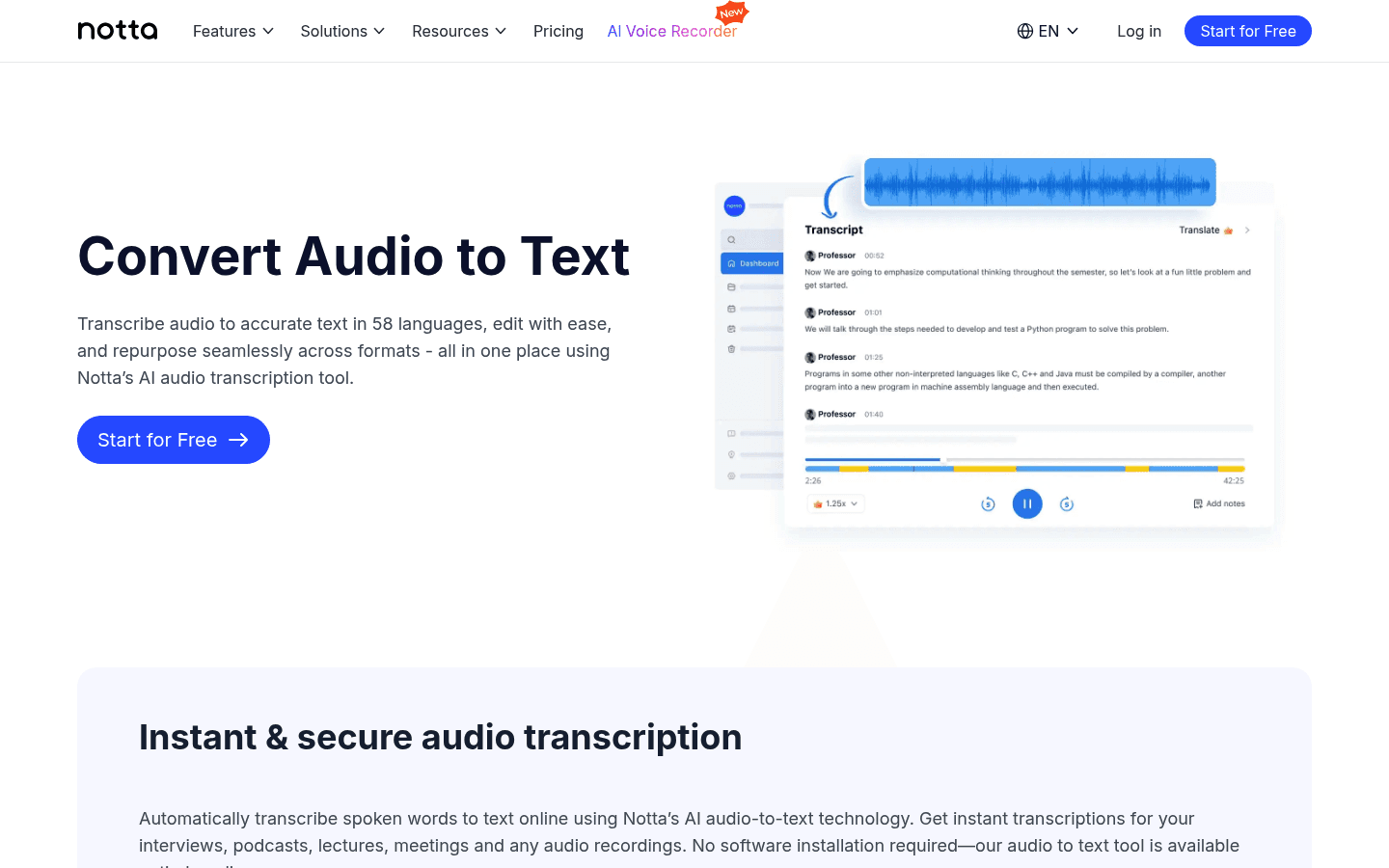
Notta is useful for quick audio-to-text conversion, meetings, and multilingual notes. It sits between a meeting assistant and a general transcription app.
Notta is a good option if you want a simple way to upload audio, record meetings, and export text. It is less focused on long-form writing than Voicy and less focused on media editing than Descript.
Best for: users who want simple meeting notes and uploaded audio transcription.
Good for: audio files, online meetings, summaries, and multilingual notes.
Pricing: free and paid plans are available, with usage limits by plan.
Limit: the free plan can be limiting if you transcribe a lot of audio.
9. Riverside, best for recording and transcribing podcasts or videos
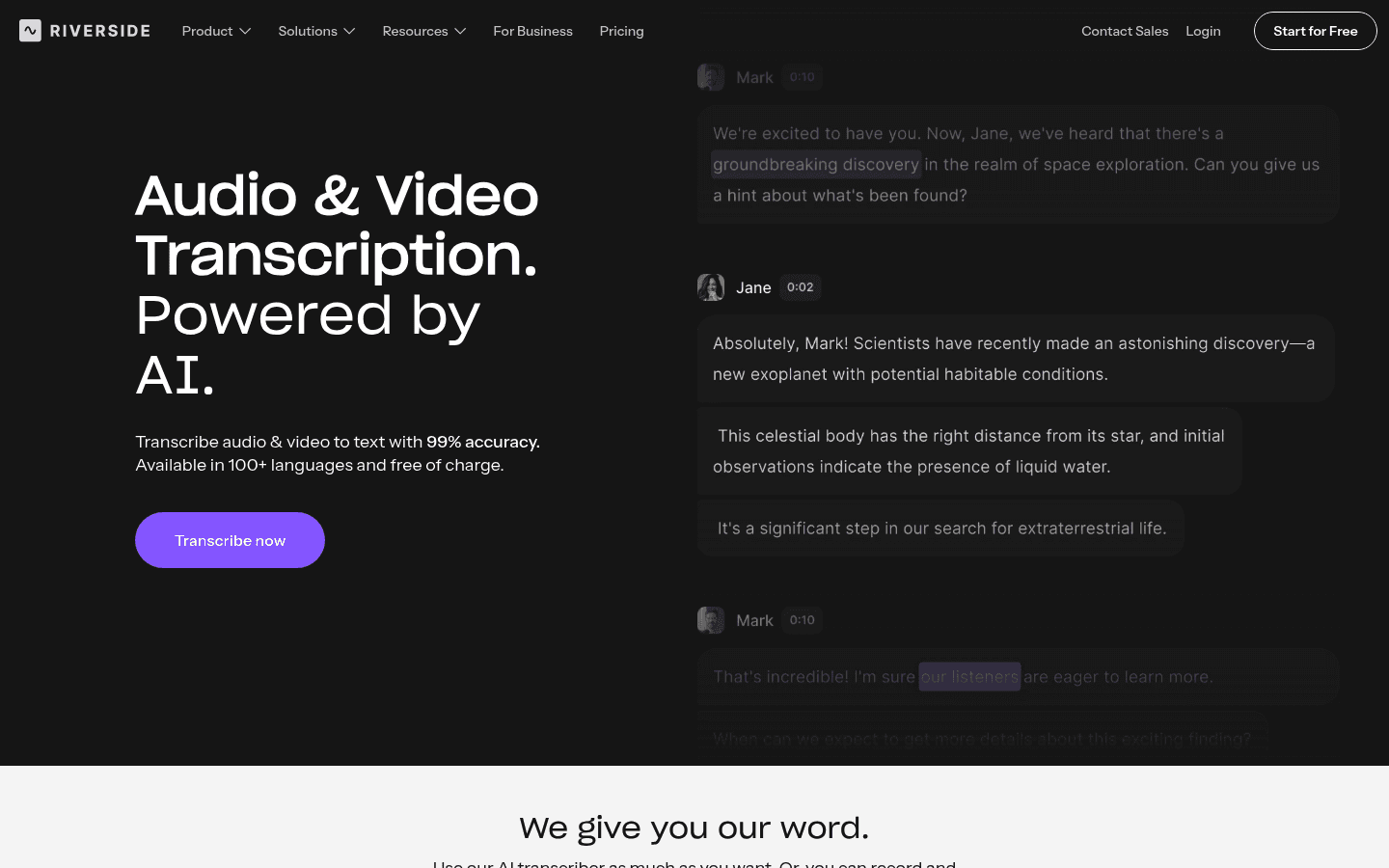
Riverside is strongest when you record and transcribe in the same workflow. It is popular with podcasters, video creators, webinar hosts, and teams that produce recorded content.
If your files start in Riverside, using its built-in transcription can be simpler than exporting media to another tool. If your recordings come from many places, a dedicated transcription app may be more flexible.
Best for: podcasts, interviews, webinars, video recordings, and creator workflows.
Good for: recording, transcripts, clips, and content repurposing.
Pricing: free and paid recording plans are available, with feature limits.
Limit: Riverside is most useful if you also want its recording tools.
10. OpenAI Whisper, best free transcription software for technical users
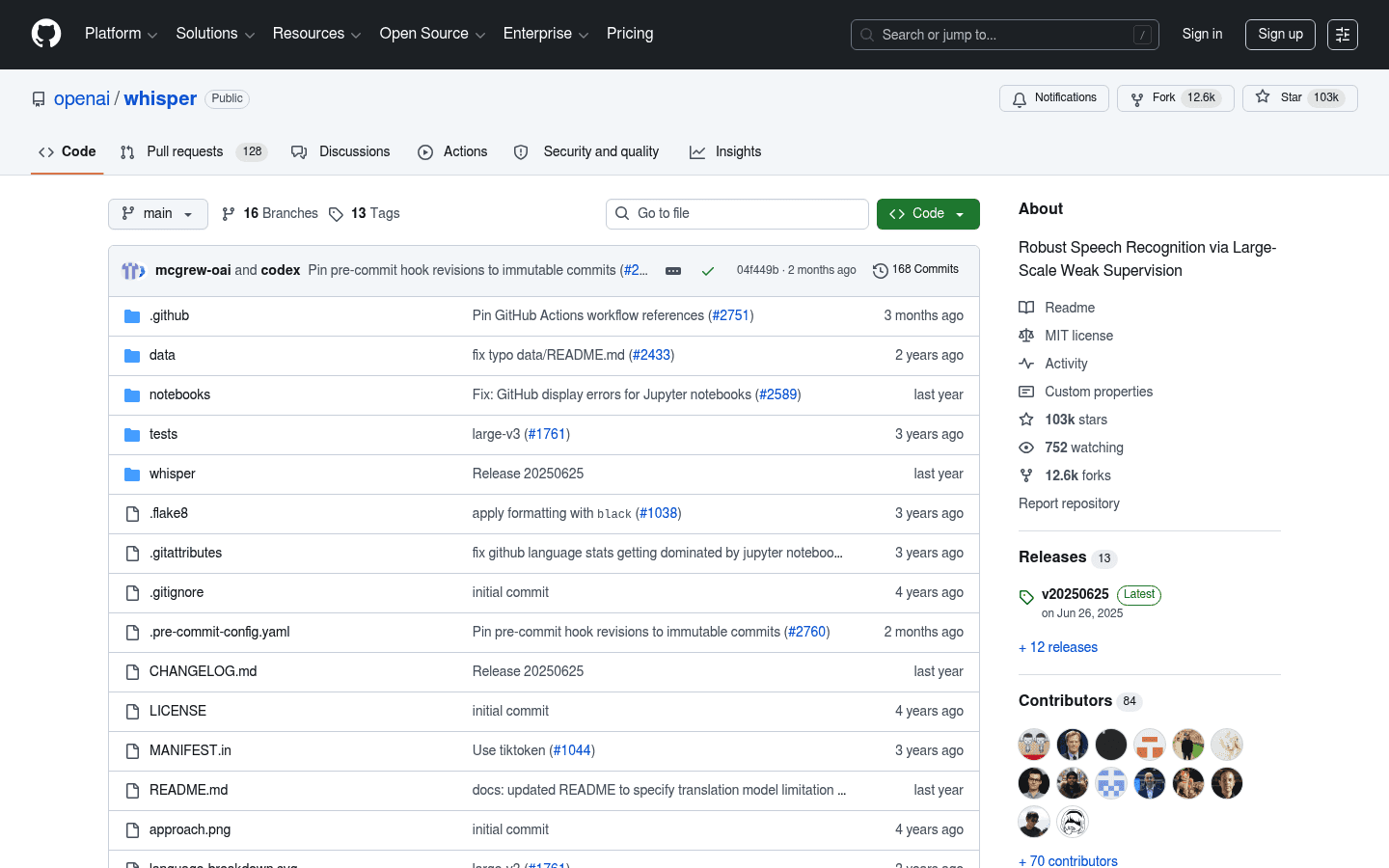
OpenAI Whisper is the best free transcription software option if you are comfortable with a technical setup. It can transcribe audio locally or inside your own workflow, depending on how you run it.
This is the right answer for people who searched for free transcription software and are willing to trade ease of use for control. For non-technical users, Whisper wrappers or hosted tools are usually easier.
Best for: developers, technical users, privacy-conscious experiments, and custom transcription workflows.
Good for: local transcription, batch processing, automation, and open-source setups.
Pricing: free open-source model, but you may need your own hardware or hosting.
Limit: setup, updates, file handling, and user interface are on you.
If you want an easier open-source route, compare Whisper with whisper.cpp and desktop wrappers. If you want a polished product instead, use a hosted tool with a free plan or free trial.
Best free transcription software options
Free transcription software usually means one of three things: a free SaaS plan, a free manual editor, or an open-source model like Whisper. These are not the same.
Free SaaS plans are easiest, but they usually limit minutes, exports, file imports, or team features.
Free manual editors help you type faster while listening, but they may not generate the transcript for you.
Open-source tools can be powerful, but setup takes time and support is limited.
Voicy fits a different category: it offers a free trial, then paid plans. That makes sense if you want a polished app for live dictation and file transcription without building your own setup.
How to choose transcription software
Start with the file or workflow you already have. A podcast editor, sales team, student, journalist, and founder all need different things from transcription software.
If you write all day: choose Voicy because it supports live dictation and file uploads.
If you record meetings: choose Otter.ai or Notta.
If you need human accuracy: choose Rev.
If you edit media: choose Descript, Riverside, or HappyScribe.
If you handle interviews: choose Trint, Sonix, or Rev.
If you want free and local: choose Whisper, but expect technical setup.
Also check the basics before you commit: file upload limits, supported formats, export types, speaker labels, transcript editor quality, mobile support, privacy terms, and whether the tool supports live dictation or only saved files.
File transcription vs meeting transcription vs live dictation
Transcription software is not one category. File transcription turns saved audio or video into text. Meeting transcription records calls and creates notes. Live dictation turns your voice into text while you work in another app.
That distinction matters because the wrong tool feels clumsy fast. A meeting bot is useful on Zoom, but awkward for writing an email. A podcast editor is great for clips, but overbuilt for a lecture recording. A speech-to-text app like Voicy is strongest when you want both live writing and uploaded-file transcription in the same daily workflow.
Transcription software for medical and legal work
Medical and legal transcription need extra care. Accuracy, terminology, review process, privacy, and compliance matter more than speed alone.
For legal workflows, start with our legal transcription software guide. For medical dictation and transcription, read our medical dictation software guide. A general transcription tool can help with drafts, notes, and ordinary recordings, but it should not replace specialist tools or required review where compliance matters.
FAQs
What is the best transcription software for audio files?
For audio files, start with Voicy if you want a simple upload workflow that also supports live dictation. Choose Rev if human review matters, Sonix for multilingual media, Descript for creator editing, and Whisper if you want a free local option and can handle setup.
What is the best transcription software for meetings?
Otter.ai and Notta are the best meeting-first picks. They are built for calls, notes, summaries, and search. Voicy is better when the meeting transcript is only one part of a larger writing workflow.
Can one tool handle dictation and file transcription?
Yes. Voicy handles live dictation and file upload transcription, so you can speak into apps and transcribe saved recordings with one tool. Many transcription apps only focus on meetings or uploaded files.
What is transcription software?
Transcription software turns speech from audio or video into written text. Some tools focus on uploaded files, some record meetings, and some also support live dictation while you write.
What is the best transcription software overall?
Voicy is the best overall pick if you want live dictation and file upload transcription in one app. If you only need meeting notes, Otter.ai may fit better. If you need human transcription, Rev is stronger.
What is the best speech-to-text transcription software?
The best speech-to-text transcription software depends on the workflow. Voicy is best for daily writing plus file transcription, Sonix is strong for multilingual files, and Descript is best when you also edit audio or video.
Is there free software for transcription?
Yes. OpenAI Whisper is a strong free option for technical users. Some hosted tools also offer limited free plans. Voicy is not fully free, but it does offer a free trial before paid plans.
Can transcription software handle audio files?
Yes. Most transcription software in this guide can handle uploaded audio files. Before choosing one, check file size limits, supported formats, transcript exports, and speaker label support.
Can transcription software handle video files?
Many tools can transcribe video files, including Descript, Sonix, HappyScribe, Riverside, and Rev. If you also need captions or subtitles, choose a video-friendly tool instead of a plain note-taking app.
What is the difference between dictation software and transcription software?
Dictation software helps you speak text directly into an app while you work. Transcription software usually turns saved recordings into text later. Voicy covers both use cases.
What is the best transcription software for interviews?
Trint, Rev, Sonix, and Otter.ai are good options for interviews. Choose based on whether you need collaboration, human review, multilingual support, or meeting summaries.
What is the best transcription software for voice memos?
Voicy is a good choice if voice memos are part of your writing workflow. Notta and Otter.ai are also useful if you want quick notes and summaries from recorded audio.
Is AI transcription accurate enough?
AI transcription is good enough for many notes, drafts, meetings, interviews, and content workflows. For legal, medical, or high-stakes work, review the transcript carefully and consider a specialist or human-reviewed service.
Final take
The best transcription software is the one that fits where your audio comes from. Meetings need meeting tools. Podcasts need creator tools. High-stakes files may need human review. Technical users can use Whisper.
For most everyday work, Voicy is the best starting point because it covers both sides: live dictation when you are writing now, and file upload transcription when you already have a recording. That is the gap most transcription roundups miss.
Try Voicy if you want speech-to-text to work across your actual day, not just inside one transcript editor.


