




7 Best Legal Transcription Software Picks for 2025
Short version of the article
You're a lawyer, you don't have time to read it all. Read the full article for more guidance.
Short Version:
Legal transcription software converts spoken words from meetings, hearings, and notes into accurate written text. Modern AI tools now handle legal jargon with over 99% accuracy.
What to look for:
Accuracy with legal terminology
Integration with your existing tools
Pricing that fits your volume
Quick picks by need:
Real-time dictation: Voicy works in any app with 99%+ accuracy
Specialized legal vocabulary: Dragon Legal knows thousands of legal terms but requires training
Court-ready accuracy: Rev offers human verification - not AI-powered
Enterprise firms: Verbit provides scalable security
Budget-friendly: GoTranscript offers human transcription at $0.90/minute
Team collaboration: Trint lets multiple people edit together
Most tools offer free trials. Start by testing with your most important use case, then expand from there.
Main article: 7 Best Legal Transcription Software Picks for 2025
As a lawyer, the last thing you want to worry about is accurate transcripts of meetings, hearings, or your own notes.
Miss a phrase, and you might jeopardize the entire outcome of the case.
And if you don't have an overeager paralegal, writing your own notes is a waste of your and your clients' time.
If you've used legal transcription software in the past, you might not have too much confidence in it.
But thanks to recent advancements in AI and natural language processing, we now have incredibly accurate speech‑to‑text tools.
Perfectly tailored to you and legal jargon.
This guide shows you the top legal transcription software options for 2025. We'll cover everything from Voicy to Trint. You'll see pricing, features, pros and cons for each tool. This will help you pick the right solution fast.
Each tool is judged on its:
Accuracy with a focus on legal jargon
Security standards
Integration with the tools you already use
Pricing
Additional features
Without further ado, let's get right into it.
1. Voicy - Best for Real-Time Dictation
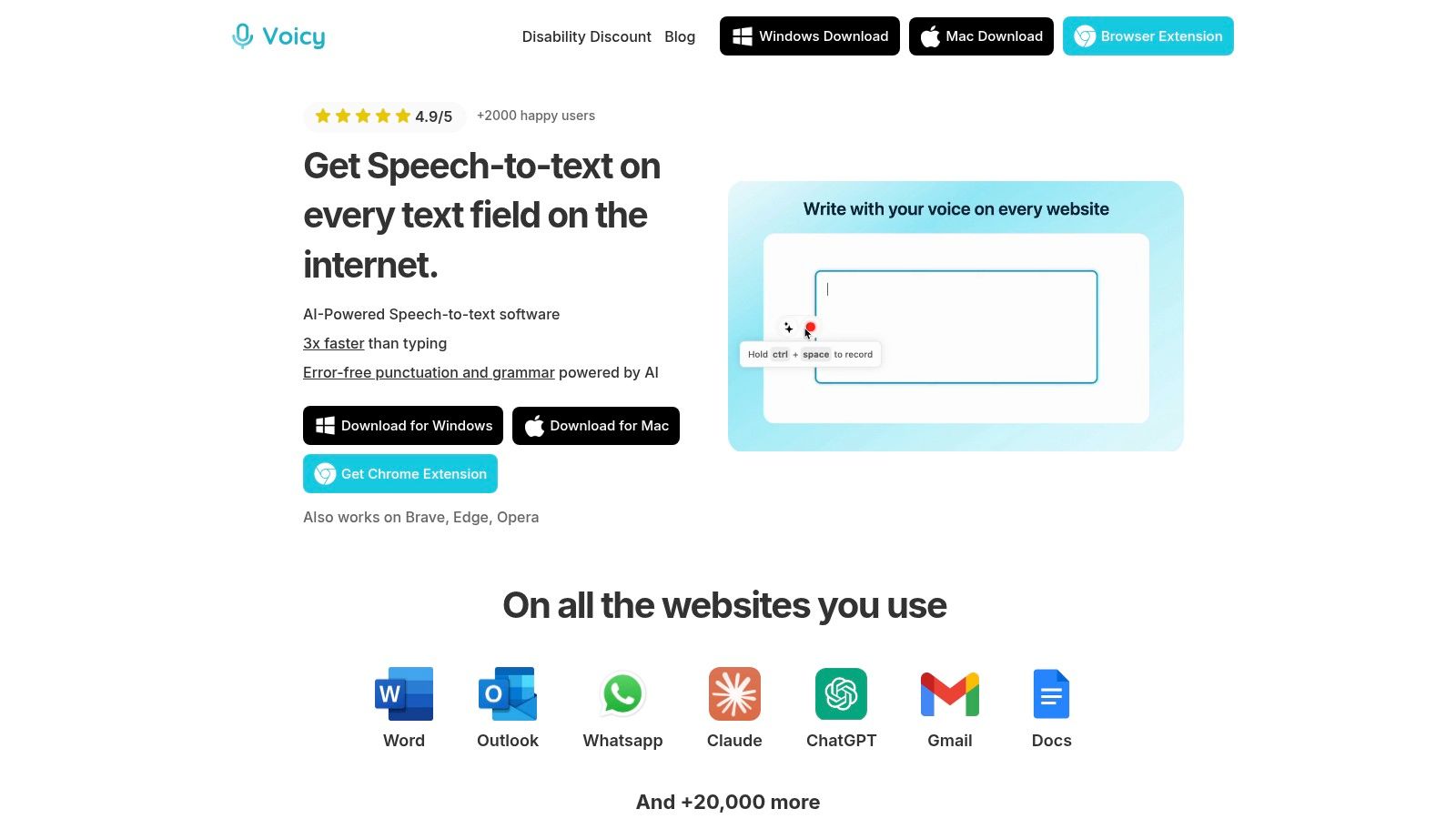
Voicy stands out as a versatile legal transcription software that works everywhere. It's not just another transcription service. Voicy integrates directly into every tool you use on a daily basis.
You can use it on Mac, Windows, or as a Chrome extension. Just hit a keyboard shortcut and start speaking. Your words appear instantly in any text field.
Why Legal Professionals Love Voicy
Voicy delivers 99%+ accuracy across 50+ languages. This matters when you work with diverse clients or international cases.
The software adds punctuation and fixes grammar automatically.
Your dictated text comes out professional and ready to use.
Key Features:
AI Command feature - Say "make this more formal" to instantly improve your text
Cross-platform compatibility - Works on desktop and browser
Automatic punctuation - No need to say "period" or "comma"
50+ languages supported - Perfect for international legal work
Perfect for:
Drafting emails to clients
Taking case notes quickly
Filling out legal forms
Writing memos and documents
Pro's and Con's:
✅ 99%+ accuracy rate
✅ Works in any application
✅ AI text improvement
✅ Privacy Friendly
✅ Pricing from $6.99/month
❌ Needs internet connection
Website: https://usevoicy.com
2. Dragon Legal Individual - Best for Specialized Legal Vocabulary
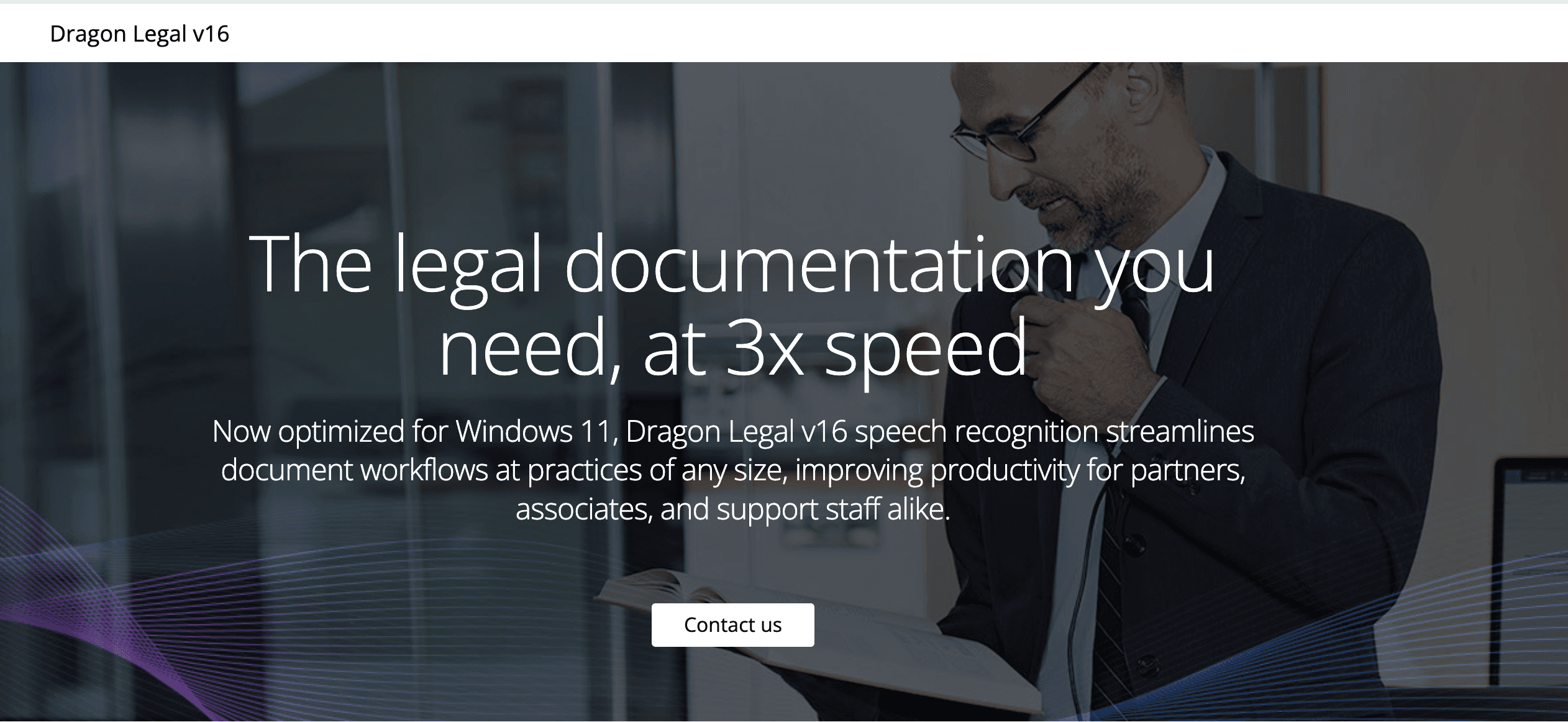
Dragon Legal Individual is built specifically for lawyers. It understands legal terminology better than general transcription tools. This legal transcription software comes pre-loaded with legal terms and phrases.
Why It Works for Law Firms
Dragon learns your voice patterns. The more you use it, the better it gets. It knows the difference between "statue" and "statute." It correctly handles case citations and legal jargon.
Unlike the other tools in this list, Dragon's AI is less advanced. It will still struggle with the differences between "they're", "there", and "their".
Key Features:
Legal-specific vocabulary - Knows thousands of legal terms
Custom voice commands - Create shortcuts for common phrases
Real-time transcription - See words appear as you speak
Microsoft Word integration - Works seamlessly with legal documents
Perfect for:
Drafting contracts and briefs
Creating court filings
Dictating legal correspondence
Voice-controlling your computer
Quick Stats:
✅ Specialized legal vocabulary
✅ One-time purchase ($699)
✅ Highly customizable
❌ Steep learning curve
❌ No Mac support
❌ Requires training
❌ Higher upfront cost
Website: https://www.nuance.com/dragon/dragon-for-individuals/dragon-legal-individual.html
3. Rev - Best for Human-Verified Accuracy, but slow
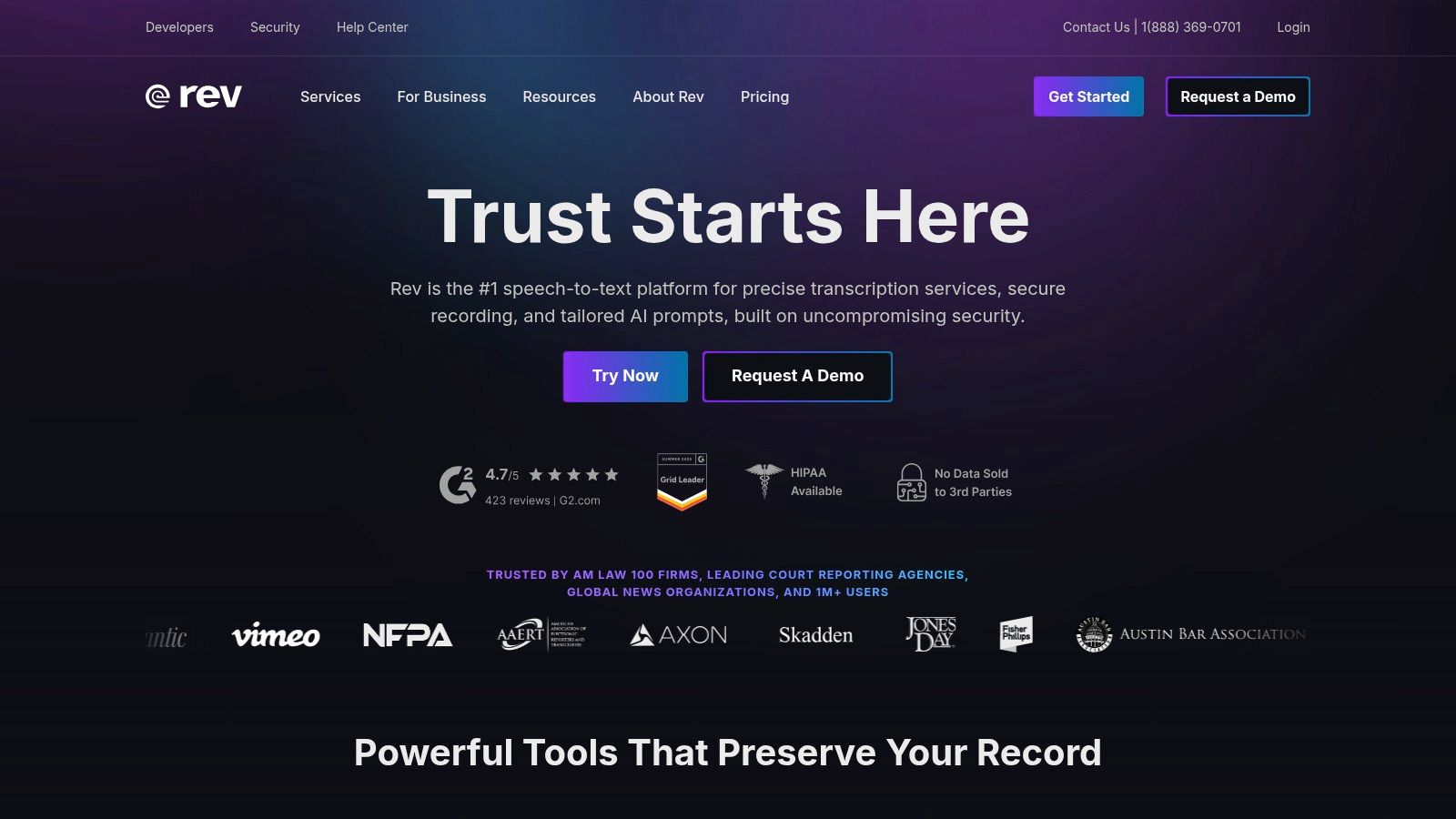
Rev combines AI speed with human precision. You can choose automated transcription for quick drafts or human transcription for perfect accuracy. This makes it flexible legal transcription software.
Why Lawyers Choose Rev
Rev's human transcribers understand legal work. They know legal terminology and follow strict confidentiality rules. You get 99% accuracy guaranteed with human transcription.
Key Features:
99% accuracy guarantee - Human transcribers ensure precision
Fast turnaround - Results in hours, not days
Secure platform - Protects sensitive legal information
Easy file upload - Drag and drop your recordings
Perfect for:
Depositions and court hearings
Client interviews
Witness statements
Official legal records
Quick Stats:
✅ Human verification available
✅ Pay-per-minute pricing ($1.50/minute)
✅ Mobile app included
❌ Can get expensive for large volumes
❌ AI-only option less accurate
Website: https://www.rev.com/
4. Verbit - Best for Enterprise Law Firms
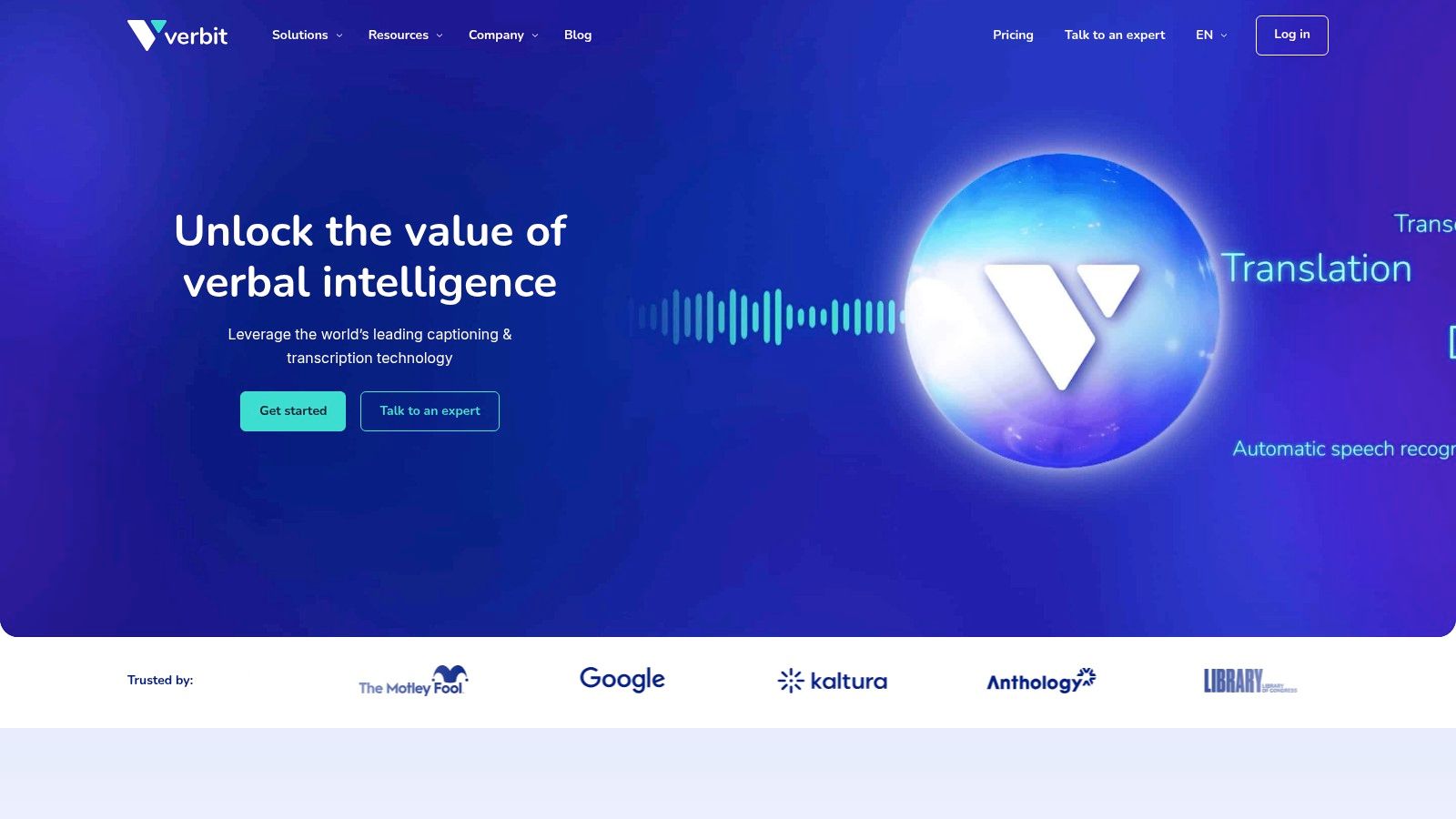
Verbit targets large law firms with high-volume needs. It combines AI with human review for maximum accuracy. This legal transcription software handles massive amounts of audio and video content.
Enterprise-Level Features
Verbit offers real-time transcription and live captioning. It meets strict security standards like SOC 2 and HIPAA. The platform scales to handle any volume of work.
Key Features:
AI + human hybrid - Best of both worlds
Real-time capabilities - Live transcription during meetings
Custom workflows - Tailored to your firm's needs
Enterprise security - Meets legal compliance standards
Perfect for:
Large law firms
Corporate legal departments
High-volume transcription needs
Live court proceedings
Quick Stats:
✅ Enterprise-grade security
✅ Scalable for large volumes
✅ Real-time transcription
❌ Custom pricing only
❌ May be overkill for small firms
Website: https://verbit.ai/
5. GoTranscript - Best Value for Human Transcription
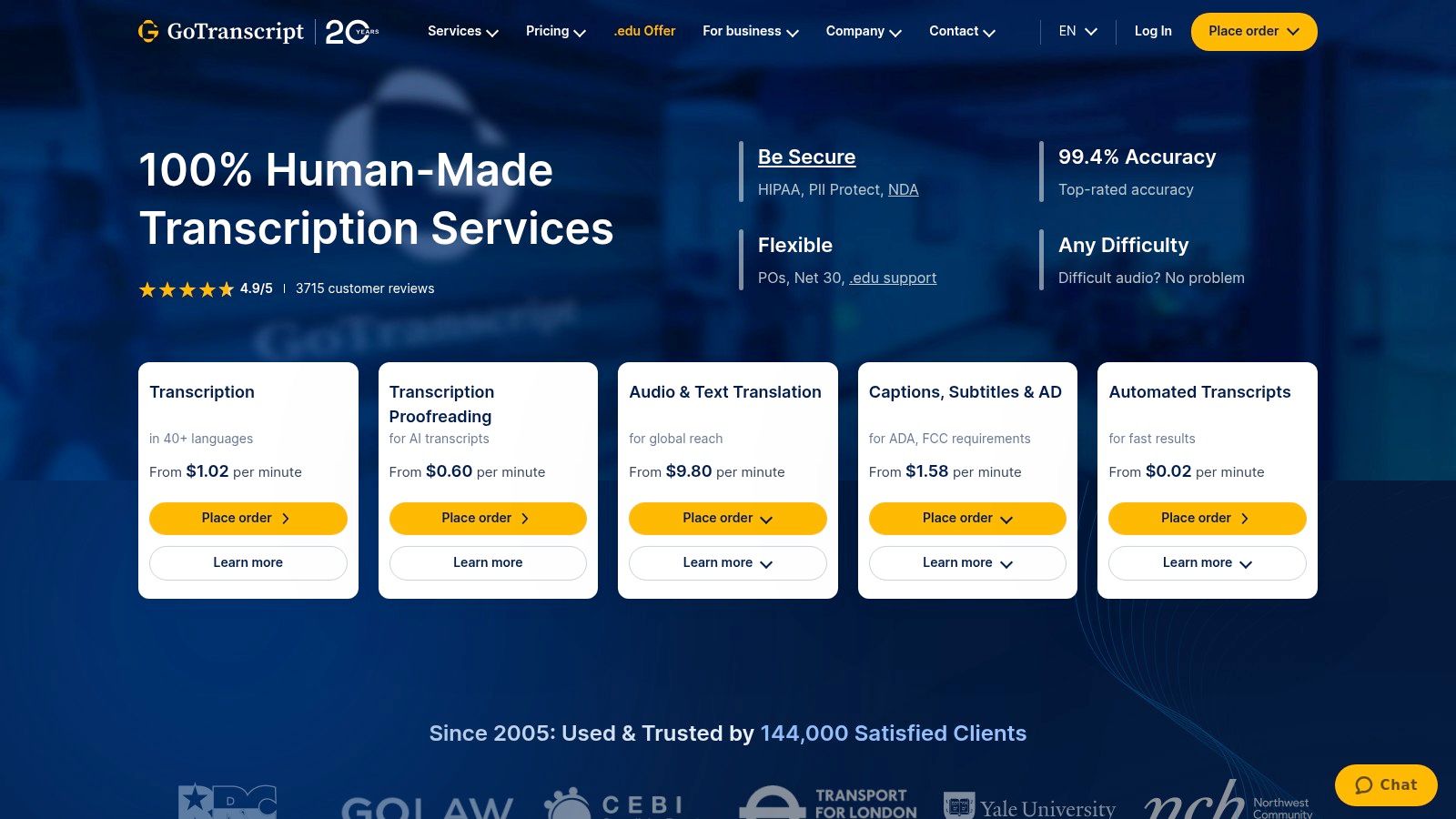
GoTranscript focuses on human-powered transcription. Professional transcribers with legal experience handle your files. This legal transcription software service guarantees 99% accuracy.
Reliable Human Quality
GoTranscript uses experienced legal transcribers. They understand complex legal terms and multi-speaker recordings. All work comes with strict confidentiality agreements.
Key Features:
Human transcribers only - No AI shortcuts
Flexible turnaround - 6 hours to 5 days
Strict confidentiality - NDAs protect your data
Multiple file formats - Accepts any audio/video type
Perfect for:
Depositions with multiple speakers
Poor quality audio recordings
Confidential legal matters
Cost-conscious firms
Quick Stats:
✅ Affordable pricing ($0.90/minute)
✅ Human accuracy guarantee
✅ Flexible delivery options
❌ Slower than AI options
❌ No real-time transcription
Website: https://gotranscript.com/
6. TranscribeMe - Best Hybrid Approach
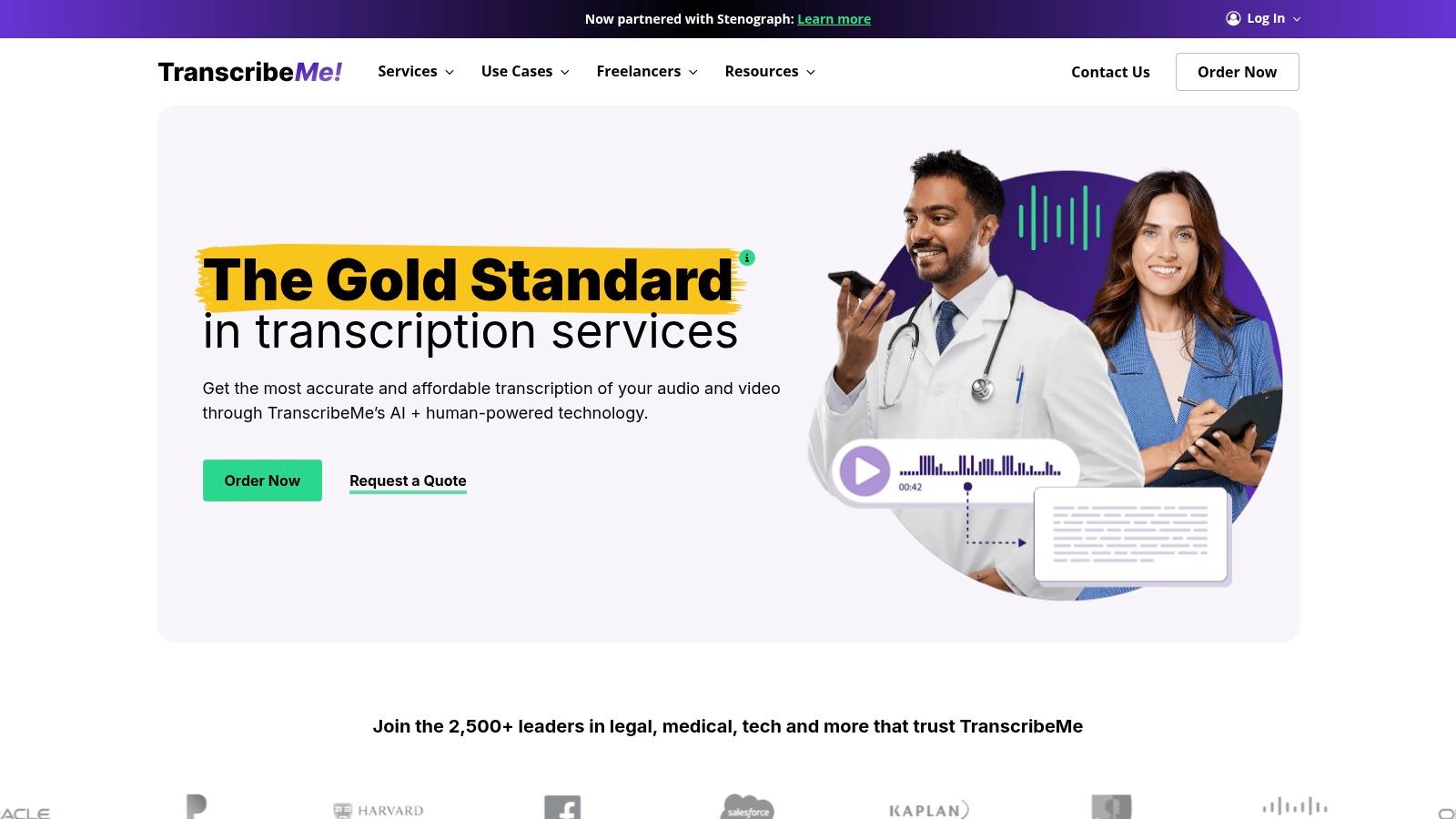
TranscribeMe offers both AI and human transcription in one platform. You choose the speed and accuracy level you need. This legal transcription software adapts to different project requirements.
Flexible Service Options
Start with fast AI transcription for quick reference. Upgrade to human verification for court-ready documents. The platform scales from single files to massive projects.
Key Features:
AI and human options - Choose your service level
Secure platform - Protects sensitive legal data
Custom formatting - Meets legal documentation standards
Integration ready - Connects with case management systems
Perfect for:
Mixed transcription needs
Budget-conscious projects
Firms of all sizes
Testing transcription quality
Quick Stats:
✅ Very affordable AI option ($0.07/minute)
✅ Scalable pricing model
✅ Both speed and accuracy options
❌ AI quality varies with audio
❌ Human option takes longer
Website: https://www.transcribeme.com/
7. Trint - Best for Team Collaboration
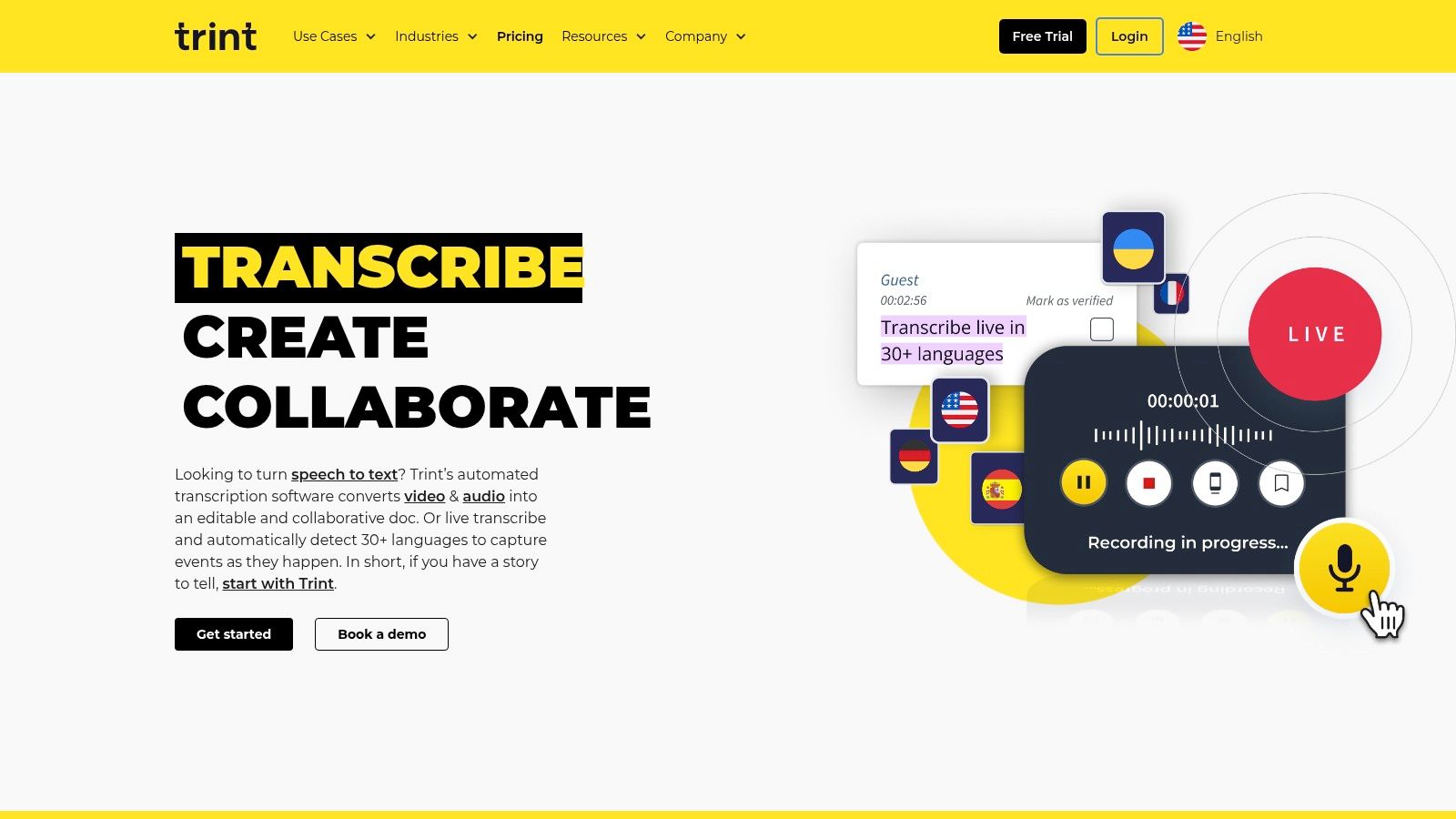
Trint turns transcription into a collaborative workspace. Multiple team members can edit, comment, and highlight the same transcript. This legal transcription software excels at team-based legal work.
Built for Teamwork
Trint's editor links text directly to audio. Click any word to hear the original recording. Team members can collaborate in real-time on the same document.
Key Features:
Interactive editor - Click text to play audio
Real-time collaboration - Multiple users can edit together
40+ languages - Supports international cases
Workflow integrations - Connects with Slack and other tools
Perfect for:
Legal teams working together
Case preparation and analysis
Discovery material review
International legal matters
Quick Stats:
✅ Excellent collaboration tools
✅ Fast AI transcription
✅ Interactive editing features
❌ Subscription required (~$60/month)
❌ AI may need proofreading
Website: https://trint.com/
Quick Comparison: Which Tool Is Right for You?
Need | Best Choice | Why |
|---|---|---|
Real-time dictation anywhere | Voicy | Works in any application with 99%+ accuracy |
Specialized legal vocabulary | Dragon Legal | Pre-loaded with legal terms and phrases |
Perfect accuracy for court | Rev (Human) | 99% guarantee from legal transcribers |
Large firm with high volume | Verbit | Enterprise security and scalability |
Budget-friendly human quality | GoTranscript | Affordable human transcription |
Flexible AI/human options | TranscribeMe | Choose speed or accuracy as needed |
Team collaboration | Trint | Real-time editing and commenting |
How to Choose the Right Legal Transcription Software
Picking the right tool depends on your specific needs. Here's what to consider:
1. Accuracy Requirements
Court documents: Choose human transcription (Rev, GoTranscript)
Internal notes: AI transcription works fine (Voicy, Trint)
Mixed needs: Hybrid services offer flexibility (TranscribeMe)
2. Security Needs
Highly sensitive cases: Enterprise solutions (Verbit, Dragon)
Standard legal work: All options provide adequate security
Confidential depositions: Human services with NDAs (GoTranscript, Rev)
3. Budget Considerations
Pay-per-use: Rev, GoTranscript, TranscribeMe
Monthly subscription: Voicy, Trint
One-time purchase: Dragon Legal Individual
Enterprise pricing: Verbit (custom quotes)
4. Team Size
Solo practice: Voicy, Dragon, GoTranscript
Small teams: Rev, TranscribeMe, Trint
Large firms: Verbit, enterprise plans
The best legal transcription software saves you time while maintaining accuracy. Test free trials when available. Start with your most important use case and expand from there.
Frequently Asked Questions (FAQ)
What is legal transcription software?
Legal transcription software converts spoken words from legal proceedings, depositions, client meetings, and court hearings into written text. It helps lawyers and legal professionals create accurate documents faster than manual typing.
How accurate is AI transcription for legal work?
Modern AI transcription achieves 90-99% accuracy. However, for court documents and official records, human-verified transcription is recommended. Legal terminology and multiple speakers can affect AI accuracy.
Is legal transcription software secure?
Yes, reputable legal transcription software uses encryption and follows strict security protocols. Look for providers that offer confidentiality agreements and comply with legal industry standards like HIPAA and SOC 2.
What's the difference between real-time and file-based transcription?
Real-time transcription (like Voicy and Dragon) converts speech to text as you speak. File-based transcription (like Rev and GoTranscript) processes pre-recorded audio files. Choose based on whether you need live dictation or document conversion.
How much does legal transcription software cost?
Pricing varies widely:
AI transcription: $0.07-$0.30 per minute
Human transcription: $0.90-$1.50 per minute
Monthly subscriptions: $30-$60 per month
One-time software: $500 (Dragon Legal)
Can transcription software handle multiple speakers?
Yes, but quality varies. Human transcription services handle multiple speakers better than AI. If you frequently transcribe depositions or meetings with several people, choose services that specialize in speaker identification.
What audio quality is needed for good transcription?
Clear audio with minimal background noise works best. Most services accept various file formats. For poor quality recordings, human transcription services like GoTranscript or Rev's human option provide better results than AI.
Do I need special equipment for legal transcription software?
Most tools work with standard computer microphones. For better results with real-time transcription (Voicy, Dragon), invest in a quality USB microphone. File-based services work with any recording device.
Can transcription software integrate with legal case management systems?
Many tools offer integrations with popular legal software. Dragon Legal integrates with Microsoft Word. Trint connects with various workflow tools. Check integration options before choosing if this matters to your practice.
Is there a free legal transcription software option?
Some services offer free trials or limited free plans. However, free options typically lack the accuracy and security features needed for professional legal work. The cost of transcription software is usually justified by time savings and improved accuracy.


