




11 Best Mail Apps for Mac in 2026: Your Ultimate Guide
TL;DR: best mail apps for Mac
The best mail app for Mac depends on your inbox. Use Apple Mail if you want the simplest free option, Outlook if your work runs on Microsoft 365, Mimestream if you live in Gmail, Spark if you want AI sorting, Proton Mail or Canary Mail for privacy, and Superhuman if email speed is worth paying for. If writing replies is the slow part, pair your mail app with Voicy's dictation app for Mac.
Best Mac email app: short answer
Do not pick a Mac email client only by feature count. Pick it by the job: simple personal email, heavy work email, Gmail-first workflow, secure mail, or fast replies. For many people, the biggest upgrade is not a new inbox. It is a faster way to write the emails they already know they need to send.
Nobody likes emails, but we all have to deal with them.
But it doesn't have to be painful as using the Mac email app when it does not fit your workflow.
Choosing the right email app for you is the first step to a more organized inbox, workflow, and life.
The goal is to get more done and spend less time on writing emails, and searching for that message that contains all the information you need to get the job done.
But choosing the right mail app for Mac can be incredibly difficult. There are dozens of options out there.
So the useful question is simple: which app matches how you actually handle email?
This guide shows you the best mail apps for Mac in 2026.
We'll cover simple apps for focus and powerful platforms with AI features. Each app gets honest reviews with real pros and cons.
You'll see pricing, screenshots, and direct links to help you choose fast.
Short Version of the Article
The right email app depends on what you need most.
If you want to write emails faster with your voice:
Voicy - AI-powered speech-to-text that works in any email app, fixes grammar automatically
If you want the best overall email experience on Mac:
Airmail - Connects with tons of other apps, highly customizable
Spark Mail - Smart email organization with AI help, great for busy professionals
Superhuman - AI-powered email client with laser-focused features
If security and privacy are your top priority:
Proton Mail - End-to-end encryption, secure by design
Canary Mail - AI-powered security with phishing protection and encryption
Tutanota - Open source security with encrypted calendar
If you live in Gmail and want the best Mac experience:
Mimestream - Built specifically for Gmail users, native Mac feel
Kiwi for Gmail - Dedicated Gmail client with desktop notifications
Mailspring - Free with Gmail integration and email tracking
If you need advanced features and customization:
Airmail - Connects with tons of other apps, highly customizable
MailMate - Power user features, extensive keyboard shortcuts
Thunderbird - Completely free, open source with add-ons
Free options that work great:
Apple Mail (included with Mac)
Thunderbird (completely free)
Spark Mail basic version
Microsoft Outlook free tie
How to write emails faster on Mac with voice dictation
A better mail app helps you organize the inbox. Voice dictation helps you get replies out faster. Those are different problems, and most busy Mac users need both.
Use Voicy on Mac when you want to speak a rough reply, clean it up, and send it from Apple Mail, Outlook, Spark, Gmail, Mimestream, Superhuman, or a browser. This is especially useful for follow-ups, sales replies, support messages, recruiting notes, and long updates where typing creates friction.
Email problem | Best fix |
|---|---|
Too many messages to organize | Spark, Superhuman, Outlook, or HEY |
Gmail feels clunky on Mac | Mimestream or Kiwi for Gmail |
Replies take too long to write | Voicy dictation inside your current mail app |
Security matters most | Proton Mail or Canary Mail |
1. Apple Mail - The App You Already Have
Before downloading new apps, learn what Apple Mail can do. It's already on your Mac and might be enough for your needs.
Apple Mail works perfectly with your Mac. It syncs with your iPhone and iPad automatically. The privacy features protect you from email tracking. It's fast and doesn't drain your battery.
Best Features:
Free and already installed
Works great with other Apple devices
Strong privacy protection
Optimized for Mac hardware
What's Missing:
Basic features compared to other apps
Updates only come with new macOS versions
Limited customization options
Perfect for: People who want simple email without extra features.
Link: Apple Mail Support
2. Microsoft Outlook - Free and Powerful
Microsoft Outlook for Mac is now free for personal use. It combines email, calendar, and contacts in one app. This makes it one of the best mail apps for Mac for busy professionals.
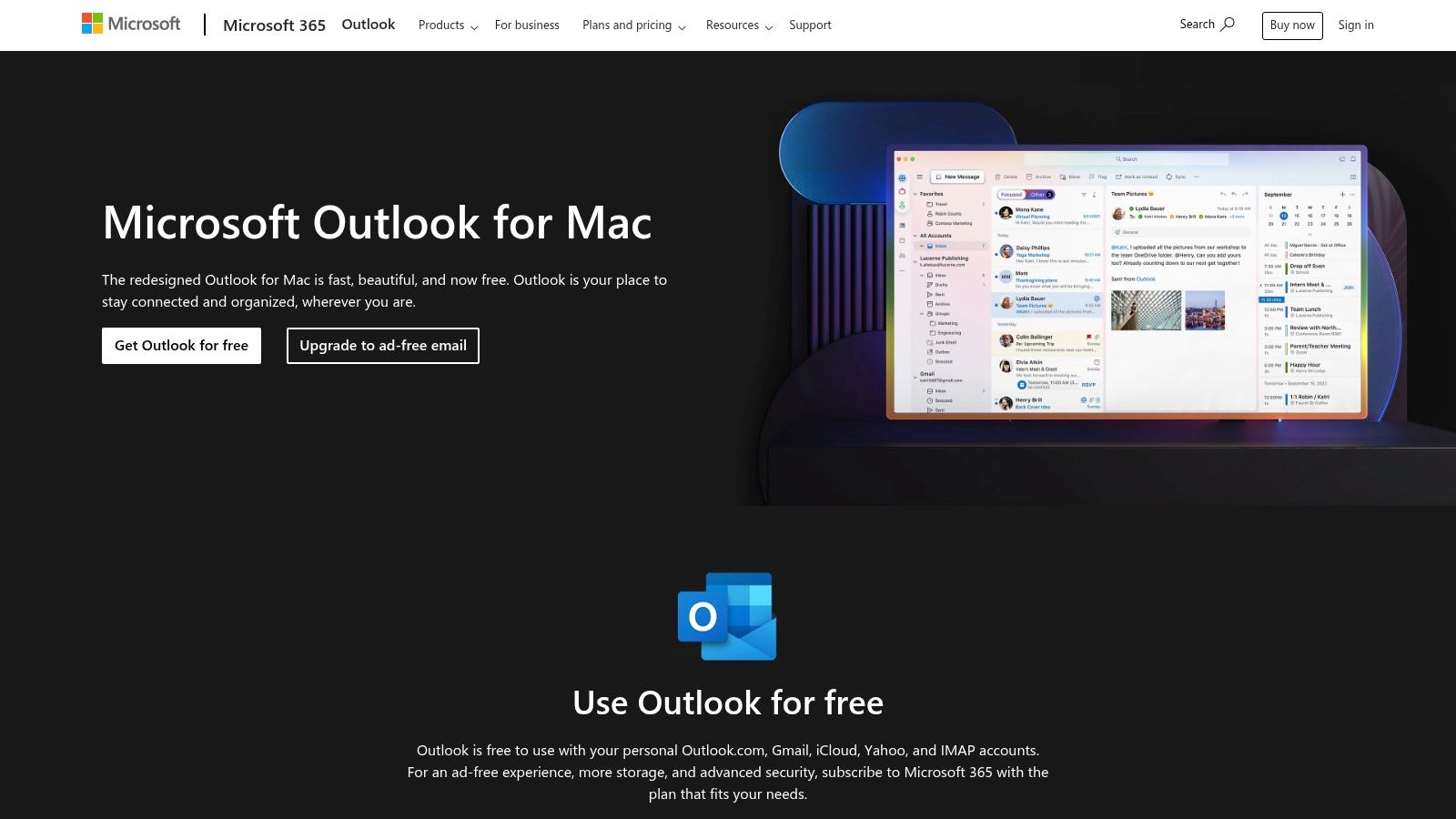
Outlook works with Gmail, Yahoo, iCloud, and work email accounts. The Focused Inbox shows important emails first. The built-in calendar makes scheduling meetings easy.
Top Features:
Free for personal accounts
Works with any email service
Smart inbox prioritizes important mail
Calendar and contacts included
Watch Out For:
Shows ads in the free version
Some features need Microsoft 365 subscription
Can feel overwhelming for simple needs
Want to speed up your email writing? Learn how to use voice typing in Outlook with AI.
Perfect for: People who need email, calendar, and contacts together.
Link: Microsoft Outlook for Mac
3. Spark Mail - Smart Email Organization
Spark Mail by Readdle thinks about email differently. It sorts your mail automatically into personal messages, notifications, and newsletters. This helps you focus on what matters most.
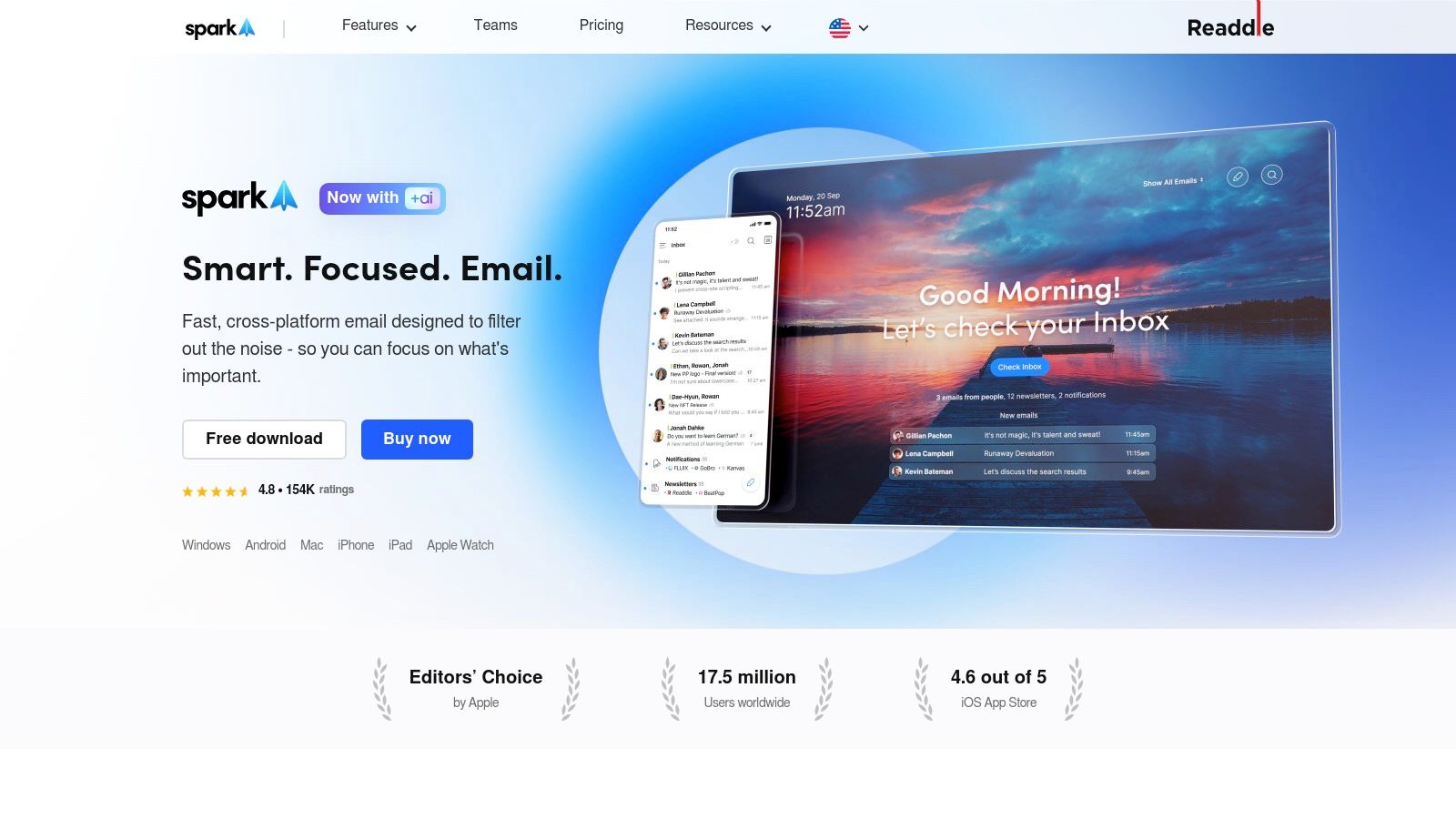
Spark's AI helps you write better emails. It can make your messages shorter, more formal, or friendlier. The "Smart Inbox" saves hours of sorting through junk.
Key Features:
Automatic email sorting
AI writing assistance
Mark emails as "done" like tasks
Works across all your devices
Limitations:
Best features cost extra
Team features are basic
Takes time to learn the new workflow
Pair Spark with voice dictation to write emails even faster. Check out how to set up speech to text on Mac.
Perfect for: People who get lots of email and want AI help organizing it.
Link: Spark Mail
BONUS: Voicy - voice typing for every Mac email app
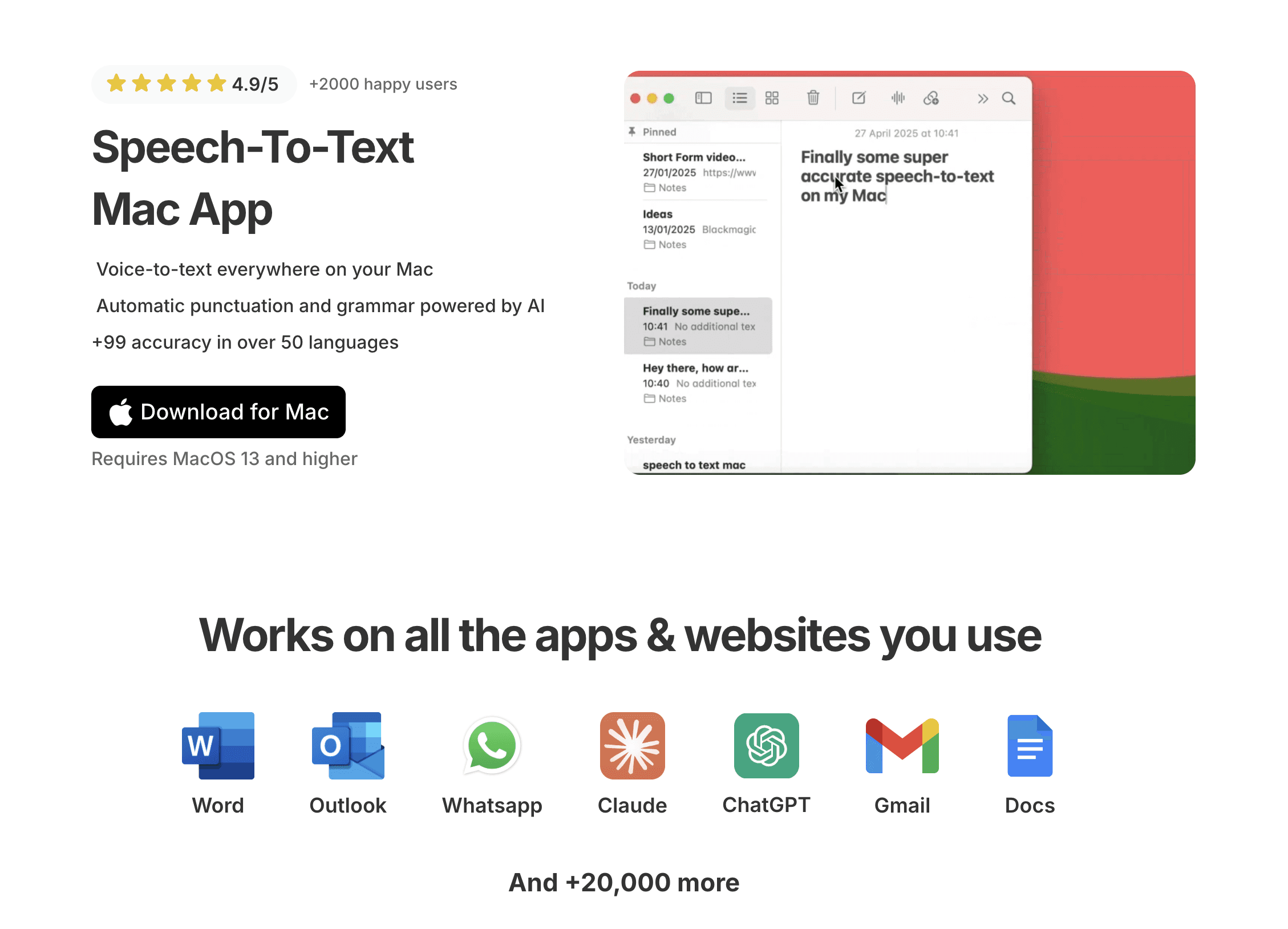
Voicy is not an email client. It is the writing layer that works inside the email client you already use.
The workflow is simple:
Dictate the reply in your own words.
Let Voicy turn it into punctuated text.
Edit the tone if needed, for example making it shorter or more formal.
Send from Apple Mail, Outlook, Spark, Gmail, or another Mac mail app.
Voicy is cloud-based, offers a free trial, and is useful when you write lots of email but do not want to change inbox systems. Website: https://usevoicy.com/dictation-for-mac
4. Airmail - Customize Everything
Airmail lets you change almost everything about how email works. It's one of the best mail apps for Mac for people who want total control.

The app connects with dozens of other tools. Send emails to your task manager, note app, or calendar with one click. You can customize the look, behavior, and features to match exactly how you work.
Standout Features:
Highly customizable interface
Connects with 40+ other apps
Works with any email service
Stable and mature software
Downsides:
Many features require paid subscription
Can be overwhelming for beginners
Setup takes time to get right
Perfect for: Power users who want their email app to work exactly their way.
Link: Airmail
5. Canary Mail - Security First
Canary Mail focuses on keeping your emails private and secure. It's built for people who handle sensitive information or just want better privacy.
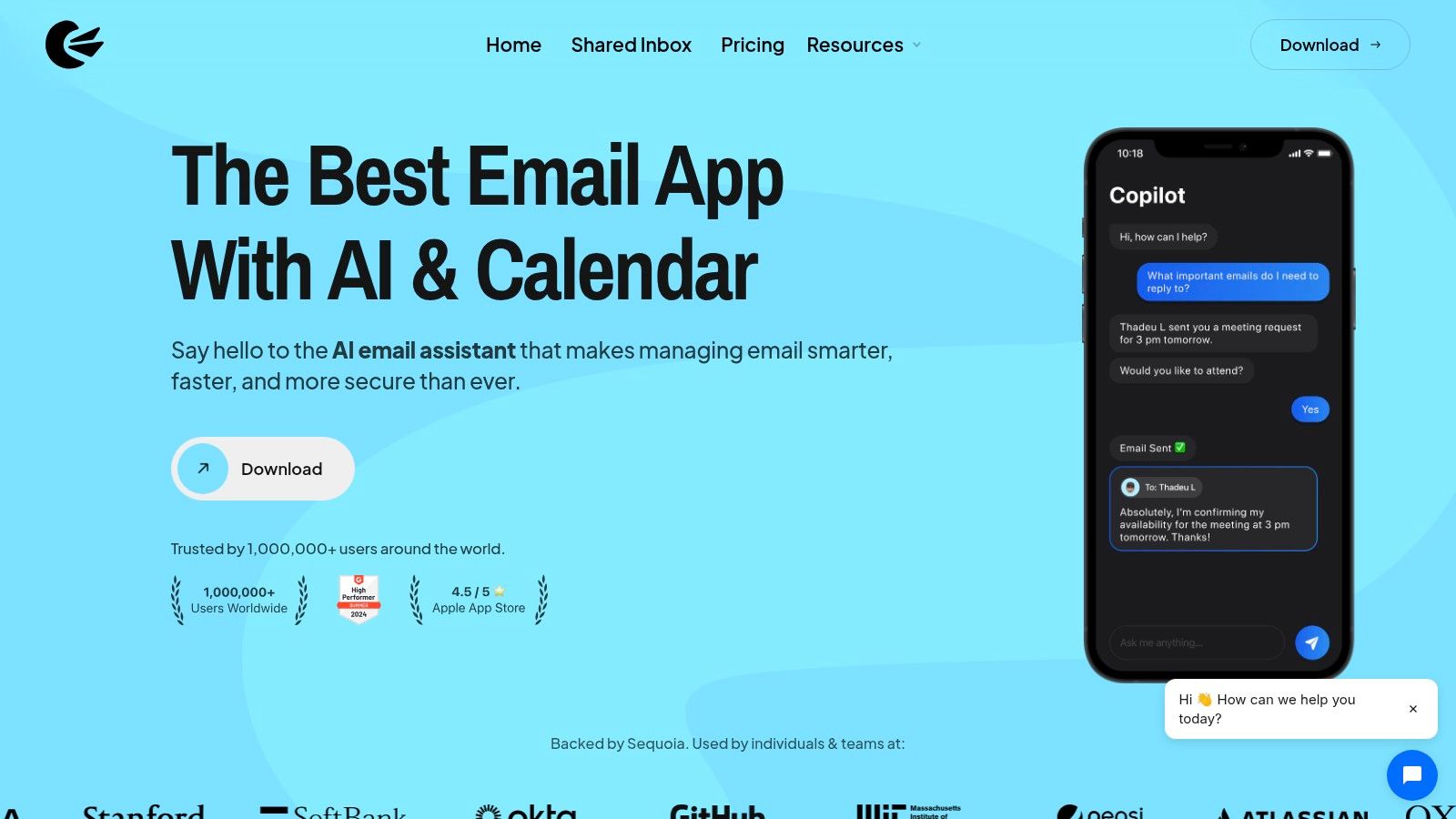
The app includes end-to-end encryption so only you and the recipient can read messages. AI features help you write emails and clean up your inbox. Built-in protection blocks phishing attempts.
Security Features:
End-to-end encryption built-in
AI writing assistant
Phishing protection
Inbox cleaning tools
Consider This:
Full security features cost extra
Pricing can be confusing
Less focus on basic email features
Perfect for: People who need secure email for business or personal privacy.
Link: Canary Mail
6. Mimestream - Made for Gmail
Mimestream only works with Gmail and Google Workspace accounts. But that focus makes it incredibly fast and smooth. It's designed specifically for Google users.
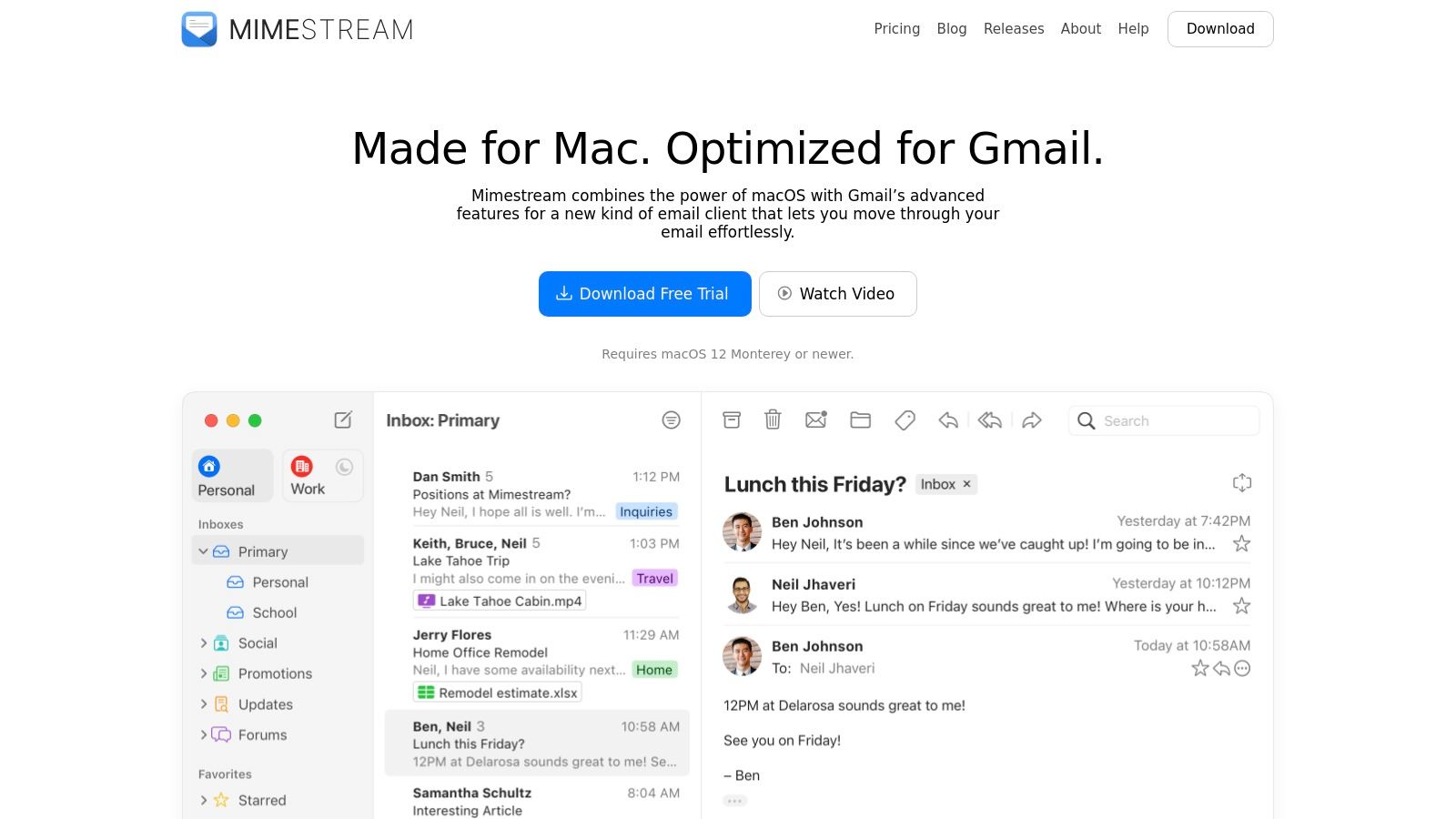
Everything works exactly like Gmail on the web. Labels, filters, and categories all sync perfectly. The interface feels native to Mac while keeping Gmail's organization system.
Gmail Integration:
Perfect Gmail label and filter support
Multiple Google accounts in one inbox
Fast, native Mac performance
Syncs instantly with Gmail web
Limitations:
Only works with Gmail/Google accounts
No support for other email services
Subscription required
Perfect for: People who live in Gmail and want a better Mac experience.
Link: Mimestream
7. Mozilla Thunderbird - Free and Open
Mozilla Thunderbird is completely free and open-source. It's been around for years and offers deep customization through add-ons.
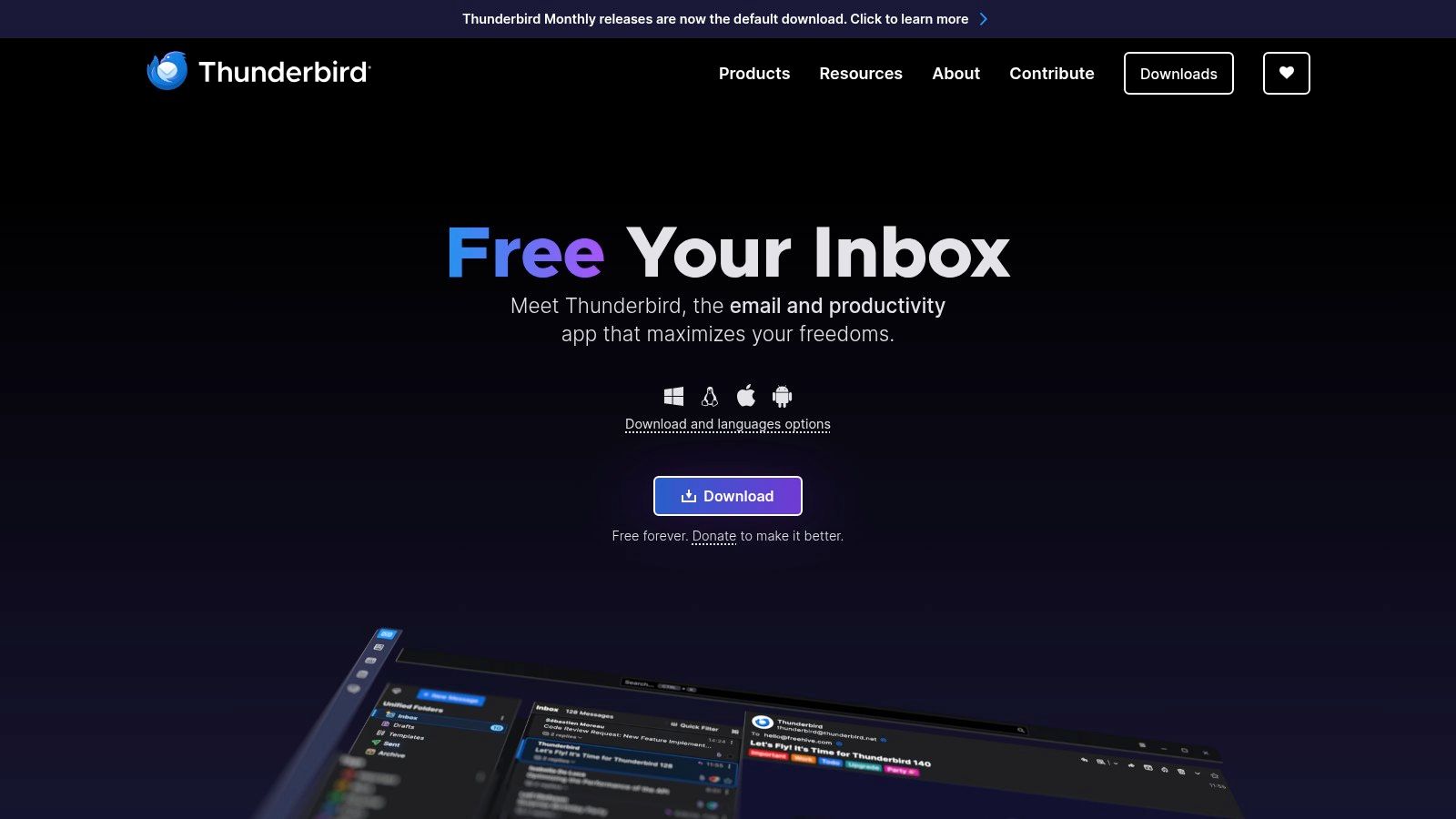
You can add features through thousands of community-built extensions. It handles multiple email accounts well and includes calendar and chat features. No subscription fees ever.
Open Source Benefits:
Completely free forever
Thousands of add-ons available
Strong privacy focus
Handles multiple accounts easily
Trade-offs:
Interface looks dated on Mac
Requires technical knowledge for customization
Less polished than paid alternatives
Perfect for: Tech-savvy users who want a free, customizable email client.
Link: Mozilla Thunderbird
8. Proton Mail - Maximum Privacy
Proton Mail comes from Switzerland and offers the strongest privacy protection available. All emails between Proton users are automatically encrypted.
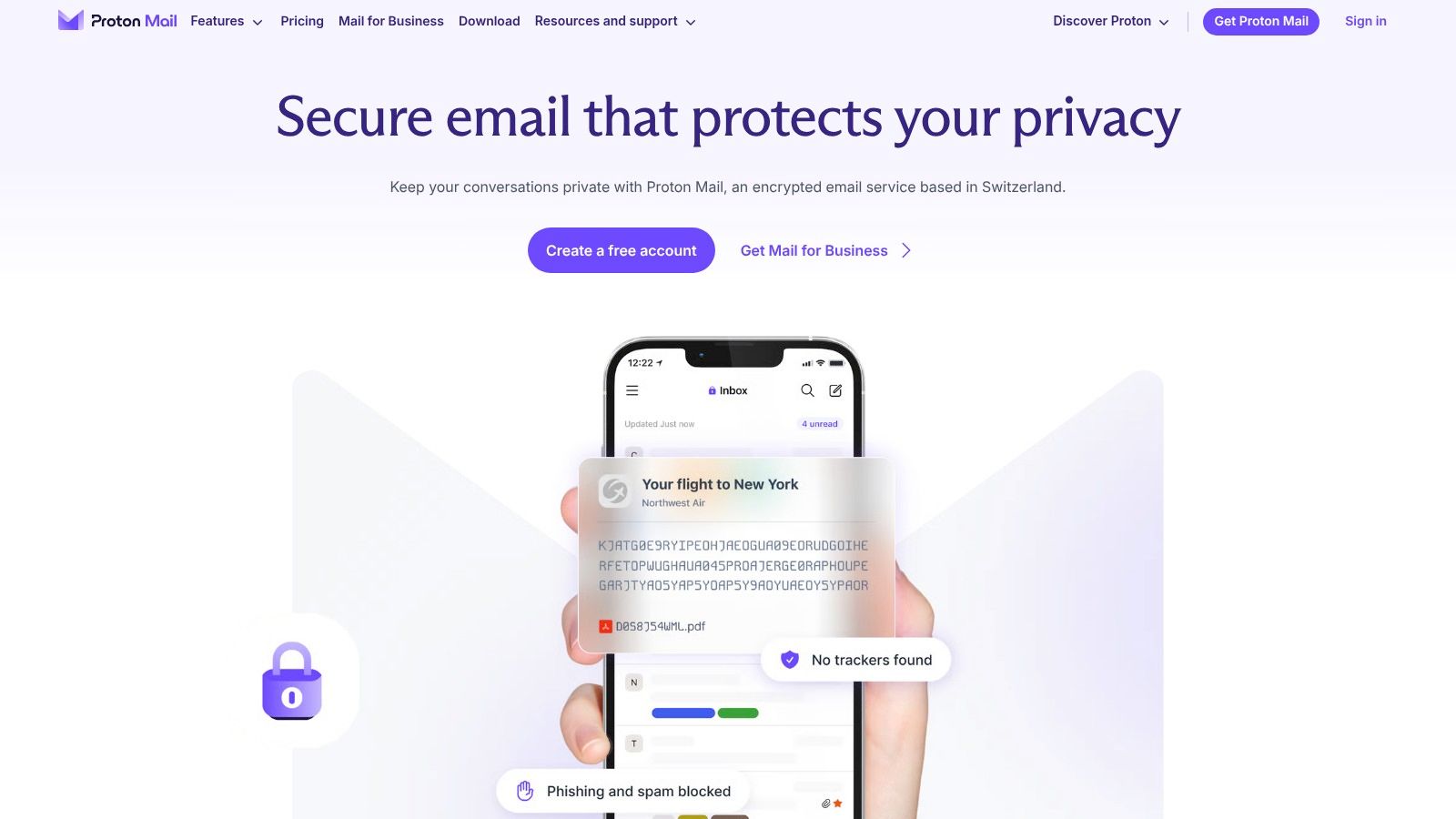
The desktop app works offline and integrates with other Proton security tools like VPN and password manager. It's part of a complete privacy-focused ecosystem.
Privacy Features:
End-to-end encryption by default
Swiss privacy laws protect your data
Works offline with desktop app
Integrates with other Proton tools
Requirements:
Desktop features require paid subscription
Need to migrate from other email services
Learning curve for new users
Perfect for: People who prioritize privacy above convenience.
Link: Proton Mail
9. Superhuman - Speed Champion
Superhuman is built for people who live in email. It claims to be the fastest email app ever made. Everything works with keyboard shortcuts for maximum speed.

AI features summarize long email threads and help write responses. The interface is minimal and focused on speed. It's designed for professionals who process hundreds of emails daily.
Speed Features:
Keyboard shortcuts for everything
AI summarizes long conversations
Minimal, distraction-free design
Team collaboration tools
Considerations:
Expensive subscription required
Only works with Gmail/Google accounts
Learning curve for keyboard shortcuts
Perfect for: Heavy email users willing to pay for extreme efficiency.
Link: Superhuman
10. HEY - Completely Different
HEY by Basecamp reinvents email completely. Instead of an inbox, you get three areas: Imbox for important messages, Feed for newsletters, and Paper Trail for receipts.
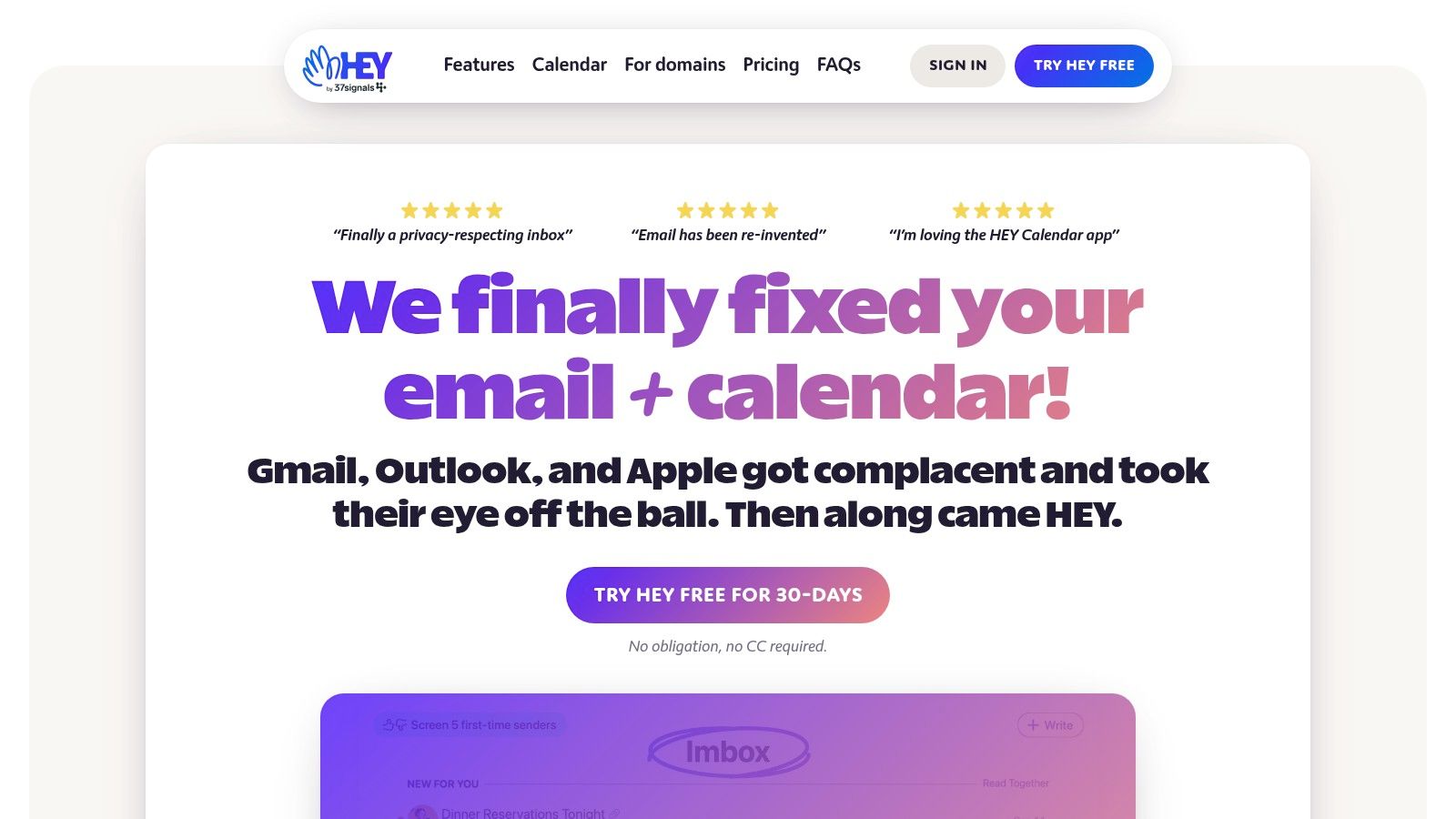
The Screener feature lets you approve or block new senders. It blocks email tracking automatically. But you must use a @hey.com email address - you can't use it with Gmail or other services.
Unique Approach:
Three-area organization system
Screen new senders before they reach you
Blocks email tracking automatically
Simple, flat pricing
Big Commitment:
Must use HEY email address
Can't use with existing Gmail/Outlook accounts
Requires changing how you think about email
Perfect for: People frustrated with traditional email who want something completely new.
Link: HEY
11. eM Client - Traditional Powerhouse
eM Client brings back the classic email experience with modern features. It combines email, calendar, contacts, tasks, and chat in one interface.
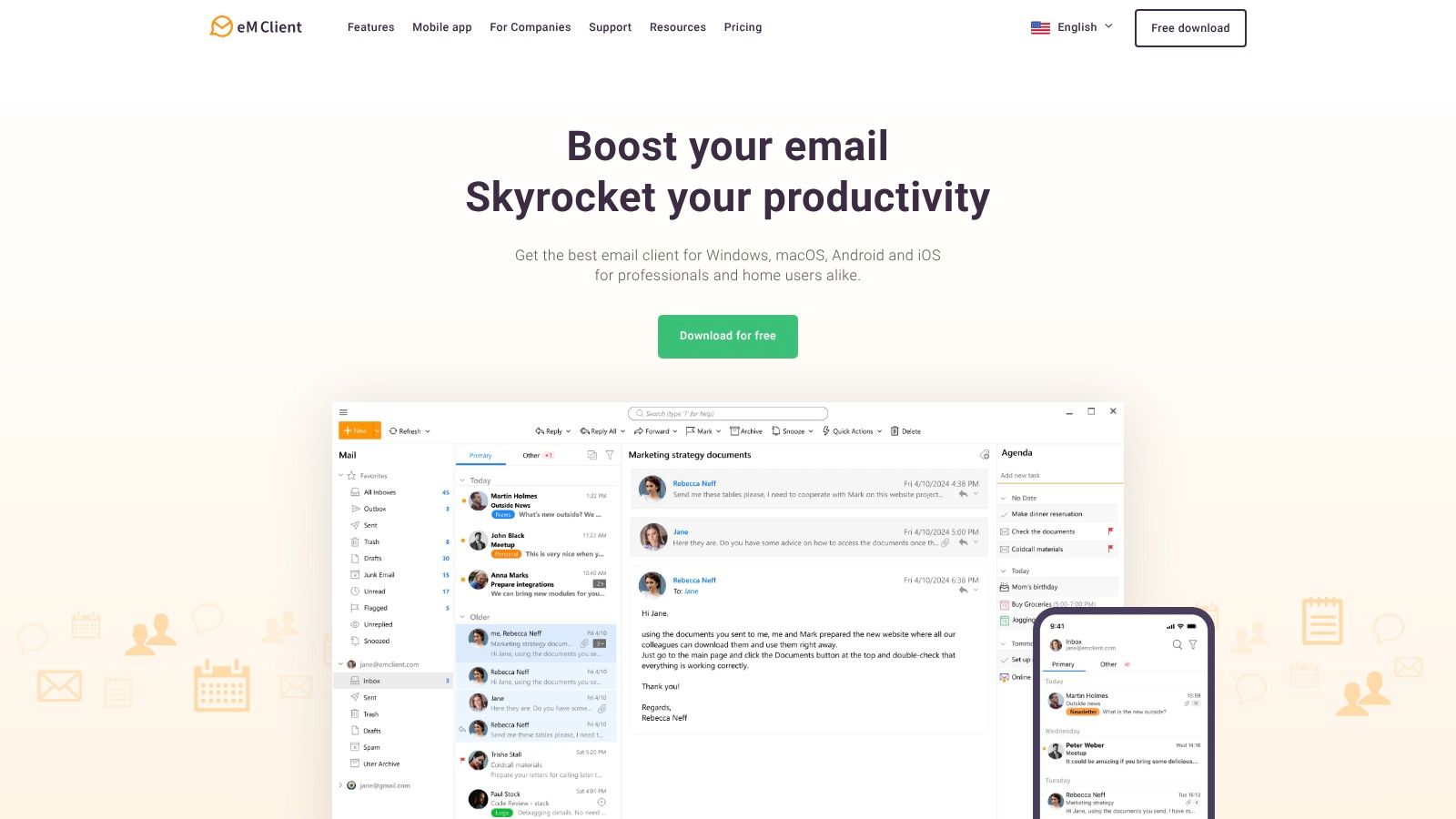
You can buy it once instead of paying monthly subscriptions. It works with any email service and includes advanced features like encryption and translation.
All-in-One Features:
Email, calendar, contacts, and tasks
Works with any email service
One-time purchase option available
Encryption and security features
Limitations:
Free version limited to 2 accounts
Interface feels traditional, not modern
Some features only in paid version
Perfect for: Users who want everything in one app and prefer buying software once.
Link: eM Client
Quick Comparison: Find Your Match
What You Need | Best Choice | Why |
|---|---|---|
Simple and free | Apple Mail | Already on your Mac, works great |
Business features | Microsoft Outlook | Free, includes calendar and contacts |
AI organization | Spark Mail | Sorts email automatically, AI writing help |
Total customization | Airmail | Change everything, connects with other apps |
Maximum security | Proton Mail | End-to-end encryption, Swiss privacy laws |
Gmail perfection | Mimestream | Built specifically for Gmail users |
Extreme speed | Superhuman | Fastest email processing, keyboard shortcuts |
Something different | HEY | Completely new approach to email |
Traditional power | eM Client | All features, one-time purchase option |
How to Choose the Right Email App
Picking the best email app depends on how you work. Here's a simple way to decide:
Start with Your Needs
Security Priority: Choose Proton Mail or Canary Mail if you handle sensitive information.
Speed Focus: Superhuman or Spark Mail if you process lots of email daily.
Gmail User: Mimestream gives you the best Gmail experience on Mac.
Budget Conscious: Apple Mail (free) or Thunderbird (free and open-source).
Business Use: Microsoft Outlook includes calendar and works with company systems.
Consider Your Experience Level
Beginners: Start with Apple Mail or Microsoft Outlook. They're easy to learn.
Intermediate: Try Spark Mail or Mimestream for better features without complexity.
Advanced: Airmail or eM Client offer deep customization options.
Test Before Committing
Most apps offer free trials. Try 2-3 options with your real email for a week. See which one feels natural for your daily routine.
Think Long-Term
Consider how the app will grow with your needs. A simple app might work now but become limiting later. A complex app might be overwhelming at first but perfect once you learn it.
The best mail apps for Mac are the ones that disappear into your workflow. You should not fight with your email app, and you should not have to type every reply by hand.
Whichever mail app you choose, the writing still matters. Start with these office email examples and templates.
Frequently Asked Questions (FAQ)
What makes a good Mac email app?
A good Mac email app should feel native to macOS, handle multiple accounts smoothly, offer reliable search, and integrate well with other Mac apps. It should also match your workflow - whether you need speed, security, or simplicity.
Should I stick with Apple Mail or upgrade?
Apple Mail works well for basic needs and offers excellent privacy features. Upgrade if you need better organization (Spark), more accounts (Outlook), enhanced security (Proton Mail), or specific features like AI assistance.
Which email app is most secure?
Proton Mail and Canary Mail offer the strongest security features with end-to-end encryption. Apple Mail also provides good privacy protection with Mail Privacy Protection and works well for most users' security needs.
Can I use multiple email apps at once?
Yes, but it's not recommended. Using multiple apps can create confusion with read/unread status and may cause syncing issues. Pick one primary app and stick with it for consistency.
Do I need to pay for email apps?
Not necessarily. Apple Mail is free and capable. Microsoft Outlook offers a free tier. Thunderbird is completely free. However, paid apps often provide better features, support, and regular updates.
Which email app works best with Gmail?
Mimestream is built specifically for Gmail and offers the best integration. Spark Mail and Microsoft Outlook also work excellently with Gmail accounts while supporting other email services too.
How do I migrate from one email app to another?
Most email apps import settings and accounts automatically. Your emails stay on the server, so switching apps doesn't delete anything. Just add your accounts to the new app and adjust settings as needed.
Which app is best for managing multiple email accounts?
Microsoft Outlook, Airmail, and eM Client excel at managing multiple accounts. They offer unified inboxes and good account separation features. Apple Mail also handles multiple accounts well.
Are there any completely free email apps for Mac?
Yes - Apple Mail (included with macOS), Mozilla Thunderbird (open-source), and basic versions of Spark Mail and Microsoft Outlook. These provide core email functionality without subscription fees.
How important are AI features in email apps?
AI features like smart sorting, writing assistance, and auto-responses can save significant time for heavy email users. However, they're not essential for everyone. Start with basic apps and upgrade to AI-powered options if you find yourself overwhelmed by email volume.
Power through your inbox faster with voice dictation - check our guide on dictation app for Mac.


