




Die besten Sprach-zu-Text-Tools für juristisches Schreiben (2026)
Zusammenfassung des Artikels
Voicy eignet sich am besten für die meisten juristischen Texte, da es app-übergreifend auf Mac, Windows und als Browser-Erweiterung funktioniert und eine kostenlose Testversion anbietet.
Dragon Legal Anywhere ist die stärkste Wahl für Kanzleien, die ein tiefgehendes juristisches Vokabular benötigen und einen höheren Preis verkraften können.
Microsoft Word Diktieren ist eine solide Option, wenn der Großteil deiner Entwürfe ohnehin in Word entsteht.
Google Docs Spracheingabe ist der einfachste kostenlose Ort, um das Verfassen von Entwürfen per Stimme zu testen, bleibt jedoch auf Google Docs beschränkt.
Apple-Diktat ist praktisch für Mac-Nutzer, die eine integrierte Lösung suchen, ist aber nicht die beste Wahl für intensives juristisches Schreiben.
Wenn du den ganzen Tag Schriftsätze, E-Mails an Mandanten, Fallnotizen oder Zeiteinträge schreibst, können die besten Tools für Spracheingabe beim juristischen Schreiben echte Zeit sparen. Der Haken ist einfach: Anwälte brauchen nicht nur eine schnelle Spracherkennung. Du benötigst eine gute Handhabung von Namen, Zitaten, Formatierungen und dem Wechsel zwischen Apps.
Dieser Leitfaden vergleicht die besten Tools für Spracheingabe beim juristischen Schreiben im Jahr 2026. Er konzentriert sich auf fünf Tools, die in den juristischen Arbeitsalltag passen, mit ehrlichen Vor- und Nachteilen für jedes einzelne.
Wie wir die besten Spracheingabe-Tools für juristisches Schreiben ausgewählt haben
Wir haben uns vier Dinge angesehen:
Genauigkeit bei juristischen Begriffen und Namen
Ob das Tool in den Apps funktioniert, die Anwälte bereits nutzen
Einfaches Bearbeiten und Formatieren per Spracheingabe
Kosten für Einzelanwälte und kleine Teams
Die Suchintention ist hier klar. Leute, die nach den besten Tools für Spracheingabe beim juristischen Schreiben suchen, wollen eine praktische Auswahlliste, keine lange Theorielektion. Daher hält dieser Beitrag es einfach und vergleichend.
Was juristische Autoren von der Spracheingabe erwarten
Juristisches Schreiben ist kein beiläufiges Schreiben.
Ein Tool mag bei einer Einkaufsliste gut abschneiden, aber bei Parteinamen, Paragraphen oder dichten Notizen zu Mandanten scheitern. Deshalb sollten sich Anwälte weniger um reißerische KI-Versprechungen kümmern, sondern mehr um diese Grundlagen:
Funktioniert in mehr als einer App
Bewältigt lange Entwürfe, ohne dich auszubremsen
Ermöglicht es dir, Text schnell zu bereinigen
Fühlt sich sicher genug für sensible Arbeiten an
Wenn du zuerst einen allgemeineren Überblick möchtest, lies Voicys Leitfaden für Spracheingabe-Apps und den Leitfaden für Software zur juristischen Transkription.
Die besten Spracheingabe-Tools für juristisches Schreiben
1) Voicy, am besten für das tägliche juristische Entwerfen über Apps hinweg
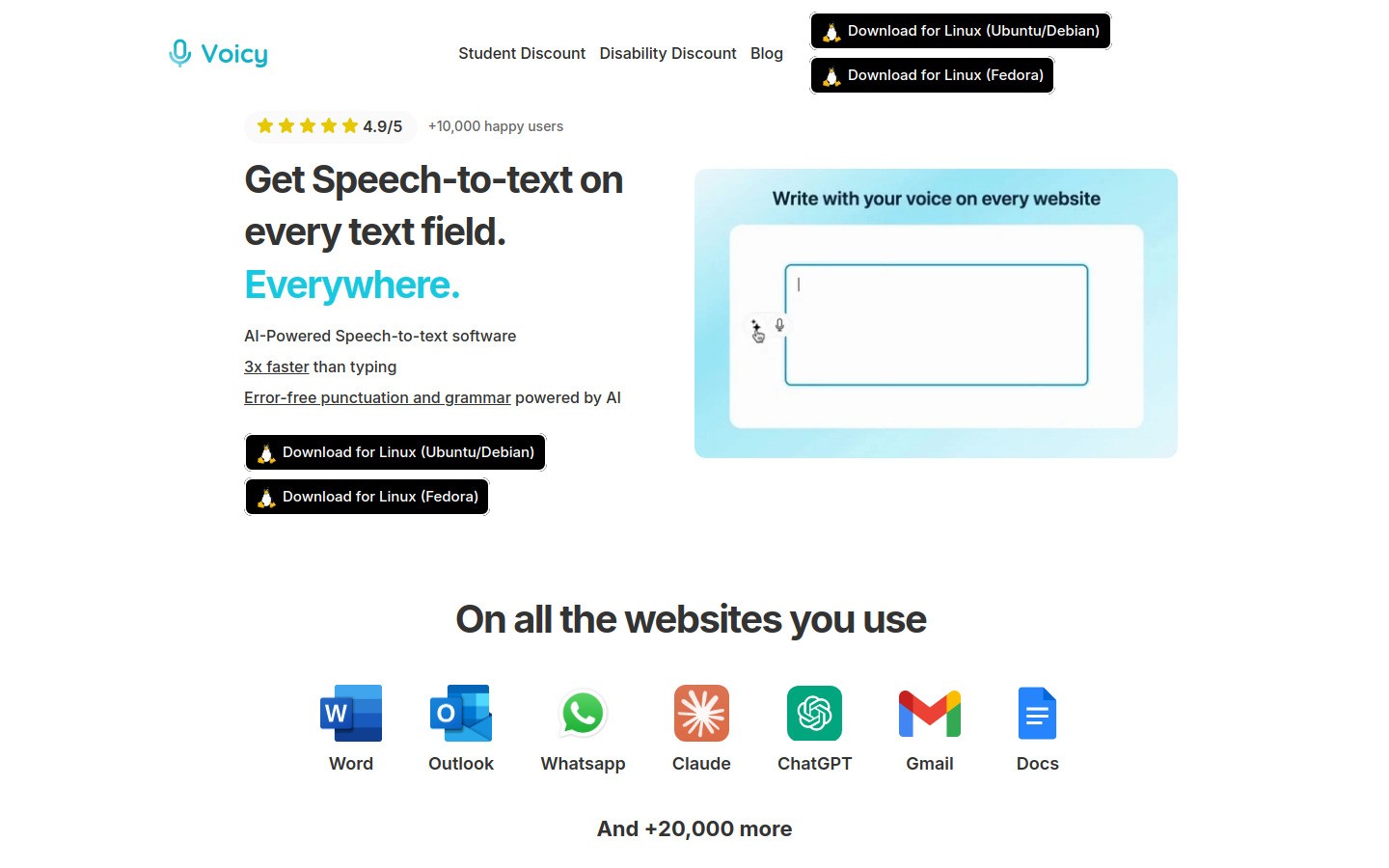
Voicy ist der beste Allrounder für die meisten juristischen Texte, da es für das tägliche Entwerfen entwickelt wurde und nicht nur für einen einzigen Dokumenten-Editor.
Du kannst es für E-Mails an Mandanten, Aufforderungsschreiben, Memo-Entwürfe, interne Notizen und Zeiteinträge nutzen. Das ist wichtig, wenn dein Tag von Word über E-Mails zu einem Browser-Tab und zurück springt.
Warum es sich gut für juristisches Schreiben eignet
Funktioniert auf Mac, Windows und als Browser-Erweiterung
Passt besser in app-übergreifende Workflows als Tools für nur einen Editor
Ermöglicht es dir, zuerst zu diktieren und die Formulierung danach zu bereinigen
Kostenlose Testversion verfügbar
Vorteile
Gute Passform für Anwälte, die den ganzen Tag die App wechseln
Günstiger als viele Enterprise-Lösungen für juristische Spracherkennung
Einfacherer Einstieg als bei älterer Diktier-Software
Nachteile
Cloud-basierte Transkription, daher sollten Kanzleien die Datenschutzrichtlinien und internen Regeln prüfen
Kein Ersatz für einen Gerichtsschreiber
Preise: 8,49 $ / Monat, 82 $ / Jahr oder 260 $ auf Lebenszeit.
Am besten geeignet für: Einzelanwälte, kleine Kanzleien und juristisches Personal, die schnelleres Entwerfen in vielen Apps benötigen.
Für verwandte Workflows siehe Sprache zu Text in Google Docs und die Voicy-Homepage.
2) Dragon Legal Anywhere, am besten für Kanzleien, die ein tiefes juristisches Vokabular benötigen
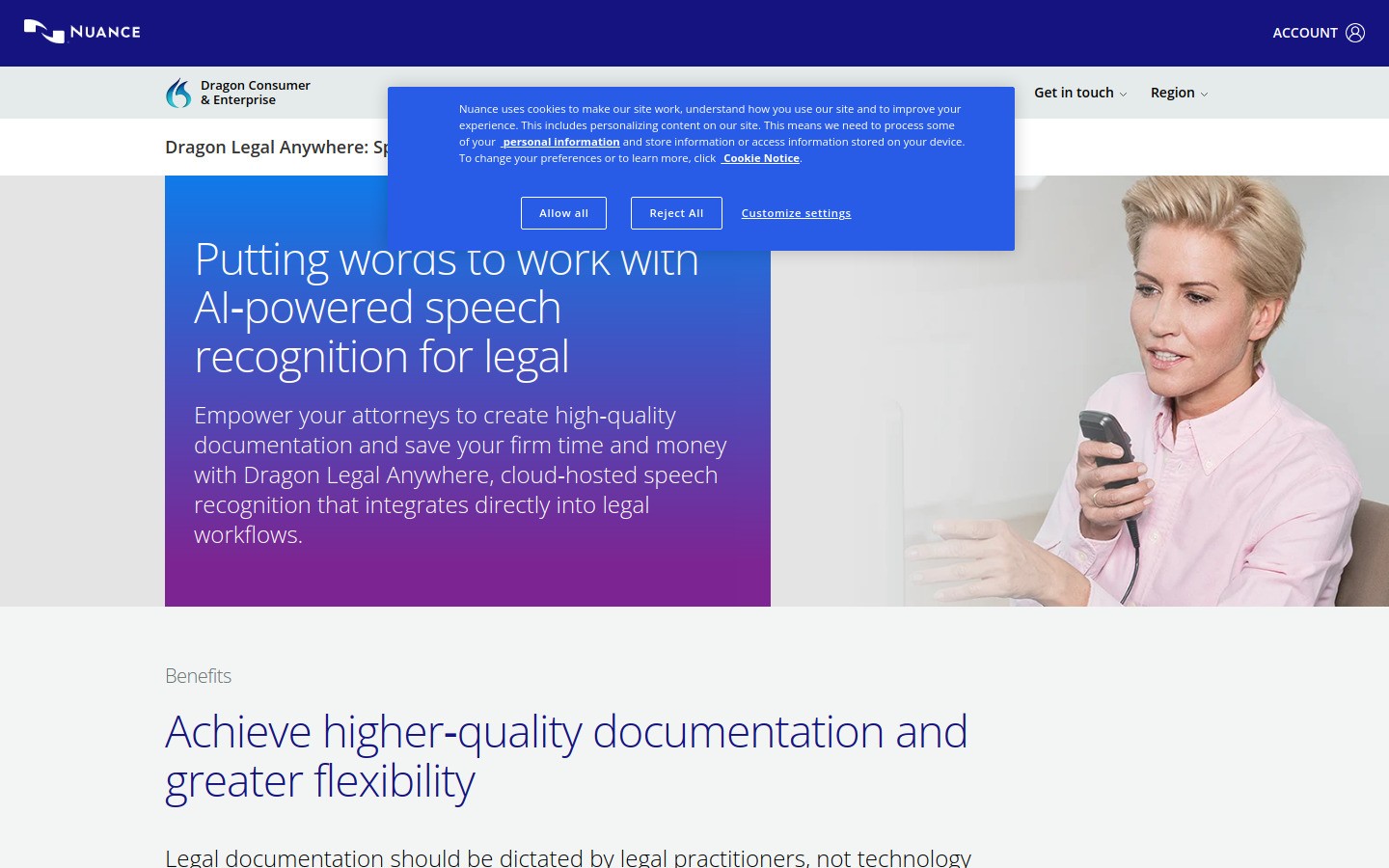
Dragon Legal Anywhere ist der Name, den Anwälte am häufigsten hören, wenn das Thema juristische Spracherkennung aufkommt. Und das aus gutem Grund.
Es ist speziell für die juristische Arbeit entwickelt und hat einen stärkeren Ruf in diesem Bereich als allgemeine Tools für Spracheingabe. Wenn deine Kanzlei ein hohes Volumen an formellen Dokumenten verfasst, gehört Dragon nach wie vor zu den sichersten Kandidaten für einen Test.
Vorteile
Starke Unterstützung von juristischem Vokabular
Ideal für Kanzleien mit ausgeprägten Diktiergewohnheiten
Ausgereiftes Produkt mit langjähriger Erfolgsgeschichte
Nachteile
Höhere Kosten als bei schlankeren Tools
Einrichtung und Einarbeitung können aufwendiger sein
Kann mehr Funktionen bieten, als ein Einzelanwalt benötigt
Am besten geeignet für: Kanzleien, die eine spezialisierte juristische Spracherkennung wollen und viele formelle Dokumente entwerfen.
3) Microsoft Word Diktieren, am besten, wenn deine juristischen Texte in Word entstehen
Microsoft Word Diktieren ist eine praktische Wahl für Anwälte, die ohnehin die meiste Zeit des Tages in Microsoft Word verbringen.
Es ist ganz einfach: Öffne Word, klicke auf „Diktieren“ und fange an zu sprechen. Wenn dein Entwurfs-Workflow ohnehin in Microsoft 365 stattfindet, ist diese Einfachheit ein echtes Plus.
Pros
Leicht zugänglich in Word
Vertraut für Kanzleien, die ohnehin für Microsoft 365 bezahlen
Gut für unkomplizierte Entwürfe von Memos und Briefen
Cons
Am besten innerhalb von Microsoft-Apps, nicht überall sonst
Weniger flexibel bei gemischten Workflows über verschiedene Praxis-Tools und Browser hinweg
Die juristische Terminologie muss eventuell noch manuell nachbearbeitet werden
Am besten geeignet für: Anwälte, die hauptsächlich in Word schreiben und den einfachsten Einstieg suchen.
4) Google Docs Spracheingabe, am besten für einen kostenlosen Testlauf
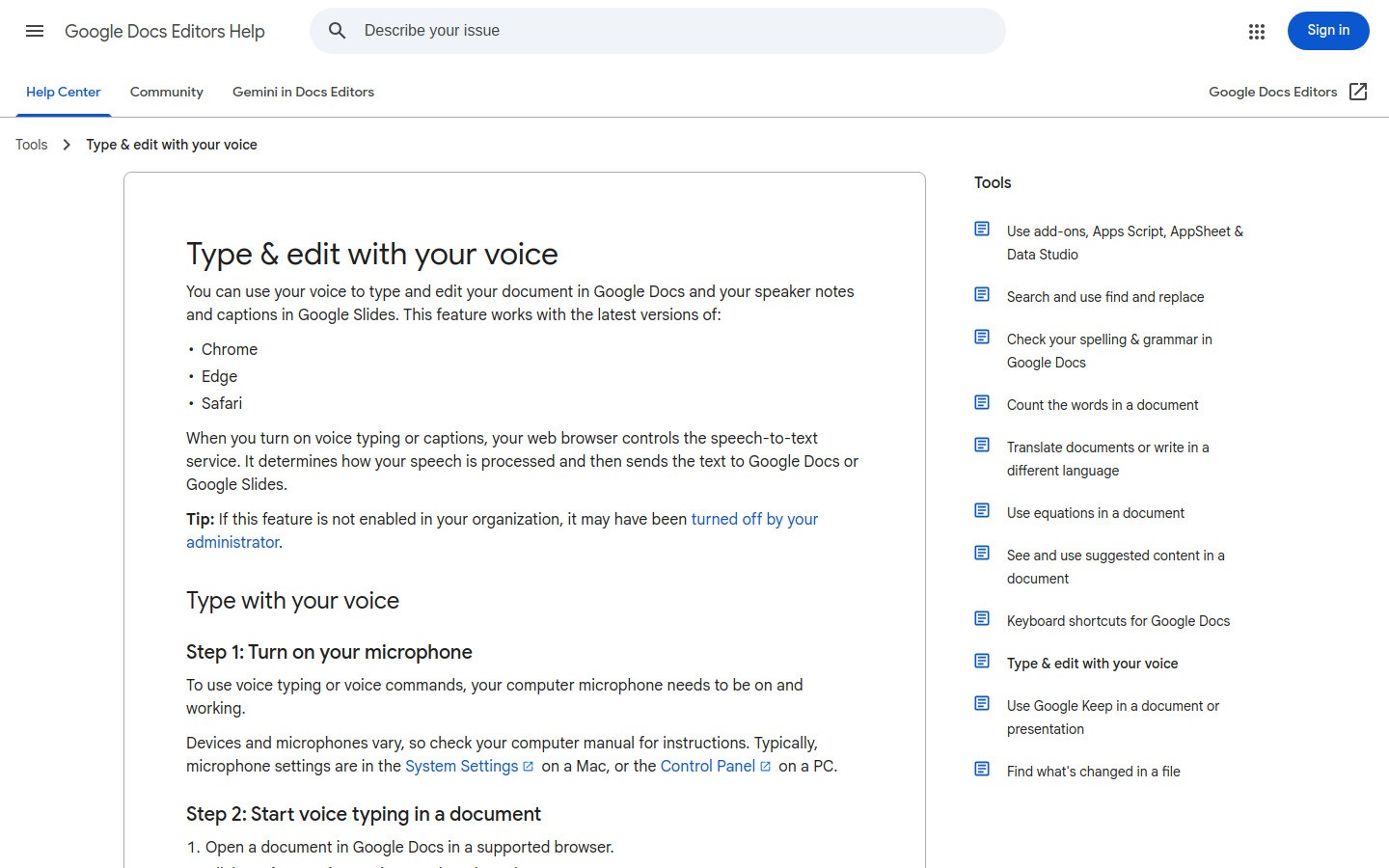
Google Docs Spracheingabe ist nach wie vor eines der am einfachsten auszuprobierenden kostenlosen Tools.
Wenn du testen willst, ob sich das Sprechen deines ersten Entwurfs für dich natürlich anfühlt, ist dies ein guter Ausgangspunkt. Es ist besonders nützlich für grobe Gliederungen, Besprechungszusammenfassungen und erste Entwürfe, die noch keine perfekte Formatierung benötigen.
Pros
Kostenlos
Schnell startklar
Gut für grobe Entwürfe und Gliederungen
Cons
An Google Docs gebunden
Nicht ideal für Anwälte, die zwischen vielen Systemen wechseln
Formatierung und Namen erfordern unter Umständen manuelle Korrekturen
Am besten geeignet für: Studenten, Referendare und Anwälte, die das Verfassen von Texten per Sprache zum ersten Mal testen.
5) Apple-Diktat, die beste integrierte Option für die leichte Mac-Nutzung
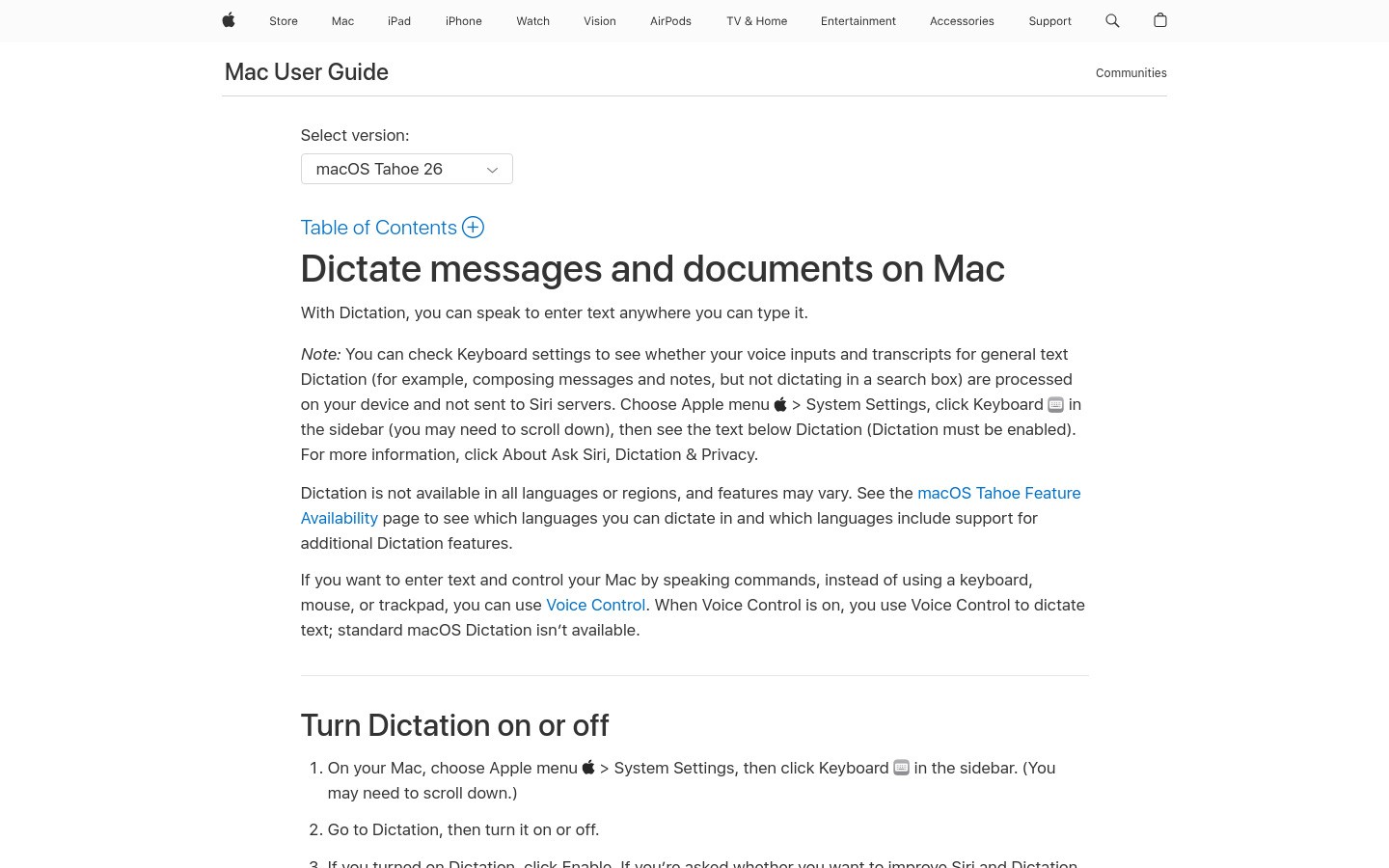
Apple-Diktat ist vor allem deshalb nützlich, weil es auf einem Mac bereits vorinstalliert ist.
Für schnelle Notizen oder kurze E-Mail-Entwürfe kann es völlig ausreichen. Für lange juristische Schreibsitzungen stoßen viele Anwälte hier jedoch schnell an Grenzen.
Pros
In macOS integriert
Keine zusätzlichen Kosten für die Grundnutzung
Gut für kurze Notizen und schnelle Entwürfe
Cons
Nicht die stärkste Option für intensives juristisches Schreiben
Weniger spezialisiert als Tools, die primär auf Rechtstexte ausgelegt sind
Längere Sitzungen können immer noch zu erheblichem Korrekturaufwand führen
Am besten geeignet für: Mac-Nutzer, die eine integrierte Option suchen, bevor sie für ein spezielles Tool bezahlen.
Schneller Vergleichstabelle
Tool | Best für | Hauptstärke | Hauptgrenze |
|---|---|---|---|
Voicy | Tägliche juristische Entwürfe | Funktioniert app-übergreifend | Cloud-basierte Transkription |
Dragon Legal Anywhere | Formelle juristische Dokumenten-Workflows | Tiefgehendes juristisches Vokabular | Höhere Kosten und Einrichtung |
Microsoft Word Diktieren | Anwälte, die primär Word nutzen | Ganz einfach in Word | Eingeschränkt außerhalb von Microsoft-Apps |
Google Docs Spracheingabe | Kostenloses Testen | Kostenloser Einstieg | Reiner Google-Docs-Workflow |
Apple-Diktat | Leichte Mac-Nutzung | Bereits integriert | Schwächer bei intensivem Schreiben |
Welches Tool sollten die meisten Anwälte wählen?
Wenn du eine einfache Antwort suchst, fange hier an:
Wähle Voicy, wenn du die beste Mischung aus Preis, Flexibilität und täglicher Nutzbarkeit suchst.
Wähle Dragon Legal Anywhere, wenn deine Kanzlei ein hochspezialisiertes System sucht und bereit ist, mehr auszugeben.
Wähle Microsoft Word Diktieren, wenn der Großteil deiner Texte ohnehin in Microsoft Word entsteht.
Wähle Google Docs Spracheingabe, wenn du einen ersten kostenlosen Test machen möchtest.
Wähle Apple-Diktat, wenn du nur gelegentlich integrierte Hilfe auf einem Mac benötigst.
Das ist die reale Aufteilung in diesem Markt. Die besten Tools für Spracheingabe beim juristischen Schreiben versuchen nicht alle, denselben Job zu machen.
Tipps für den Einsatz von Spracheingabe bei juristischen Texten
Ein paar Gewohnheiten machen einen großen Unterschied:
1. Nutze die Stimme für den ersten Entwurf
Ziele im ersten Satz nicht auf eine perfekte Formulierung ab. Sprich das Argument zuerst ein. Redigiere danach.
2. Gewöhne dir eine Namensprüfung an
Überprüfe immer Parteinamen, Mandantennamen und Zitate, bevor du etwas verschickst.
3. Passe das Tool an die Aufgabe an
Nutze ein app-übergreifendes Tool für die tägliche Arbeit. Nutze eine integrierte Lösung nur, wenn deine Anforderungen gering sind.
4. Behalte den Datenschutz im Blick
Bei mandantensensiblen Arbeiten solltest du die Aufbewahrungs-, Zugriffs- und Richtlinieneinstellungen prüfen, bevor du ein Tool kanzleiweit einführst.
Fazit
Die besten Tools für die Spracheingabe beim juristischen Schreiben helfen dir, schneller Entwürfe zu verfassen, ohne später mühsam aufräumen zu müssen.
Für die meisten Anwälte bietet Voicy die stärkste Balance aus Geschwindigkeit, Preis und app-übergreifender Nützlichkeit. Wenn deine Kanzlei ein traditionelleres juristisches Spracherkennungsprodukt benötigt, lohnt sich ein intensiver Test von Dragon Legal Anywhere nach wie vor.
Fange diese Woche mit einer echten Aufgabe an: einer E-Mail an einen Mandanten, einer Fallnotiz oder einer Gliederung für einen Schriftsatz. Das ist der schnellste Weg, um zu sehen, ob das Diktieren für dich im Alltag funktioniert.
FAQ
Was ist das beste Spracheingabe-Tool für juristisches Schreiben?
Für die meisten Juristen ist das beste Spracheingabe-Tool dasjenige, das in den Apps funktioniert, die du bereits nutzt. Voicy ist ein starker Allrounder, während Dragon Legal Anywhere stärker für Kanzleien ist, die eine tiefere Unterstützung juristischen Vokabulars benötigen.
Ist die Spracherkennung genau genug für juristische Texte?
Sie kann es sein, aber ein Korrekturschritt ist dennoch unerlässlich. Namen, Zitate und der genaue Wortlaut sollten immer überprüft werden, bevor Texte an Mandanten, Gerichte oder Partner gehen.
Gibt es ein kostenloses Tool für Spracheingabe beim juristischen Schreiben?
Ja. Die Google Docs Spracheingabe und das Apple-Diktat sind kostenlose Einstiegspunkte. Sie sind nützlich zum Testen, aber im Vergleich zu kostenpflichtigen, alltagstauglichen Tools für das Schreiben von Texten limitierter.
Können Anwälte Spracheingabe für die Arbeit an Mandaten nutzen?
Ja, aber Kanzleien sollten zuvor die Datenschutz- und Datenverarbeitungsrichtlinien prüfen. Das gilt umso mehr, wenn ein Tool eine Cloud-basierte Spracherkennung nutzt.


