




Wispr Flow vs Speechify: Which Voice AI Tool Should You Choose in 2026?
Wispr Flow vs Speechify: Which Voice AI Tool Should You Choose in 2026?
TL;DR
Choose Wispr Flow if you want polished cloud dictation across Mac, Windows, iPhone, and Android with snippets, command mode, personal dictionary, teams, and enterprise controls.
Choose Speechify if you want text-to-speech, voice reading, AI voice assistant features, and the newer Speechify voice typing product.
Consider Voicy if you want live dictation plus uploaded-file transcription across more devices.
Pricing: Wispr Flow Basic is free with weekly word limits. Flow Pro is $15/user/month or $12/user/month billed annually. Speechify pricing showed a free plan and Premium at $29/month in the checked pricing page. Plan availability and annual discounts can change by product.
Wispr Flow is better if your main job is AI dictation across work apps. Speechify is better if your main job is listening to text, reading documents aloud, or using Speechify's voice AI assistant. Voicy is the third option if you want everyday dictation plus uploaded-file transcription in one cross-platform product.
Answer-First Verdict
Wispr Flow and Speechify both involve voice AI, but they fit different jobs. Wispr Flow is strongest for polished cloud dictation across Mac, Windows, iPhone, and Android with snippets, command mode, personal dictionary, teams, and enterprise controls. Speechify is strongest for text-to-speech, voice reading, AI voice assistant features, and the newer Speechify voice typing product.
Voicy is the third option if you want live dictation plus uploaded-file transcription across Mac, Windows, Linux, browser extension, iOS, and Android. Voicy is cloud-based, has a free trial only, and costs $8.49/month, $82/year, or $260 lifetime.
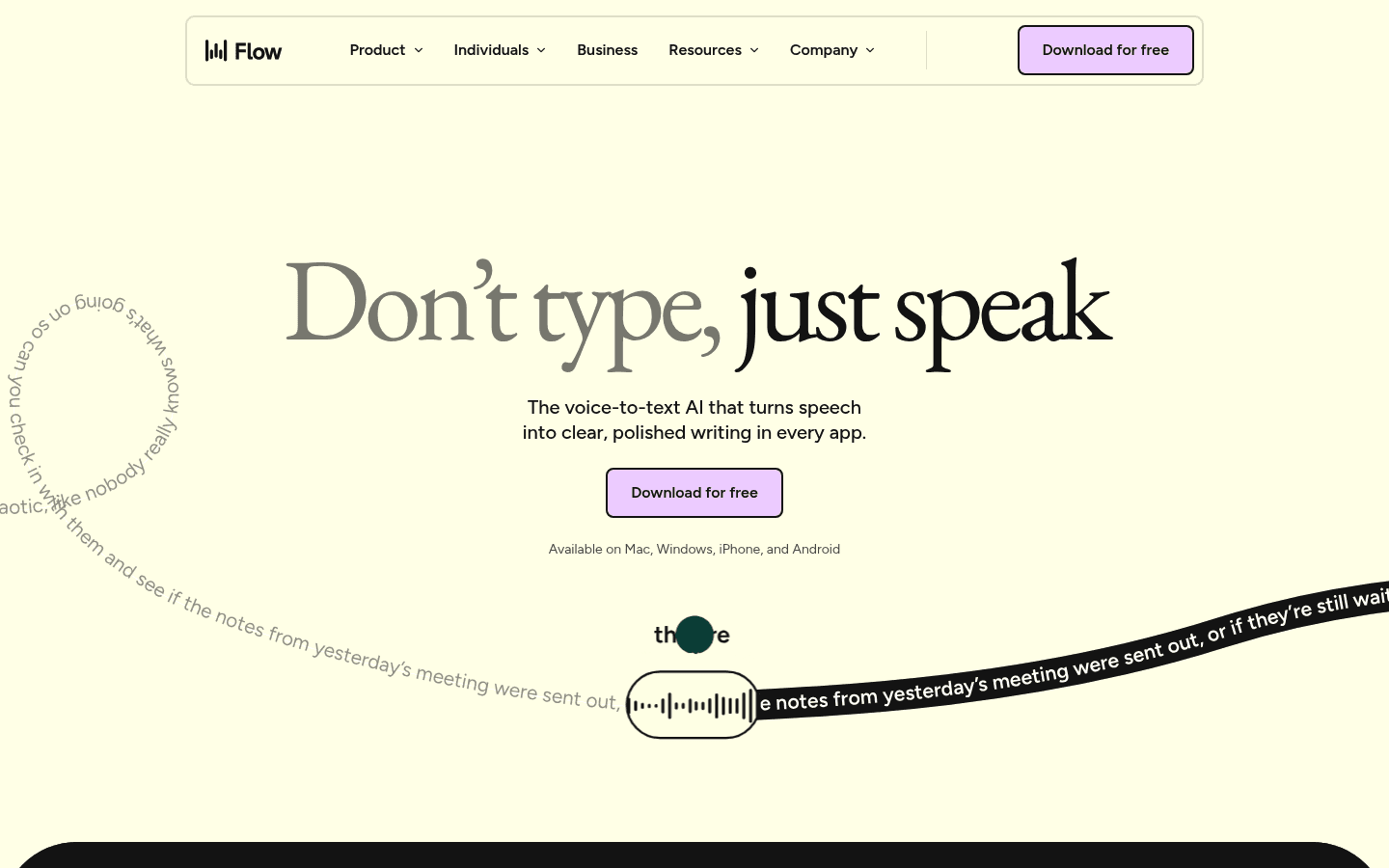
Wispr Flow official page screenshot used for this comparison.

Speechify official page screenshot used for this comparison.
Wispr Flow vs Speechify at a Glance
Category | Wispr Flow | Speechify | Winner |
|---|---|---|---|
Best for | polished cloud dictation across Mac, Windows, iPhone, and Android with snippets, command mode, personal dictionary, teams, and enterprise controls | text-to-speech, voice reading, AI voice assistant features, and the newer Speechify voice typing product | Depends on workflow. |
Platforms | Mac, Windows, iPhone, and Android. Wispr Flow does not support iPad, Linux, Chromebooks, virtual machines, or remote desktop in the checked docs. | Speechify lists iPhone and iPad apps, Android app, Chrome extension, Edge extension, web app, Mac app, and Windows app. | Choose based on required devices. |
Pricing | Wispr Flow Basic is free with weekly word limits. Flow Pro is $15/user/month or $12/user/month billed annually. | Speechify pricing showed a free plan and Premium at $29/month in the checked pricing page. Plan availability and annual discounts can change by product. | Depends on free limits, annual cost, and lifetime options. |
File transcription | No dedicated uploaded audio file transcription workflow was verified from the checked Wispr Flow source pages. | Speechify is primarily positioned around reading text aloud, document reading, voice AI, and voice typing. No dedicated uploaded audio file transcription workflow was verified for this comparison. | Choose the tool that clearly supports your recording workflow. |
Privacy and processing | Wispr Flow is cloud-based and internet is required. Zero data retention depends on Privacy Mode plus disabled Private Cloud Sync. | Speechify runs inside Speechify's product environment and includes cloud AI features. Review current Speechify privacy and enterprise terms before sensitive use. | Depends on local, cloud, and retention requirements. |
Third option | Compare against Voicy if Wispr Flow is too narrow for your devices. | Compare against Voicy if Speechify does not cover uploaded-file transcription. | Voicy for live dictation plus uploaded files in one workflow. |
When Wispr Flow Is the Better Choice
Wispr Flow is the better fit when your priority is polished cloud dictation across Mac, Windows, iPhone, and Android with snippets, command mode, personal dictionary, teams, and enterprise controls. Pick it when its platform support, pricing model, and privacy tradeoffs match the way you work.
When Speechify Is the Better Choice
Speechify is the better fit when your priority is text-to-speech, voice reading, AI voice assistant features, and the newer Speechify voice typing product. Pick it when that workflow is closer to your daily setup.
Pricing and Cost Over Time
Scenario | Wispr Flow | Speechify | Voicy | Winner |
|---|---|---|---|---|
Free use | Wispr Flow Basic is free with weekly word limits. Flow Pro is $15/user/month or $12/user/month billed annually. | Speechify pricing showed a free plan and Premium at $29/month in the checked pricing page. Plan availability and annual discounts can change by product. | Free trial only. | Depends on usable free limits. |
Monthly paid access | Use the paid plan that unlocks your needed workflow. | Use the paid plan that unlocks your needed workflow. | $8.49/month. | Voicy is easy to price, but compare exact plan limits. |
Annual paid access | Use the current annual or license price for your seat count. | Use the current annual or license price for your seat count. | $82/year. | Voicy if annual cost plus uploaded-file transcription matters. |
Three years | Local, one-time, or free options can win if they fit your workflow. | Subscription plans add up over time unless lifetime pricing is available. | $246 annual, or $260 lifetime. | Voicy lifetime can win for long-term individual use. |
Five years | Local, one-time, or free options can win if they fit your workflow. | Subscription plans add up over time unless lifetime pricing is available. | $410 annual, or $260 lifetime. | Voicy lifetime if you want one long-term purchase. |
Privacy, Cloud, and Offline Processing
Wispr Flow is cloud-based and internet is required. Zero data retention depends on Privacy Mode plus disabled Private Cloud Sync.
Speechify runs inside Speechify's product environment and includes cloud AI features. Review current Speechify privacy and enterprise terms before sensitive use.
Voicy is cloud-based. Use it when cloud processing is acceptable and workflow coverage matters more than a local-only requirement.
Bottom Line
Wispr Flow is better if your main job is AI dictation across work apps. Speechify is better if your main job is listening to text, reading documents aloud, or using Speechify's voice AI assistant. Voicy is the third option if you want everyday dictation plus uploaded-file transcription in one cross-platform product.
The best test is practical: dictate real emails, notes, browser fields, and one long work document. Then test uploaded-file transcription in Voicy if recordings are part of your workflow.
FAQs
Is Wispr Flow better than Speechify?
Wispr Flow is better if you need polished cloud dictation across Mac, Windows, iPhone, and Android with snippets, command mode, personal dictionary, teams, and enterprise controls. Speechify is better if you need text-to-speech, voice reading, AI voice assistant features, and the newer Speechify voice typing product.
Which is cheaper, Wispr Flow or Speechify?
Wispr Flow Basic is free with weekly word limits. Flow Pro is $15/user/month or $12/user/month billed annually. Speechify pricing showed a free plan and Premium at $29/month in the checked pricing page. Plan availability and annual discounts can change by product.
Does Wispr Flow work on mobile?
Platform support: Mac, Windows, iPhone, and Android. Wispr Flow does not support iPad, Linux, Chromebooks, virtual machines, or remote desktop in the checked docs.
Does Speechify work on mobile?
Platform support: Speechify lists iPhone and iPad apps, Android app, Chrome extension, Edge extension, web app, Mac app, and Windows app.
Can Wispr Flow transcribe uploaded files?
No dedicated uploaded audio file transcription workflow was verified from the checked Wispr Flow source pages.
Can Speechify transcribe uploaded files?
Speechify is primarily positioned around reading text aloud, document reading, voice AI, and voice typing. No dedicated uploaded audio file transcription workflow was verified for this comparison.
Which is better for privacy?
Wispr Flow is cloud-based and internet is required. Zero data retention depends on Privacy Mode plus disabled Private Cloud Sync. Speechify runs inside Speechify's product environment and includes cloud AI features. Review current Speechify privacy and enterprise terms before sensitive use.
Where does Voicy fit?
Voicy is the third option if you want live dictation plus uploaded-file transcription across Mac, Windows, Linux, browser extension, iOS, and Android. Voicy is cloud-based, has a free trial only, and costs $8.49/month, $82/year, or $260 lifetime.
Which should I choose for daily writing?
Choose Wispr Flow for polished cloud dictation across Mac, Windows, iPhone, and Android with snippets, command mode, personal dictionary, teams, and enterprise controls. Choose Speechify for text-to-speech, voice reading, AI voice assistant features, and the newer Speechify voice typing product. Choose Voicy if you want live dictation plus uploaded-file transcription in one workflow.
Does Voicy have a free plan?
Voicy has a free trial only. Paid pricing is $8.49/month, $82/year, or $260 lifetime.
