TL;DR
Choose Voicy if you want live dictation plus file upload transcription across Mac, Windows, Linux, browser extension, iPhone, and Android.
Choose Superwhisper if you want a privacy-first dictation app with local processing, offline use, custom modes, and strong Mac/iPhone coverage.
Best everyday pick: Voicy is simpler for professionals who write across emails, docs, web apps, messages, and uploaded recordings.
Best local-first pick: Superwhisper offers a permanent local Free plan and more model choices, but check both the voice and language model before assuming a workflow stays local.
Cost math: both monthly plans are $8.49/month based on the current comparison data. Voicy annual is $82/year, which is $2.99 cheaper than Superwhisper Pro annual at $84.99/year. Superwhisper lifetime is $249.99, which is $10.01 cheaper than Voicy lifetime at $260.
If you are comparing Voicy vs Superwhisper, the short answer is this: Voicy is better for broad, everyday speech-to-text across devices and files. Superwhisper is better if local processing, offline use, and custom dictation modes matter more than native Linux and browser-extension coverage.
For a closer look at the original tool, read our Superwhisper review.
Answer-First Verdict
Voicy is the better choice for most professionals who want one dictation app for daily writing and uploaded-file transcription. It supports Mac, Windows, browser extension use, iOS, Android, live dictation, and file upload transcription, with cloud processing by default, an offline dictation mode in the Mac, Windows, and Linux apps, and a free trial.
Superwhisper is worth choosing for its permanent local Free plan and configurable models. Its privacy commitments for integrated cloud providers are separate from offline processing; check the voice and language model in each mode.
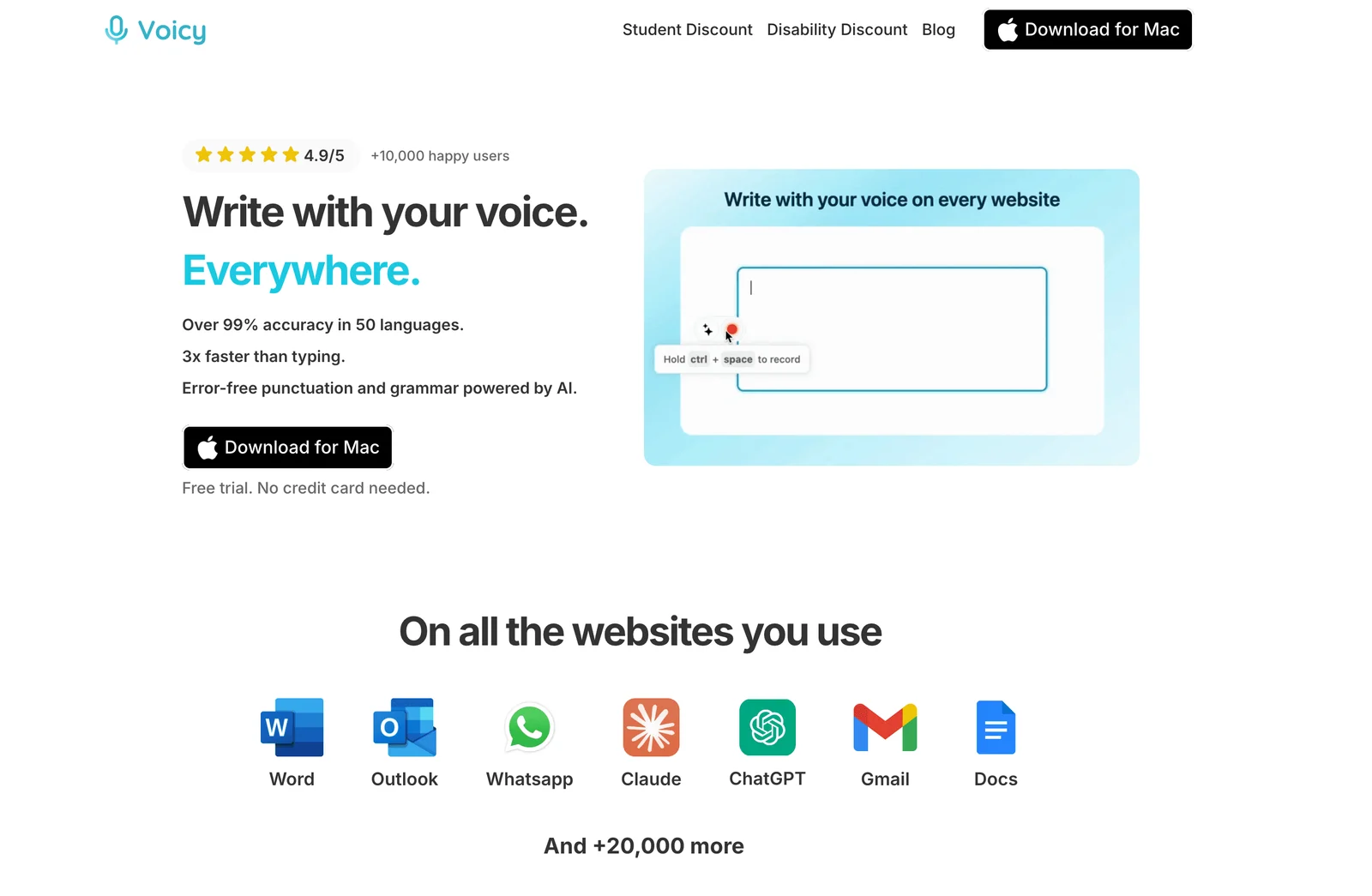
Voicy focuses on speech-to-text for everyday work, with support across desktop, browser, and mobile.
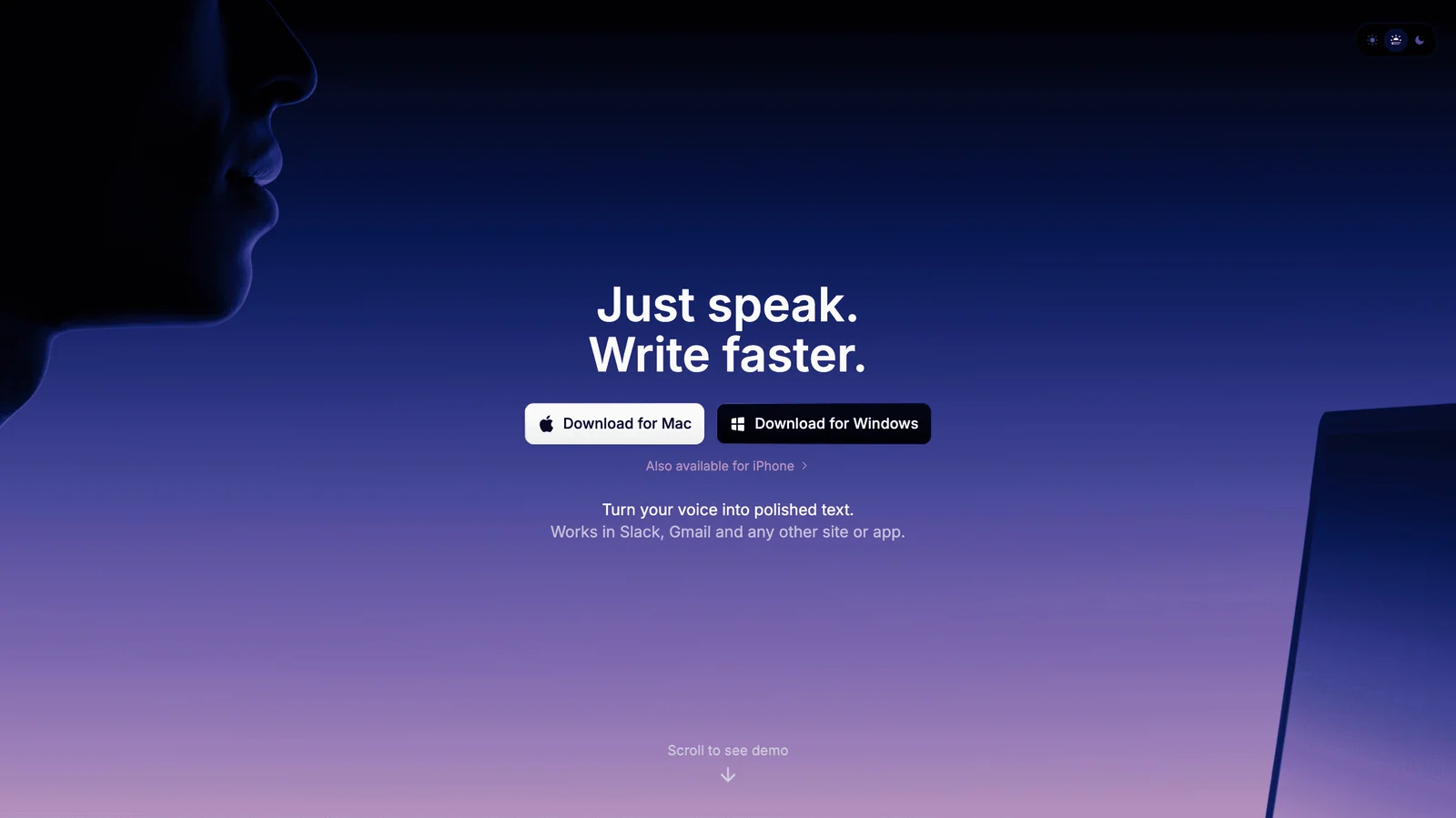
Superwhisper positions itself around local and cloud voice-to-text, offline use, modes, and Mac/iOS workflows.
Voicy vs Superwhisper at a Glance
Category | Voicy | Superwhisper | Winner |
|---|---|---|---|
Best for | Professionals who want dictation and file transcription across common work apps. | Users who want local-first dictation, offline support, modes, and privacy controls. | Voicy for broad daily use. Superwhisper for local-first use. |
Platforms | Mac, Windows, Linux, browser extension, iOS, and Android. | Mac, Windows, iPhone, and Android phones. Its current mobile guides exclude iPad and Android tablets; Linux is coming soon. | Voicy for native Linux and browser-extension coverage; both have Android phones. |
Live dictation | Yes. Built for live speech-to-text in everyday writing surfaces. | Yes. Superwhisper says it works in any app. | Tie. |
File transcription | Yes, on a paid plan with internet, up to 60 minutes per file. | Yes on Pro. Superwhisper lists audio and video file transcription as a Pro feature. | Tie for paid users. |
Privacy model | Optional downloaded offline model on Mac 15+, Windows and Linux; AI and files online | Local or cloud processing depends on the voice model and any language model. | Both can keep basic desktop dictation local. |
Pricing | $8.49/month, $82/year, or $260 lifetime, with a free trial. | Free plan, Pro at $8.49/month, $84.99/year, $249.99 lifetime, and Enterprise. | Voicy for annual price. Superwhisper for free plan and lifetime sticker price. |
Setup style | Straightforward cloud dictation and transcription across more device types. | More control through modes, model choices, custom vocabulary, and local/cloud setup choices. | Voicy for simplicity. Superwhisper for control. |
When Voicy Is the Better Choice
Voicy is the better fit when you want speech-to-text to follow you around your normal workday. You might dictate in Gmail, a document, a browser form, a chat tool, a CRM, or your phone. You might also upload a voice memo, call recording, interview, or video file later and need a transcript.
That mix is where Voicy makes sense. It is not trying to be a local model playground. It is a dictation and transcription tool, cloud by default with offline dictation available on desktop, for people who want less typing across more places.
Voicy covers more everyday surfaces
Voicy supports Mac, Windows, Linux, browser extension use, iOS, and Android. That matters if your writing does not stay on one machine.
Choose Voicy if you regularly write in:
Documents and notes.
Browser-based apps, forms, dashboards, and support tools.
Mobile apps on iPhone or Android.
Recorded audio or video files that need to become text.
Voicy is stronger if you want one tool for dictation and file upload
Both products can handle file transcription for paid users. Voicy's advantage is that file upload transcription sits beside wider cross-platform dictation, including native Linux and browser-extension workflows.
If you only dictate live on one device, this may not matter. If your real work includes recordings, voice notes, interviews, lectures, and quick audio thoughts, it does.
When Superwhisper Is the Better Choice
Superwhisper is a strong pick for control over local models. Its current privacy guidance separates local audio recognition from the optional AI text-processing step. A cloud voice model sends audio online; a cloud language model sends text online even when recognition is local.
Superwhisper also has a more advanced control story. Its public docs and homepage describe modes, custom prompts, custom vocabulary, model choices, meeting recording, file transcription, and local plus cloud AI models for Pro users.
Choose Superwhisper if you want:
Unlimited local Whisper dictation on Free after an initial 3,000-word Pro allowance.
Local and offline dictation as the main product angle.
Custom modes for emails, notes, documents, and other writing styles.
Support for Mac, Windows, iPhone and Android phones.
More control over models and prompt behavior.
The tradeoff is platform fit. Superwhisper supports Mac, Windows, iPhone and Android phones, but not iPad or Android tablets. Windows lacks Mac's dedicated Meetings interface and uses Meeting mode with system audio instead. Voicy adds native Linux and a browser extension.
Pricing and Cost Over Time
Voicy costs $8.49 per month, $82 per year, or $260 for lifetime access. Voicy has a free trial, but it is not a fully free product.
Superwhisper lists a Free plan, Pro, and Enterprise. Its public Pro docs list Pro at $8.49 per month, $84.99 per year, and $249.99 for lifetime access. Verified students, educators and nonprofits can request 40% off website purchases before buying; app-store billing and refunds use store terms.
For the full plan-by-plan breakdown, see our Superwhisper pricing guide.
Cost over 1, 3, and 5 years
The fairest way to compare paid plans is to separate monthly, annual, and lifetime pricing. Voicy wins the annual price by a small amount. Superwhisper wins the lifetime sticker price by a small amount.
Scenario | Voicy | Superwhisper | Winner |
|---|---|---|---|
Monthly plan for 12 months | $101.88 | $101.88 | Tie. |
Annual plan for 1 year | $82 | $84.99 | Voicy saves $2.99. |
Annual plan for 3 years | $246 | $254.97 | Voicy saves $8.97. |
Annual plan for 5 years | $410 | $424.95 | Voicy saves $14.95. |
Lifetime plan | $260 | $249.99 | Superwhisper saves $10.01. |
The practical read: do not choose based on a tiny pricing gap alone. Choose based on workflow. Voicy annual is slightly cheaper. Superwhisper lifetime is slightly cheaper. The bigger differences are platform fit, model control and the particular writing tools you use.
Privacy and Cloud Processing
Both apps offer local desktop recognition. Voicy uses online dictation by default, with an optional downloaded offline model on Mac 15+, Windows and Linux. Rewrite Mode, Custom Modes and paid file transcription still require internet; files can be up to 60 minutes long.
Superwhisper's processing depends on the selected models. A local voice model with no AI processing keeps dictation local. Pro's S1-mini also offers offline English cleanup in Message and Mail on compatible desktops, excluding Windows ARM. Other cloud modes still send audio or text online. The vendor states that its integrated API providers have zero-retention and no-training agreements; that is not the same as local processing.
If local processing is a hard rule, check the whole workflow in either app. Superwhisper also stores audio, transcripts and AI output in local History, with Forever as its documented default retention. Review stored history and backups as well as cloud settings.
User Proof and Community Discussion
Public proof is useful, but it should be treated carefully. Voicy's own site shows public social proof such as a 4.9/5 rating and 10,000+ happy users. That is not the same as a controlled lab test, but it does show real market use.
For Superwhisper, the best public signals are its product documentation, public community links, roadmap, and user discussions around setup, modes, local models, pricing, and platform fit. You can check the official Superwhisper Discord, the public Superwhisper roadmap, and recent Reddit search results for Superwhisper dictation.
Do not over-read community threads. A single complaint does not prove a product is bad, and a happy comment does not prove it is best for you. Use public discussion to spot questions you should test yourself: first-word capture, privacy comfort, custom modes, mobile fit, file transcription, and whether the app works where you actually write.
Decision Guide
Choose Voicy if:You want live dictation plus file upload transcription.
You need Mac, Windows, browser extension, iOS, and Android support.
You write across web apps, documents, notes, messages, and mobile apps.
You are comfortable with cloud-based transcription.
You want the cheaper annual plan.
You want local processing and offline dictation as the main advantage.
You use Mac, Windows, iPhone, or Android phones.
You want custom modes, custom vocabulary, and model choices.
You want an ongoing Free plan for local Whisper dictation.
You want the lower lifetime sticker price.
Bottom Line
Superwhisper is a strong choice for local-first dictation. Its privacy language, offline support, and custom modes make it appealing for users who want control and are comfortable choosing models and modes.
Voicy is the better fit for most everyday professionals who want speech-to-text across more places, especially if native Linux, browser-extension writing, and its online tools matter. If your work moves between devices, web apps, emails, documents, and recorded files, Voicy is the cleaner pick.
FAQs
Is Voicy better than Superwhisper?
Choose Voicy for native Linux, browser-extension support or its writing tools. Choose Superwhisper for its permanent local Free plan and more model choices. Both support Android phones, local desktop dictation and paid file transcription.
Does Voicy have a free plan?
Voicy has a free trial, but it is not a fully free product. Its paid plans are $8.49 per month, $82 per year, or $260 lifetime.
Does Superwhisper have a free plan?
Yes. Free includes unlimited local Whisper dictation, vocabulary, replacements and two modes without AI processing. New users get 3,000 words of Pro access, including Meetings, before falling back to Free.
Which is cheaper, Voicy or Superwhisper?
It depends on billing. Monthly pricing is tied at $8.49/month. Voicy annual is cheaper at $82/year versus $84.99/year. Superwhisper lifetime is cheaper at $249.99 versus Voicy lifetime at $260.
Does Voicy work on Windows?
Yes. Voicy supports Mac, Windows, Linux, browser extension use, iOS, and Android.
Does Superwhisper work on Windows?
Yes. Superwhisper lists Windows support on its public site, along with Mac, iPhone, and Android phone support.
Can Voicy transcribe files?
Yes. Voicy supports online audio/video file transcription on paid plans, up to 60 minutes per file, in addition to live dictation.
Can Superwhisper transcribe files?
Yes. Superwhisper lists audio and video file transcription as a Pro feature.
Which app is better for privacy?
Both can keep normal desktop dictation local. Superwhisper needs a local voice model and either no AI step or a supported local language model. Voicy needs its downloaded offline model on Mac 15+, Windows or Linux; its AI tools and file transcription stay online.