Summary
This Superwhisper review recommends Free for local dictation and Pro for AI modes, model choices and recording tools. Superwhisper supports Mac, Windows, iPhone and Android phones. Choose it if you want control over how speech becomes text; compare Voicy for native Linux and its writing workflow.
Three strengths
- Useful permanent Free plan: unlimited local Whisper dictation, vocabulary and replacements, not just a small-model demo.
- Configurable writing modes: Pro can turn spoken points into an email or a saved project-update format.
- Recording tools: Pro transcribes desktop audio/video files and adds a dedicated Meetings workflow on Mac.
Three limitations
- Offline AI is restricted: S1-mini handles English Message and Mail modes on compatible desktops, not every mode or device.
- Platform gaps: no iPad or Android tablets; Linux is coming soon, and Windows lacks Mac's dedicated Meetings interface.
- Setup affects privacy: a local voice model can still send text to a cloud language model. Check both choices.
Pro costs $8.49 monthly, $84.99 yearly or $249.99 lifetime, checked November 4, 2026. Do not pay just to unlock a large Whisper model: Free includes those too, subject to hardware support.
Superwhisper at a glance
| Your need | Our recommendation |
|---|---|
| Free local voice typing | Start with Free and a Whisper model your computer can run well. |
| Cleaned-up emails and custom formats | Try Pro's Message, Mail and Custom modes. |
| Offline English cleanup | Use a local voice model plus S1-mini in Message or Mail on compatible desktop hardware. |
| Saved recordings or Mac meetings | Pro adds file transcription and the Mac Meetings workflow. |
| Linux, iPad or Android tablets | Look elsewhere today. Linux is coming soon; the mobile guides exclude tablets. |
What does Superwhisper do during a normal workday?
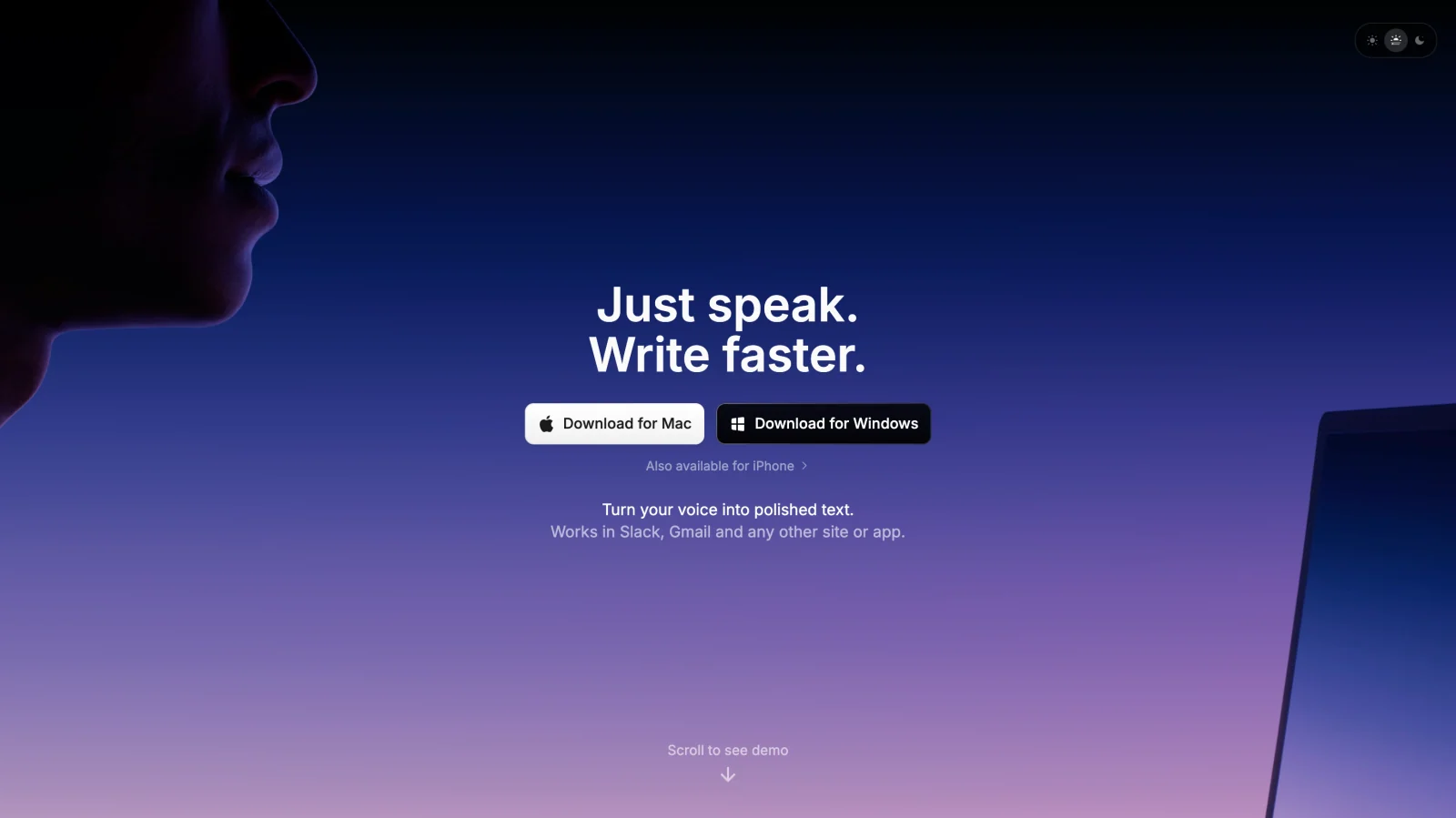
Superwhisper records speech, turns it into text and can then process that text with AI. Its modes save those choices for different jobs. A plain transcript and a polished email can use different settings without rebuilding the workflow each time.
Write a message without the false starts
Message mode removes fillers and fixes grammar and punctuation. Say a rough update about a delayed delivery, and the mode aims to produce a readable message rather than preserve every hesitation.
Check the dates and commitments before sending. Removing “um” helps; changing “we might finish Friday” into a firm promise does not. For work where the exact wording matters, start with Voice to Text, which skips the separate AI processing step.
Turn spoken points into an email
Mail mode adds an email structure, with a greeting, paragraphs and sign-off. Its tone control lets you move between casual and formal writing.
A useful trial task is a supplier follow-up: explain what arrived, what is missing and when you need the rest. Check whether the finished draft keeps all three points. You are judging editing effort, not just whether the result looks tidy.
Save a format you use every day
A Custom mode can turn your spoken points into a fixed format. For example, ask for a project update with three headings: Done, Blocked and Next. Add an instruction not to invent dates or owners.
That is the strongest reason to learn Superwhisper's settings. One mode can preserve plain speech; another can shape it into a work update. Start with one useful custom format, not a dozen prompts that become another thing to maintain.
Use context without giving it everything
Super mode can use the active app, selected text and recent clipboard text to guide its output. It also supports selected-text formatting commands, such as changing text to title case or bullets.
Do not assume it is a general editing assistant. The current guide distinguishes those formatting commands from requests such as expanding or summarizing a paragraph, which it directs toward Custom modes. Context also changes the privacy question: the spoken words may not be the only text being processed.
Transcribe a file or capture a meeting
Pro accepts existing audio and video files on desktop. The active mode controls the file's processing. Before opening an interview, switch out of your short-email mode so it does not turn the recording into the wrong kind of output.
Mac has a dedicated Meetings area with speaker labels and summaries. Windows instead has a Meeting preset and system-audio recording. That is useful, but it is not the same interface or feature set.
Get consent before recording a call. A tool that records without a meeting bot does not remove your duty to tell people.
Accuracy: judge the corrections, not a score
Superwhisper's accuracy depends on the model you choose and the audio you give it. It is not one speech engine with one reliable accuracy percentage.
A larger local model can need more storage and processing time. A cloud model avoids that local workload but needs a connection. The official model table also includes relative speed and accuracy ratings; those are vendor comparisons, not results from our testing.
Use the Pro trial to compare three real tasks:
- A short email with a person's name, a date and an amount.
- A longer note with pauses and one spoken correction.
- A paragraph in your usual language, including work terms.
Count wrong words, missing details and changes in meaning. Then time the corrections. Test Voice to Text first and an AI mode second so you can tell whether an error came from recognition or rewriting.
Add recurring names to Vocabulary. Text replacements help with predictable corrections, but neither feature guarantees that every name will be right. Keep checking figures, medical terms and anything you plan to quote.
Language support belongs to the model, not just the app. The current docs list 100+ languages for multilingual Whisper and S1-Voice, 24 for Parakeet Multilanguage and 14 for Cohere Transcribe. Some models are English-only. Choose your language in the model settings rather than assuming every option has the same coverage.
Superwhisper pricing: is Pro worth paying for?
Free is a real ongoing plan, not just a short demo. The current plan guide includes unlimited local Whisper dictation, vocabulary, replacements and two modes without AI processing. New users get 3,000 words of Pro access before falling back to Free.
| Plan | Website price checked November 4 | What it buys |
|---|---|---|
| Free | $0 | Local Whisper dictation, including larger Whisper models, subject to hardware support. |
| Pro monthly | $8.49/month | Cloud models, extra local models, AI modes, context, file transcription and other Pro tools. |
| Pro annual | $84.99/year | The same paid features, billed yearly. |
| Pro lifetime | $249.99 once | The same paid features with a one-time license purchase. |
Twelve monthly payments total $101.88. Annual billing saves $16.89, about 16.6%, at these rates. Three annual payments total $254.97, just $4.98 more than lifetime. That makes lifetime worth considering after you know you will keep using it, not before your first real trial.
One Pro license covers your supported devices. Built-in models do not require your own API keys. Bringing your own keys is an optional Pro feature and puts provider billing and data terms under your own account.
The website lists verified education and nonprofit discounts of 40%; request approval before buying. App-store prices are higher according to the docs, and their billing and refunds are handled by the store. Check checkout for taxes and current terms. Our Superwhisper pricing guide covers the buying options in more detail.
Platforms: Mac, Windows and phones are not identical
Mac setup requires macOS 14 or later. Local model choices still depend on the chip and available resources. Download the model while connected and try it on your own machine before relying on it while travelling.
Windows 10 and 11 are supported on x64 and ARM64. A GPU is not required to run the app, but local performance can depend heavily on the graphics hardware and drivers. Cloud models are an option for a slow computer, not an offline workaround.
Windows ARM is a key exception. The docs list Parakeet Multilanguage as its only local voice option, and that is a Pro model. Do not buy a Snapdragon laptop expecting the same free local Whisper setup as a supported x64 machine.
On iPhone, Superwhisper uses a custom keyboard with Full Access enabled. The current guide warns that iOS 26.4 and later can require you to swipe back manually after the keyboard opens the main app. On Android phones, it uses a floating bubble with microphone, overlay and text-insertion permissions.
The mobile guides explicitly exclude iPad and Android tablets. Modes and vocabulary are stored per device rather than automatically synced from desktop. Linux remains listed as coming soon, not a platform you can depend on today.
Privacy and offline use: check both processing steps
Local audio recognition does not automatically mean a fully local workflow. The Mac quickstart says the first Message mode uses cloud models, so check your settings before sensitive dictation. Superwhisper has two separate choices: the voice model that hears the recording and the language model that processes the transcript.
- Local voice model, no AI step: normal transcription can stay on your computer.
- Local voice model, cloud language model: audio stays local, but text goes online for processing.
- Cloud voice model: audio is sent to that service, even if history is saved locally.
- Local voice model plus supported local language model: both steps can run on-device.
For dictation cleanup, the local S1-mini model is English-only and limited to Message and Mail modes. It runs on compatible Mac and Windows desktops, not Windows ARM. It does not make Super, Note or Custom modes work offline. Do not assume the same local cleanup path exists on a phone.
Mac Meetings has a separate local-summary setup using its own supported models. S1-mini's limits should not be read as a claim that all meeting summaries need the cloud.
Local history is still stored data
Superwhisper saves audio, transcripts and AI output in local History. Its documented default retention is Forever. You can delete entries or set an automatic retention period, including one day or one week.
That history is useful when text fails to paste or you want to retry another mode. It also means sensitive recordings can remain on disk. Check backups and access to the computer, not just cloud settings.
The privacy guidance says its integrated cloud providers use zero-retention API agreements and do not train on your audio or text. Those are vendor commitments, not proof that cloud processing is local. Your own API keys use your own provider agreement.
Meeting share links and connected agents are additional ways data can leave the device. For regulated work, verify the configuration and required agreements with your organization. An offline setting alone is not a compliance certificate. See our dictation privacy comparison for the broader checks.
Limits to weigh before you switch
Superwhisper's choice of modes is useful, but it creates setup work. The wrong mode can rewrite a file you meant to transcribe, or send text online when you only checked the voice model.
Hardware can also change the value of Free. A model that is included at no charge is not useful if it is too slow on your machine. Test the wait after stopping, especially with long notes.
For occasional Apple-device messages, try Apple's built-in Dictation first. It is free and enters text. Voice Control is the separate accessibility tool for commands and navigation; Siri is the assistant, not another name for Dictation. On-device availability and features vary by device, OS, language and region, so check the device's Dictation settings rather than assuming universal offline support.
Superwhisper is worth adding when its saved modes, model choices or file tools solve a problem the built-in option does not. If you need other choices, see our Superwhisper alternatives.
Superwhisper vs Voicy: which should you choose?
Choose Superwhisper for model control and a permanent free local plan. Choose Voicy when its platforms and writing workflow suit you better. Both offer local desktop dictation, mobile apps and paid file transcription, so those alone do not settle the choice.
| Decision | Superwhisper | Voicy |
|---|---|---|
| Free use | Ongoing local Whisper plan plus an initial Pro word allowance. | Free trial, not a permanent free plan. |
| Paid price | $8.49/month, $84.99/year or $249.99 lifetime. | $8.49/month, $82/year or $260 lifetime. |
| Platforms | Mac, Windows, iPhone and Android phones; Linux coming soon. | Mac, Windows, Linux, iOS and Android. |
| Offline desktop writing | Local voice models; limited local English cleanup with S1-mini. | Normal dictation after model download; Mac offline mode needs macOS 15+. |
| Writing tools | Model-specific modes, context and custom instructions. | Rewrite Mode for selected text and Custom Modes for new dictation; both online. |
| Recorded files | Pro desktop transcription uses the active mode. | Paid online file transcription, up to 60 minutes per file. |
The prices are close. Monthly billing is identical. Voicy is $2.99 less per year; Superwhisper is $10.01 less for lifetime. Price alone is a weak reason to leave a setup you already like. Check Voicy's current plans before buying.
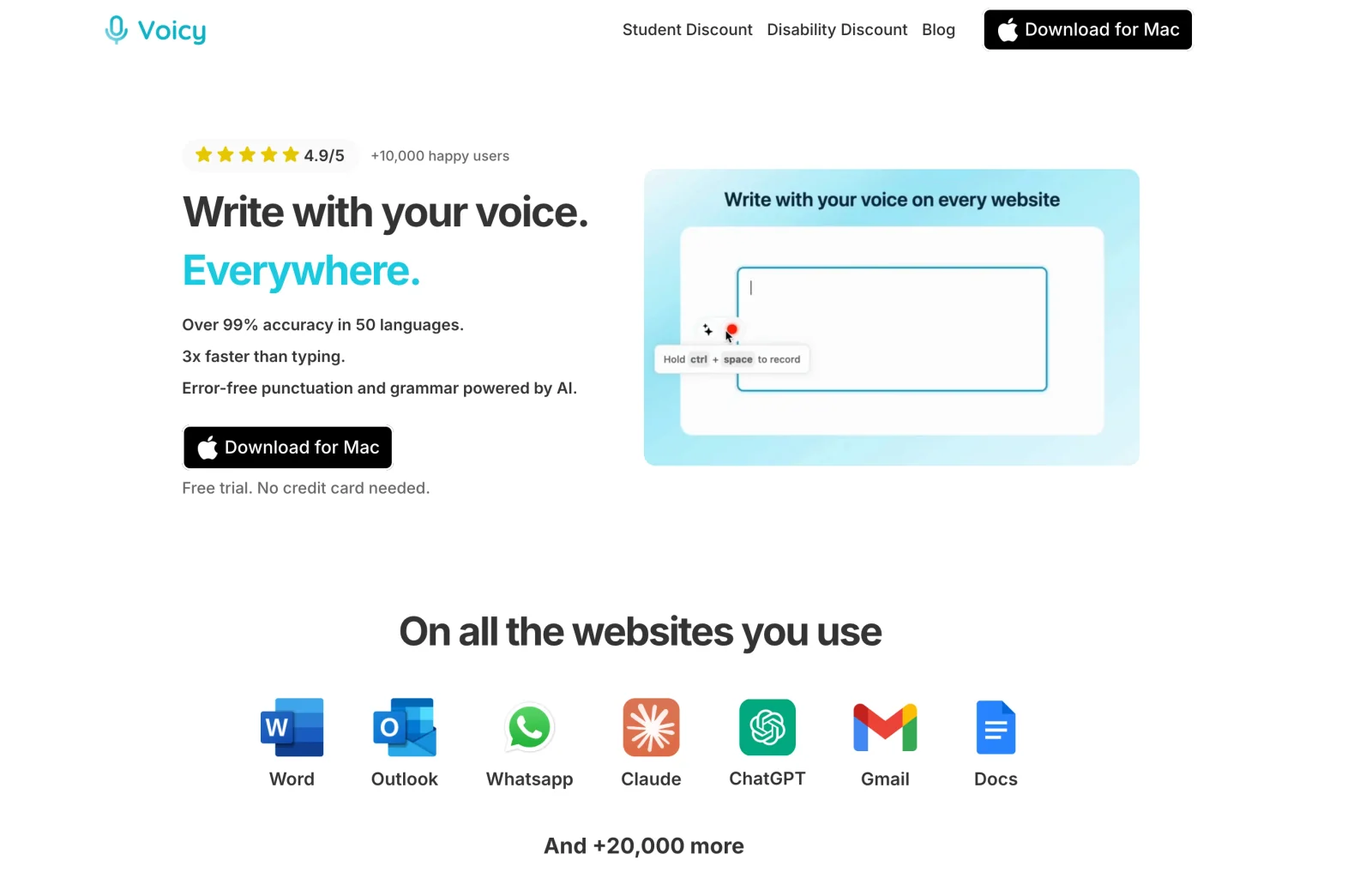
Voicy's clearer difference is native Linux alongside its other apps. Its offline mode keeps normal desktop recognition local after a model download. Rewrite Mode, Custom Modes and file transcription still need internet. Do not choose it expecting offline AI rewriting on every platform.
For everyday work, try drafting a note offline, then using Rewrite Mode online to shorten the selected text. For a saved recording, Transcribe File provides a transcript you can copy or download as TXT. That is not the same as Superwhisper's dedicated Mac meeting workflow.
Stay with Superwhisper if Free covers your needs or its configurable modes already save you editing. Try Voicy if you want its specific writing tools or Linux support. Our Voicy vs Superwhisper comparison keeps those choices side by side.
Final choice
Start with Superwhisper Free if you want local voice typing and your computer supports the model you need. Upgrade for a feature you have actually tried, such as Mail mode, file transcription or Mac Meetings, rather than for a vague promise of better accuracy.
If Linux or Voicy's writing workflow is the deciding factor, use its trial on the same emails and notes. Choose the app that leaves less checking and editing in your real work.
Methodology: We checked official product documentation on November 4, 2026. The task examples are suggestions for your trial, not claimed hands-on test results.
FAQs
Is Superwhisper free?
Yes. Free includes unlimited local Whisper dictation, custom vocabulary, text replacements and up to two modes without AI processing. New users also get 3,000 words of Pro access. Hardware support still matters.
How much does Superwhisper Pro cost?
Website pricing checked November 4, 2026 is $8.49 monthly, $84.99 yearly or $249.99 lifetime. The paid features are the same across those billing options. App-store prices and taxes can differ.
Does Superwhisper work offline?
Yes, with a downloaded local voice model. For offline dictation cleanup, S1-mini supports English Message and Mail modes on compatible Mac and Windows computers, not Windows ARM. Cloud models still need internet.
Does Superwhisper support Windows and Android?
Yes. Windows 10 and 11, including x64 and ARM64, and Android phones are supported. Windows ARM has fewer local model options. Android uses a floating bubble. Linux is listed as coming soon.
Can I use Superwhisper on iPad?
The current iOS guide says iPhone only and explicitly excludes iPad. Android tablets are also not supported. A shared Pro license does not make every device compatible.
Does Superwhisper send my recordings to the cloud?
That depends on the selected models. Local speech recognition can keep audio on the device, but a cloud language model still receives text for processing. History is stored locally, with Forever as the documented default retention.
Can Superwhisper transcribe audio files and meetings?
Pro can transcribe existing audio and video files on desktop using the active mode. Mac also has a dedicated Meetings workflow. Windows uses Meeting mode with system audio instead, so the meeting features are not identical.
Should I choose Superwhisper or Voicy?
Choose Superwhisper for its permanent free local plan, model selection and configurable workflows. Compare Voicy for native Linux and everyday dictation with online rewriting. Their monthly prices match; Voicy costs less annually, while Superwhisper costs less for lifetime.
 Download for free
 Download for free
 Download for Ubuntu/Debian
 Add to Chrome for free