Summary
Aqua Voice is worth trying if you want polished dictation across Mac, Windows, iPhone and Android, with tools for names, screen context and editing existing text. Pro costs $12 monthly or $120 yearly. Max costs more for live text and the “send it” command. Start with its 1,000 free words before paying.
Three strengths
- Screen-aware vocabulary: Deep Context uses names and code visible on your desktop, alongside your saved Dictionary.
- Editing without switching apps: select a paragraph and ask Edit Mode to shorten or translate it in place.
- Four-platform subscription: one account covers Mac, Windows, iPhone and Android, with shared dictionary and writing settings.
Three limitations
- A small free allowance: 1,000 words gets you started, but no recurring weekly or monthly quota is promised.
- Live text costs extra: Realtime Mode and “send it” require Max, not the $12/month Pro plan.
- Offline and Linux gaps: no native Linux app is listed, and Aqua does not publish a clear offline support matrix for each platform and mode.
Aqua Voice at a glance
| Your need | Buying advice |
|---|---|
| Daily emails, notes and prompts | Try Pro after testing the free allowance. |
| Names or code already on screen | Test Deep Context and Dictionary together. |
| Watch words appear while speaking | Compare Max's Realtime Mode with normal Instant dictation. |
| Phone and computer use | One account covers four platforms, but features differ. |
| Guaranteed offline work | Get platform-specific confirmation before buying Aqua. |
| Occasional short messages | Try free built-in dictation before a subscription. |
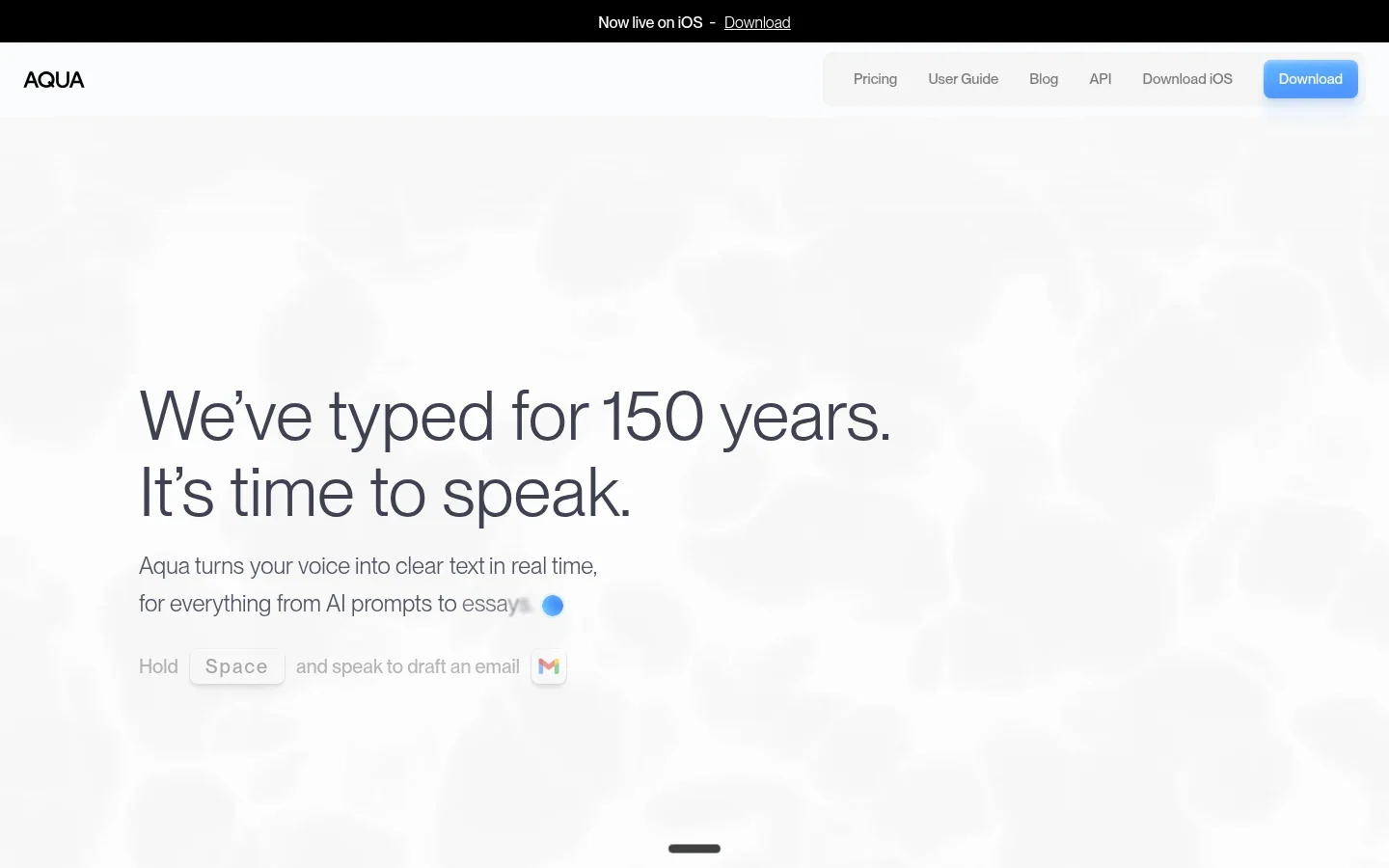
What does Aqua Voice help you do?
Aqua Voice puts spoken text at your cursor. Its Avalon speech model and writing tools aim to turn rough speech into useful prose, rather than leave every hesitation in the result. Some fields restrict text insertion, so “every app” should not be read as a guarantee.
Write an email without speaking every comma
Say the greeting, explain the issue and ask for a reply. Aqua can add punctuation, remove filler and tidy the wording. That makes more sense for a first draft than spelling out every mark.
Try a message with a change of mind: “Let's meet Thursday, actually Friday, at ten.” Check the day and time before sending. Smooth grammar is not proof that a correction was understood.
Custom Instructions can set writing preferences when your plan includes them. A short rule such as “Use British spelling” is easier to check than a long list of demands. Start with one rule and see whether the result still sounds like you.
Keep client names and technical terms intact
Dictionary stores recurring words you add. Deep Context tackles a different problem: words visible on your screen right now. For example, a project name in a document can help Aqua interpret what you say in the reply beside it.
The Deep Context guide says it takes one screenshot when dictation starts, extracts useful words and discards the image. It is off until enabled, works on Mac and Windows, and is included on every plan.
Use Dictionary for a surname you say all week. Use screen context for the changing names or identifiers in today's work. Neither removes the need to check an account number or a piece of code before using it.
Rewrite a paragraph already on the page
Edit Mode is separate from cleaning up new dictation. Select existing text and tell Aqua what to change, such as “Make this shorter” or “Translate this to Japanese.” It replaces the selection in place.
Aqua lists desktop Edit Mode on every plan, and its FAQ also describes Voice Edit Mode on iPhone. Do not assume the phone and desktop workflows are identical. Try selection and replacement in the apps you use most.
This can save a trip to a separate writing assistant. It is less useful when wording must stay exact. Keep a copy of a contract clause or approved statement before asking any AI tool to rewrite it.
See a long thought take shape
Normal Instant dictation and Max's Realtime Mode are different buying choices. Realtime shows words in Aqua's toolbar as you speak, with cleaned text following behind. It also supports the spoken “send it” action on desktop.
That action uses the destination app's send shortcut. A wrong destination or an overlooked date can therefore matter more than a typo in a saved draft. Test it in a harmless message first. You do not need Max just to dictate unlimited words; Pro already covers that.
Accuracy: what does the 97.4% claim mean?
It is a technical-term benchmark result, not a promise that 97.4% of your whole document will be right. Aqua reports that Avalon recognized the key term in 97.4% of clips on AISpeak-10, its own English technical-speech dataset. That is a narrower measure than overall word accuracy.
The result is useful context for Aqua's focus on specialist vocabulary. It does not establish that Aqua beats every competing app, works equally well in 49 languages or will understand your microphone and accent without errors. Historical leaderboard positions are not current rankings either.
Spend the free allowance on real work:
- Dictate an email with a name, date and price.
- Explain a task using three terms from your job.
- Speak a paragraph in your other language, if you use one.
- Edit one existing sentence by voice.
- Count the fixes and check whether the meaning changed.
Use your normal mic. If Bluetooth takes time to wake, compare the built-in or a wired microphone. Aqua's own FAQ notes that Bluetooth mode switching can add delay. Judge total effort, including checking and edits, rather than speed alone.
Aqua Voice pricing: Free, Pro or Max?
The official web pricing checked on November 4, 2026 lists these plans. Annual figures below are the full yearly charge, not a monthly cancellation option.
| Plan | Monthly billing | Annual billing | Main reason to choose it |
|---|---|---|---|
| Free | $0 to start | No paid commitment | 1,000 free words and Avalon 1.5. |
| Pro | $12 | $120 ($10/month equivalent) | Unlimited dictation. |
| Max | $24 | $228 ($19/month equivalent) | Pro plus Realtime Mode, “send it” and early features. |
| Business | $24 per seat | $228 per seat | Organization needs; minimum two seats. |
Treat Free as an evaluation allowance. The page offers 1,000 words with no credit card required; it does not promise a weekly or monthly reset. Use those words to test a few complete tasks rather than random sentences.
Pro annual saves $24 against twelve $12 monthly payments. Max annual saves $60 against twelve $24 payments. No lifetime purchase is listed. Store billing, local prices and taxes may differ from the web offer.
Students get a listed 70% discount on Pro and Max with an eligible school email. Pro then costs $36 yearly or $3.60 monthly. That can reverse a standard-price comparison with another app, so check eligibility before deciding.
Choose Pro if the core workflow earns its place. Choose Max only if watching live text or sending by voice makes a real difference. A paid plan is not itself a promise of fewer recognition errors.
Platforms, languages and setup limits
Aqua is no longer a desktop-and-iPhone-only product. Its current official pages list Android as well. One subscription covers Mac, Windows, iPhone and Android; a native Linux desktop app is not listed.
- Mac and Windows: Aqua lists a universal app for Apple Silicon and Intel Macs, plus Windows 10 and 11 support. Desktop tools include Deep Context, Edit Mode and Max's Realtime Mode. Check the installer requirements for your exact machine.
- iPhone: the voice keyboard requires iOS 17 or later. Review the keyboard's Full Access permission during setup.
- Android: requires Android 10 or later. A floating Aqua button works alongside your current keyboard, with accessibility access used for its workflow.
Dictionary, replacements and instructions sync across phone and desktop. Shared settings are helpful, but they do not mean all modes exist on every device. Test the exact text field where you plan to work, especially on a managed phone or computer.
The language guide lists 49 dictation languages, including English, Arabic, Mandarin, French, German, Japanese and Spanish. Auto-Detect chooses the language for each session. On desktop, Auto-Detect uses Instant dictation rather than Realtime Mode.
Realtime Mode is desktop-only, not an iPhone or Android feature. Do not buy Max assuming automatic language detection and live mode work together. Test your language and mode first. Recognition quality can vary by language, and translating selected text is not the same feature as recognizing speech.
Privacy and offline use: check three separate things
Cloud processing is not transcript storage
Aqua's Windows page says audio is processed in the cloud and needs internet. Its current FAQ adds that offline availability varies by platform, app version and mode, without a clear support matrix.
For work without internet, confirm support for your exact version before subscribing. Privacy Mode alone does not enable offline recognition.
Privacy Mode changes retention
The privacy policy says transcript data may be stored to improve the product when Privacy Mode is disabled. With it enabled, transcript data is not collected, while session metadata such as timestamps and performance metrics may still be collected.
Do not translate that into “no data ever leaves the computer” or “nothing is collected.” Account, billing and technical data have separate rules. The policy also says audio and transcripts are never shared with advertising platforms; advertising measurement is a different category.
Screen context needs its own decision
Deep Context can read beyond the text box to the screen you are using. Aqua says the screenshot is not kept and Privacy Mode also redacts the words extracted from it. Still, screen access is worth reviewing if other people's details are visible.
Aqua reports a SOC 2 Type II audit and ISO 27001 certification. For regulated work, request the reports and confirm plan coverage and contract terms. Its own guidance says to discuss a BAA before handling protected health information. A security badge alone is not permission to upload client data.
For the wider distinction between local recognition, retention and training, see our dictation privacy comparison.
What are Aqua Voice's main limitations?
The short free allowance gives you a taste, not a full month of work. Paid use is a subscription, and the most visible live mode sits above Pro. Check the student offer if eligible, but do not assume a discount applies to everyone.
There are also practical limits. Speech is awkward in shared rooms. Dictation does not replace full computer control. Screen-aware cleanup can help a draft yet still miss a number, and some apps block text insertion.
On a Mac, try Apple Dictation before paying for occasional text entry. It is free and built in. Voice Control is the separate accessibility tool for navigating and controlling the Mac; Siri is the assistant, not another name for Dictation.
Apple's on-device processing and features depend on hardware, language and system version. Check the text below Dictation in Keyboard settings instead of assuming every Apple device or language works offline. Aqua is worth paying for only if its extra workflow helps your actual writing.
Aqua Voice vs Voicy: which should you choose?
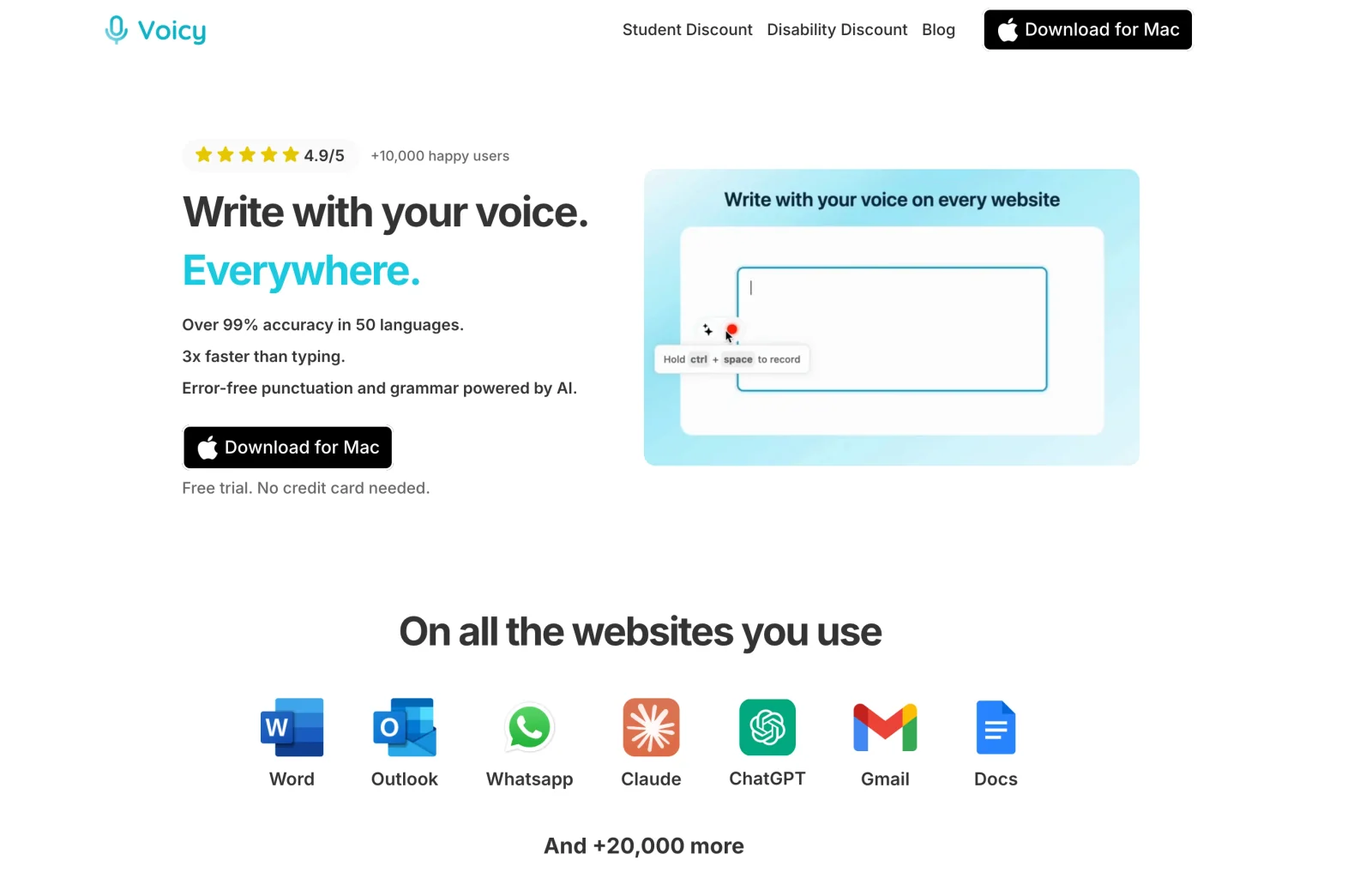
Aqua has a clear case for screen-aware writing and its live desktop mode. Voicy has a clear case for lower standard paid pricing, Linux and documented offline desktop dictation. Choose by the workflow you need, then compare the corrections each app leaves you.
| Decision | Aqua Voice | Voicy |
|---|---|---|
| Standard personal price | Pro: $12/month or $120/year. | $8.49/month, $82/year or $260 lifetime. |
| Getting started | 1,000 free words. | Free trial, not permanently free. |
| Platforms | Mac, Windows, iPhone, Android. | Mac, Windows, Linux, iOS, Android. |
| Offline recognition | Cloud needs internet; other availability needs exact-version confirmation. | Normal desktop dictation after model download; Mac requires macOS 15+. |
| Writing tools | Screen context, Edit Mode, Max Realtime Mode. | Rewrite Mode and Custom Modes require internet. |
| Existing recordings | Do not assume live dictation includes a file-import workflow. | Paid online file transcription, up to 60 minutes per file. |
Voicy's personal pricing is $38 less per year than Aqua Pro at standard annual rates. Aqua's student offer is cheaper than Voicy's standard plan, so price alone does not settle every purchase.
Choose Voicy's offline desktop dictation when you want normal speech recognition on your Mac, Windows or Linux computer after downloading the model. This does not make all Voicy tools offline: rewriting, Custom Modes and file transcription still need internet.
For a saved voice note or interview, Voicy's Transcribe File workflow accepts audio or video with sound, up to 60 minutes per file on a paid plan. That is a different need from speaking into a live text box. Aqua’s current consumer pricing and FAQ focus on live dictation rather than uploaded recordings.
Keep Aqua if Deep Context, its editing flow or Max's live text saves you meaningful work. For a fuller side-by-side view, read Voicy vs Aqua Voice. If neither fits, our Aqua Voice alternatives guide covers other choices.
Final choice
Try Aqua's free words with a real email, a specialist paragraph and one edit. Pay for Pro if that routine works; consider Max only after testing the live-mode benefit.
Try Voicy when offline desktop use, Linux, file transcription or a lifetime purchase is the deciding factor. Keep free built-in dictation if it already does enough. The best choice is the one that leaves you with less checking and less work to finish.
Methodology: this Aqua Voice review uses official product, pricing and support pages checked on November 4, 2026. It is not a hands-on accuracy test. We publish Voicy, a competing product.
FAQs
Is Aqua Voice free?
Aqua offers 1,000 free words with no credit card required. Treat this as a starting allowance, not a promised weekly or monthly free quota. Pro adds unlimited dictation.
How much does Aqua Voice cost?
The web price checked on November 4, 2026 is $12 monthly or $120 yearly for Pro. Max is $24 monthly or $228 yearly. Business costs $24 per seat monthly or $228 per seat yearly, with two seats minimum.
Does Aqua Voice work offline?
Cloud dictation needs internet. Aqua’s current FAQ says offline availability varies by platform, app version and mode, without giving a clear support matrix. Ask support about your exact setup rather than buying it on an offline promise.
Does Aqua Voice work on Android and iPhone?
Yes. Aqua lists an iPhone keyboard for iOS 17 or later and an Android app for Android 10 or later. Android uses a floating button alongside your existing keyboard. One subscription covers mobile and desktop.
How many languages does Aqua Voice support?
Aqua’s current language guide lists 49 dictation languages. Auto-Detect identifies the language for each session. On desktop, Auto-Detect uses Instant dictation rather than Realtime Mode. Accuracy and feature support can differ by language.
Does Aqua Privacy Mode keep everything on my computer?
No. Privacy Mode changes transcript retention, not the location of cloud recognition. Aqua says transcripts are not collected with it enabled, but session metadata can still be collected. Deep Context and account data need separate review.
Is Aqua Voice 97.4% accurate?
That figure is Aqua’s reported key-term score on its own AISpeak-10 English technical-speech benchmark. It is not overall transcript accuracy, a test of your voice or a guarantee for every supported language.
Should I choose Aqua Voice or Voicy?
Try Aqua for screen-aware desktop dictation, its editing workflow and Max’s live text. Compare Voicy for lower standard paid pricing, a lifetime option, native Linux, documented offline desktop dictation or uploaded-file transcription. Test both on your own writing.
 Download for free
 Download for free
 Download for Ubuntu/Debian
 Add to Chrome for free