Summary
This Willow Voice review recommends starting with Basic for everyday messages and trying Pro when Scribe or stronger dictation earns its place in your workday. Willow combines voice typing with tools that turn rough instructions into finished writing. It runs on Mac, Windows and iPhone, but Android is still listed as coming soon.
Three strengths
- Free everyday dictation: Basic includes unlimited Frontier Mini use and 20 Scribe requests per week.
- Writing from instructions: Scribe drafts a reply, shortens selected text or changes its tone without moving to another editor.
- Less repeated typing: a personal dictionary handles recurring names, while shortcuts insert saved replies.
Three limitations
- Platform gaps: Android is coming soon, and no native Linux download is listed.
- Offline setup is unclear: Willow advertises on-device dictation but does not clearly publish its device, language and plan requirements.
- Pro is a recurring expense: $15 monthly or $144 annually, with no lifetime option listed; Basic uses the smaller model.
Willow Voice at a glance
| Your need | Our recommendation |
|---|---|
| A few emails and short notes | Start with free Basic or built-in dictation. |
| Frequent drafting and rewriting | Try Scribe, then judge whether Pro saves enough editing. |
| Mac, Windows and iPhone | All three have official downloads; do not assume identical features. |
| Android or Linux today | Look elsewhere. Android is coming soon; Linux is not listed. |
| Strict offline work | Verify the exact offline setup before committing. |
| Company privacy controls | Review Business or Enterprise terms with your security team. |
What can Willow do during a normal workday?
Write an email without dictating every comma
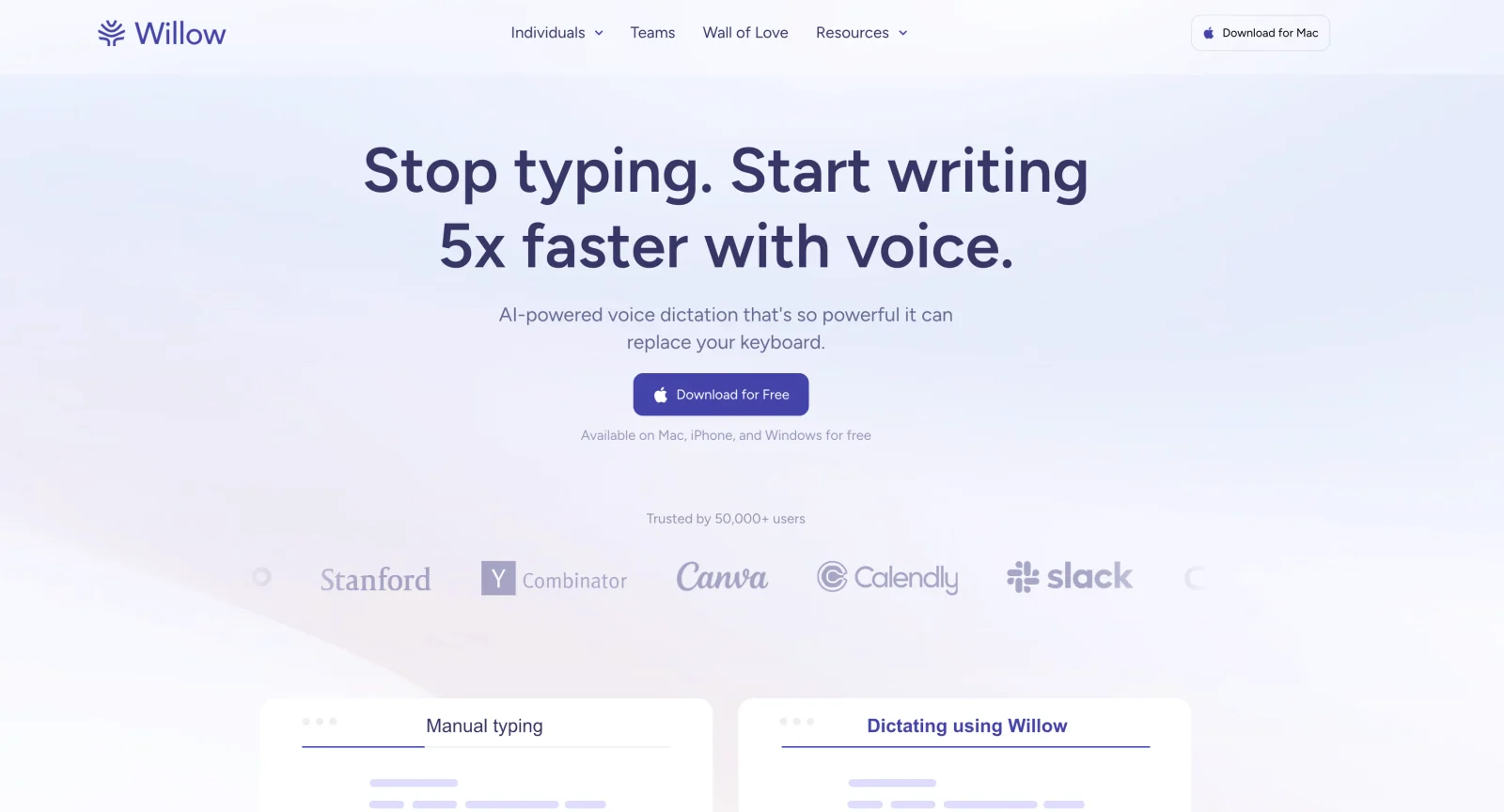
Willow's core workflow is simple: click in a text field, hold your hotkey, speak, then release it. The app inserts the result where your cursor sits. Smart formatting removes filler words and adds punctuation.
For example, you could speak a greeting, explain a delayed shipment and finish with the next step. The benefit is a readable draft in the email field, not a transcript you must move from another window.
Still check the promise you made. “We expect delivery Friday” and “We guarantee delivery Friday” are very different messages. Cleaner grammar is not proof that the meaning survived.
Use Scribe when you know the point, not the wording
Scribe is the more interesting reason to try Willow. Normal dictation captures words you want to write. Scribe lets you describe the result you want and have Willow draft it.
A useful task might be: “Thank them for the proposal, say the budget is too high, and ask for a smaller scope.” That is an instruction, not a sentence you want pasted verbatim. Scribe turns it into a message.
The official Scribe guide describes three workflows: draft from scratch, respond using screen context and edit selected text. You can select a paragraph and ask for a shorter version, a new tone or a translation.
Use that freedom with care. If the source message includes a deadline or contract term, compare the draft against it. For exact quotations or legal wording, straightforward dictation and manual review are safer than asking an AI to choose new phrasing.
Keep names and repeated replies consistent
Willow offers a personal dictionary for names, product terms and acronyms. It also has shortcuts for text you reuse, such as a booking link or standard closing.
These solve different problems. A dictionary helps spell a client's surname. A shortcut inserts the approved paragraph that follows it. Neither makes every future sentence correct.
Start small: add five words you correct often and one reply you type every day. That gives you a useful test of the feature without spending an afternoon building a dictionary before you know whether you like the app.
Speak longer prompts and rough document sections
Dictation is useful when a prompt has several parts: the goal, background, constraints and desired output. Speaking them can be easier than compressing the request into a rushed one-line message.
Willow also advertises code-context support for names and technical terms. Treat this as help with writing instructions, not proof that it will produce flawless executable code. Paths, punctuation and variable names still need a careful check.
For long documents, work in sections. Willow's help describes per-session time limits and says paid plans allow eight-minute sessions. Unlimited paid dictation does not mean one endless recording, and the newer pricing page does not publish every session detail.
Accuracy: judge the corrections, not the slogan
Willow's website advertises “3x” accuracy and response times as low as 200 milliseconds. Those are vendor claims, not measurements of your microphone, accent or connection.
A polished result can hide two separate issues. Recognition can spell a name wrong. Rewriting can spell every word correctly while changing what you meant. Scribe deserves a meaning check as well as a spelling check.
Try these three tasks before paying:
- A routine email: include a date, an amount and a clear next step.
- A work note: use a client's name, an acronym and a specialist term.
- A Scribe reply: ask for a shorter answer without changing its promise or tone.
Count the edits needed before each result is usable. Also notice how often you must switch apps or repeat a recording. A few seconds of recognition speed matter less if cleanup takes a minute.
Willow advertises more than 100 dictation languages and automatic language detection. Its help also lets you choose a preferred language. Test your actual language pair if you mix languages; broad coverage does not guarantee equal accuracy, formatting or offline support in each one.
Willow Voice pricing: Basic versus Pro
The current website makes model quality and Scribe access the main upgrade reasons. Its pricing page, checked November 4, lists the following offers.
| Plan | Listed price | Main difference |
|---|---|---|
| Basic | Free | Unlimited Frontier Mini dictation, limited personalization and 20 Scribe uses weekly. |
| Pro | $15 monthly or $12/month annually | Frontier Pro, priority transcription, writing-style memory, unlimited Scribe and longer dictation. |
| Business | $35 monthly or $28/month annually | Pro plus enforced privacy and team controls. |
| Enterprise | Custom quote | SSO/SAML, contract and administration options, dedicated support. |
At those rates, Pro costs $144 for a year on annual billing versus $180 through twelve monthly payments. The annual saving is $36. No lifetime purchase is listed. Check tax, currency and billing terms at checkout rather than treating the monthly equivalent as a monthly charge.
There is a source conflict worth knowing about. The help-center plan overview still describes a 2,000-word weekly Free plan and an older Team Pro offer. The iPhone description also mentions a weekly word limit. Those do not match the newer Basic plan on the main pricing page.
Our recommendation is to start with the allowance shown in your account. Do not upgrade just because an old review says you have used 2,000 words. Likewise, do not assume the new website offer has reached every account or store subscription.
Pro makes sense if Frontier Pro gives you better usable drafts or you frequently need Scribe beyond Basic's allowance. For occasional dictation, a free plan that already works is better value than an unused subscription. Our Willow pricing guide covers the dedicated cost comparison; verify changing allowances against Willow before buying.
Platforms and setup: desktop is not the iPhone keyboard
Willow offers Mac and Windows installers. Desktop setup needs microphone access and the permissions used to insert text and run hotkeys. On Mac, check Accessibility access if recognition works but nothing appears in the document.
The current iPhone listing requires iOS 18 or later and is marked “Only for iPhone.” Do not buy on the assumption that this means a native iPad app. Its English interface listing is also separate from its claimed 100-plus dictation languages.
On iPhone, Willow is a third-party keyboard. Setup includes microphone permission, adding the keyboard and enabling Allow Full Access. Its help explains that iOS may bring you back into Willow to reactivate background microphone access. That extra hop is worth testing in the apps you use most.
Android remains “coming soon” on the official download page. No native Linux app is listed. Check installer compatibility before buying for an older computer.
Privacy and offline mode: what actually stays local?
Private Mode is not the same as offline processing. Willow's policy says Private Mode is on by default: dictated audio, text and screen content are not retained server-side, although cloud processing can still be used to provide the feature.
The privacy policy separates several choices:
- Private Mode: transient processing without retaining dictated content on Willow's servers.
- Help Improve Willow: optional sharing of recognized text for improvement; the policy says audio is not retained for this program.
- Context Awareness: optional use of relevant active-window text to help recognition. Scribe's contextual reply workflow also deserves attention before using sensitive material.
- Local history: recordings and transcripts visible in the app are stored on your device. Local history does not prove local recognition.
Willow now advertises an on-device Offline mode on its homepage and dictation page. That makes a blanket “Willow never works offline” claim out of date. However, the public pages checked do not clearly establish the current device, model, language and plan requirements. The help privacy guide still describes cloud models.
If offline use decides the purchase, ask for the exact setup for your device. Then download any required model, disconnect and try normal dictation. Check Scribe separately rather than assuming an offline speech model also runs every writing feature.
For sensitive work, look past the encryption label. Willow's security page describes US cloud infrastructure and encryption in transit and at rest. These protections do not mean the service cannot process your content. Healthcare teams should confirm the relevant agreement and controls, not rely on a homepage HIPAA badge alone.
Our dictation privacy comparison explains why processing, storage and training should be checked separately.
Limitations worth checking before you subscribe
Scribe can change a promise or figure while making a sentence sound better. Read those details before sending. Longer work also needs breaks: Willow's help describes session limits, not unlimited continuous recording. Its public product pages focus on live writing rather than uploading existing interviews.
Is free Apple Dictation enough?
Try Apple Dictation first if you only need short text entry. It is free and built into supported Apple devices. Willow needs to earn its place through Scribe, dictionary tools or a better workflow for you.
Dictation enters text. Voice Control is a separate accessibility feature for controlling the device and editing by voice. Siri is the assistant, not another name for either dictation system.
Do not assume every Apple dictation request is offline. Device, operating system, language and feature matter; Apple tells Mac users to check the processing notice in Keyboard settings. Test your own setup rather than treating all built-in dictation as one fixed baseline.
Willow Voice vs Voicy: which should you choose?
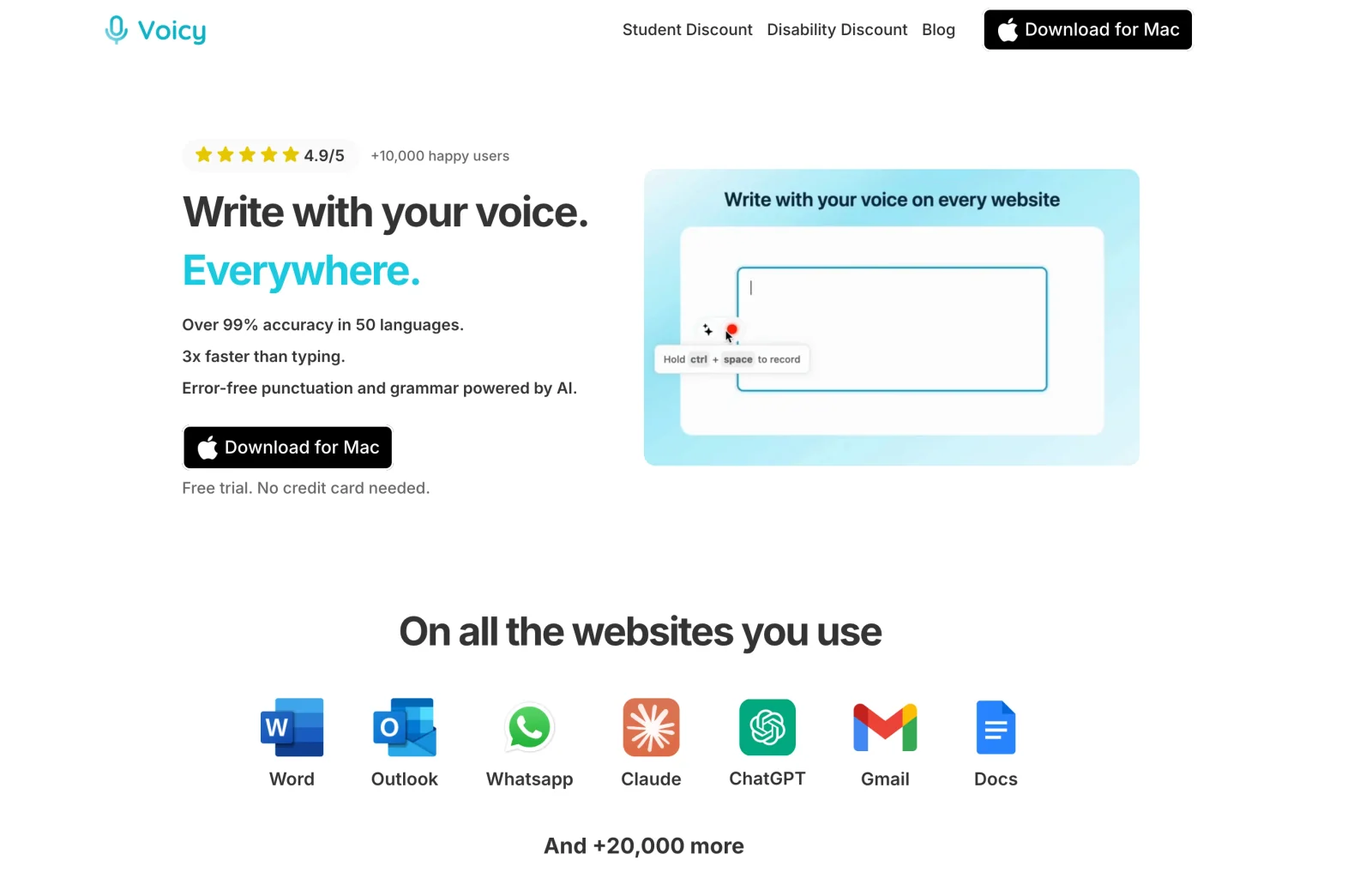
Choose Willow for a free starting point and its Scribe workflow. Compare Voicy when price, platform coverage or a clearer local-desktop setup matters more. Neither is the automatic winner for every writer.
| Buying question | Willow Voice | Voicy |
|---|---|---|
| Free use | Basic plan; confirm the current allowance in your account. | Free trial, not a permanent free plan. |
| Individual pricing | Pro: $15/month or $144/year. | $8.49/month, $82/year or $260 lifetime. |
| Platforms | Mac, Windows and iPhone. Android coming soon. | Mac, Windows, Linux, iOS and Android. |
| Offline dictation | Advertised; exact current device and language limits need confirmation. | Normal desktop dictation after model download; Mac requires macOS 15 or later. |
| Writing tools | Scribe for drafting, contextual replies and rewriting. | Rewrite Mode and Custom Modes, both requiring internet. |
| Existing recordings | No uploaded-audio workflow established in the sources checked. | Paid online file transcription, up to 60 minutes per file. |
Voicy's personal plans cost $62 less per year than Willow Pro at the listed annual rates. The lifetime option gives you a different way to pay, but only makes sense if you expect to use the product long term.
For local work, Voicy documents offline desktop dictation on Mac, Windows and Linux after a model download. Rewrite Mode, Custom Modes and file transcription still need internet. It is not a claim that every Voicy feature is local or that phones have the same offline setup.
For saved recordings, the Transcribe File workflow accepts audio or video with an audio track on a paid plan. That is a concrete reason to compare it if you already have voice memos or interviews to transcribe.
Keep Willow if Basic meets your needs or Scribe feels easier than your current writing process. If it does not, our Willow alternatives guide gives you more options, and Voicy vs Willow focuses on the direct choice.
Final choice
Start with Willow Basic if you like the idea of speaking both your words and your writing instructions. Move to Pro only after the stronger model or extra Scribe use makes a clear difference to work you actually do.
Try Voicy if your deciding needs are lower paid cost, Linux, Android, saved recordings or documented offline desktop dictation. Use the same email and work note in each trial. The better purchase is the one that leaves you with less correction and fewer interruptions.
Methodology: this buying review uses official product, pricing and help pages checked November 4, 2026. It does not report hands-on accuracy or speed measurements.
FAQs
Is Willow Voice free?
Yes. The November 4, 2026 pricing page lists free Basic with unlimited Frontier Mini dictation, limited personalization and 20 Scribe uses per week. Older help and App Store copy still mention weekly word limits, so check the allowance shown in your account.
How much does Willow Voice Pro cost?
The website lists Pro at $15 per month or $12 per month with annual billing, equivalent to $144 per year. Business is listed at $35 monthly or $28 per month annually. Taxes, store prices and checkout terms can differ.
Does Willow Voice work on Windows and Android?
Willow offers Mac and Windows desktop apps and an iPhone app. Android is still marked coming soon on the official download page checked November 4, 2026. No native Linux download is listed.
Does Willow Voice work offline?
Willow advertises on-device Offline mode, but the public pages checked do not clearly specify its current device, model, language or plan requirements. Its privacy guide still describes cloud processing. Confirm offline support in your app rather than assuming all Willow features work without internet.
What is Willow Scribe?
Scribe drafts from spoken instructions, writes contextual replies and rewrites selected text. Normal dictation captures the words you want to write; Scribe helps choose the wording. Basic lists 20 Scribe uses per week, while Pro lists unlimited use.
Is Willow Voice private?
Willow says Private Mode is on by default and does not retain dictated audio, text or screen content on its servers. Cloud processing can still occur. Optional improvement sharing, Context Awareness and local transcript history are separate considerations.
Is Willow Voice better than Apple Dictation?
Willow adds tools such as Scribe, style matching and a personal dictionary. Apple Dictation is free and built in, so try it first for simple text entry. Accuracy and offline support depend on your voice, device, language and settings; no universal winner is established here.
When should I choose Voicy instead?
Try Voicy for lower paid pricing, a lifetime option, native Linux or Android support, documented offline desktop dictation, or uploaded-file transcription. Willow Basic is the better starting point if its free plan already covers your needs. Voicy offers a free trial, not a permanent free plan.
 Download for free
 Download for free
 Download for Ubuntu/Debian
 Add to Chrome for free