
Granola now includes free Voice Typing on Mac. If you need dictation beyond that, on Windows, Linux, your phone or the browser, offline, or with text shortcuts and voice editing, Voicy is the closest replacement: press a shortcut, speak in any app, and get clean, punctuated text on every major platform today. If you want free, start with Handy or Spokenly's local models. If you want dictation and meeting notes in one app, compare Wispr Flow. Looking for a meeting note-taker instead? We cover those further down.
Voicy is our product. We have included it where it fits and said where it does not. This is an editorial comparison based on vendor pages, not a hands-on test. Prices below were checked on November 5, 2026, in US dollars before tax.Summary
Best cross-platform alternative to Granola's Voice Typing: Voicy - speak-anywhere dictation on Mac, Windows, Linux, Chrome, iPhone and Android, with offline mode, Voice shortcuts and Rewrite Mode.
Best dictation plus meeting notes in one app: Wispr Flow - polished cloud dictation and a Notetaker on desktop.
Closest cloud experience on Linux: Typeless - polished AI cleanup on desktop and mobile, including Linux.
Best unlimited free cloud tier: Willow Voice - free plan with unlimited dictation on a lighter model.
Best for fast, technical dictation: Aqua Voice - quick cloud dictation with a custom dictionary.
Best for local models with deep settings: Superwhisper - on-device models plus custom modes.
Best free open-source app: Handy - local dictation on Mac, Windows and Linux.
Best open-source app with meeting notes: OpenWhispr - local or cloud models, file import and meeting recordings.
Best free local models: Spokenly - unlimited free dictation with local models.
Best one-time Mac purchase: VoiceInk - open-source, local Mac dictation from $25 once.
Best bring-your-own-key Mac app: FreeFlow - free app that uses your own Groq key.
Free built-in options: Apple Dictation, Windows Voice Access and voice typing, and Gboard.
Top Alternatives At A Glance
| Tool | Free option | Paid price | Platforms | Processing |
|---|---|---|---|---|
| Granola Voice Typing (for reference) | Unlimited on every plan, including Basic | Free; Business $14/user/month is for meeting features | Mac (beta); Windows, iOS, Android coming soon | Cloud only |
| Voicy | Free trial, no credit card | $8.49/month, $82/year or $260 lifetime | Mac, Windows, Linux, Chrome extension, iOS, Android | Cloud by default; offline mode in desktop apps |
| Wispr Flow | Warning at 2,000 words/week, blocked above 5,000 on desktop | $15/month or $12/month billed annually | Mac, Windows, iOS, Android | Cloud only |
| Typeless | Limited weekly words | $30/month or $12/month billed annually | Mac, Windows, Linux, iOS, Android | Cloud |
| Willow Voice | Unlimited on a lighter model | $15/month or $12/month billed annually | Mac, Windows, iOS | Cloud; offline mode on Mac and iOS |
| Aqua Voice | 1,000 words, one time | $12/month or $10/month billed annually | Mac, Windows, iOS, Android | Cloud |
| Superwhisper | Free tier | $8.49/month, $84.99/year or $249.99 lifetime | Mac, Windows, iOS, Android | Local or cloud, your choice |
| Handy | Free and open source | None | Mac, Windows, Linux | Local |
| OpenWhispr | Unlimited local; 2,000 cloud words/week | Pro $80/year | Mac, Windows, Linux | Local or cloud |
| Spokenly | Unlimited with local models | Local+ $29 once; Pro $12/month billed annually | Mac, Windows, Linux, iPhone | Local or cloud |
| VoiceInk | Free trial; free to build from source | $25, $39 or $49 once (1, 2 or 3 Macs) | Mac; iPhone app in beta | Local by default |
| FreeFlow | Free and open source | Pay your API provider | Mac | Cloud, via your own API key |
| Apple Dictation | Free | None | Mac, iPhone, iPad | On device in many languages |
| Windows Voice Access | Free | None | Windows 11 | On device |
| Gboard | Free | None | Android, iPhone, iPad | Device and language dependent |
Key Takeaways
Granola's Voice Typing is free. Leave for a concrete reason, such as platform, offline use or missing features, not price.
Platform is the clearest gap. Voice Typing is a Mac beta; Voicy, Wispr Flow, Typeless and Superwhisper already cover Windows, iPhone and Android.
Granola needs internet. If you need offline dictation, choose a tool with local models or an offline mode.
Shortcuts and voice editing are missing. Granola has a dictionary but no text shortcuts and no way to rewrite selected text by voice.
Free is real elsewhere too. Handy, OpenWhispr and Spokenly offer unlimited local dictation at no cost, with more setup.
Meetings are a separate decision. Most dictation apps, including Voicy, do not record meetings. You can keep Granola for notes and use another app for dictation.
Why People Look For A Granola Voice Typing Alternative
Granola is best known as a bot-free AI notepad for meetings. On October 29, 2026, it added Voice Typing: hold the fn key, speak, and Granola pastes cleaned-up text into any app. Double-tap for hands-free mode, and press Esc to cancel. It removes filler words and repeats, adds punctuation, paragraphs and lists, and adapts formatting to the app you are in. Granola says it "never answers or acts on what you say" and keeps your wording. It is free and unlimited on every plan, with no word caps and up to 20 minutes per dictation, according to Granola's help center.
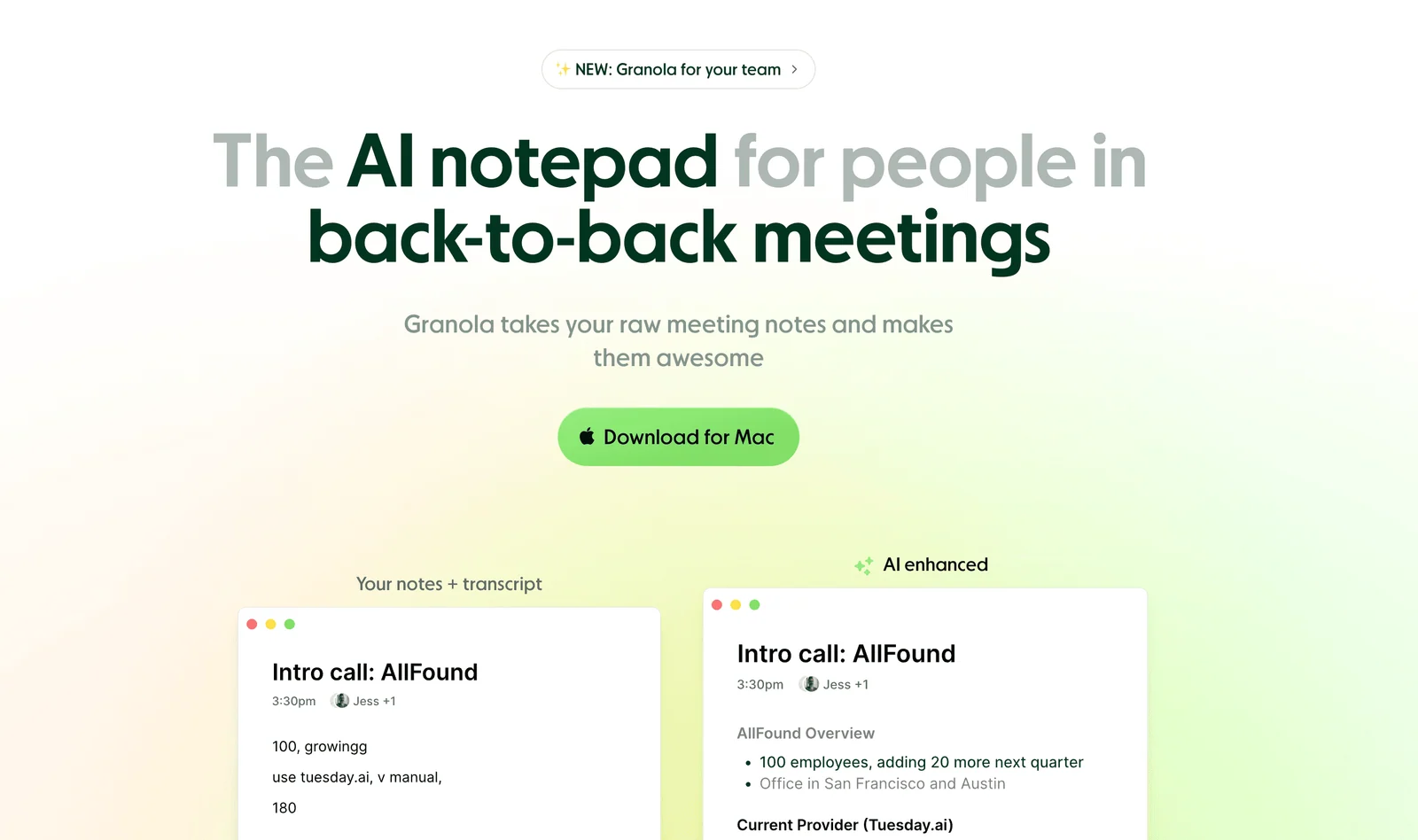
That is a strong free offer. People still look elsewhere for a few concrete reasons:
Mac only, for now: Voice Typing is in beta on the Mac desktop app. Windows, iOS and Android are listed as coming soon, and there is no Linux app or browser extension.
No offline mode: audio is sent to Granola's transcription and AI providers. Granola says those providers do not train on your dictations and successful dictation audio is not kept, but you need a connection.
No text shortcuts: the dictionary takes terms of up to 50 characters or six words, but it cannot swap one word for another, and there are no snippets.
No voice editing: you cannot select text and rewrite it by voice. Granola's dictation styles change only capitalization, punctuation and spacing.
No file transcription: Voice Typing is for live dictation, not uploaded recordings.
Tied to a meeting app: you install Granola and use a Granola account, even if you never record a meeting.
Languages: Granola lists multi-language support with auto-detect, but no published list of languages.
If none of those apply and you are on a Mac, Granola's Voice Typing is worth using as it is. Switching is not an upgrade by itself.
Closest Paid Replacements
These give you the same speak-anywhere dictation as Granola's Voice Typing, on more platforms or with more features.
1. Voicy: Best Cross-Platform Alternative To Granola's Voice Typing
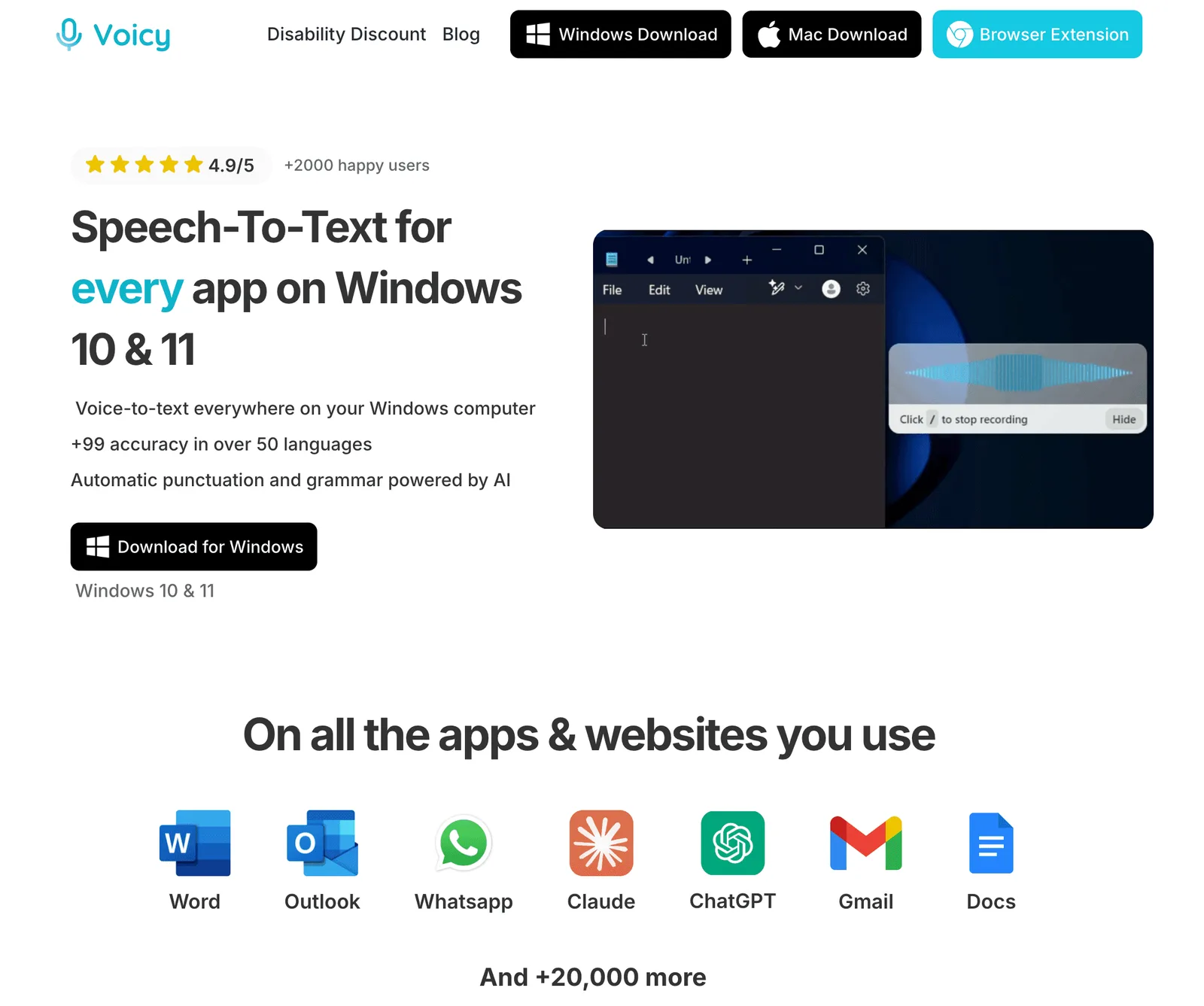
Voicy works the way Granola's Voice Typing does: press a shortcut, speak in any app, and get clean, punctuated text. The difference is reach and editing. Voicy works today on Mac, Windows and Linux, in a Chrome extension for web text fields, and in iPhone and Android apps. It has an offline mode in the desktop apps, Voice shortcuts for text you repeat, Rewrite Mode for editing what you have already written, and file transcription for saved recordings.
Voicy Vs Granola Voice Typing At A Glance
| Voicy | Granola Voice Typing | |
|---|---|---|
| Price | Free trial, then $8.49/month, $82/year or $260 lifetime | Free and unlimited on every plan |
| Dictation in any app | Yes | Yes |
| Platforms | Mac, Windows, Linux, Chrome extension, iOS, Android | Mac (beta); Windows, iOS, Android coming soon |
| Offline dictation | Offline mode in desktop apps | No; cloud only |
| AI cleanup | Yes, plus Custom Modes for your own formats | Yes: removes fillers, adds punctuation and lists, styles per app type |
| Edit text by voice | Rewrite Mode for selected text | No; never changes your words |
| Dictionary | Dictionary (600 characters) | Terms up to 50 characters or six words each; can learn names from your corrections |
| Text shortcuts | Voice shortcuts | None |
| File transcription | Yes, up to 60 minutes per file on paid plans | No |
| Meeting notes | No | Yes, bot-free, in the same app |
| Data handling | No retention of recordings or transcripts on Voicy's servers | Audio sent to Granola's providers, not kept after a successful dictation; history stored locally by default |
Checked November 5, 2026, on Granola's Voice Typing pages and help center.
Voicy is not the cheaper option here. Granola's Voice Typing is free, so Voicy is worth paying for only when you need what Granola lacks: other platforms, offline use, shortcuts, voice editing or file transcription.
Switching From Granola
Add the names and terms from your Granola dictation dictionary to Voicy's Dictionary, which holds up to 600 characters, and turn phrases you type often into Voice shortcuts. If you are used to holding fn, set a shortcut that feels the same. Then try it in your email, a Google Doc and a chat app.
Key Features
Dictation in any app on Mac, Windows and Linux, plus a Chrome extension and iPhone and Android apps.
Offline mode in the desktop apps: the speech model runs on your computer. Rewrite Mode and Custom Modes still need internet.
File transcription for recordings up to 60 minutes on paid plans.
Dictionary, Voice shortcuts, Rewrite Mode and Custom Modes.
Voicy does not keep normal recordings or transcripts on its servers or use them to train AI.
Pros
Works today on Windows, Linux, iPhone, Android and Chrome, where Granola's Voice Typing is Mac only
Offline mode in the desktop apps
Voice shortcuts and Rewrite Mode, which Granola's Voice Typing does not have
File transcription and a lifetime option
Cons
Paid after the free trial; Granola's Voice Typing is free and unlimited.
No meeting notes, which Granola has.
Cloud by default; offline mode is only in the desktop apps.
Dictionary is capped at 600 characters.
Pricing
Free trial, no credit card, then $8.49/month, $82/year or $260 lifetime. See Voicy pricing.
Best For
Granola users who want the same dictation on Windows, Linux, a phone or in the browser.
People who need offline dictation, text shortcuts or editing by voice.
Anyone who writes notes and follow-ups across several devices. See our guide to taking meeting notes faster.
2. Wispr Flow: Best Dictation Plus Meeting Notes In One App
Wispr Flow is the closest one-app match if you like having dictation and meeting notes together, as Granola now offers. It is a polished cloud dictation app with a Notetaker for meetings, and it already runs on Windows, iPhone and Android. Read our Wispr Flow review and Wispr Flow pricing.
Key Features
Dictation with AI cleanup in any app on Mac, Windows, iOS and Android.
Dictionary and snippets, with shared team versions on paid plans.
Notetaker for meetings on Mac and Windows.
Wispr publishes SOC 2 Type II and ISO 27001, and a BAA is available.
Pros
Dictation and meeting notes in one product.
Windows, iPhone and Android apps today.
Snippets, which Granola's Voice Typing lacks.
Cons
Cloud only; no offline mode.
No Linux app.
The free plan has a weekly word limit, unlike Granola's unlimited Voice Typing.
Pricing
Free plan with a weekly limit: on desktop it warns you at 2,000 words and blocks new dictation above 5,000. Pro is $15/month, or $12/month billed annually ($144/year).
Best For
Granola users who want dictation and meeting notes in one app on Windows and phones.
People who do not need Linux or offline use. Compare Voicy vs Wispr Flow.
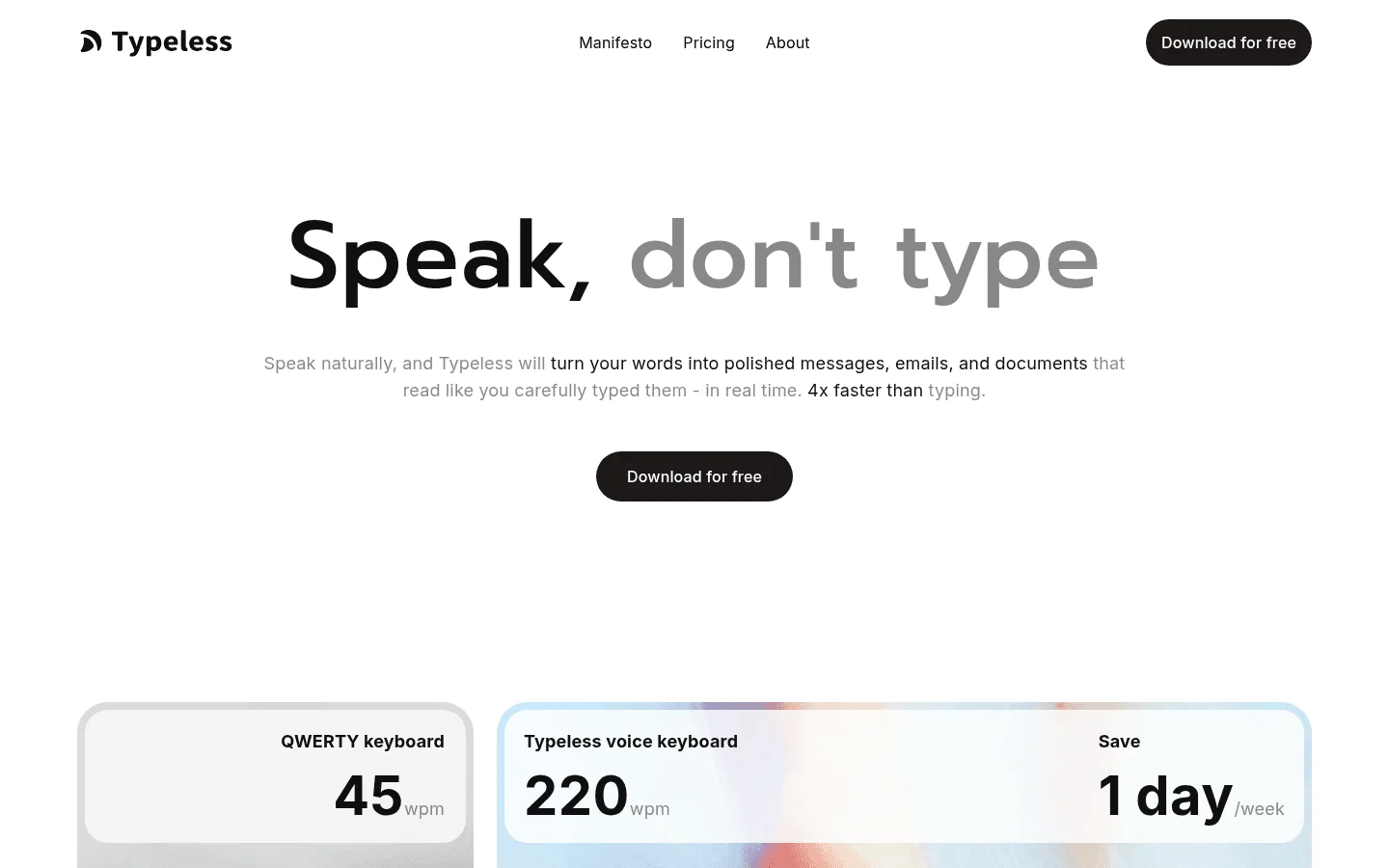
3. Typeless: Closest Cloud Experience On Linux
Typeless turns natural speech into cleaned-up messages and documents in any app, with per-app tones much like Granola's dictation styles. It runs on Linux as well as Mac, Windows, iOS and Android. Read our Typeless review or Voicy vs Typeless.
Key Features
AI cleanup that turns speech into polished text.
Mac, Windows, Linux, iOS and Android.
Personal dictionary and per-app tones.
Typeless says audio is not stored in the cloud and claims ISO 27001 and HIPAA compliance.
Pros
Polished output with no model setup.
Covers Linux and Android.
Cons
Cloud only; no offline mode.
The free weekly word limit is not published.
$30 a month on monthly billing.
Pricing
Free plan with limited weekly words. Pro is $12/month billed annually ($144/year), or $30 billed monthly.
Best For
Linux users who want a polished cloud app and are happy with annual billing.
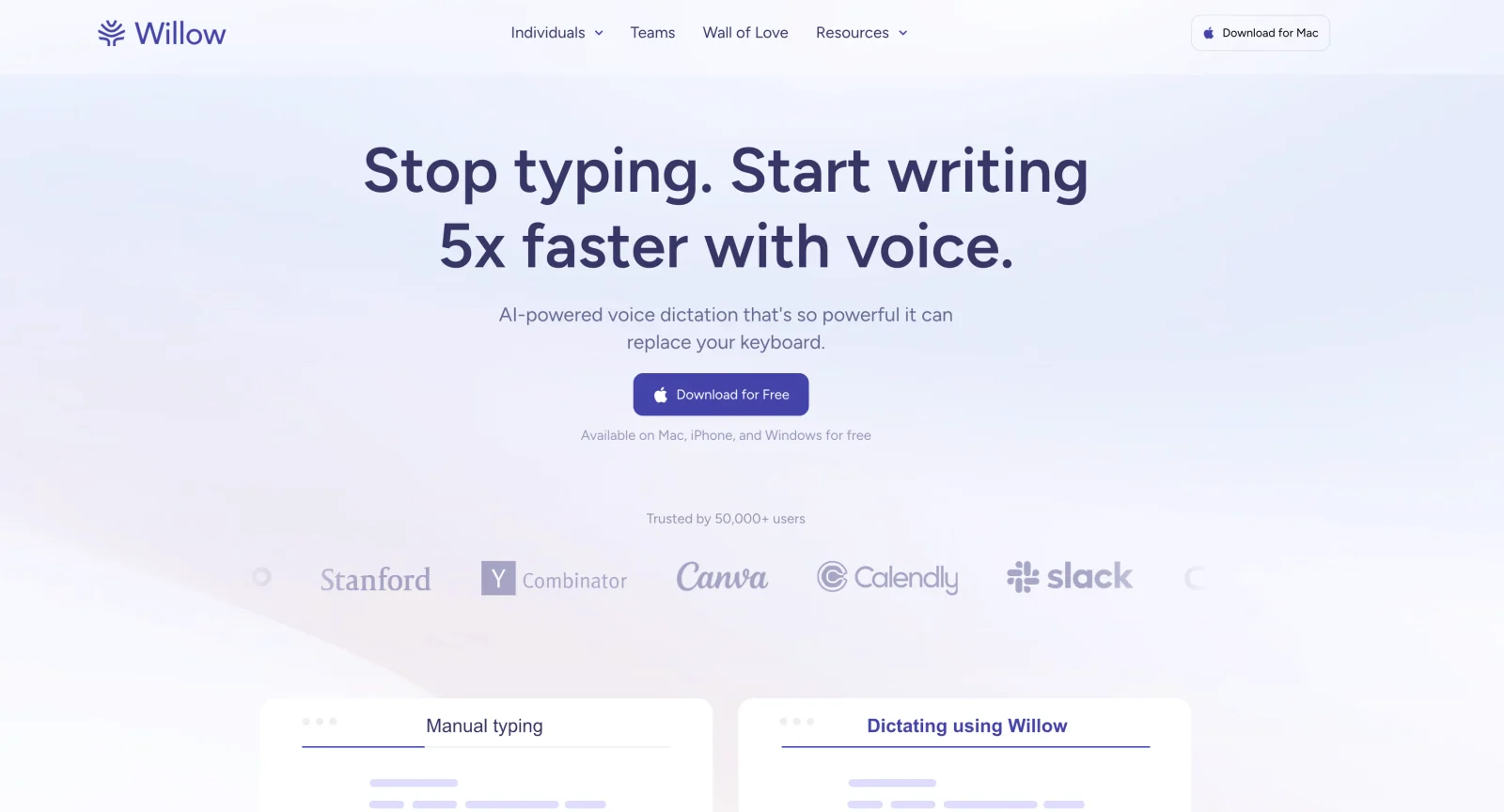
4. Willow Voice: Best Unlimited Free Cloud Tier
Willow Voice gives free users unlimited dictation on a lighter model, so it is the closest match to Granola's free, unlimited Voice Typing, and it already runs on Windows and iPhone. Paid plans add its strongest model. See our Willow Voice review and Voicy vs Willow Voice.
Key Features
Dictation in any app on Mac, Windows and iOS.
Auto-learning dictionary and saved shortcuts.
An offline mode that Willow says runs on Mac and iOS.
Business plan adds enforced zero data retention, SOC 2 Type II and HIPAA.
Pros
Unlimited free dictation.
Shortcuts for repeated text.
Offline mode on Mac and iOS.
Cons
No Android app yet ("coming soon") and no Linux.
No file transcription or meeting notes.
Pro costs $15 a month on monthly billing.
Pricing
Free plan on a lighter model. Pro is $15/month, or $12/month billed annually. Business is $35/month, or $28/month billed annually.
Best For
People who want free, unlimited dictation on Windows or iPhone today.
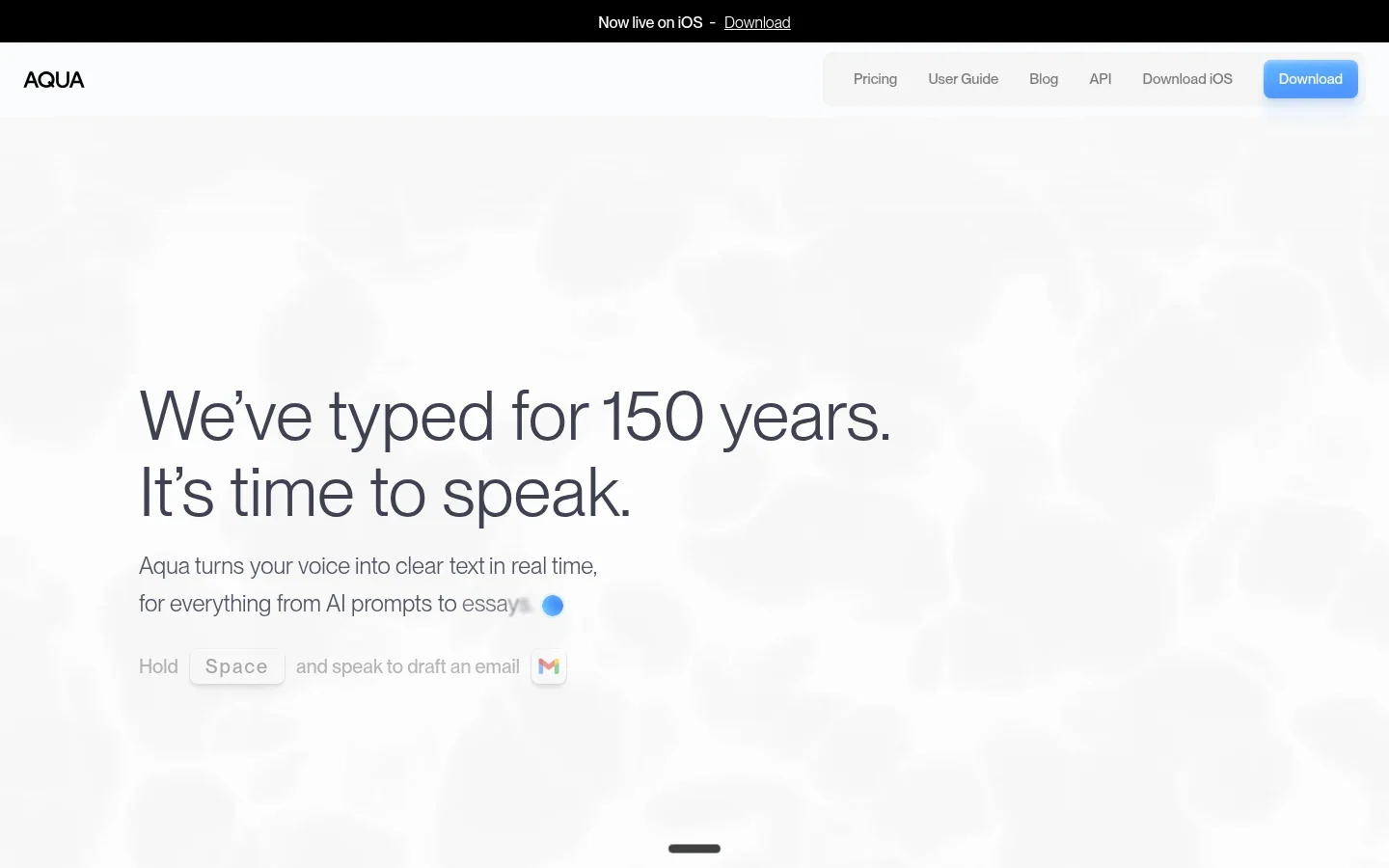
5. Aqua Voice: Best For Fast, Technical Dictation
Aqua Voice is a fast cloud dictation app with a custom dictionary, popular with people who dictate technical terms and code-adjacent text. Read our Aqua Voice review and Voicy vs Aqua Voice.
Key Features
Pastes text where your cursor is, on Mac, Windows, iOS and Android.
Custom dictionary and custom instructions on Pro.
Realtime streaming text on the Max plan.
Aqua says it has a SOC 2 Type II report and ISO 27001 certification; a BAA comes with Max and Business.
Pros
Strong with technical vocabulary.
Android app available.
No setup beyond signing in.
Cons
Cloud only.
Free allowance is a one-time 1,000 words.
No Linux app.
Pricing
1,000 free words to start. Pro is $12/month, or $10/month billed annually. Max is $24/month, or $19/month billed annually.
Best For
Developers and technical writers who dictate jargon. See also dictation software for developers.
6. Superwhisper: Best For Local Models And Deep Settings
Superwhisper lets you choose between on-device models that work offline and cloud models, and shape output with custom modes. That covers two things Granola's Voice Typing does not: offline use and custom output formats. Read our Superwhisper review or Voicy vs Superwhisper.
Key Features
On-device models that keep audio on your machine.
Custom vocabulary and custom modes with your choice of AI model.
File transcription.
One Pro license covers Mac, Windows, iOS and Android.
Pros
Works offline with local models.
Lifetime license available.
Highly configurable.
Cons
More setup than Granola's Voice Typing.
Cloud AI modes send text to third-party models.
No Linux app.
Pricing
Free tier. Pro is $8.49/month, $84.99/year or $249.99 lifetime.
Best For
Power users who want offline dictation and control over models.
Anyone who prefers a lifetime license. See Superwhisper alternatives if it is not quite right.
Free, Local And Open-Source Alternatives
These cost nothing or little, and most keep audio on your computer, which Granola's cloud-only Voice Typing cannot do. Expect more setup and less polish.
7. Handy: Best Free Open-Source App
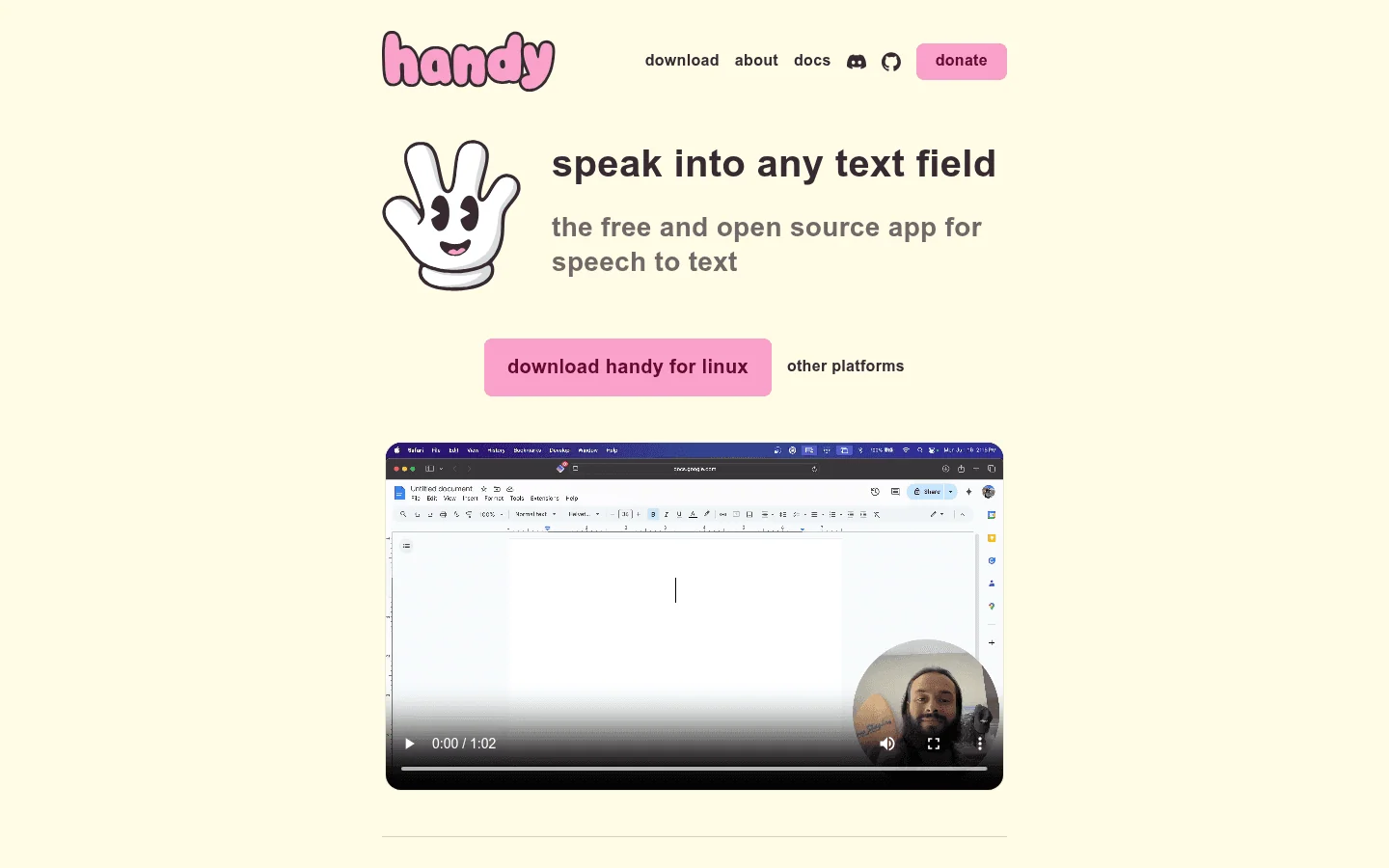
Handy is free, MIT-licensed and runs speech-to-text locally on Mac, Windows and Linux. Press a shortcut, speak, and the text appears in any field. Compare Voicy vs Handy or browse Handy alternatives.
Key Features
Local transcription; nothing is sent to the cloud by default.
Custom words that correct similar-sounding terms.
Audio file transcription, added in version 0.10.0 on November 2, 2026.
Optional AI post-processing that sends transcript text, not audio, through OpenRouter.
Pros
Completely free.
Local and private.
Mac, Windows and Linux.
Cons
No AI cleanup by default.
No snippets.
No mobile apps.
Pricing
Free and open source, funded by donations and sponsors.
Best For
People who want free, private dictation and do not need AI cleanup.
8. OpenWhispr: Best Open-Source App With Meeting Notes
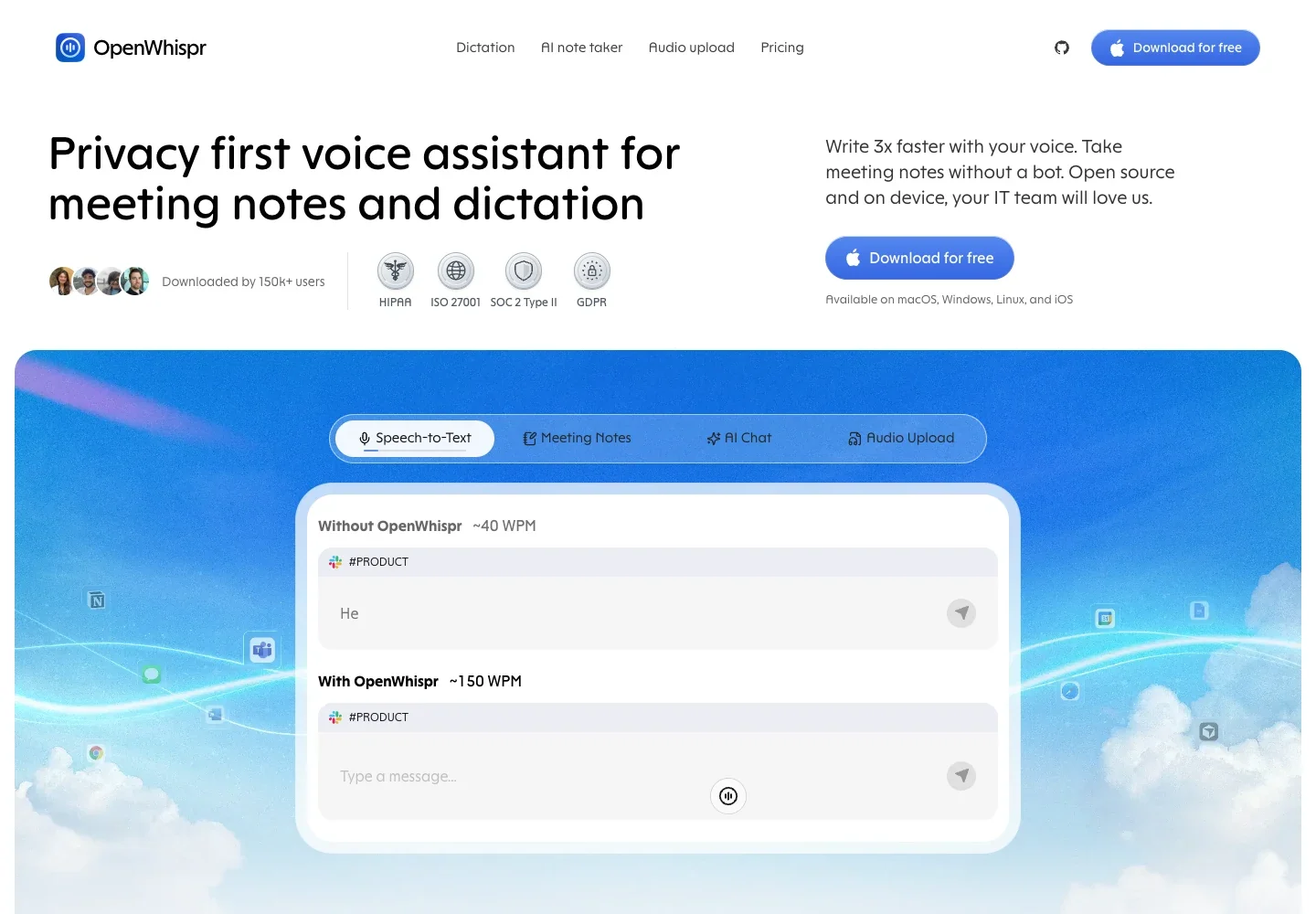
OpenWhispr is MIT-licensed and runs local models or cloud models with your own API keys. Like Granola, it does dictation and meetings in one app, but it also runs on Windows and Linux, works offline with local models and imports files. See our OpenWhispr alternatives guide.
Key Features
Local Whisper and Parakeet models, or cloud transcription.
Drag in audio and video files, or paste a URL to transcribe.
Meeting recordings: 5 hours a month free.
Mac, Windows and Linux; iPhone and iPad app on Pro.
Pros
Free with local models.
Dictation, meetings and files in one app.
Cheap Pro plan.
Cons
More complex than a simple dictation app.
Free cloud transcription is capped at 2,000 words a week.
No Android app.
Pricing
Free with unlimited local models. Pro is $80/year ($6.67/month). Business is $160/year.
Best For
People who want open source plus dictation, meeting notes and file transcription.
9. Spokenly: Best Free Local Models
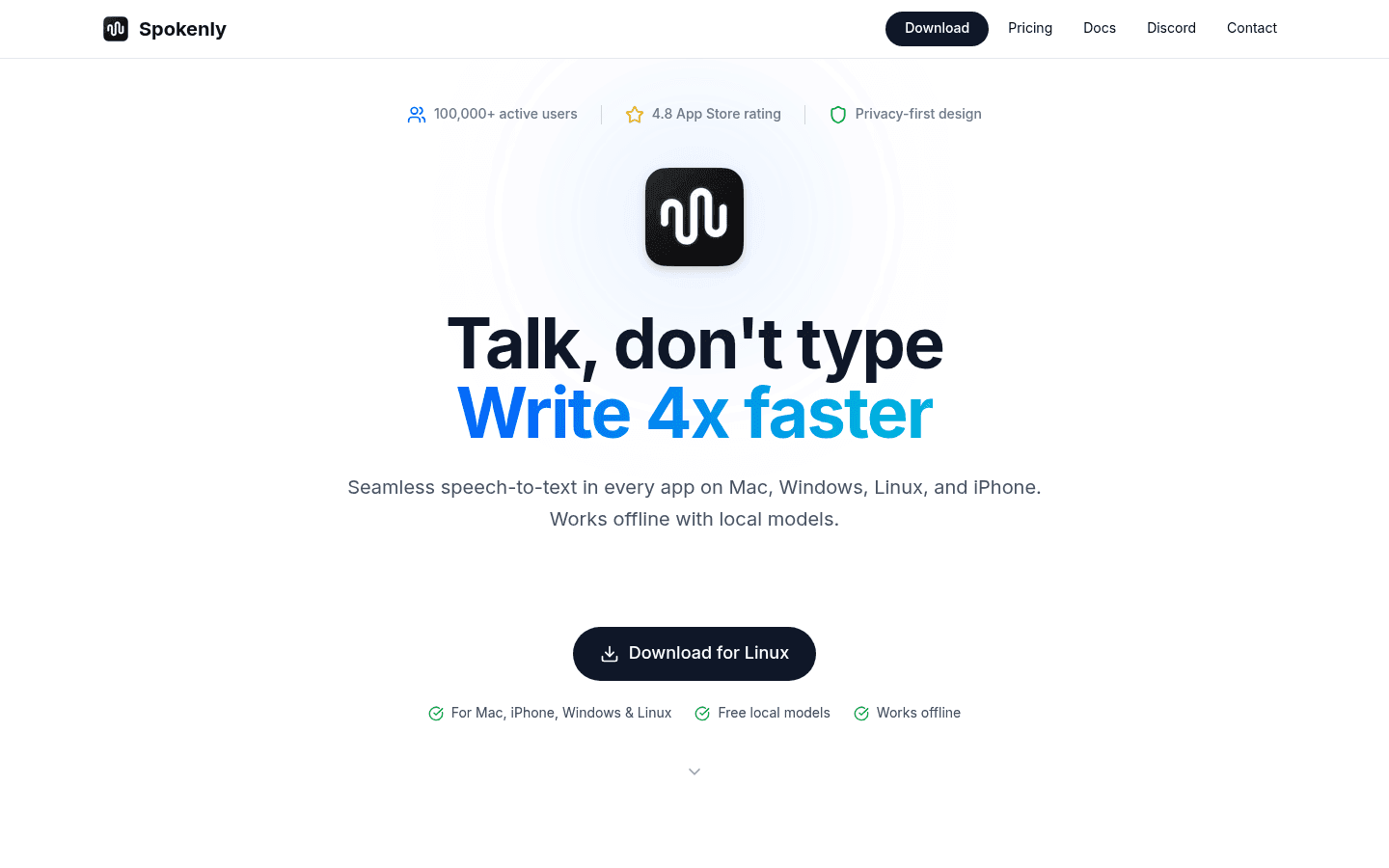
Spokenly gives you unlimited free dictation with local models, no account required. Pay only if you want managed cloud models. See our Spokenly review and Voicy vs Spokenly.
Key Features
Unlimited local Whisper and Parakeet models on the free plan.
A local-only mode that blocks network requests.
Bring your own API keys for cloud models.
Mac, Windows, Linux and iPhone.
Pros
Unlimited free local dictation.
Works fully offline.
Cheap one-time upgrade.
Cons
No Android app yet.
Choosing models and keys is technical.
Pricing
Free forever with local models. Local+ is $29 once. Pro, with managed cloud models, is $12/month billed annually ($144/year).
Best For
People who want unlimited offline dictation without paying. See Spokenly alternatives.
10. VoiceInk: Best One-Time Mac Purchase
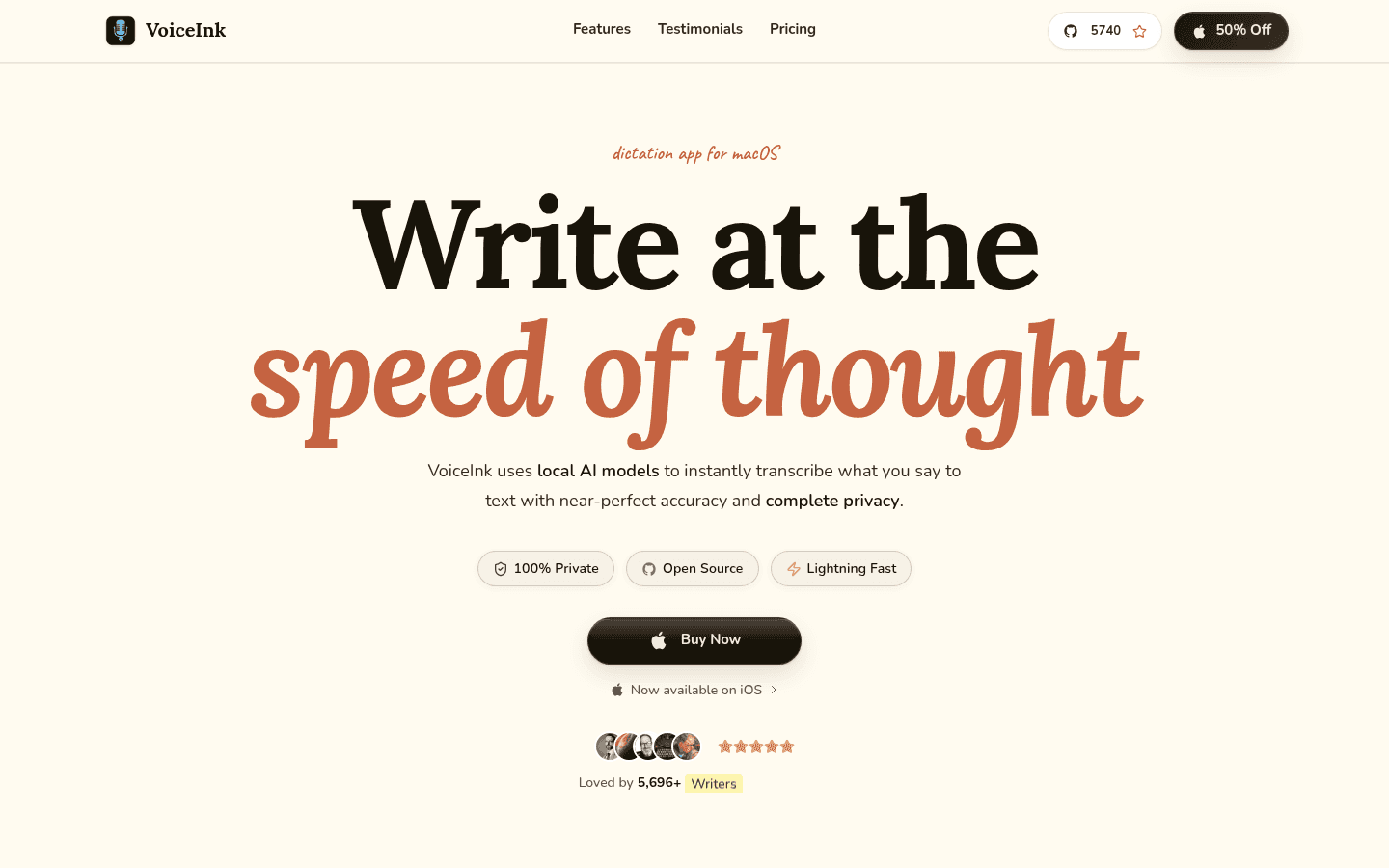
VoiceInk is an open-source Mac app that runs locally by default and sells one-time licenses. For Mac users who like Granola's Voice Typing but want it offline, it is the most direct swap. Read our VoiceInk review and Voicy vs VoiceInk.
Key Features
Local transcription, with optional cloud models.
Personal dictionary and text replacements.
Audio file transcription.
GPL source code you can build yourself.
Pros
One-time price, no subscription.
Local by default.
Text replacements, which Granola's Voice Typing lacks.
Cons
Mac only; the iPhone app is still in beta.
Needs macOS 15 or later.
Licenses are priced per Mac.
Pricing
$25 for one Mac, $39 for two or $49 for three, one time. The iPhone app is free during its beta.
Best For
Mac users who want local dictation without a subscription.
11. FreeFlow: Best Bring-Your-Own-Key Mac App
FreeFlow is a free, MIT-licensed Mac app inspired by Wispr Flow. It is not local: it sends audio to Groq or another OpenAI-compatible provider using your own API key.
Key Features
Context-aware cleanup of dictated text.
Custom vocabulary for names and jargon.
No FreeFlow server; only API calls to your provider leave your Mac.
Pros
Free app.
Fast cleanup with Groq.
Cons
Mac only.
Needs your own API key; audio goes to that provider.
Now maintained by the community.
Pricing
Free. You pay your API provider; Groq offers a free API key with limits.
Best For
Technical Mac users comfortable managing an API key.
Free Built-In Options
12. Apple Dictation: Free On Mac And iPhone
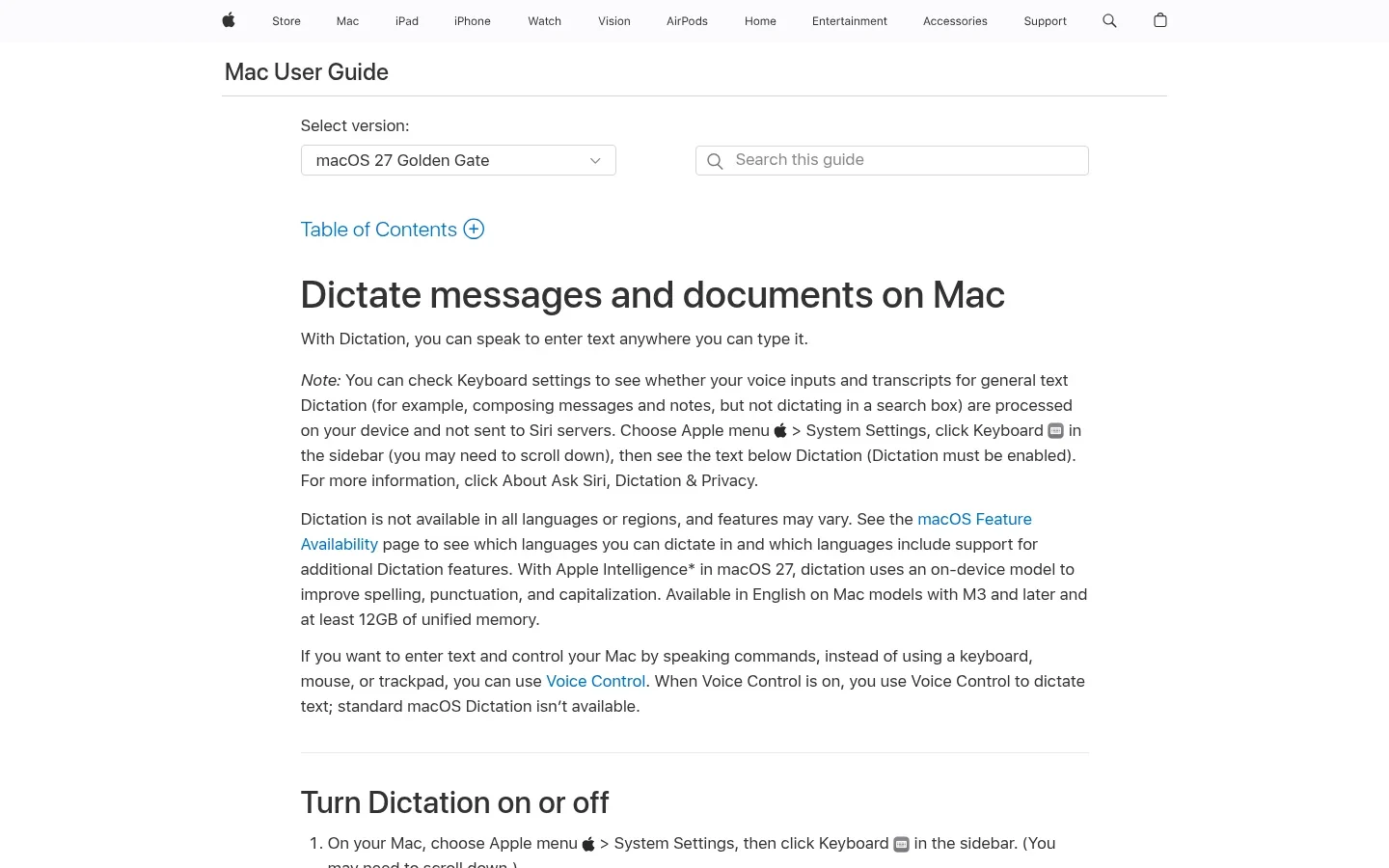
Apple Dictation is already on your Mac, iPhone and iPad. It has no custom dictionary or AI cleanup, but it processes many languages on device and covers the iPhone, which Granola's Voice Typing does not yet. Compare Superwhisper vs Apple Dictation.
Quick Setup
On Mac, open System Settings → Keyboard → Dictation and turn it on, then press the shortcut in any text field.
Pros
Free and built in.
On-device processing in many languages.
Cons
No custom dictionary or snippets.
Stops after 30 seconds of silence.
Pricing
Free with Apple devices.
Best For
Apple users who want free dictation on iPhone and iPad as well as the Mac.
13. Windows Voice Access And Voice Typing: Free On Windows
Windows has two free options. Voice typing (Windows + H) uses online speech recognition. Voice Access in Windows 11 works without internet and adds full voice control. Until Granola's Voice Typing reaches Windows, these are the free fallback. Compare Wispr Flow vs Windows speech recognition.
Quick Setup
Press Windows + H in any text field for voice typing. For Voice Access, open Settings → Accessibility → Speech → Voice access and download the speech model.
Pros
Free and built in.
Voice Access works offline and can add words to its vocabulary.
Cons
Voice typing needs internet and has no custom dictionary.
AI cleanup is limited to Copilot+ PCs.
Pricing
Free with Windows.
Best For
Windows users who want free dictation or hands-free PC control. See Voicy for Windows for AI cleanup.
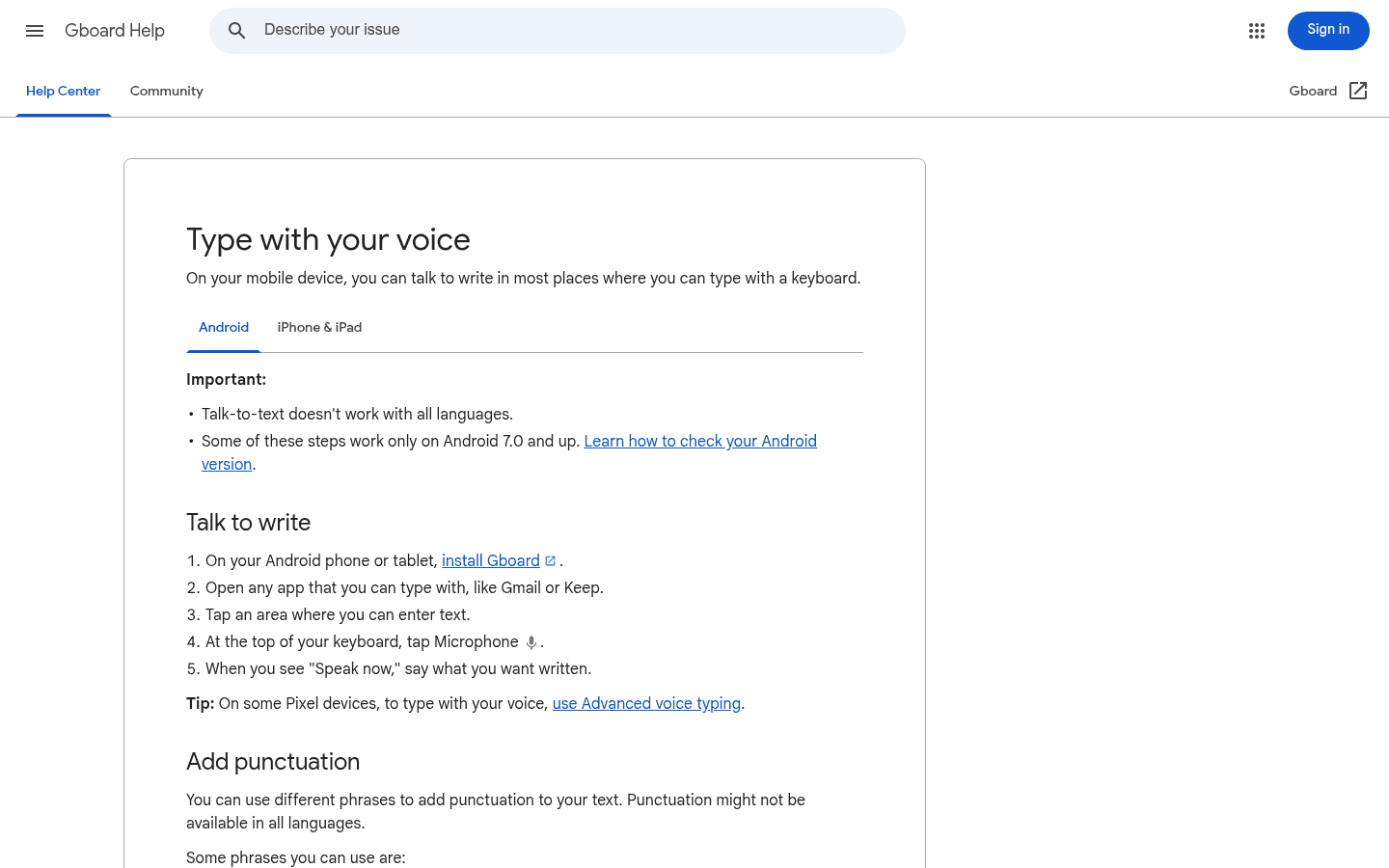
14. Gboard Voice Typing: Free On Android And iPhone
Gboard lets you tap the microphone on the keyboard and dictate into any phone app. Until Granola's Voice Typing reaches phones, it is the simplest free way to dictate on Android and iPhone. Compare Wispr Flow vs Google Voice Typing.
Pros
Free on Android, iPhone and iPad.
Works in any app with a keyboard.
Cons
Phone only.
Basic punctuation commands and no AI cleanup.
Pricing
Free.
Best For
Phone users who want free voice typing.
If You Use Granola For Meeting Notes
Granola is still mainly a bot-free AI notepad for meetings, on Mac, Windows, iPhone and Android, and its free Basic plan keeps 30 days of meeting history. Most dictation apps in this list, including Voicy, do not record or summarize meetings. If meeting notes are part of why you use Granola, you can keep it for that, or compare a dedicated tool:
Fathom: the most generous free plan, with unlimited recordings and transcripts, and bot or bot-free capture on Mac (beta).
Otter.ai: a dedicated meeting assistant, with 300 free transcription minutes a month and a 30-minute limit per conversation.
Jamie: bot-free notes like Granola's, with storage and processing in the EEA, Switzerland and the UK; 10 free AI notes a month.
Krisp: bot-free AI notes plus noise cancellation, from $8 a month billed annually.
Fireflies.ai: a searchable archive of every team call, with a bot or a bot-free desktop app; Pro is $10 a user a month billed annually.
tl;dv: unlimited free recordings and transcripts, with clips to share key moments.
Bot-free capture does not replace consent: tell participants when a meeting is transcribed, and follow your local law and company policy. A common setup is a dictation app for everyday writing plus a separate meeting tool only if you need one.
Free Vs Open Source Vs Paid: What You Give Up
Free but closed (Granola's Voice Typing, Willow Voice's free plan, Spokenly's free plan): no cost and little setup, but you rely on one company's platforms, roadmap and limits.
Free and open source (Handy, OpenWhispr, VoiceInk if you build it yourself): no cost and local audio, but more setup, less AI cleanup and few or no mobile apps.
Bring your own key (FreeFlow, and the key options in OpenWhispr and Spokenly): cheap, but your audio goes to the provider you choose.
Paid apps (Voicy, Wispr Flow, Typeless, Aqua Voice, Superwhisper): polished cleanup, more platforms and support, for a subscription or lifetime price.
Built in (Apple, Windows, Gboard): free and easy, with no custom dictionary or AI rewriting in most cases.
Best Granola Alternative By Platform
Mac: Granola's Voice Typing or Apple Dictation for free; Voicy if you also use other devices; Superwhisper or VoiceInk for local models. See the Voicy Mac app.
Windows: Voicy, Wispr Flow, Superwhisper, Typeless or Willow Voice; Handy or OpenWhispr for free; Windows Voice Access offline. See Voicy for Windows.
Linux: Voicy, Typeless, Spokenly, Handy or OpenWhispr. See Voicy for Linux.
iPhone: Voicy, Wispr Flow, Typeless, Willow Voice, Aqua Voice, Superwhisper or Spokenly; Apple Dictation for free.
Android: Voicy, Wispr Flow, Typeless, Superwhisper or Aqua Voice; Gboard for free. See the Voicy Android app.
Browser: the Voicy Chrome extension types into web text fields.
Switching From Granola: A Quick Checklist
Copy your dictionary terms. List the names and jargon in your Granola dictation dictionary, including names it learned from your corrections, and add the ones the new app gets wrong.
Keep your shortcut habit. If you are used to holding fn, set the new app to a key that feels the same, and decide between hold-to-talk and hands-free.
Test in your real apps. Try email, a document, chat and any browser tool you rely on, since Granola adapts formatting per app.
Run the same passage in both. Dictate one paragraph with a name, a number and a "not" in each app and count the fixes.
Keep Granola for meetings if you want. Switching dictation apps does not mean giving up Granola's meeting notes.
Fast Answer: What Is The Best Granola Alternative?
If you are on a Mac and only need dictation, Granola's free Voice Typing is a good place to start. If you need more, Voicy is the best alternative: the same speak-anywhere dictation on Mac, Windows, Linux, Chrome, iPhone and Android, with an offline mode in the desktop apps, Voice shortcuts, Rewrite Mode and file transcription. If you want free, start with Handy, OpenWhispr or Spokenly's local models. If you want dictation and meeting notes in one app, compare Wispr Flow and OpenWhispr. For meeting notes alone, look at Fathom, Otter.ai or Jamie.
Frequently Asked Questions
What is the best alternative to Granola?
For dictation, Voicy is the closest replacement for Granola's Voice Typing if you need more than a Mac: it works today on Mac, Windows, Linux, Chrome, iPhone and Android, has an offline mode in its desktop apps, and adds Voice shortcuts, Rewrite Mode and file transcription. For free options, try Handy or Spokenly's local models. If you want dictation and meeting notes in one app, compare Wispr Flow. For meeting notes alone, see Fathom, Otter.ai or Jamie.
Does Granola have dictation?
Yes. Since October 29, 2026, Granola includes Voice Typing: hold the fn key, speak, and Granola pastes cleaned-up text into any app. It removes filler words and repeats, adds punctuation and lists, and keeps your wording. It is in beta on the Mac desktop app and is separate from Granola's meeting transcription.
Is Granola Voice Typing free?
Yes. Granola says Voice Typing is included for free in every plan, including the free Basic plan, with no word limits. A single dictation can run up to 20 minutes. Granola's paid Business and Enterprise plans are for its meeting features.
Does Granola Voice Typing work on Windows, iPhone or Android?
Not yet. Voice Typing is available on the Mac desktop app, and Granola lists Windows, iOS and Android as coming soon. Granola's meeting notes already run on those platforms. If you need dictation on Windows, iPhone or Android today, Voicy, Wispr Flow, Typeless and Superwhisper cover them, and Windows voice typing and Gboard are free.
Does Granola Voice Typing work offline?
No. Granola sends dictation audio to its transcription and AI providers, so it needs an internet connection. For offline dictation, Voicy has an offline mode in its Mac, Windows and Linux apps, and Handy, Spokenly, VoiceInk and Superwhisper can run local models. Apple Dictation and Windows Voice Access also work on device.
Is there a free alternative to Granola's Voice Typing?
Yes. Handy is free and open source on Mac, Windows and Linux and runs locally. Spokenly's free plan gives unlimited dictation with local models, Willow Voice has an unlimited free plan on a lighter model, and OpenWhispr is free with local models. Built-in options include Apple Dictation, Windows voice typing and Gboard.
Is there an open-source alternative to Granola?
For dictation, yes. Handy and OpenWhispr are MIT-licensed and run on Mac, Windows and Linux. VoiceInk is GPL-licensed for Mac, and FreeFlow is an MIT-licensed Mac app that uses your own Groq or OpenAI-compatible API key. OpenWhispr also records and transcribes meetings.
Is there a Granola alternative for Linux?
Yes. Granola has no Linux app. For dictation on Linux, Voicy, Typeless, Spokenly, Handy and OpenWhispr all offer Linux versions. Handy and Spokenly are free with local models, and Voicy is the paid option that also covers Chrome, iPhone and Android with the same account.
Can Voicy replace Granola?
Voicy can replace Granola's Voice Typing, not its meeting notes. Voicy is a dictation app: it does not join, record or summarize meetings. Compared with Granola's Voice Typing, it also runs on Windows, Linux, iPhone, Android and Chrome, works offline in its desktop apps, and adds Voice shortcuts, Rewrite Mode and transcription of saved recordings up to 60 minutes on paid plans. If you rely on Granola for meetings, you can keep it for that.
Is Granola free, and does Granola have a free trial?
Granola has a free Basic plan rather than a fixed-length trial. Basic includes AI meeting notes with 30 days of meeting history, plus unlimited Voice Typing on Mac. Business costs $14 per user a month and Enterprise $35 per user a month. Prices were checked on November 5, 2026.
What is the best Granola alternative for meeting notes?
Fathom has the most generous free plan, with unlimited recordings and transcripts. Jamie and Krisp take bot-free notes like Granola, Otter.ai gives 300 free minutes a month, and Fireflies.ai and tl;dv suit teams that want a shared archive. Wispr Flow and OpenWhispr pair dictation with meeting notes in one app.
Granola Comparisons And Guides
Final Verdict
Granola's Voice Typing is a good free start if you are on a Mac and online. Pick an alternative only for a concrete reason. If you want it free and local, start with Handy, Spokenly or OpenWhispr. If you want offline dictation on a Mac with a one-time price, choose VoiceInk or Superwhisper. If you want dictation and meeting notes together beyond the Mac, compare Wispr Flow. And if you need dictation on Windows, Linux, iPhone, Android or in the browser, offline, or with shortcuts and voice editing, try Voicy free: the same speak-anywhere workflow on every device you write on.
 Download for free
 Download for free
 Download for Ubuntu/Debian
 Add to Chrome for free