

Verdict: who should choose VoiceInk?
Choose VoiceInk if you have a compatible Mac, want control over local models and app-specific behavior, and prefer a low one-time price. From $25, it offers everyday dictation, saved-file transcription and useful customization without a recurring app subscription. Compare another option if you need Windows, Linux or Android, want fewer model decisions, or have an Intel Mac but require reliable local processing. Its iOS companion is a separate mobile offering, not the full Mac workflow on a phone.
VoiceInk overview and compatibility
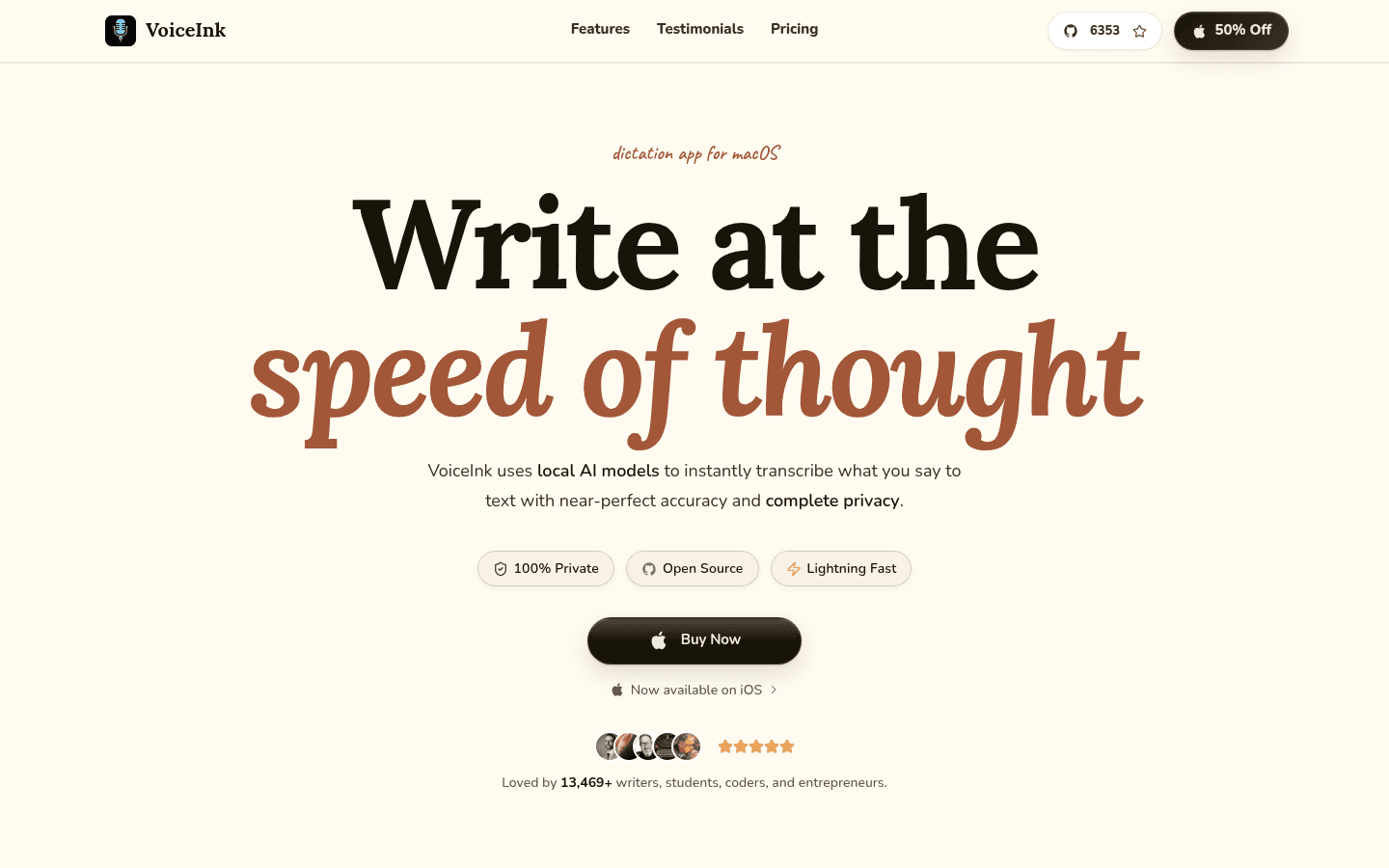
VoiceInk is an open-source Mac dictation app with local and cloud speech options. You choose how speech becomes text, whether that text is cleaned up, and which behavior fits each app. That control is its main selling point, not a promise that every model will be perfect.
| Compatibility check | What to know |
|---|---|
| Install the current Mac app | The installation guide says macOS 15 or later. |
| Intel Macs | The guide recommends cloud transcription because local models do not work reliably there. |
| Local Refine cleanup | Apple Silicon and at least 16 GB RAM, plus its model download. |
| Apple Speech option | Requires macOS 26 or later; not a requirement for every speech model. |
| iPhone and iPad | Separate companion app; current App Store listing requires iOS/iPadOS 17+. |
The homepage still says Apple Silicon only and macOS 14.4+, which conflicts with the newer installation guide. Use the guide and the actual download requirements, and confirm older-Mac compatibility before paying. Installation support and the requirements of a particular model are different questions.
VoiceInk pricing and free options
The Mac app starts at $25, not $25 for every license. The three personal tiers buy different device allowances rather than progressively better feature packages.
| Mac license | One-time price | Device allowance |
|---|---|---|
| Solo | $25 | One Mac |
| Personal | $39 | Up to two Macs |
| Extended | $49 | Up to three Macs |
The official pricing lists lifetime access, lifetime updates and a 14-day money-back guarantee for each tier. Solo fits one laptop; Personal fits a desk Mac and a MacBook. Extended is useful only if you actually need a third Mac.
The ready-made download offers a seven-day trial. Use it to check your microphone, vocabulary and preferred model before buying. The app license does not pay for usage billed by any cloud provider you connect.
There is also a genuinely different free route: build the open-source app yourself. That involves development tools, dependencies and maintaining your build. Paying buys the ready-made distribution and avoids that work; building from source is not the same as downloading an unlimited free trial.
What about VoiceInk on iPhone and iPad?
The iOS companion is downloaded separately. It offers mobile voice-keyboard controls, recorded notes, searchable history and local or own-API-key cloud options. That is a different interface from the Mac's global shortcuts and app/website-triggered Modes; do not assume every desktop feature carries over.
As checked on October 20, the official mobile page says free during beta, with a one-time purchase afterward, and the US App Store listing is free. No final post-beta price is stated there. The Mac tiers explicitly count macOS devices, so do not assume a Mac license includes future mobile purchasing. Check the mobile listing separately when you install.
Useful features: what can VoiceInk do for your work?
Everyday dictation without moving between apps
Put your cursor in an email, note or document, use your recording shortcut and speak. VoiceInk delivers the text into the app where you are working. A plain Dictation Mode can skip enhancement when you just want a rough idea captured.
That is useful for a project update or a long prompt you would otherwise type. Start with one working model and one shortcut. You do not need to explore every setting before dictating your first paragraph.
Modes: different behavior for notes, emails and rewrites
A Mode bundles the speech model, language, formatting, optional enhancement and output. You can assign a shortcut or let app and website triggers choose it automatically. The value is avoiding repeated setup when you switch tasks.
- Rough notes: use a local speech model with no enhancement so your first draft stays close to what you said.
- Emails: use an email prompt and a compatible enhancement provider to turn spoken points into a greeting, readable paragraphs and a closing.
- Selected-text rewriting: highlight a rough passage, start a Rewrite Mode and say how it should change. Choose a provider that supports prompts and selected-text context.
For example, your notes app can trigger the plain Mode while your email app or a matching web address triggers Email. You can still switch manually when the task differs from the usual one. The Modes guide is worth reading because this is more flexible than choosing one writing style for everything.
Custom vocabulary and predictable replacements
Add client names, product names and specialist terms to Vocabulary. This gives the supported transcription and enhancement workflows useful spelling guidance rather than hoping they guess an unusual name.
Smart Replace solves a different problem: turn a short phrase into exact text, or replace a recurring spelling with the form you use at work. A meeting-link phrase or a consistently misspelled product name is a practical starting point. Check the result in your chosen model and Mode; a dictionary is not an accuracy guarantee.
Text cleanup, including local Refine
Refine cleans a transcript after speech recognition. It improves punctuation and capitalization, removes fillers and repetition, and resolves spoken self-corrections. On a supported Mac, that can turn rough dictation into readable notes without a cloud cleanup service.
It requires Apple Silicon, at least 16 GB RAM and a separate model download. No provider API key is needed for Refine itself. Its fixed cleanup task is useful, but it is not the provider for custom email prompts or selected-text rewriting; use a compatible local or cloud enhancement provider for those jobs.
Transcribing recordings you already have
VoiceInk also accepts saved audio and video. Add an interview, lecture or voice memo in Transcribe, choose a Mode with a batch-capable model, and process it. Formats include MP3, WAV, M4A, MP4 and MOV.
You can review, copy or save the result, with original and enhanced text available when enhancement runs. This uses the chosen model rather than forcing every file through a cloud service. The purchase question is whether your preferred model supports file processing, not whether VoiceInk is limited to live dictation.
Accuracy and everyday experience
VoiceInk's strength is the ability to tune the workflow rather than accept one fixed engine. Model choice lets you balance responsiveness, language support and the correction work left after dictation. That flexibility matters more if you regularly dictate specialist terms or longer passages than if you only speak a few short messages.
Vocabulary and replacements help with recurring errors. Modes can keep your notes close to the original wording while giving emails more structure. The tradeoff is setup: you must choose a model, download it or connect a provider, and decide when enhancement should run.
Expect to check names, numbers and passages where wording matters. A cleaner sentence is not necessarily a more faithful transcript, and a larger model is not automatically the best choice for your Mac. Vendor claims about near-perfect accuracy or writing several times faster are not a reliable prediction of your results.
Use the trial for three real tasks: a short email, a note with unusual vocabulary and a saved recording. Judge the time spent correcting each result as well as the time it takes to appear. If one simple Mode does the job, keep it; extra controls are valuable only when you use them.
Privacy and limitations: check the whole workflow
The data guide separates four things that are easy to confuse:
- Transcription: a downloaded local model processes audio on the Mac; a cloud speech provider receives audio.
- Enhancement: the selected provider receives transcript text and any enabled context. Refine cleans locally; other providers can be local or remote.
- AutoLearn: correction review has its own provider choice. It can send changed text and nearby context even when recognition is local.
- History: transcripts, enhanced results and saved audio are stored locally, with retention controls. Check backups and saved copies when deciding what to keep.
For an on-device workflow, use local transcription, local or disabled enhancement, and local or disabled AutoLearn. Mode context can include selected text, clipboard text and locally extracted screen text. Only send the context your task needs.
The main purchase limitations are hardware fit, setup effort and device coverage. Intel users should not buy on the assumption of reliable local models. Downloaded models need storage and suitable hardware. Cloud providers can add charges, and the iOS companion is not evidence of Windows, Linux or Android support.
VoiceInk vs Voicy: which fits your devices and workflow?
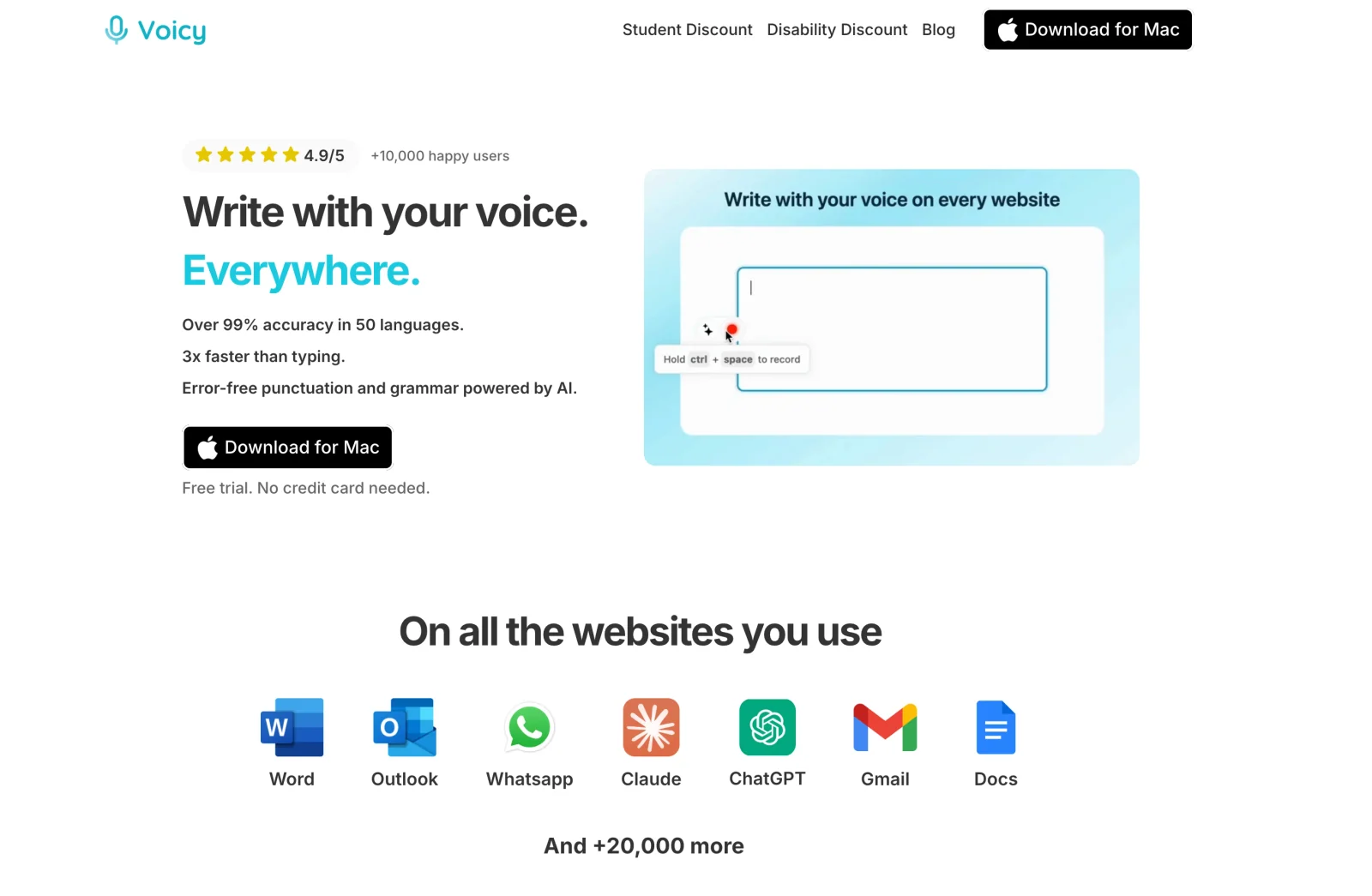
Choose Voicy when you want dictation to fit your working day, not just your Mac. If you use a Windows laptop for work, a Mac at home and an Android phone, Voicy covers all three under a personal plan. You also get desktop tools for rewriting text and transcribing recordings, with monthly, annual or lifetime billing. VoiceInk is an attractive lower-cost choice when your priority is a configurable Mac setup.
| Buying question | VoiceInk | Voicy |
|---|---|---|
| Where can I use it? | Mac desktop app plus separately downloaded iPhone/iPad companion. No native Windows, Linux or Android offering listed. | Mac, Windows, Linux, iPhone, Android and browser extension. |
| How are devices licensed? | Mac tiers cover one, two or three Macs. Mobile terms are separate. | Paid personal plans list unlimited personal devices. |
| What does it cost? | Mac: $25/$39/$49 once by device count. Mobile currently free in beta; future one-time price not stated. | $8.49/month, $82/year or $260 lifetime; free trial, not a permanent free plan. |
| How much model control is there? | Choose speech engines and enhancement providers, then configure Modes and triggers. Open-source code available. | Choose online or offline desktop dictation, then use Rewrite Mode or Custom Modes for writing tasks. |
| Can normal dictation work offline? | Yes, with compatible downloaded local models. | Yes on Mac, Windows and Linux after model download. |
| What about rewriting? | Local Refine for fixed cleanup; prompt/context-capable providers for broader rewriting, locally or in the cloud. | Rewrite Mode for selected text and Custom Modes for new dictation; both need internet. |
| Can I transcribe saved files? | Yes, using a batch-capable local or cloud model. | Yes, online on a paid plan, up to 60 minutes per file; copy or TXT download. |
Why you might choose Voicy
Your work does not stop at one operating system. Draft a report on your work Windows laptop, dictate notes on your Mac and use voice input on Android. Voicy also has a native Linux app and browser extension. You can choose the devices that suit your work rather than choose a dictation app around an Apple-only setup. Features differ by platform, but the coverage itself solves a real problem.
Your personal plan covers the devices you own. Voicy's paid plans include unlimited personal devices, so adding a laptop does not mean choosing another Mac activation tier. Its $8.49 monthly plan lets you pay month to month; $82 annually suits regular use, and $260 lifetime offers a way to avoid recurring billing. VoiceInk costs less for one to three Macs. Voicy's value is the broader personal-device coverage and billing choice, not a lower sticker price.
You want useful writing tools as well as speech recognition. On desktop, dictate a rough email, use Rewrite Mode to revise selected text, or use a Custom Mode to shape new dictation for a recurring task. You can also upload an interview or voice memo for transcription on a paid plan, up to 60 minutes per file. These are concrete reasons to try Voicy even on a Mac: judge whether its writing workflow fits the work you do, not just how many settings each app offers.
You want offline dictation without giving up Windows or Linux. After the model download, Voicy's normal desktop dictation can run locally on Mac, Windows and Linux. Rewriting, Custom Modes and file transcription still require internet. VoiceInk also supports local dictation and saved files, so those features are not exclusive to Voicy; the difference is where you can use them and how the workflow fits your needs.
The practical choice: pick VoiceInk for its low Mac purchase price, open source and detailed model control. Pick Voicy when broader device support, unlimited personal devices and its combination of dictation, rewriting and recording transcription matter more to you than configuring a Mac-specific setup.
Keep other comparisons focused: MacWhisper is worth evaluating for recording-heavy transcript editing, while Wispr Flow offers a permanent limited free allowance and cloud-based everyday dictation. Neither needs to turn this review into a long alternatives list.
Recommendation: choose for the devices you own
Choose VoiceInk if… you use a compatible Mac, will benefit from configurable Modes and local models, and want a low one-time app price. Start with Solo unless you need more Mac activations. Use the trial to check your actual workflow.
Compare Voicy if… you need Windows, Linux, Android or a browser extension alongside Mac, or prefer its unlimited-personal-device plans. Keep VoiceInk on your shortlist if local file transcription and customizable local enhancement are priorities.
Need that wider device coverage? Try Voicy with an everyday writing task during its free trial and compare the result on the devices you use.
FAQs
How much does VoiceInk cost?
The Mac download starts at $25 once for Solo on one Mac. Personal costs $39 for two Macs, and Extended costs $49 for three. These tiers change device allowance, not the core feature package. Cloud provider usage can cost extra.
Is VoiceInk free?
The ready-made Mac app offers a seven-day trial. You can also build the open-source app yourself, which requires development tools and setup rather than a paid download. The iOS companion is currently free during beta, with a one-time purchase planned afterward.
What Mac do I need for VoiceInk?
The current installation guide says macOS 15 or later and recommends cloud transcription on Intel Macs because local models can be unreliable there. Refine needs Apple Silicon and at least 16 GB RAM. Apple Speech requires macOS 26 or later.
Can VoiceInk work entirely offline?
Yes, with compatible downloaded local speech models and local or disabled enhancement and AutoLearn. Refine provides local cleanup on supported Macs. A cloud provider selected for any step still needs internet and receives the data used by that step.
Does VoiceInk have an iPhone or iPad app?
Yes. The separately downloaded iOS companion supports iPhone and iPad, with voice-keyboard controls, recording history and local or own-key cloud options. Its listing requires iOS or iPadOS 17 or later. Mac device-license tiers should not be treated as an included mobile purchase.
Can VoiceInk transcribe saved audio and video?
Yes. The Transcribe view processes existing files with a batch-capable model and the chosen Mode. You can copy or save the result. A compatible local model can keep recognition on the Mac; a cloud model sends the audio to its provider.
Can Refine rewrite selected text?
Refine is a fixed local cleanup model for dictated transcripts, not a general selected-text rewriting tool. For that task, configure a Mode with a prompt-and-context-capable provider, such as a compatible local model or cloud service.
When is Voicy worth comparing?
Compare Voicy when you need Windows, Linux, Android or a browser extension as well as Mac, or prefer its billing and unlimited-personal-device terms. Both products support offline desktop dictation and saved-file transcription; Voicy rewriting and file transcription require internet.
 Download for free
 Download for free
 Download for Ubuntu/Debian
 Add to Chrome for free
 Download for free