
Verdict: should you choose Spokenly?
Our Spokenly review comes down to the job: choose Spokenly for unlimited free local dictation; choose Voicy for daily writing across desktop and Android, with spoken rewriting and flexible paid plans. We recommend Voicy for people who draft on a computer, reply from their phone and want saved instructions for recurring emails. Spokenly is a strong free option if local dictation on its supported devices is all you need.
Spokenly gives you control over models and writing modes. The tradeoff is setup: you choose what runs on your device and what uses a cloud service.
What is Spokenly like for everyday writing?
Press a shortcut, speak, keep writing
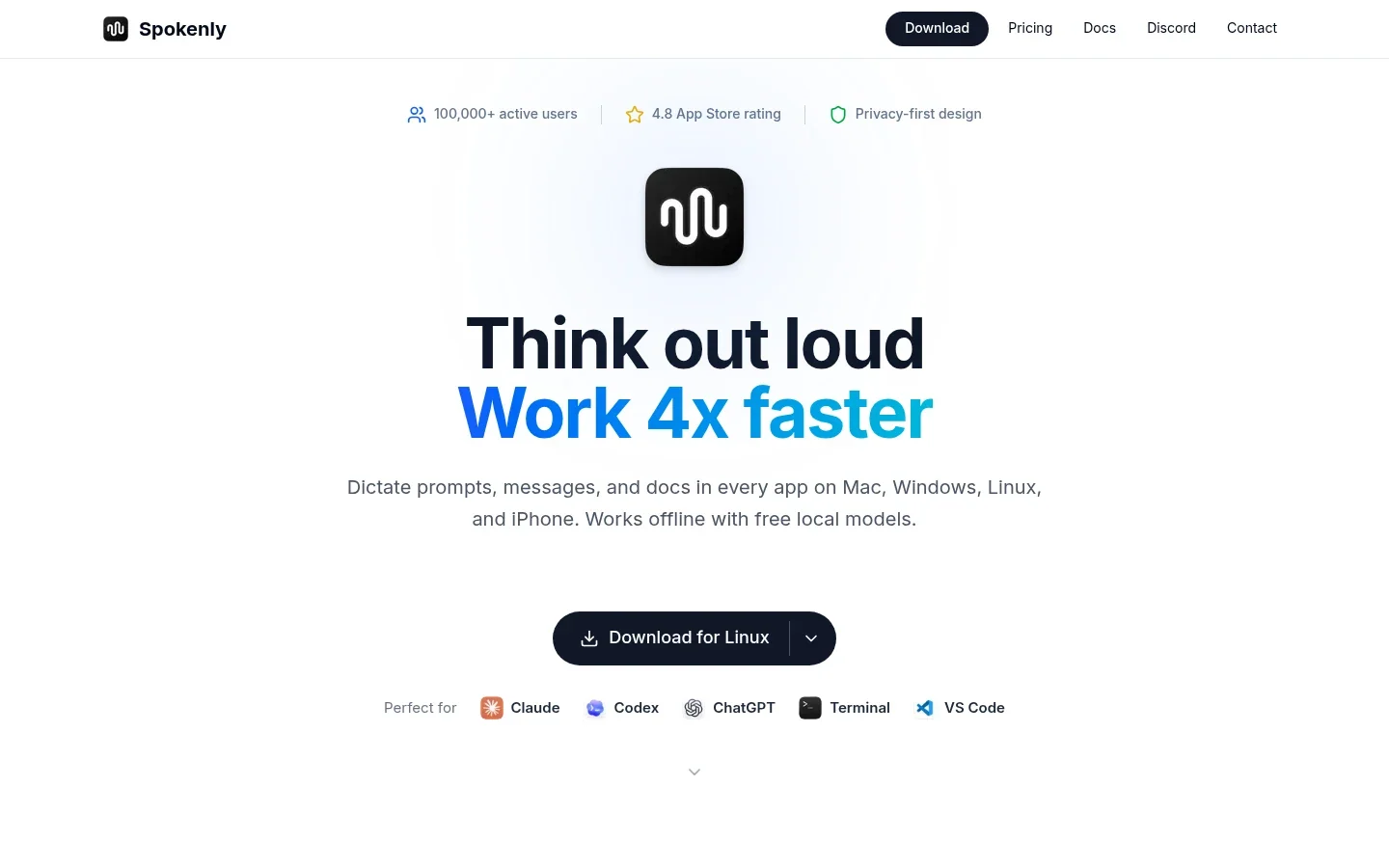
The basic desktop flow is straightforward: click where you want to write, hold your recording shortcut, speak, then release it. Spokenly inserts the text at your cursor in the app you are already using. You do not need to compose everything in a separate transcript window and copy it across.
That is the appeal for everyday work. You can dictate an email reply, add a paragraph to a document or capture a thought in your notes. Start with ordinary dictation; the more advanced settings are there when you need them, not a prerequisite for writing your first sentence.
Choose a speech model that fits your voice
Spokenly offers local models such as Whisper and Parakeet, alongside cloud speech models. The speech model turns audio into words. It affects recognition, language support and how long you wait before text appears.
A local model runs on your computer, so its speed depends on your hardware. Cloud models move that processing online. Spokenly advertises 100+ languages overall, but individual models do not all cover the same languages.
For a useful accuracy check, dictate an email you would normally write, including a colleague's name and a date. Read it once for changed names, numbers, missing negatives and punctuation. If it needs too much editing, try another compatible model before assuming a paid plan is the answer. A fluent rewrite is not necessarily a more faithful transcript.
Clean up spoken clutter without rewriting your meaning
The optional Local Model Cleanup feature runs a small model on your computer after dictation. It removes filler words and repeated words, applies spoken corrections, and fixes punctuation and capitalization. It can also turn spoken numbers into digits.
For example, Spokenly's documentation shows “send the report to john no wait to maria by friday” becoming “Send the report to Maria by Friday.” That is a useful distinction: you can correct yourself while speaking instead of stopping to edit with the keyboard.
This cleanup is off by default and available on supported Mac, Windows and Linux computers. It works best in English; the documentation lists lower-quality support for German, Spanish, French, Chinese, Russian and Japanese. Other languages are left unchanged.
It is not a general rewriting assistant. It cleans up your wording rather than answering questions, adding ideas or turning a rough note into a differently worded email. The hardware limits are covered below so you can check whether your computer supports it.
Save modes for the writing you repeat
Modes let you save settings and AI Instructions for a recurring task. Instead of choosing everything again, you can keep a mode for plain notes and another for turning rough points into a concise reply.
This is where more extensive AI rewriting comes in. Instructions can summarize, reshape or generate text, rather than just remove “um” and repeated words. A narrow instruction such as “make this shorter and preserve all dates” gives the tool a clearer job.
Local transcription and AI rewriting are separate steps. A cloud text service can process words transcribed locally, so a local speech model does not automatically make the whole mode offline.
Fix recurring vocabulary problems
Spokenly's word replacements help with terms you use repeatedly. An exact replacement can be useful for a project code or a surname that keeps coming out wrong. Avoid broad triggers that could change ordinary words you meant to keep.
Dictionary controls also depend on the speech model. Local Whisper uses prompting rather than the same dictionary controls offered by some cloud engines. These tools are worth exploring when you have a recurring problem, not as a long setup checklist before you begin.
Optional extra: Agentic Actions
Agentic Actions can do something with your words after transcription. The documented actions include searching the web for what you said, opening a website, launching apps or running an Apple Shortcut. A search mode, for example, can turn a spoken question into a short search query.
These are macOS-only extras configured per mode. Leave them off if you just want text in your document; Spokenly recommends that for faster plain dictation. You do not need automation to get value from the app.
Spokenly pricing: Free, Local+ or Pro?
The current pricing page separates free dictation from paid convenience extras and hosted cloud services. Start by deciding which of those you actually need.
| Option | Listed price | What you get |
|---|---|---|
| Free | $0 | Unlimited local dictation with compatible downloaded models, without an account or word cap. |
| Your own API keys | No Spokenly surcharge | Connect supported cloud providers and pay them directly for usage. |
| Local+ | $29 once | Notch and Capsule recording styles, settings sync and priority support. |
| Pro | $9.99 monthly or $99.99 yearly | Local+ extras, managed cloud speech and hosted AI text processing. |
The annual Pro price works out to about $8.33 per month, billed yearly. Store prices and taxes can differ.
Free is a real long-term option. There is no trial clock for local dictation. Download a compatible model and use it as much as you want. Your computer supplies the processing power, so model choice still matters.
Local+ is not lifetime Pro. Its one-time payment buys the listed extras, not unlimited cloud speech or hosted AI. The latest iPhone app now supports Local+, alongside the direct-download Mac, Windows and Linux apps. The Mac App Store version is still awaiting an update.
Pro removes provider-account setup. Choose it if you want Spokenly to supply cloud speech and AI processing. If you already have a provider account, using your own API key gives you another route. Spokenly adds no fee for that connection, but the provider still bills you for usage.
Our buying advice: stay free until a specific limitation gets in your way. Pay for Local+ because you want its extras, or Pro because you want its hosted services, not because you assume free dictation is a short demo.
Platform differences and local cleanup requirements
Spokenly's download page lists Mac, Windows, Linux and iPhone. The base apps support macOS 13.3 or later, Windows 10 and 11, and iOS 17 or later; Linux packages include deb, rpm and AppImage. Its Android page still says there is no Android app.
The Mac app also documents recording microphone and system audio, saving a meeting in History and transcribing it afterward without a meeting bot. Get any required recording consent. Do not assume this Mac workflow is available in every other app. Some system actions also face restrictions in the Mac App Store build.
Local Model Cleanup has stricter requirements than installing Spokenly itself:
- Mac: Apple silicon and macOS 15 or later. It needs 768 MB of disk space, or 614 MB on macOS 15, and about 600 MB of memory while processing (up to 1 GB for very long dictations). On macOS 15 it runs on the CPU; dictations above roughly 100 English words are left unchanged, with a lower limit in other languages.
- Windows and Linux: an Intel or AMD processor with AVX2, including Intel Core from the 4th generation and AMD Ryzen. Linux ARM64 processors are also supported. It needs 639 MB of disk space and about 650 MB of memory (up to 1.1 GB for very long dictations).
- Length and context: the general cleanup limit is about 1,600 English words; longer dictations stay unchanged. On Linux, cleanup does not read the text field, so Auto tone uses full sentences with a final period rather than following text before the cursor.
These limits apply to the cleanup feature, not to every speech model or the entire app. Check them before counting on offline cleanup for long drafts.
Privacy: three routes for your dictation
Spokenly's privacy policy describes three main routes:
- Local transcription: the speech model processes audio on your device.
- Spokenly-managed cloud: audio passes through Spokenly's backend to a transcription provider. Spokenly says its backend does not store those recordings.
- Your own provider account: audio and text go directly from your device to the provider connected with your API key, without passing through Spokenly's servers.
The important catch is optional AI processing. Even with local transcription, a mode's AI Instructions can send the transcript and enabled context online. Local Model Cleanup is on-device; a separate cloud rewriting step is not. For cloud routes, the selected provider's terms and settings still matter.
Use Local Only Mode as a practical safeguard
Download your local models first, then enable Local Only Mode if you want to block online requests. It allows model downloads and localhost connections, but a cloud speech model will fail rather than quietly work offline.
Pair it with local transcription and compatible local cleanup, or leave online AI steps disabled. That is clearer than relying on the word “local” in one setting while another mode sends text to a cloud service.
Spokenly vs Voicy: when is an alternative worth paying for?
We recommend Voicy when your work spans desktop writing and Android replies, or you want dictation plus online drafting tools in a paid plan. Use Rewrite Mode to shorten an existing email, Custom Modes to shape new dictation, and Voice shortcuts to insert a saved response. Spokenly remains a good choice for free local speech-to-text and detailed model control.
| Buying question | Spokenly | Voicy |
|---|---|---|
| Free use | Unlimited compatible local dictation, no trial clock. | Free trial, then a paid plan. |
| Paid options | Local+: $29 once for extras. Pro: $9.99 monthly or $99.99 yearly for hosted services. | $8.49 monthly, $82 yearly or $260 lifetime. |
| Device coverage | Mac, Windows, Linux and iPhone; no Android app yet. | Mac, Windows, Linux, iPhone, Android and browser extension. |
| Offline work | Local speech and compatible local cleanup; hardware limits apply. | Local desktop dictation; rewriting, Custom Modes and file transcription need internet. |
Why choose Voicy?
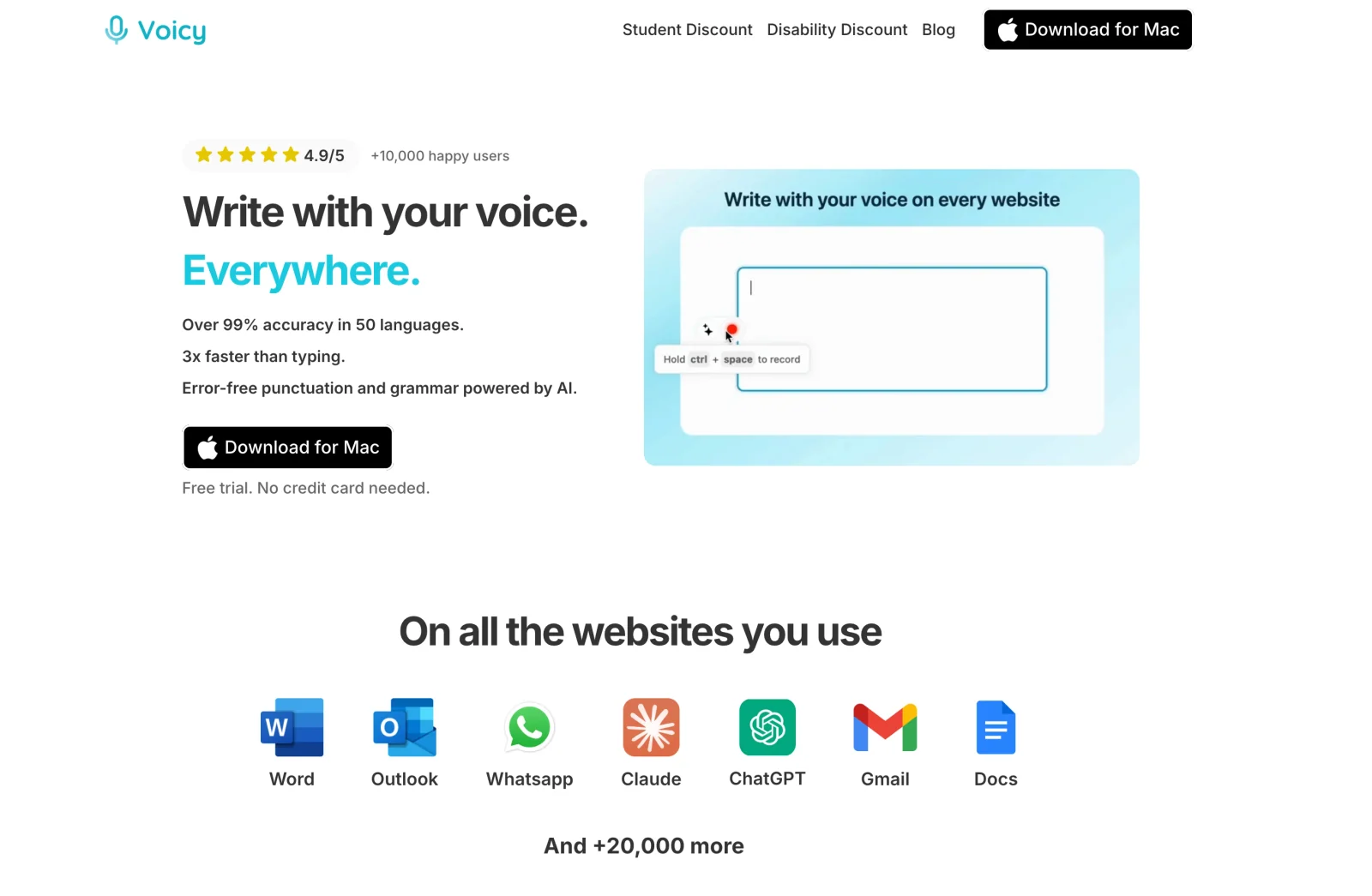
Android is a concrete difference. Voicy's Android app is available now: tap a text field, use the floating microphone and dictate into your app. Spokenly's Android page currently offers a waitlist, not an app. Voicy also has Mac, Windows, Linux, iPhone and browser-extension options.
Turn spoken ideas into finished work. Voicy offers Rewrite Mode for changing existing text with a spoken instruction, Custom Modes for saved writing instructions, and saved Voice shortcuts for reusable text. Those are useful if you regularly shorten emails or insert the same response. For recorded notes, Voicy also supports file-upload transcription. Spokenly has its own modes and replacements; both offer more than plain speech-to-text.
Payment choices are different. Voicy's personal plans are $8.49 monthly, $82 annually or $260 lifetime, with a free trial rather than a permanent free plan. The lifetime option is worth considering if you want Voicy's paid features without a recurring subscription. Spokenly's $29 Local+ purchase covers a different set of extras; it is not an equivalent hosted-service plan.
Choose local or online to suit the task. Voicy's offline mode lets you draft on Mac, Windows and Linux after downloading a model; Mac requires macOS 15 or later. Use online dictation when that fits your work, and connect for Rewrite Mode, Custom Modes and file transcription. Spokenly also offers local speech processing, with the cleanup requirements detailed above.
Final recommendation
Start with Spokenly Free if unlimited local dictation is what you need. Add Local+ only for extras you want, or Pro for cloud speech and hosted AI without managing provider keys.
For writing across a computer and Android phone, we recommend Voicy. Its $8.49 monthly, $82 yearly and $260 lifetime choices combine broad device coverage with tools for rewriting drafts and reusing instructions. Start with the free trial and use it for your normal emails and notes; choose Spokenly Free instead if unlimited local dictation alone meets your needs.
FAQs
Is Spokenly really free?
Yes. Spokenly offers unlimited local dictation with compatible downloaded models, with no word cap or trial clock. Local use does not require an account. Your hardware and chosen model still affect speed, language support and accuracy.
How much does Spokenly Pro cost?
Spokenly's website lists Pro at $9.99 monthly or $99.99 annually, equivalent to about $8.33 per month when billed yearly. Store pricing and taxes can differ.
What does Spokenly Local+ include?
Local+ costs $29 once for Notch and Capsule recording styles, settings sync and priority support. It does not include managed cloud speech or hosted AI. It works in the latest direct-download Mac, iPhone, Windows and Linux apps. The Mac App Store version is still awaiting an update.
Does Spokenly work offline?
Yes. Download a compatible local model and use it for dictation. Local Only Mode can block online requests, with documented exceptions for model downloads and localhost. Cloud speech and hosted text processing cannot work without a connection.
Is using my own API key free?
Spokenly adds no fee for supported own-key connections, but the provider charges for usage. Audio and text go directly to that provider under its terms. Total cost depends on the models you select and how much you use them.
Which platforms does Spokenly support?
Spokenly supports Mac, Windows, Linux and iPhone. Its Android page says there is no Android app yet. Advanced features and local model requirements differ by platform and app edition.
Can Spokenly record meetings?
Yes, the Mac documentation describes recording microphone and system audio, saving the meeting in History and transcribing it afterward without a meeting bot. Do not assume that workflow exists on every platform. Obtain any required recording consent.
Is Voicy cheaper than Spokenly?
Voicy costs $8.49 monthly, $82 annually or $260 lifetime, with a free trial. Its subscriptions cost less than Spokenly Pro's listed $9.99 monthly and $99.99 annual plans, but Spokenly Free costs nothing. Choose based on the writing tools and platforms you need, not small subscription savings.
 Download for free
 Download for free
 Download for Ubuntu/Debian
 Add to Chrome for free
 Download for free