
Verdict: should you choose Typeless?
In this Typeless review, our recommendation depends on how you write: choose Typeless for its ongoing limited Free plan; choose Voicy for offline desktop dictation and lower-priced paid writing tools. For daily emails, reports and notes, Voicy combines dictation with spoken rewriting, saved writing instructions and a lifetime purchase option. Typeless is a good fit when its free allowance and automatic cleanup cover your work.
Free includes much of that writing help. Pro is for people who need more words or its paid extras, at $30 monthly or $144 a year. The main tradeoff: dictation needs an internet connection, and automatic cleanup can change your wording.
Typeless at a glance
| Buying question | What to know |
|---|---|
| Main job | Turn spoken thoughts into cleaned-up text in the app where you write. |
| Current platforms | Mac, Windows, Linux, iOS and Android are listed on the official site. |
| Free option | Ongoing Free plan with a limited weekly word allowance. |
| Paid plan | Pro: $30 per member monthly or $12 per month billed yearly, totaling $144. |
| Writing tools | Filler removal, self-correction, formatting, personal dictionary, translation and selected-text tools. |
| Offline use | Speech and relevant context are processed in the cloud, not by an offline local model. |
| Best fit | People who dictate messages, emails, drafts and prompts throughout the day. |
What can Typeless do for your everyday work?
Emails and messages: speak the point, not every edit
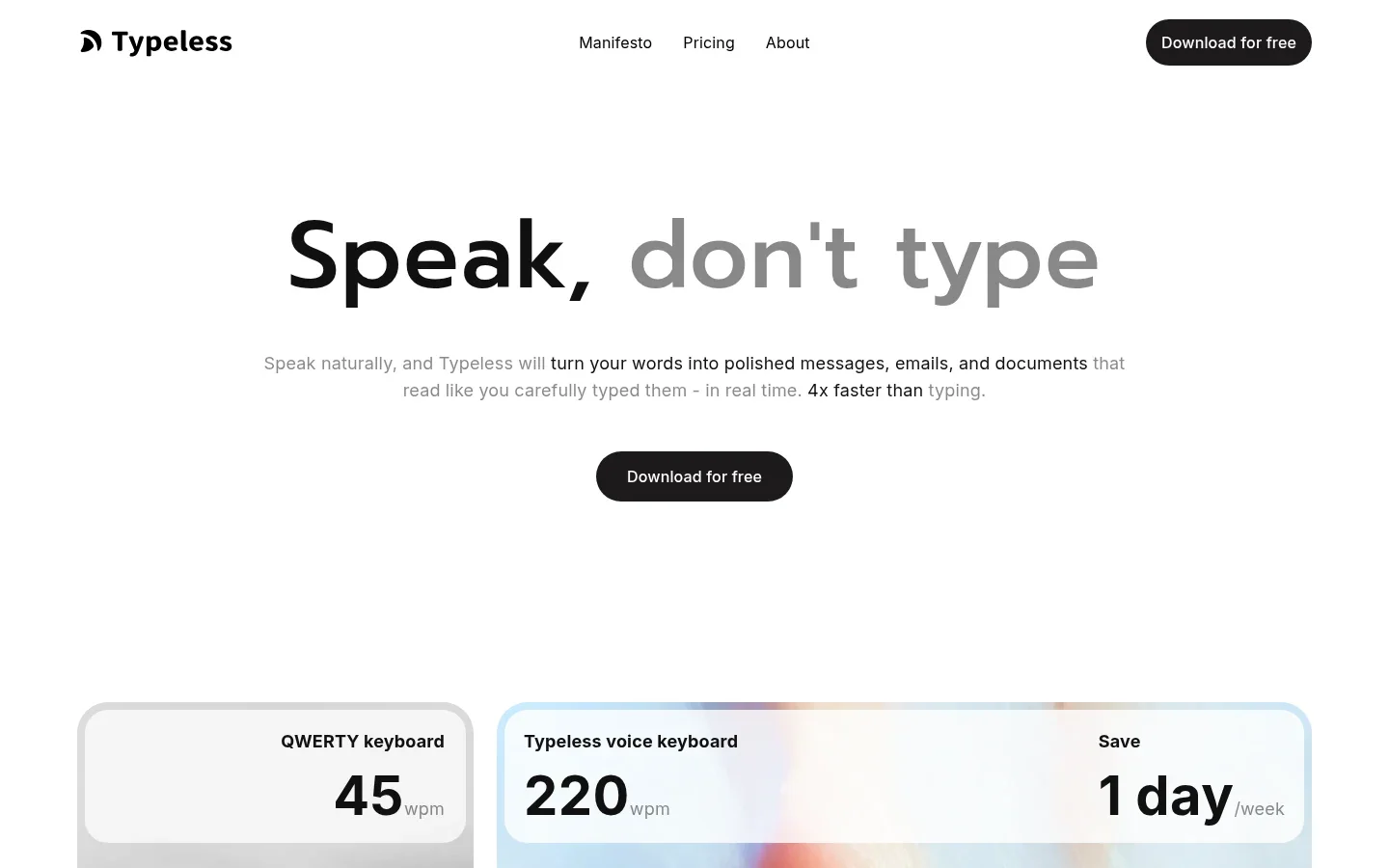
Typeless removes fillers and repeated words, handles spoken changes of mind, and formats the result. You can focus on what you want to say instead of composing a finished sentence before you speak.
For example, you could ask for a meeting on Tuesday, then say “actually, Thursday.” Typeless is designed to keep the correction rather than leave both days in the message.
Notes and documents: get past the blank page
A rough idea is often easier to explain than to write. Typeless turns spoken lists and points into structured text, giving you a draft to work with instead of an empty document.
That suits outlining a proposal, capturing a thought or drafting a section of a report. It is less suited to verbatim quotations, where the speaker's exact repetitions and hesitations may matter.
Personal dictionary: stop fixing the same names
The personal dictionary gives Typeless the names, terms and expressions you use often. Entries can be added manually or automatically, so a client surname or internal project name does not have to remain an unfamiliar word.
Personalization serves a different purpose: it adapts to your tone and phrasing. The dictionary helps with what you say; personalization helps with how you say it.
Different app tones: less manual polishing
Typeless adapts tone and style to the app you are using. A work email can read more formally than a casual chat, without you repeating the same style instructions each time you switch apps.
This is useful if much of your editing is changing the register of a message rather than its substance.
Translation and multilingual writing
Typeless supports more than 100 languages, automatic language detection and mixed-language speech. You can move between languages while dictating rather than stop to switch a setting.
Translation lets you speak in one language and produce text in another. That is a different benefit from multilingual dictation: it helps you write to someone in their language, not just capture your own.
Selected text: edit or ask a question by voice
You can select an existing paragraph and ask Typeless to shorten it, expand it or change its tone. A spoken instruction such as “make this reply shorter” saves you from rewriting the whole passage yourself.
Ask anything also works with selected read-only text. You can ask for a summary, explanation or translation while reading, so the tool is useful beyond writing new messages.
Accuracy and everyday experience: polished drafts, not exact transcripts
Typeless makes the most sense for messages and drafts where you want readable output rather than a word-for-word record. Its cleanup can save editing, but it can also change wording, including repetition you meant to keep.
Give the finished text one quick read for meaning, names and numbers before sending it. Exact quotations and important translations deserve closer attention than a casual reply.
On Free, try one task you do often, such as replying to a work email. If the result keeps your meaning and takes less effort to finish, that is a useful reason to keep using it.
Typeless pricing: Free vs Pro
Free is a useful writing tool, not just a preview. It includes cleanup, translation, personalized style, a personal dictionary, different app tones and Ask anything. The official pricing page lists these alongside the paid extras below.
| Plan | Current listed price | What changes |
|---|---|---|
| Free | $0 | Limited words, standard accuracy and standard access during high demand; core writing, translation and dictionary tools. |
| Pro, monthly | $30 per member per month | Unlimited words, enhanced accuracy, priority access, cloud sync and team administration. |
| Pro, yearly | $144 per member per year | Same Pro tier, shown as $12 per month billed yearly. |
| Enterprise | Custom quote | Adds controls such as SSO, user provisioning, audit logs and enforced HIPAA controls. |
Annual Pro costs $144 upfront, compared with $360 for twelve monthly payments. The $12 figure is the annual plan's monthly equivalent, not a month-to-month price.
Free has a weekly word allowance, but the current public pricing page does not publish the number.
Stay on Free while it covers your writing. Upgrade when the word limit interrupts your day, or you need cloud sync, priority access or the enhanced-accuracy tier.
Privacy and limitations: cloud processing is the main tradeoff
Typeless sends your audio and relevant app context, including relevant text, to cloud servers. Its privacy policy says ordinary dictation audio and context are discarded after the result returns. That is a retention promise, not offline processing.
Optional history cloud sync stores history text online; turning it off deletes that stored text. Voluntary feedback is handled separately: it can include diagnostics and, with explicit consent, text or corrections used to improve Typeless.
If you need dictation with no internet connection or no audio leaving your computer, choose an offline tool instead.
Typeless vs Voicy: Free, paid or offline?
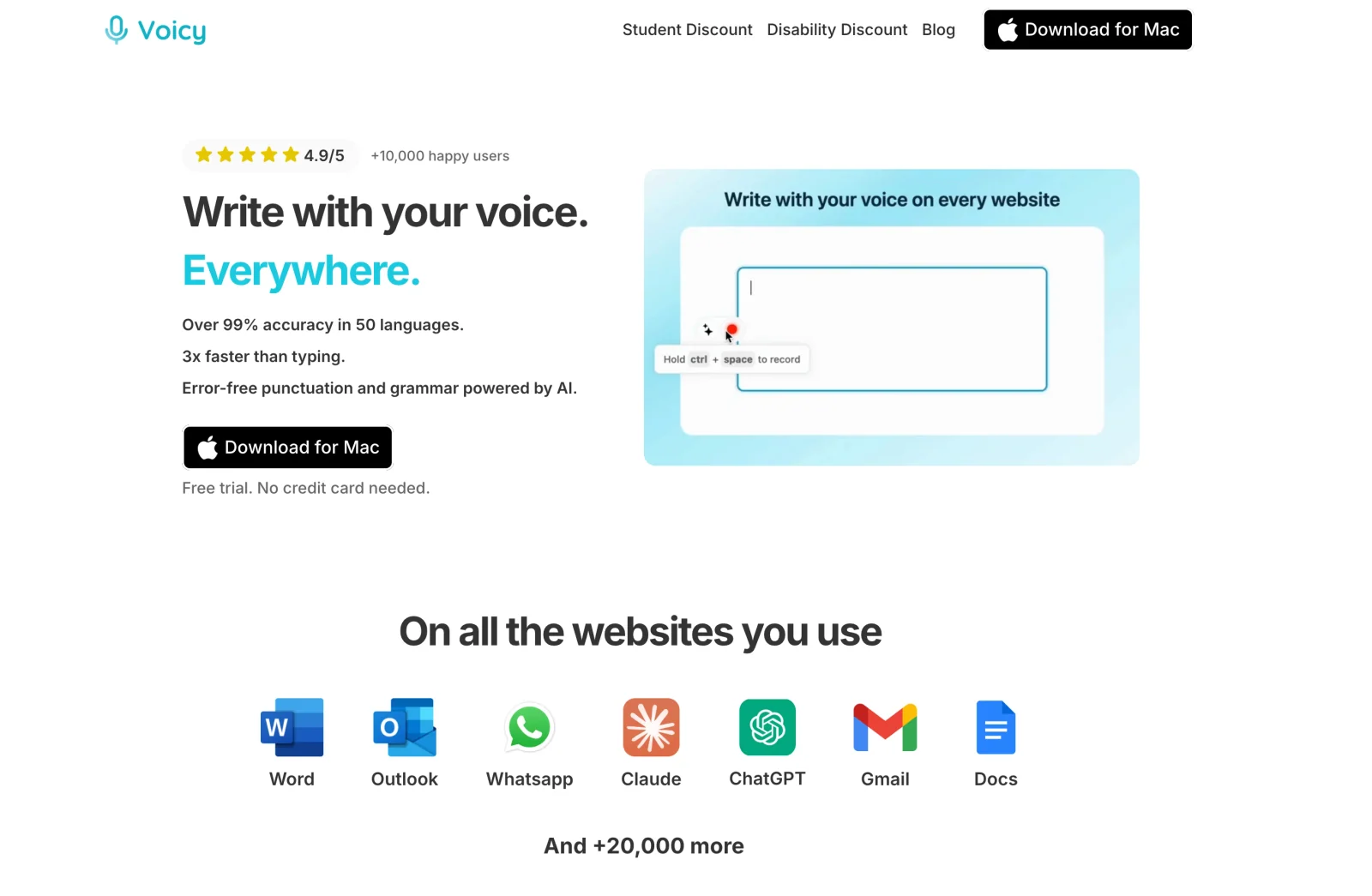
We recommend Voicy for people who dictate daily and want offline flexibility alongside online writing tools. Draft a report without Wi-Fi, then shorten it or change its tone when connected. Typeless remains a useful no-cost choice when its limited Free allowance is enough.
| Buying question | Typeless | Voicy |
|---|---|---|
| Free use | Ongoing limited Free plan; public pricing does not state the weekly word count. | Free trial, not a permanent free plan. |
| Paid pricing | Pro: $30 monthly or $144 yearly. | $8.49 monthly, $82 yearly or $260 lifetime. |
| Offline dictation | No; dictation uses cloud processing. | Local desktop dictation on Mac, Windows and Linux after a model download. |
| Writing help | Automatic cleanup, app-specific tone, translation and selected-text tools. | Rewrite Mode for selected text and Custom Modes for new dictation; both require internet. |
Why choose Voicy?
You want to pay less for daily dictation. Voicy's personal plans cost $62 less per year than Typeless Pro at the listed annual rates. The lifetime plan is another choice if you do not want a recurring bill. Compare the paid plans when daily writing takes you beyond the free allowance.
You need to write without Wi-Fi. With Voicy's offline desktop mode, you can dictate a report on a train or capture notes without sending speech to a cloud service. Download the model before you leave; Mac offline mode requires macOS 15 or later.
You want to revise a draft by voice. Voicy's Rewrite Mode lets you select a long email and ask for a shorter version. Use Custom Modes to save instructions for recurring work, such as turning spoken points into a concise customer reply. You can also upload recorded audio for transcription when connected. Rewrite Mode, Custom Modes and file transcription require internet; basic desktop dictation can stay local.
Voicy covers Mac, Windows, Linux, iPhone and Android, plus a browser extension. That suits writing at your desktop and replying from your phone. Typeless also lists all five operating systems; choose based on the writing workflow rather than platform names alone.
Final recommendation
Stay with Typeless if you like turning rough speech into polished messages and drafts, especially when Free covers your workload. Pro is a sensible upgrade when that same workflow is valuable enough to pay for and the word limit gets in the way.
For paid daily writing, we recommend Voicy: its $82 annual plan costs $62 less than Typeless Pro, and it adds the choice of local desktop dictation and a $260 lifetime purchase. Use the free trial on a real email, a report and a recorded note to check the workflow you will actually use.
FAQs
Is Typeless free?
Yes. Typeless has an ongoing Free plan with a limited weekly word allowance, plus cleanup, translation, a personal dictionary and selected-text tools.
How much does Typeless Pro cost?
Typeless Pro costs $30 per member per month, or $144 per year, shown as $12 per month billed yearly. Enterprise pricing is custom.
Does Typeless work offline?
No. Its documented dictation workflow sends audio and relevant app context to cloud servers, so it needs an internet connection.
Is Typeless available on Windows, Linux and phones?
Yes. Typeless lists Mac, Windows, Linux, iOS and Android on its official site.
Does Typeless store my dictation?
Its policy says ordinary dictation audio and context are discarded after processing. Optional history cloud sync stores history text online. Voluntary feedback has separate handling.
Can Typeless rewrite existing text?
Yes. You can select text and use spoken commands to shorten, expand or change its tone. Ask anything also supports summaries and explanations of selected read-only text.
How many languages does Typeless support?
Typeless advertises more than 100 languages, automatic language detection, mixed-language dictation and spoken translation.
When should I compare Voicy instead?
We recommend comparing Voicy for offline desktop dictation, lower paid-plan pricing or a lifetime option. Typeless offers ongoing limited Free use; Voicy offers a free trial. Voicy rewriting, Custom Modes and file transcription require internet.
 Download for free
 Download for free
 Download for Ubuntu/Debian
 Add to Chrome for free
 Download for free