

Top Picks At A Glance
- Voicy: dictate into everyday apps on Mac, Windows, and Linux after downloading a model. Paid, with a free trial; rewriting and file transcription need internet.
- Handy: a free, open-source starting point for all three desktop systems. Linux may need extra shortcut and text-input setup.
- Superwhisper: local-model dictation on Mac and Windows, with free local Whisper use and paid file transcription.
- MacWhisper: turn saved audio and video files into text on a Mac. Get the website version if you also want to dictate into other apps.
- VoiceInk: Mac dictation with a one-time app purchase and open-source code. Confirm compatibility if you use an older Mac.
- Windows Voice Access: free built-in dictation and computer control on Windows 11 22H2+, after downloading language files.
- Talon Voice: configurable hands-free control for Mac, Windows, and Linux X11, rather than a simple voice-typing app.
- Voibe: offline dictation on Apple Silicon Macs only. Its Windows and Intel Mac modes need internet.
Writing an email on a flight? Transcribing an interview somewhere with no Wi-Fi? Both need speech-to-text, but not necessarily the same app. The best offline dictation software for you depends on whether you want to speak into a text field or transcribe a recording you already have.
Start here: try Handy for free voice typing, Windows Voice Access for dictation and hands-free Windows control, or Voicy if you want offline dictation alongside online rewriting tools. For saved recordings on a Mac, start with MacWhisper. This guide compares documented features, not hands-on accuracy or speed tests.
What counts as offline dictation software?
An offline dictation app turns your speech into text on your computer, without sending it to a server. You'll usually need internet once to download the app and its speech model. After that, check which of these jobs it can do without a connection:
- Live dictation: speak into a note, document, or text field. Some apps paste the text after you stop speaking rather than showing each word as you say it.
- Recorded-file transcription: turn a saved interview, lecture, or voice memo into a transcript. An app that handles live dictation offline may still need internet for files.
- AI editing: rewrite, summarize, or tidy up the text. These extras often need a connection, even when the dictation itself works offline.
| Type | What happens | What to check |
|---|---|---|
| Local recognition | The downloaded speech model runs on your computer. | Whether AI editing, saved history, or sync sends text elsewhere. |
| Hybrid app | You choose between local recognition and online features. | That you have selected a local model and turned off cloud extras. |
| Cloud processing | Audio or text goes to a remote service. | It needs internet even if the service promises to delete your data afterwards. |
Your writing app matters too. An offline dictation tool won't make a website work without Wi-Fi. Try a local note or document first, then check whether your usual email or writing app supports offline editing.
Best offline dictation software compared
Last checked: October 15, 2026. Prices are in each vendor's listed currency; taxes and regional pricing may vary. Download your model before you need it, and check its size against your free disk space. Some vendors don't publish exact minimum requirements; those gaps are noted below.
Platforms, requirements, and price
| Tool | Desktop systems | Requirements and limits | Price and free options |
|---|---|---|---|
| Voicy | Mac, Windows, Linux | Offline Mac: macOS 15+. Windows 10/11. Choose the Linux package for your distribution. No published RAM minimum or exact minimum Linux version. Check the model's download size. | Free trial, then $8.49/month, $82/year, or $260 lifetime. |
| Handy | Mac, Windows, Linux | Mac Intel/Apple Silicon; Windows/Linux x64 and ARM64 downloads. Linux needs extra text-entry tools and system libraries. No single RAM or minimum OS requirement is listed for all builds. | Free and open source. |
| Superwhisper | Mac, Windows; No Linux version yet | macOS 14+ or Windows 10/11, x64/ARM64. Check model support for your Windows chip. Some models can run without a GPU, but may be slow. | Free local Whisper dictation. Pro: $8.49/month, $84.99/year, or $249.99 once. New users get 3,000 words of Pro access. |
| MacWhisper | Mac | Intel and Apple Silicon. More than 8 GB RAM recommended for Medium/Large models. Current minimum macOS version not stated; older Monterey/Ventura builds are available. | Free edition; Pro listed at EUR 64 once. Check the vendor's feature comparison for your workflow. |
| VoiceInk | Mac | macOS 15+ in the current installation guide. Prefer Apple Silicon for local models; Refine needs 16 GB RAM. Confirm an older build if using macOS 14. | $25 one-time app purchase. Trial available; source code is free to build yourself. |
| Windows Voice Access | Windows | Windows 11 22H2+. Download a supported language's speech files during setup. | Included with a supported Windows installation; no separate dictation subscription. |
| Talon Voice | Mac, Windows, Linux X11 | Requires a local speech engine and command scripts. No fixed minimum OS version or RAM listed. Linux download is for X11, not Wayland. | Free public download; optional paid Talon+ features and support. |
| Voibe | Mac, Windows; offline is Mac-only | Offline: Apple Silicon M1+, macOS 14.4+. Intel Mac and Windows 10/11 64-bit use cloud dictation and do not qualify for offline use. | Limited-word free plan; 7-day full-feature trial. Dictation: $9.90/seat/month, $99/year, or $199 lifetime. |
What works without a connection?
| Tool | Dictate as you speak or transcribe files? | Works offline after setup | Still needs internet |
|---|---|---|---|
| Voicy | Live dictation offline; files online only. | Basic dictation with Transcribe on this computer enabled and the model ready. Saved Voice shortcuts also work. | Model download, Rewrite Mode, Custom Modes, uploaded-file transcription, and retrying old recordings. |
| Handy | Live dictation; text is pasted after you stop. File import not confirmed in the guide. | Speech recognition with a downloaded local model. | Downloads, updates, and optional cloud text editing. Turn cloud editing off for offline use. |
| Superwhisper | Live dictation; recorded-file transcription with Pro. | Dictation and file transcription using local models. Any AI editing in the active mode must also run locally. Pro's S1-mini adds offline English formatting in Message/Mail on Mac and Windows x64. | Cloud speech and cloud AI. S1-mini is unavailable on Windows ARM or in Custom, Super, Note, or Meeting modes. |
| MacWhisper | Recorded files and app-wide dictation. Dictation needs the website edition, not the App Store edition. | Local-model file transcription and dictation. | Cloud transcription, remote AI providers, online media downloads, and sending results to online services. |
| VoiceInk | Local live dictation and audio/video files with a compatible batch model. | Local speech models; optional local Refine cleanup on Apple Silicon with 16 GB RAM, or local Ollama. Keep Dictionary AutoLearn local or off. | Model downloads, cloud speech, cloud Enhancement, and cloud Dictionary AutoLearn. |
| Windows Voice Access | Live dictation and voice control, not audio-file transcription. | On-device recognition with an installed language model; write text and control local apps. | Initial language download and web tasks themselves. Dictating an email offline does not send it. |
| Talon Voice | Live dictation and computer control, rather than saved-file transcription. | Local speech-engine recognition and installed command scripts. | App/engine/script downloads, updates, and commands that call online services. |
| Voibe | Live dictation. Meeting notes are a separate cloud workflow. | Dictation on Apple Silicon Macs, with cloud AI formatting turned off. | Windows/Intel Mac dictation, Cloud Mode, cloud AI formatting, meeting transcription and summaries. |
How to enable offline mode in Voicy
Set this up while you still have internet. The steps are the same on Mac, Windows, and Linux; Mac users need macOS 15 or later. You can also follow Voicy's offline setup guide.
- While connected to the internet, open Voicy > Offline mode.
- Check the model card's download size and click Download. Allow space for the model and wait for download and verification to finish.
- Click Use if offered. The installed model may already show as Active.
- Turn on Transcribe on this computer.
- Wait for Model loaded and ready.
- Click in a local note, use your usual recording shortcut, speak a sentence, and stop. Check that the text appears.
Before a flight or a day away from Wi-Fi, try one more sentence with Wi-Fi off and any wired connection unplugged. Use normal dictation in a local note. Rewrite Mode, Custom Modes, and file transcription still need internet.
If the model won't download, check your connection and free space, then click Retry. Turning Transcribe on this computer off switches new recordings back to online dictation. File transcription and retries of old recordings still send audio online. With Offline mode enabled, Voicy asks first; choose No if you want to keep that audio on your computer.
For details on saved recordings, online processing, and optional support reports, see the recording and transcript privacy guide.
1. Voicy, for daily dictation across desktop systems
Voicy is worth trying if you want to dictate notes and drafts offline, then use online rewriting tools when you're connected again. Its desktop apps support Mac, Windows, and Linux. You'll need to download a speech model before you can dictate offline.
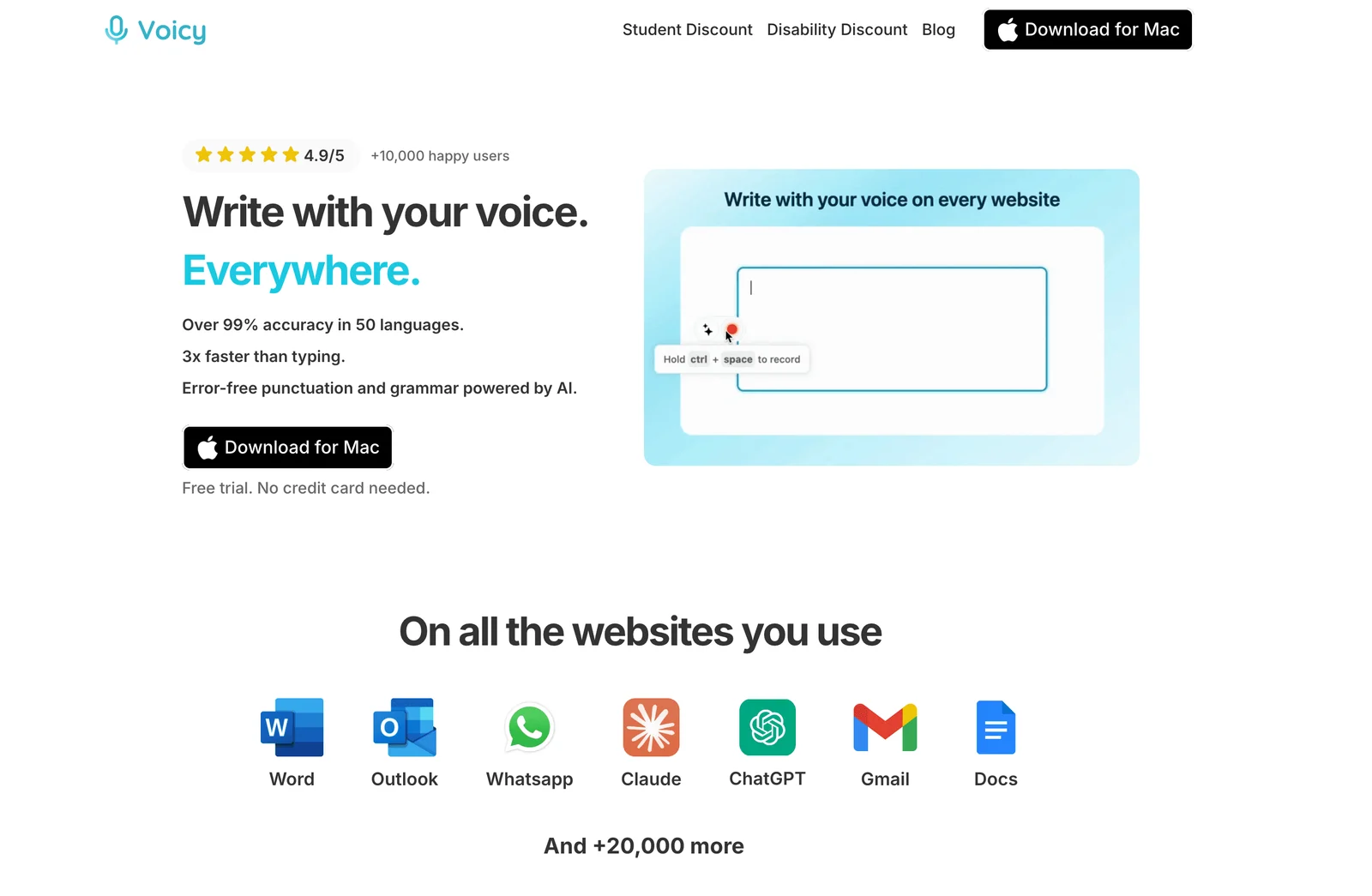
The main limit is what happens after you speak. Basic dictation works locally, but Rewrite Mode, Custom Modes, uploaded-file transcription, and retries of old recordings need internet, as the offline guide explains. Use the desktop app for this setup, not the browser extension or mobile app.
You'll need macOS 15+ for Mac offline mode. The supported-devices guide also lists Windows 10/11 and Linux. Use the trial to check that your chosen model runs comfortably on your computer.
The tradeoff: you can write a draft without Wi-Fi, but you'll need to reconnect to rewrite it with AI or transcribe a saved file. Personal plans cost $8.49/month, $82/year, or $260 lifetime, with a free trial.
2. Superwhisper, for local model choice on Mac and Windows
Superwhisper gives Mac and Windows users a choice of local speech models. You can start with free local Whisper dictation, then consider Pro if you need saved-file transcription or more models. It runs on macOS 14+ and Windows 10/11; Linux isn't available yet. For current plans and yearly costs, see Superwhisper pricing.
Pro costs $8.49/month, $84.99/year, or $249.99 once. If you want to transcribe files offline, check both the speech model and any AI editing in the active mode. Both must run locally.
For offline English cleanup, the S1-mini model works in Message and Mail modes on Mac and Windows x64. It doesn't work in every mode or on Windows ARM. Windows users should also check the model requirements: some models can run on the CPU without a supported GPU, but may be slow.
This is a useful option if you like choosing your own models. Just download and set them up before travelling, rather than discovering on the train that one step still needs the cloud.
3. MacWhisper, for recorded files as well as Mac dictation
MacWhisper is a good place to start if you have interviews, lectures, or voice memos saved on a Mac. It can transcribe local audio and video files, handle batches of recordings, and let you dictate into other apps. Read our MacWhisper review for the full verdict.
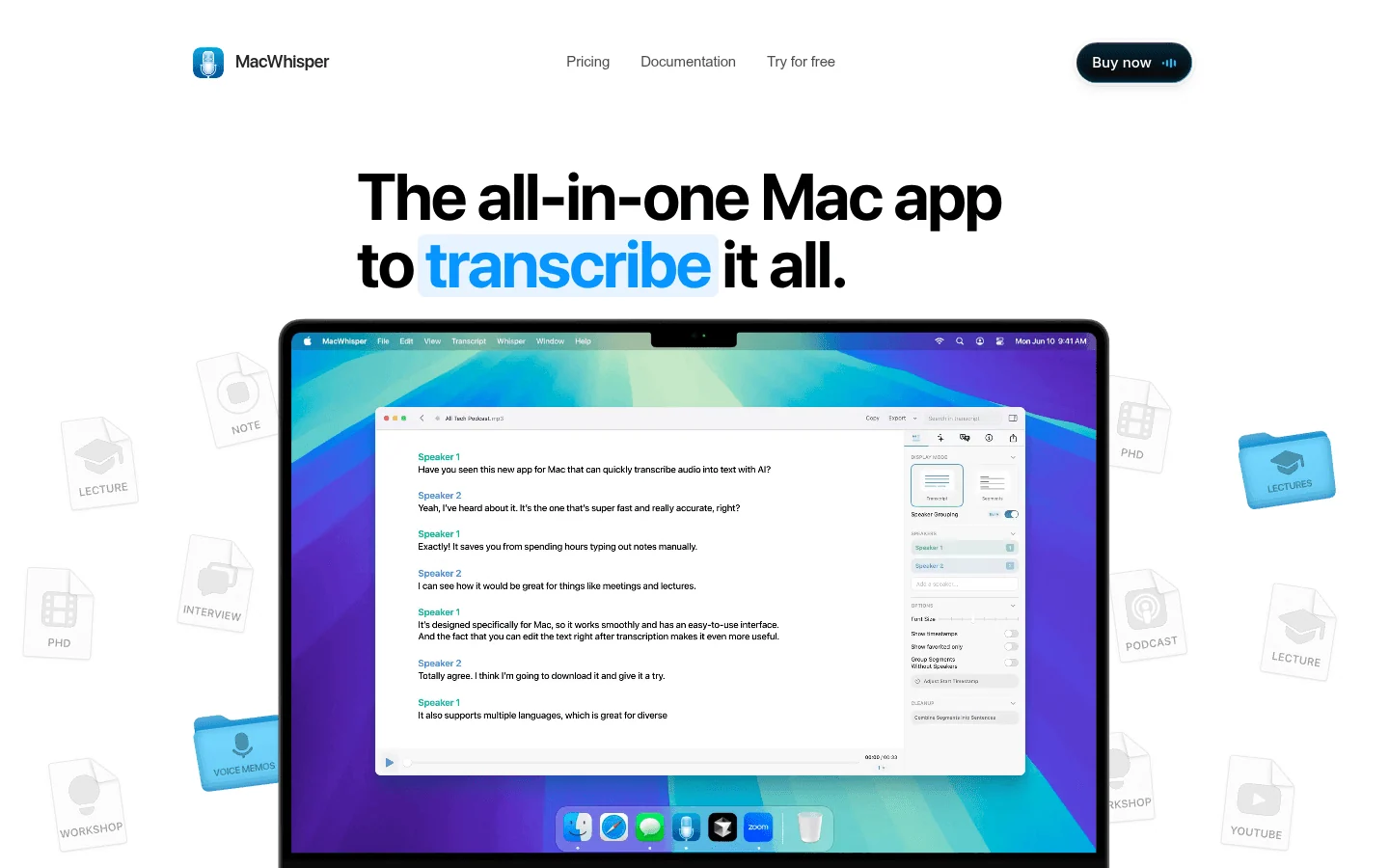
One purchase detail matters: the dictation guide says app-wide dictation is in the website version, not the App Store edition. For offline use, choose a downloaded local model and avoid cloud transcription, remote AI, and online export integrations.
There's a free edition, with Pro listed at EUR 64 as a one-time purchase. Intel Macs are supported. For Medium or Large models, the vendor recommends more than 8 GB RAM; smaller models don't carry that same recommendation. If you have an older Mac, check compatibility before paying: the FAQ offers legacy Monterey and Ventura builds but doesn't name a minimum macOS version for the current app.
4. VoiceInk, for open-source Mac dictation
VoiceInk offers local speech transcription and publishes its source code. Its website advertises the ready-made app at $25 once; the repository describes a trial and building it yourself. Our VoiceInk review covers it in more detail.
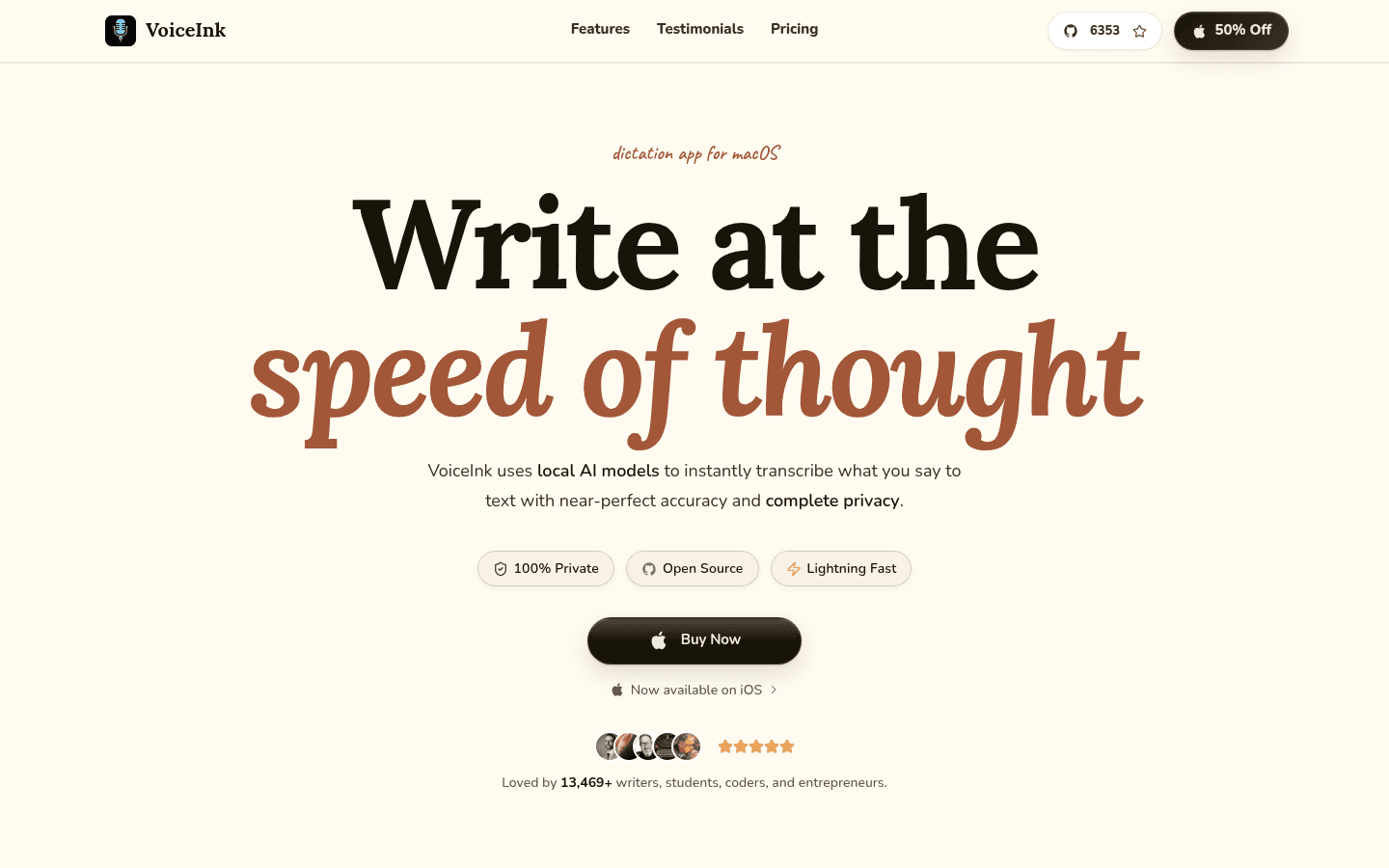
The current installation guide requires macOS 15+ and recommends cloud models for Intel Macs because local models can be unreliable there. For offline use, choose an Apple Silicon Mac. If you need macOS 14 support, confirm the exact build before paying.
VoiceInk also supports audio and video file transcription with a compatible batch model. To stay offline, use a downloaded speech model and keep Enhancement and Dictionary AutoLearn local or off. Refine provides local text cleanup on Apple Silicon Macs with at least 16 GB RAM; it needs its own model download. Cloud speech, cloud text enhancement and cloud AutoLearn still send data online.
5. Windows Voice Access, for free dictation and computer control
Windows Voice Access is a built-in option on Windows 11 22H2 or later. It is not the same feature as ordinary Windows voice typing.
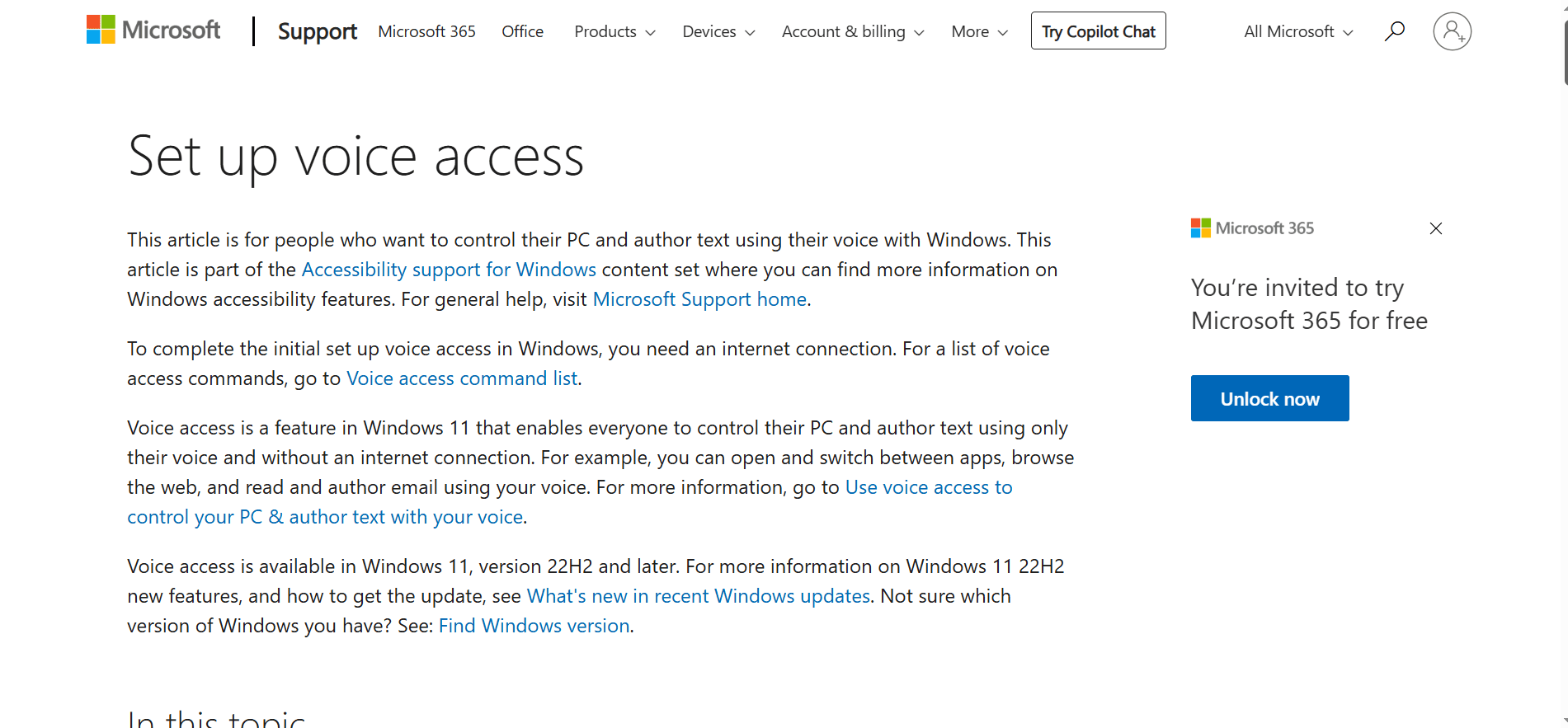
Microsoft confirms that setup needs internet to download language files. Recognition then works on-device without a connection. Open Settings > Accessibility > Speech > Voice access, complete the language download, and select your microphone.
If you want to write text and control Windows without using your hands, try this before paying for a separate app. It won't turn a saved interview file into a transcript. Check Microsoft's supported languages during setup too.
6. Talon Voice, for a hands-free computer setup
Talon Voice makes sense when dictation is part of a larger hands-free workflow. Official downloads cover Mac, Windows, and Linux X11.
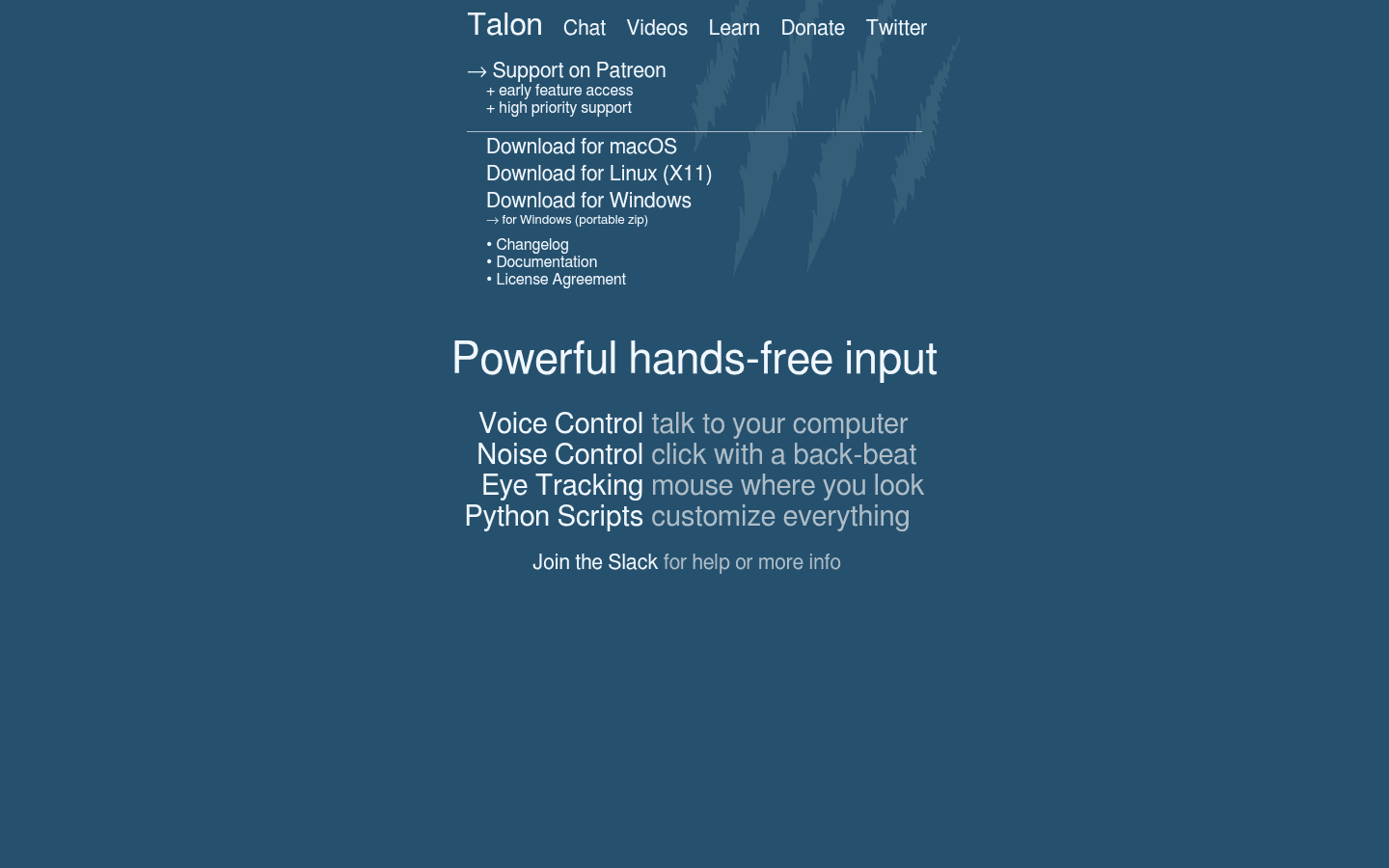
The official setup guide asks users to install a speech engine and command scripts. That takes more work than a basic push-to-talk app but lets you build editing and computer-control commands. Use a local engine with its files installed for disconnected recognition. Commands that call web services still need internet.
You can start with the free public download; Talon+ adds paid features and support. There's no fixed OS-version or RAM minimum in the setup guide, so check compatibility with your own machine. On Linux, the listed download is for X11, not Wayland. Choose Talon for dictation and computer control rather than transcribing saved recordings.
7. Handy, a free starting point for Linux, Windows, and Mac
Handy is worth trying before paying for simple voice typing. It's free and open source: press a shortcut, speak, and stop. The app turns your speech into text locally, then pastes it where you're typing.
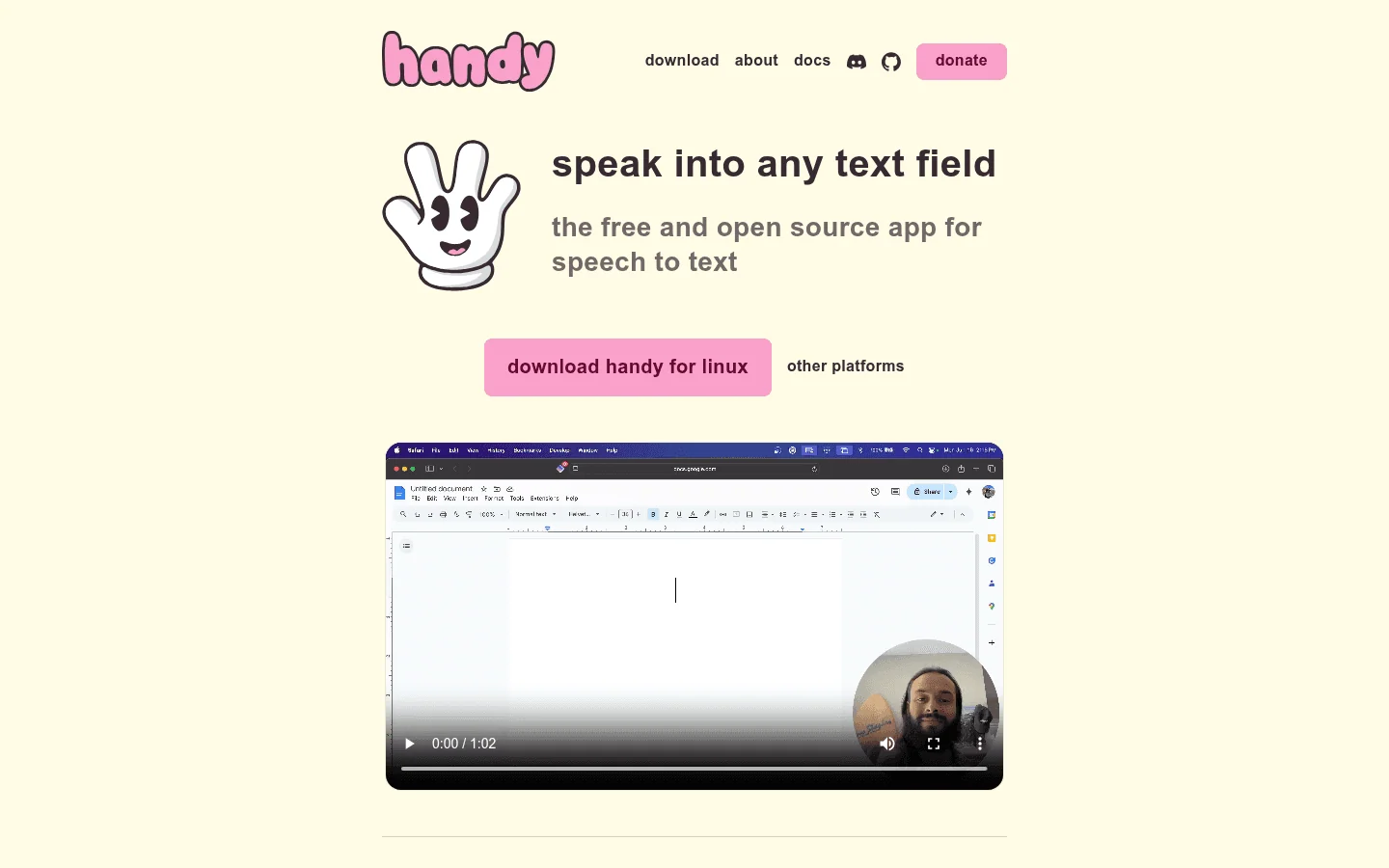
The download page provides Mac Intel/Apple Silicon builds and Windows/Linux x64 and ARM64 builds. Download a speech model before going offline. Its post-processing guide separates cloud providers from local processing. Use the regular transcription shortcut for plain local output, or configure a local post-processing model separately. Cloud cleanup needs internet.
Linux setup takes a little more attention. Handy uses xdotool on X11 or wtype or dotool on supported Wayland setups to enter your text. You may also need extra system libraries or a recording shortcut set in your desktop settings. Follow the Linux setup notes for your distribution and desktop; the steps aren't identical everywhere.
Try a few sentences in the editor you actually use, especially on Linux. Handy is included here for live voice typing; the linked guide doesn't confirm a saved-file import feature.
8. Voibe, for offline dictation on Apple Silicon Macs
Voibe offers offline dictation if you have an Apple Silicon Mac (M1 or later) running macOS 14.4+. That's an important limit: its Windows and Intel Mac versions need internet. Check the system requirements before choosing it for travel or disconnected work.
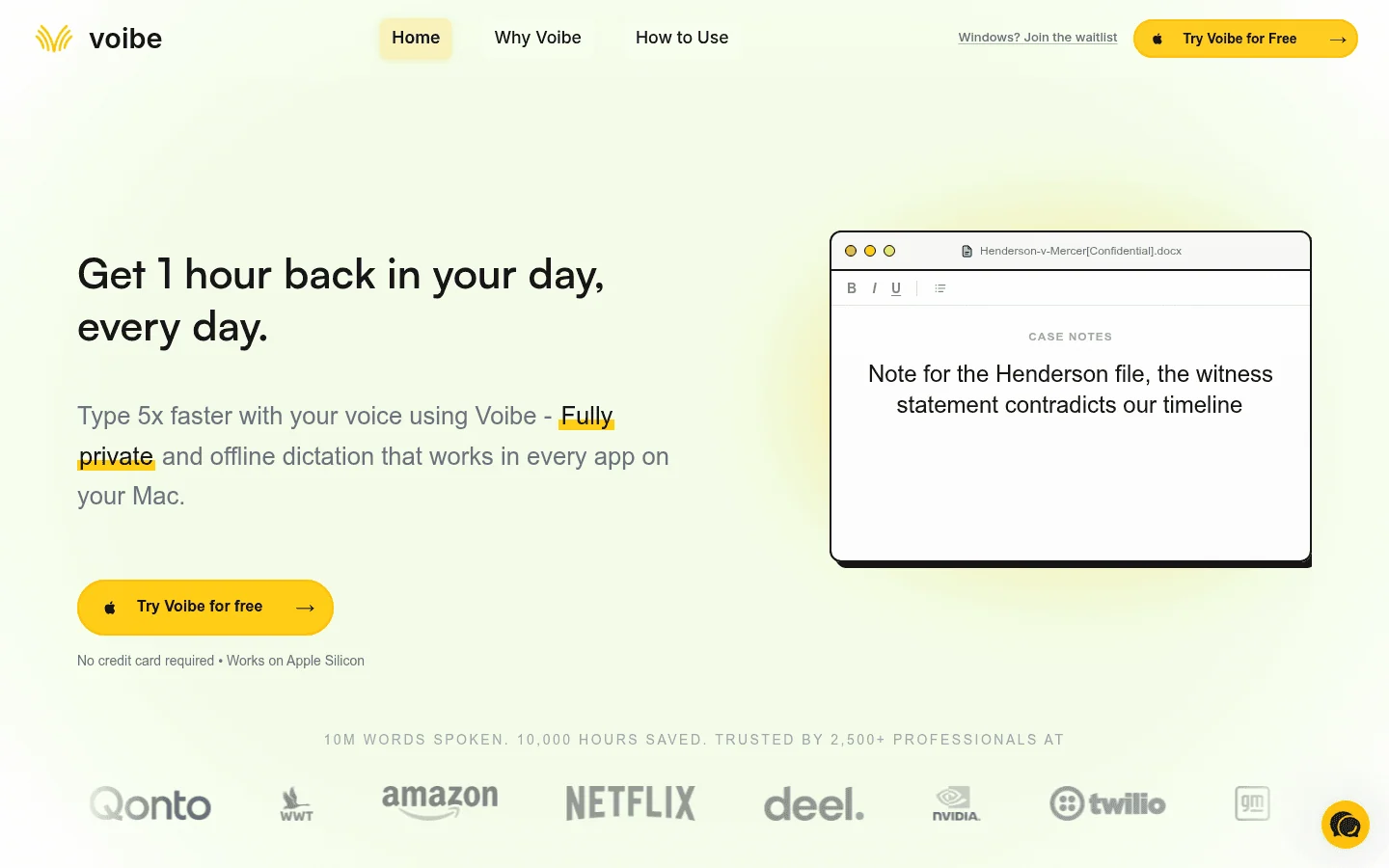
On a compatible Mac, choose Dashboard > Settings > Dictation Engine > On-Device, finish setup, and turn optional AI text formatting off. Meeting notes are a separate feature: transcription and summaries happen online, even if the finished notes are saved on your computer.
There's a limited-word free plan and a 7-day full-feature trial. Paid dictation costs $9.90 per seat/month, $99/year, or $199 lifetime. The free-plan description doesn't clearly say which on-device features are included, so confirm that before counting on free offline use.
Which should you choose?
- Linux: start with Handy for free voice typing or try Voicy's offline mode during its trial. Talon is worth a look if you use X11 and want voice control as well. Check that your shortcut works and text appears in your usual editor.
- Windows 11: start with Voice Access for accessibility and basic dictation. Compare Handy, Voicy, and Superwhisper for dedicated dictation. Voibe's Windows mode is online only.
- Mac: choose by workload and OS version. MacWhisper covers local files and dictation; Handy is free; Voicy, Superwhisper, VoiceInk, and Voibe offer different local workflows. Check chip and macOS requirements.
- Saved recordings: try MacWhisper on Mac or Superwhisper Pro on Mac/Windows. Choose local models and turn cloud AI editing off. Voicy needs internet to transcribe files.
For privacy beyond the connection, read Voicy's recording privacy guide and dictation apps privacy compared. For a wider shortlist, see the best dictation software guide.
FAQ
What is the best offline dictation software for Mac?
Try Handy if you want a free starting point. Consider Voicy or Superwhisper if you also want online tools or more model choices, and MacWhisper if saved recordings are your main task. VoiceInk and Voibe are other options for compatible Macs. Check your macOS version and chip before downloading.
What is the best offline dictation software for Windows?
Start with Windows Voice Access if you have Windows 11 22H2 or later and want free dictation plus voice control. Handy, Voicy, and Superwhisper offer dedicated dictation apps with local models. Skip Voibe for offline Windows use: its Windows app needs internet.
Which offline dictation tools work on Linux?
Voicy and Handy support Linux desktop dictation. Handy is free and open source, but Linux text insertion and Wayland shortcuts can need extra setup. Talon is another option for hands-free control; its official Linux download is for X11.
Does Voicy work without internet?
Yes. Download a model in the Mac, Windows, or Linux desktop app, turn on Transcribe on this computer, and wait for Model loaded and ready. Basic dictation then works offline. Mac offline mode requires macOS 15 or later. Rewrite Mode, Custom Modes, uploaded-file transcription, and retrying old recordings still need internet.
Can offline dictation add punctuation?
Yes, local speech models can add punctuation, though results vary by model and language. Rewriting is a separate feature and may need internet. Voicy's Rewrite Mode and Custom Modes do; Superwhisper offers offline English formatting with S1-mini in Message and Mail modes.
Is offline dictation private?
Offline recognition keeps speech processing on your computer, but check what the app saves and which optional features send data online. Cloud rewriting, sync, and support reports can have separate privacy settings. A cloud service that deletes recordings after processing still needs internet.
Final take
Before you leave Wi-Fi behind, download your model and dictate a paragraph into a local document with the connection off. If you also need saved-file transcription or AI editing, check those separately. Working offline for one task doesn't guarantee the others will work too.
For Voicy, set up offline mode for basic dictation on Mac, Windows, or Linux. Plan to reconnect for rewriting and file transcription.