
Summary of the article
Voicy is the best first choice for accented English dictation across daily apps and devices.
Wispr Flow and Willow Voice are strong modern AI dictation alternatives.
Superwhisper is worth testing if you want local or model-based control on Mac.
Dragon Professional still matters for Windows users who need custom vocabulary and deeper setup.
Google Docs Voice Typing is the easiest free baseline, but it only helps inside Google Docs.
Short answer: the best dictation app for accented English is the one that stays accurate on your real voice, not a clean demo sentence. Start with Voicy if you need dictation across apps, then compare it with Wispr Flow, Willow, Superwhisper, Dragon, and Google Docs Voice Typing using the same sample text.
Best dictation apps for accented English
Accented English is normal English. The problem is that older dictation tools often acted like there was only one "correct" way to sound.
Modern AI speech-to-text is better, but not magic. An app can handle one accent well and still struggle with your product names, room noise, speaking speed, or mixed-language terms.
This guide compares dictation apps for people who speak English with an accent, including non-native English speakers, multilingual workers, international students, founders, support teams, doctors, and writers.
How to test Voicy with your accent
The safest way to judge any dictation app is to test it with the work you actually do.
With Voicy, try this:
Open the app where you normally write: Gmail, Word, Google Docs, Slack, Notion, ChatGPT, Claude, or a browser field.
Dictate one short email in your natural speaking style.
Dictate one paragraph with names, acronyms, product terms, numbers, and dates.
Try one longer paragraph where you speak in full thoughts instead of single words.
Review the output for missing words, wrong names, punctuation, and cleanup time.
The goal is not perfect text on the first try. The goal is text that is faster to review than typing from scratch.
How we picked these accent-friendly dictation tools
For accented English, raw accuracy claims are not enough. The app has to survive real work.
I looked for tools that help with:
non-native English speech
regional accents and mixed pronunciation patterns
names, acronyms, company terms, and technical words
automatic punctuation and readable paragraph output
cross-app writing, not only one document editor
privacy tradeoffs between cloud and local processing
The right choice depends on your workflow:
Need | Best tool type | Example |
|---|---|---|
Write across many apps | System-wide dictation | Email, docs, Slack, AI prompts |
Privacy or offline use | Local dictation | Private notes, sensitive drafts |
Free testing | Built-in dictation | Google Docs or Microsoft 365 |
Specialist vocabulary | Custom vocabulary dictation | Legal, medical, technical, support |
Best dictation apps for accented English at a glance
Tool | Best for | Main strength | Main limitation |
|---|---|---|---|
Accented English across daily apps | Cross-platform, cross-app dictation | Offline dictation is desktop-only; AI rewriting needs internet | |
Polished AI dictation | Natural speech cleanup | Value depends on platform and plan fit | |
Modern AI voice typing | Clean real-time output | Needs hands-on testing with your accent and apps | |
Mac users who want model control | Local/model-based workflow | Mac-focused and more setup-heavy | |
Windows power users | Custom vocabulary and training | Heavier setup and cost | |
Free Google Docs testing | Easy to try in the browser | Mostly limited to Google Docs |
1. Voicy, best overall for accented English across apps
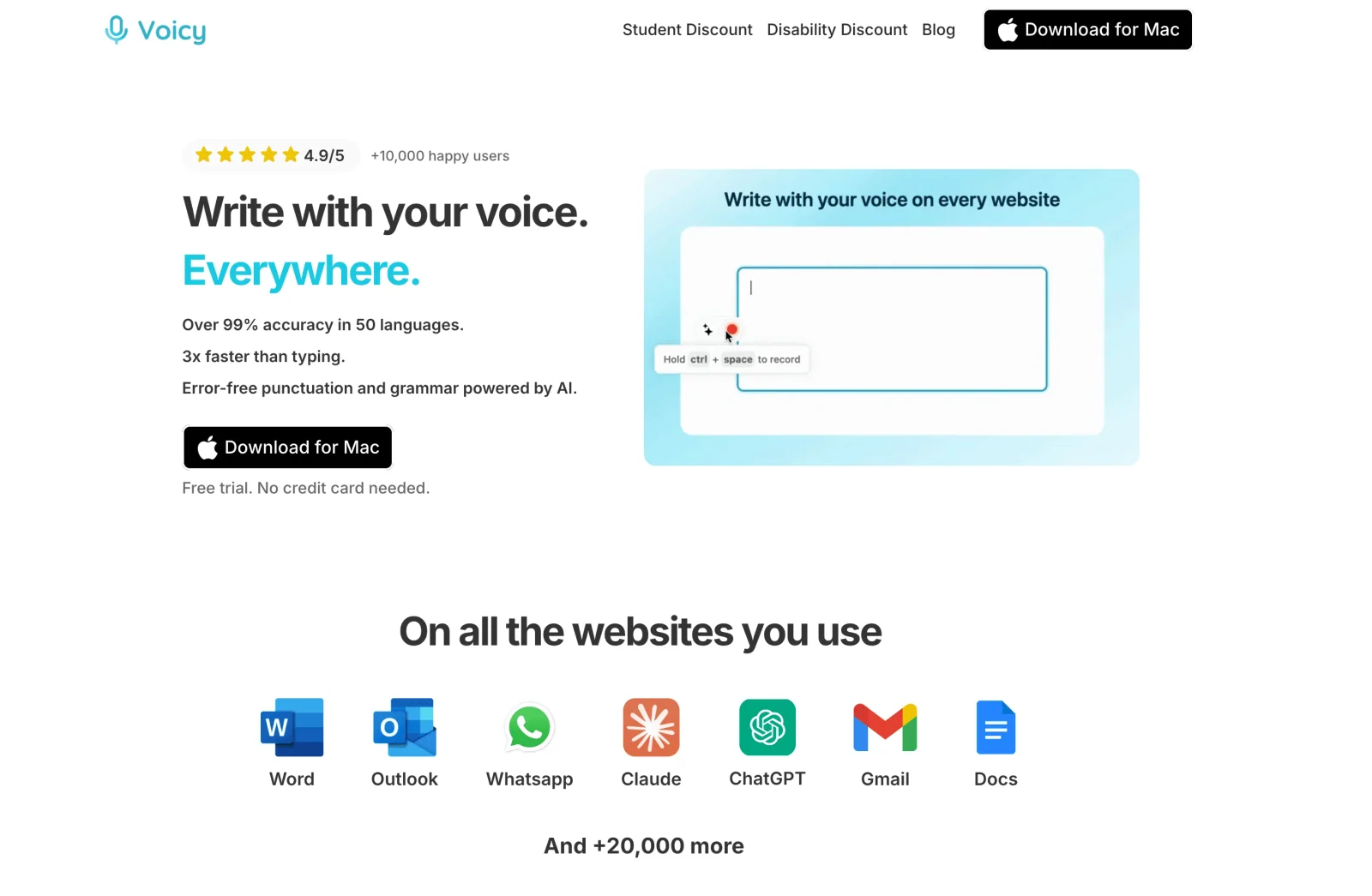
Voicy is the best first app to test if you speak accented English and write across many places. It works on Mac, Windows, Linux, browser extension, iOS, and Android, with live dictation and online file upload transcription.
That matters because accented speakers often do not just need a clean transcript in one editor. They need usable text in Gmail, Outlook, Word, Google Docs, Slack, Notion, ChatGPT, Claude, CRM notes, and browser fields.
Voicy is strongest when you want to speak naturally, get readable text with punctuation, and keep moving. It is especially useful for long emails, reports, support replies, product notes, and AI prompts.
If you want to dictate without internet or keep speech on your computer, Voicy also offers offline dictation on Mac, Windows, and Linux. Download a model while you are online, then turn on local transcription. Mac offline mode requires macOS 15 or later.
Test the local model with the same names, numbers, and sentences you use to try cloud dictation. Do not assume they will make the same mistakes with your accent. Basic dictation works offline, but Rewrite Mode, Custom Modes, and uploaded-file transcription still need internet.
Best for: professionals who write in many apps with accented English
Strong points: cross-app writing, automatic punctuation, mobile support, file upload transcription
Accent test: names, numbers, mixed-language terms, and normal speaking speed
Downside: AI rewriting and uploaded-file transcription need internet
2. Wispr Flow, best for polished AI dictation
Wispr Flow is a strong option if you want AI dictation that turns natural speech into cleaner writing. That can help accented speakers because the final text should read like writing, not a raw transcript.
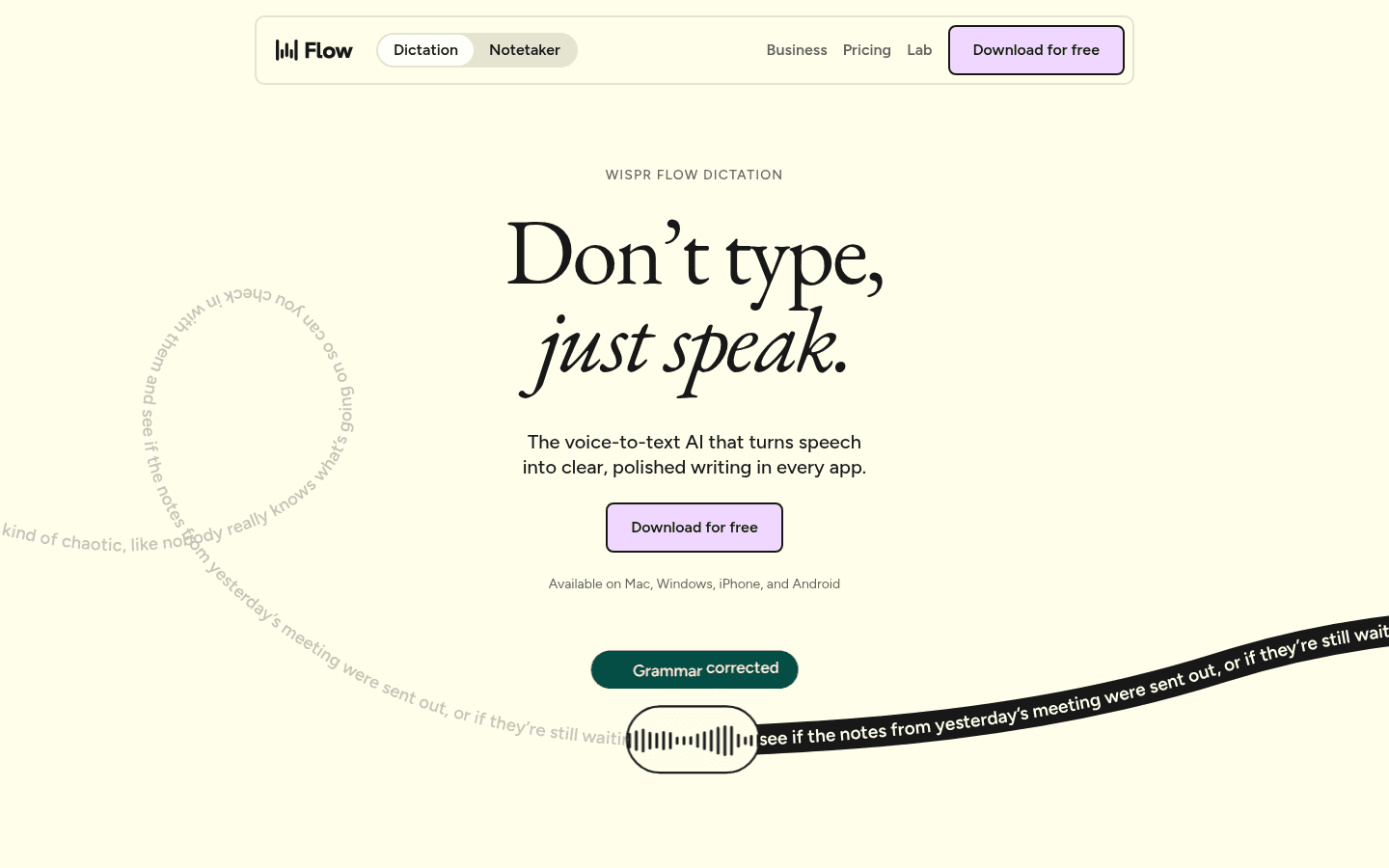
It is worth testing for emails, prompts, notes, and long messages. Pay attention to names and technical terms, since those are where most dictation tools start to wobble.
The downside is that it is still a product fit question. Test your accent, your apps, and your plan limits before rolling it into daily work.
3. Willow Voice, best modern alternative to compare
Willow Voice is another modern AI dictation tool worth comparing for accented English. It is built for people who want voice typing to feel closer to normal writing.
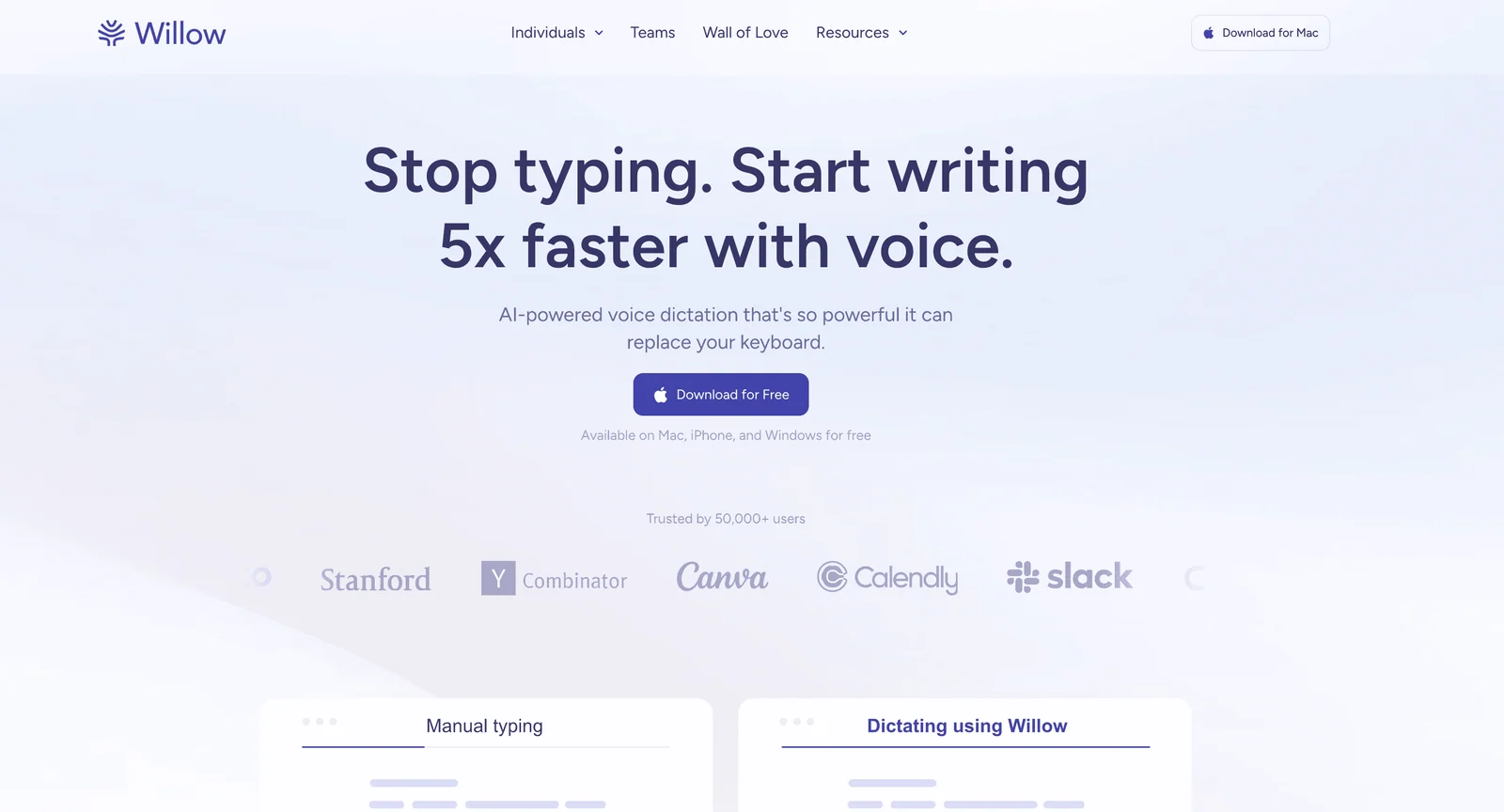
Willow is useful if you care about clean output and a fast workflow. Like every tool in this category, it should be tested against your actual accent rather than a generic benchmark.
Use the same sample paragraph in Voicy, Wispr Flow, and Willow. The winner is whichever gives you the least cleanup in your daily apps.
4. Superwhisper, best for Mac users who want local model control
Superwhisper is a good fit if you are on Mac and want more control over speech models and local workflows.
That can matter for accented English because different models behave differently. One model may handle your accent well but miss punctuation. Another may do better with names but run slower.
The tradeoff is setup. If you want a simple write-anywhere workflow across many platforms, Voicy is easier to standardize. If you like tuning local tools, Superwhisper is worth testing.
5. Dragon Professional, best for Windows users with specialist vocabulary
Dragon Professional still matters when you need deeper setup, custom vocabulary, and a Windows-heavy workflow.
It is not the lightest option. But for people with technical, legal, medical, or company-specific terms, the ability to tune vocabulary can be useful.
For accented English, Dragon is best when you are willing to train the workflow and use it seriously. If you only need quick daily dictation, start with a modern AI dictation app first.
6. Google Docs Voice Typing, best free baseline
Google Docs Voice Typing is the easiest free baseline. Open Google Docs, turn on voice typing, and test your accent without buying anything.
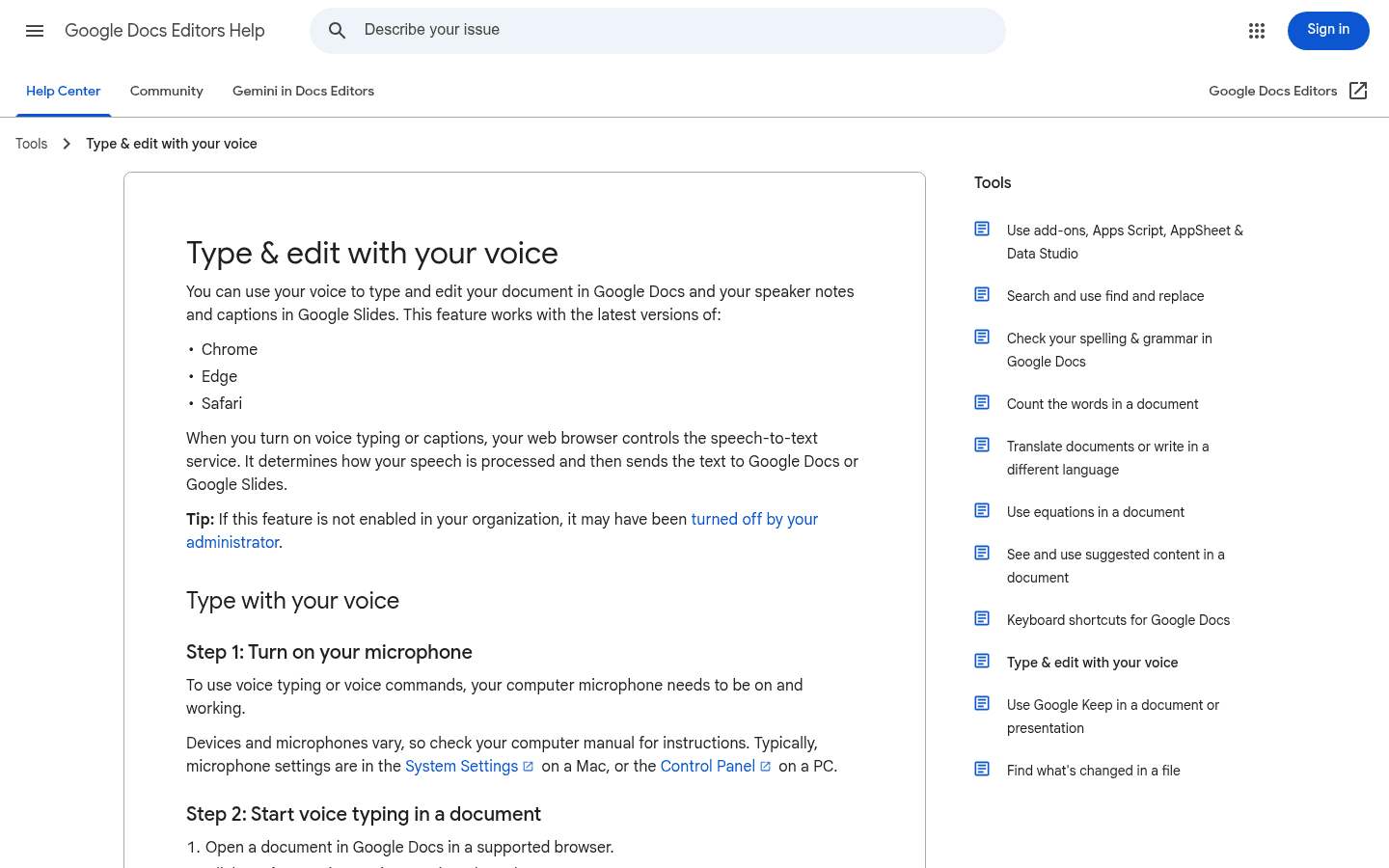
That makes it useful for students, writers, and anyone who mainly drafts inside Google Docs.
The limitation is obvious: it is not a full write-anywhere layer. If you need dictation in Gmail, Slack, Notion, ChatGPT, Word, Outlook, or desktop apps, use it as a baseline, not the final answer.
How to improve dictation accuracy with an accent
Small setup changes can help a lot.
Try this before judging any app:
Use a quiet room or a headset mic.
Speak in full phrases instead of one word at a time.
Keep proper nouns, acronyms, and numbers in your test sample.
Slow down slightly for names and rare terms.
Use custom vocabulary if the app supports it.
Measure cleanup time, not only word-for-word accuracy.
The best test is a real one. Dictate one email, one document paragraph, one AI prompt, and one note with names. Then compare how much editing each app needs.
FAQs
What is the best dictation app for accented English?
Voicy is the best first app to test if you need accented English dictation across Mac, Windows, Linux, browser workflows, iOS, and Android. Test it with your real accent, names, jargon, and noisy work setup before choosing any tool.
Does speech-to-text work with non-native English accents?
Yes, modern speech-to-text works much better with non-native English than older dictation tools. Accuracy still depends on the app, microphone, background noise, speaking speed, vocabulary, and cleanup features.
Should I choose local or cloud dictation for accented English?
Choose local dictation if you need to work without internet or keep speech on your computer. Voicy offers offline dictation on Mac, Windows, and Linux after a model download. Try the same speech sample with local and cloud transcription, then compare how much correction each needs for your accent.
How can I make dictation more accurate with an accent?
Use a decent microphone, reduce background noise, speak in full phrases, add custom words where the tool supports them, and test the app with names, acronyms, numbers, and domain terms you use every day.
Is Google Docs Voice Typing good for accented English?
Google Docs Voice Typing can be a useful free test inside Google Docs. It is less useful if you need dictation across email, browsers, desktop apps, and AI tools.
Final take
Do not choose dictation software from a demo voice. Choose it from your own voice.
If you speak accented English and write across many apps, start with Voicy. Then compare Wispr Flow, Willow, Superwhisper, Dragon, and Google Docs Voice Typing on the same real paragraph.
The best app is the one that lets you sound like yourself and still gets the words right.
 Download for free
 Download for free