
Summary of the article
Voicy is the best first choice for product managers who need voice-to-text across docs, tickets, Slack, email, and AI tools.
Wispr Flow and Willow Voice are strong alternatives for polished AI dictation.
Granola and Otter.ai are better for product calls, research interviews, and meetings.
Microsoft Dictate is a useful free starting point inside Word and Outlook.
Short answer: the best voice-to-text app for product managers depends on the work. Use Voicy when you need to write specs, tickets, updates, AI prompts, and notes across apps. Use a meeting transcription tool when the job is capturing a customer call or stakeholder discussion.
Best voice-to-text apps for product managers
Product managers write constantly. PRDs, user stories, release notes, customer summaries, decision logs, Slack updates, bug reports, roadmap notes, and AI prompts all become text.
The hard part is not always thinking. Often, the thinking is done and the typing is the bottleneck.
This guide compares the best voice-to-text apps for product managers in 2026. It focuses on the workflows that matter most: specs, tickets, research notes, stakeholder updates, customer follow-ups, and AI-assisted product work.
How to use Voicy for product work
The simplest PM workflow is to dictate the rough version directly into the tool where it belongs.
With Voicy, that usually looks like this:
Open the doc, Linear ticket, Jira issue, Notion page, Slack thread, email, or AI prompt box.
Put the cursor where the draft should go.
Speak the messy first version out loud.
Let Voicy add punctuation and turn the speech into text.
Review facts, names, metrics, owners, and edge cases.
Clean up the draft yourself or ask an AI tool to tighten it.
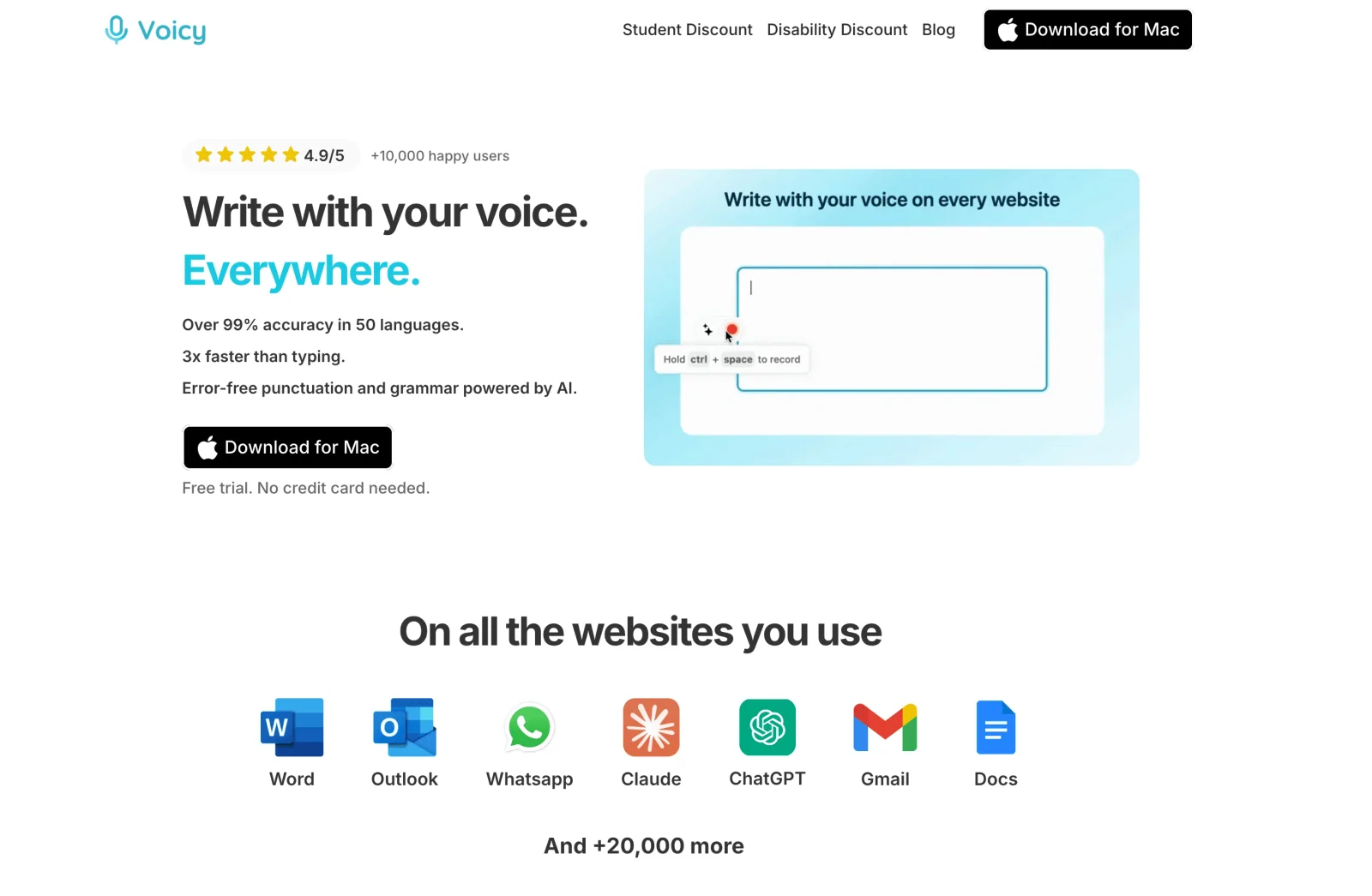
This works because product work rarely lives in one app. A normal PM day can move from Linear to Jira, Notion, Google Docs, Slack, Gmail, ChatGPT, and Claude.
How we picked the best PM voice-to-text tools
Product managers should not choose dictation software by accuracy alone. A useful PM tool has to reduce the time between thought and usable artifact.
I prioritized tools that help with at least one real PM job:
drafting PRDs and product specs
writing user stories and acceptance criteria
turning customer research into notes and follow-ups
writing Linear or Jira tickets with enough context
summarizing roadmap decisions and tradeoffs
writing AI prompts with product context, constraints, and output format
capturing meetings without losing the decision trail
There are two different jobs hiding under "voice-to-text for PMs":
PM workflow | Best tool type | Example |
|---|---|---|
Creating text | System-wide dictation | PRD, ticket, Slack update, AI prompt |
Capturing conversations | Meeting transcription | Customer interview, roadmap review, stakeholder call |
Quick Microsoft drafts | Built-in dictation | Word doc, Outlook email |
Most PMs need both: one dictation tool for writing and one meeting-notes tool for calls.
Best voice-to-text apps for product managers at a glance
Tool | Best PM use case | Tool type | Main limitation |
|---|---|---|---|
Cross-app specs, tickets, updates, and prompts | System-wide AI dictation | Offline dictation is desktop-only; AI rewriting needs internet | |
Polished product writing across apps | AI dictation | Still needs PM review for facts and requirements | |
Real-time voice typing for PM writing | AI dictation | Needs testing against your stack and policy | |
Customer calls and stakeholder meetings | Meeting notes | Not for typing directly into tickets | |
Recorded interviews and team transcripts | Meeting transcription | Not a live writing tool | |
Word and Outlook drafts | Built-in dictation | Limited outside Microsoft 365 |
1. Voicy, best overall for PM writing across apps
Voicy is the best first tool to test if your product work is spread across apps. It works on Mac, Windows, Linux, browser extension, iOS, and Android, with live dictation and online file upload transcription.
That matters because product managers do not only write in docs. They write in Linear, Jira, Notion, Slack, email, roadmap tools, AI chats, research docs, and release notes.
Voicy is strongest when you already know what you want to say but do not want to type the whole thing. You can speak the first draft of a ticket, spec, update, or prompt, then review it before sharing.
Good PM use cases:
dictating the first draft of a PRD
writing user stories and acceptance criteria
turning customer feedback into product notes
drafting detailed Linear or Jira tickets
writing release notes and launch updates
creating long AI prompts with context and constraints
For a flight or a private roadmap draft, you can use Voicy’s offline dictation in a local document. It is available on Mac, Windows, and Linux after you download a model while online. Mac offline mode requires macOS 15 or later, and basic dictation keeps your speech on your computer.
That does not make the rest of your stack work offline. Rewrite Mode, Custom Modes, and uploaded-file transcription need internet, as do cloud AI tools and online ticket updates. You can draft locally and share later. For sensitive product work, check both your company’s policy and where the finished text will go.
Best for: PMs who write across many apps and devices
Strong points: cross-app dictation, automatic punctuation, mobile support, file upload transcription
PM workflow: speak the rough draft where the cursor already is, then edit for clarity
Downside: AI rewriting and uploaded-file transcription need internet
2. Wispr Flow, best for polished AI dictation
Wispr Flow is a strong option for PMs who want their spoken drafts to come out cleaner. It fits daily writing like specs, updates, prompts, and replies.
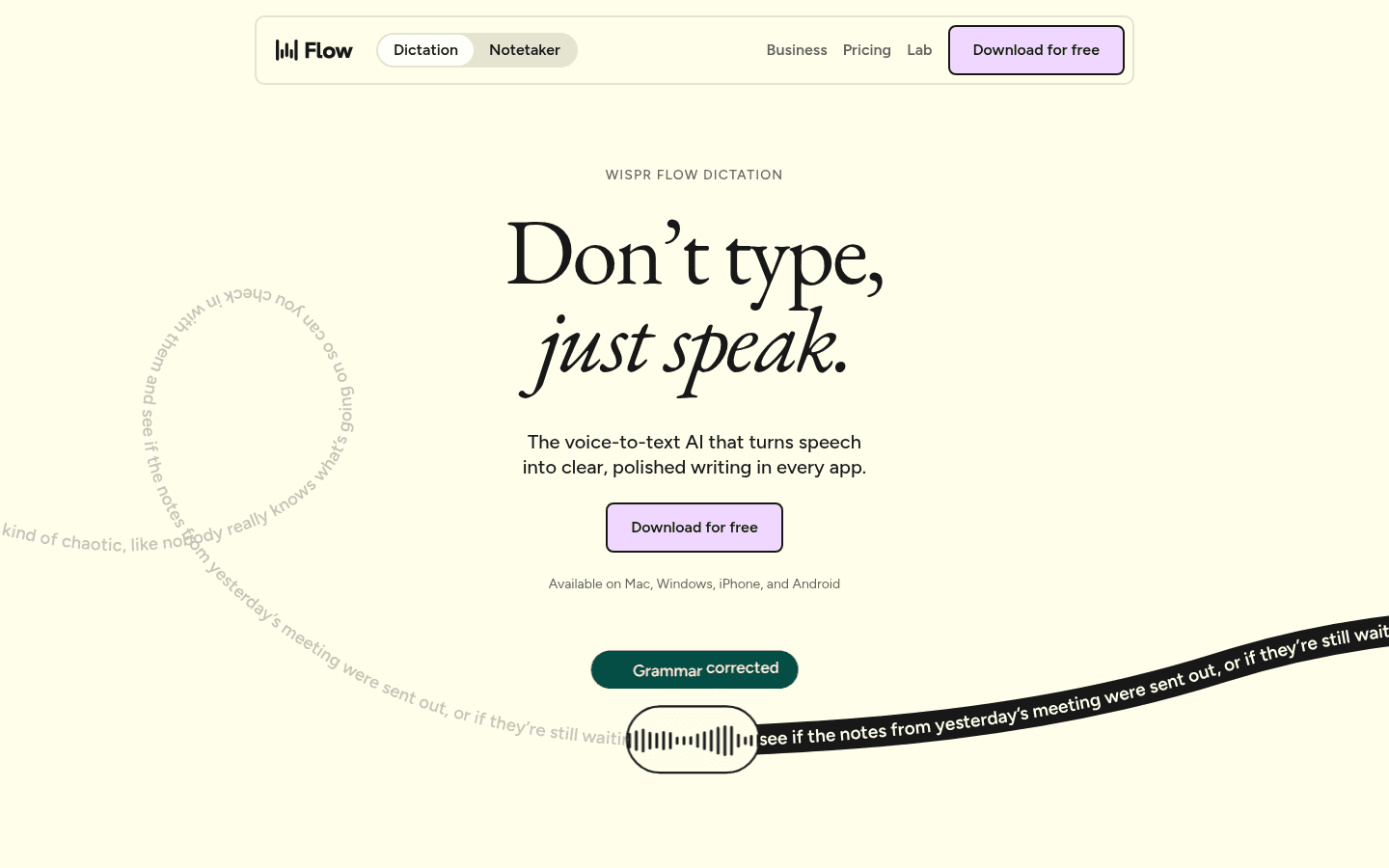
Flow is useful when you need to move fast but still want the text to sound like a written message. That can help with stakeholder updates and AI prompts where raw transcripts are too messy.
The limit is accuracy of product facts. No dictation app should decide requirements, metrics, owners, or edge cases for you. Review the output before it becomes a ticket or spec.
3. Willow Voice, best real-time dictation alternative
Willow Voice is another good AI dictation app to compare if PM writing is the bottleneck. It is built for real-time voice input across work.
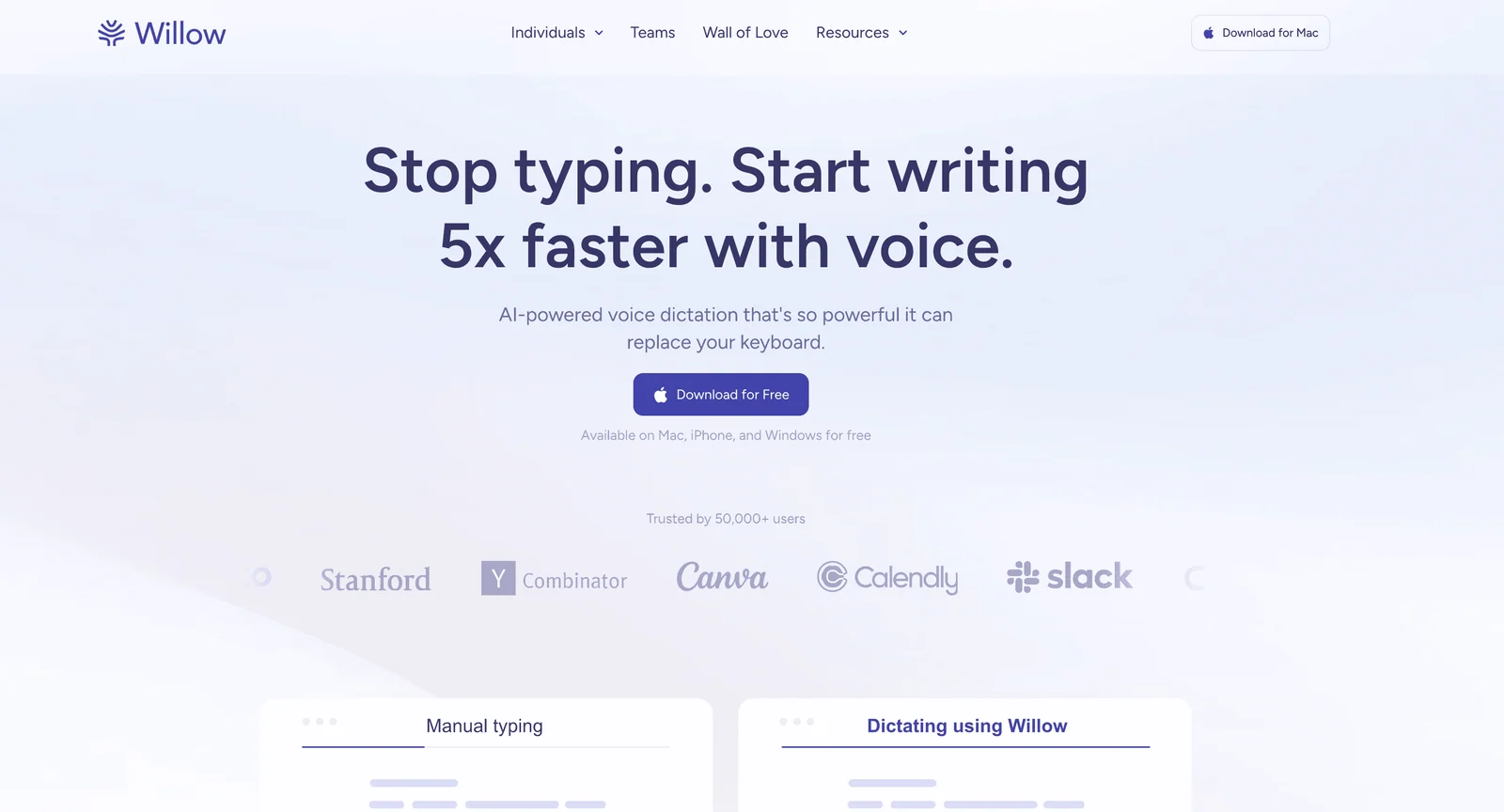
Willow is worth testing with your actual stack: Linear, Jira, Notion, Slack, Google Docs, ChatGPT, Claude, and your browser. The right app is the one that works where your PM artifacts already live.
As with Voicy and Wispr Flow, the practical test is cleanup time. If a spoken ticket still needs a full rewrite, it did not save much.
4. Granola, best for product meetings on Mac
Granola is better for meetings than live writing. It is useful for customer interviews, stakeholder calls, roadmap reviews, and internal product discussions.
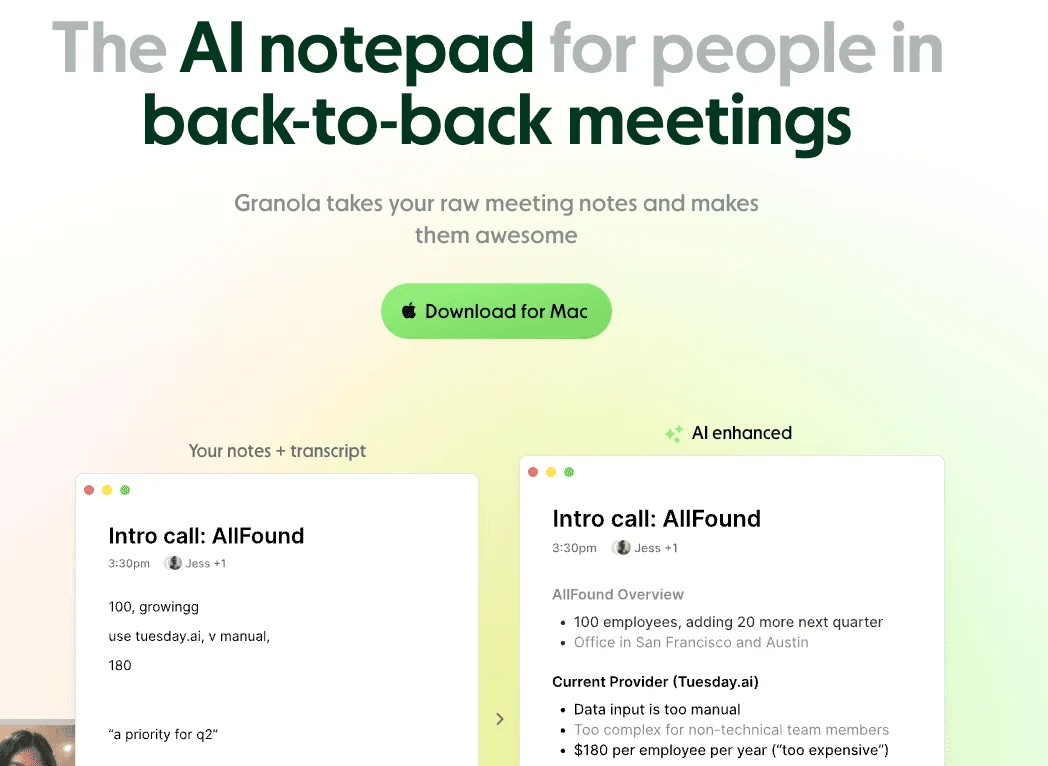
For PMs, Granola helps when the job is to remember what happened and turn it into decisions, notes, or follow-ups. It is not the fastest way to write a ticket from scratch.
Use Granola for calls. Use a dictation tool like Voicy when you are creating a PRD, ticket, prompt, or update.
5. Otter.ai, best for recorded research and transcripts
Otter.ai is useful when you need a searchable record of product conversations. That includes customer discovery calls, sales calls, user interviews, and team discussions.
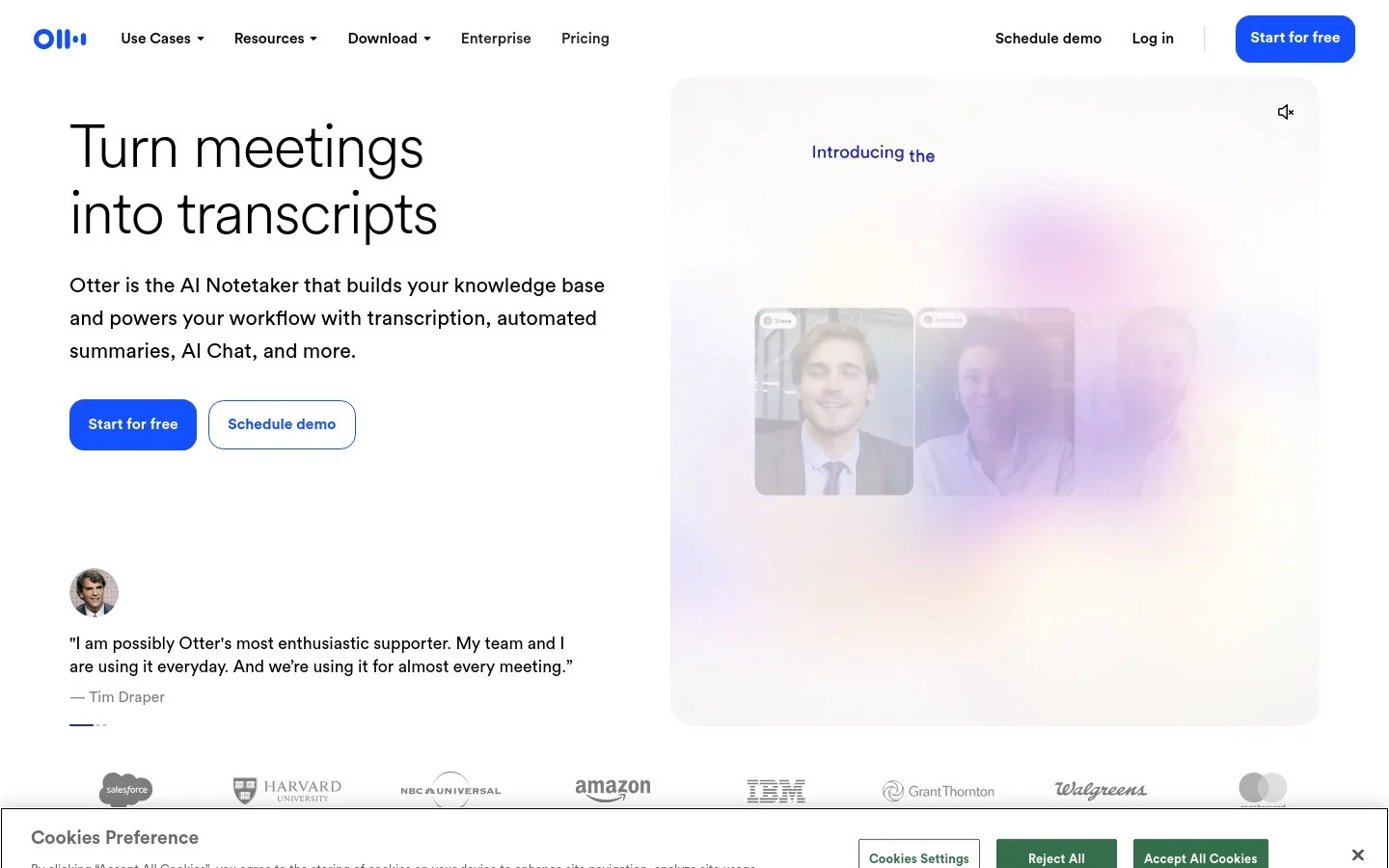
Otter is stronger for capture than creation. It can help you review a conversation, pull out themes, and write follow-ups later.
The downside is that it does not replace writing. If you need a clear product spec, ticket, or executive update, you still need to turn the transcript into an artifact.
6. Microsoft Dictate, best free starting point inside Microsoft 365
Microsoft Dictate is a good free starting point if your PM work lives in Word and Outlook.
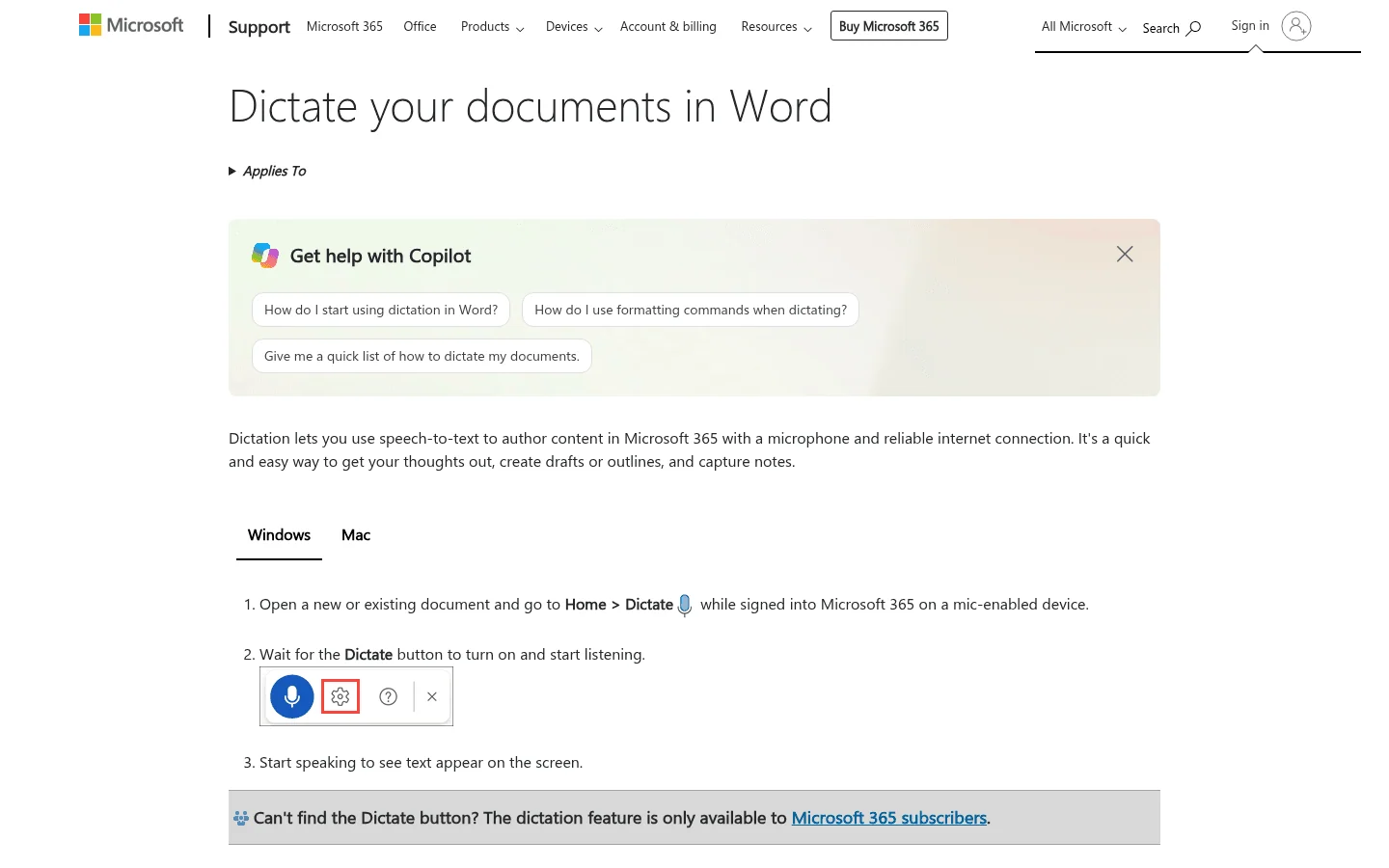
It is useful for short drafts, notes, and emails. It is less useful if your work happens across Jira, Linear, Notion, Slack, browser tools, and AI chats.
For Microsoft-heavy PMs, test it first. For cross-app work, use it as a baseline and compare with a system-wide dictation app.
PM workflows where voice-to-text saves the most time
Voice-to-text works best when you already have the thought and need to get it into a useful shape.
High-leverage PM workflows:
PRDs: talk through the problem, goals, non-goals, risks, and open questions.
User stories: dictate the user, need, outcome, and acceptance criteria.
Bug reports: speak the steps, expected behavior, actual behavior, impact, and examples.
Research notes: turn customer quotes and themes into a first synthesis draft.
AI prompts: say the context, constraints, examples, and output format.
Stakeholder updates: dictate what changed, why it matters, and what decision is needed.
AI prompts are especially good for dictation. A useful prompt often needs 150-400 words of context. That is annoying to type and easy to say.
For more on that workflow, read our guide to voice prompting in ChatGPT, Claude, and Gemini.
What product managers should test before choosing a tool
Use a real PM test set:
one PRD intro with problem, goal, and non-goal
one Linear or Jira ticket with acceptance criteria
one customer interview summary
one Slack update asking for a decision
one release note for a small feature
one AI prompt asking for product feedback
Then measure cleanup time. The best tool is not the one with the prettiest landing page. It is the one that helps you ship a clearer artifact faster.
FAQs
What is the best voice-to-text app for product managers?
Voicy is the best first choice for product managers who need to dictate across docs, Linear, Jira, Slack, Notion, email, and AI tools. Pair it with a meeting transcription app if calls and research interviews are the main bottleneck.
Can product managers write PRDs with voice-to-text?
Yes. Product managers can dictate context, user problems, requirements, acceptance criteria, edge cases, launch notes, and open questions, then edit the transcript into a cleaner PRD.
Is dictation useful for Jira or Linear tickets?
Yes. Dictation is useful for rough ticket drafts, bug reports, acceptance criteria, release notes, and handoffs. The PM should still review details, owners, metrics, and technical requirements before assigning the ticket.
Should product managers use dictation or meeting transcription?
Use dictation when you are creating text in a doc, ticket, Slack message, or AI prompt. Use meeting transcription when you need to capture a customer call, interview, roadmap meeting, or stakeholder discussion.
Can voice-to-text help product managers write AI prompts?
Yes. Strong AI prompts often need context, examples, constraints, and output format. Those details are usually easier to say than type.
Final take
Product managers do not need more blank documents. They need a faster way to turn product thinking into clear artifacts.
If you write across docs, tickets, Slack, email, and AI tools, start with Voicy. If meetings are the bigger problem, pair it with Granola or Otter.ai.
The best PM voice workflow is simple: say the rough version, review the details, then ship the artifact.
 Download for free
 Download for free