
Summary of the article
Voicy is the best first choice for founders who need voice-to-text across email, docs, Slack, AI prompts, CRM notes, and mobile writing.
Wispr Flow and Willow Voice are strong alternatives for polished AI dictation.
Granola and Otter.ai are better when the job is meeting notes, not live writing.
Speakwise is worth testing if you mainly capture founder voice notes on mobile.
Short answer: the best voice-to-text app for founders depends on the workflow. Use a dictation app like Voicy when you want spoken thoughts to become usable text inside the app you are already using. Use a meeting transcription or voice notes app when you need to capture a call, founder idea, or conversation first and clean it up later.
Best voice-to-text apps for founders and entrepreneurs
Founders write more than they think. Investor updates, customer replies, hiring notes, Slack decisions, product specs, AI prompts, sales follow-ups, and board notes all turn into words.
Typing is often the slow part. Not because founders cannot write, but because the thought is already formed before the hands catch up.
This guide compares the best voice-to-text apps for founders and entrepreneurs in 2026. The goal is not to find one magic recorder. The goal is to match the tool to the founder workflow: live dictation, voice notes, meeting transcripts, AI prompts, and polished updates.
How to use Voicy for founder writing
The simplest founder workflow is to dictate directly into the place where the writing needs to go.
With Voicy, that usually looks like this:
Open the email, Slack thread, doc, CRM note, AI prompt box, or investor update draft.
Put the cursor where the text should land.
Start Voicy and speak the messy first version out loud.
Let Voicy add punctuation and turn the speech into text.
Review names, numbers, product terms, and sensitive details.
Send, save, or ask an AI tool to tighten the draft.
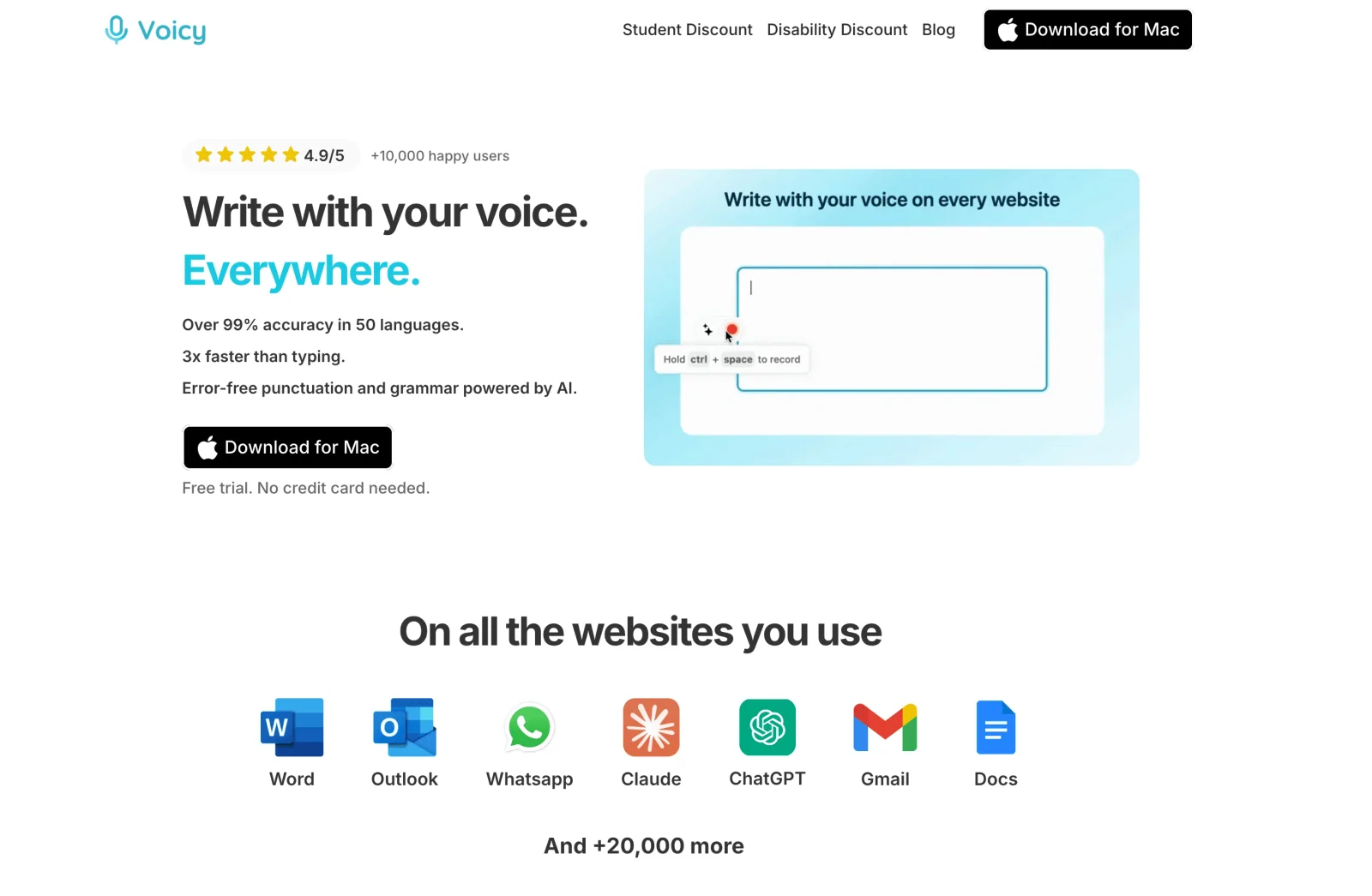
This works well because founder writing rarely stays in one app. A normal day can move from Gmail to Slack, Notion, Linear, ChatGPT, Claude, Gemini, and a CRM before lunch.
How we picked the best founder voice-to-text tools
Founders should not choose voice-to-text software by accuracy claims alone. The real test is how much useful writing ships after you speak.
For this list, I prioritized tools that help with at least one real founder job:
dictating investor updates and board notes
clearing email and Slack replies between meetings
capturing startup ideas before they disappear
turning customer calls into follow-ups and product notes
writing longer AI prompts for ChatGPT, Claude, Gemini, or coding agents
drafting product specs, hiring notes, and team updates
handling company names, product terms, metrics, and customer names
There are three different jobs hiding under "voice-to-text for founders":
Founder workflow | Best tool type | Example use |
|---|---|---|
Writing into apps | System-wide dictation | Investor email, Slack update, AI prompt, CRM note |
Capturing ideas | Voice notes app | Product idea while walking, quick hiring note, rough content idea |
Capturing conversations | Meeting transcription | Customer call, cofounder discussion, sales call, team sync |
The best setup for many founders is one dictation tool plus one meeting notes tool. Dictation handles the text you need to write. Meeting notes handle conversations you need to remember.
Best voice-to-text apps for founders at a glance
Tool | Best founder use case | Tool type | Main limitation |
|---|---|---|---|
Cross-app writing: email, Slack, docs, prompts, notes | System-wide AI dictation | Paid after the free trial | |
Fast polished dictation across daily apps | AI dictation | Less focused on founder-specific notes and meetings | |
Real-time dictation for founders and operators | AI dictation | Team should verify platform and admin needs | |
Bot-free meeting notes on Mac | Meeting notes | Not for typing into every app | |
Recorded meetings, customer calls, and team transcripts | Meeting transcription | Not a live dictation tool for writing replies | |
Mobile voice notes and idea capture | Voice notes app | Better for capture than cross-app desktop writing |
1. Voicy, best overall for founder writing across apps
Voicy is the best first tool to test if you want voice-to-text that follows you across founder work. It works on Mac, Windows, Linux, browser extension, iOS, and Android, with live dictation and file upload transcription.
That matters because founder writing is scattered. You may dictate a customer reply in Gmail, a product decision in Slack, a hiring note in Notion, a bug summary in Linear, and a long prompt in Claude on the same day.
Voicy fits when the thought is already in your head and the next step is getting it into a text field fast. You speak the first draft, review the output, then send or polish it.
Good founder use cases:
dictating investor emails and monthly updates
writing Slack messages with more context than a rushed one-liner
turning customer call takeaways into CRM notes
drafting product specs or bug reports while the details are fresh
sending mobile replies when you are away from the desk
The main tradeoff is privacy review. Voicy uses cloud transcription by default, with offline dictation available on desktop, so founders should avoid sensitive fundraise details, customer secrets, or legal notes unless that fits their data policy.
Best for: founders who write across many apps and devices
Strong points: cross-app dictation, automatic punctuation, mobile support, file upload transcription
Founder workflow: dictate where the cursor already is, then review before sending
Downside: not a fully local offline tool
2. Wispr Flow, best for polished AI dictation
Wispr Flow is a strong choice for founders who want fast AI dictation across work apps. It is built around turning natural speech into cleaner writing, which is useful when you need to ship replies, notes, and prompts quickly.
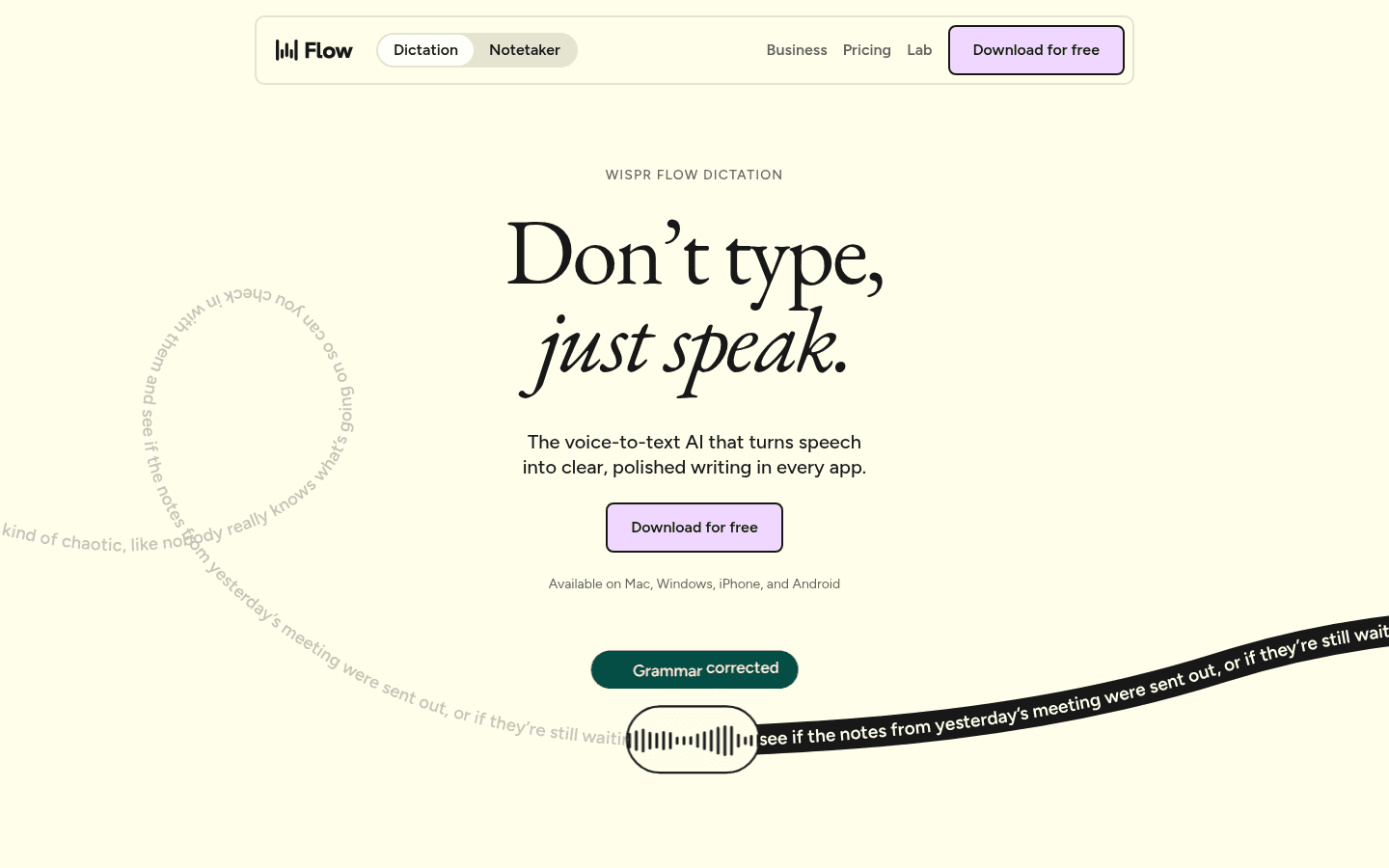
Flow is especially useful for founders who already think out loud. Instead of typing a short, under-specified prompt, you can speak the full context and clean it up before sending.
The tradeoff is that it is still a dictation tool, not a complete founder knowledge system. You still need a place for meeting notes, customer history, roadmap decisions, and investor updates.
Best for: polished daily dictation across common work apps
Strong points: natural speech cleanup, fast writing, modern voice workflow
Founder workflow: dictate emails, prompts, updates, and replies
Downside: not designed mainly for meeting capture or structured founder notes
3. Willow Voice, best real-time dictation alternative
Willow Voice is another strong AI dictation option for people who write all day. It is a good fit for founders, operators, and teams that want voice input to feel closer to normal writing than a raw transcript.
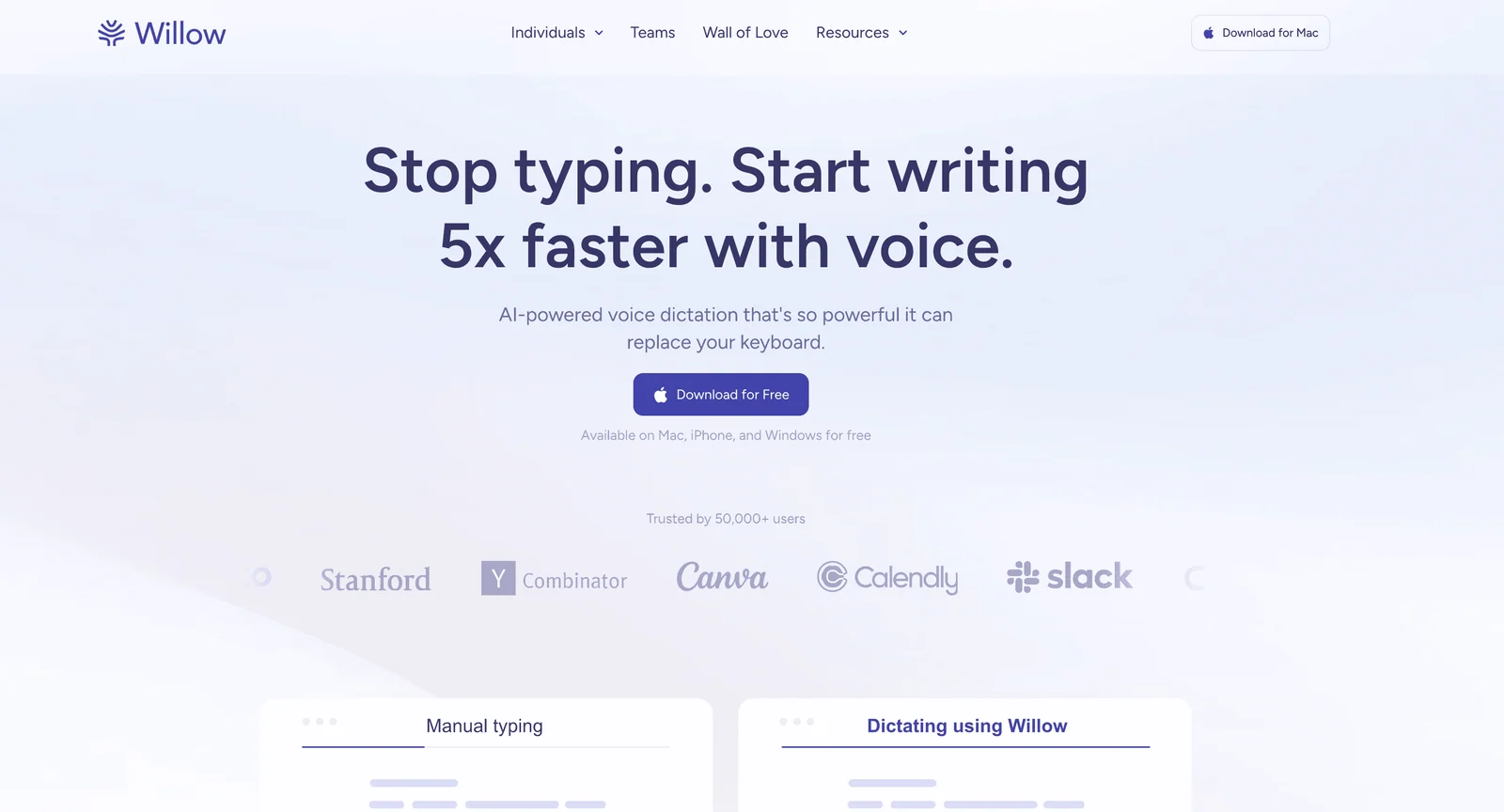
Willow is worth testing if your founder workflow is mostly real-time writing: Slack replies, email drafts, product notes, and AI prompts. Like Voicy and Wispr Flow, the value is in reducing the blank-page cost and getting usable text into the active app.
The practical check is platform fit. Before a team rollout, test it with your actual apps, shortcut habits, security requirements, and admin needs.
Best for: founders comparing modern AI dictation apps
Strong points: real-time dictation, polished output, broad work-writing fit
Founder workflow: speak short updates, prompts, emails, and notes
Downside: needs hands-on testing against your team's platform and policy needs
4. Granola, best for founder meeting notes on Mac
Granola is not a normal dictation app. It is better for meetings, especially if you want notes without a visible meeting bot.
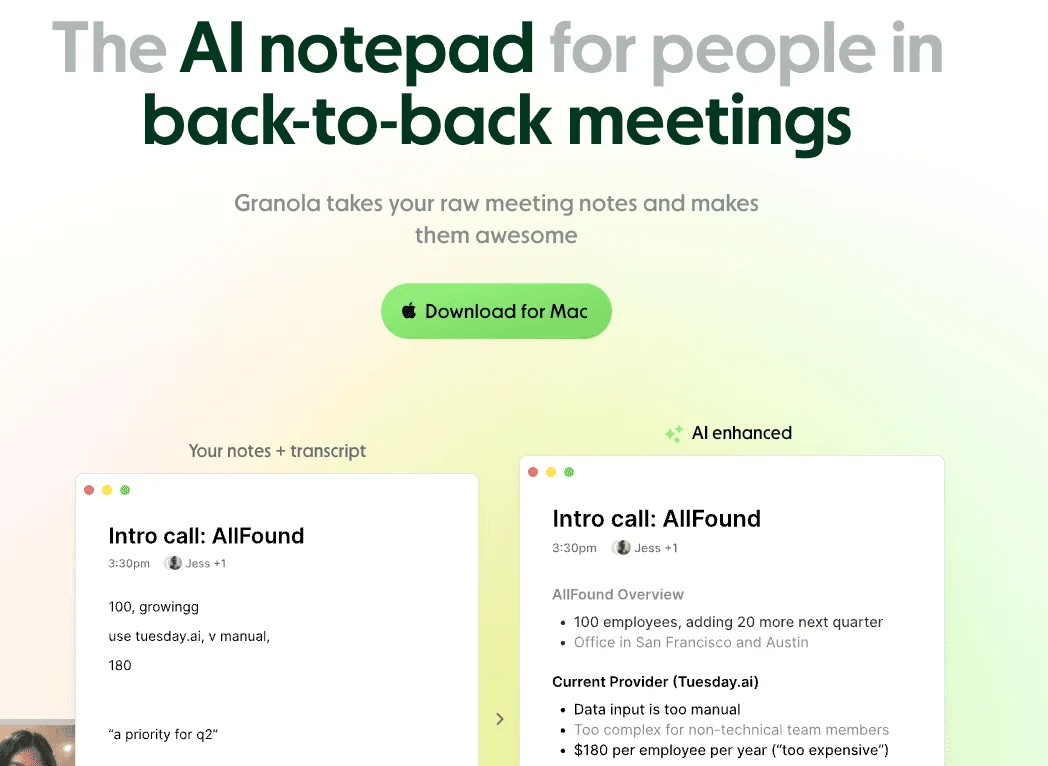
For founders, Granola fits customer discovery calls, cofounder strategy sessions, investor calls, and internal meetings where the value is remembering what was said. It can help turn a call into notes you can review, share, or convert into follow-ups.
It is weaker when you just need to write a reply right now. If your cursor is in Gmail or Slack and you want to speak the message directly, a dictation tool is faster.
Best for: Mac founders who want clean meeting notes
Strong points: meeting capture, summaries, lower-friction notes
Founder workflow: capture customer calls, investor calls, and team discussions
Downside: not a system-wide typing replacement
5. Otter.ai, best for recorded calls and team transcripts
Otter.ai is best when the founder problem is conversation capture. It works well for meetings, customer interviews, sales calls, and team discussions that need a transcript or summary afterward.
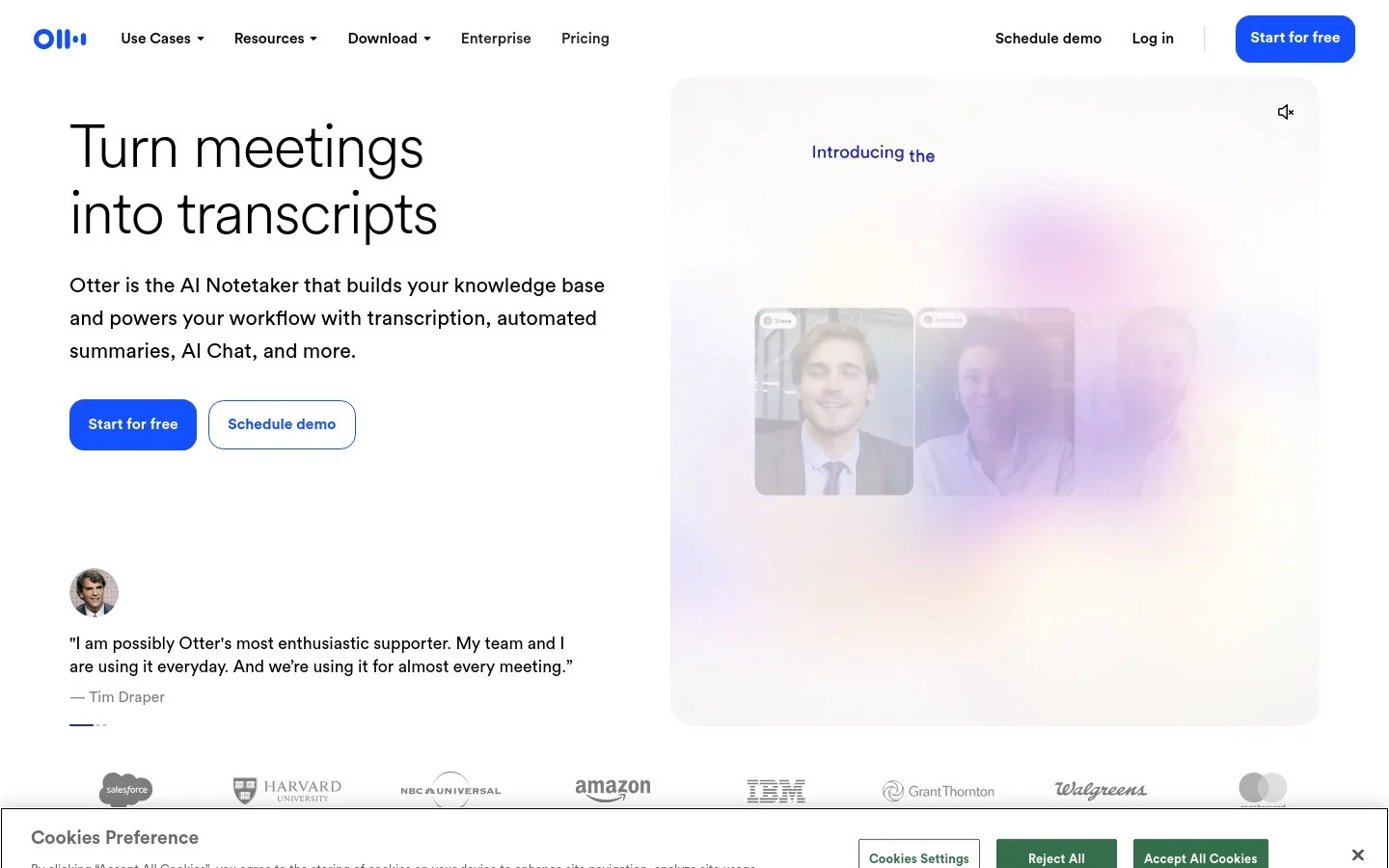
Otter is useful when you need a searchable record. A founder can review a customer call, pull objections into a product doc, or send a follow-up based on the transcript.
The tradeoff is speed for active writing. Otter can help you remember and summarize a conversation, but it is not the fastest way to write a Slack reply, investor update, or AI prompt in the moment.
Best for: calls, interviews, and team meetings
Strong points: transcripts, summaries, collaboration, searchable records
Founder workflow: capture calls and turn them into notes or follow-ups
Downside: not built for live dictation into every text field
6. Speakwise, best for mobile founder voice notes
Speakwise is worth testing if your main workflow is mobile voice capture. It is aimed at turning founder voice notes into useful summaries, action items, and organized notes.
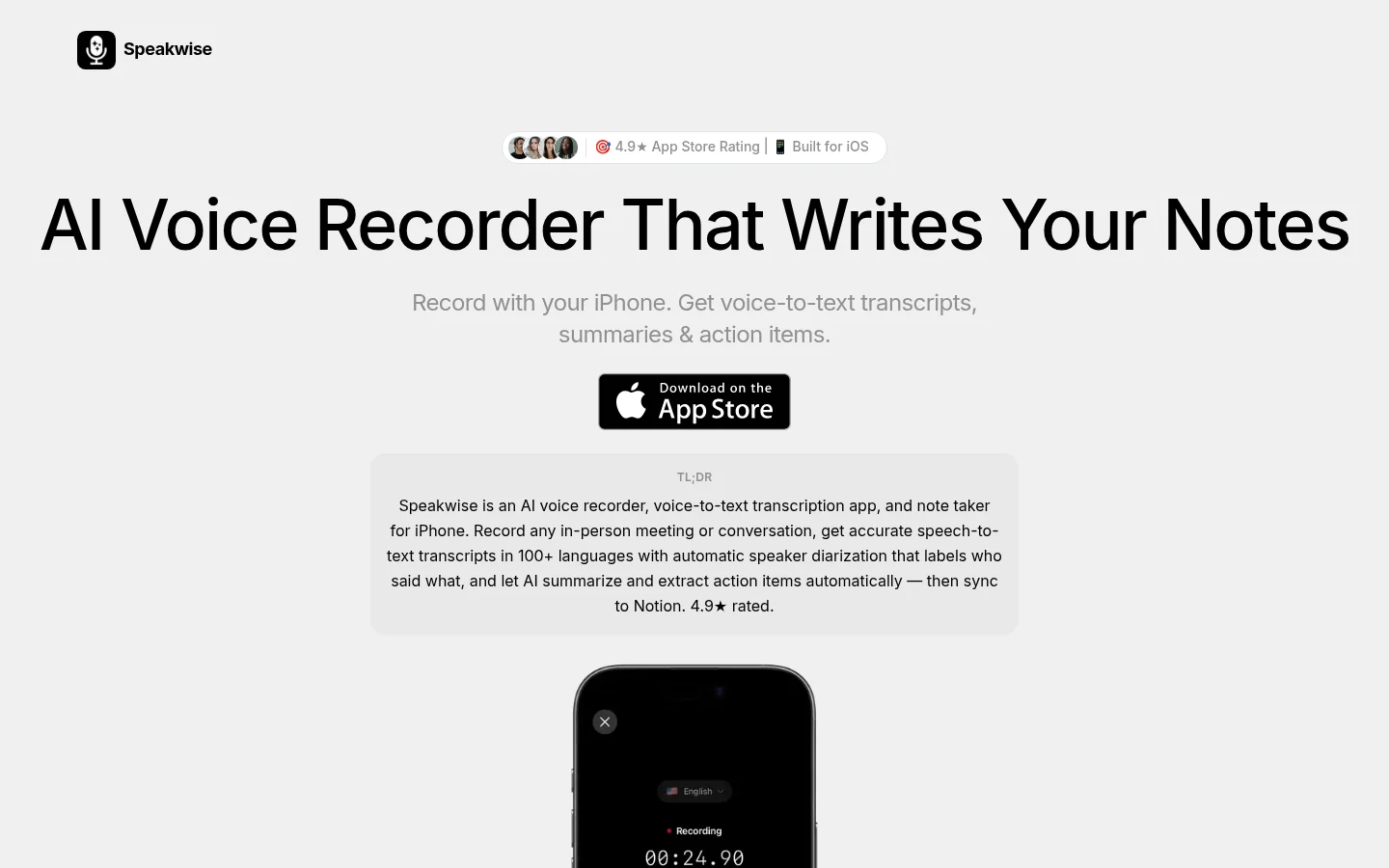
That makes it a different kind of tool from Voicy. Speakwise is better when an idea shows up while walking, commuting, or leaving a meeting. Voicy is better when the text needs to land directly in an email, prompt, doc, or message.
For founders who think in bursts, a voice notes app can be useful. The danger is capture without follow-through. A voice note only helps if it becomes a decision, task, update, or draft later.
Best for: mobile founder idea capture
Strong points: voice notes, summaries, action items, mobile-first capture
Founder workflow: record product ideas, call takeaways, content thoughts, or reminders
Downside: less direct than dictating into the app where the final text belongs
Founder workflows where voice-to-text saves the most time
Voice-to-text works best when it removes a real writing bottleneck, not when it creates another inbox of messy transcripts.
The highest-leverage founder workflows are:
Investor updates: speak the numbers, wins, misses, asks, and next steps before editing the final draft.
Customer follow-ups: dictate the reply while the call is still fresh.
AI prompts: say the context, examples, constraints, and format instead of typing a thin prompt.
Product specs: talk through the user problem, flow, edge cases, and launch risk.
Slack and email triage: clear short but important replies between meetings.
Hiring notes: capture feedback while you still remember the details.
If you also own product planning, compare voice-to-text apps for product managers for PRDs, acceptance criteria, and ticket drafts.
For AI-heavy founders, the prompt workflow is the sleeper win. A good prompt often needs 150-400 words of context. That is annoying to type and easy to say.
If you use AI tools every day, read our guide to voice prompting in ChatGPT, Claude, and Gemini.
What founders should check before choosing a tool
Before you standardize on any voice-to-text app, test it with real founder writing.
Use this test set:
one investor update paragraph with numbers and names
one customer apology or follow-up email
one Slack update with a decision and an owner
one product spec note with edge cases
one long AI prompt with context and constraints
one meeting recap from a real customer or team call
Then ask one question: how much editing did this save?
Raw accuracy matters, but cleanup time matters more. A tool that is 98% accurate but produces awkward text may still be slower than a tool that creates a cleaner first draft.
Also check privacy. Founder work can include customer data, unreleased roadmap, financial numbers, hiring notes, legal topics, and fundraise details. Know whether the tool is cloud-based, local, or a mix before dictating sensitive content.
FAQs
What is the best voice-to-text app for founders?
Voicy is the best first choice for founders who need to dictate across email, docs, Slack, AI prompts, CRM notes, and mobile writing. If the main job is meeting notes, pair it with a meeting transcription app like Granola or Otter.ai.
Should founders use dictation or voice notes?
Use dictation when the text needs to land directly in an email, doc, Slack message, investor update, or AI prompt. Use voice notes when you only need to capture an idea now and organize it later.
Can voice-to-text help with investor updates?
Yes. Founders can talk through wins, misses, numbers, asks, hiring updates, and roadmap changes, then edit the transcript into a cleaner monthly update.
Is voice-to-text private enough for founder work?
It depends on the tool and the content. Founders should review whether transcription is cloud-based or local, how audio is processed, retention settings, and whether sensitive fundraise or customer details are allowed under company policy.
What should founders test before choosing a voice-to-text app?
Test investor emails, customer replies, product specs, Slack updates, hiring notes, and AI prompts. The best tool is the one that reduces cleanup time in the apps you already use.
Can founders use voice-to-text for AI prompts?
Yes. Dictation is especially useful for AI prompts because good prompts need context, examples, constraints, and output instructions. Those details are often easier to say than type.
Final take
Founders do not need voice-to-text because typing is impossible. They need it because founder output is often trapped behind the keyboard.
If you mostly write emails, Slack replies, updates, prompts, specs, and notes across many apps, start with Voicy. If meetings are the bigger problem, add Granola or Otter.ai. If ideas hit you on mobile first, test a voice notes app like Speakwise.
The best founder voice stack is boring in the best way: speak the thought, review the text, ship the update, and move on.
 Download for free
 Download for free