
Summary of the article
Voicy is the best first choice for customer support teams that need to dictate replies, notes, escalations, and follow-ups across apps.
Live dictation and call transcription are different workflows. A support team may need both, but they should not be judged by the same use case.
For ticket queues, speed only matters if cleanup stays low. The right tool should create sendable drafts, not messy transcripts agents have to rewrite.
The best stack for many teams is one dictation tool plus one call transcription tool. Use dictation for writing into tickets and transcription for calls, QA, and searchable records.
Short answer: the best speech-to-text software for customer support teams depends on the job. Use a dictation app like Voicy when agents need to write faster in tickets, chat, email, CRM notes, and internal escalations. Use a call transcription tool when the main job is recording customer calls and turning them into searchable transcripts.
Best speech-to-text software for customer support teams
Support work is writing-heavy. Agents write refund replies, bug notes, call summaries, handoffs, macros, chat responses, and internal updates all day.
Speech-to-text helps when it removes typing without adding cleanup. If a tool gives an agent a messy transcript that still needs five minutes of editing, it has not saved time. It has just moved the work around.
This guide compares the best speech-to-text software for customer support teams in 2026. The list is intentionally built around real support workflows: ticket replies, private notes, customer emails, CRM updates, handoffs, and support calls.
How to use Voicy for customer support tickets
The simplest support workflow is to dictate directly where the agent already works.
With Voicy, that usually looks like this:
Open the ticket, chat, CRM note, or email reply field.
Put the cursor where the response should go.
Start Voicy and speak the reply naturally.
Let Voicy add punctuation, formatting, and cleanup.
Review the draft against the customer's issue, policy, and tone guidelines.
Send the reply, save the note, or hand it off to the next team.
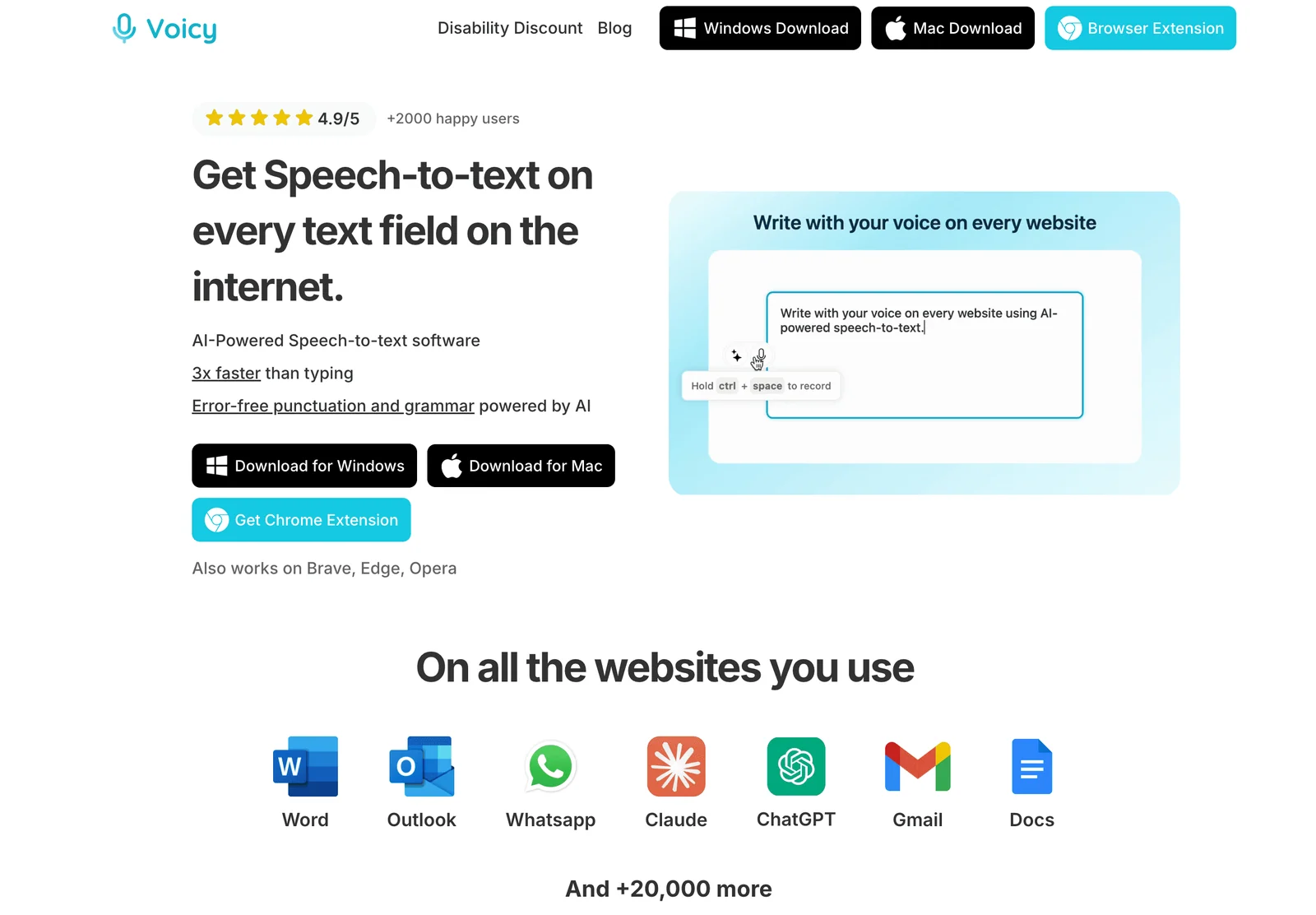
This matters because support agents rarely write in one place. A normal queue can move from a help desk to Gmail, Outlook, Slack, HubSpot, docs, and internal notes in the same hour.
How we picked the best support speech-to-text tools
Customer support teams should not choose speech-to-text software by accuracy claims alone. A support workflow has more moving parts than a blank document.
For this list, I prioritized tools that help with at least one real support job:
writing ticket replies in browser-based help desks
drafting customer emails in Gmail or Outlook
capturing private notes and case summaries after calls
documenting bug escalations with steps to reproduce
writing internal handoffs to engineering, product, sales, or success
handling product names, customer names, plan names, and internal jargon
supporting review before sending policy-sensitive replies
The biggest mistake is comparing a live dictation app with a meeting transcription app as if they solve the same problem. Live dictation is for writing into the active text field. Call transcription is for capturing a conversation and reviewing it later.
Best speech-to-text software for customer support teams at a glance
Tool | Best support use case | Tool type | Main limitation |
|---|---|---|---|
Ticket replies, notes, follow-ups, and cross-app support writing | System-wide AI dictation | Paid after the free trial | |
Support teams that want a dedicated dictation app with support positioning | AI dictation | Platform and admin needs should be checked against your team's setup | |
Fast polished dictation across many apps | AI dictation | Not support-specific, so teams still need macros and QA rules | |
Windows-heavy teams with specialist vocabulary | Professional dictation | More setup and cost than modern lightweight tools | |
Word, Outlook, and Microsoft 365 writing | Built-in dictation | Less useful outside Microsoft apps | |
Customer calls, meetings, and searchable notes | Meeting transcription | Not built for live typing into ticket fields |
1. Voicy, best overall for support ticket dictation
Voicy is the best first tool to test if your support team wants to write faster across the apps agents already use. It works across Mac, Windows, Linux, browser workflows, iOS, and Android, so agents can dictate in help desks, email, Slack, Microsoft Teams, docs, CRMs, and internal notes without moving every reply into a separate editor.
The support value is simple: agents can speak the reply, let Voicy add punctuation and cleanup, then review the text before sending. That fits high-volume queues where the same person might move from a refund ticket to a bug handoff to a customer follow-up in a few minutes.
Voicy is a strong fit for:
ticket replies in browser-based support tools
private notes after customer calls
bug escalations with steps, impact, and customer context
Slack or Teams updates to engineering and success teams
follow-up emails after support conversations
mobile replies when an agent is away from a desk
It is also useful because support work is rarely just one app. A support agent may write in Zendesk, Gmail, Slack, Linear, Notion, and a CRM in the same hour. A one-app dictation feature breaks down quickly there.
Best for: support teams that need cross-app dictation for replies, notes, and escalations
Strong points: Mac, Windows, browser extension, iOS, Android, live dictation, file upload transcription, automatic punctuation, AI cleanup
Support workflow: speak a reply or note where the cursor already is, then review before sending
Good to know: Voicy is cloud by default, with an optional offline dictation mode in its Mac, Windows, and Linux apps, so teams handling sensitive customer data should still review their policy before rollout
2. Willow Voice, best dedicated support-team alternative
Willow Voice is one of the clearest support-positioned dictation tools. Its customer support page directly talks about ticket replies, case notes, chat responses, summaries, and follow-ups.
That makes Willow worth comparing if your team wants an AI dictation product that already speaks the language of support operations. It is aimed at the same daily bottleneck: agents know what they want to say, but typing everything into the queue takes too long.
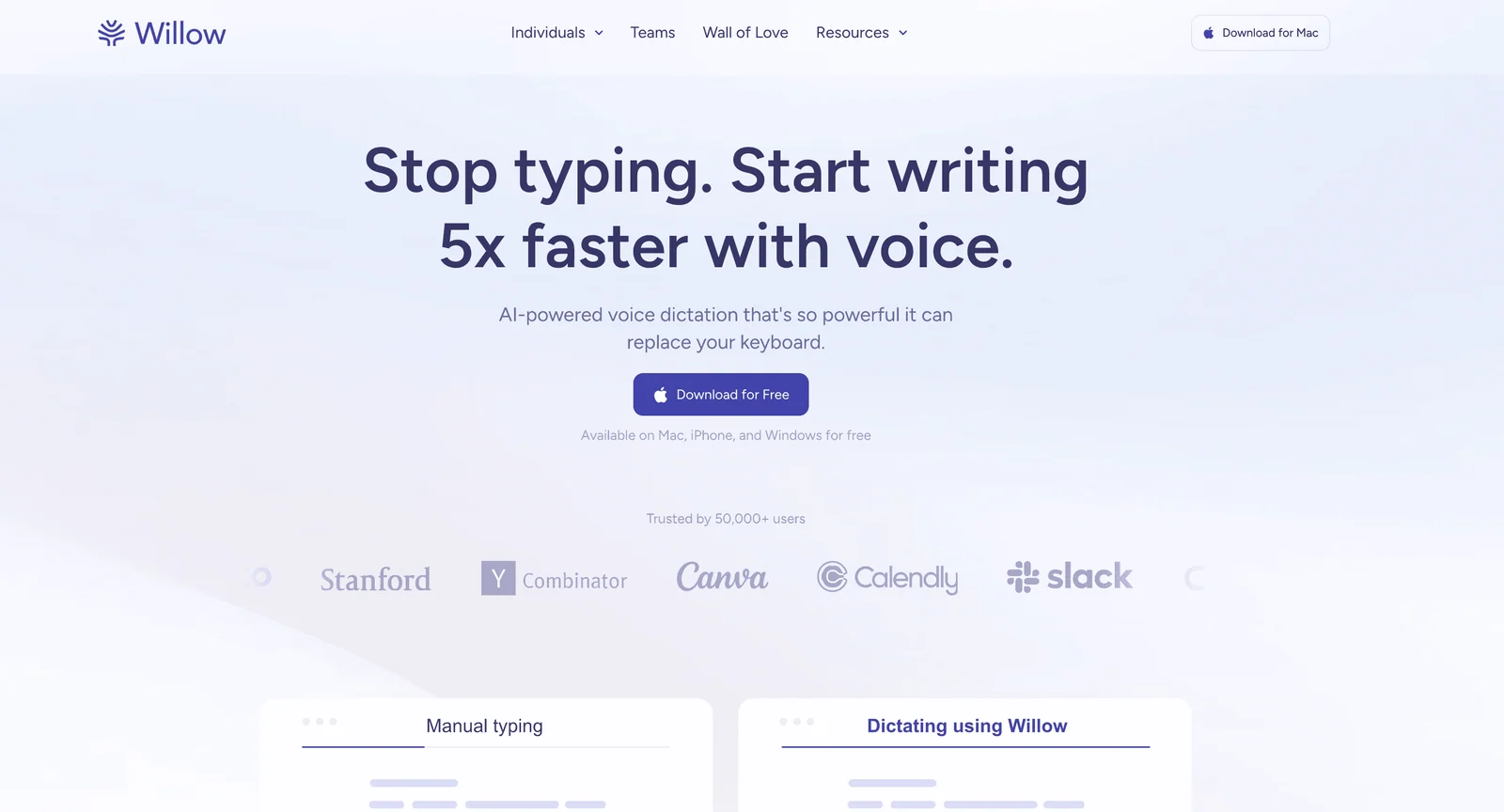
Willow is a good fit when the team wants a polished dictation experience and is willing to test a newer support-focused workflow. As with any AI dictation product, the real test is not the homepage. It is whether the output matches your macros, tone, escalation style, and compliance rules.
Best for: teams comparing dedicated customer-support dictation apps
Strong points: support-specific positioning, AI dictation, natural speech cleanup, app-wide writing workflow
Support workflow: dictate replies, notes, summaries, and follow-ups instead of typing them from scratch
Downside: teams should verify platform support, admin controls, security requirements, and plan limits before standardizing on it
3. Wispr Flow, best for polished AI dictation
Wispr Flow is a strong option for support agents who want fast AI dictation across work apps. It is not built only for customer support, but it fits the same single-speaker writing problem: turn spoken thoughts into clean text quickly.
Flow is most useful when agents already write in many places and want the output to read like a message, not a raw transcript. That can help with chat replies, internal handoffs, and longer customer emails.
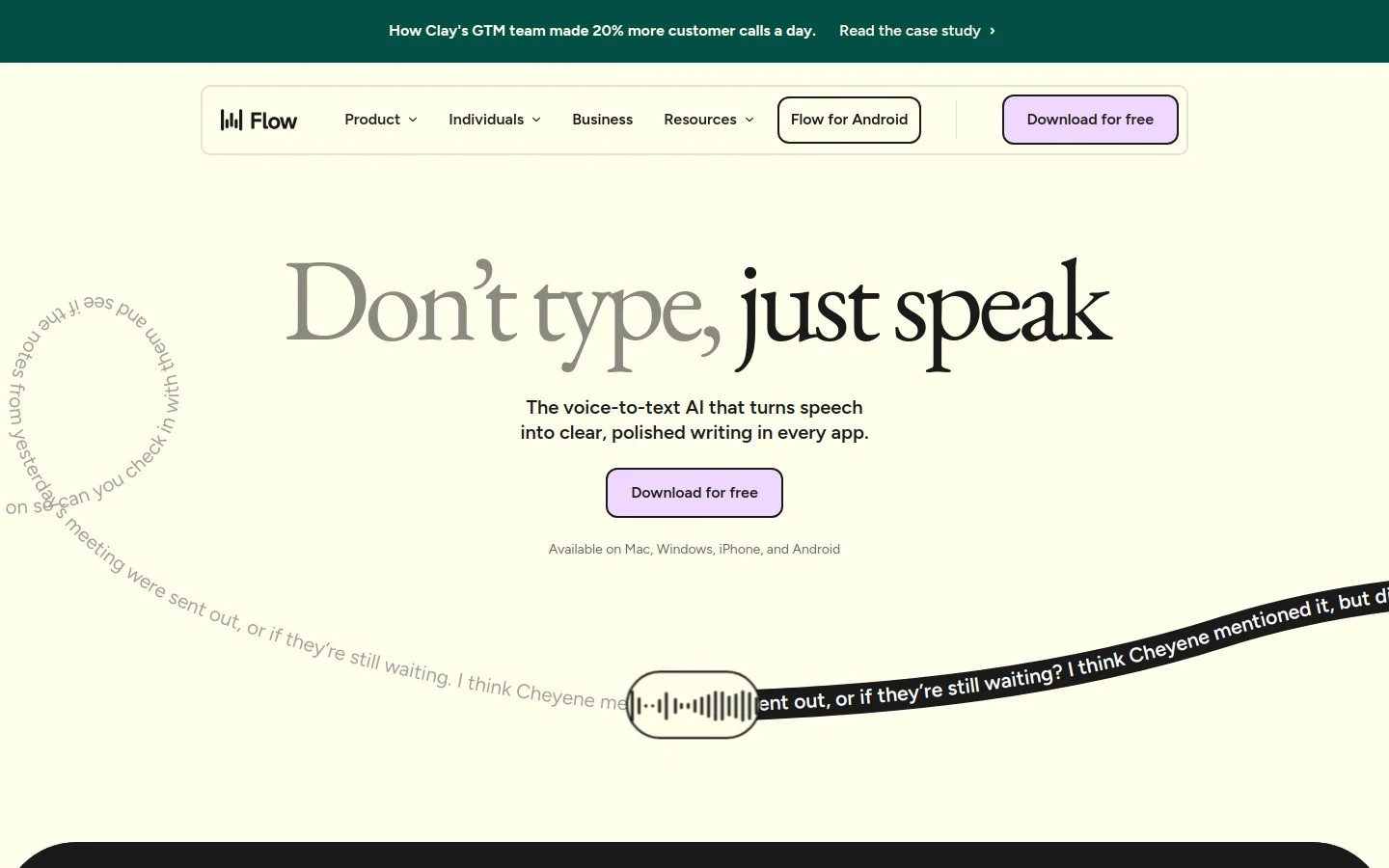
The tradeoff is support governance. Flow can help an agent write faster, but it does not replace support-team processes like macros, QA review, tone guidelines, escalation rules, or saved snippets.
Best for: agents who want polished AI dictation across everyday apps
Strong points: fast dictation, cleanup, app-aware writing feel, modern voice workflow
Support workflow: dictate draft replies and internal notes, then adjust for policy and tone
Downside: not support-specific, so team rollout still needs process and policy guardrails
4. Dragon Professional, best for Windows-heavy support teams
Dragon Professional is the mature Windows option for teams that need deeper dictation controls, custom vocabulary, and a heavier professional setup.
It is not the first tool I would give to a lightweight SaaS support team. It can be overkill for normal ticket replies. But it still makes sense when the team has specialist vocabulary, strict desktop workflows, or agents who dictate large amounts of structured text on Windows.
Dragon can be useful for support teams in technical, medical, legal, financial, or regulated environments where vocabulary and command control matter. The price is setup time. Teams should expect onboarding, vocabulary tuning, and more training than with a lighter AI dictation app.
Best for: Windows-heavy teams with specialist vocabulary and advanced dictation needs
Strong points: mature dictation controls, custom words, professional workflows
Support workflow: dictate detailed case notes, formal responses, or specialist documentation
Downside: heavier setup and higher cost than simple cross-app AI dictation tools
5. Microsoft Dictate, best free starting point for Microsoft 365 teams
Microsoft Dictate is a sensible starting point if your support team already works inside Microsoft 365. It is built into Microsoft apps such as Word and Outlook, so there is no separate dictation product to roll out for basic tests.
This is useful for short emails, drafts, internal notes, and support documentation. It is less useful when the queue lives in a browser help desk and agents need the same dictation habit across many surfaces.
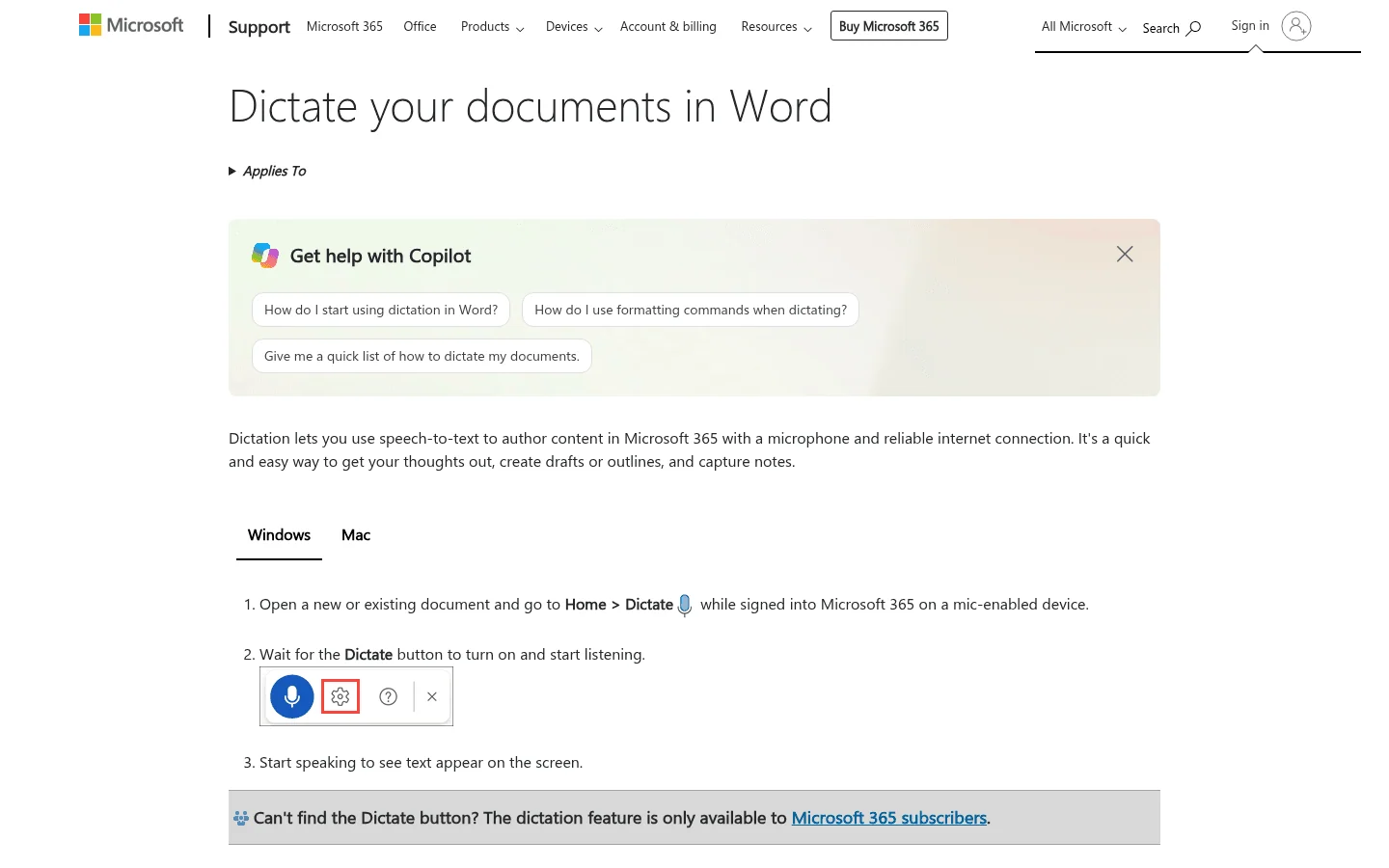
For teams that only need occasional dictation in Outlook or Word, Microsoft Dictate may be enough. For teams that write inside Zendesk, Intercom, Slack, Jira, Linear, Notion, and web forms, a system-wide tool is a better fit.
Best for: support teams already centered on Microsoft 365
Strong points: easy to test, built into familiar apps, useful for short drafts
Support workflow: dictate Outlook emails, Word docs, and internal notes
Downside: not a full write-anywhere support dictation layer
6. Fireflies.ai, best for meetings and call notes
Fireflies.ai belongs in a different bucket from Voicy, Willow, and Wispr Flow. It is a meeting transcription and note-taking tool, not a live dictation app for typing into ticket fields.
That distinction matters. Fireflies can help support, success, and sales teams capture calls, meetings, demos, handoffs, and internal discussions. It is useful when the output you need is a searchable record of a conversation.
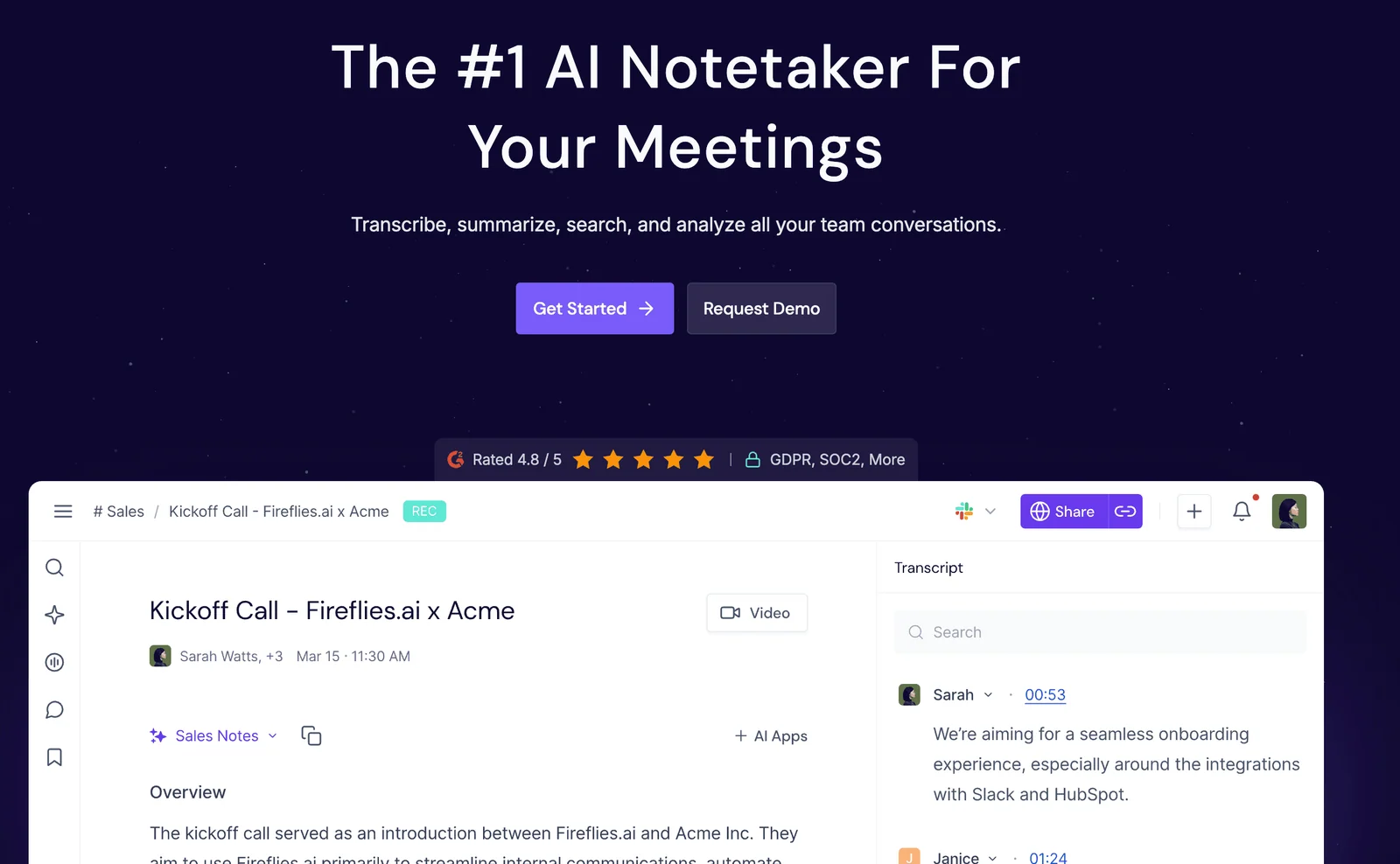
It is not the right tool if the agent's main bottleneck is writing a customer reply now. In that case, the agent would have to record, transcribe, copy, paste, and edit. That is slower than dictating directly into the ticket.
Best for: support calls, customer success meetings, QA review, and searchable notes
Strong points: meeting capture, summaries, searchable transcripts, collaboration workflows
Support workflow: record calls or meetings, then use the notes for follow-up and coaching
Downside: not built for live ticket reply drafting
Dictation vs call transcription for support teams
Support teams should choose by workflow, not by category name.
Choose dictation software when the agent is creating new text:
replying to tickets
writing private notes
summarizing a case after a call
documenting a bug for engineering
writing a follow-up email
updating a CRM field
Choose call transcription software when the team is capturing a conversation:
phone support calls
Zoom, Google Meet, or Teams calls
QA review and coaching
voice-of-customer research
compliance review
searchable records of customer conversations
For many support teams, the best stack is one dictation tool plus one call transcription tool. Use dictation to write faster during normal queue work. Use call transcription to capture conversations that need records, summaries, and review.
How to test speech-to-text in a real support queue
Do not test speech-to-text with a clean paragraph in a blank document. That tells you almost nothing about support work.
Use a real support sample instead:
Pick 10 common ticket types: refund, password reset, bug report, billing question, shipping update, cancellation, feature request, angry customer, account handoff, and technical troubleshooting.
Have one agent dictate replies into the real tools they use every day.
Include product names, customer names, plan names, numbers, dates, and internal jargon.
Measure cleanup time, not just transcription accuracy.
Check whether the reply still matches the team's tone and policy.
Review privacy and retention settings before using real customer data broadly.
The best result is not perfect text. It is a reply that is faster to create, easy to review, and safe to send.
Which tool should your support team choose?
Choose Voicy if your agents need to write faster across help desks, email, browser tools, desktop apps, and mobile devices. That is the broadest everyday support writing use case.
Choose Willow Voice if you want a support-positioned dictation product and it fits your platform, admin, and security needs.
Choose Wispr Flow if your agents want polished AI dictation and you already have strong support process guardrails.
Choose Dragon Professional if your Windows team needs advanced custom vocabulary and a more formal dictation setup.
Choose Microsoft Dictate if you only need a free starting point inside Microsoft 365.
Choose Fireflies.ai if the problem is meetings and support-call notes, not live ticket drafting.
Related support dictation guides
If your team wants to test speech-to-text in a specific support workflow, start with the tool agents use most:
Dictation for Gmail if support replies happen in Gmail or Google Workspace
Speech-to-text in Outlook if the team works from Microsoft 365
Slack speech-to-text if internal handoffs happen in Slack
Speech-to-text for HubSpot if support notes live in the CRM
Voice typing in Microsoft Word if agents write longer support docs or templates
FAQs
What is the best speech-to-text software for customer support teams?
Voicy is the best first choice for support teams that need to dictate ticket replies, case notes, chat responses, escalations, and follow-ups across many apps. If your main need is call recording or QA review, use a call transcription tool instead.
Should support teams use dictation software or call transcription software?
Use dictation software when agents need to create text faster. Use call transcription software when the team needs a searchable record of spoken conversations.
Does speech-to-text work in help desk tools?
A system-wide dictation app can work wherever the agent can place the cursor, including many browser-based help desk fields. Test the exact help desk, browser, permissions, and security settings before rolling it out to the whole team.
Is speech-to-text safe for customer support data?
It depends on the tool and your data policy. Review where audio is processed, whether transcription is cloud-based or local, retention settings, admin controls, access permissions, and whether agents are allowed to dictate sensitive customer details.
Can speech-to-text keep a support team's brand voice?
It can help, but it is not a full QA system. Use speech-to-text for speed, then keep saved replies, macros, tone guidelines, review workflows, and escalation rules for consistency.
What should support teams test before choosing a tool?
Test real tickets, not sample sentences. Include names, numbers, product terms, refunds, bug reports, escalations, and noisy environments. Then compare how much editing the agent has to do before sending.
Final take
Speech-to-text is useful for support teams when it speeds up the actual queue, not just a demo document.
For most support teams, start with the writing bottleneck. If agents are spending too much time typing replies, private notes, and escalations, test Voicy first. If the pain is call review, QA, or meeting notes, add a transcription tool like Fireflies instead.
The right setup should make agents faster without making customer replies sloppier. That is the bar.
 Download for free
 Download for free